Learn how to easily hide, blur, or pixelate sensitive parts of a photo or screenshot on your Mac using built-in and third-party tools.
Screenshot
4 ways to screenshot on iPhone without using buttons
Want to take a screenshot without touching any physical buttons on your iPhone? In this quick tutorial, we’ll share some easy ways to do just that.
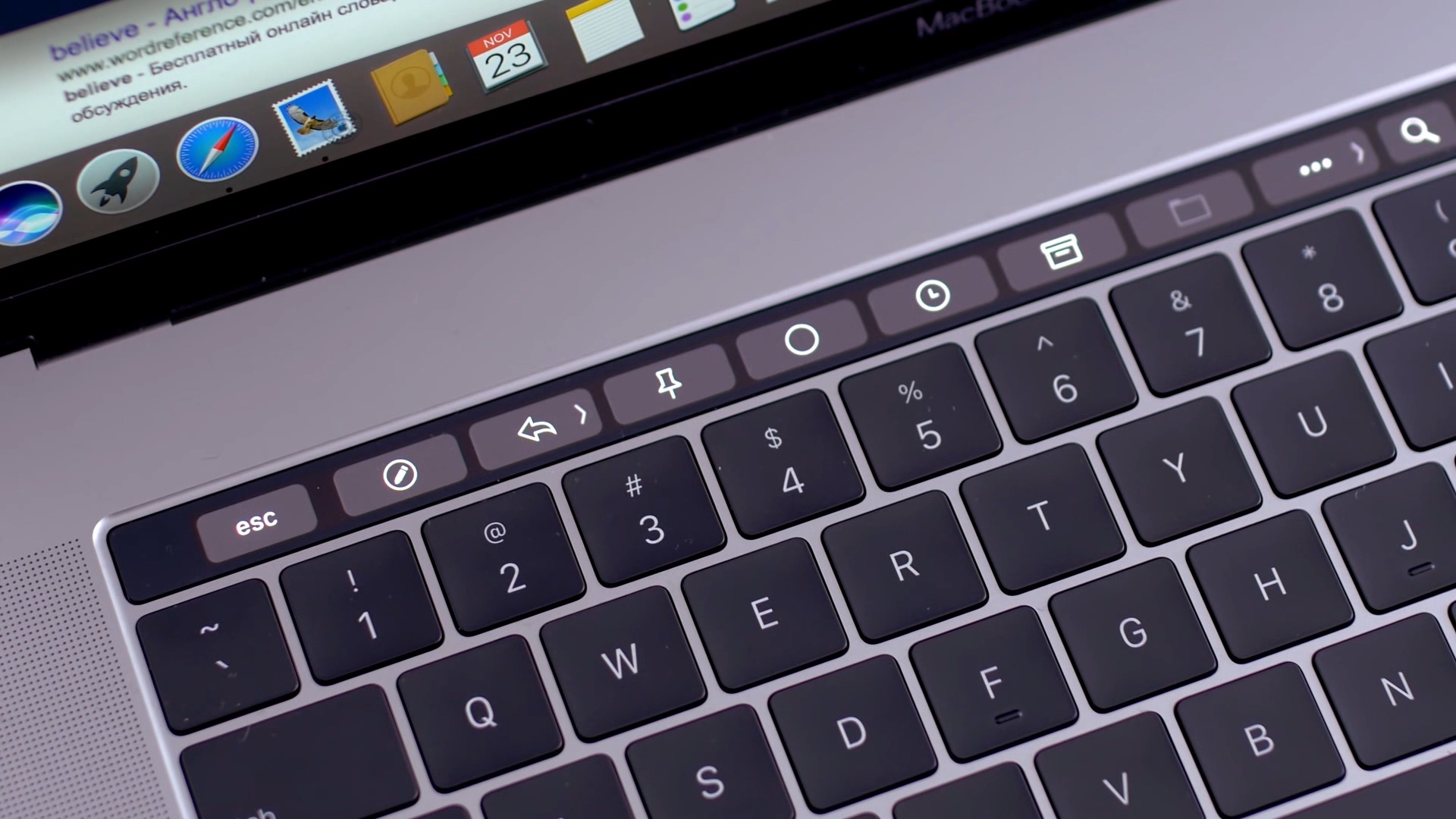
How to take a screenshot of your Mac using Touch Bar
Apple introduced the Touch Bar on the MacBook Pro in 2016, and it's been included on the 13-inch as well as 15-inch model ever since. The OLED touch strip on top of the keyboard replaces the Function keys, but adds plenty of extra features. The Touch bar will adapt to the app that you're using and provide shortcuts and best controls for that app. Some people love the Touch Bar, but there are some who don't like it.Â
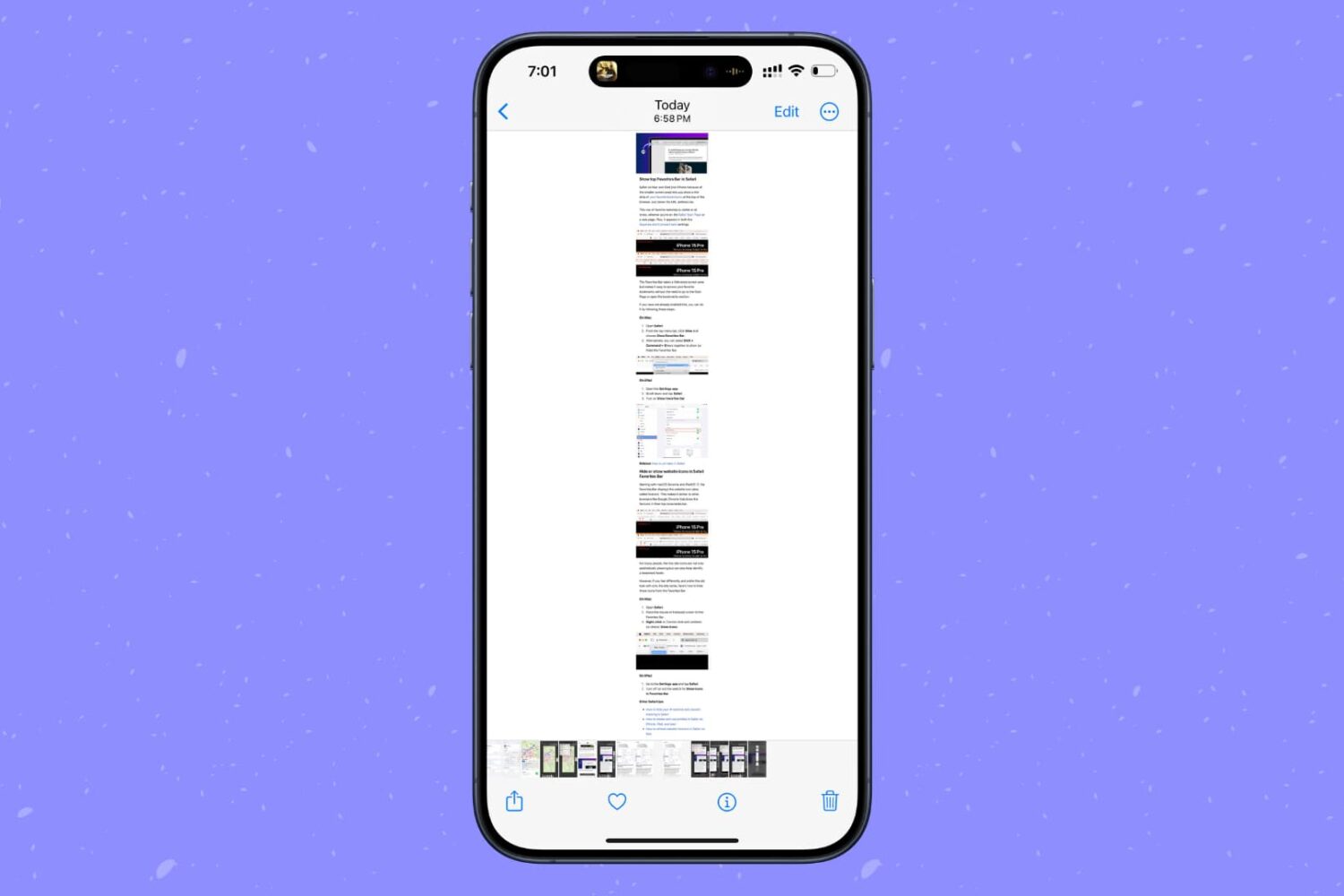
How to take a full-page screenshot in any iPhone app
Learn how to screenshot the full page in any iPhone app to capture everything in a single tall image instead of taking multiple screenshots.
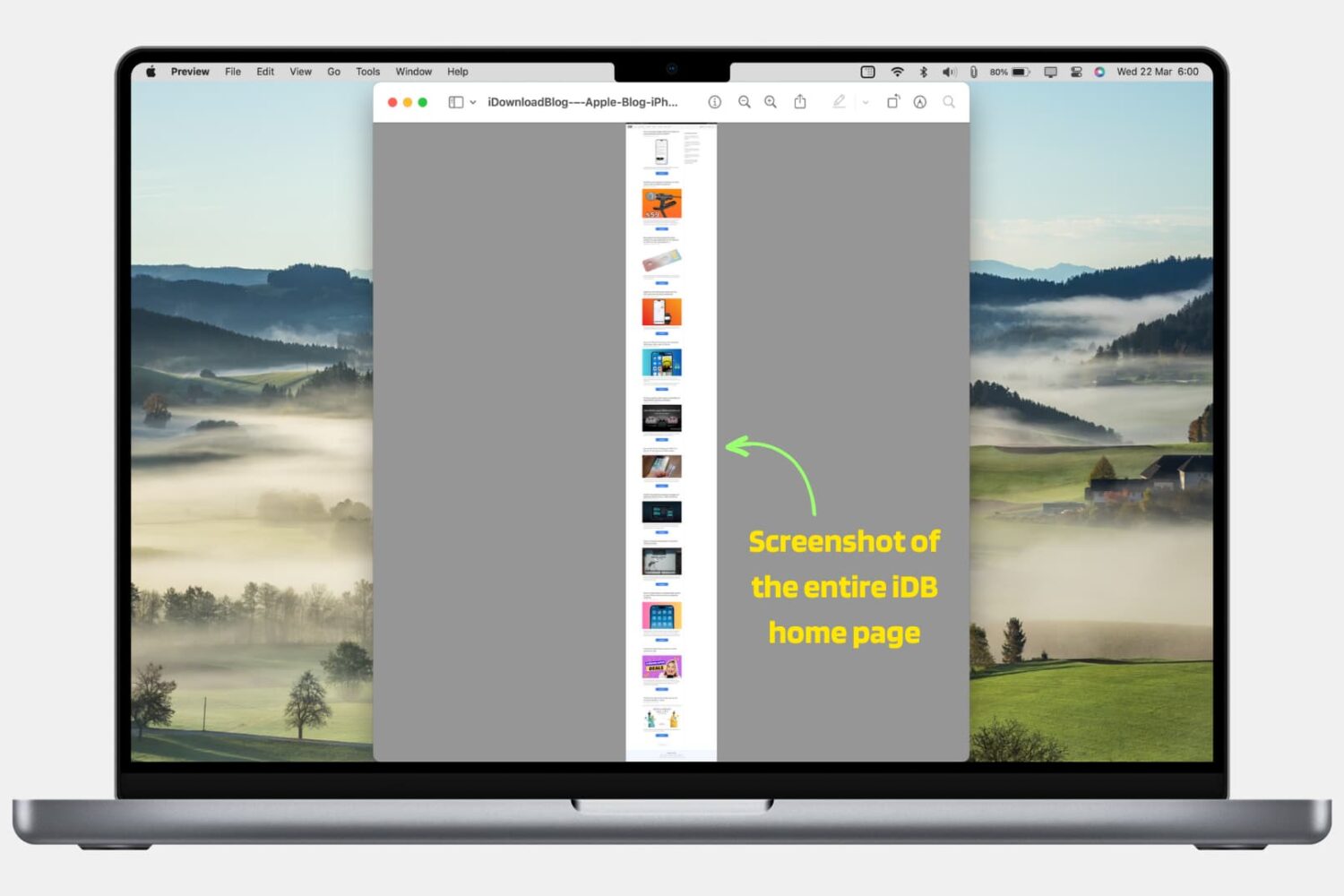
How to screenshot entire webpage in Safari, Chrome, and Firefox
In this step-by-step tutorial, we’ll show you how to take a screenshot of a full web page in Safari, Google Chrome, and Firefox on your Mac using built-in methods. We have also mentioned an excellent third-party tool at the end.
How to send Nintendo Switch screenshots to your iPhone
If you love playing games on your Nintendo Switch as much as I do, then you probably already know about the handy screenshot feature. Maybe you capture shots of high scores or levels you’ve tackled. And while it’s great you have an album to see all your screenshots, maybe you’d like to do a bit more with them.
You might want to post those awesome gaming moments on social media. You may want to brag to a pal that you got further in the game than they did. Or, you might even want to help a friend who is new to a game by showing them how to do something.
Whatever the reason, you can take those Nintendo Switch screenshots and plop them right onto your iPhone. From there you can send, share, post, or do whatever you like with them. Here’s how it’s done.
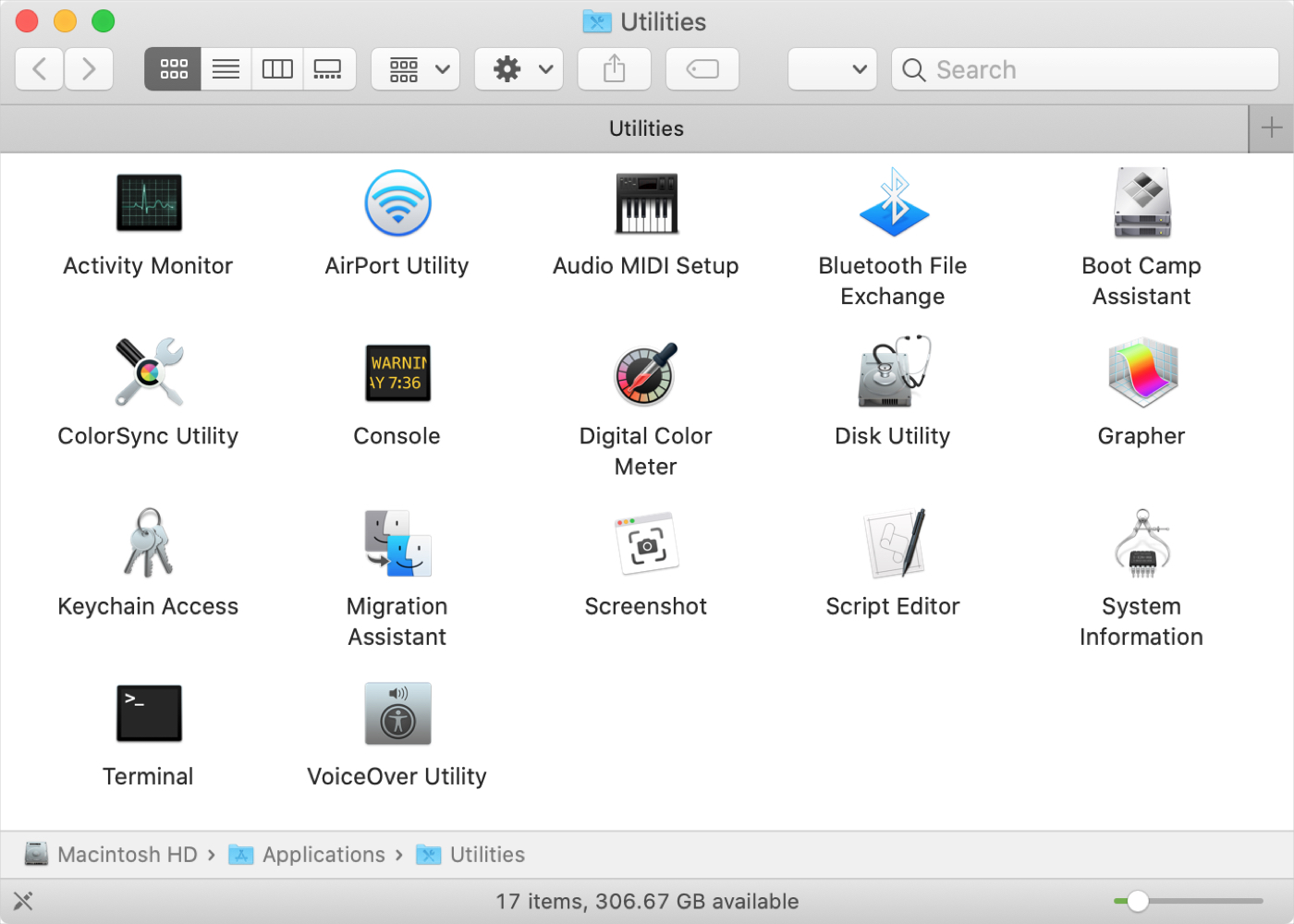
New to Mac? Here’s all the tools in the Mac Utilities folder
If you’ve just purchased your first Mac, and especially if you’re coming from Windows, you might be wondering about the Utilities folder. You may see the folder but have yet to open it or you might be looking for a specific tool and don’t realize it’s in that folder.
Whatever the case, we’re here with another in our New to Mac series to help you out! We’ll explain what’s in the Utilities folder and what each tool is for.
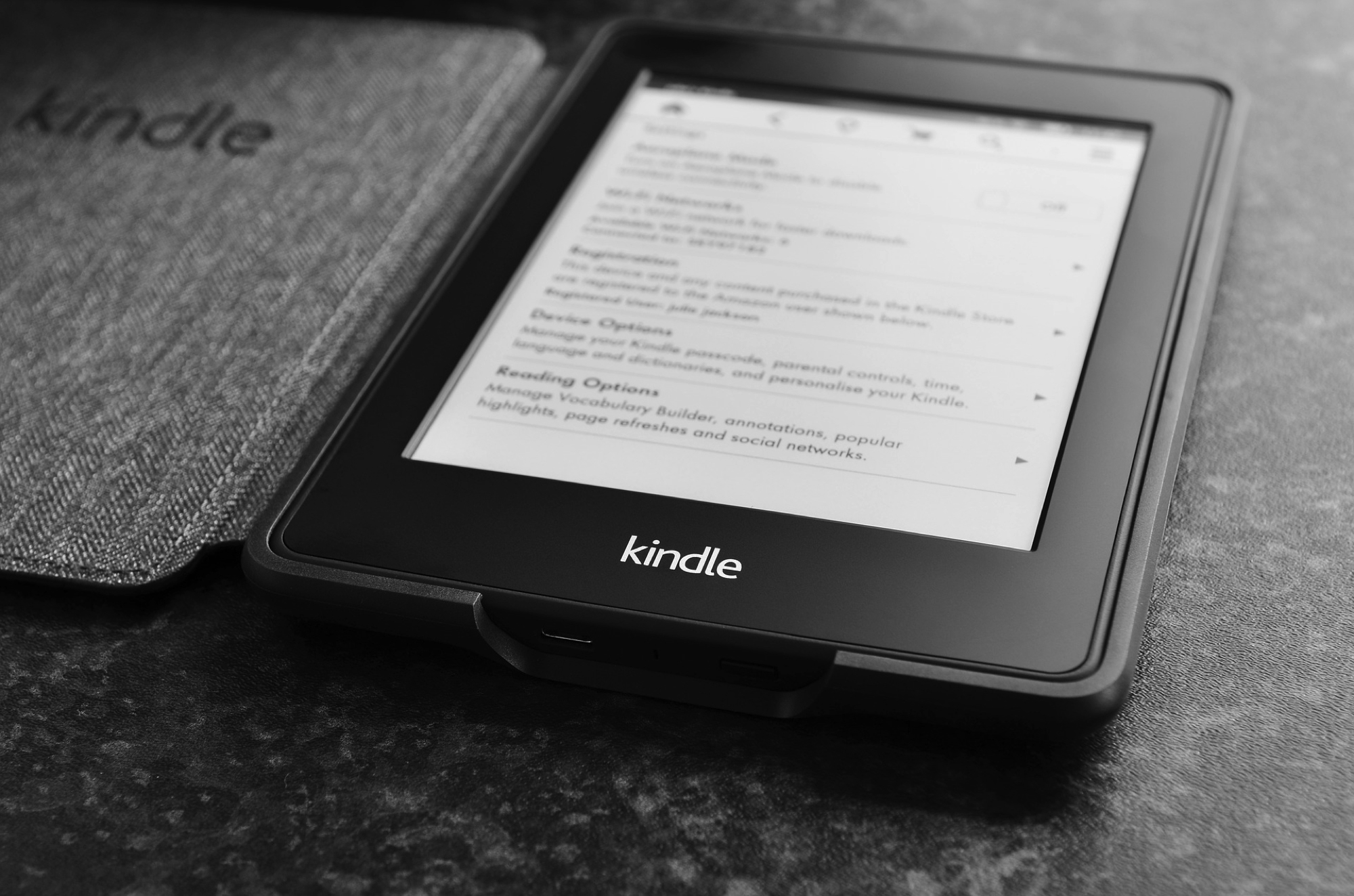
How to take and view a screenshot on Kindle Paperwhite
Like taking a screenshot on your iPhone, you may have plenty of reasons for doing it on Kindle. We here at iDB take screenshots to show you how to do things on your devices. But you might take one to get support from the maker or help show a friend how to navigate.
If taking a screenshot on your Kindle Paperwhite is something you’re interested in doing, then this is your how-to. We’ll show you how to take a screenshot on the eReader and how to view it once you do.
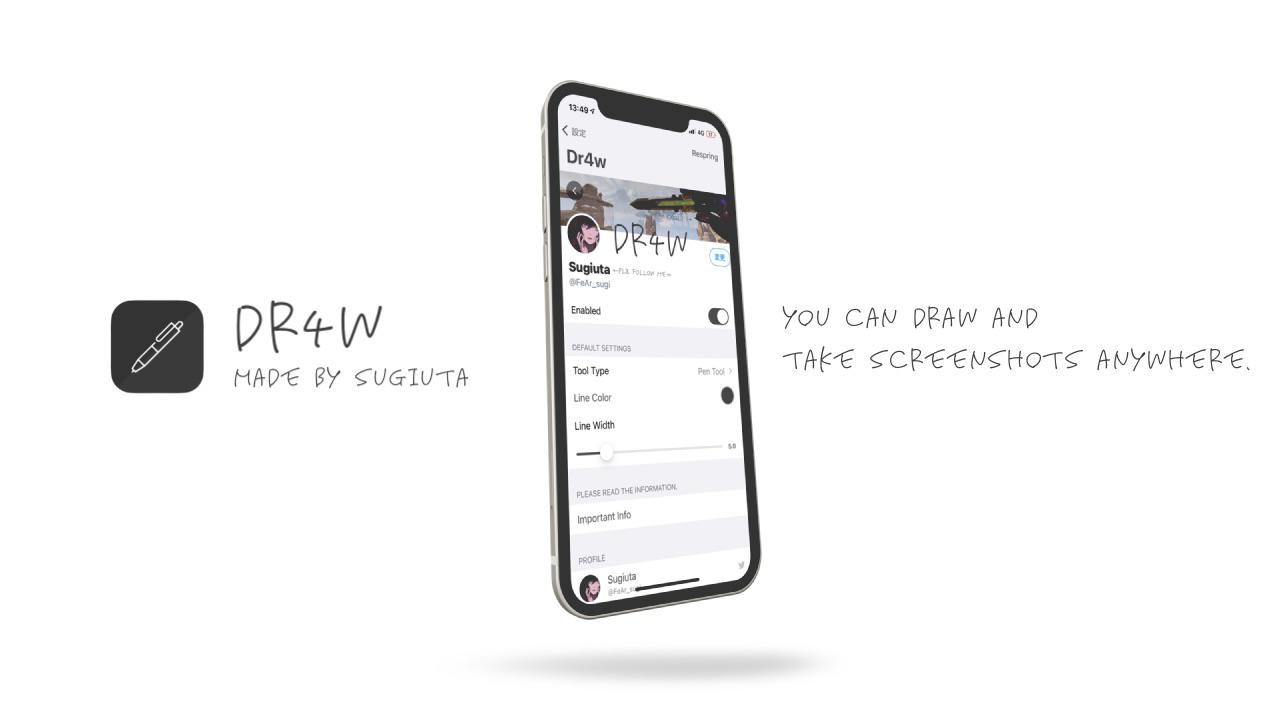
Flashy lets jailbreakers customize their iPhone’s screenshot flash
It has become quite the norm to snap a screenshot whenever you feel like sending someone a representation of your iPhone or iPad’s display, but one thing that hasn’t changed even slightly over the years is the bright white screen flash effect that was designed to simulate that of an actual camera flash.
If you’re interested in customizing the screenshot flash in any way, shape, or form, then you might take a liking to a newly released and free jailbreak tweak dubbed Flashy by iOS developer CydiaGeek. In a nutshell, this tweak lets you customize the screenshot flash’s color and make other minor adjustments to the screenshot flash behavior.
This tweak lets users reassign the Reachability gesture to other actions
Although I don’t use my iPhone’s Reachability interface that often, I do think that the gesture for invoking it is particularly clever on notched devices. Unfortunately, since I don’t really use Reachability that much, I find that the gesture goes to waste more than being useful.
If, like me, you rarely use the Reachability interface and would rather use the convenient Home Bar-based gesture for something more useful, then you’ll probably like a newly released and free jailbreak tweak called CantReachMe by iOS developer woodfairy. With it, you can map the native Reachability gesture to a new action of your choosing.
How to quickly take screenshot on iPad with Apple Pencil
Check out this neat trick for taking screenshots on your iPad with the Apple Pencil, without pressing any physical buttons.