Apps

Dockey review: a simple app to customize your Mac’s Dock

Dockey App Interface Mac Featured

The Dock is an important part of your Mac. It holds the applications you use most often so that you can open them with a click. It can also contain those you currently have open, display badge icons for app notifications, and let you move things to the Trash easily.

So, configuring the Dock to your preference is a key piece to its effectiveness.

You can make some adjustments to the Dock in your System Preferences like location of the Dock, animations for minimizing windows, and changing the size of the icons.

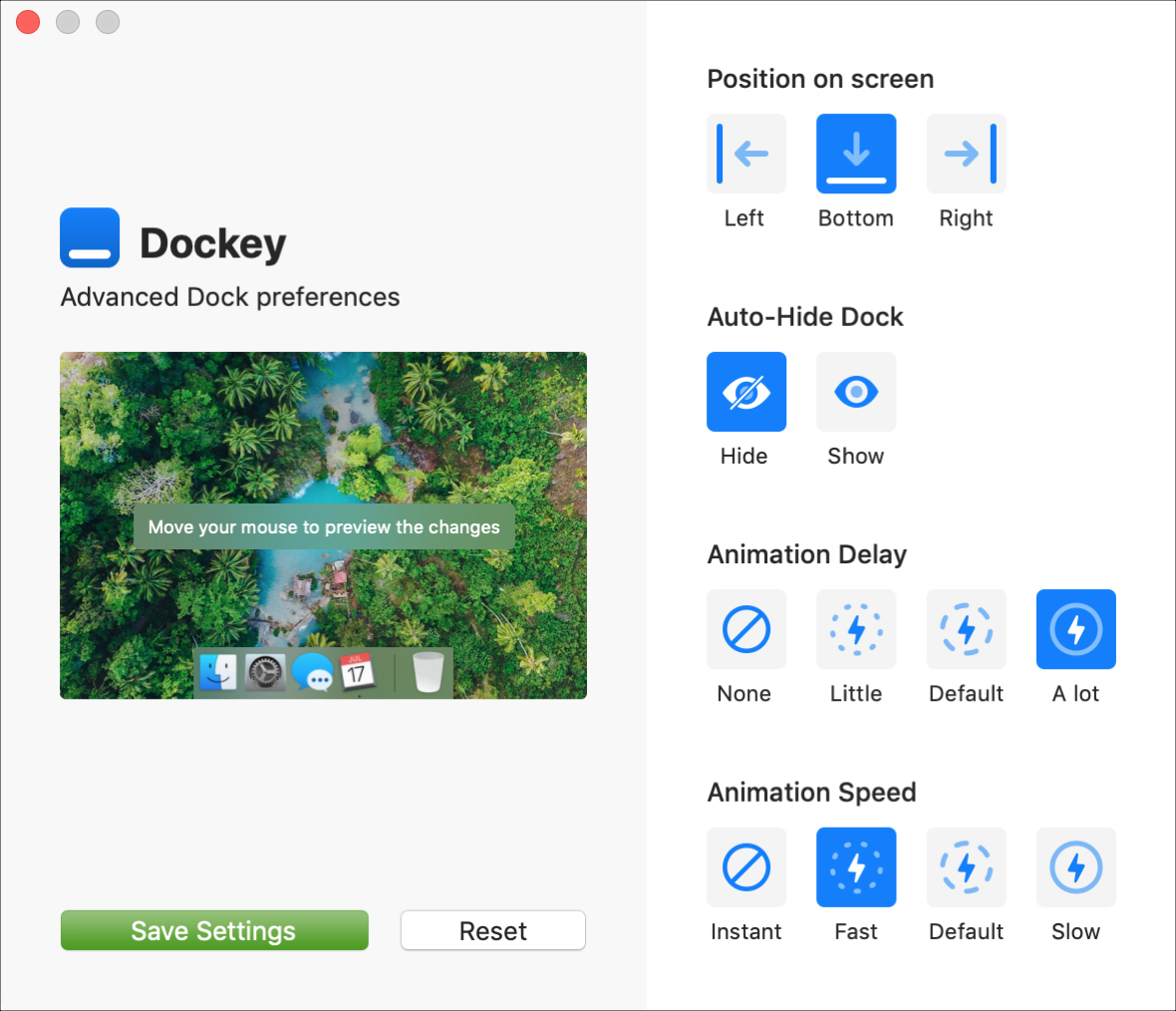
But, if you would like to do just a little bit more with your Dock without having to toy with Terminal, then take a look at Dockey. Dockey is an application that lets you customize your Dock quickly and here’s what it has to offer.


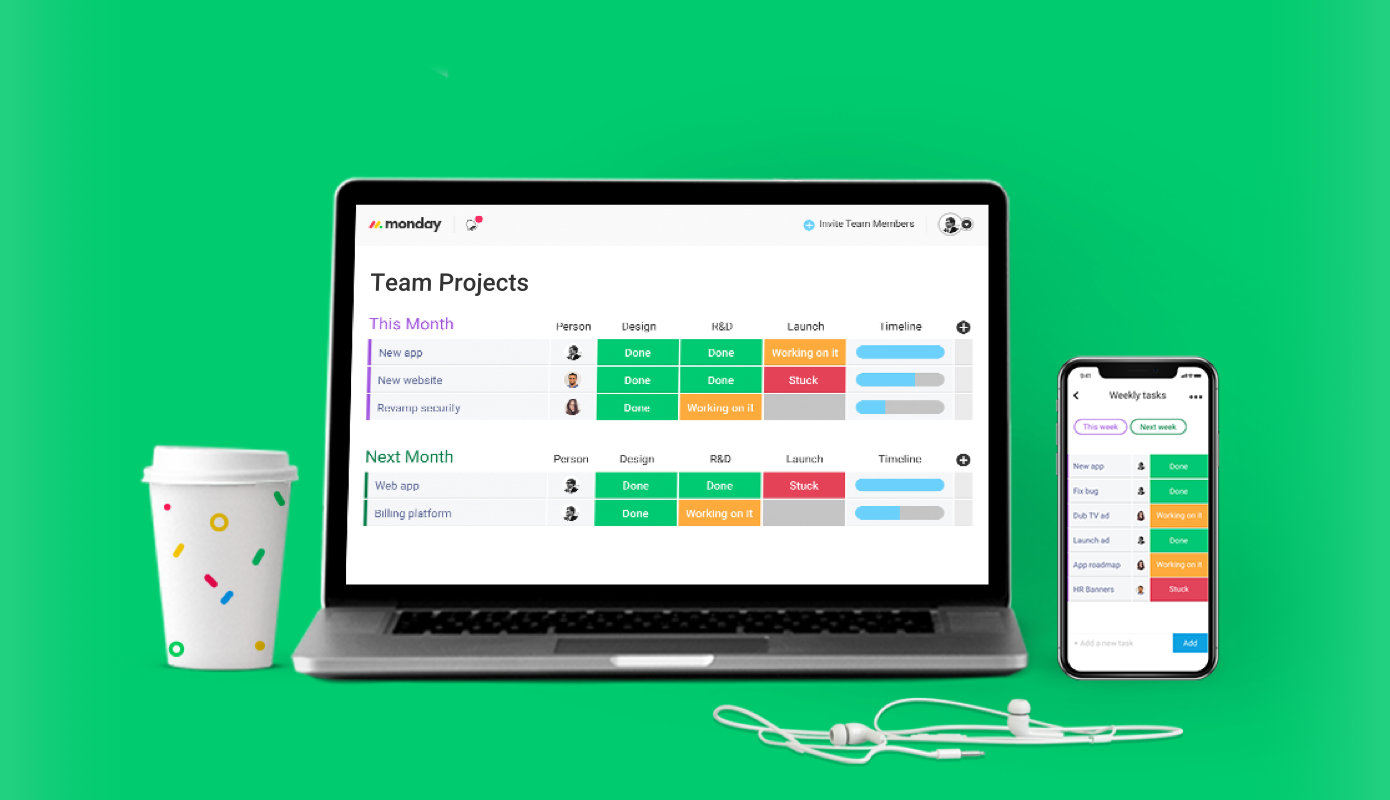
monday.com may be the key to increasing your team’s productivity [sponsored]

There are plenty of team management tools out there, but enterprise software often has a learning curve that slows teams down rather than speeding things up. Oftentimes, assigned tasks and overall goals get divvied up among members without an accessible overview of the project as a whole, creating fractured communication and taking the “team” out of “team management.”

How to quickly save over 2 GB of storage space on your new iPhone or iPad

GarageBand Storage Space iPhone

When you get that shiny new iPhone or iPad, you’re going to spend some time getting it just how you want it. One place you’ll likely begin is with the App Store. Whether it’s games or apps that tickle your fancy the most, you’re going to grab them. What comes with downloading the games and apps you want is enough space for them all.

So, why waste space on apps that you will never, ever use when you need it for those you want to use every day? Here’s how to quickly save over 2 GB of storage space on your new iPhone or iPad.