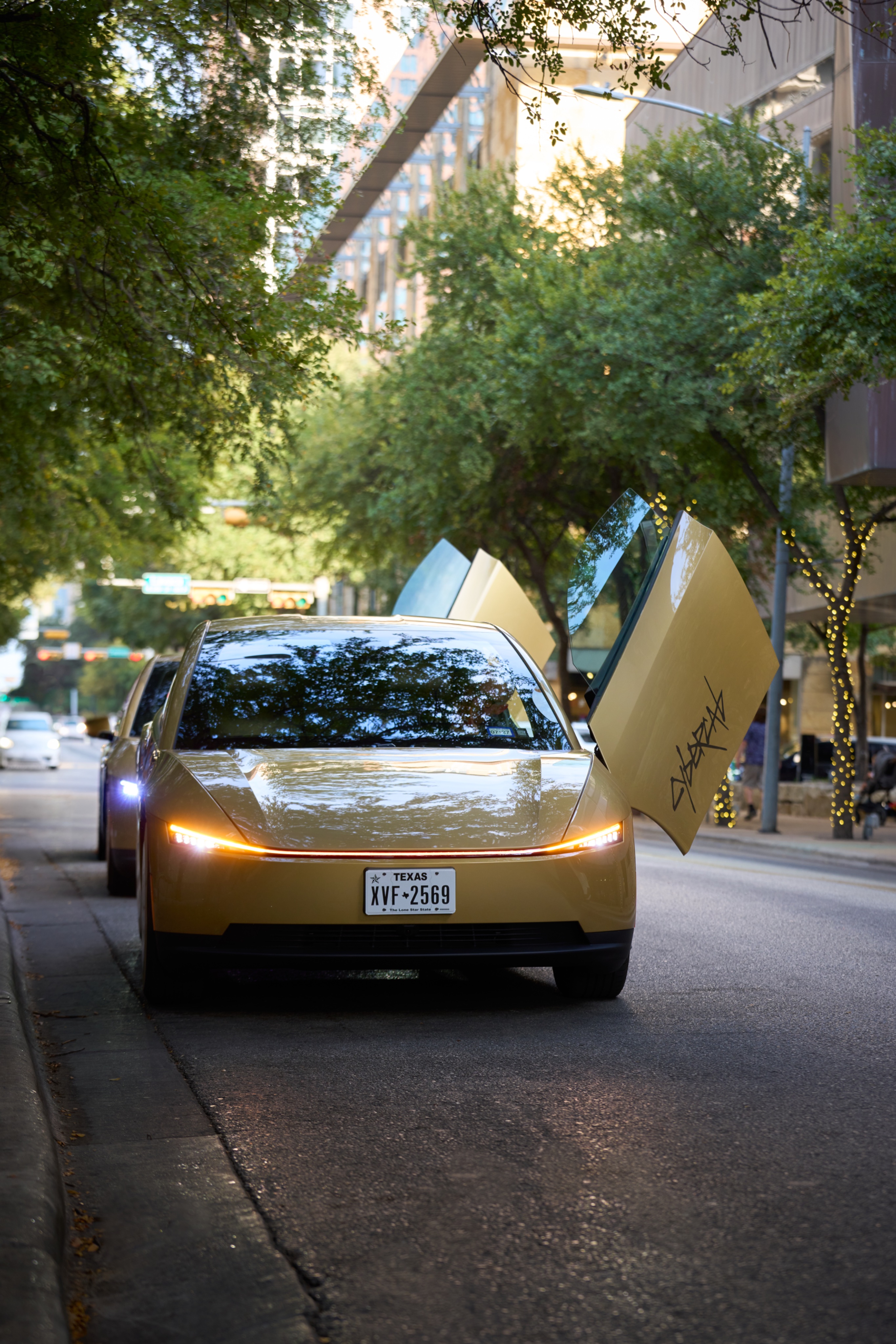
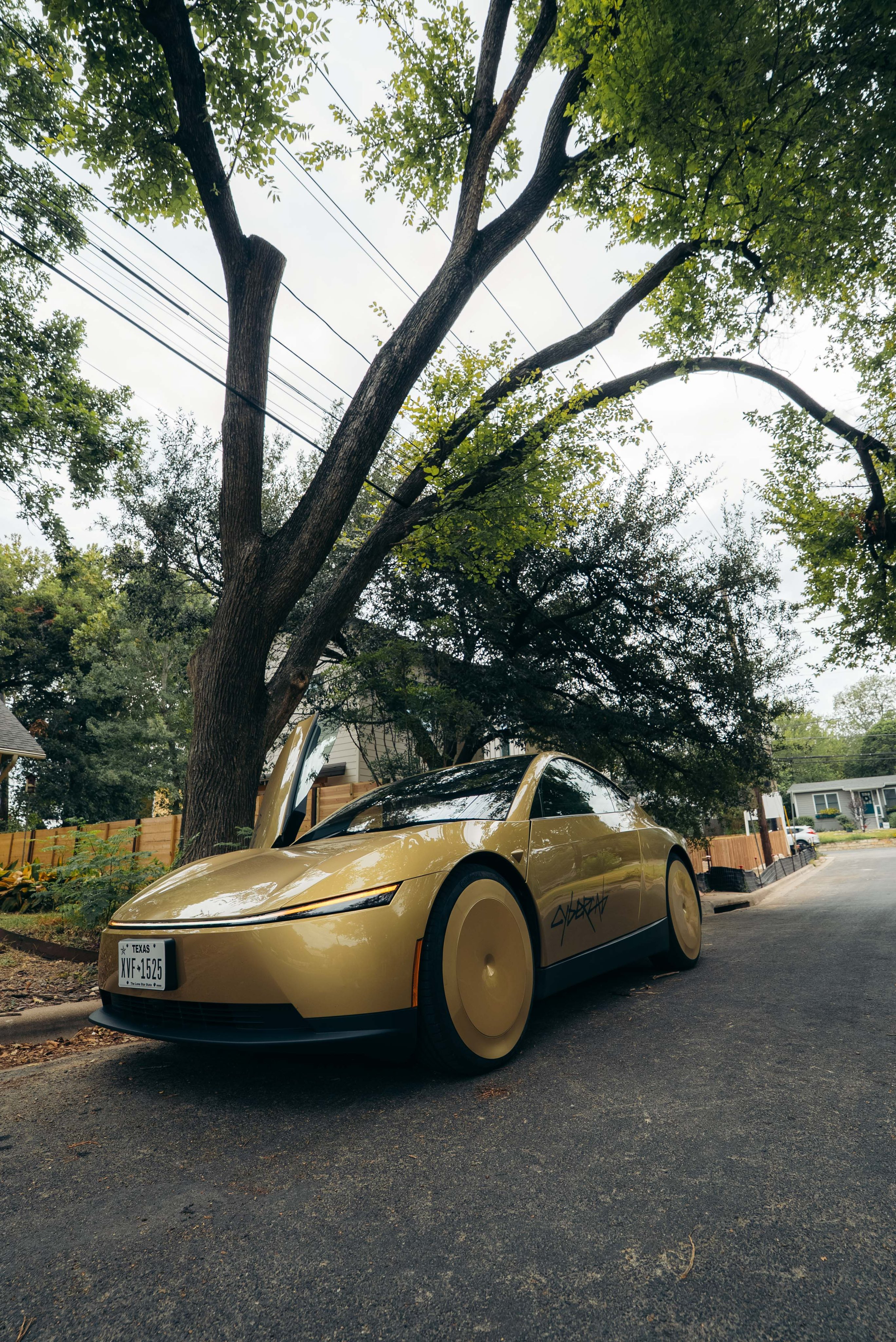
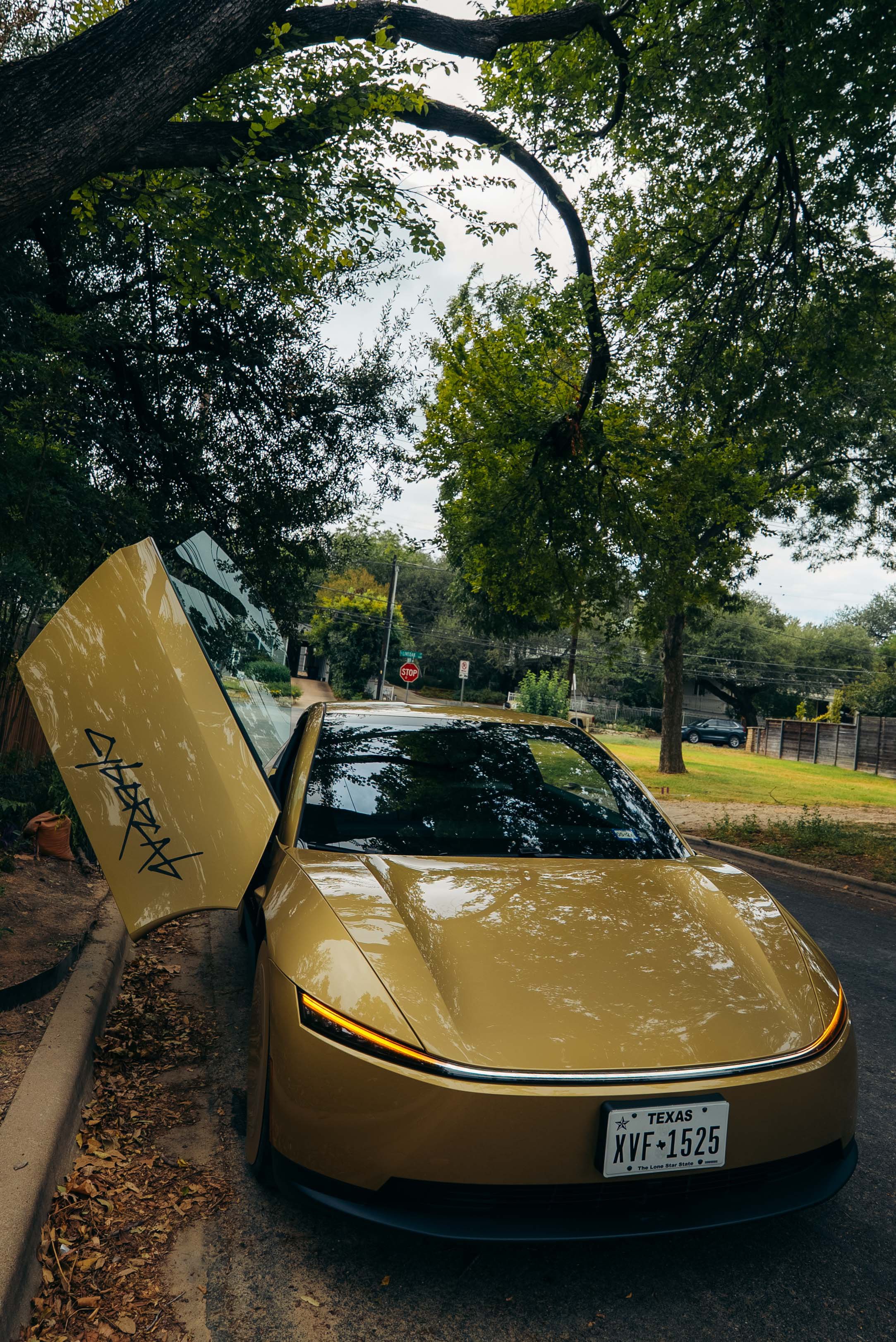
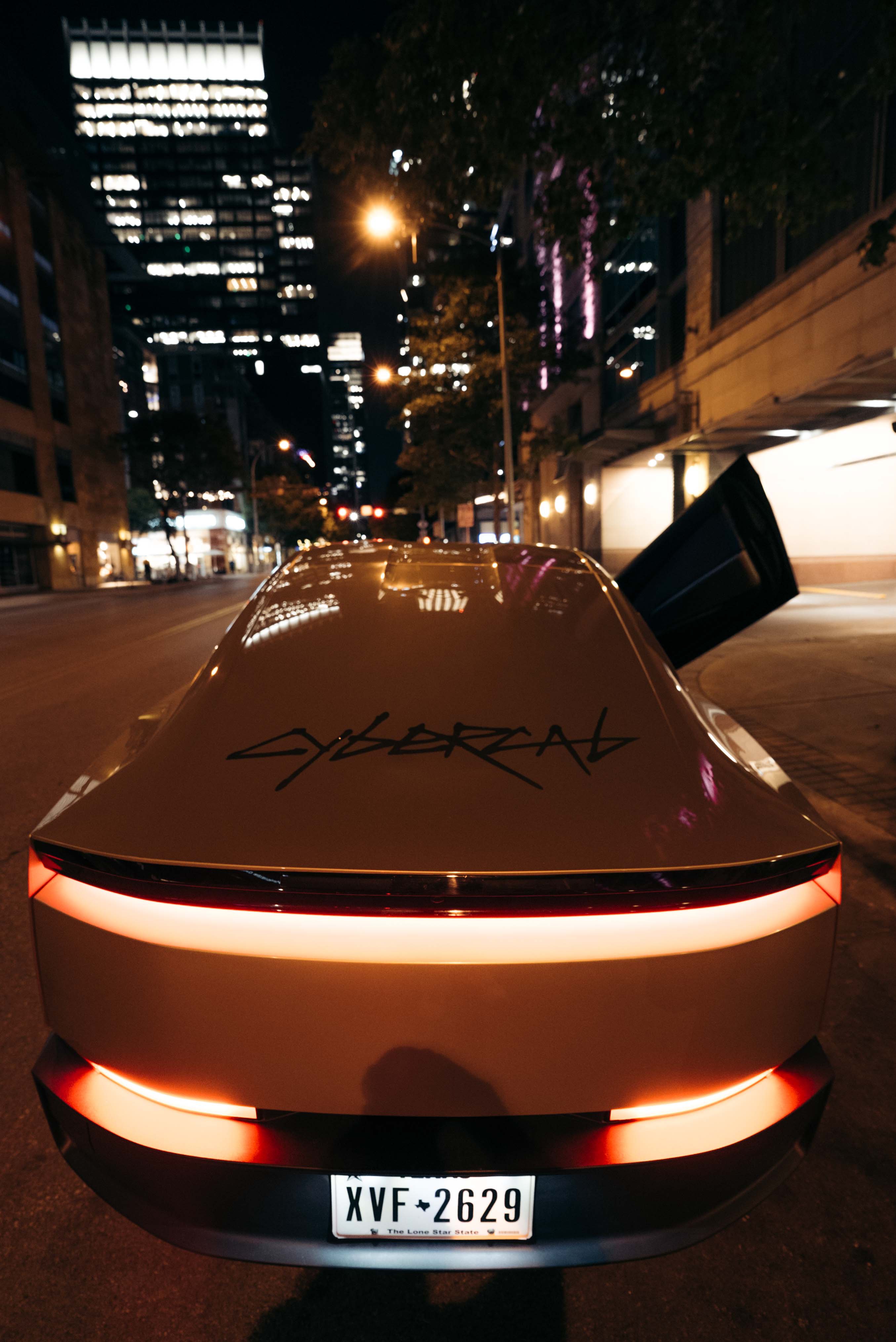
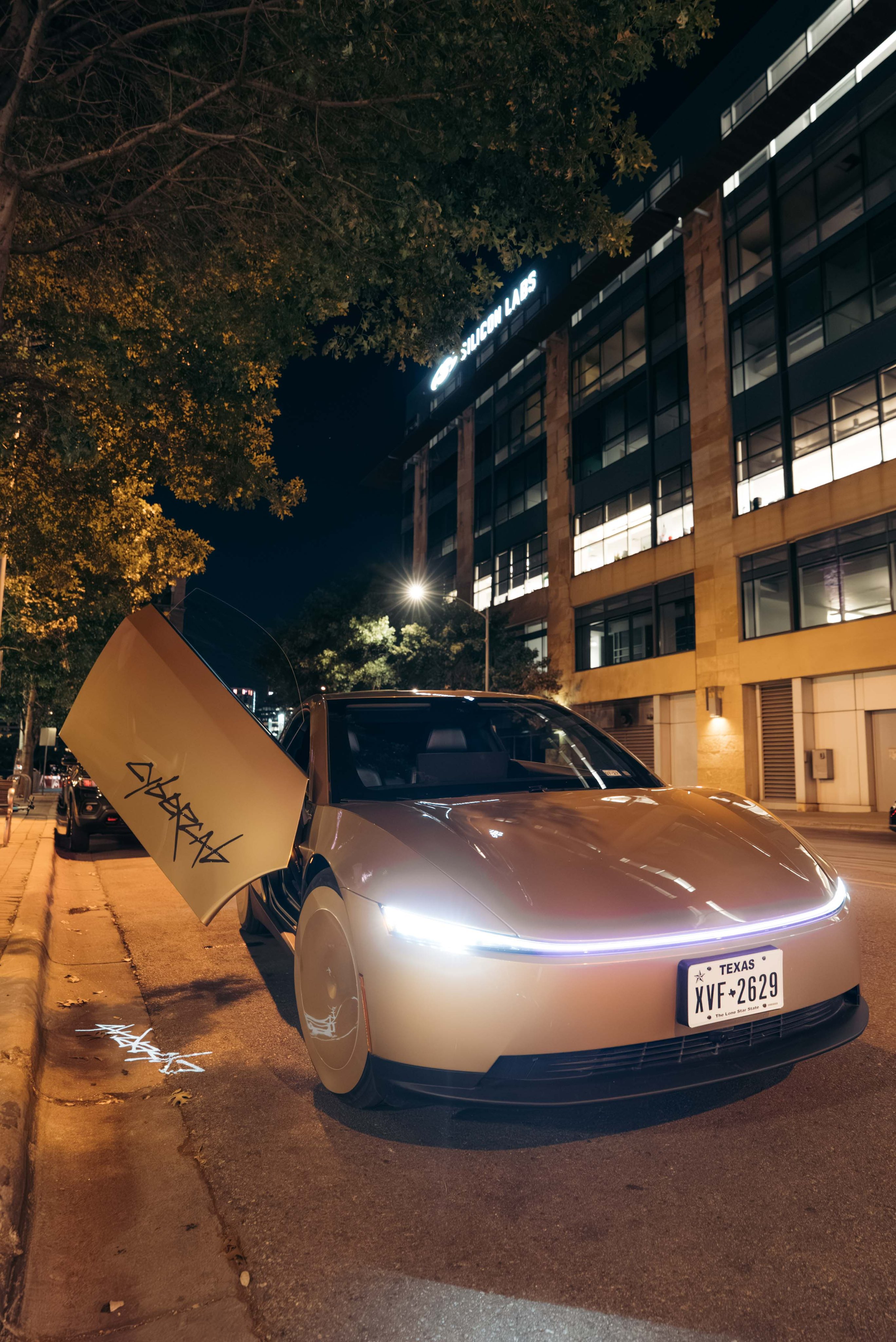
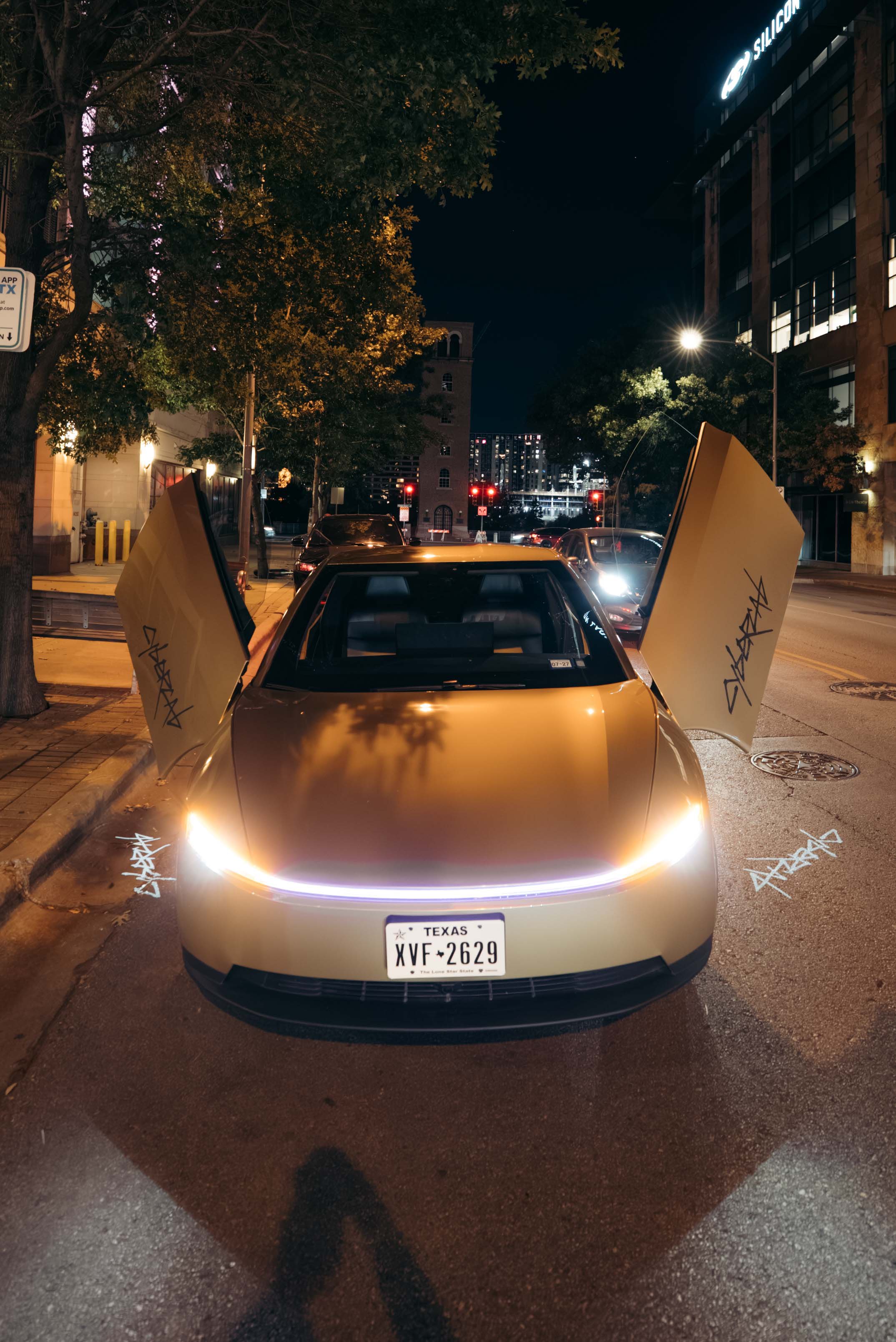
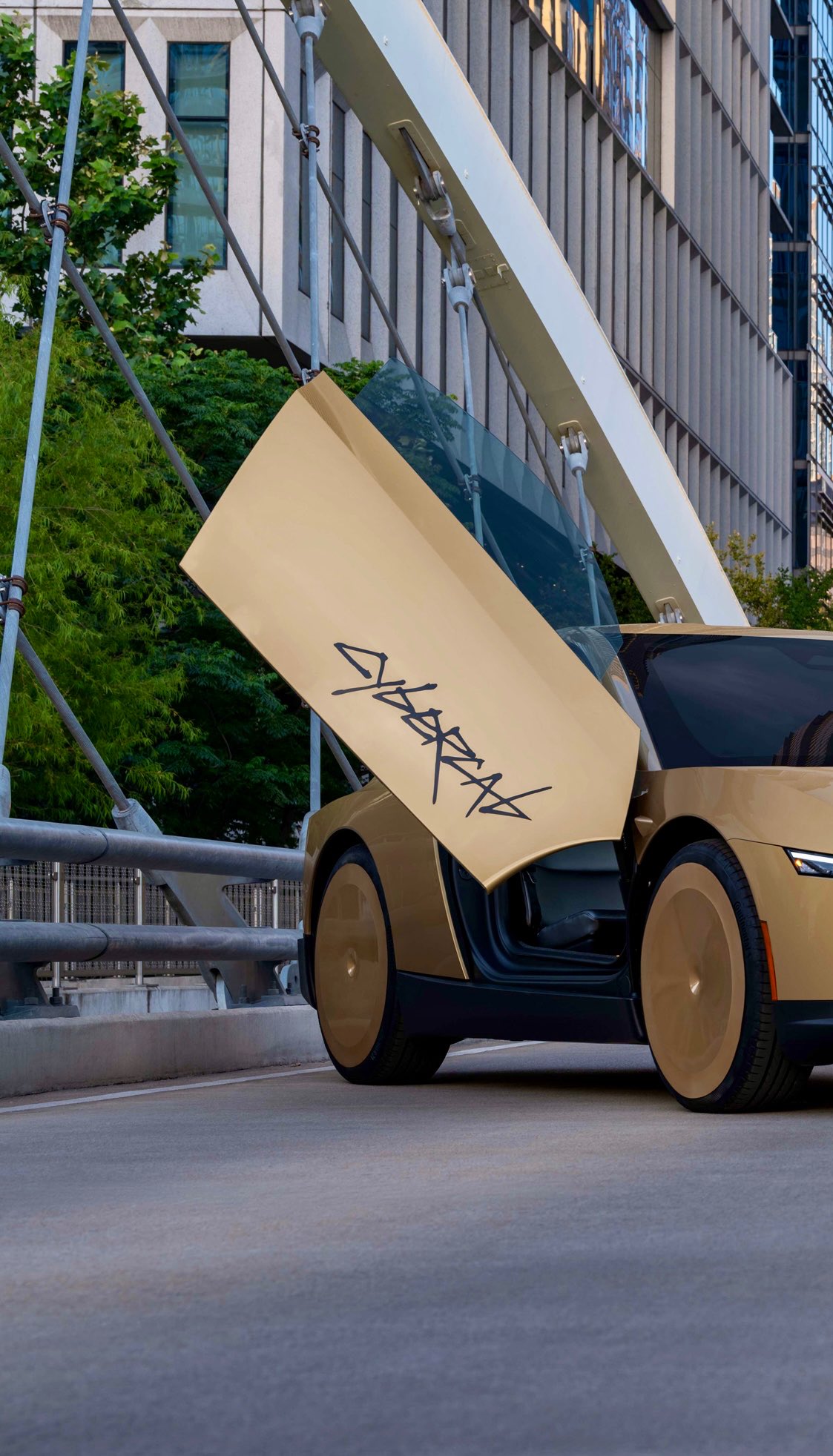
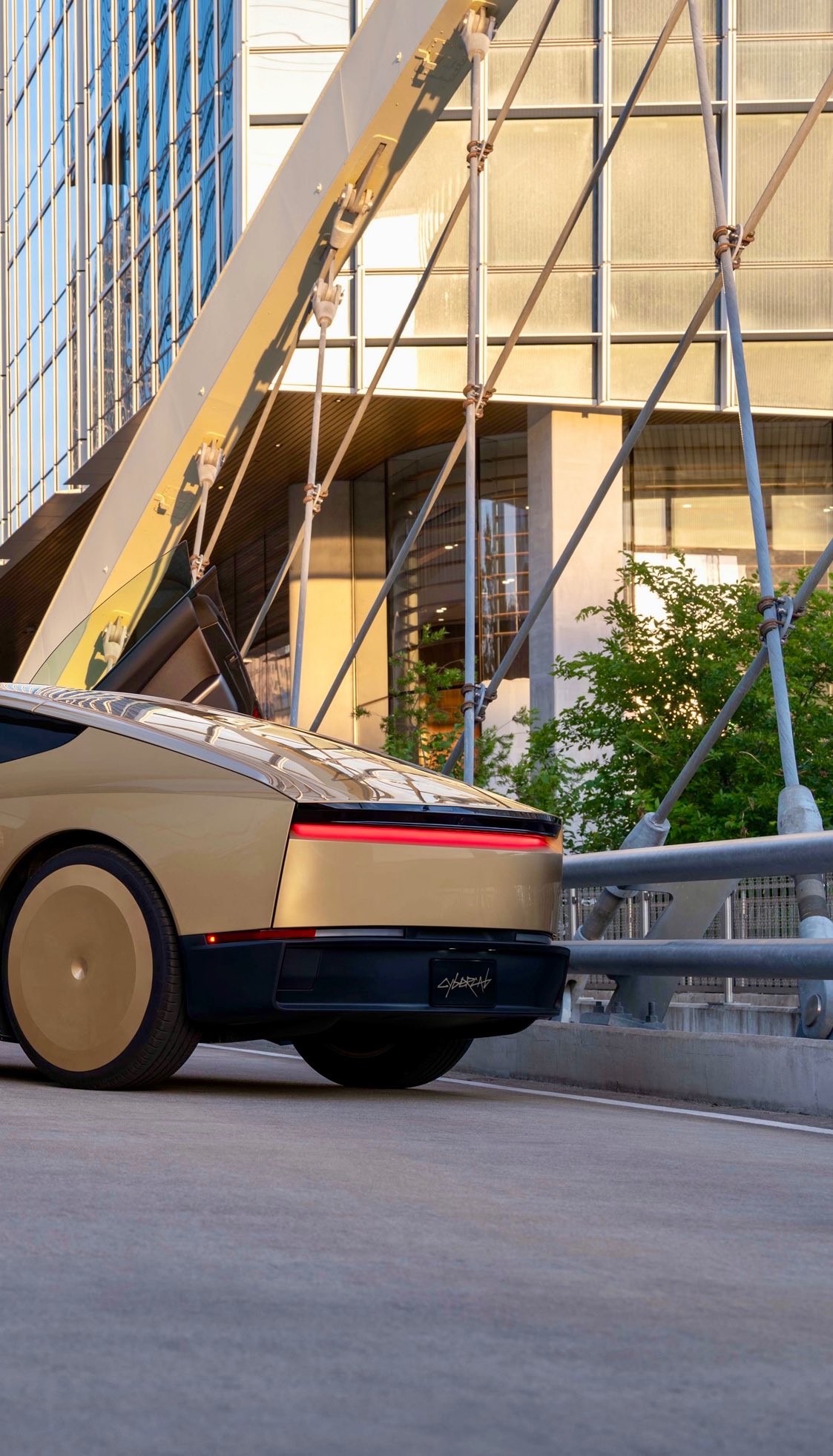
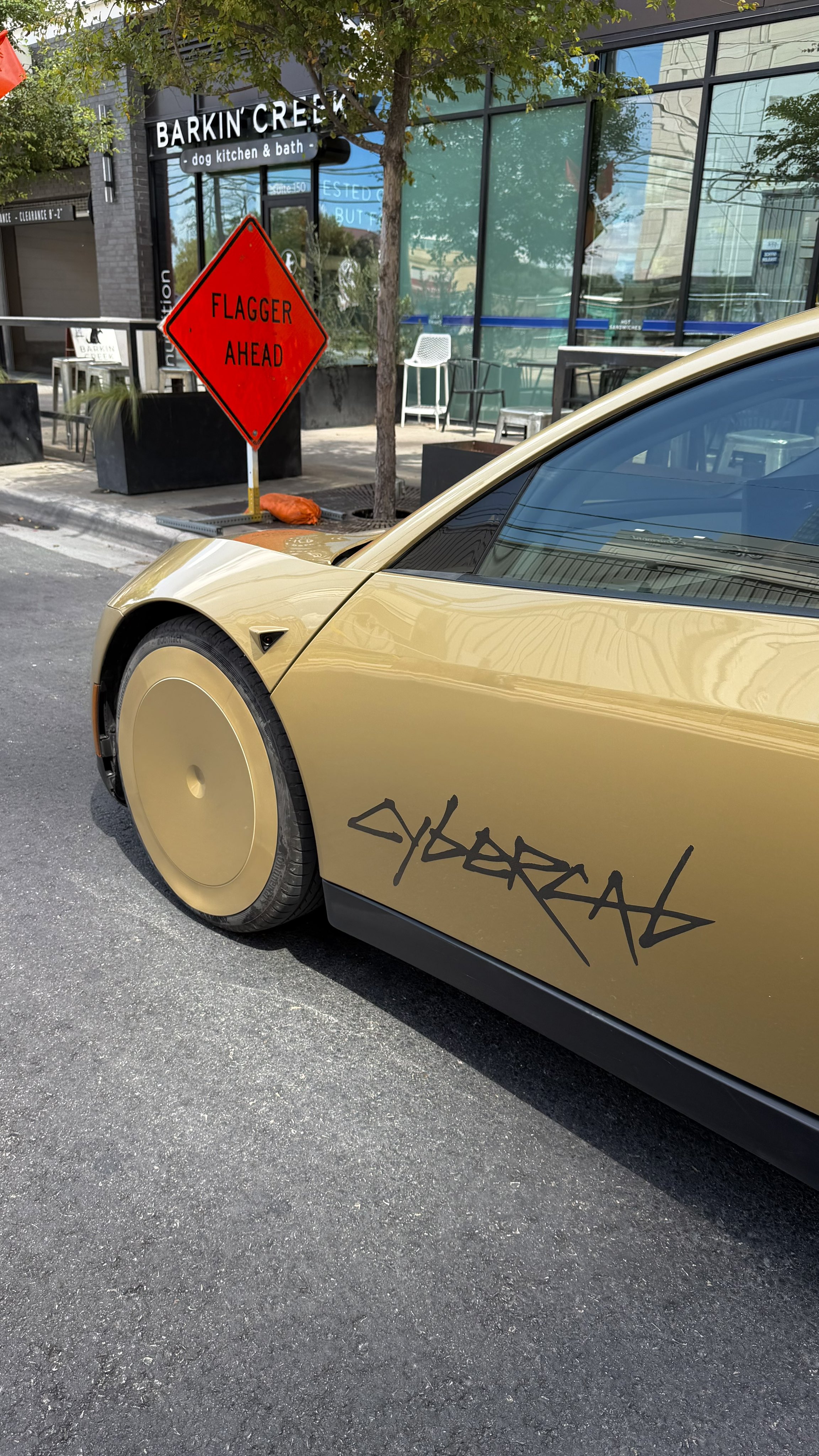
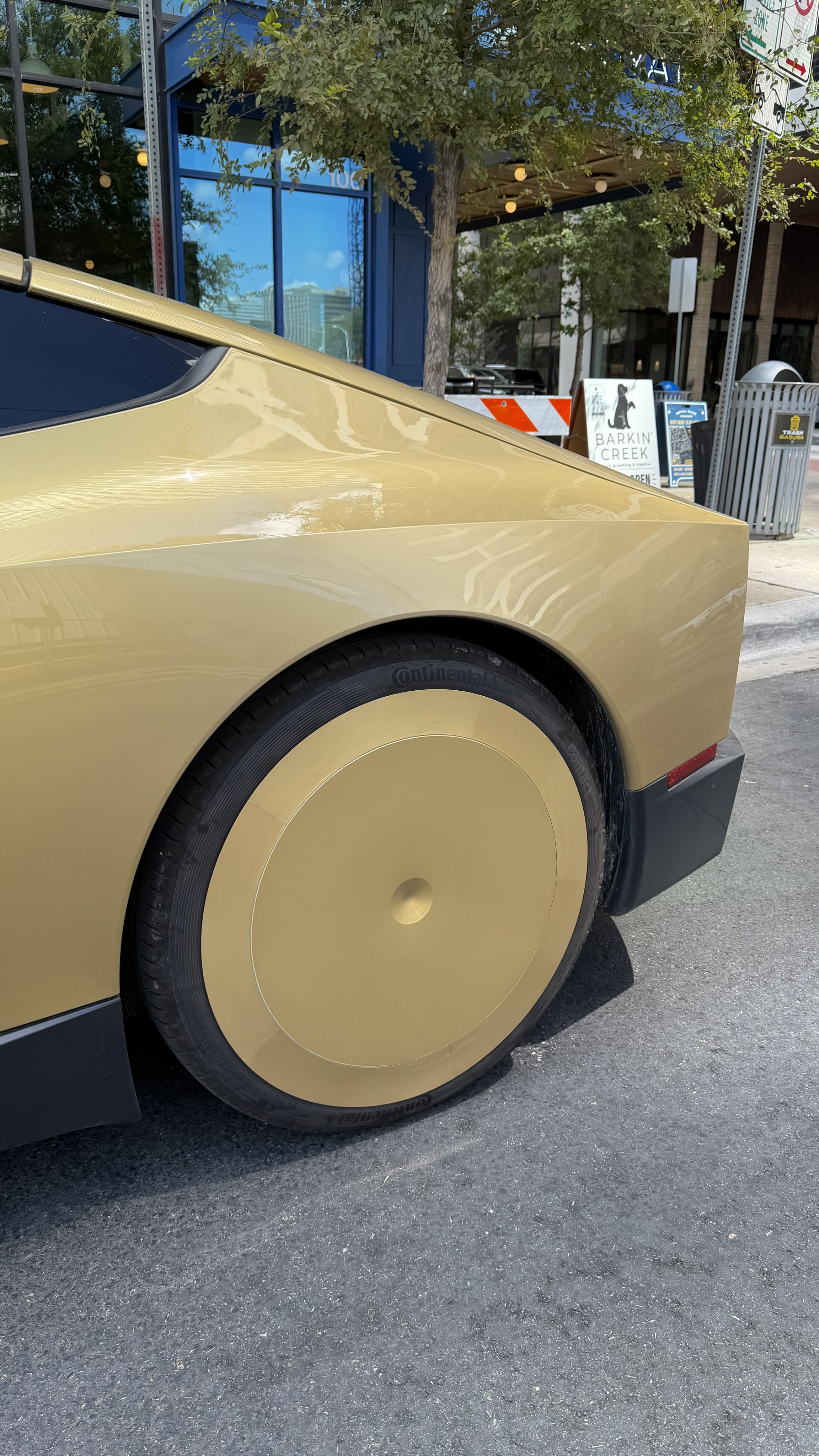
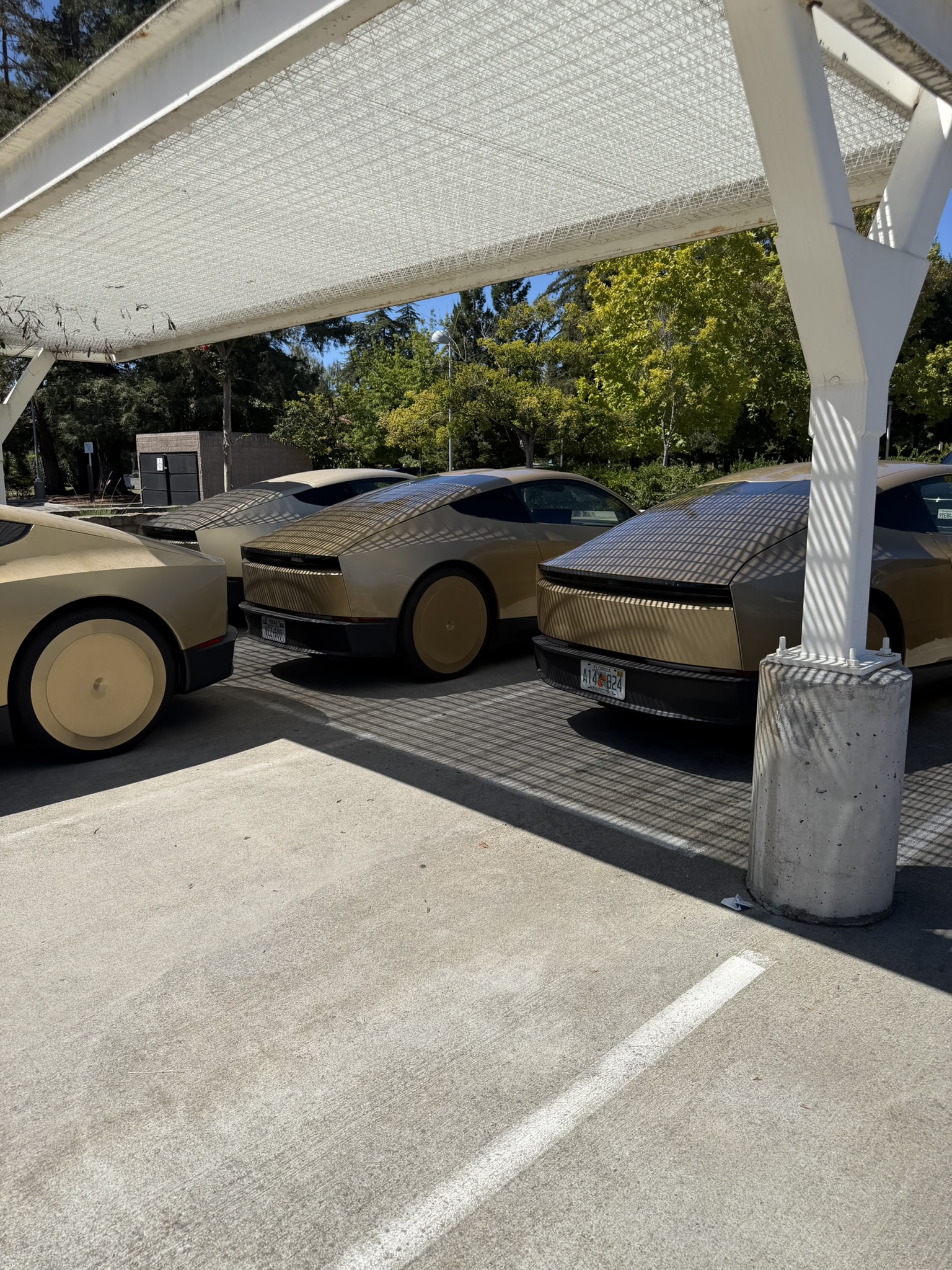
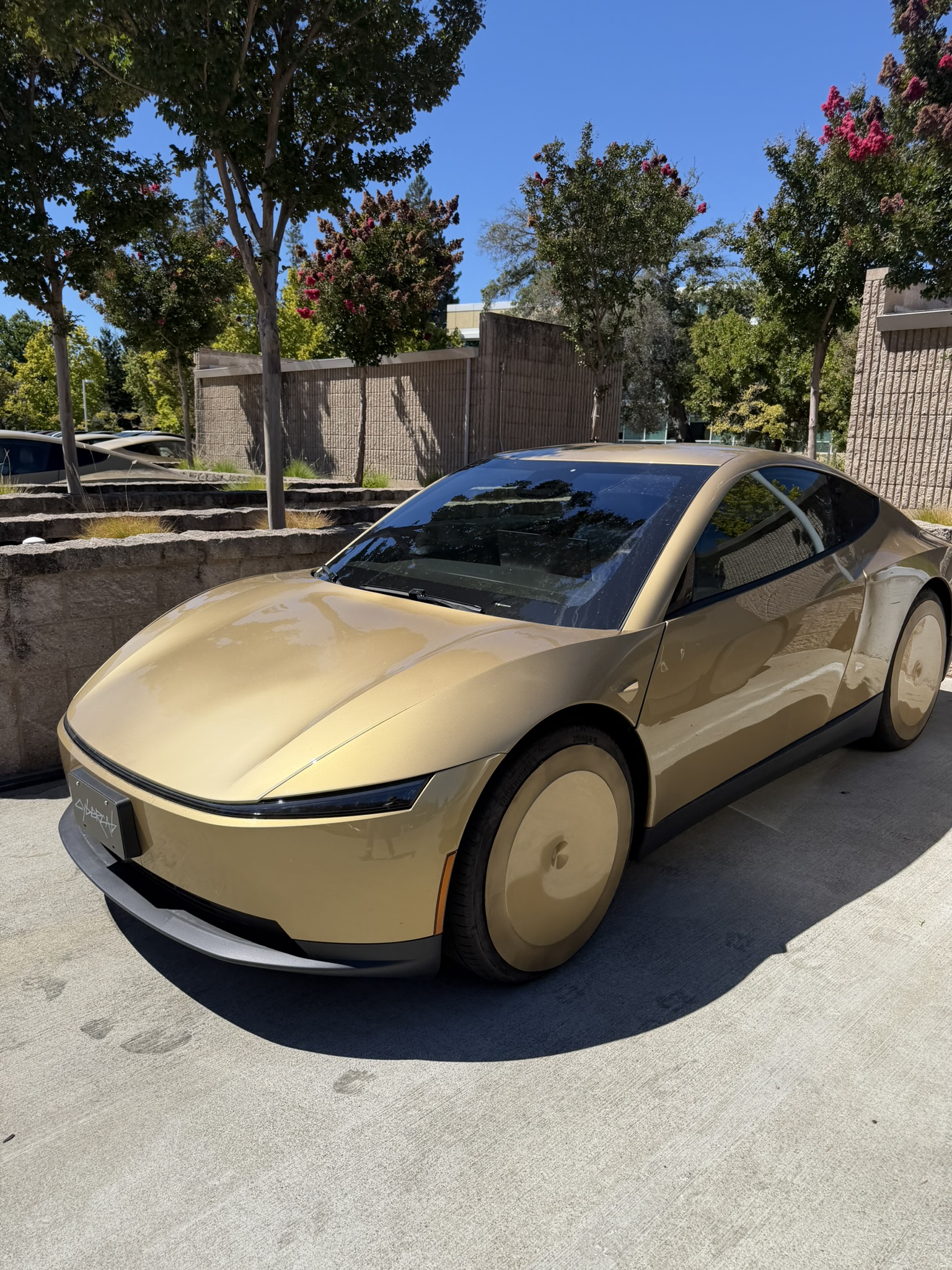
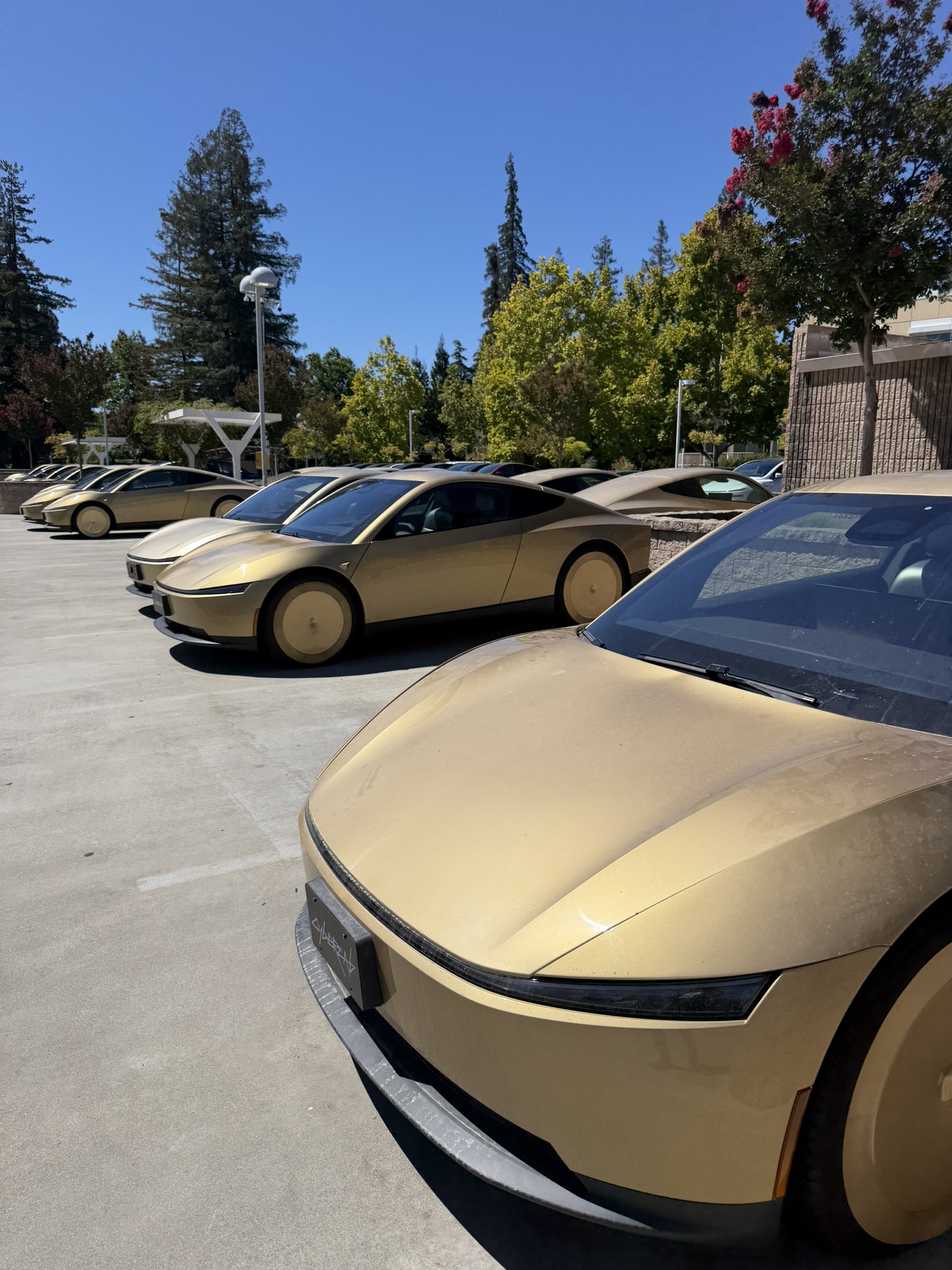
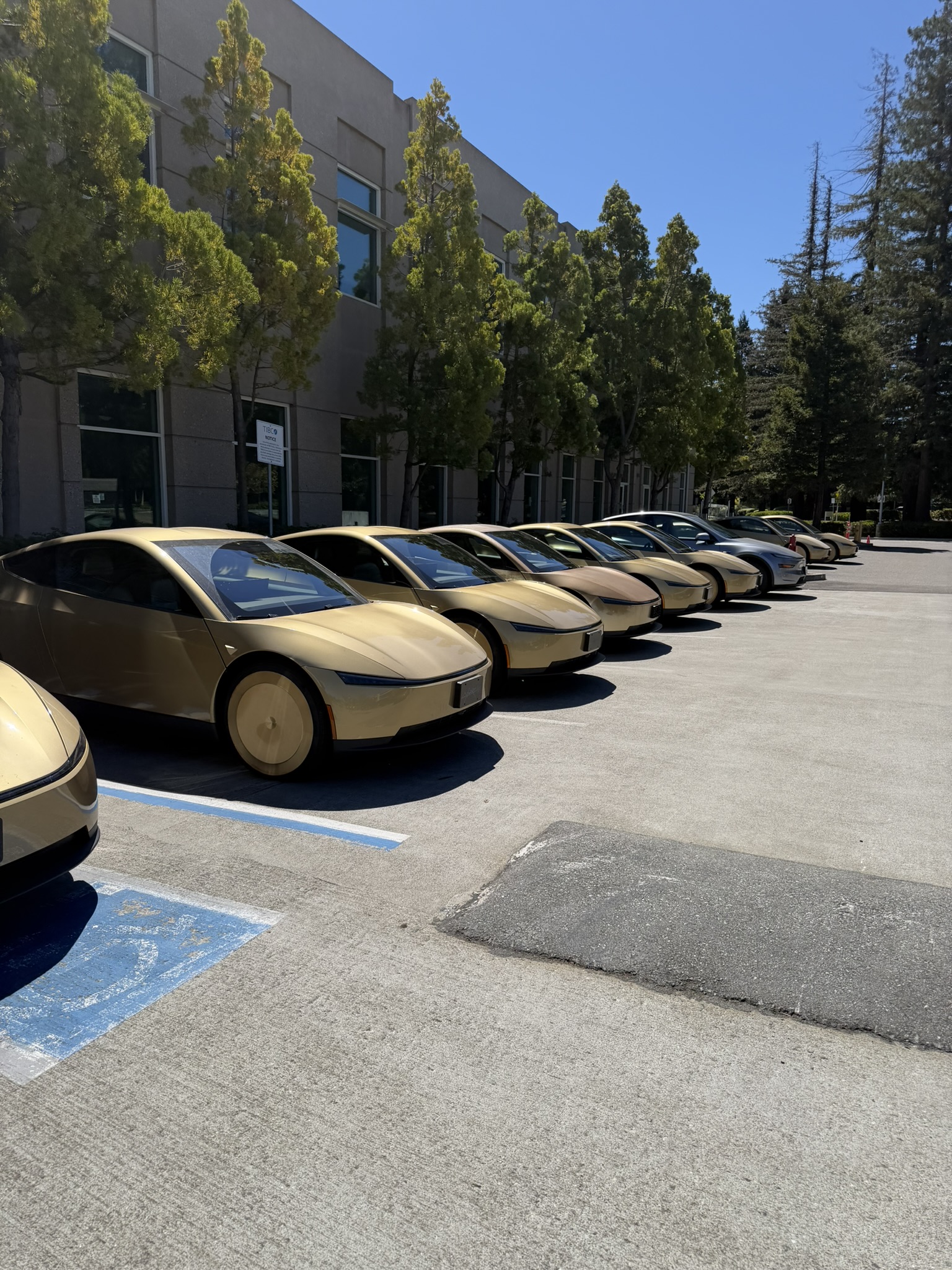
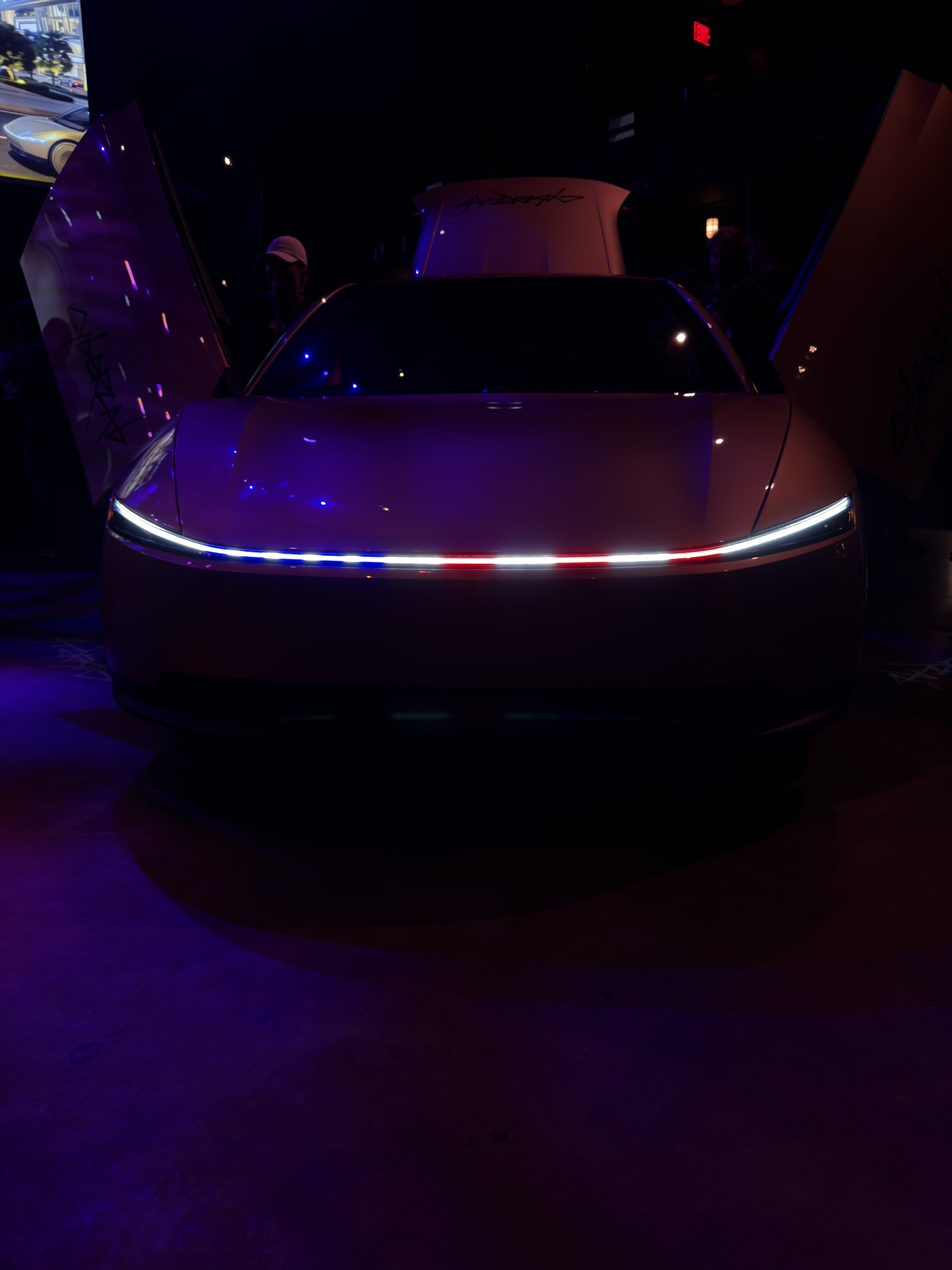
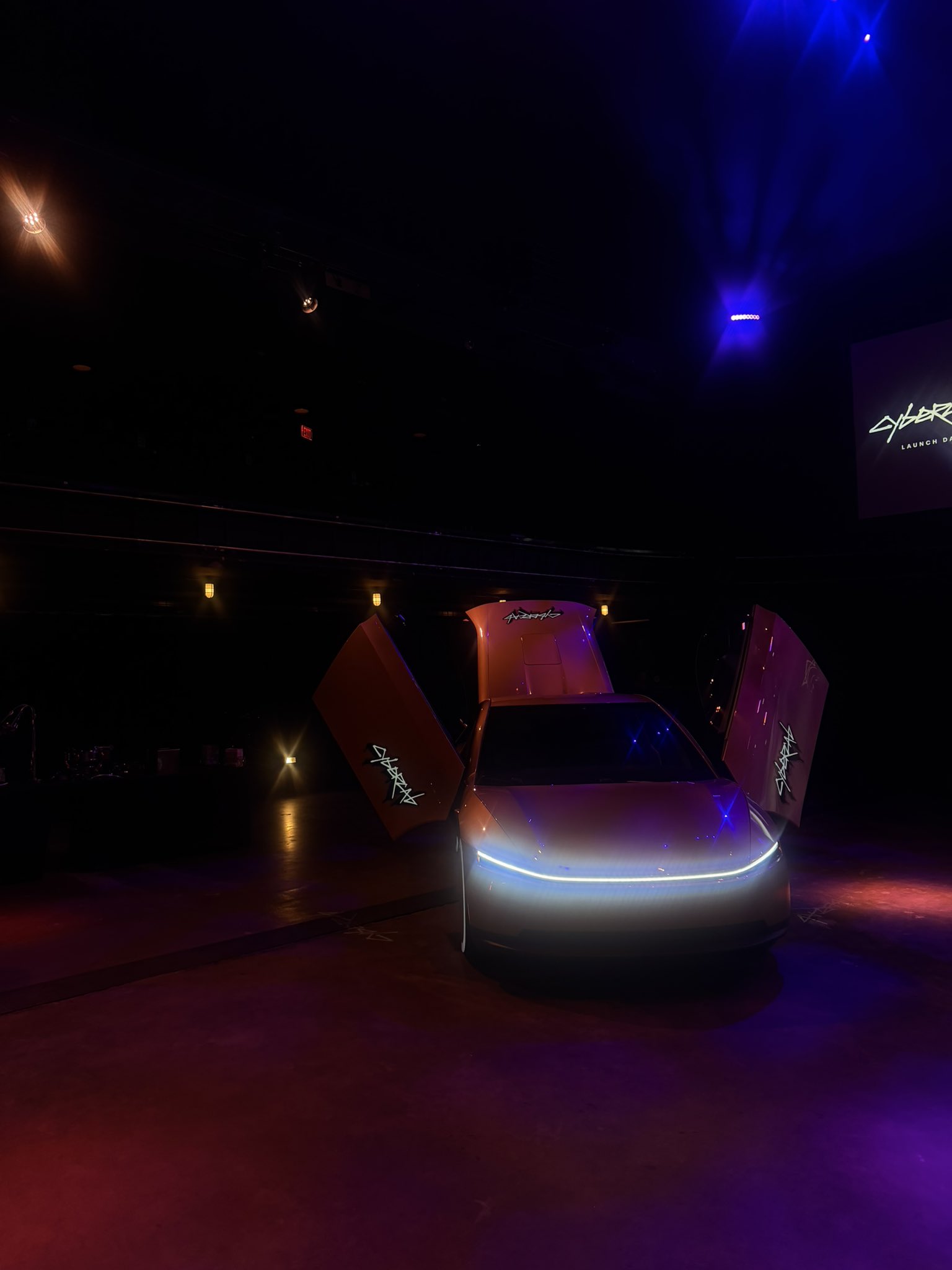
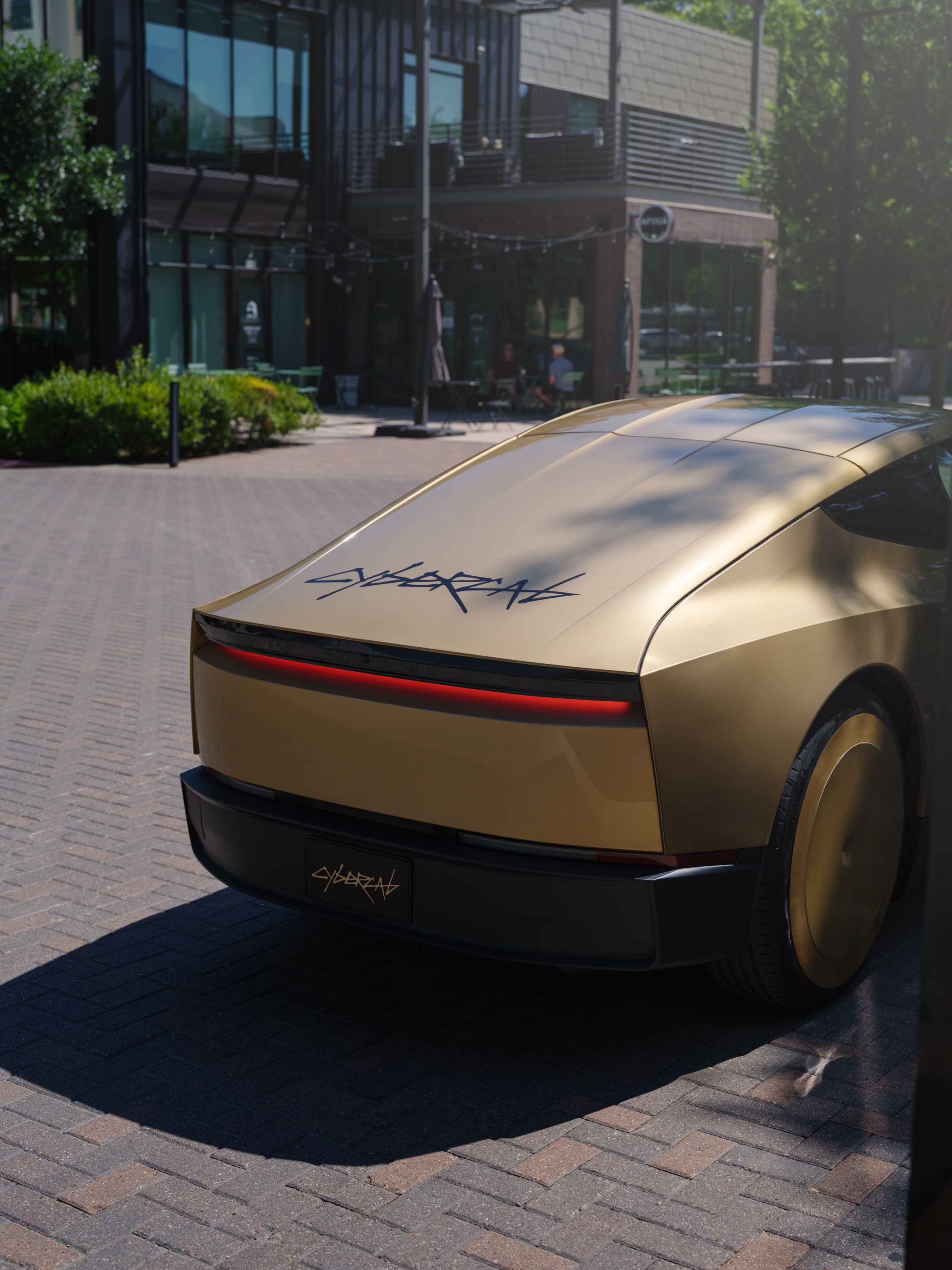
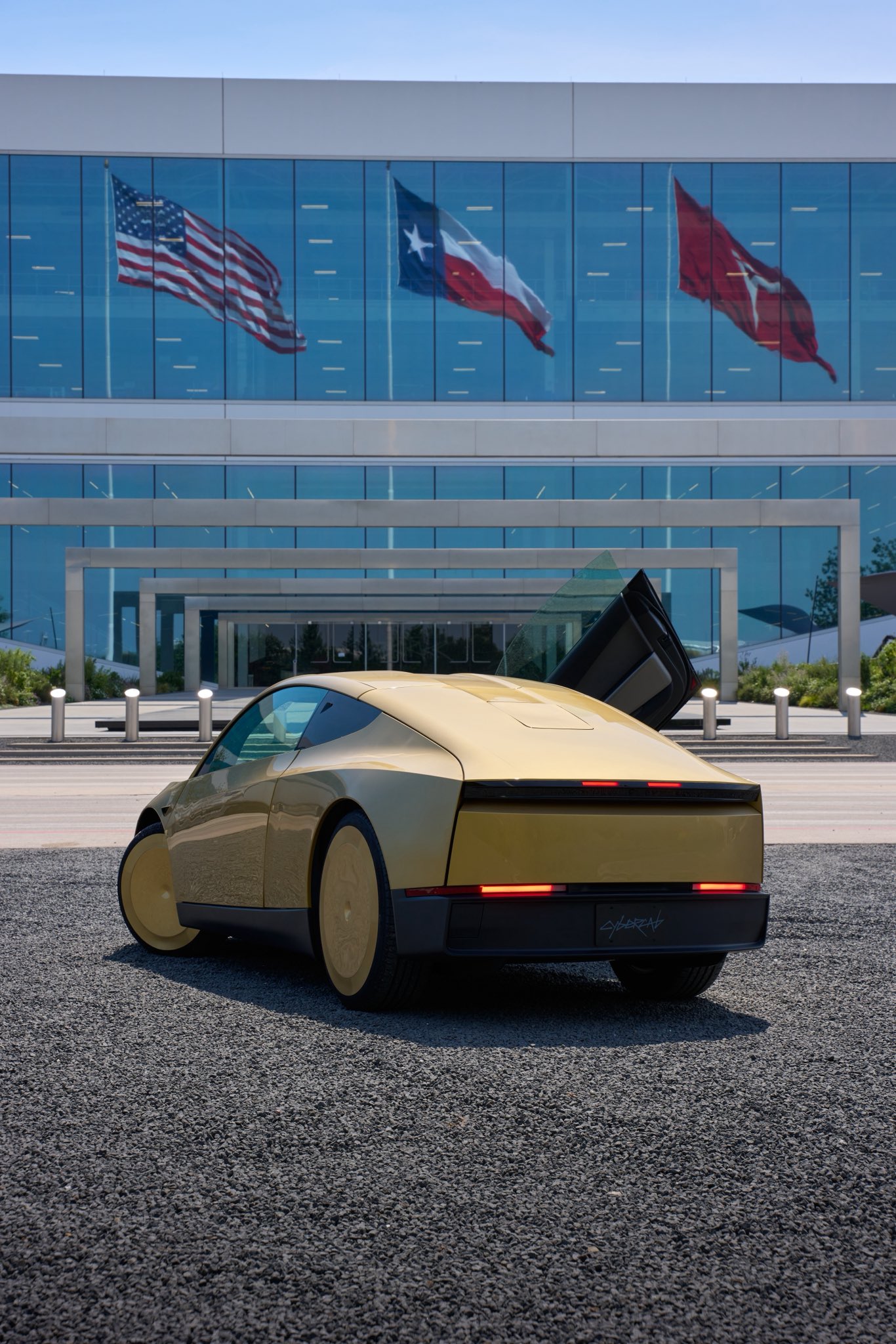
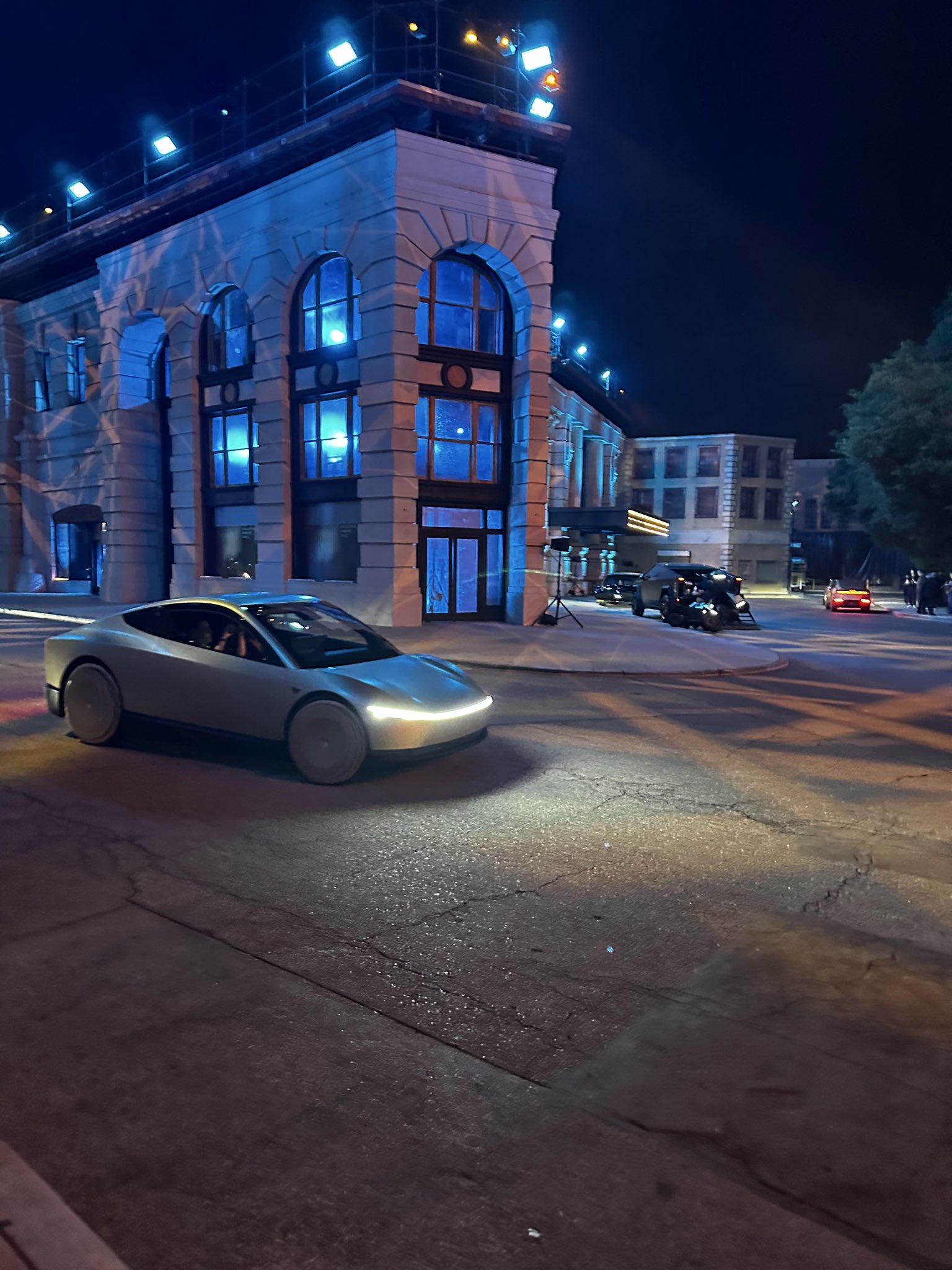
Cybercab is Tesla’s next-generation two-seater fully autonomous vehicle with no steering wheel, accelerator pedal, or brake. Tesla announced it at its We Robot event on October 10, 2024, and it finally began operations on September 3, starting with public rides in Austin, Texas. Many more cities will be supported soon, as testing is already underway and people have been seeing these golden vehicles in several major US cities. If you’re a fan of autonomy, Tesla, or the exciting vehicle future ahead, this wallpaper collection featuring 50 Cybercab images will look great on your iPhone, Android phone, tablet, or computer screen.

Cybercab wallpapers
If you’re in Austin or traveling there, download the official Robotaxi app from the iOS App Store or Google Play Store and sign up. You can then hail Cybercab for seating up to 2 people. If you have a party of 3 or 4, you’ll need to choose the Model Y Robotaxi, since you can’t yet order multiple Cybercabs for one ride.

Like AirTag Precision Finding, the Robotaxi app uses Ultra-Wideband (UWB) ranging between your phone and the nearby Cybercab to show live arrows and distance that point you to the car. As you get closer, you’ll also notice the front light bar (officially called Megalamp) and cabin interior ambient lights change from white to green, purple, or another color, as shown in the app on your phone. This color scheme helps you reach the right cab, especially if there are multiple in the same area (after all, on the outside, they all look the same golden color).
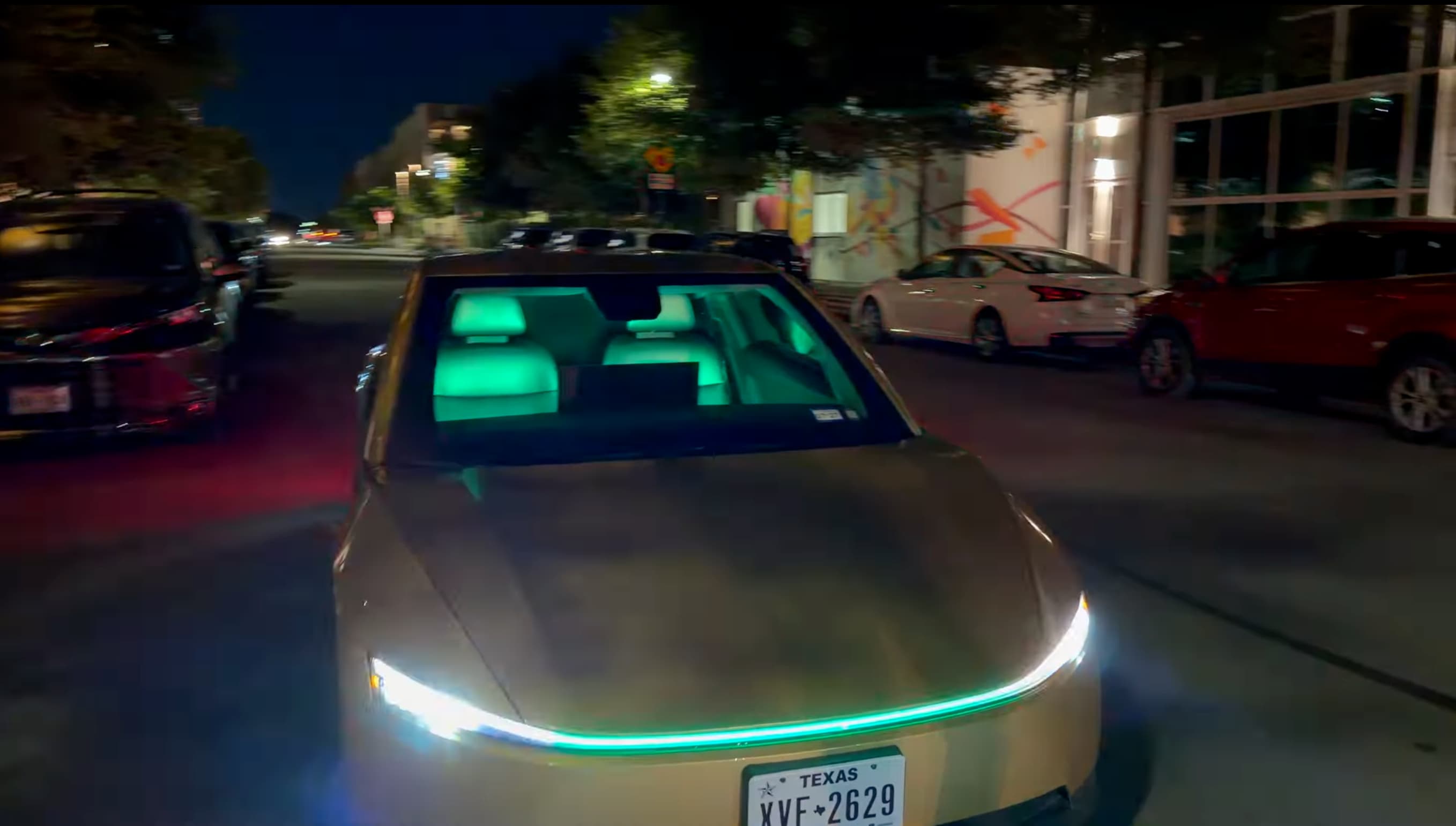
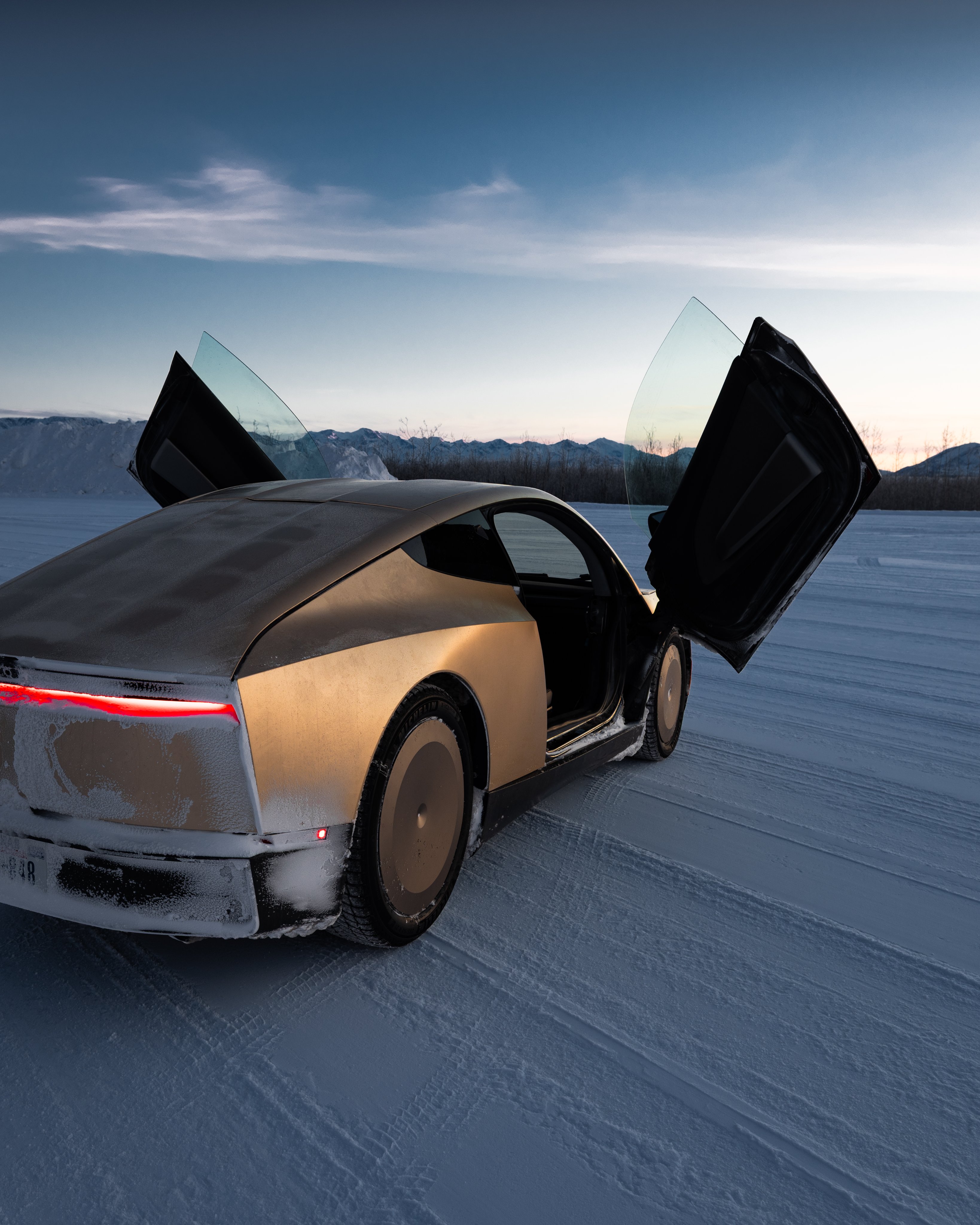
Once you’re near the door, it will open automatically like the wings of a butterfly. However, for now, only the first door (left or right) opens automatically. To open the other side, use the Robotaxi app or the physical buttons on the vehicle.
Tesla’s says the vehicle will wait 7 minutes at the pickup spot before the ride may be canceled (and fees may apply). Some new reports say this time has been reduced to 4 minutes.
Once you’re in the vehicle, fastening the seatbelt is mandatory; Cybercab won’t let you start the ride until you do that.
The autonomous vehicle has a massive 21-inch center screen (biggest of any Tesla to date) that shows the destination, Tesla’s FSD (Full Self-Driving) interface, apps, seat adjustments, temperature and airflow controls, and more. You can also adjust nearly everything using the Robotaxi app on your phone.
The touch screen also lets you set up Spotify, Apple Music, YouTube Music, Amazon Music, YouTube, and other media apps. You just need to scan the QR code once to log in on your first ride, and all your future Cybercab rides will automatically log in to these accounts, which is incredible and expected from a tech-first vehicle company like Tesla.
Grok (also available in CarPlay for other cars) can not only answer your questions but also control many vehicle features, like temperature and media. In case you get stuck or need assistance, the “Support” button on the Cybercab screen connects you to a human Tesla employee.
Unlike other Tesla vehicles like the Model 3, Model Y, Model Y L, and Cybertruck, there is no option to bring up the cameras during the ride. Plus, since it’s a fully autonomous vehicle, there are no physical side mirrors or rear window. As a result, riders have no idea what’s going on behind them. However, once you end the ride, both the side cameras and the rear cameras appear on the screen so you can safely exit the vehicle.
All things considered, it’s an exciting new vehicle that will compete not only with other robotaxis (Tesla tried to patent this word, but was unsuccessful) like Google’s Waymo, but also human-driven vehicles like those from Uber and Lyft.
Most of the initial issues people have are sure to be fixed by software updates. So, expect things to change rapidly.
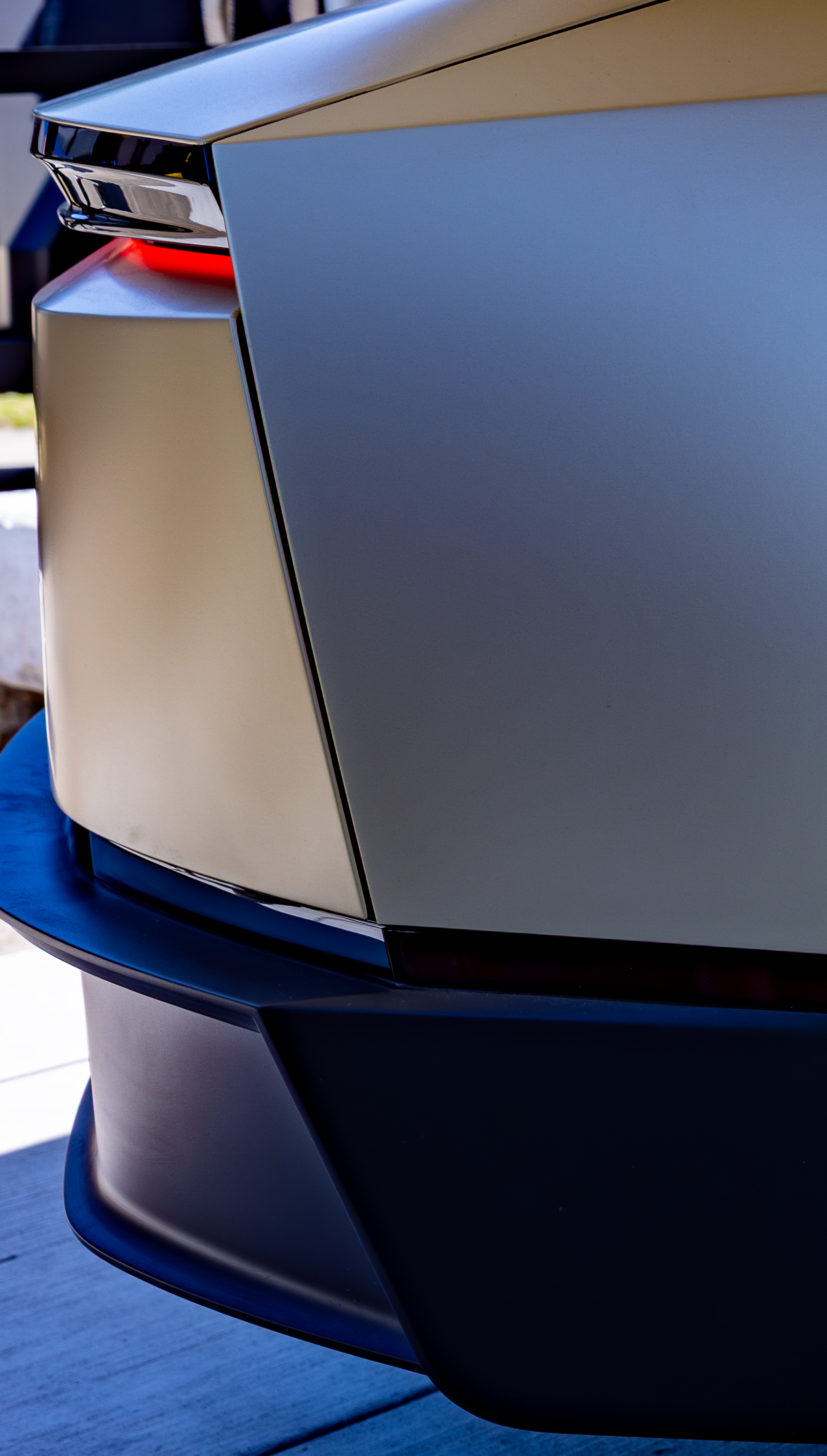
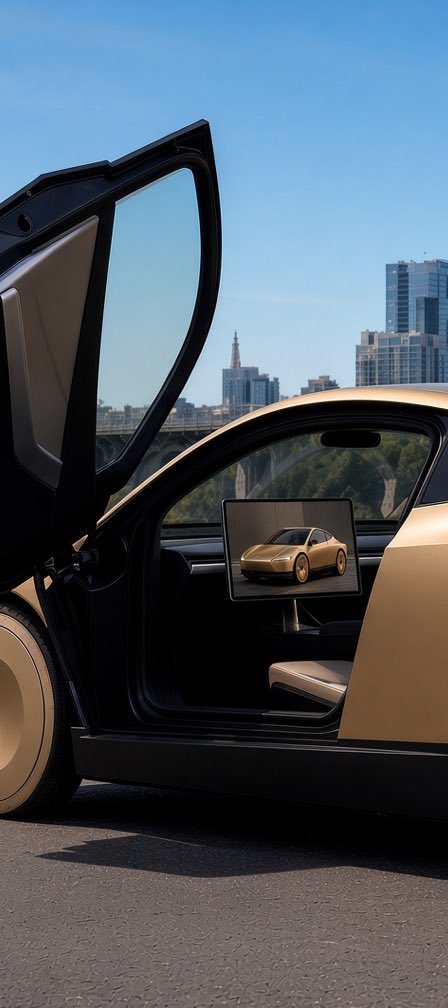
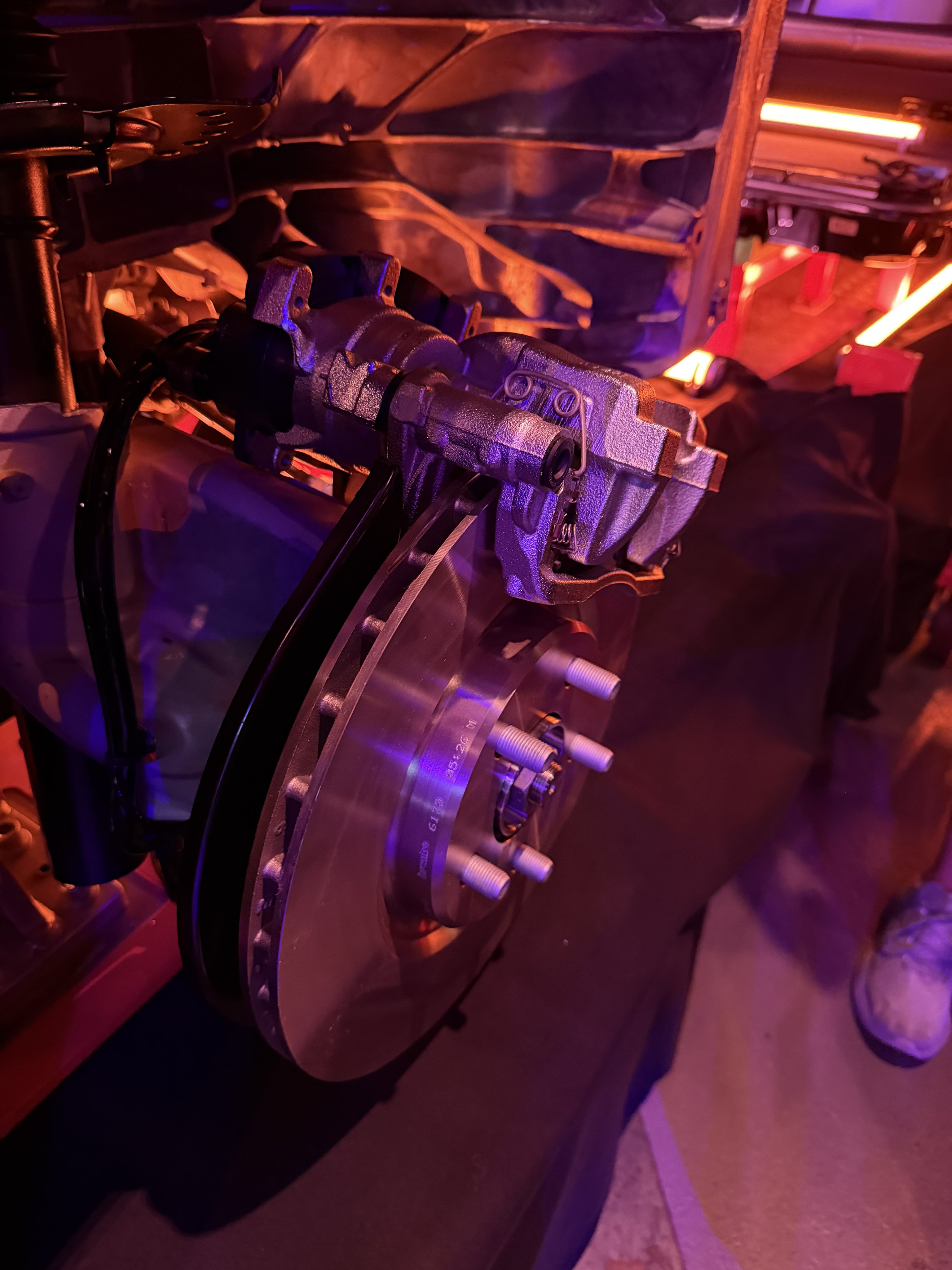
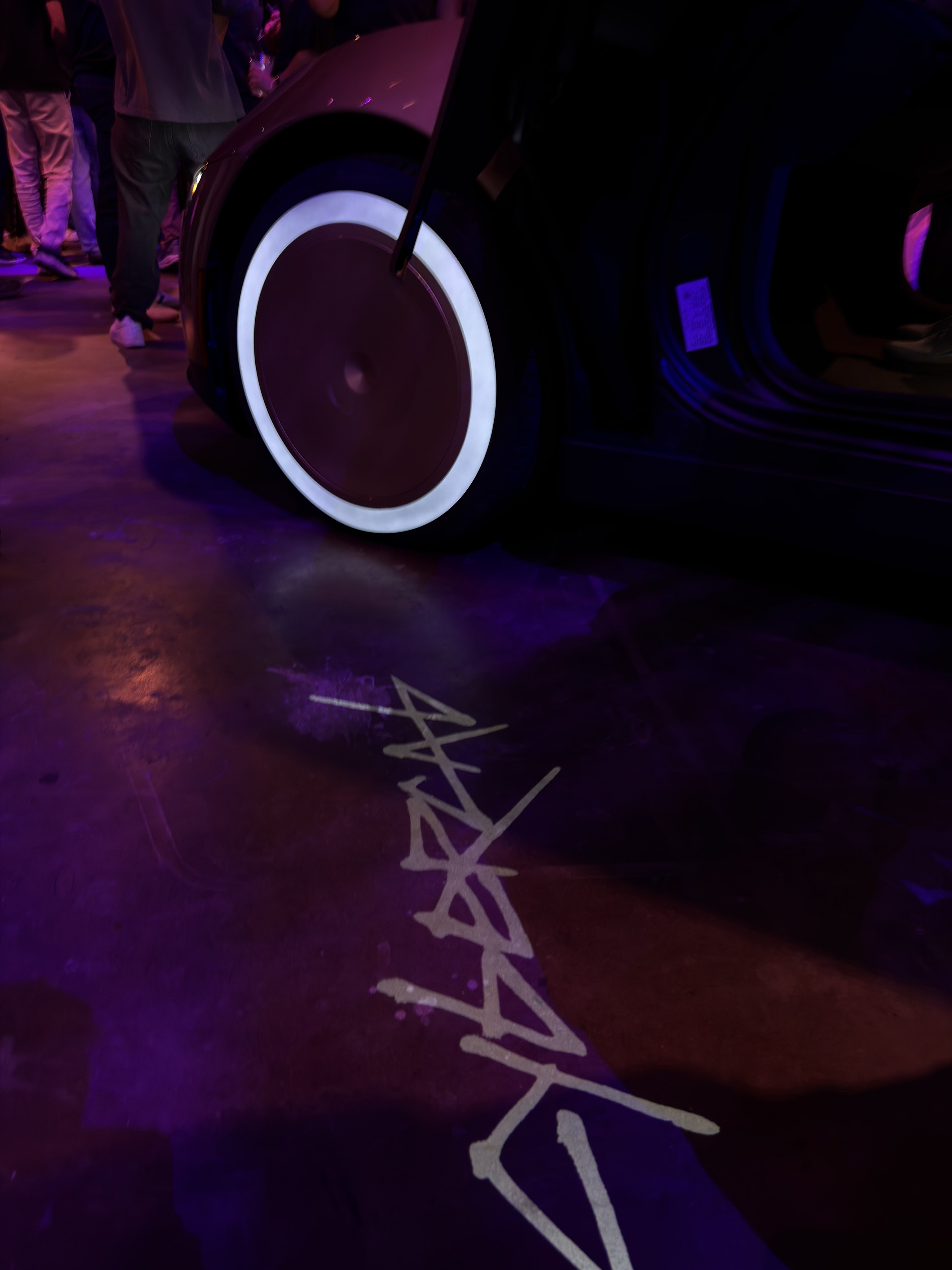
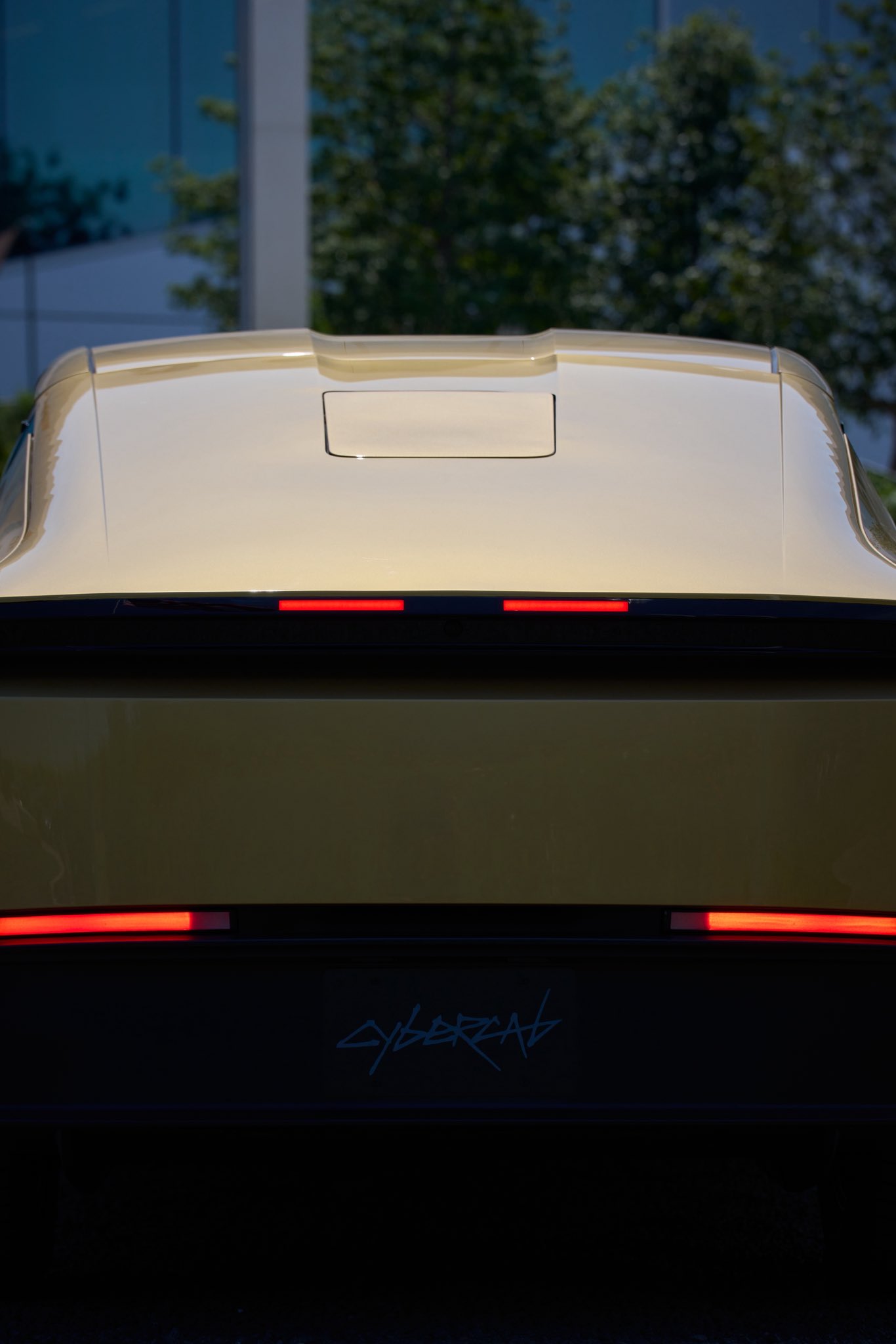
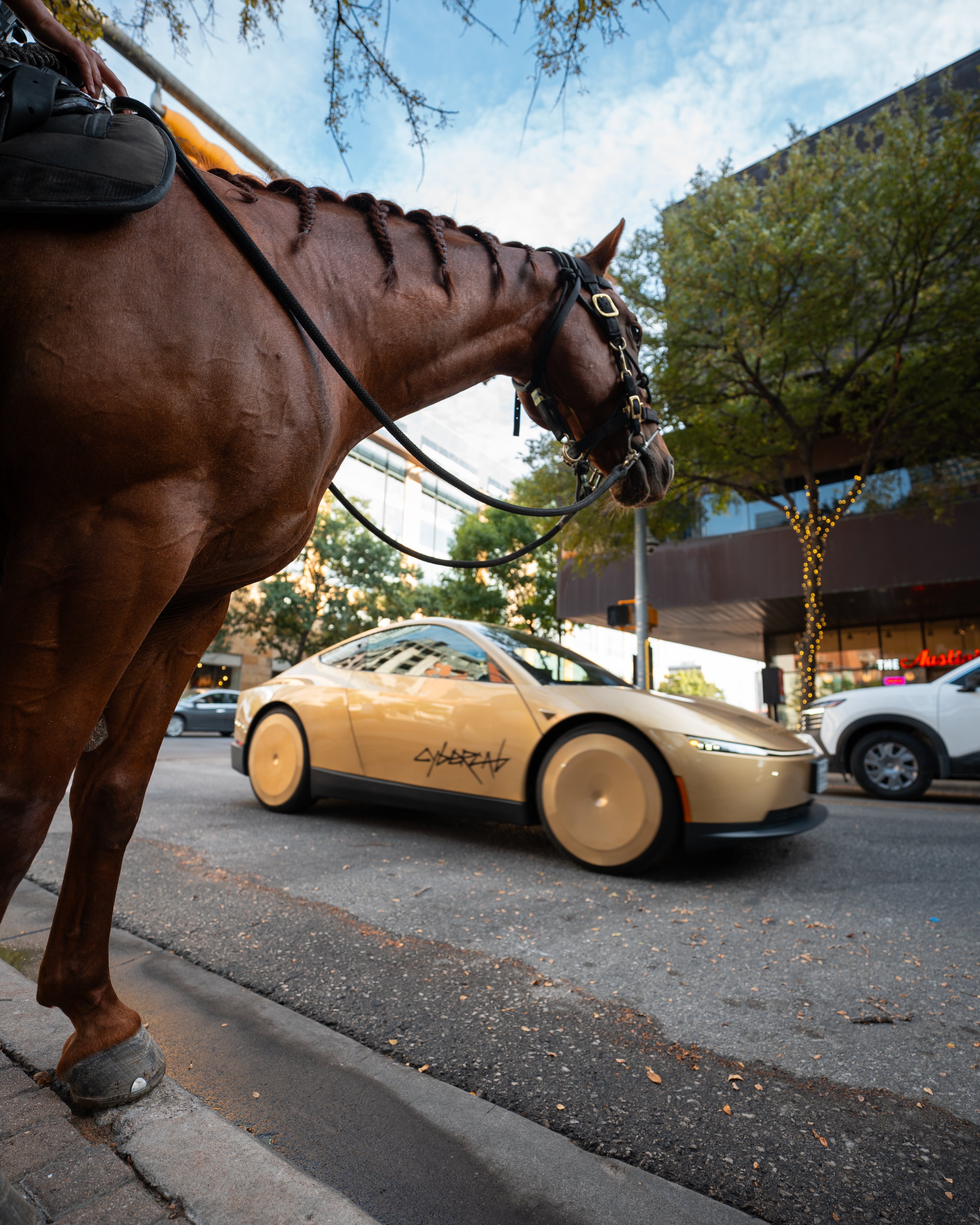
Now, back to the Cybercab wallpapers: I sourced them all from X and the official Tesla website. The names of original posters or reposters are mentioned under every image. Check them all and download the ones you like the most.
For mobile:




For desktop:


Along with daily new Apple tutorials, we also post at least two new wallpaper collections every week. Get our free iPhone app to be alerted.