Apple TV

Stay up-to-date on the latest Apple TV news and learn how to get the most out of your device with our comprehensive tutorials and guides. Discover new features, troubleshoot issues, and explore the best apps and games for your Apple TV.

How to stop ‘Up Next’ videos from autoplaying on YouTube

One of my pet peeves with YouTube is how after completing a video, the service shoves a new video down your throat with a feature called "Up Next," which gives you a 15-second time frame to click the "X" button at the top right of the video before the next video starts to play.

Sounds familiar? If you feel the same way, then you've stumbled upon the right tutorial, because we're going to be showing you how you can disable this feature right from the YouTube website without installing any plug-ins, hacks, or other crazy stuff.

Apple TV universal search expands to FOX NOW, FXNOW and Nat Geo TV

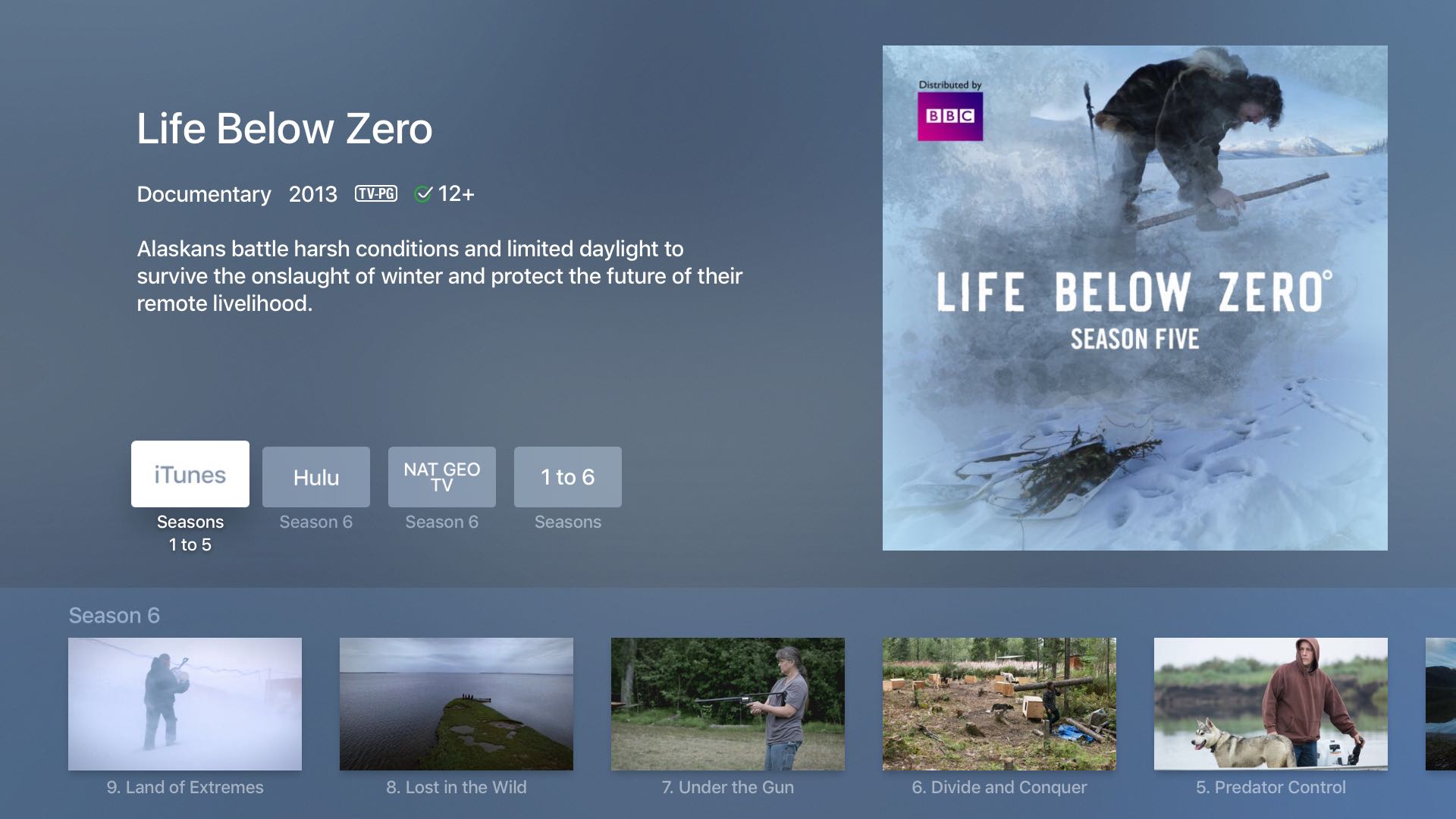
According to an Apple support document which was updated yesterday, the universal search feature on the fourth-generation Apple TV will now surface video content provided by FOX NOW, FXNOW and Nat Geo TV channels.

Users who install these apps on their set-top box can press the Siri Remote's microphone button and say things such as “Watch Life Below Zero” and land on the page that now includes that show by the National Geographic channel, in addition to other content sources.

Apple vying for streaming rights of Thursday night NFL games

NFL

Apple is among a group of tech giants vying for the rights to stream Thursday night NFL games, reports Variety. The NFL said on Monday it has reached a two-year agreement with CBS and NBC for broadcast rights, and it's been in active discussions with potential partners for digital rights.

According to Variety's sources, Apple is among those potential partners, as are Amazon, Google and Verizon Communications. The League is said to be considering a variety of scenarios, including potentially selling the rights to more than one distributor, and mixing in games played overseas.

Multiple iCloud services experiencing downtime, App Store/iTunes purchases affected

Apple on Thursday morning reported a number of issues with various iCloud services. According to the iCloud Status webpage, these problems are preventing many users around the world from making purchases in Apple's app and content stores.

In addition, “new and recently changed content may not have updated across devices for iCloud Drive, Backup, iCloud Notes, iWork for iCloud and Photos,” reads a notice on the webpage.

UPDATE: As of 9:10am PT, all of the affected iCloud services had been restored.

How to watch Super Bowl 50 on iPhone, iPad, Apple TV, and other devices

On Sunday evening, millions of people will gather around their TV sets to watch Super Bowl 50. The game features the Denver Broncos taking on the Carolina Panthers, and kickoff is scheduled for 6:30 (ET).

For those of you who aren't going to be around a television Sunday night, but still want to follow along with the action, we've put together a list of ways you'll be able to do so using an iPhone, iPad, Mac and other devices.

Review: Channels – watch live TV on your Apple TV with an HDHomeRun [video]

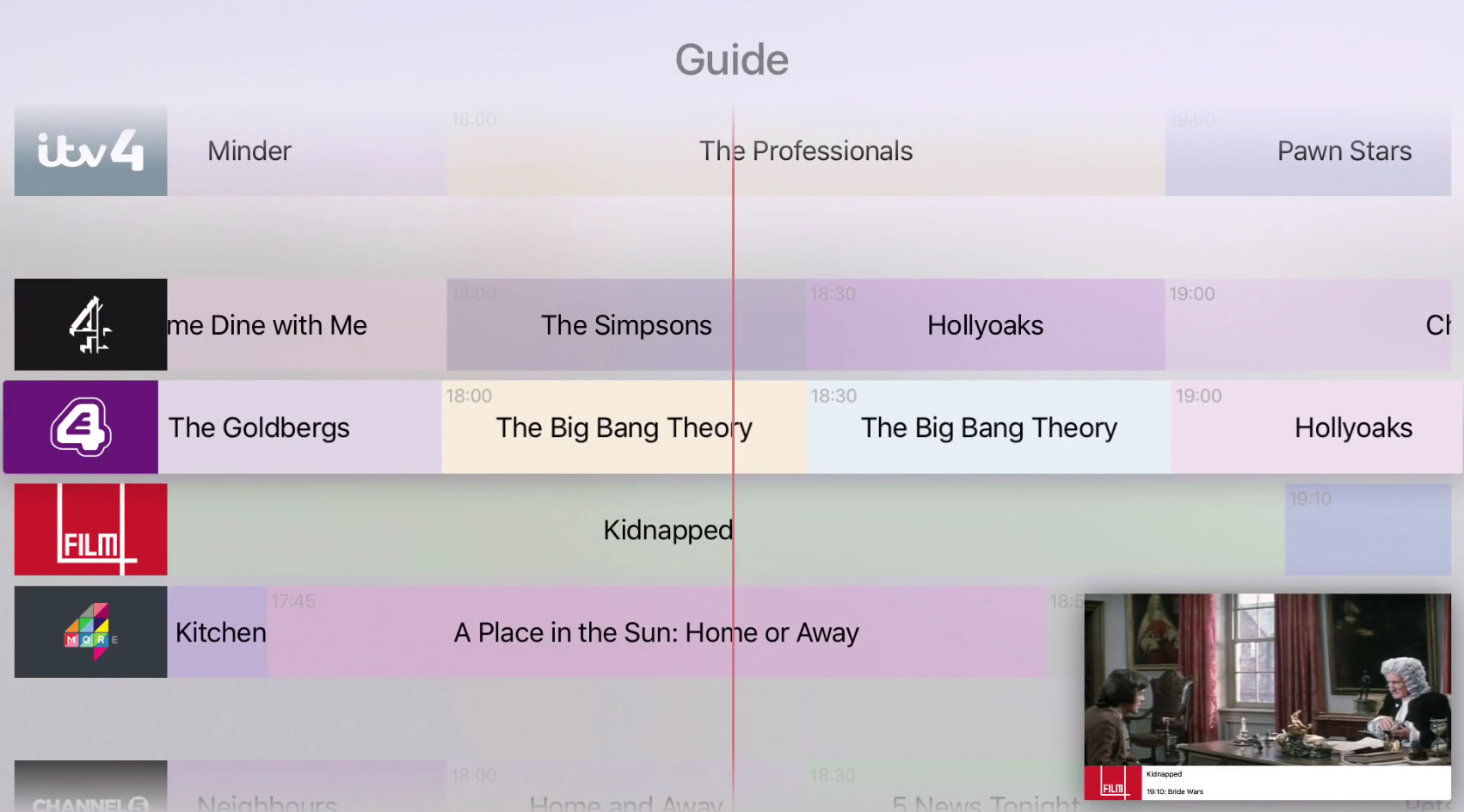
If you want to watch live TV on your Apple TV with an HDHomeRun, you can go the free route by using Kodi, but Channels is by far the best live TV watching experience to be had on Apple TV. Not only does Fancy Bits' Channels app allow you to watch live TV, but you can also pause and rewind local or cable TV directly from your Apple TV when paired together with an HDHomeRun.

If you're unsure what an HDHomeRun is, or how it can help you, then be sure to check out our post on the device. In a nutshell, the HDHomeRun allows you to stream free (or paid) television over your home network. The Channels app can then acquire the stream made available by the HDHomeRun, and display it on your television.

At $14.99 for a limited time (normally $24.99), Channels isn't cheap, but it's a great-looking and overall solid experience for cord cutters. Have a look at our full video walkthrough for more details.

Developer demonstrates Picture in Picture mode on Apple TV

One of the major new features Apple introduced in iOS 9 was the ability to take advantage of Picture in Picture mode on supported iPad models; a multitasking mode perfect for watching videos while tackling other tasks at the same time, such as web browsing, document writing, social networking, and more.

Oddly enough, the Apple TV, which is essentially a media entertainment system in itself, doesn't come with a similar feature for users wanting to multitask more efficiently on their television sets.

Developer Steve Troughton-Smith has demonstrated Picture in Picture multitasking on the Apple TV 4 via a custom app he made for himself, showing that the hardware inside of the Apple TV on the latest firmware is capable of handing the feature, but it appears Apple has chosen not to include it (yet).

Apple said to consider developing original TV shows as talks over skinny iTunes bundle collapse

As part of a new strategy following failed talks with major networks regarding licensing their programming for a rumored over-the-top iTunes video service, Apple is reportedly considering developing own TV shows to offer exclusively to its iTunes customers, The Street reported Friday. The publication's track record in predicting Apple's moves isn't great so take the story with a pinch of salt.

Citing two unnamed people with knowledge of the overtures, the report alleges that Apple is internally planning to announce exclusive content as part of a cable-like offering in September, as part of the iPhone 7 introduction.

How to filter mature language for Siri and Dictation

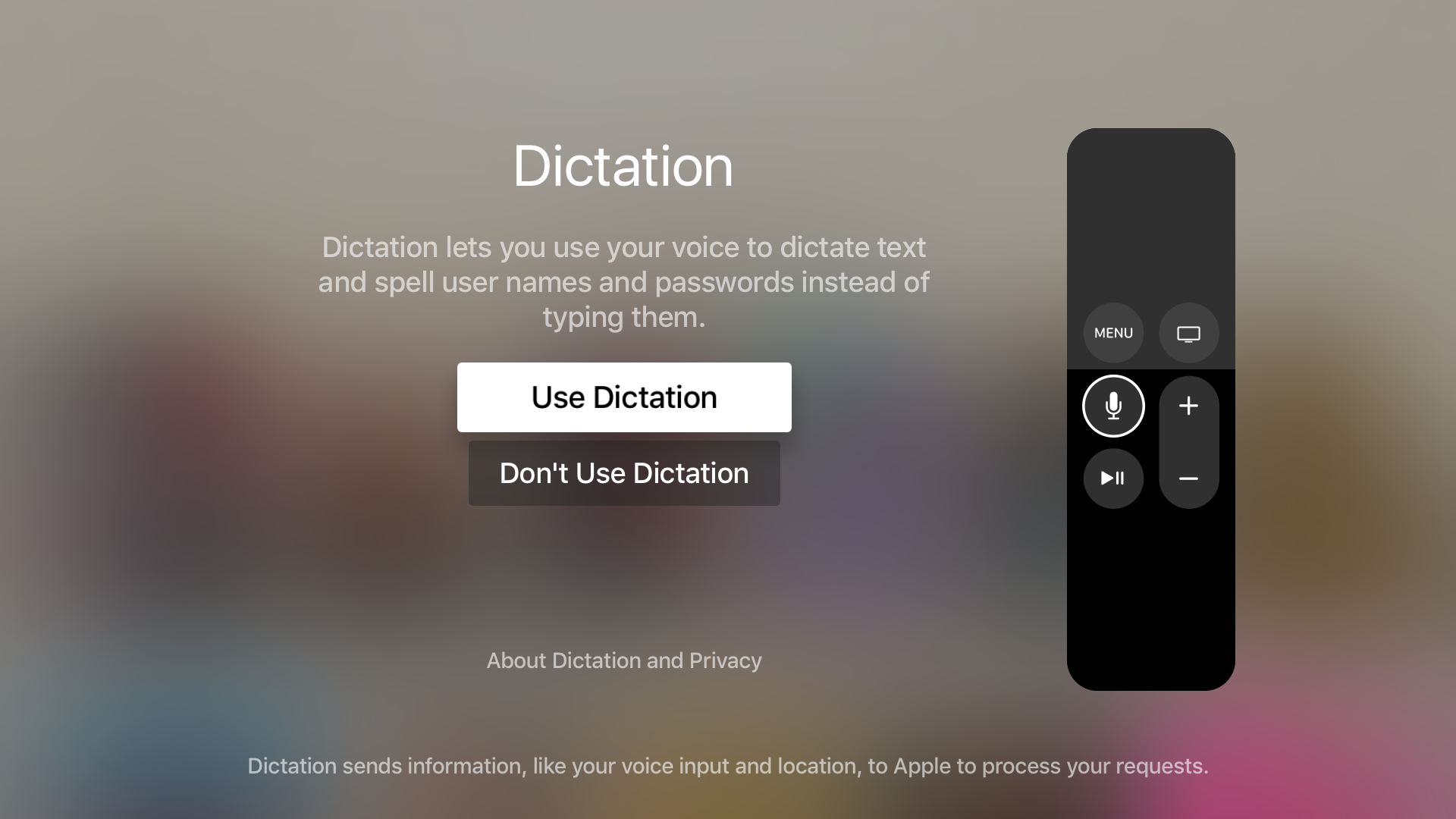
Sometimes when you use the dictation feature on your iPhone, iPod touch or iPad—or just converse with Siri and it misunderstands you—you might be in for a surprise seeing explicit language that you don't really want others to see, especially if you talk to Siri on your new Apple TV and kids are present.

Fortunately, both iOS and tvOS give you all the controls you need to prevent profanities from showing up when you use speech-to-text or Siri. In this post, you'll learn how to disable explicit language for Siri and Dictation on your iPhone, iPod touch or iPad and filter out explicit language for Siri on your Apple TV.

How to update the Apple TV to the tvOS beta without losing apps, settings, or data

If you're a developer, there are two ways to update to the latest tvOS beta on the Apple TV. Both methods require a USB-C cable, so be sure to have one of those at your disposal.

The first method, and perhaps the way the general public is more familiar with, requires downloading the full tvOS beta software and restoring using iTunes. This method works, but it also means that everything that's on the Apple TV, from settings to apps, will be wiped. You're essentially setting the Apple TV back to factory defaults when using iTunes to update to the tvOS beta.

The more sensible approach is to use Apple Configurator 2, a Mac App Store app that can be used together with Configuration Profiles, to update to the latest tvOS beta.

The advantage of using the Configuration Profiles method is that all of your data, apps, and settings stay put. That way, you can enjoy all of the latest features of the tvOS beta, without having to go through the tedious initial setup process.

tvOS 9.2 beta 2 brings iCloud Photo Library, Live Photos and Conference Room Display Mode

A new tvOS 9.2 beta has landed in the hands of Apple TV developers today. This update comes at the same time as new iOS, watch OS, and OS X betas are released.

tvOS 9.2 beta 2 is a follow up release to tvOS 9.2 beta 1. That update brought a new Podcasts app, redesigned App Switcher, Bluetooth keyboard support, and folders to the Apple TV interface. This latest update brings iCloud Photo Library support, Live Photos support, and more...