Apple TV

Stay up-to-date on the latest Apple TV news and learn how to get the most out of your device with our comprehensive tutorials and guides. Discover new features, troubleshoot issues, and explore the best apps and games for your Apple TV.

Apple releases tvOS 9.1.1 software update for Apple TV 4 with new Podcasts app

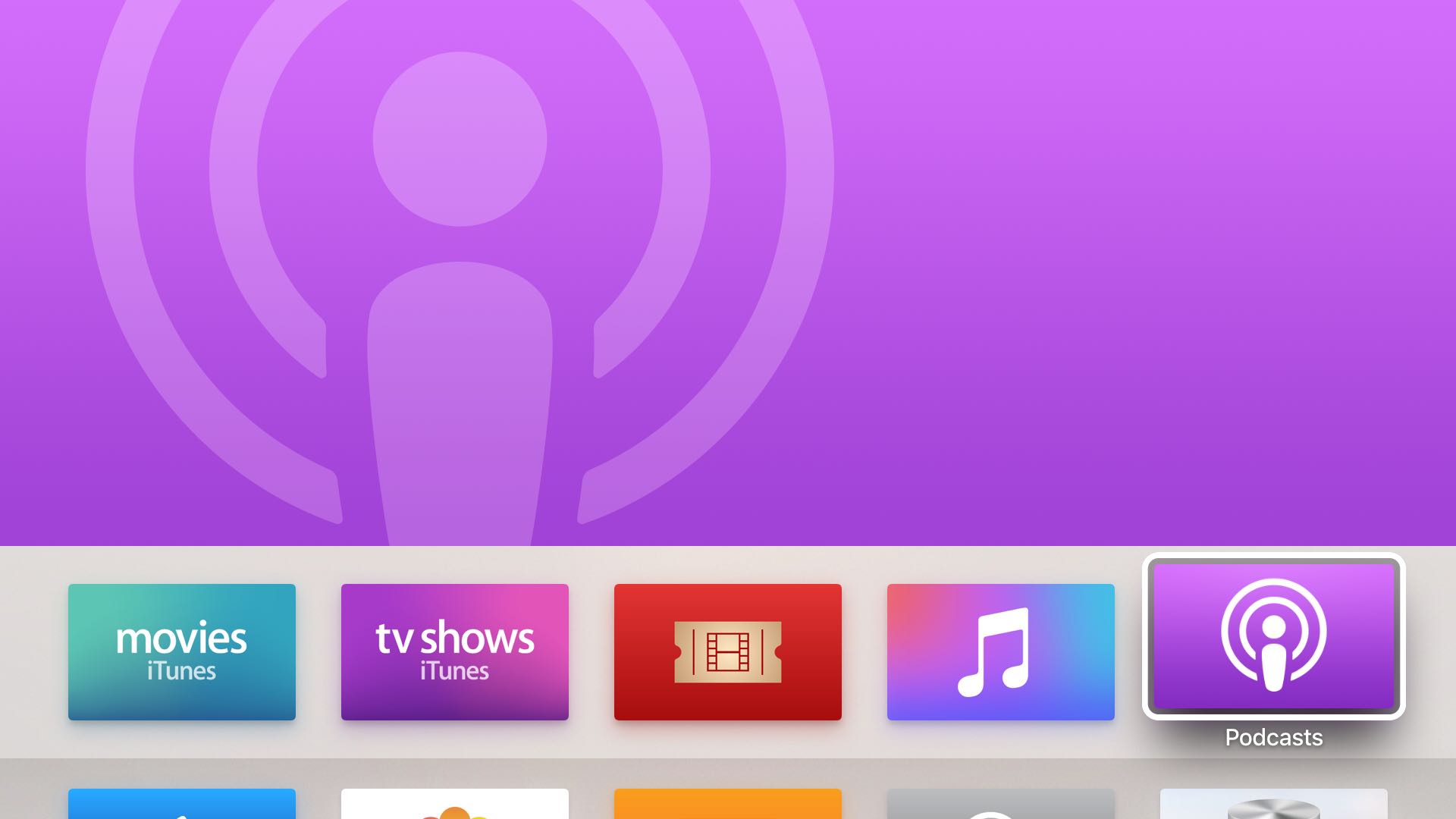
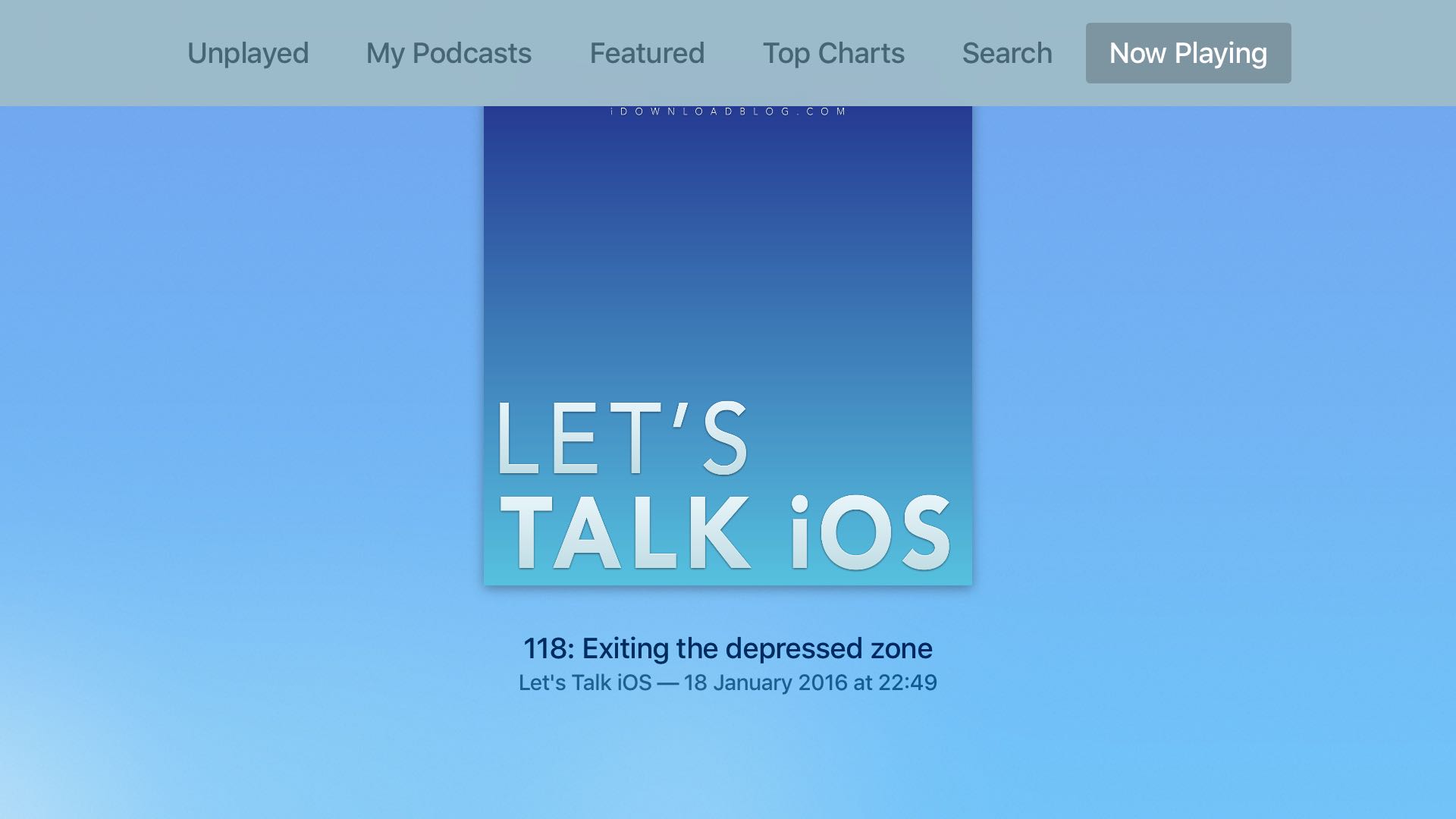
Today, Apple released tvOS 9.1.1, a brand new software update for the fourth-generation Apple TV which brings the Podcasts app to the set-top box along with a fix for unexpected password prompts when downloading apps when restrictions are set and unspecified security improvements.

If it's not showing up on your Apple TV 4 yet, wait a few minutes and try again because software updates take some time to propagate.

Remote Buddy review: control your Mac from Apple TV via Siri Remote

Don't you wish there was a hassle-free way to bring your Mac apps, documents, media, games and more to the big screen—and control them? Enter Remote Buddy, a sweet little app by Roth, Germany based developer Felix Schwarz.

This high-performance screen sharing software—along with its tvOS, watchOS and iOS apps—streams your Mac's screen to the new Apple TV and turns the Siri Remote into a trackpad, a full virtual keyboard and an advanced remote so you can control Mac apps with gestures and shortcuts, without getting off that couch of yours.

Building on the latest GPU and CPU technologies, Remote Buddy uses a proprietary engine to deliver up to 60 frames per second with a latency of around 0.1 seconds so you really get a smooth, high-speed screen sharing experience.

Having taken Remote Buddy for a quick spin, I'm happy to report that it works incredibly well and really comes in handy when you want to do simple tasks on your desktop-bound Mac without actually sitting in front of your computer.

Apple posts new Apple TV ad ‘The Future of TV is Apps’

Apple on Thursday shared a new video advertisement for the Apple TV on its YouTube page. Aptly named "The Future of TV is Apps," the spot highlights a number of popular games and applications that are available through the tvOS App Store.

Titles mentioned include WatchESPN, Asphalt 8, and HBO Now, and instead of showing them in action in a normal Apple TV interface, the ad illustrates them using 3D animations. It's a bit hard to explain, so you should probably just watch it.

Key Apple TV designer planning to leave the company soon

Key Apple TV designer Ben Keighran is leaving the company, reports Recode. The outlet spoke to Keighran, who says he's making his exit soon, and he'd eventually like to start something new. “I want to create not just a killer product, but my own iconic company.”

Mr. Keighran came to Apple in 2012 as part of its Chomp acquisition—a search startup he cofounded. During his three years in Cupertino, he helped oversee the look and feel of the software on the fourth generation Apple TV, which was just released in November.

Apple ‘frustrated’ by streaming TV challenges, says ESPN President

Apple is frustrated with the many challenges it has faced in trying to build its streaming TV service, reports The Wall Street Journal. The outlet recently sat down with ESPN president John Skipper, who said the iPhone-maker is finding it tough to create something that works for both them and programmers.

"They are creating a significantly advantageous operating system and a great television experience and that television experience is fabulous for sports," Mr. Skipper told the Journal. "We are big proponents of believing it would be a fabulous place to sell some subscriptions. We have ongoing conversations."

How to put the Apple TV into retail Demo Mode

A few days ago, we showed you how to access the Apple TV's "Advanced Settings" mode. That particular option is geared towards Apple employees. Today, we're going to show you how to place the Apple TV into Demo Mode.

Demo Mode, according to Apple, is a special setting that locks down many Apple TV settings to keep Apple TV “fresh” for each customer interaction. Each time the Apple TV comes out of the screensaver, the Home screen layout will reset to present the default interface.

In a nutshell, Demo Mode is what you see when looking at an Apple TV while in an Apple Store or other big box retail store. Have a look at the rest of this post to see how to enter Demo Mode on your own Apple TV.

List of Apple TV content providers

It's annoying when you download an Apple TV app for your favorite entertainment provider only to realize that you cannot access the service due to regional restrictions, the need to connect with your cable service or pay for the service.

Of all the third-party content provider apps available for download in the tvOS App Store, only a handful of services are available on a worldwide basis.

To save you some time, Apple has put together a handy support document which lists all the content providers available on the second, third and fourth-generation Apple TV.

How to access tvOS’ hidden ‘Advanced Settings’ menu on Apple TV

The Apple TV features a hidden "Advanced Settings" menu, which contains some interesting Apple employee-centric features. Accessing the hidden settings menu is remarkably easy to do, all you need is a paired Siri remote to get going.

Inside the hidden Advanced Settings menu, you'll find an AppleConnect login option, a menu pertaining to loading a VPN Profile, Sleep Delay settings, and more. It's generally not something that most customers will even care about, and we can't recommend dilly-dallying around and changing values, but it's interesting to know it's there.

How to watch local live TV on Apple TV with an HDHomeRun + antenna combo

It is possible to legally watch free over the air terrestrial television via the Apple TV. This can easily be accomplished by connecting an HDHomeRun to your home network along with an ATSC antenna to pull in free over-the-air high definition local channels.

It's basically the equivalent of connecting an antenna to your TV. TVs generally include a tuner built in, which allows the unit to display the channels pulled in from over the air. Wouldn't it be cool, though, if you could broadcast all of those channels on your home network? By using an HDHomeRun, you can easily tap into free high definition television streams via the Apple TV and an app like Kodi. You can even watch live TV on your iPhone, Mac, or other devices.

In this video tutorial, I'll show you how easy it is to get live local channels on your Apple TV. That means you can watch high definition streams for NBC, ABC, CBS, FOX, and more. There's no monthly subscription involved, or anything like that, which makes this perfect for cord cutters. Have a look.

Time Warner could be up for sale and Apple is reportedly a possible suitor

Time Warner CEO Jeffrey Bewkes told the New York Post on Wednesday that he would entertain a sale of the company and industry sources contended that Apple could be among the possible suitors, with others said to include carrier AT&T, which now owns DirecTV, and Fox.

The rumour is interesting given Apple's failed attempts to create a skinny bundle of programming from existing content partners that was supposed to debut alongside the fourth-generation Apple TV in October 2015.

tvOS 9.2 preview: Bluetooth keyboard support, folders, redesigned App Switcher, and Podcasts app [video + screenshots]

Potentially lost in all of the hype over the huge iOS 9.3 beta 1 release, was tvOS 9.2. This release was no slouch either, as it brings a much-wanted addition to the forth generation Apple TV. In this video, I'll showcase many of the new features, including Bluetooth keyboard support, folder support, the redesigned App Switcher, and the new stock Podcasts app. Have a look...

VLC media player lands on Apple TV

VLC for Apple TV was supposed to be released back in December, but it took longer than anticipated. As of Tuesday, the application is now available free in the App Store on the fourth-generation Apple TV.

According to Felix Kühne, lead iOS developer for VLC, the app is “a full port of VLC media player combined with platform-specific features” and it supports virtually all formats under the sun, just like its iOS counterpart.

Like Infuse and Plex, VLC permits you to stream audio and video item stored on network-attached drives to your Apple TV, without having to manually convert DIVX, AVI and other “foreign” files into iOS-friendly formats.