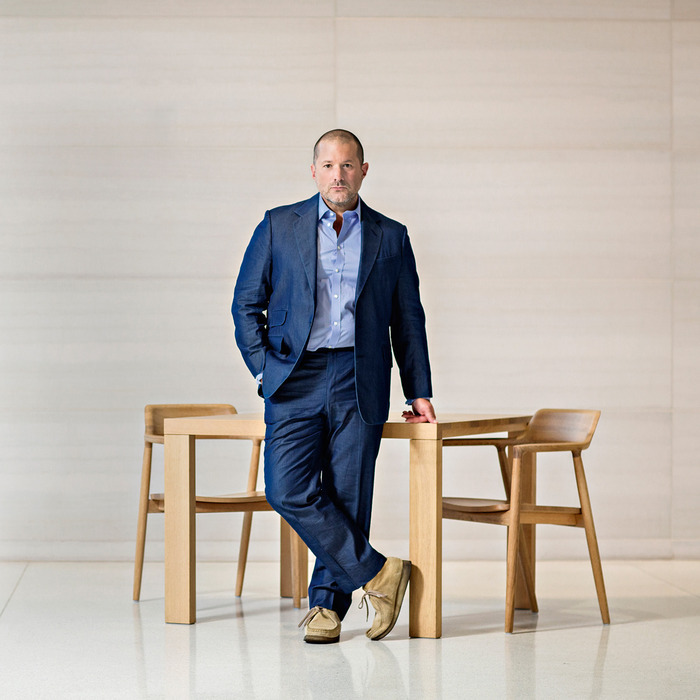
Apple promotes Jony Ive to Chief Design Officer, Tim Cook sends memo to troops

According to an internal memo CEO Tim Cook sent to Apple employees on Monday, Jonathan Ive, Apple's Senior Vice President of Design, has been promoted to a brand new role: Chief Design Officer.

According to the memo, a copy of which was obtained by 9to5Mac, Apple has also appointed Richard Howarth, who has been part of the iPhone team from the onset, its new Vice President of Industrial Design in charge of hardware design.

Human Interface chief Alan Dye has received a promotion, too. He is now Apple's new Vice President of User Interface Design in charge of both desktop and mobile user interface experiences.
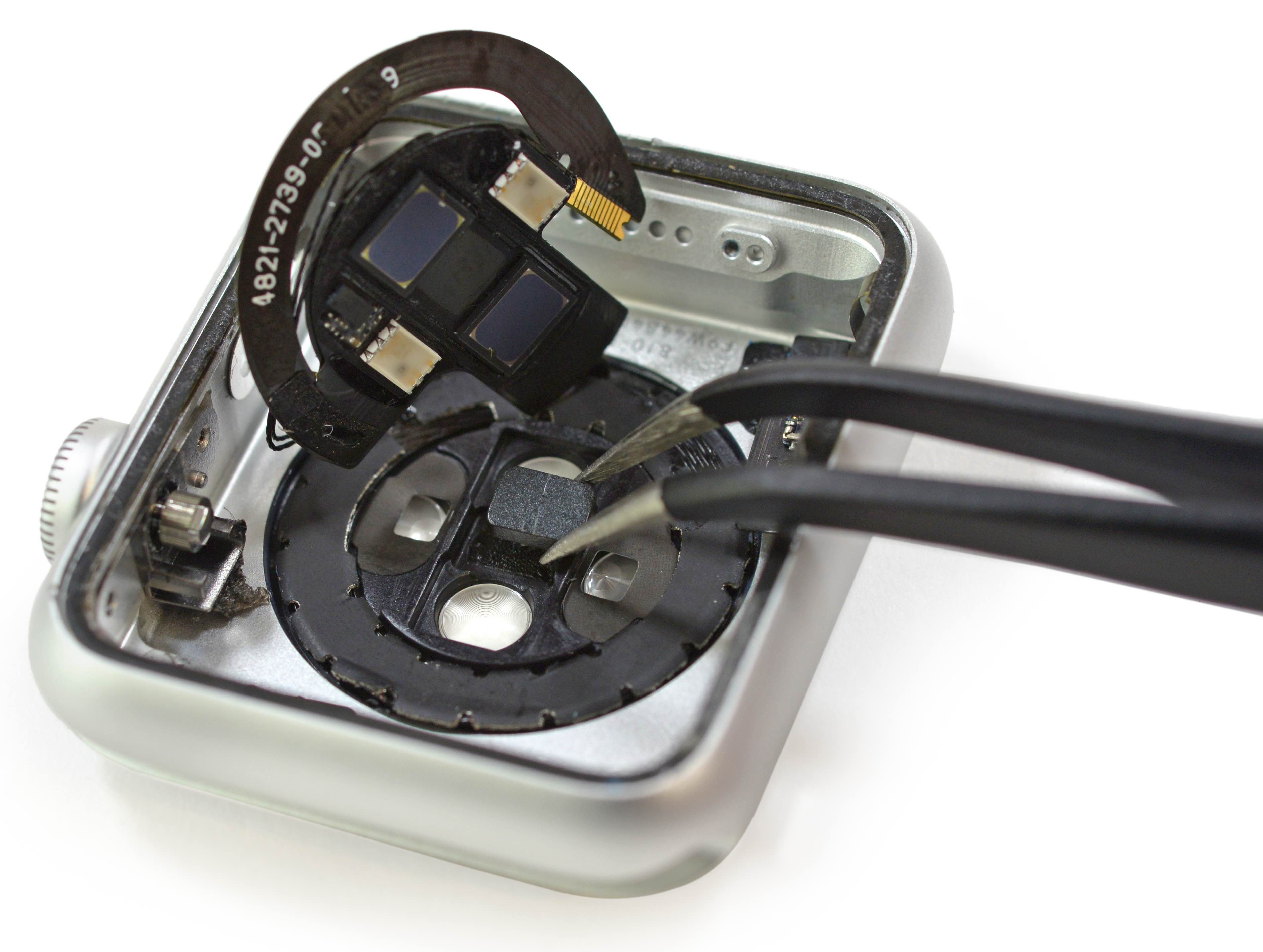
Apple Watch reportedly has onboard hardware for measuring blood oxygen saturation

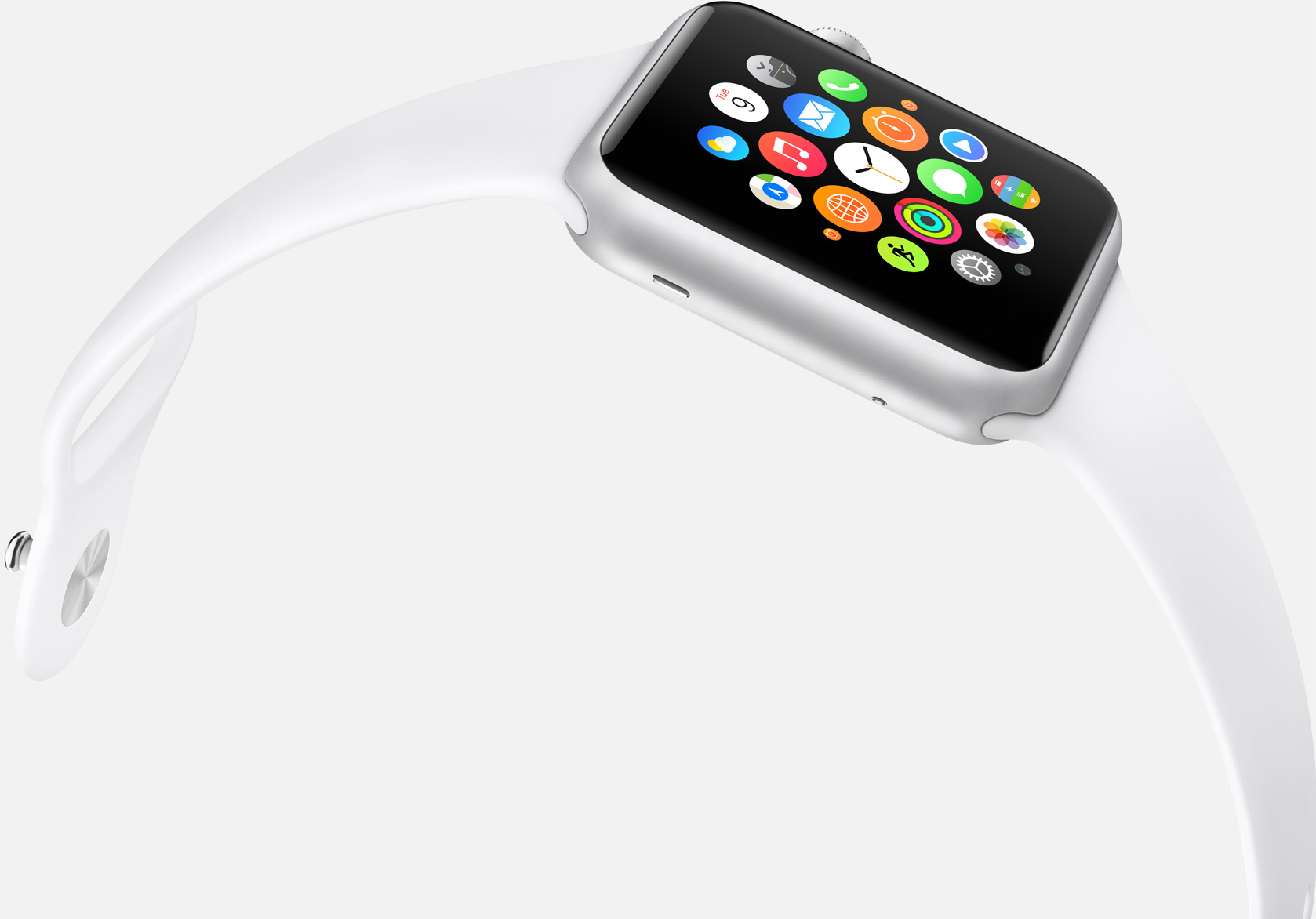
Currently, your Apple Watch learns about calories you burn by applying some math magic to your heart rate readings and values obtained from its sensors.

The method provides reasonably accurate estimates of resting/active calories. However, even more precise calorie-burning readings could come soon if Apple decides to enable the hardware feature which can reportedly measure oxygen levels in your blood.

As an iFixit teardown has identified, the Apple Watch heart rate sensor has onboard hardware for detecting blood oxygen saturation.

Are your Apple Watch resting calories all over the place?

Calories on Apple Watch

According to numerous posts over at Apple Support Communities, as well as a huge thread on MacRumors' forum, an unknown subset of Apple Watch owners are complaining about their resting calories in the Activity and Workout apps being all over the place.

As opposed to active calories burned when working out or performing basically any other activity other than breathing and lying in bed, your body needs resting calories to sustain itself and digest food when you're reclining with your muscles relaxed.

In other words, resting calories are burned when you're doing absolutely nothing aside from being alive.

Apple Watch Edition booklet details Force Touch implementation, manufacturing process and more

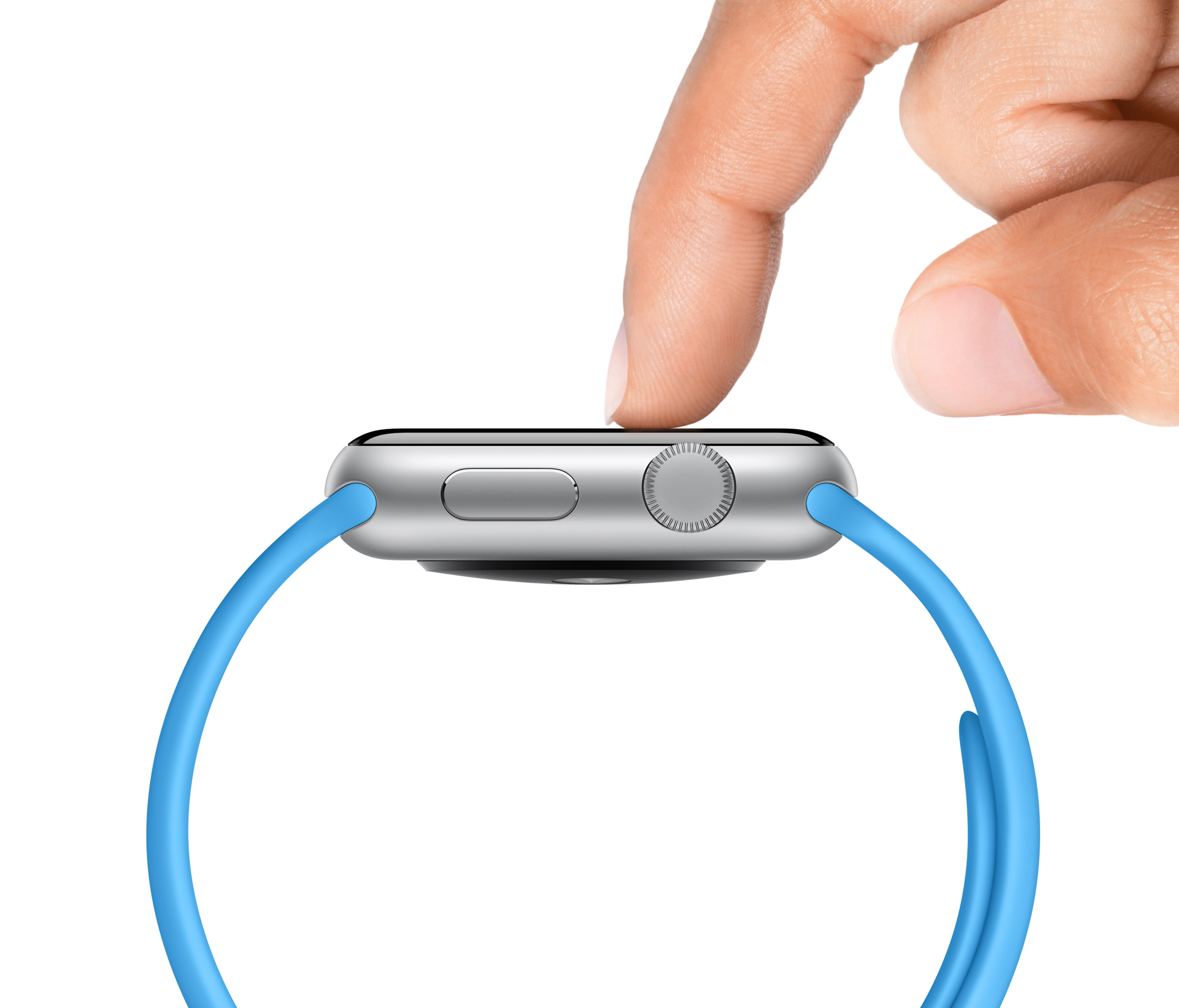
Recent photos and video depicting an Apple Watch Edition being unboxed provide an interesting insight into engineering that went into the creation of force sensing on the wrist-worn device, with details that go well beyond Apple's rather scarce description on the Technology section of the Apple Watch mini-site.

As you know, not only does the Apple Watch display respond to touch-based gestures like tapping and swiping, it also uses Force Touch technology to respond to the pressure of your finger.

Now, gold Apple Watch Editions ship with a rather informative booklet that mostly deals with Apple's manufacturing process. In addition, this booklet sheds more light on the implementation of Force Touch technology and other hardware features of the devices such as sapphire screen protection, Apple's smallest speaker yet and more.

Poll: has Apple Watch software update made your favorite apps more responsive?

Last week saw the release of Apple's first software update for the Apple Watch.

Among other changes, the flurry of enhancements in Watch OS 1.0.1 include performance improvements related to both Apple's stock apps and third-party applications you download from the App Store.

Unlike stock apps that run directly on the device, third-party ones run as WatchKit extensions on your iPhone and are then streamed off the phone to your wrist. That's why opening Twitter, Instagram, CalcBot, or any other third-party app for that matter, takes a frustratingly long time to load vs. native apps.

In that regard, Watch OS 1.0.1 should have changed things for the better, but has it? If you own an Apple Watch, and have updated to Watch OS 1.0.1, do your favorite apps now load faster than before?

NSA bulk collection of US phone metadata reportedly ending next Monday

The National Security Agency's (NSA) bulk phone metadata collection program should come to an end on June 1 at 5pm Eastern time as the Obama administration has reportedly decided not to ask a secret court for a 90-day extension of Section 215 in the Patriot Act, an administration official confirmed to The Guardian on Saturday.

The controversial program was established as an effective, secret means of siphoning user data, not just from carriers but also from major technology companies like Apple, AT&T, Google, Verizon, and Microsoft, with or without their willing participation.

NBA Jam by EA Sports selected as IGN’s free iOS game of the month

It took a little longer than usual, but IGN's free iOS game of the month is finally here. Though the promotion is valid only in the US, UK and a few select markets, readers overseas can use an anonymizer service like SmartHide Online Anonymizer to visit IGN’s deals page as if there were accessing it from within the US and redeem the game.

Released in the App Store back in February of 2011, NBA Jam by EA Sports has never been free so this is your chance to grab the game and save five bucks right off the bat.

IllLookLater: prevent iPhone screen wake when receiving notifications

Do you find that many of your incoming notifications don't warrant the awakening of the Lock screen on your iPhone? Perhaps you think that waking up your iPhone every time you receive a notification is a waste of precious battery.

If you feel that way, then you may want to look into IllLookLater, a recent jailbreak tweak that's available on Cydia's BigBoss repo free of charge. IllLookLater makes it so that you can limit the amount of apps that wake the Lock screen when receiving a notification. In other words, it lets you pick and choose the apps that you deem worthy.

Color Convos: assign colors to Messages app conversations

Color Convos is a jailbreak tweak that serves as a Messages app addon. It lets you quickly assign different colors to the outgoing message bubbles in a Messages app conversation.

Why is this useful? The developer presents an interesting use case scenario. He suggests that Color Convos will make it easier to discern who you are sending a message to, ensuring that you are sending messages to the correct contact, lending peace of mind.

Does Color Convos work as expected? Have a look at our walkthrough to find out.

LongScreen now supports combining Apple Watch screenshots

One of my favorite screenshot managing apps on iOS, LongScreen, has been updated to support Apple Watch screenshots. This means that you can now combine multiple Apple Watch screenshots into a single screenshot, all on your iPhone.

The app, which is well-known for its ability to combine iPhone screenshots with padding and a cleaned up status bar, is now on version 1.3.

You can purchase LongScreen from the App Store for only $2.99, a price that's totally worth it when you consider the time that you can save from using it.