How to auto-close browser tabs when tapping the back-to-app button [jailbreak]

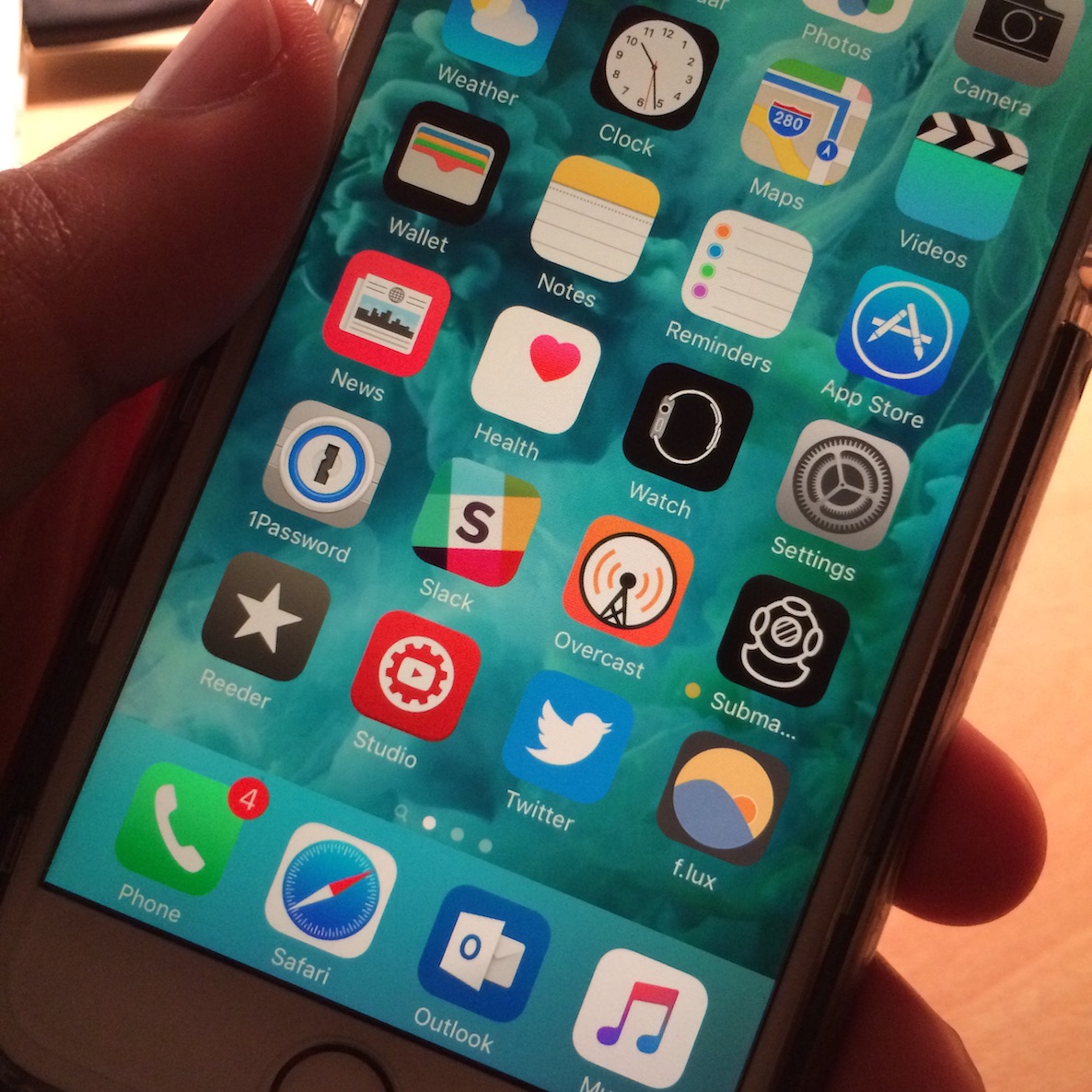
BrowserBreadcrumbCleanup is an awkwardly named, but very useful jailbreak tweak that helps you keep your open Safari tabs to a minimum when using back-to-app breadcrumb links.

Normally, when you tap the back-to-app breadcrumb link in the status bar, you're shipped back to the original app, but the Safari tab stays opened. With BrowserBreadcrumbCleanup installed, Safari tabs are automatically closed when venturing back to the original app. Watch our video walkthrough for an explanation.

How to add 3D Touch gestures to Cydia

I've always thought that Cydia would heavily benefit from 3D Touch gestures, and surprisingly, it's taken up until today for us to finally get them. A new tweak called Tactful landed on Cydia earlier today, and it not only enables 3D Touch shortcuts on the Home screen Cydia icon, but it also allows you to peek into Cydia packages within the app itself.

WinterBoard now works with iOS 9

Good news for those of you who are into theming your jailbroken iPhone—WinterBoard, the framework that's pretty much the standard for theming iOS devices, is now compatible with iOS 9. This means that you can now enjoy all of the many wonderful themes available on Cydia with the latest available jailbreak.

How to force-quit apps on Apple TV

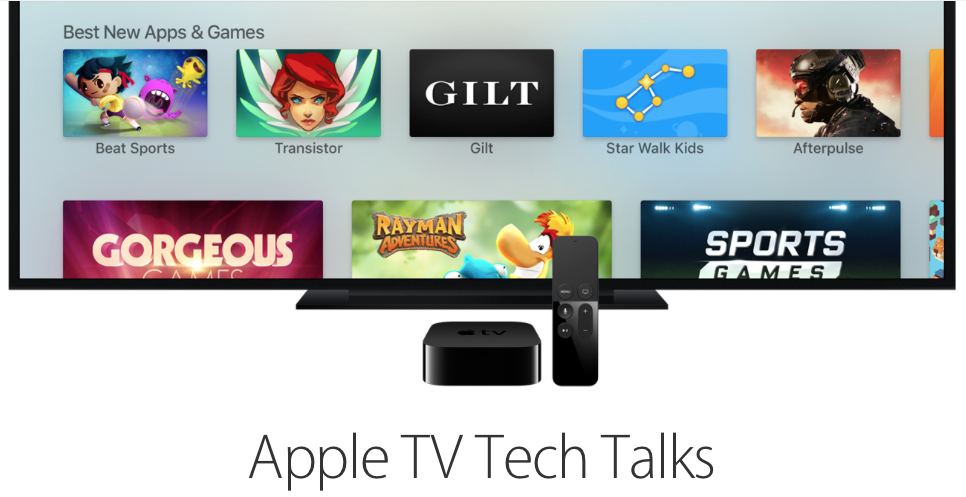
Apps on Apple TV screen with Apple TV box and remote in front of the screen

Although Apple TV is designed to just work, there are instances when a misbehaving app needs to be purged from the memory. And with the device's ability to download third-party apps and games, more things can now go wrong than ever before.

Like your iPhone, iPod touch, iPad and Mac, your Apple TV also lets you easily close a running app to free up system resources. In this brief tutorial, we show you how you can force quit an app on the Apple TV HD, 4K, or older models using your Siri Remote.

How to restart or put your Apple TV into sleep or standby mode

By now, you have learned how to use the new Apple TV's task switcher, rearrange and delete apps on the set-top box, take screenshots, disable password prompts for free and paid downloads and more.

Our coverage of the device continues with this tutorial which will teach you how to restart your Apple TV or put it into sleep or standby mode using either its remote or by selecting an option in the Settings menu.

Best apps of the week: Lean, Lumino City, Stash Invest, and more

Apple TV fans are finally about to get their mitts on the much-anticipated new Apple TVs. We've been waiting years for this one, and can't wait to see what kinds of apps and games are coming to our big screen, no AirPlay required, even if Siri isn't going to be of much help.

If you can't wait to see what is coming to the big screen, and need some small-screen time to tide you over, we've got a list of apps and games we think you should check out. And, don't worry, Siri is going to help you out on Apple TV someday.

How to pair a Bluetooth controller with the Apple TV

I finally got around to opening my SteelSeries Nimbus, and that gave me a good opportunity to check out the Apple TV pairing process for Bluetooth controllers. As you might imagine, the process is ridiculously easy and straightforward, especially if you have a device like the Nimbus, which was designed with the Apple TV in mind.

How to play classic Nintendo and Sega games on Apple TV

I've been playing Super Mario World on my Apple TV, and I absolutely love it. I'm able to do this by loading an emulator called Provenance on my Apple TV. You won't find Provenance in the App Store, but Apple has given us the ability to sideload apps ourselves, and Provenance is one such app that can be sideloaded.

In this tutorial, I'll show you how to sideload Provenance, and how to start playing old Nintendo and Sega Classics on your Apple TV, including the NES, SNES, GBA, Genesis, Game Gear, and more. If you like classic games, then you simply don't want to miss this.