Let’s Talk iOS 108: Reality Apple TV

Episode 108: An in-depth look at the Apple TV after some lengthy hands-on time. A discussion of tvOS 9.0.1 and tvOS 9.1 beta. Using Siri search with Apple Music. Talk about the iPad Pro, and our purchasing plans for the super-sized tablet.

Subscribe on iTunes

Support Let's Talk iOS:

Start protecting your home with Canary today for just $199. Go to meetcanary.com and use the promo code: talkios to get free overnight shipping Visit Henryshouseofcoffee.com and enter promo code ios to get free shipping

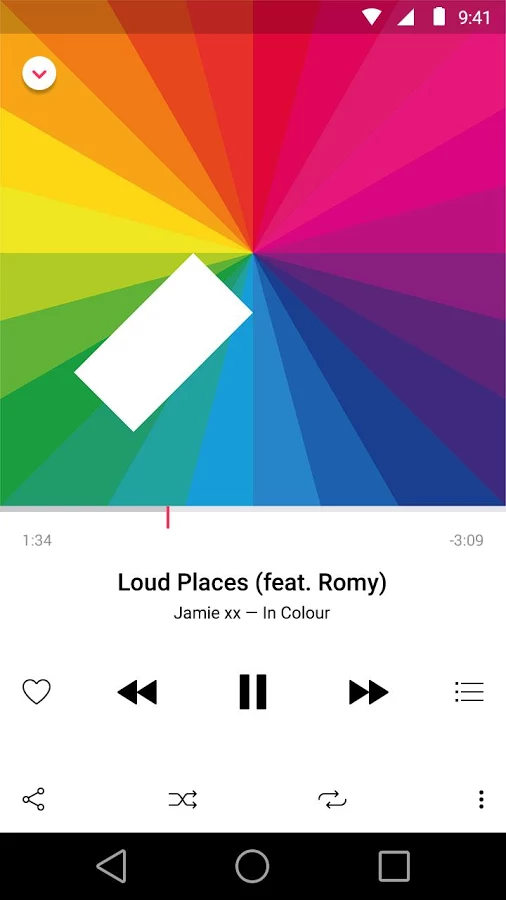
Apple Music beta is now available for Android on Google Play

The Apple Music beta has launched for Android devices, and is now available as a free download via the Google Play store. If you have a compatible Android device, you can click this link to be taken directly to the Apple Music page on Google Play.

The download, which is version 0.9.0 and comes in at 29MB, officially brings Apple Music and Beats 1 to Android devices for the first time. Keep in mind that this is still a beta version, which means that not everything from the iOS version is there.

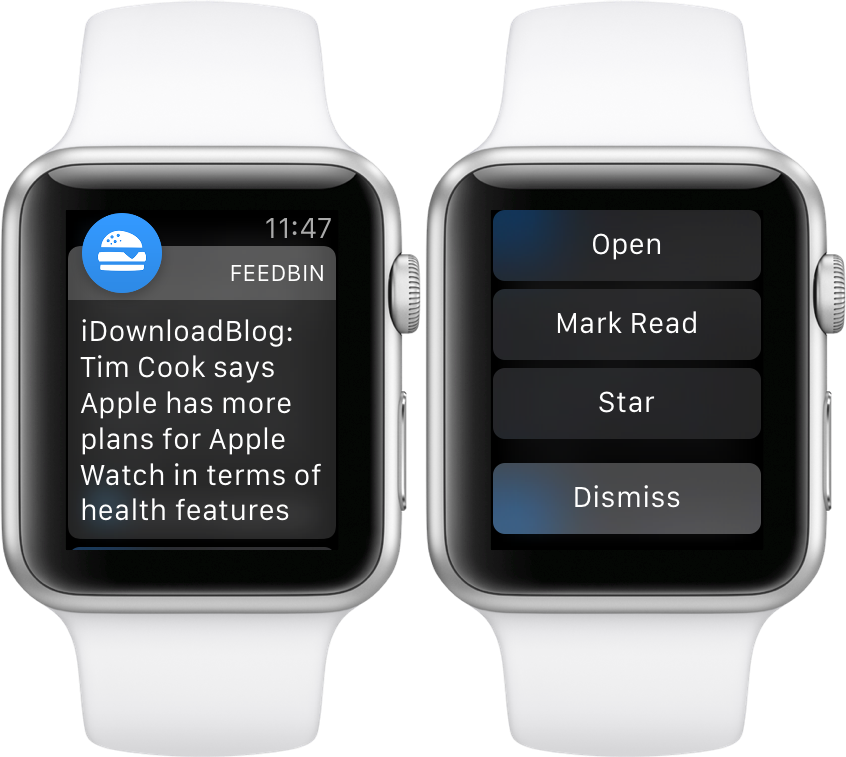
Feedbin Notifier review: the best way to get RSS notifications on Apple Watch

Feedbin Notifier is an iOS and watchOS companion app for Feedbin—my favorite feed reading service. Feedbin is a paid service at $3 a month that provides you with one of the best post-Google Reader experiences that I’ve used.

I’ve experienced a lot of feed reading services. I’ve used Feedly, Feed Wrangler, I’ve even installed a custom Fever installation on my web server. Not to throw any of those services under the bus, because they each have their strong points, but Feedbin is the best overall feed reading package available.

Feedbin Notifier (free on the App Store) is an app that sits on top of the Feedbin service, and notifies you whenever new articles in your feeds meet specified criteria. It sounds simple enough, but if you’ve ever tried to get reliable notifications for RSS feeds, then you likely understand that it’s not as easy to pull off as it sounds.

The thing about Feedbin Notifier, and I’m going to use an overused catchphrase here, is that it just works. If you wish to have reliable notifications for all of your favorite RSS feeds, then you owe it to yourself to try Feedbin coupled with the Feedbin Notifier app.

For the record, this isn’t a review of Feedbin as a service, although I do plan on following up with a post about Feedbin in general sometime in the future. In this post, however, I want to talk about notifications. More specifically, I want to talk about notifications on Apple Watch, and how Feedbin Notifier is now my favorite app for Apple Watch.

All of iOS 9.1’s new emoji are now available on SwiftKey for iPhone and iPad

All those burritos, tacos, middle fingers and other emoji characters enabled by the iOS 9.1 software update are now available on SwiftKey's keyboard for your iPhone, iPod touch and iPad.

The latest update to SwiftKey's free of charge keyboard in the App Store essentially adds all of the new iOS 9.1 emoji, including the unicorn, many new facial expressions and gestures (yes, the middle finger, too) and a man in a business suit levitating.

AT&T to take orders for iPad Pro starting tomorrow

As Apple gears up to start taking orders for the iPad Pro starting tomorrow, carrier partners are as well, or at least AT&T is. The company will be letting customers order it both in stores and online, but the 128 GB WiFi + Cellular model will be their only one, AT&T announced today. AT&T noted that Apple Pencil and the Smart Keyboard will also be available from the carrier.

Why are some Apple Watch notifications round and others are square?

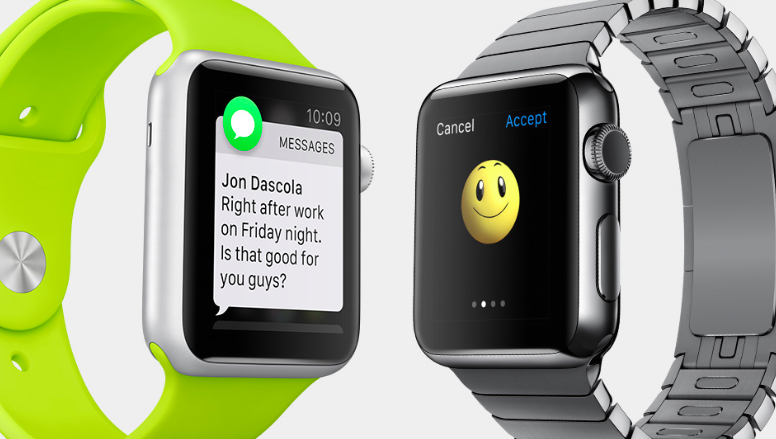
I was wondering about this for a long time, too. Some notifications that hit my Apple Watch are presented using a round app icon while the others embed a square one. But why is that?

Thanks to Mac Kung Fu, we now know that this simple yet subtle difference serves a very good purpose because you can decide whether the notification can be replied to or not by its attached app icon.

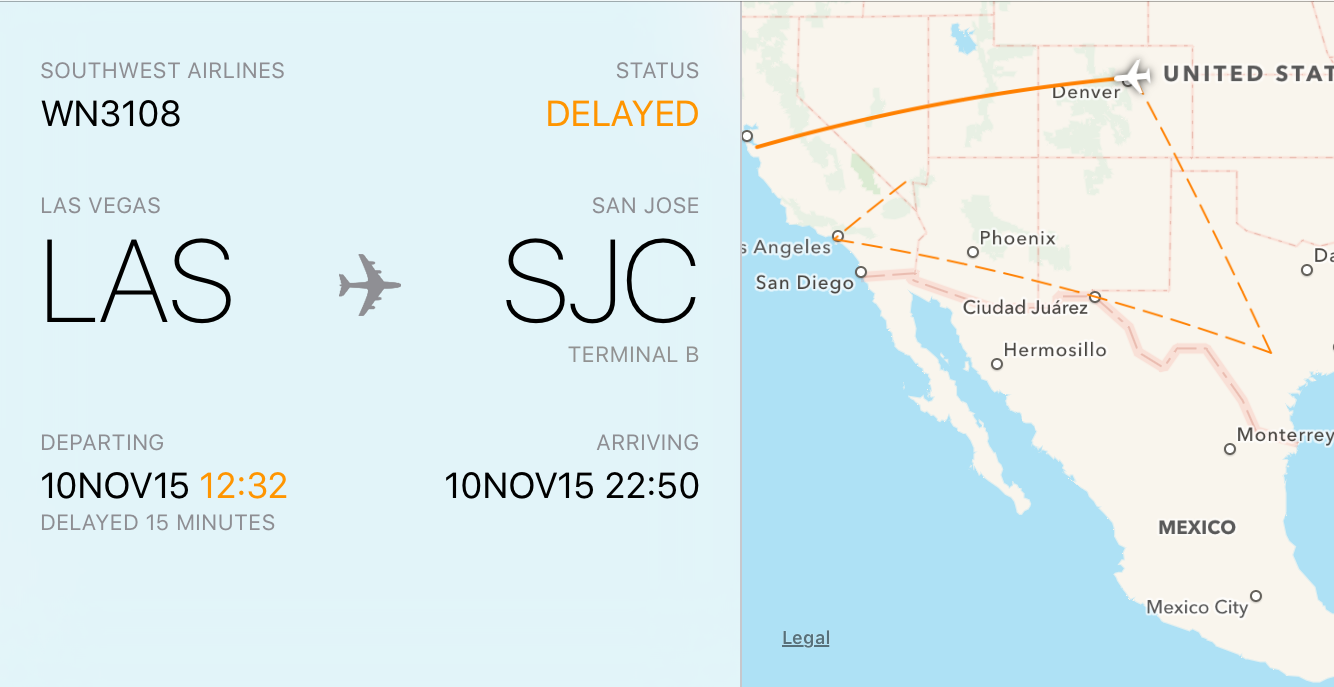
How to preview flight information and track flights on iPhone, iPad and Mac

Owners of an iPhone, iPod touch, iPad, or Mac can quickly look up flight status information found in Notes, Messages, and Mail using a rich interface with flight trajectory, flight status, arrival times and other information.

In this tutorial, you'll learn how to quickly preview the current status and other information pertaining to an airline and flight number, with or without leaving the context of what you're currently doing.

Full offline maps with navigation and more coming soon to Google Maps for iOS

Although Google Maps for the iPhone, iPod touch and iPad in its current incarnation supports saving a limited area as an offline map (just type 'OK Maps' into the search field), the full offline functionality used to be an Android exclusive, but that's about to change soon.

According to Google today, full offline maps in Google Maps are coming soon to the iOS edition of the software.

Tim Cook says Apple has more health features in mind, talks iPad Pro and more

Yesterday, Tim Cook sat with The Telegraph's Allister Heath to talk a range of topics, including the Apple TV and the future of television, the forthcoming arrival of the iPad Pro and plans for the Apple Watch.

According to Cook, the company is considering additional health features. He also revealed why Apple doesn't want to put the Apple Watch through the certification process by the United States Food and Drug Administration (FDA) and more.

Apple TV review: it’s all about the potential

Potential. That's a word that you're going to hear tossed around a lot when it comes to the newly released Apple TV. It has the potential to be a great streaming device. It has the potential to be a wonderful music playing machine. It has the potential to be an awesome gaming console. It has the potential to really become your living room's nucleus for entertainment.

Is it doing any one of those things in a mind-blowing fashion currently? Not exactly. Fortunately, the Apple TV has plenty of room for growth, because it's powered by a more significant operating system called tvOS, and Apple has opened the platform up so that developers can create apps. Just like an iPhone 4s at its beginning, which shipped with iOS 5, looks nothing like an iPhone 4s running iOS 9, the Apple TV experience is bound to evolve, grow, and improve.

If you purchase an Apple TV now, you're buying into that potential. Already, the Apple TV can do more than the 3rd-generation version that it supplants. The older hardware couldn't download apps, and wasn't capable of playing games natively on device.  With the new Apple TV, you have all of that, along with much-improved hardware, a better remote that doesn't require line of sight, and limited Siri access.

At this early stage in the game, you shouldn't expect a perfect experience, but even out of the gate, it's obvious that the new Apple TV is a much better device than prior versions. Right now, it's just good, but with the proper direction, it has the potential to be the best set top box that we've seen thus far.
Apple posts its first iPad Pro launch ad on YouTube

Apple, gearing up for Wednesday's launch of the iPad Pro, has posted its first launch advertisement for the super-sized tablet on its YouTube channel. The 30-second spot, entitled a Great Big Universe, features footage of Sky Guide and Procreate, two apps that will launch alongside the iPad Pro with assets that take advantage of that extra large screen.