Microsoft completely overhauls Bing for iPhone, implements iOS deep links and more

In an effort to increase pressure on Google, Windows giant Microsoft today pushed a completely overhauled Bing for iPhone into the App Store. The software features a new branding identity reflected on the app's Home screen icon and a matching new-look interface with tight iOS integration via deep linking.

In addition, the app now works offline so you can go back to your bookmarks and search history even when you don’t have an Internet connection.

“We designed the app to bring together the information you need, connected to the apps you trust, to help you 'find' and 'do' faster and easier than ever before,” wrote the team.

Tweetbot for Mac updated for El Capitan’s Split View multitasking and more

The Mac edition of Tweetbot, Tapbots' popular Twitter client, has received an update this morning in the Mac App Store. The refreshed app now supports El Capitan's Split View multitasking mode and can be taken to OS X's native full screen mode as well.

With design refinements made to match Tweetbot 4 for iOS, this edition of Tweetbot for Mac also brings out muting changes and introduces an overahuled tweet details view that now shows conversation and replies in the same order as its iOS counterpart.

Let’s Talk Jailbreak 134: Same same, but different

Episode 134: We discuss Springtomize 3's upcoming iOS 9 release, iPhone rebooting problems, Jeff ditches his jailbreak on his iPhone 6s, Cydia Substrate receives an update, launching apps from folders using 3D Touch, and more...

Subscribe via RSS

Support Let's Talk Jailbreak:

CASPER — Get $50 toward any mattress purchase by visiting www.casper.com/jailbreak and using promo code jailbreak.

Tapity puts Grades and Languages apps for sale, shares revenue stats

The latest developer success story comes from Tapity, an Apple Design Award winner and the brains behind education app Grades and Languages, its popular offline translation app.

They've now put both Grades and Languages for sale in order to focus exclusively on Hours, a gorgeous time-tracking software that I reviewed in the summer of 2014. What's really interesting about this is how forthcoming Tapity's been about stats for these apps.

You might find it interesting to learn what kind of revenue Grades and Languages have been pulling thus far and what potential bidders can look forward to after buying Grades and Langauges.

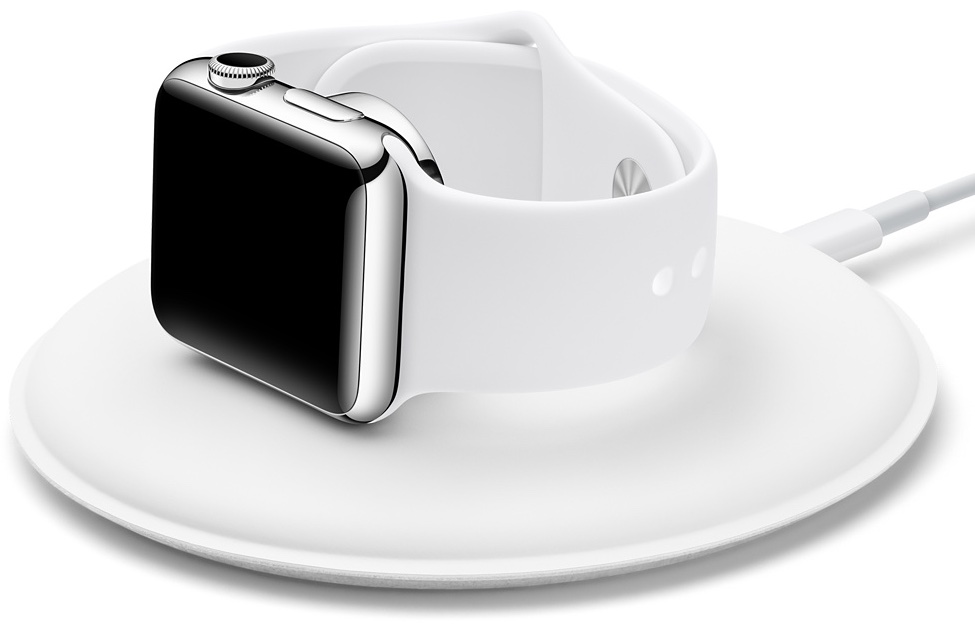
Official Magnetic Charging Dock for Apple Watch launches for $79

Following yesterday's leaked packaging of an official Apple-branded dock for the Apple Watch, the Magnetic Charging Dock is going on sale this morning via the Apple Online Store and company-owned retail stores in the United States, Germany and a few other markets.

The accessory is priced at $79 and includes a two-meter Lightning cable that attaches to the base of the dock. The Magnetic Charging Dock supports your watch in either portrait or landscape orientation, which is really handy given the Nightstand mode in watchOS 2.

Airfeed for Twitter lets you view your feed on your Apple TV

As if we didn't already have enough ways to check in on Twitter, now we have TV to help us satiate our narcissistic tendencies. A new third-party Twitter client has popped up exclusively on the fourth-generation Apple TV so you can see what your friends are talking about.

Airfeed for Twitter sends the most recent tweets in your feed directly to your TV screen so you don't have to, you know, get out your iPhone. We've got a hands-on review of Airfeed for Twitter for you today.

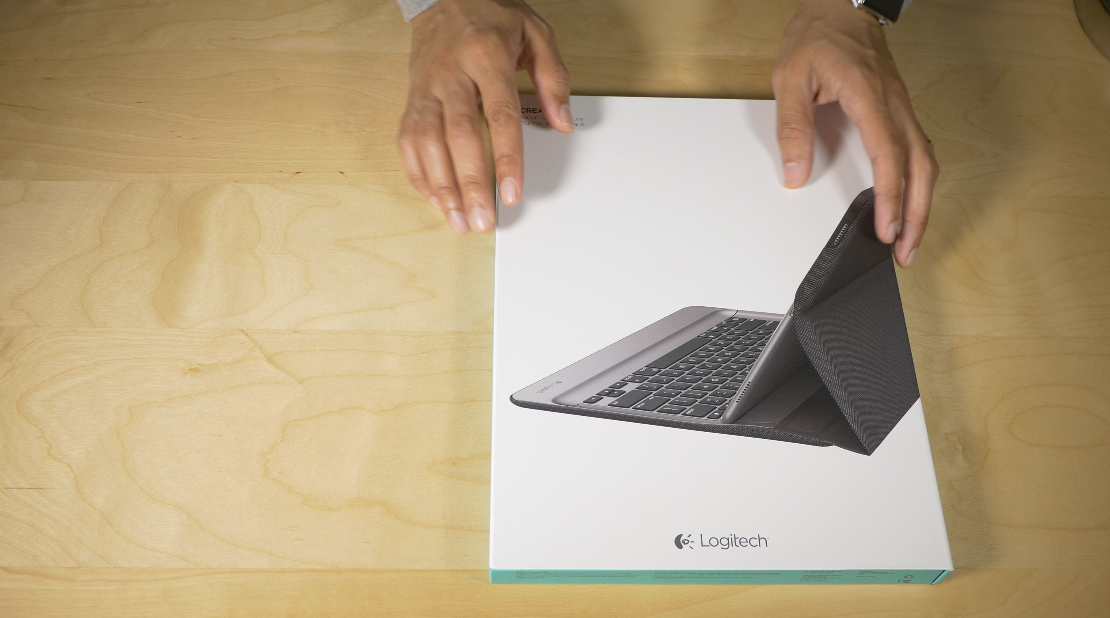
Logitech Create Backlit Keyboard Case Review: a great keyboard solution for iPad Pro owners

The Logitech Create Backlit Keyboard Case for iPad Pro is a great solution for those of you who are heavy typers.

Because this keyboard case, unlike Apple's Smart Keyboard, fully surrounds the iPad Pro when closed, it actually saves you money to go with Logitech's offering over Apple's Smart Keyboard + Silicone Case combo.

Of course, the protection elements offered by the Logitech Create are mere side points to the main questions: How does this keyboard perform for typers? Can I use the Logitech Create to type long-form content, or is it primarily suited for quick text outbursts? How does it fair when attempting to lap type? These are concerns that anyone who's interested in doing real work with the iPad Pro will have.

The Logitech Create Backlit Keyboard Case isn't without a few downsides, but for those of you primarily concerned with having a serviceable keyboard available at all times, it's a very good option that's worthy of your consideration.

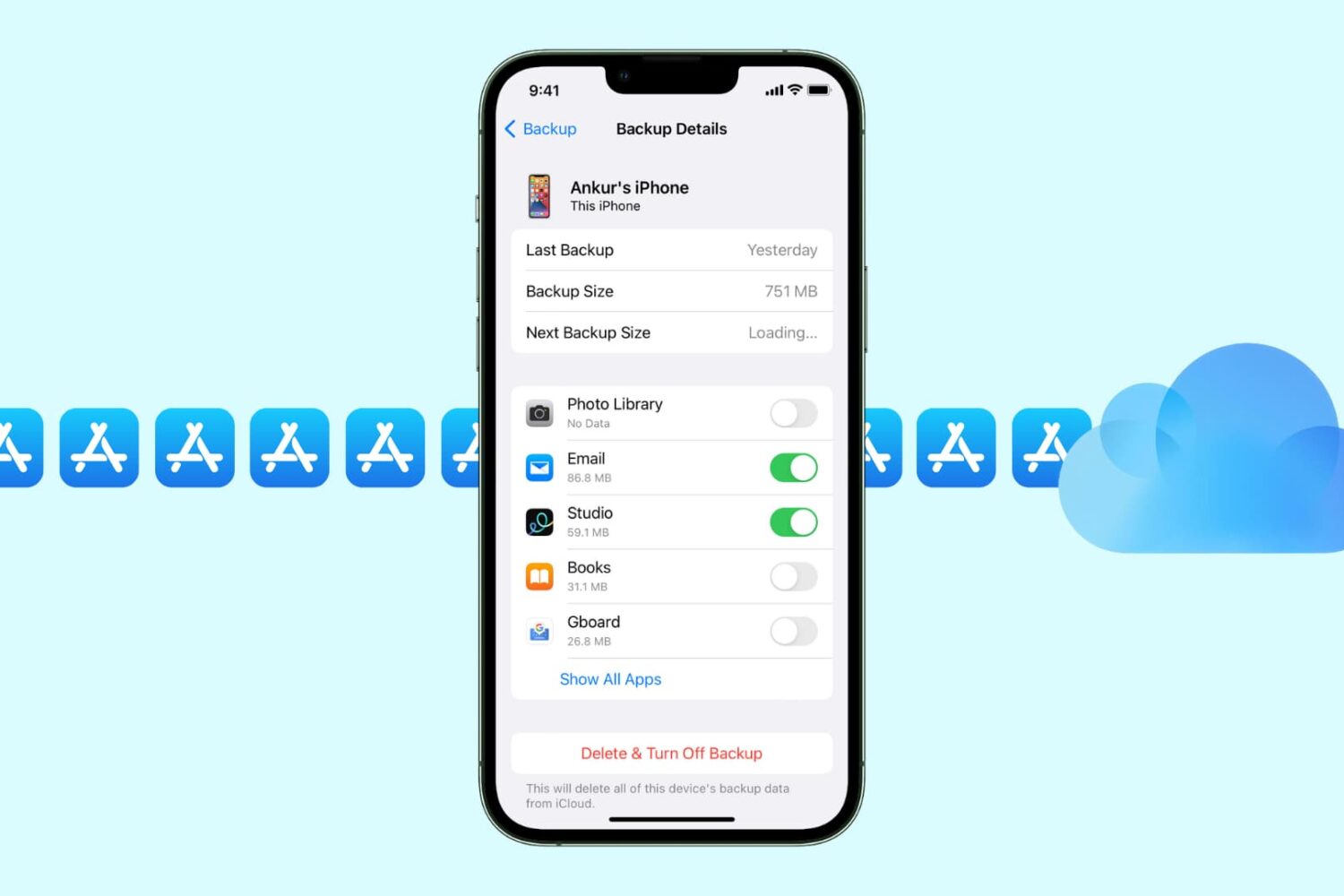
7 tips to get rid of junk files and recover storage space on iPhone

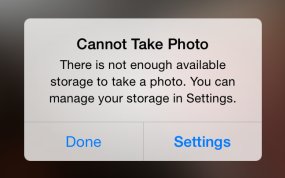
There's nothing worse than pulling an iPhone out of your pocket to capture that brief moment in life that will never repeat itself only to be met with a “storage almost full” message.

It's a sinking feeling so no wonder that most folks tend to immediately remove older photos.

But there are better ways to free up storage space on your device that don't necessarily involve deleting your precious memories. Faced with a low-storage prompt, your first order of business should be checking if apps you frequently use are gobbling up your storage by caching large amounts of data.

That's just the starters, as there're plenty of other space-saving techniques you should be employing on a regular basis. In this tutorial, you'll learn how to manually flush app caches, disable certain iOS features and flip the switches you never knew existed in order to remove as much of the cruft clogging up your iOS device as possible.

Let’s Talk iOS 109: Edited on iPad Pro

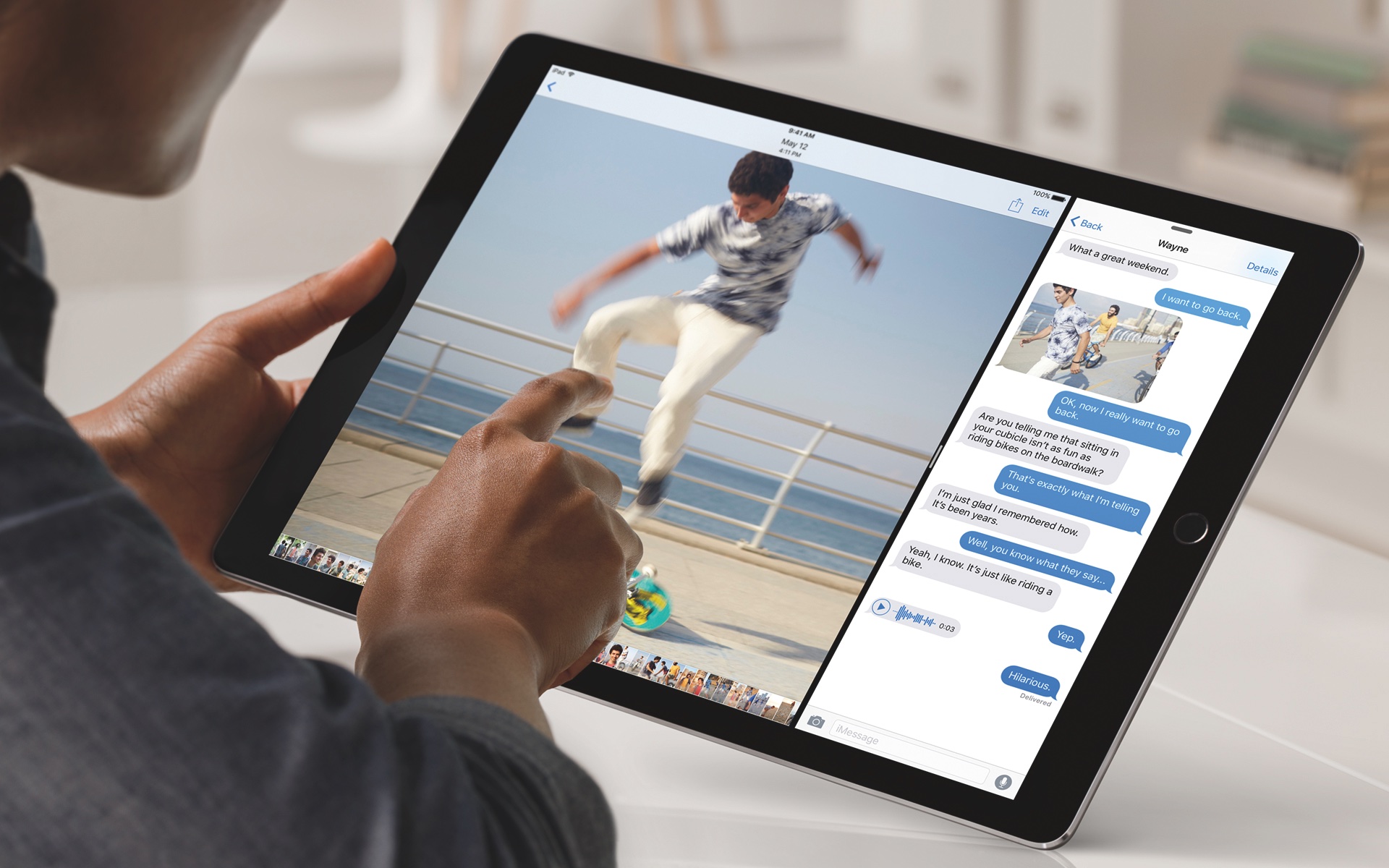
Episode 109: We recap our thoughts on the Apple TV, including our favorite games and apps. We also share our first impressions of the new iPad Pro, Apple's new super-sized tablet, which packs more power than any iOS device to date.

Subscribe on iTunes

Support Let's Talk iOS:

CASPER — Get $50 toward any mattress purchase by visiting www.casper.com/ios and using promo code ios.

Apple posts new ads highlighting apps for Apple TV

Tim Cook has said in numerous interviews that apps are the future of TV. Apple's marketing department seems to be taking that statement to heart, releasing five new Apple TV ad spots on their YouTube channel today. In these ads, Apple is showcasing both content and games, from a variety of creators.

All of the ads feature a slick introduction from the moment the app starts to when the actual apps are shown. No users of the Apple TV are shown, but instead Apple is focusing only on the content of the apps themselves.

DisplayMate: iPad Pro has stellar screen, but not better than iPad mini 4

Apple's new iPad Pro with its massive 12.9 inch screen offers a stellar viewing experience but the device doesn't quite match the quality of the iPad mini 4's screen, according to an excruciating barrage of mobile display tests conducted by technology experts over at DisplayMate.

Surprisingly, the iPad Pro's panel ranks slightly lower than that on Microsoft's new Surface Pro 4 tablet/laptop hybrid and earns the same “A” rating as the iPad mini 4.