In this step-by-step tutorial, we show you how to display custom text, like your name, email address, phone number, or an inspirational quote, on your iPhone or iPad Lock Screen.
How to add text or quote to your iPhone or iPad Lock Screen
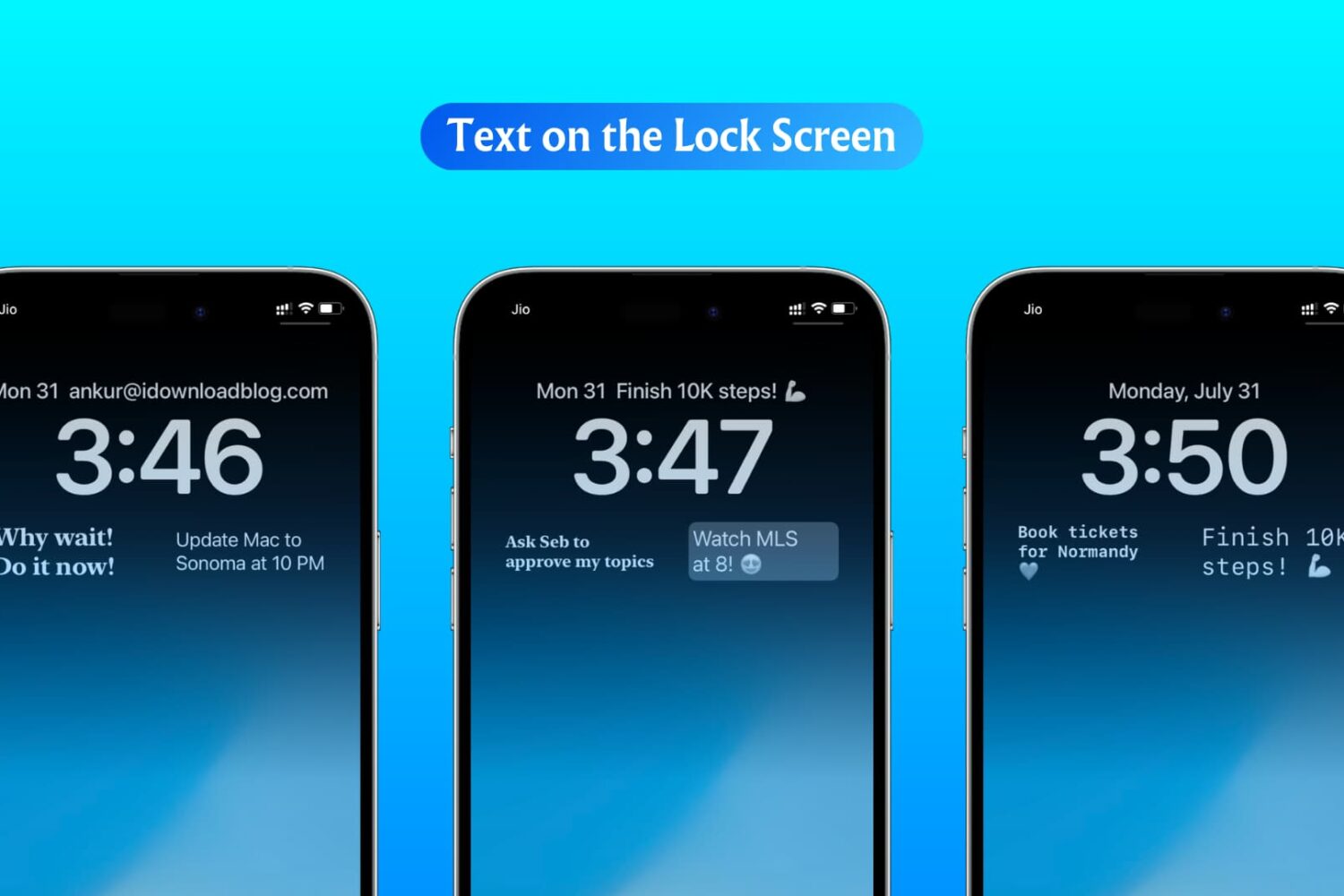
In this step-by-step tutorial, we show you how to display custom text, like your name, email address, phone number, or an inspirational quote, on your iPhone or iPad Lock Screen.
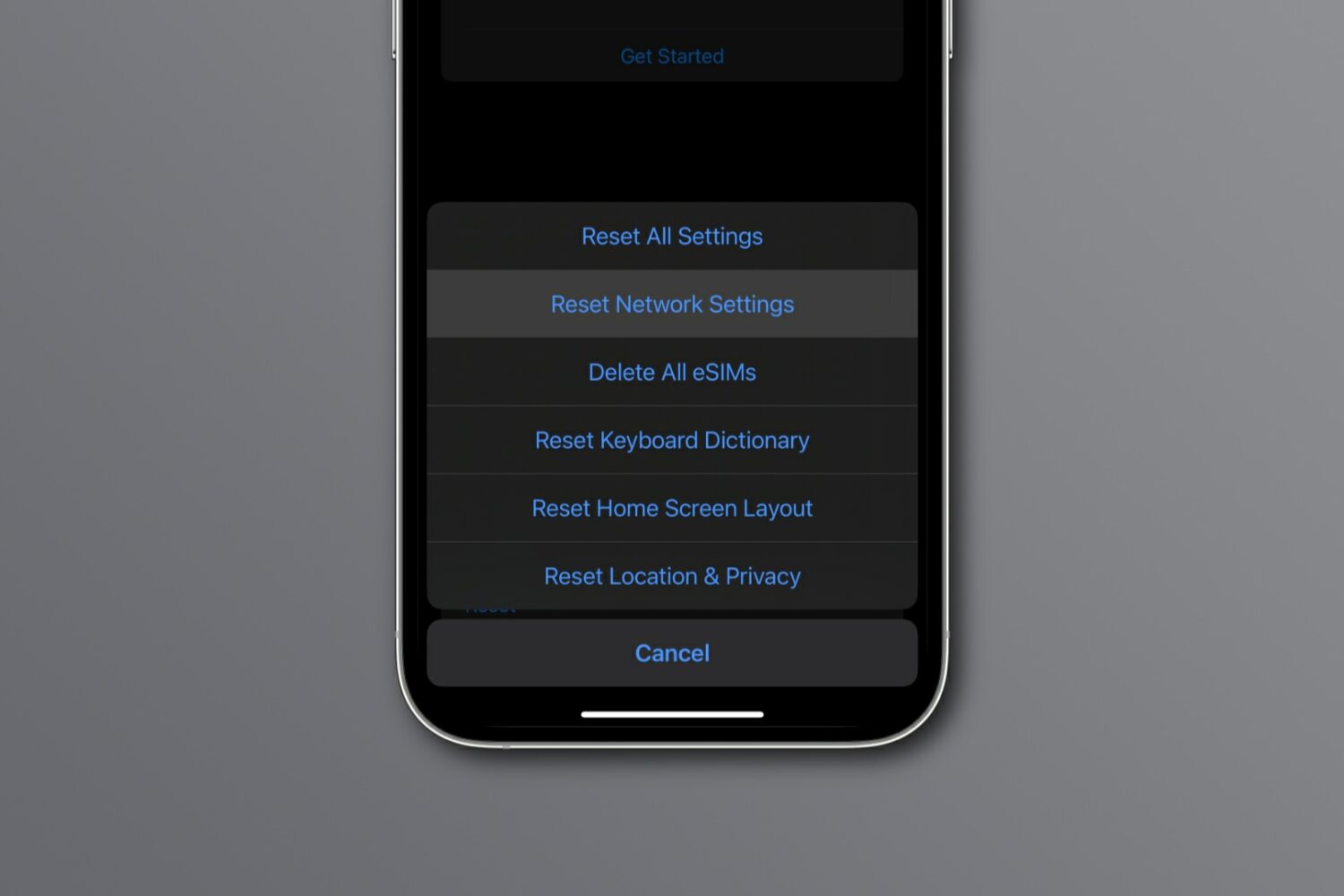
Reset network settings on your iPhone, iPad, Mac, Apple Watch, or Apple TV to resolve common Wi-Fi issues, network glitches, and internet connectivity problems.
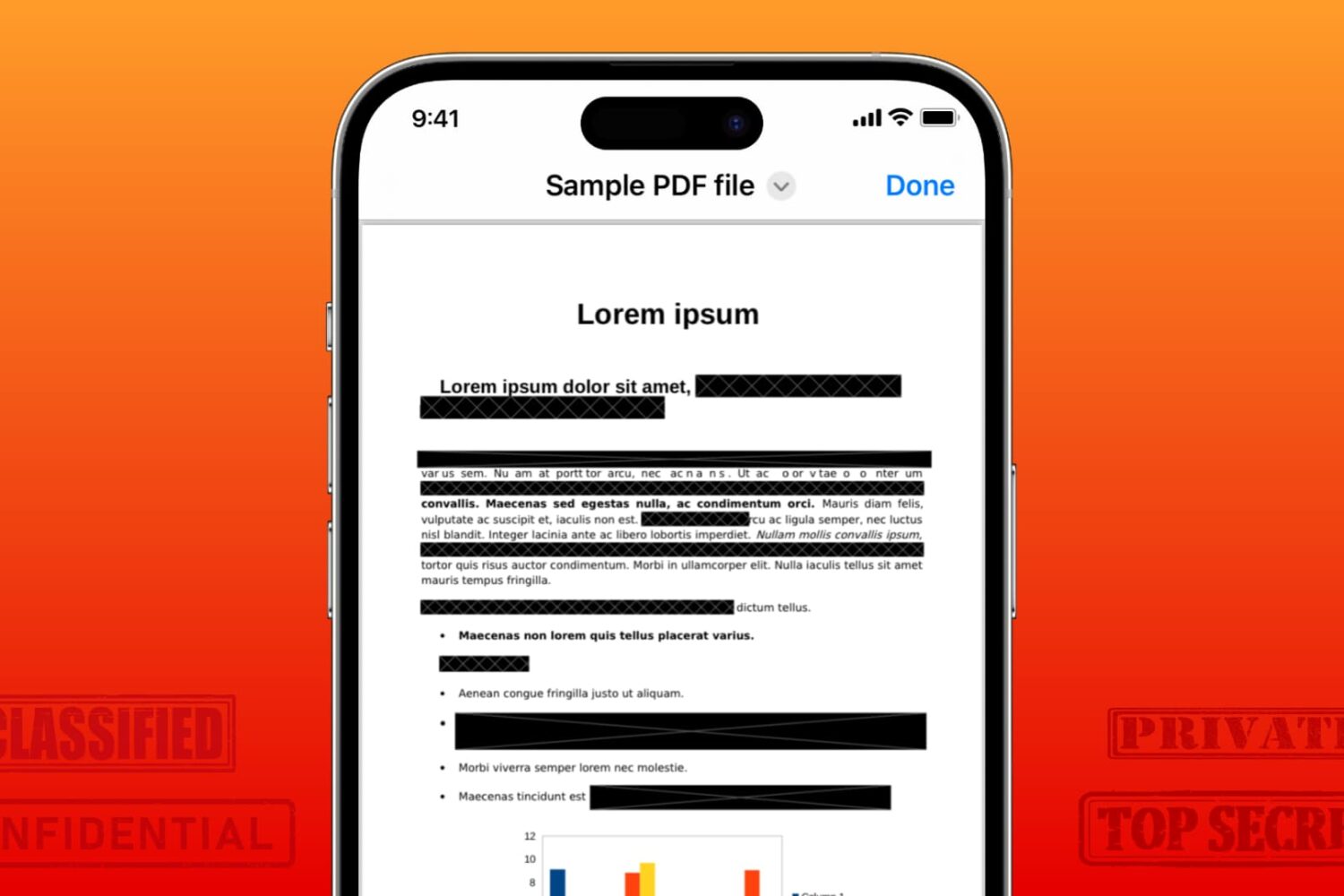
Learn how to securely redact or black out emails, phone numbers, bank accounts, and other confidential text in PDF documents to protect your privacy.
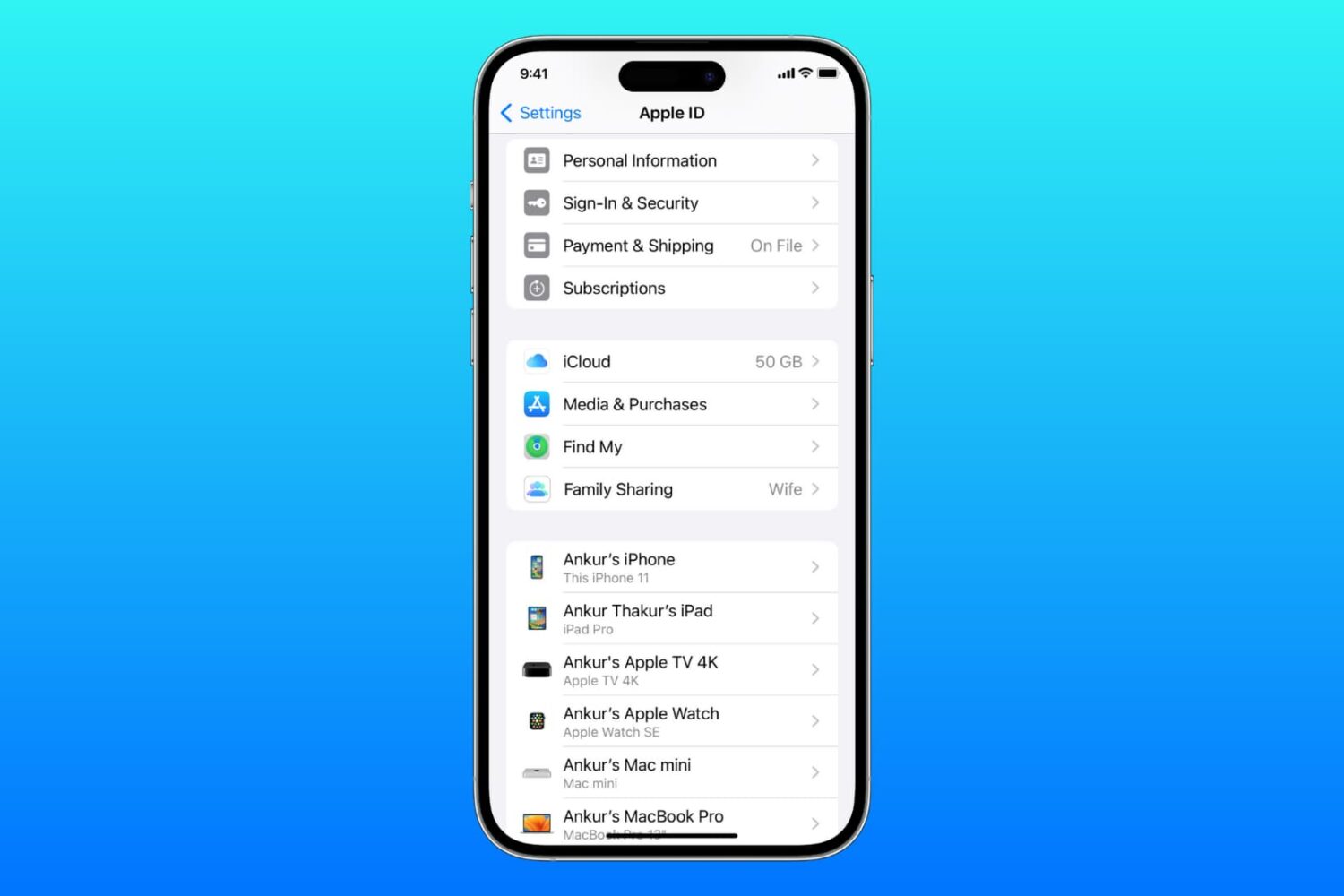
Learn what to do if you cannot access your iCloud or Apple Account settings because they’re grayed out or unclickable on your iPhone, iPad, Mac, or web browser.
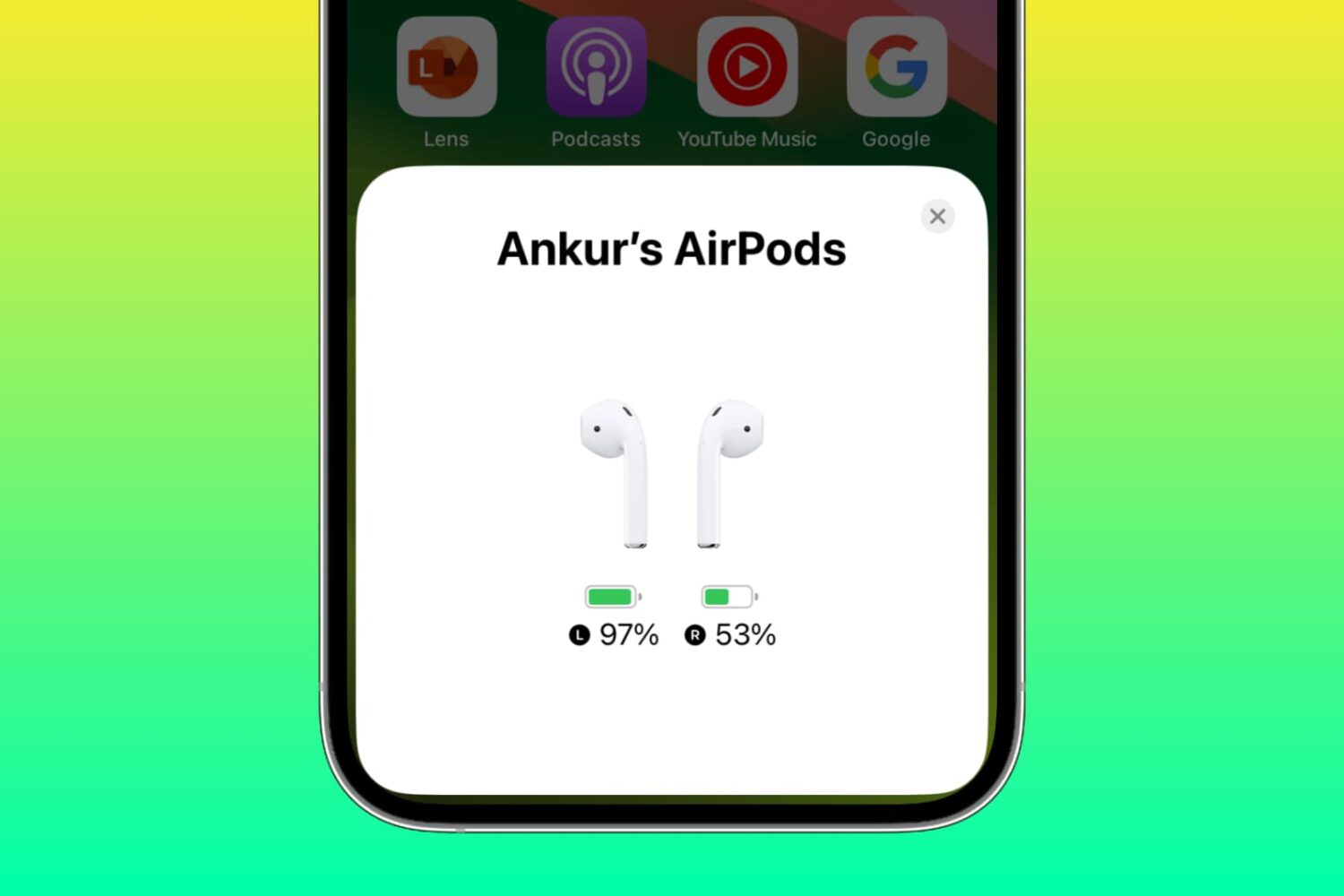
Learn why one AirPod battery is dying faster than the other and how to fix uneven battery drain between the left and right earbuds to get equal listening time.
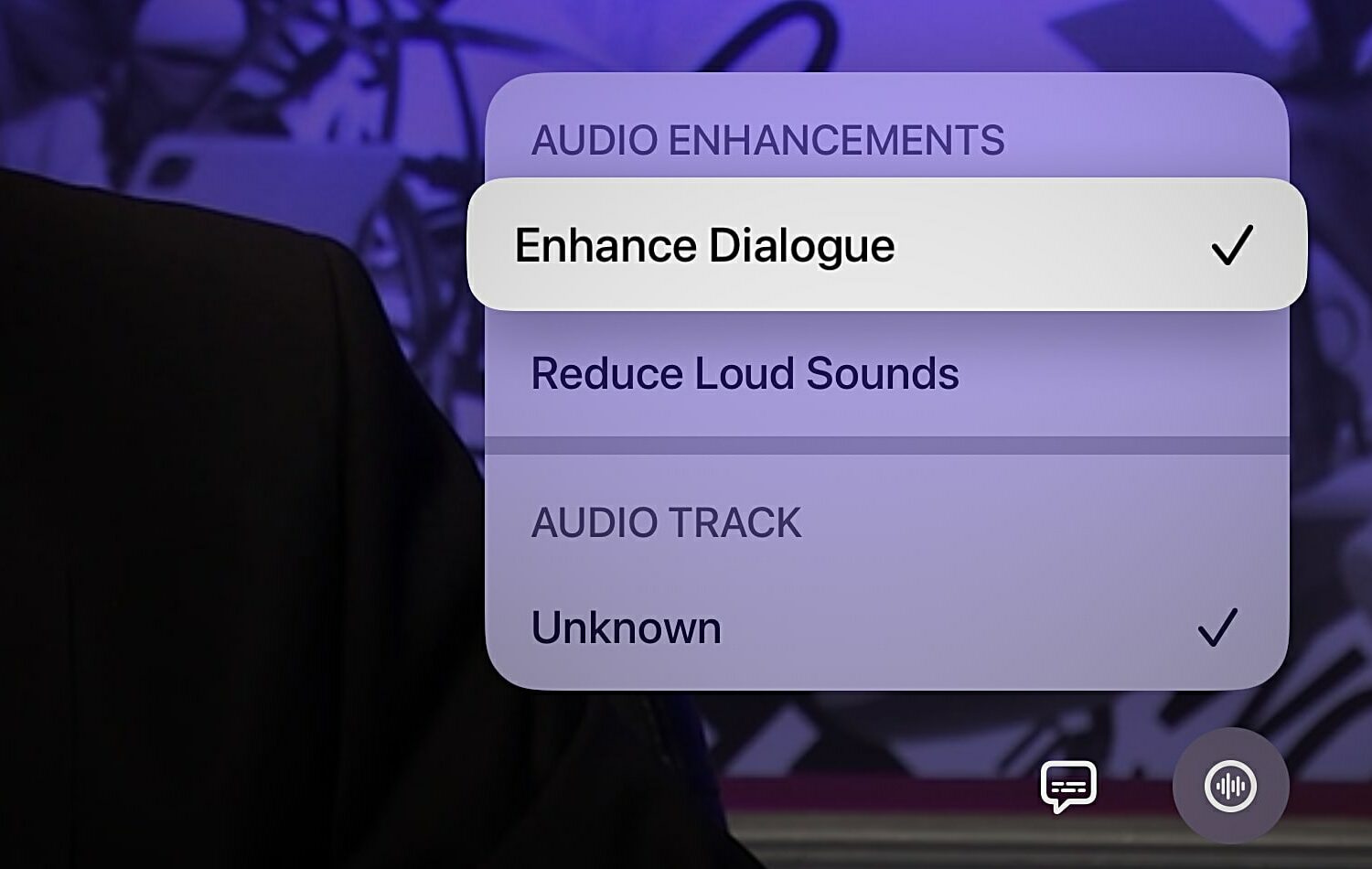
Learn how to use the Enhance Dialogue feature on your Apple TV when you can't clearly hear what the characters in your favorite TV shows and movies are saying.
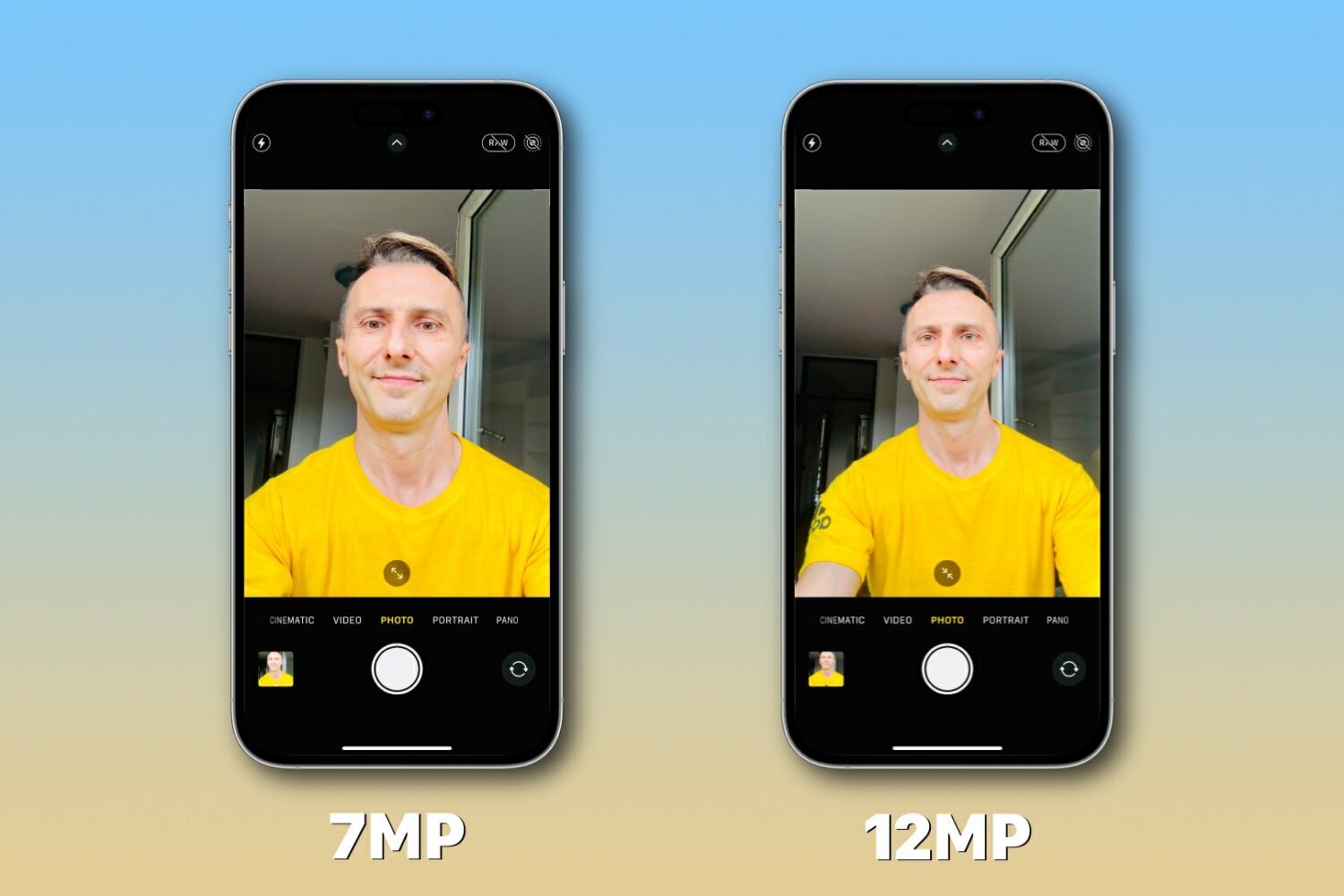
Learn what to do if the resolution of your iPhone selfies is seven megapixels (MP) although the front camera is capable of taking twelve megapixel snaps.

In this tutorial, we'll show you how to set your HomePod to use pre-release software, receive beta updates, revert to the current stable software, and more.
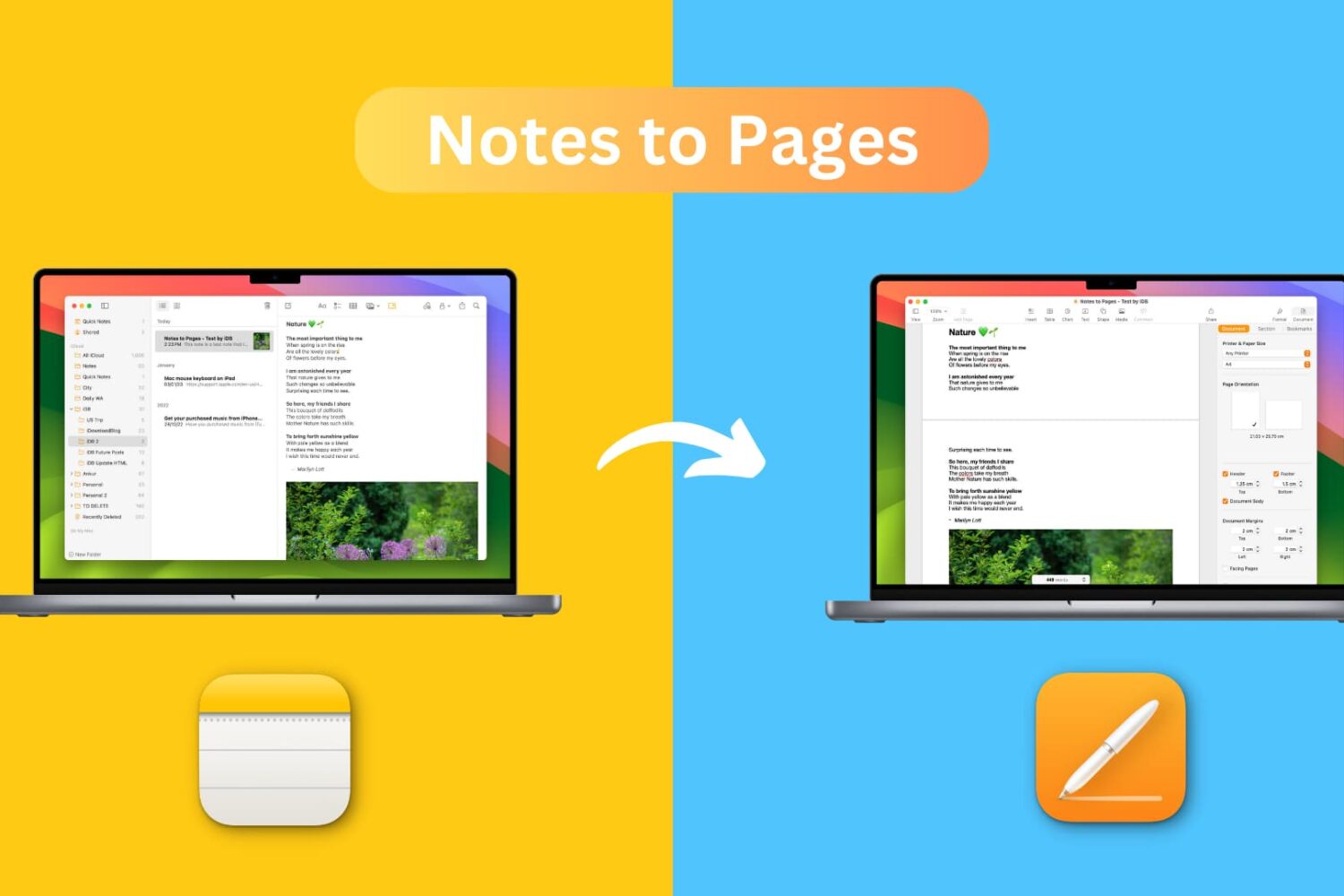
Learn how to transfer a note from the Notes app to the Pages app on your iPhone, iPad, or Mac while retaining most text formatting and attachments like images, drawings, etc.