Learn how to set a lower maximum headphone volume on your iPhone or iPad to help protect your hearing or your child’s.
How to set a lower maximum volume limit on iPhone or iPad
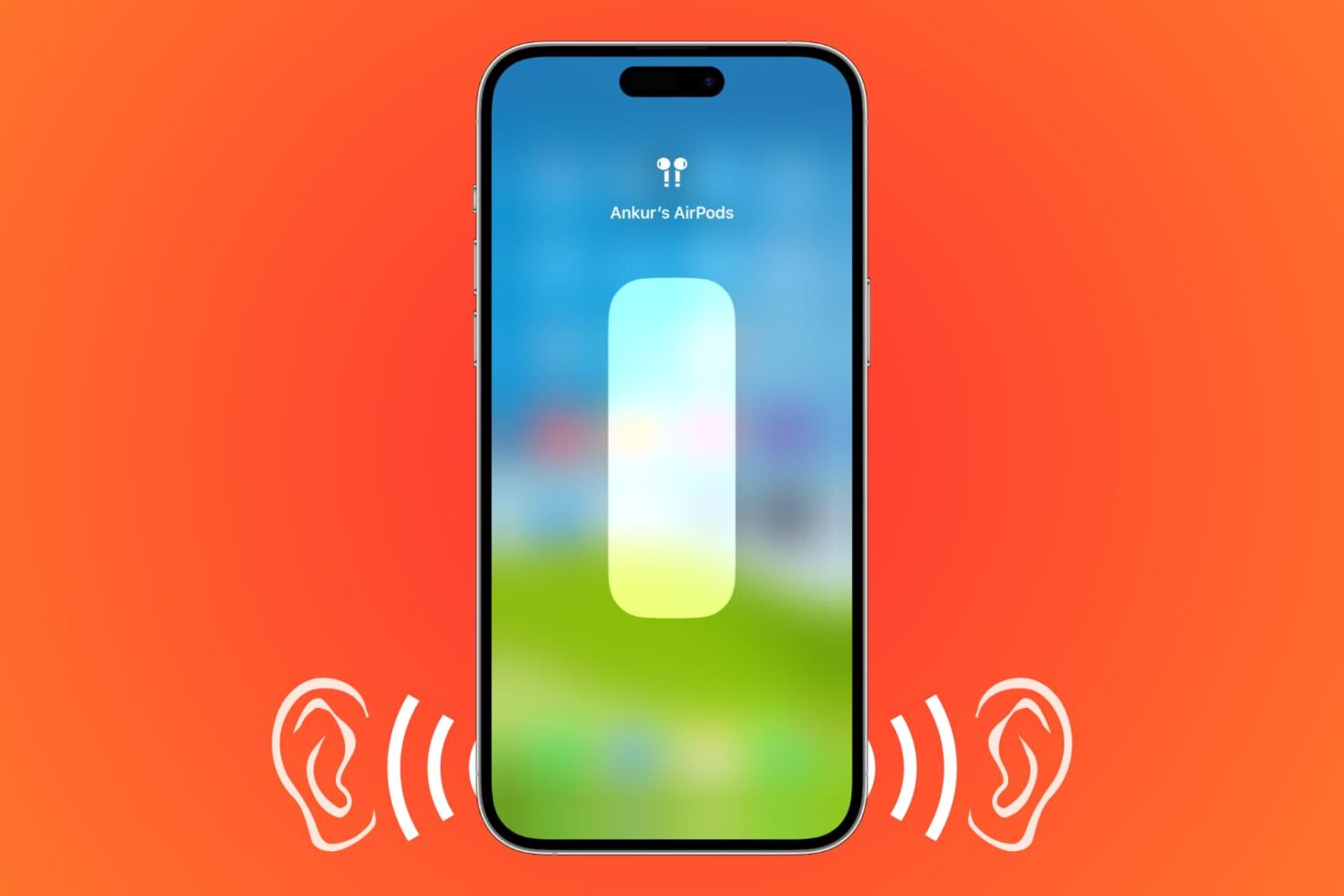
Learn how to set a lower maximum headphone volume on your iPhone or iPad to help protect your hearing or your child’s.
Learn how to disable smooth scrolling in the Safari browser to scroll web pages line by line when pressing the arrow keys on your Mac's keyboard.
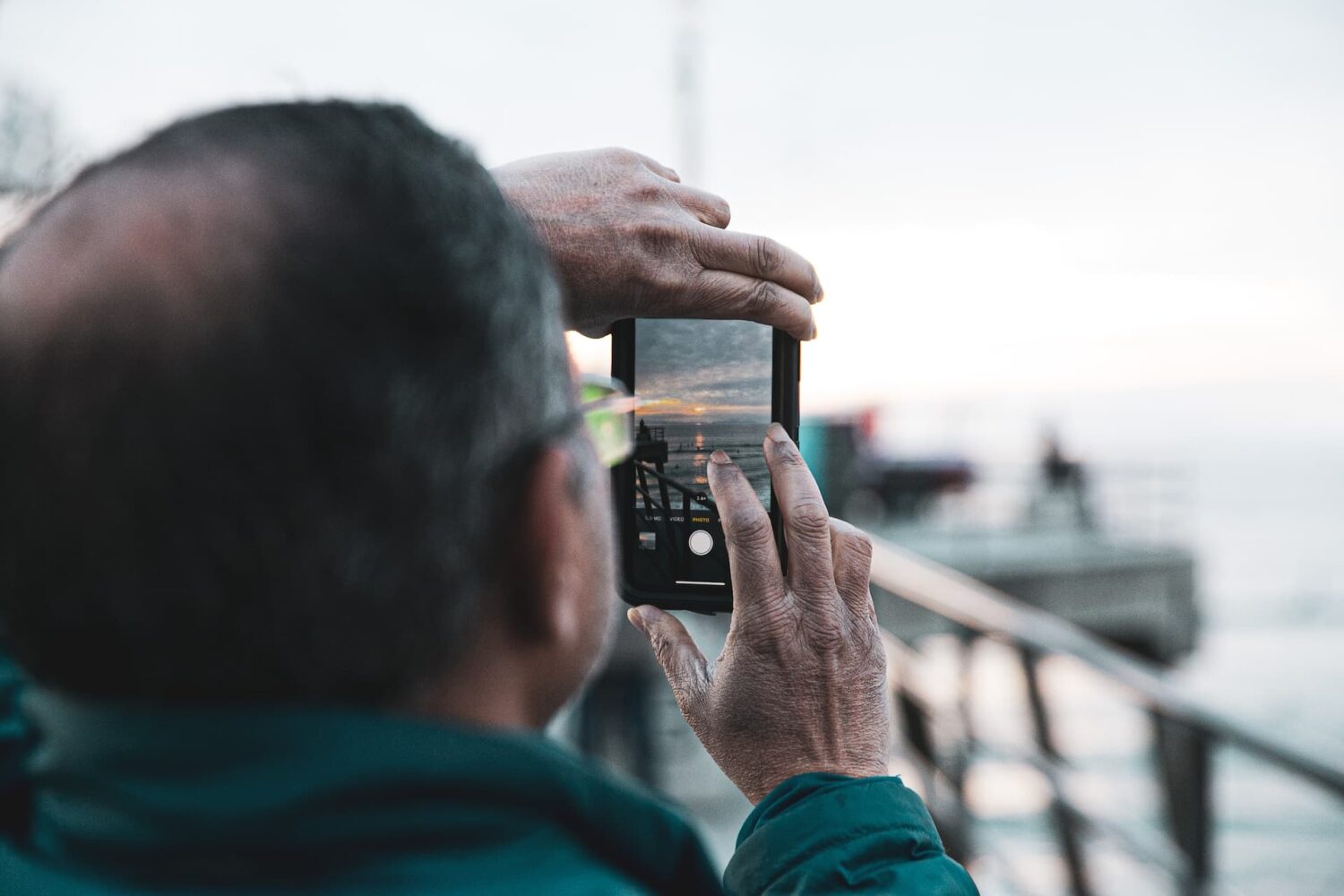
Check out 21 quick tips designed for parents and seniors to make using their iPhone easier and help build digital confidence.
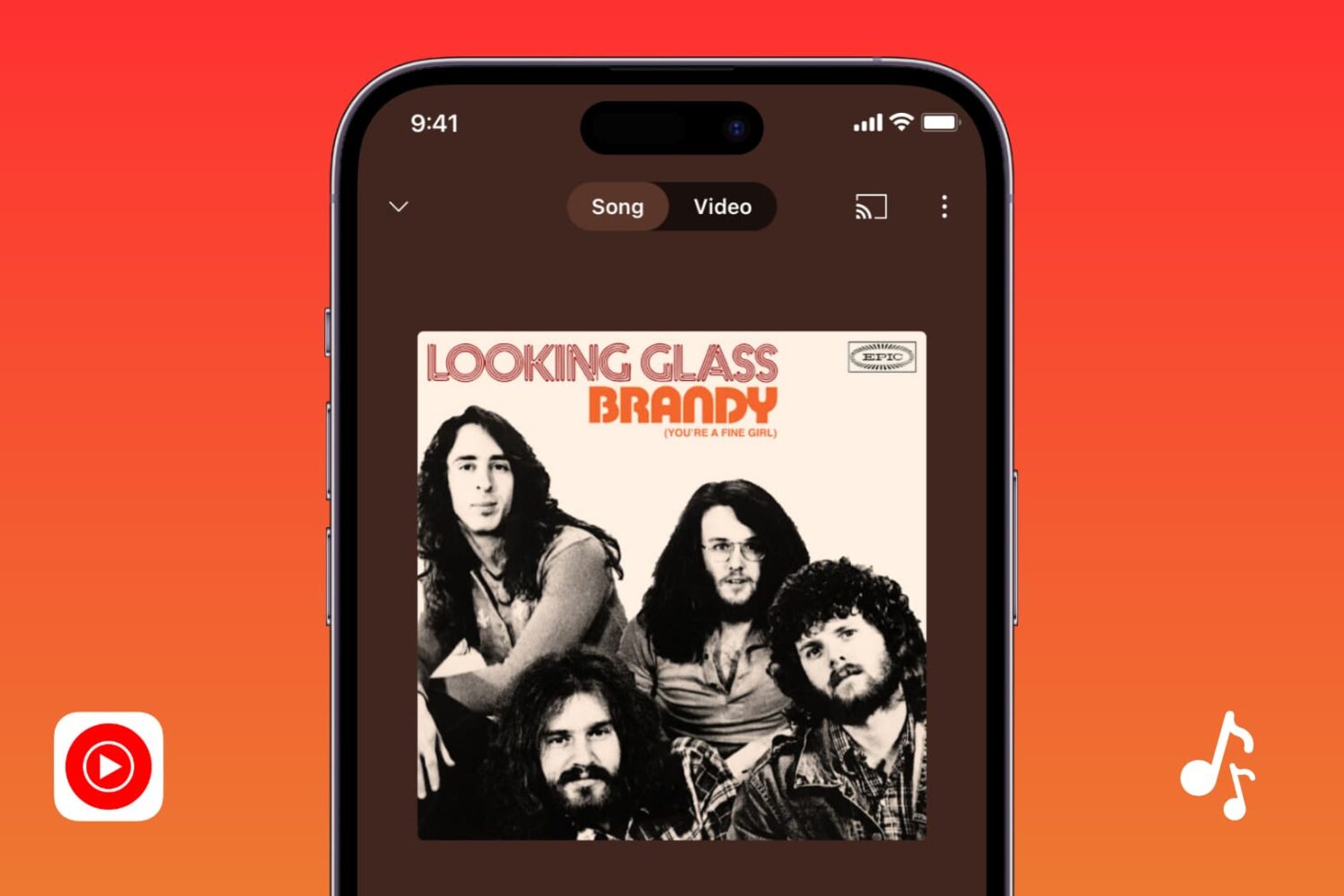
In this guide, we cover all the solutions to fix YouTube Music when it’s not working or downloading songs on your iPhone, iPad, and other devices.
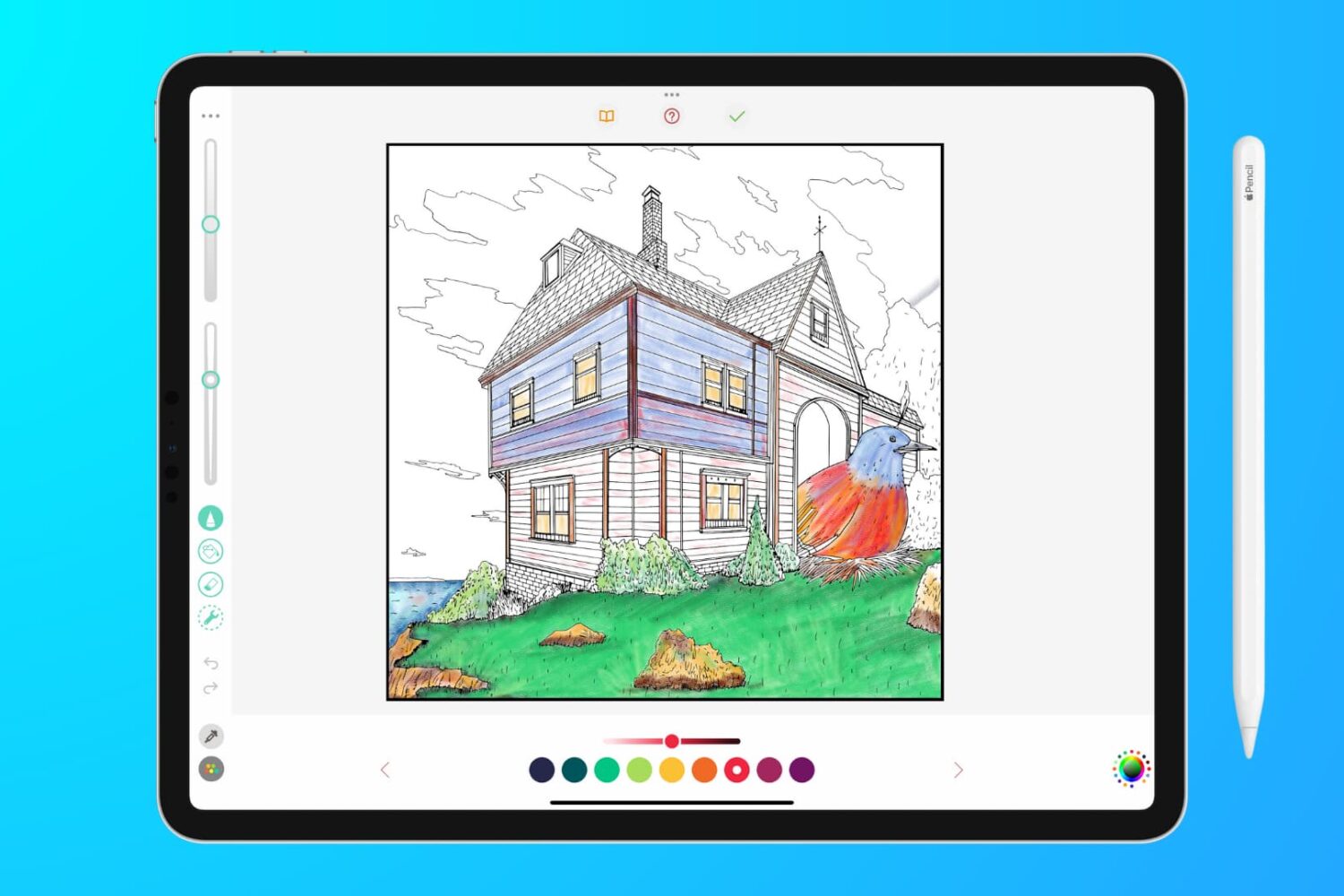
In this troubleshooting guide, we outline effective solutions to fix lag, glitches, and unresponsiveness when writing, sketching, or coloring on your iPad with your Apple Pencil.
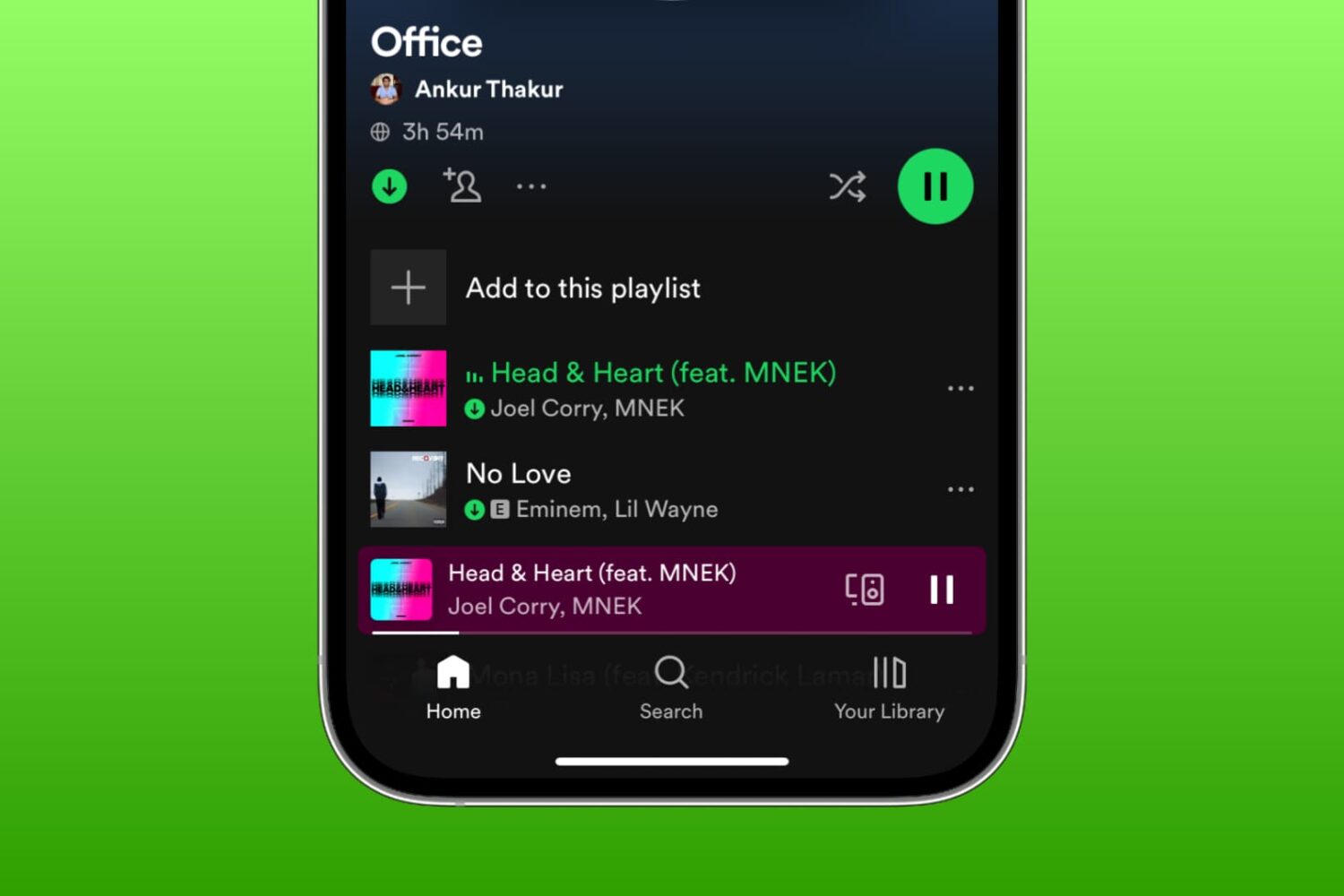
Learn what to do if you're unable to download songs and podcasts for offline listening in the Spotify app on your iPhone, iPad, or Mac.
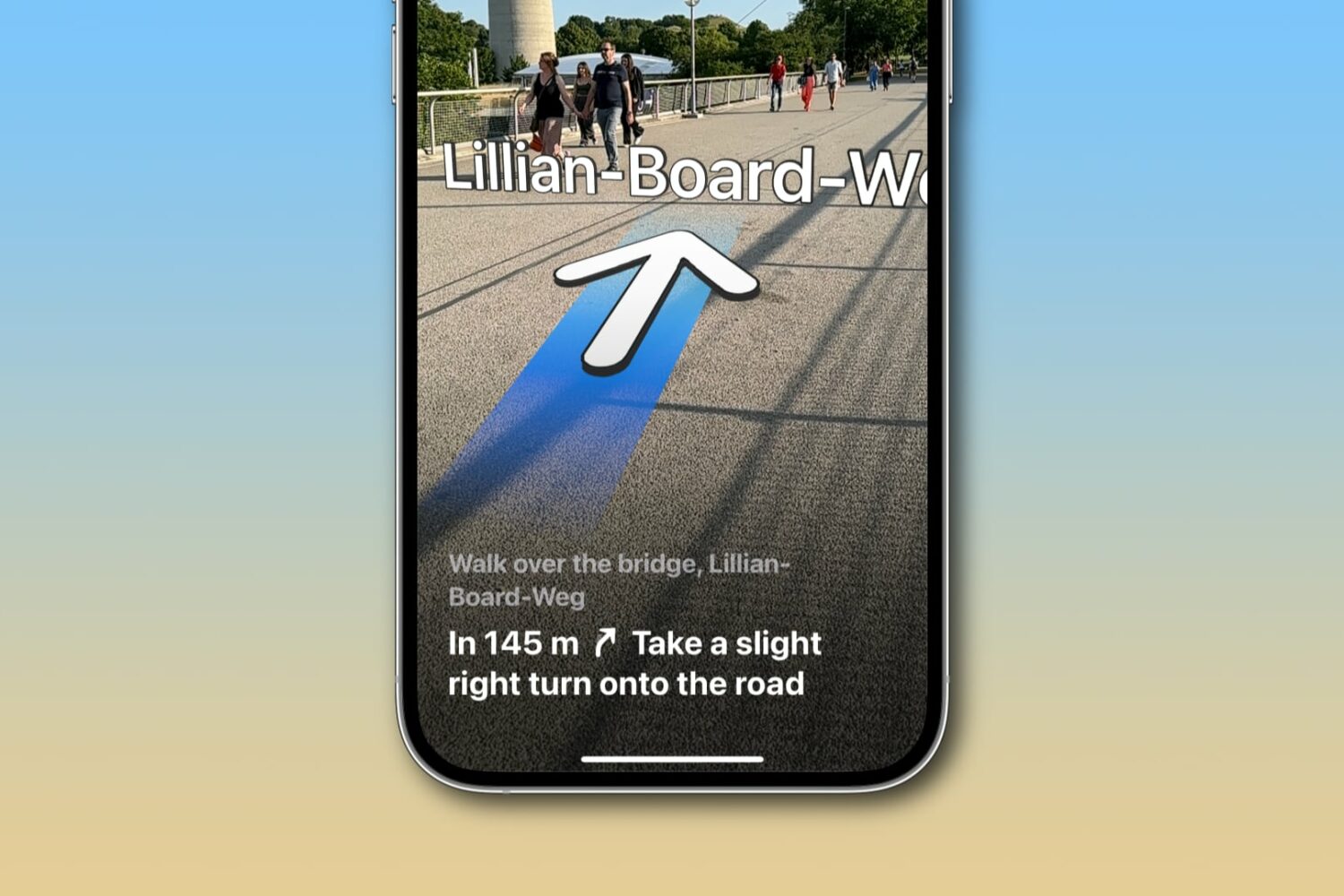
Learn how to get augmented reality walking directions in Apple Maps on your iPhone, and know where to go with the help of immersive instructions made up of big arrows and street names shown right on your live camera view.
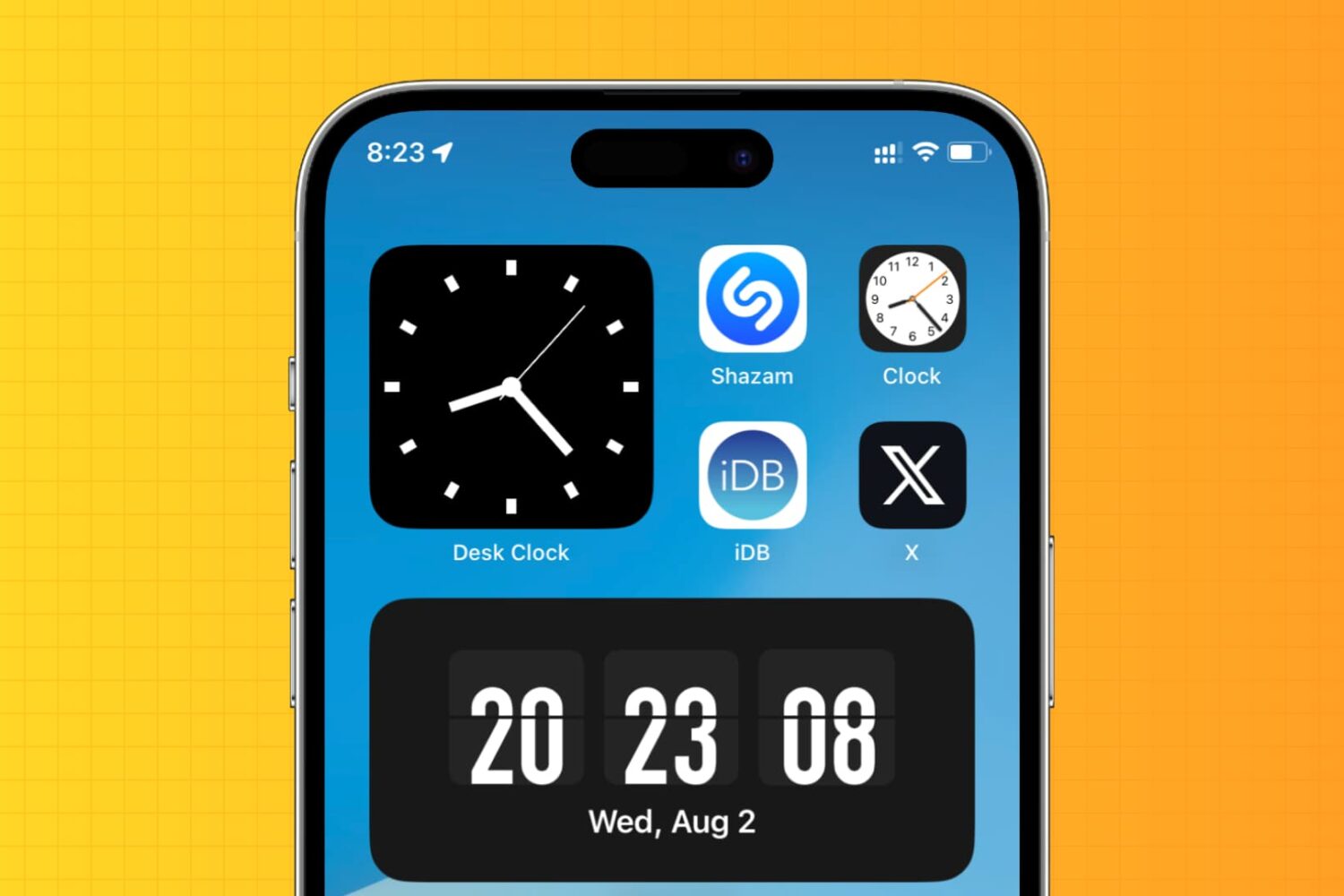
Learn how to display an analog clock on your iPhone or iPad with the hours, minutes, and seconds hands to keep track of the exact time down to the second.
Learn how to add phone numbers and email addresses of your family members, friends, and other contacts saved in your Google account to your Mac's Contacts app.
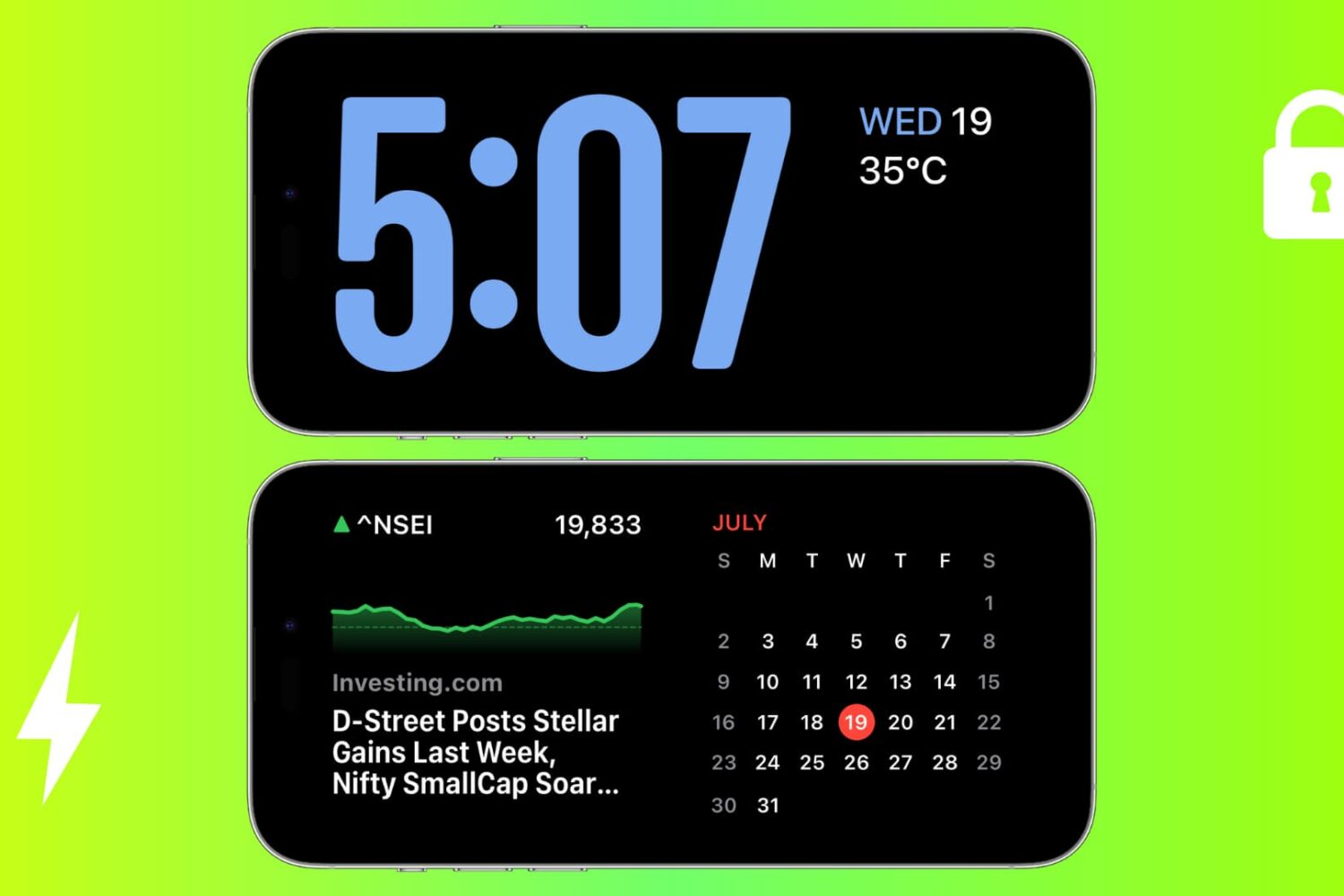
Check out these solutions to fix StandBy issues on your iPhone, ensuring it functions perfectly as a desk or nightstand display.
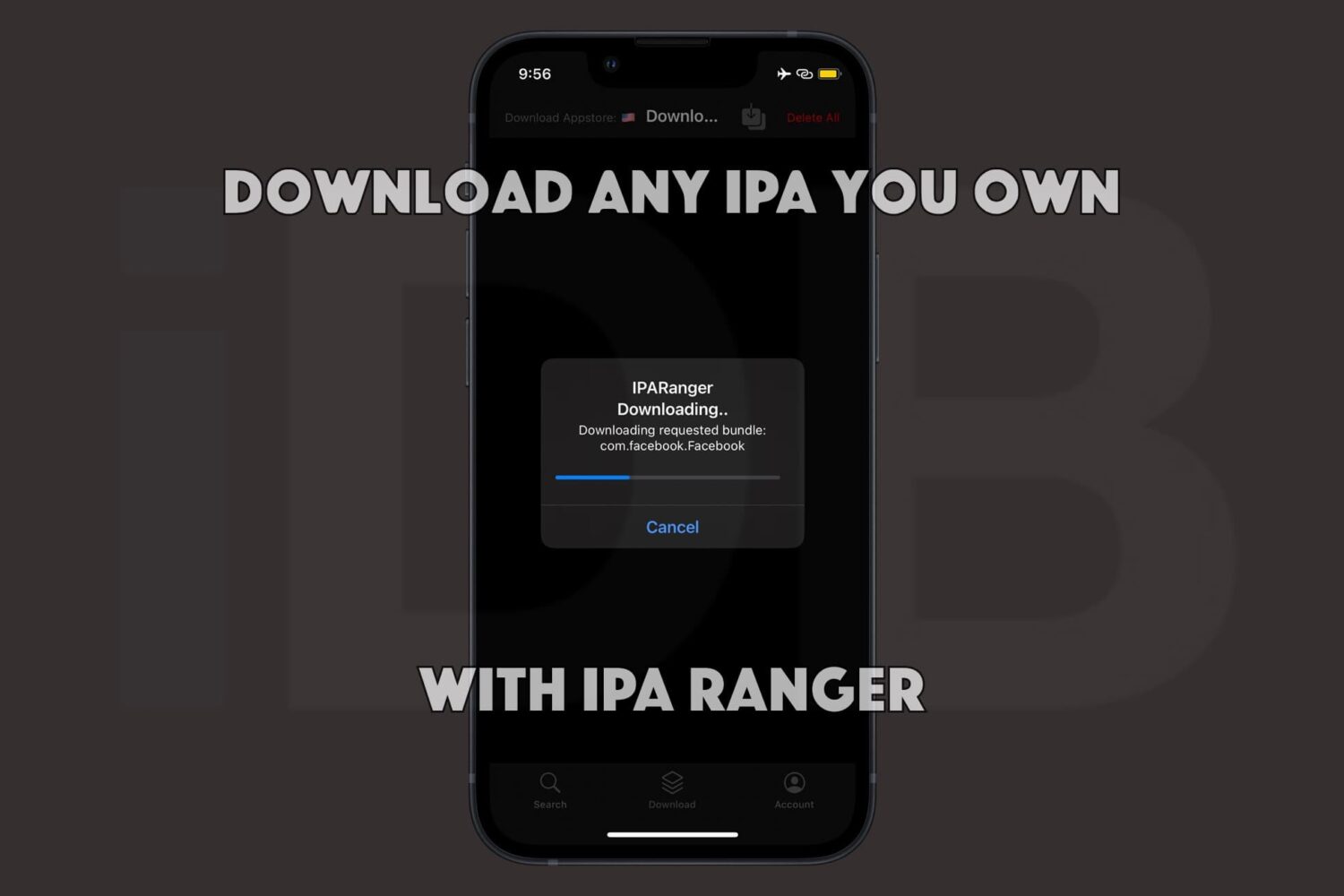
Being able to obtain the raw .ipa files of the apps you own from the App Store is a powerful capability. Not only can you often decrypt those apps to run them on Apple silicon-equipped Macs, but you can also inject your own custom tweaks into those apps before sideloading them on your iPhone or iPad with utilities such as Sideloadly.
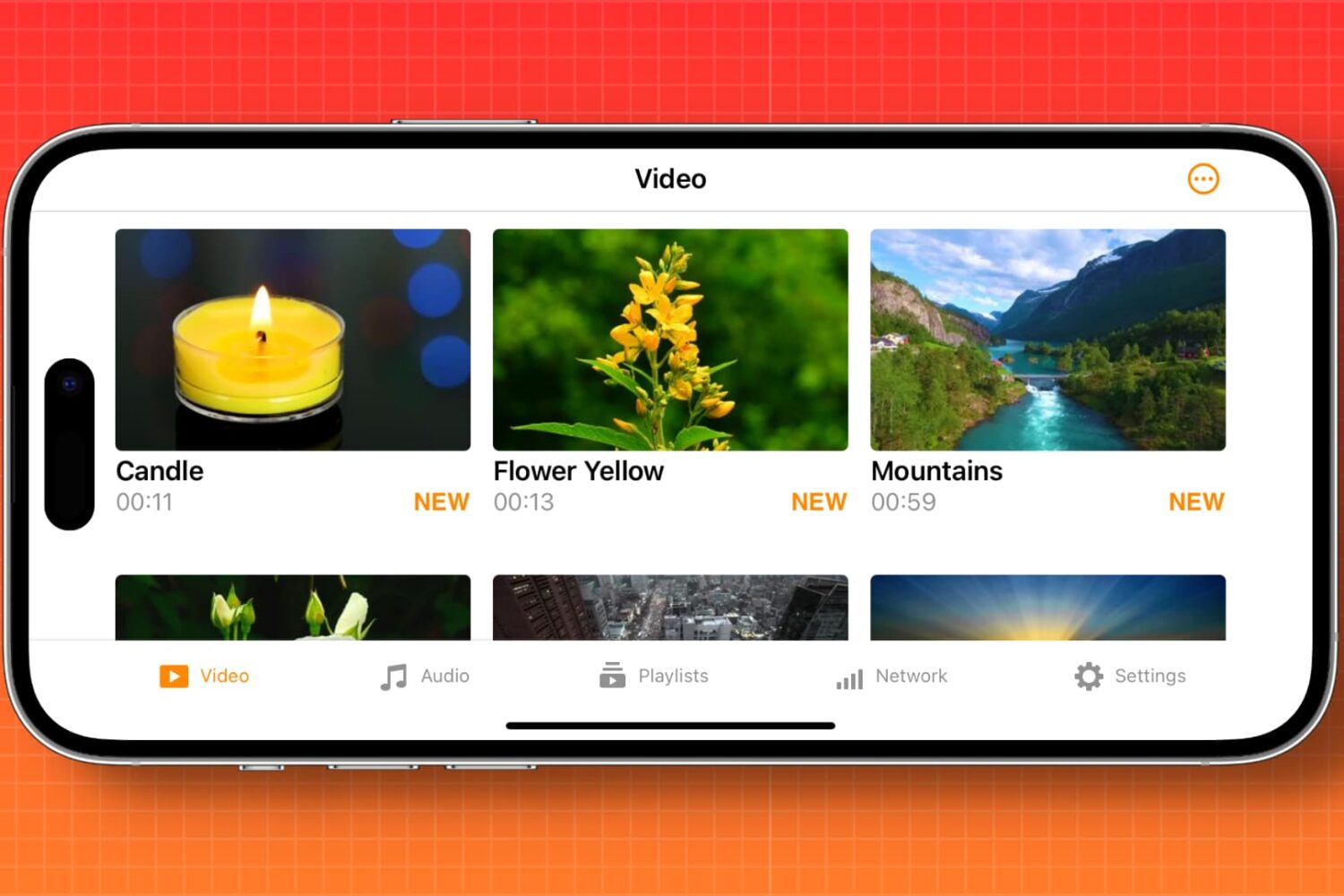
Learn how to automatically enable screen rotation for specific apps like Apple TV, YouTube, VLC, and Netflix on your iPhone.