Learn how to set your Mac to calculate folder sizes and show how much storage space each folder takes up when navigating files in Finder as a list.
How to set your Mac’s Finder to always show folder sizes
Learn how to set your Mac to calculate folder sizes and show how much storage space each folder takes up when navigating files in Finder as a list.
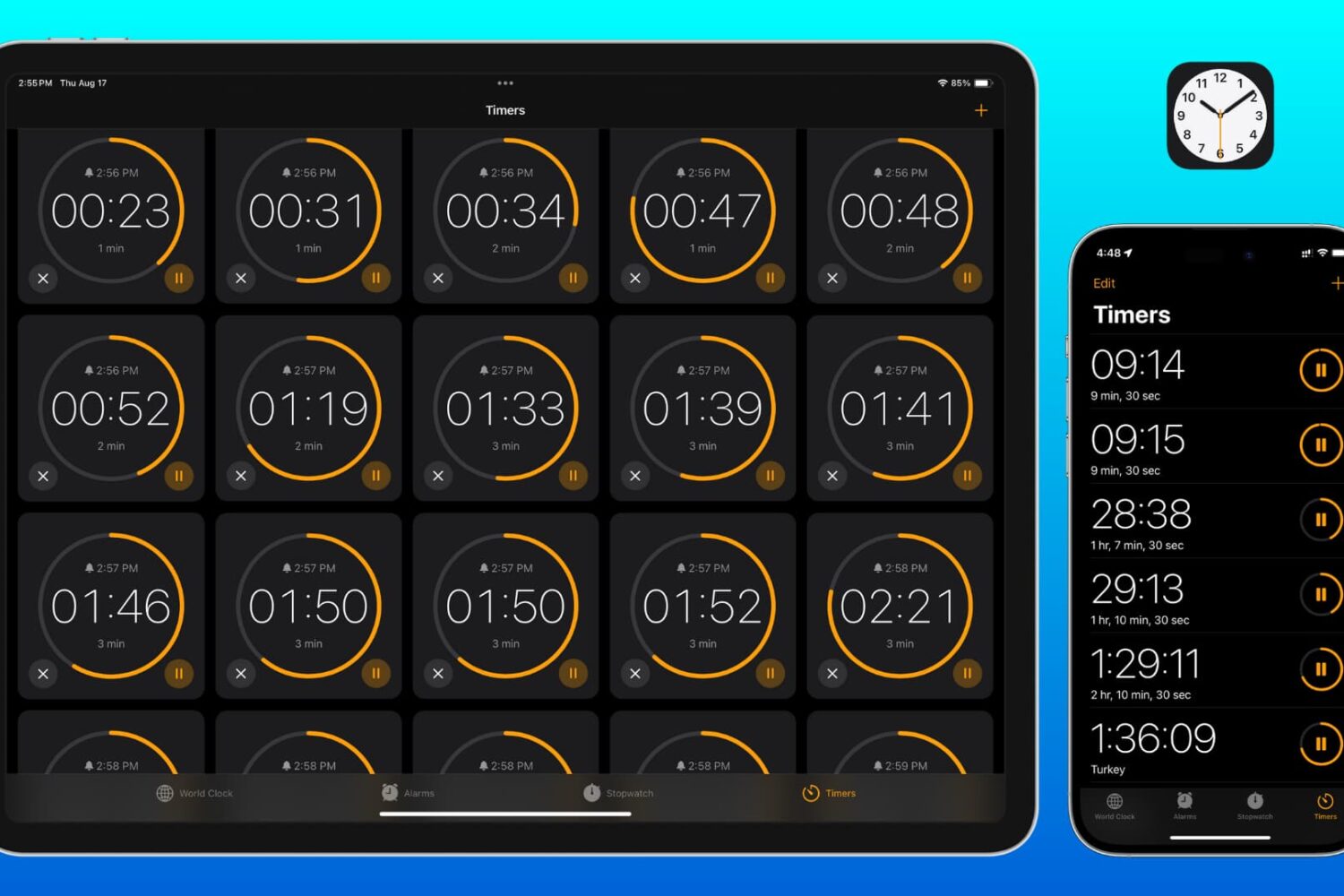
Learn how to set two or more timers simultaneously on your iPhone, iPad, and Mac so you can easily keep track of multiple tasks or to-dos at once.
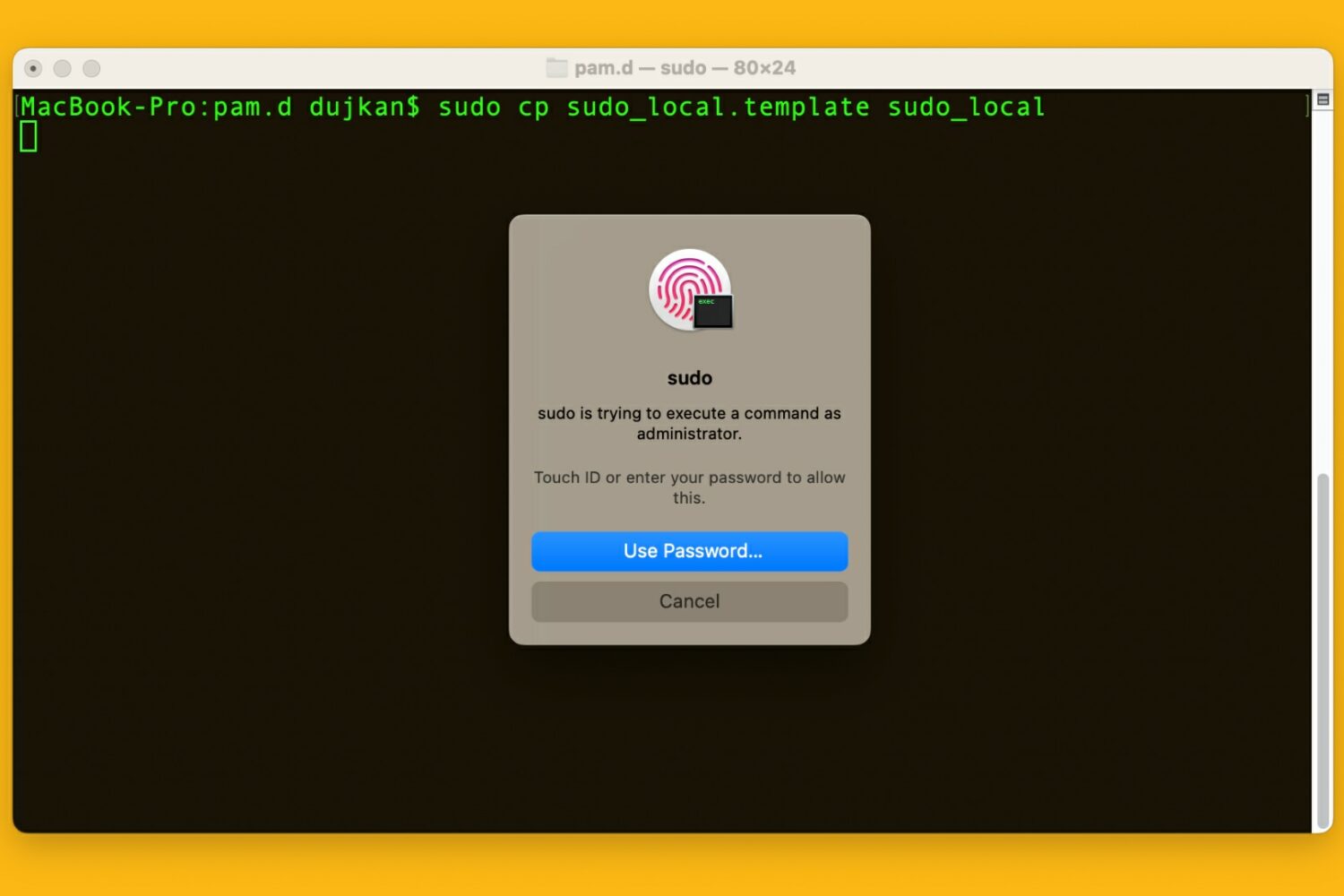
Learn how to use your Mac's Touch ID for the sudo command in the macOS Terminal app to save yourself from typing an administrator password.
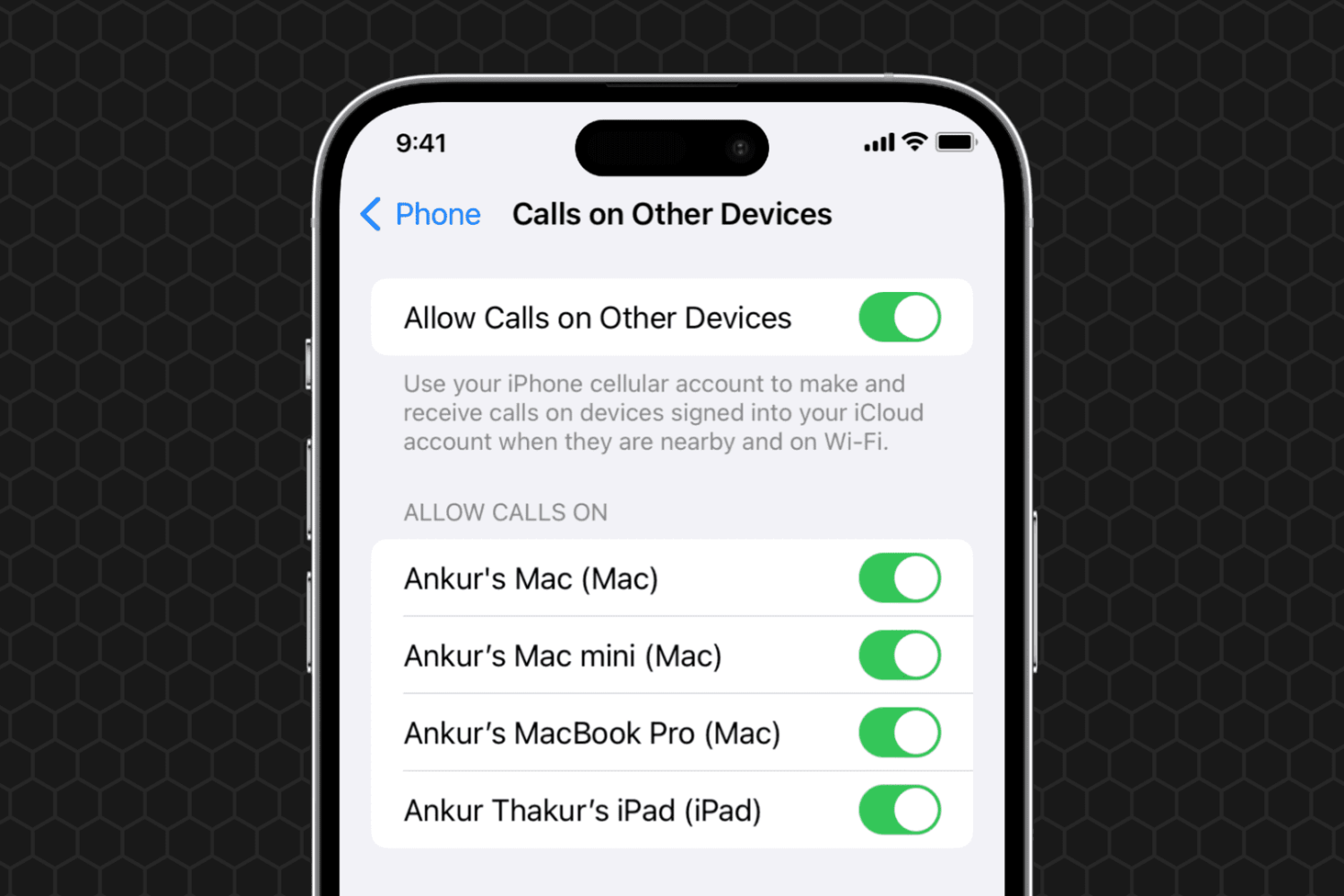
Learn what to do if you can't set your iPhone phone calls to appear on your other devices, such as your iPad or Mac.
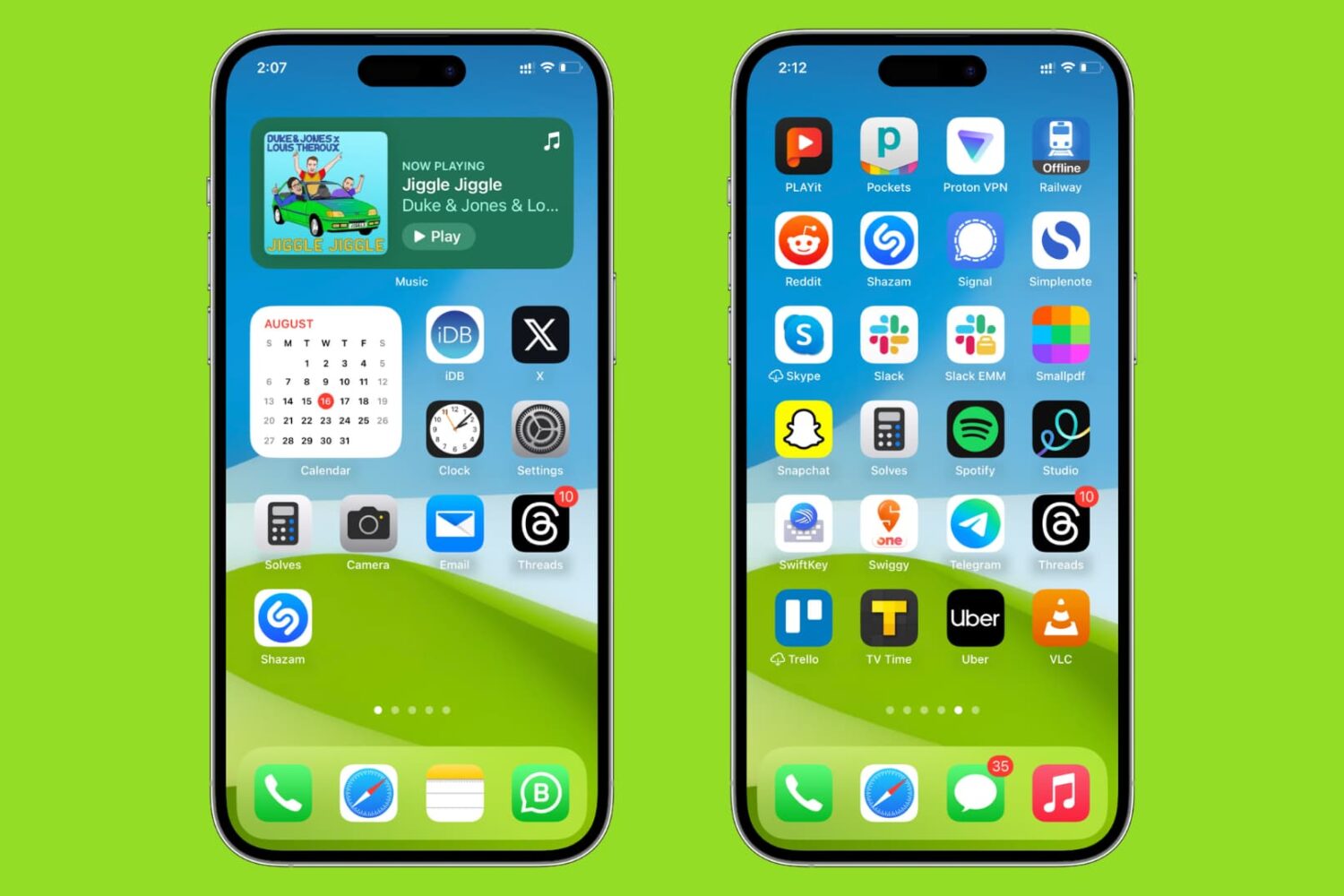
Learn how to sort your iPhone and iPad Home Screen apps alphabetically for easier access.

Learn how to use the AI-powered Smart Deband feature in Pixelmator Pro and Photomator for Mac to smooth out color banding artifacts in low-quality photos.

Learn how to add 3D augmented reality effects like thumbs up, hearts, fireworks, confetti, rain, and more to your FaceTime video calls on iPhone, iPad, and Mac.
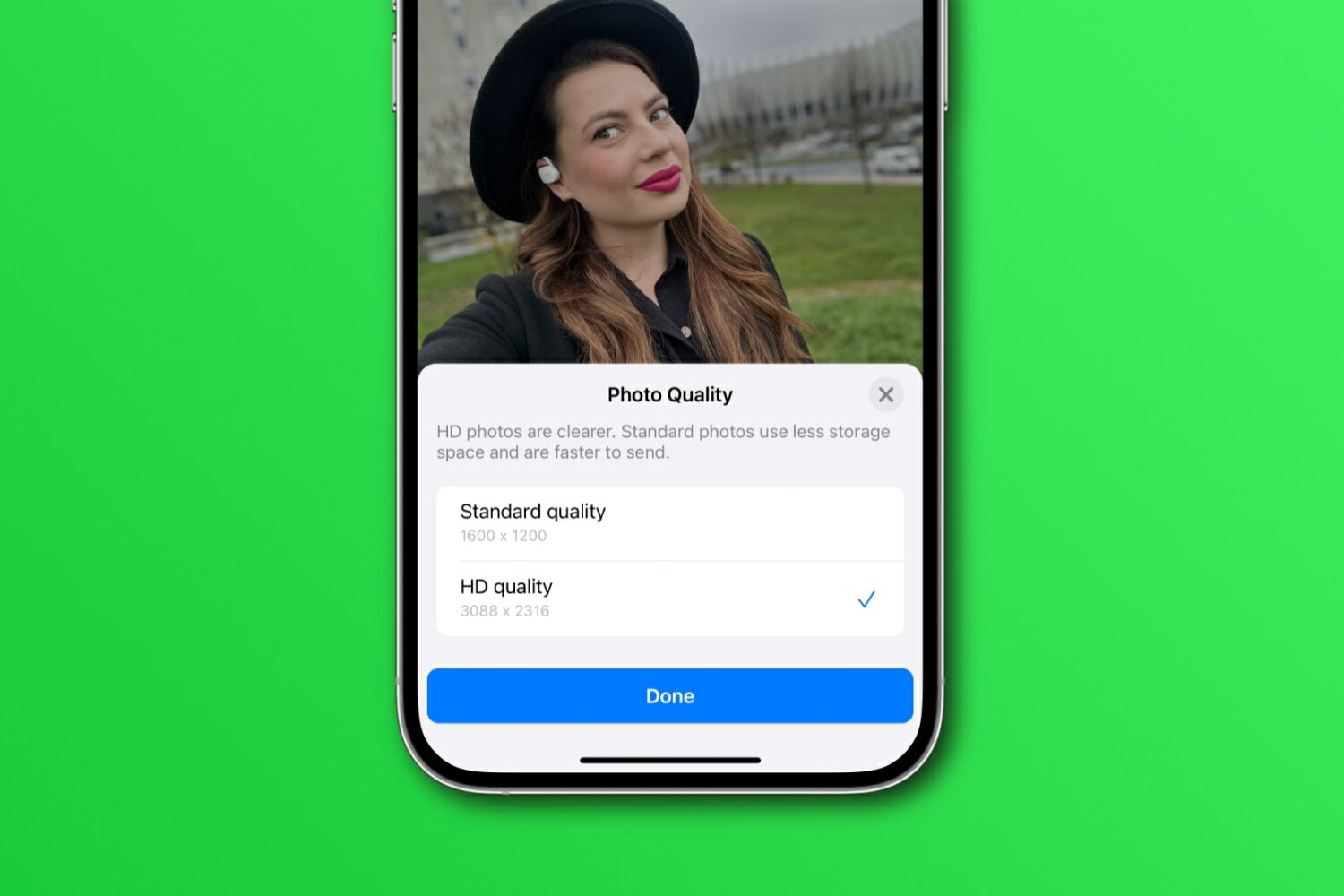
Learn how to share WhatsApp photos and videos in their original resolution instead of compressed, lower-quality versions with fewer details.

This guide covers easy ways to set up parental controls to make YouTube safer for your kids.
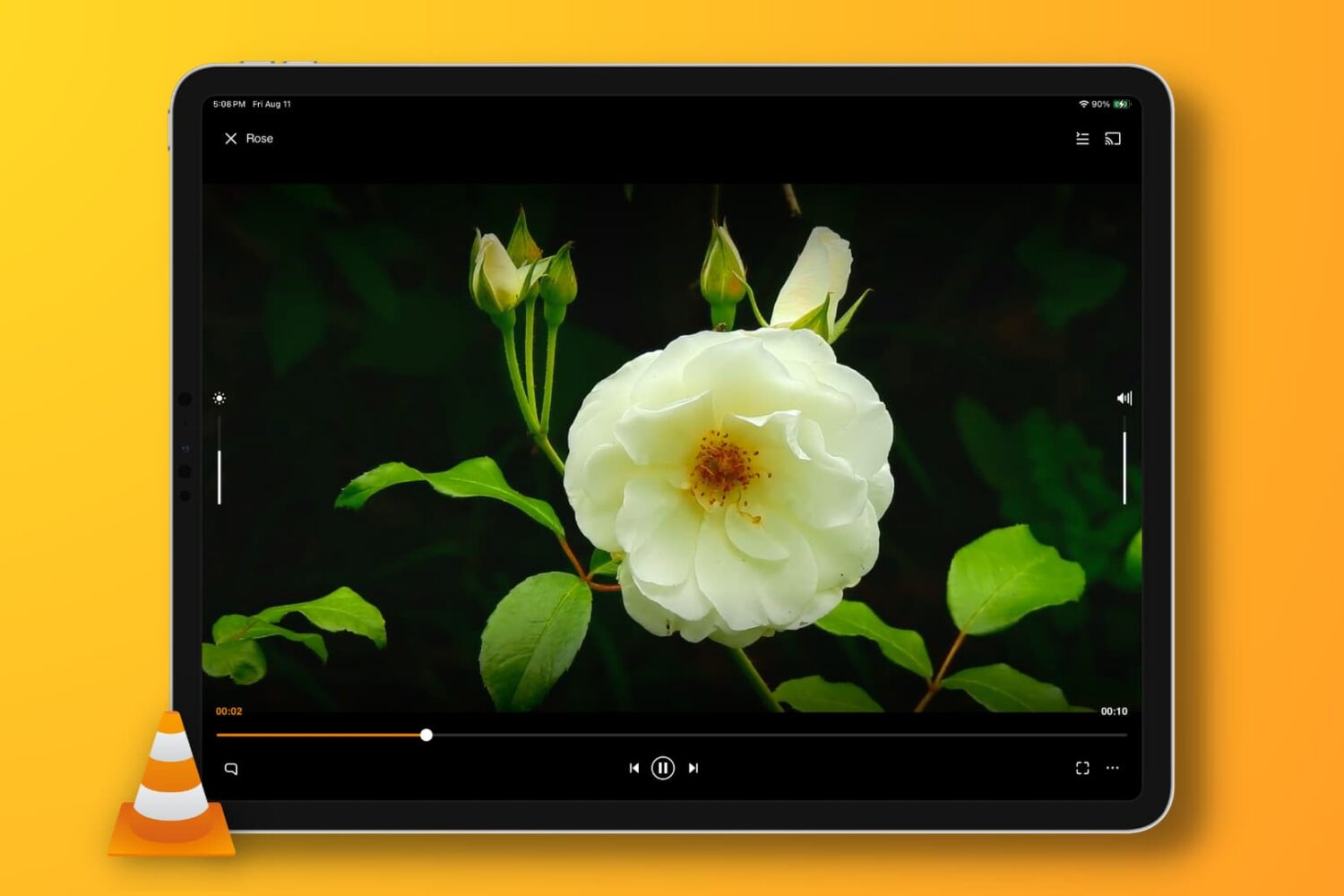
In this troubleshooting guide, we provide solutions to fix the no-audio issue when playing a video clip or movie in the VLC media player app on your iPhone, iPad, or Mac.

Learn how to turn text into spoken content on your iPhone or iPad, and adjust speaking rate, pronunciation, text-to-speech voice, etc.
Check out these 8 easy ways to fix iPhone cellular data not working during phone calls, allowing you to text, browse the web, and use other online apps without interruptions.