In this tutorial, we will show you how to move Apple Vision Pro app windows to another spot in your view and change the size of the window.
How to move and resize app windows on Apple Vision Pro
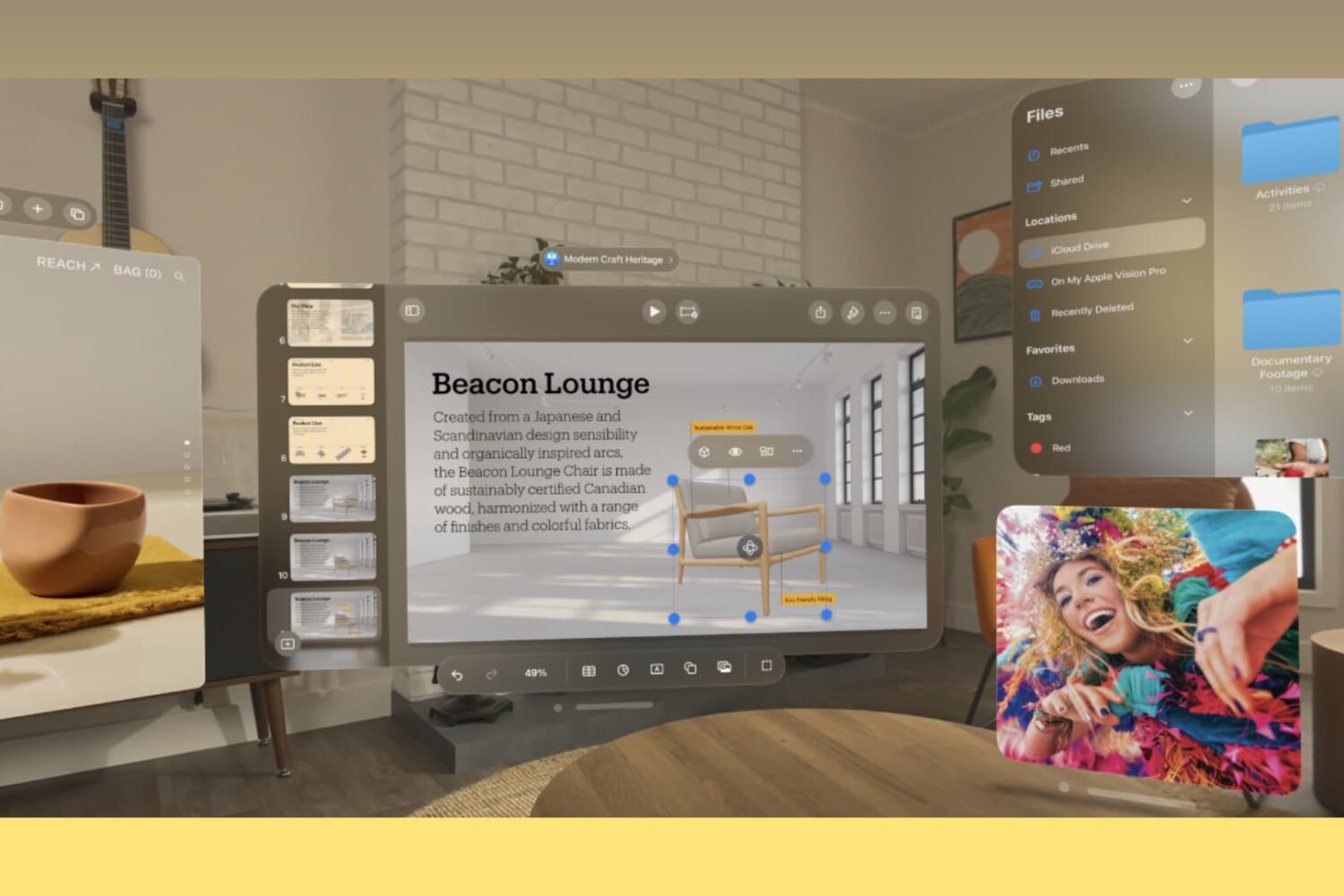
In this tutorial, we will show you how to move Apple Vision Pro app windows to another spot in your view and change the size of the window.
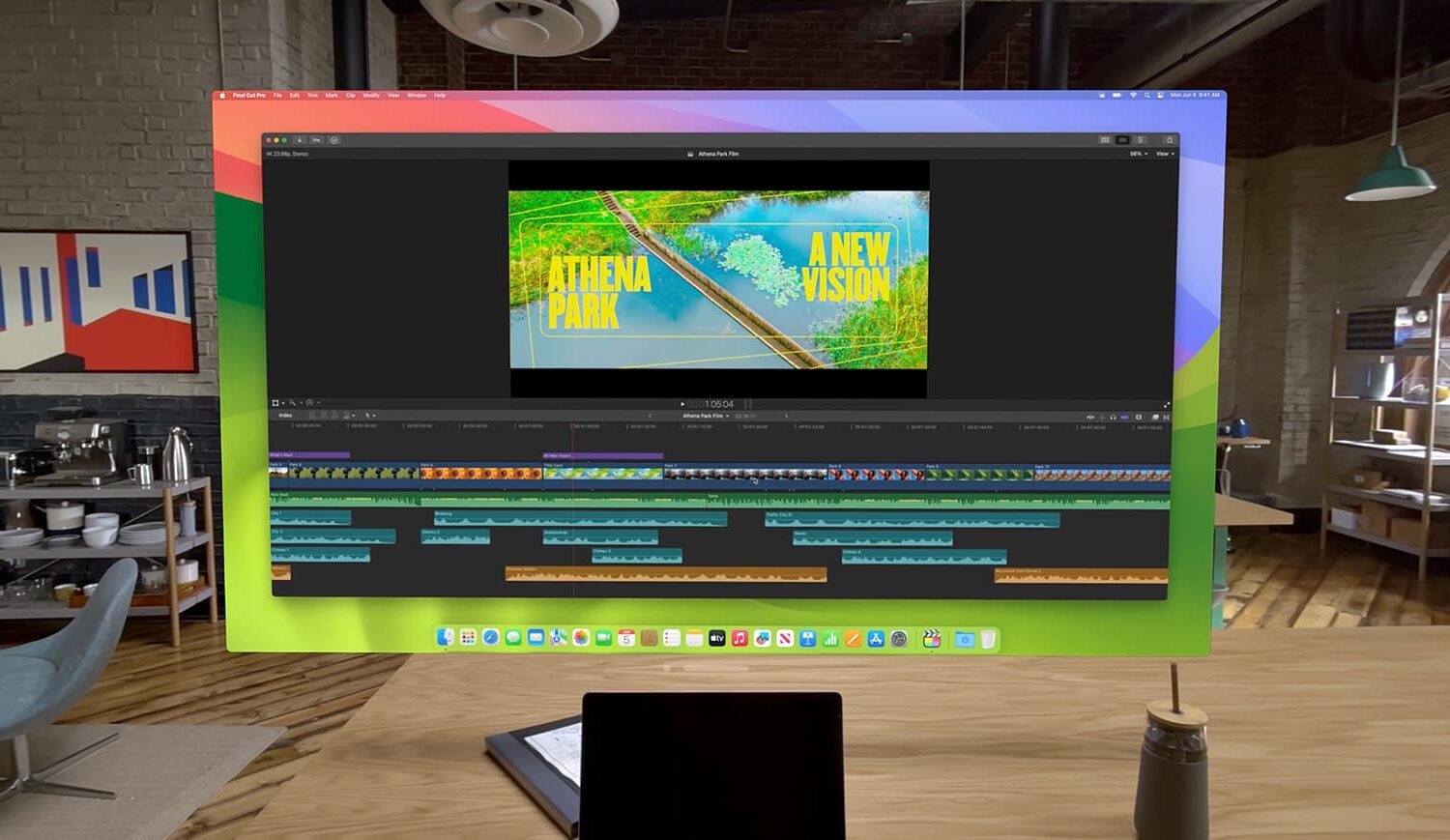
Learn how to take advantage of the Virtual Display feature that lets you use your Apple Vision Pro as a portable and wireless monitor for your Mac.
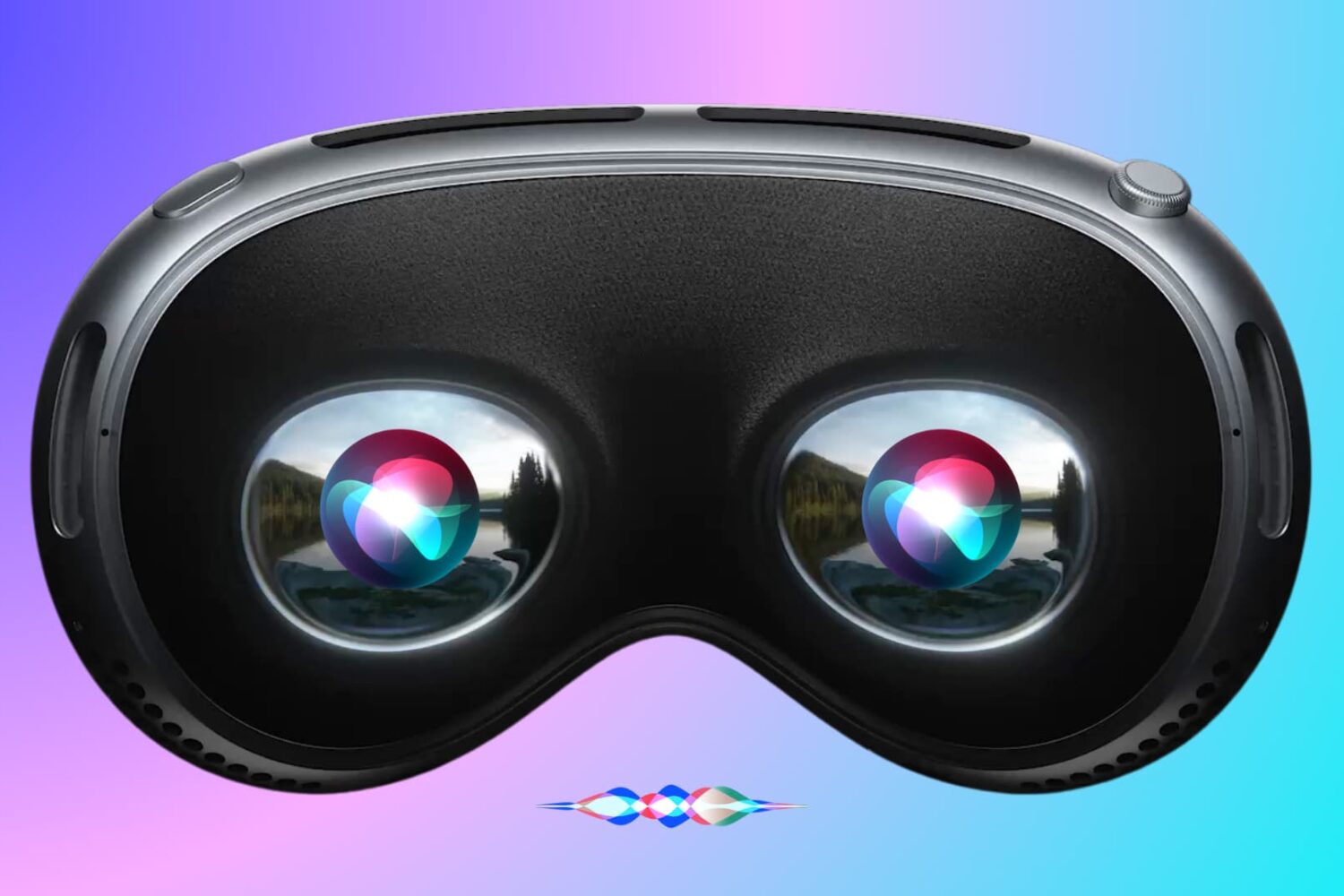
In this tutorial, we will show you how to use Siri on your Apple Vision Pro to have it perform various actions just using your voice.
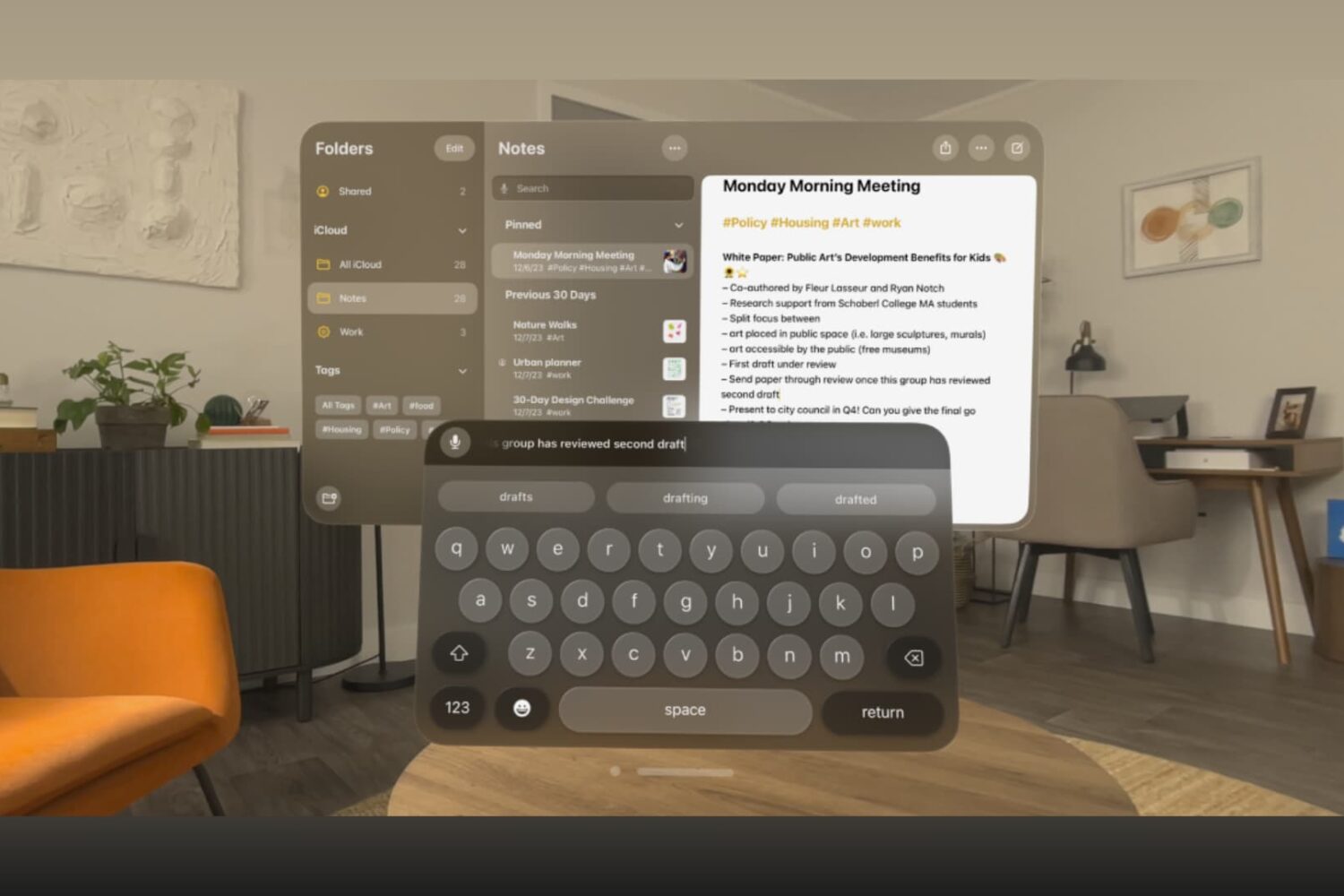
Learn how to type in visionOS apps like Notes, Keynote, Freeform, Safari, and others using the virtual keyboard, dictation, a physical Bluetooth keyboard, or your Mac's keyboard.
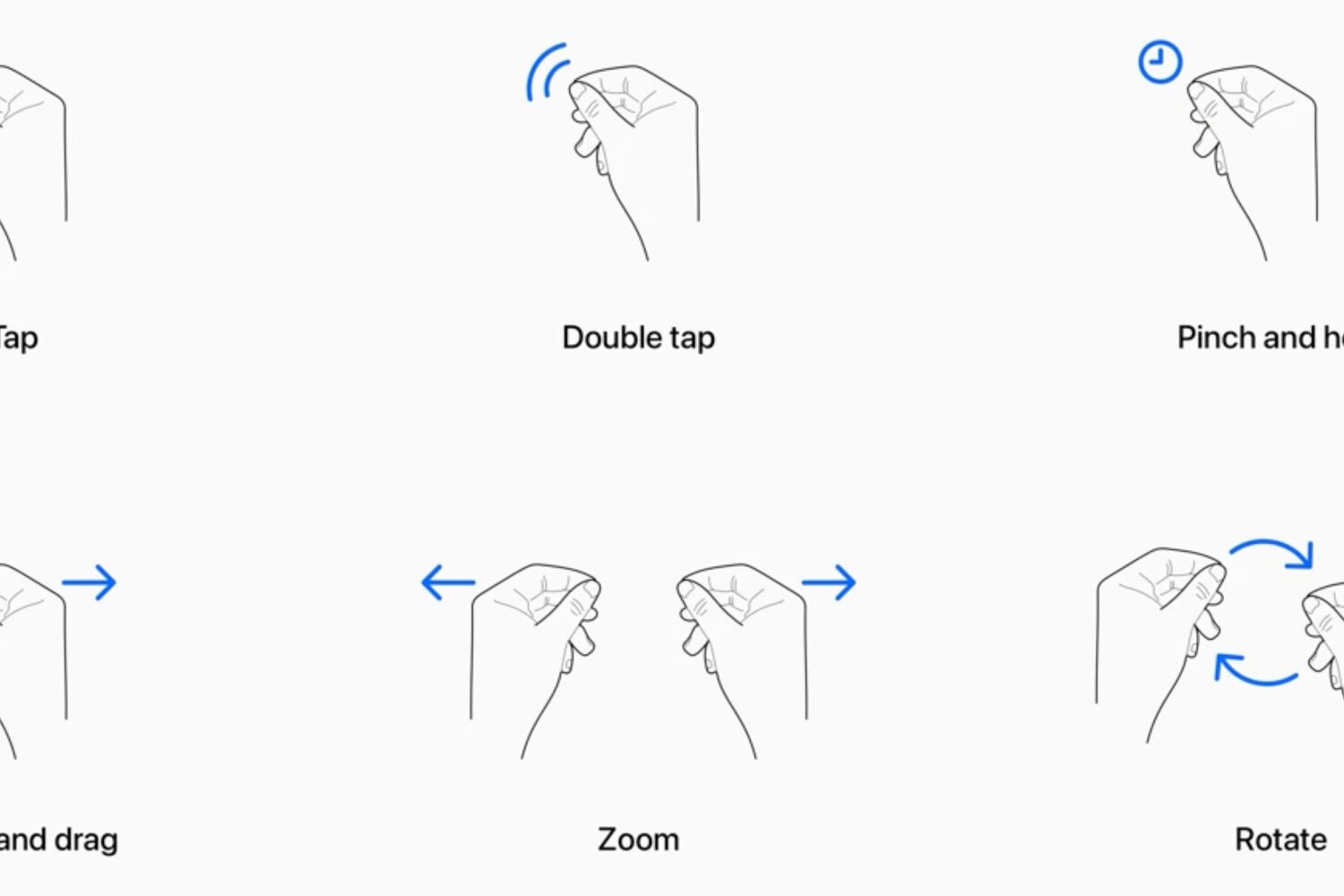
Learn how to use your Apple Vision Pro and work your way around visionOS apps and interfaces using your eyes, fingers, and hands.
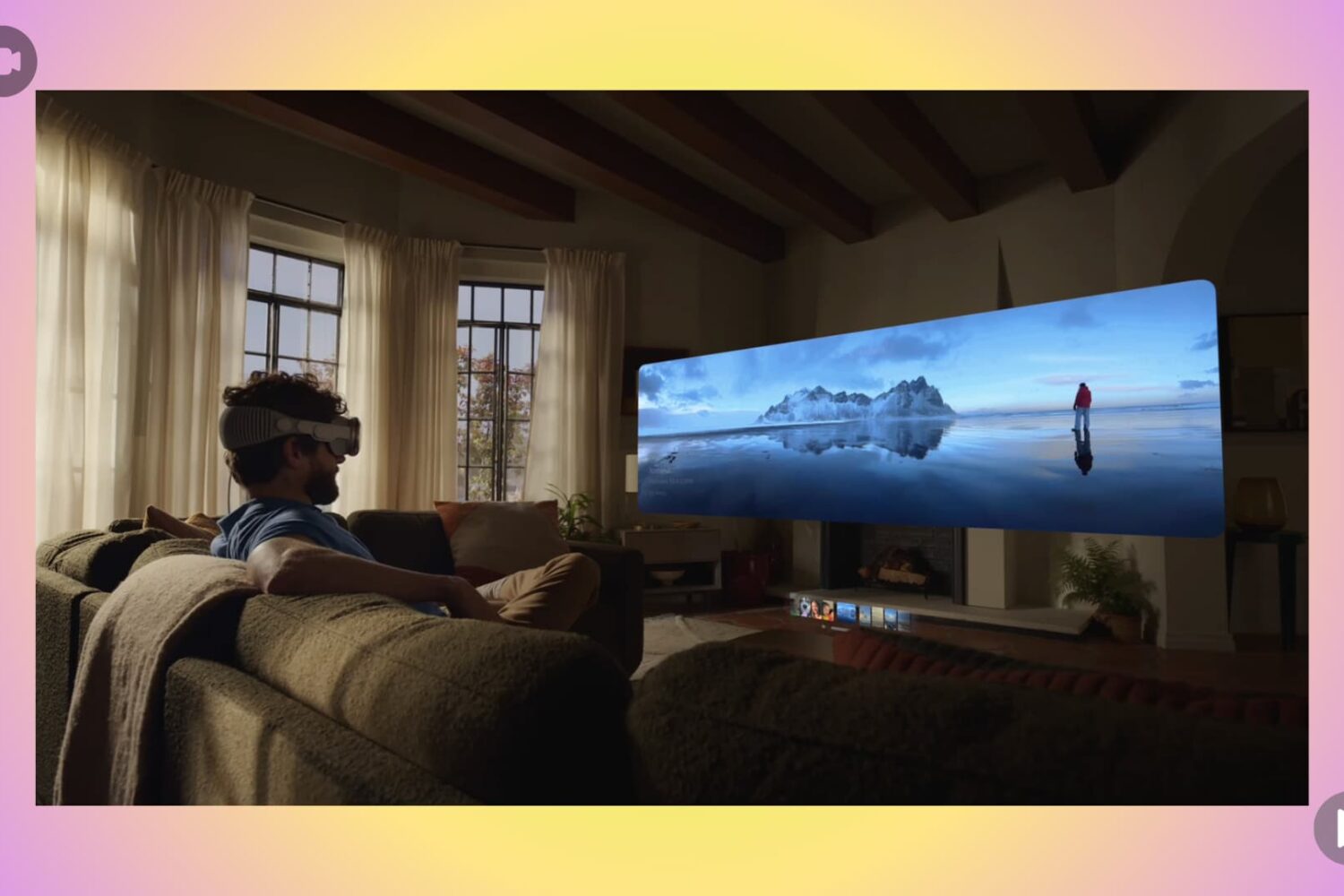
Learn how to make a video recording of what’s in the virtual view in front of you when you’re using your Apple Vision Pro headset.
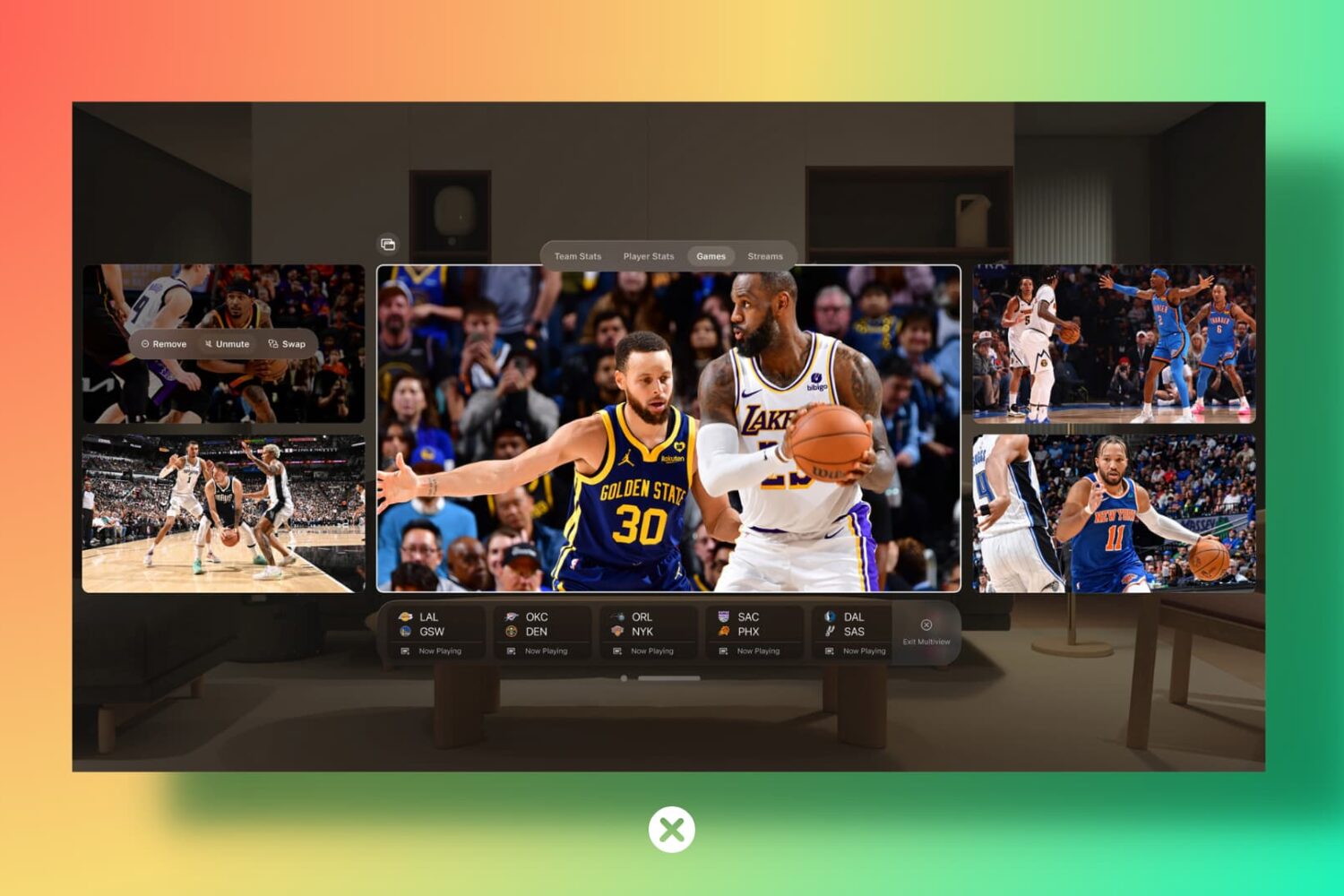
Learn how to close or force quit an application on your Apple Vision Pro if the app has frozen or is not responding.
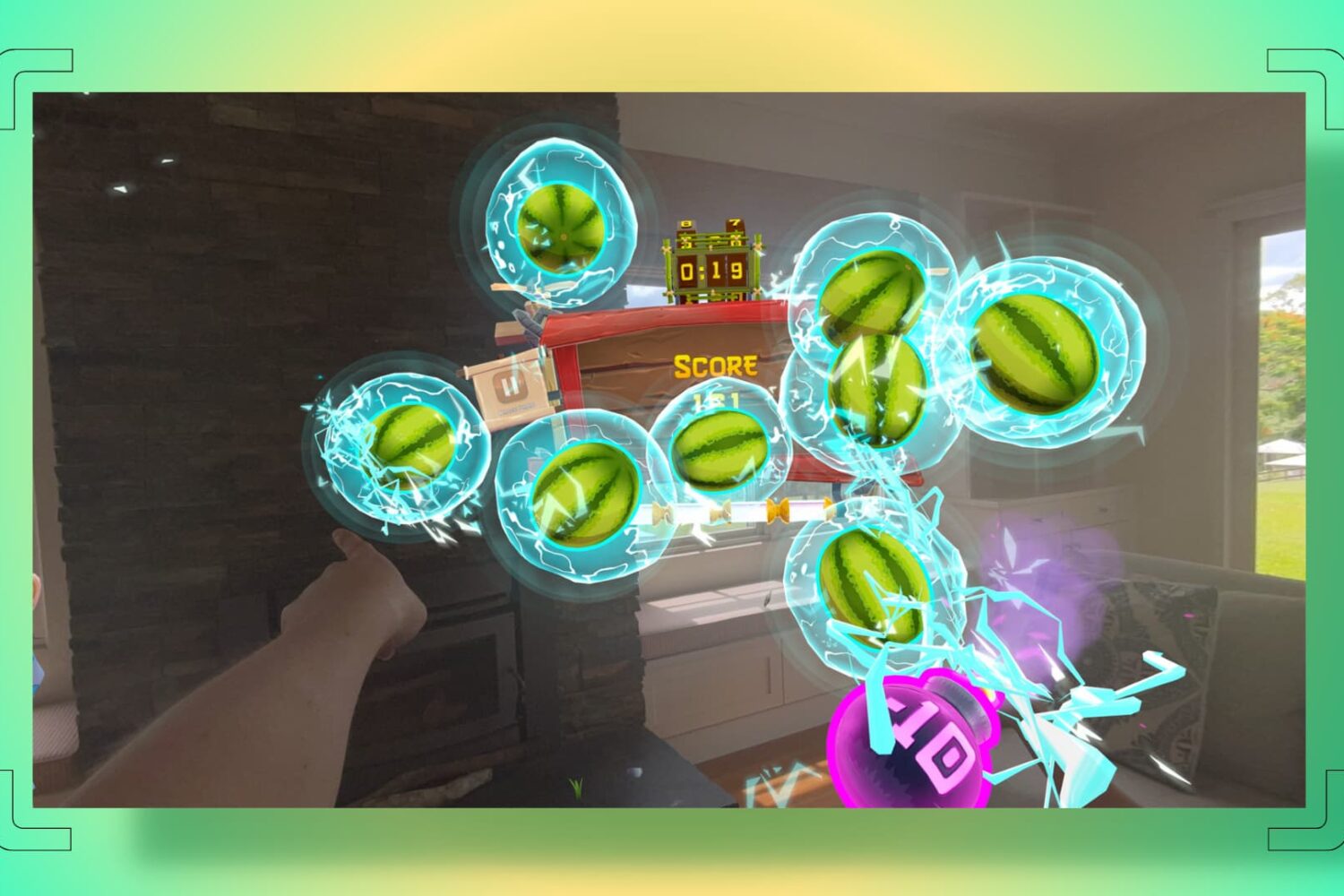
In this tutorial, we will show you how to take a screenshot of the virtual view that appears in front of you when you're using the Apple Vision Pro headset.
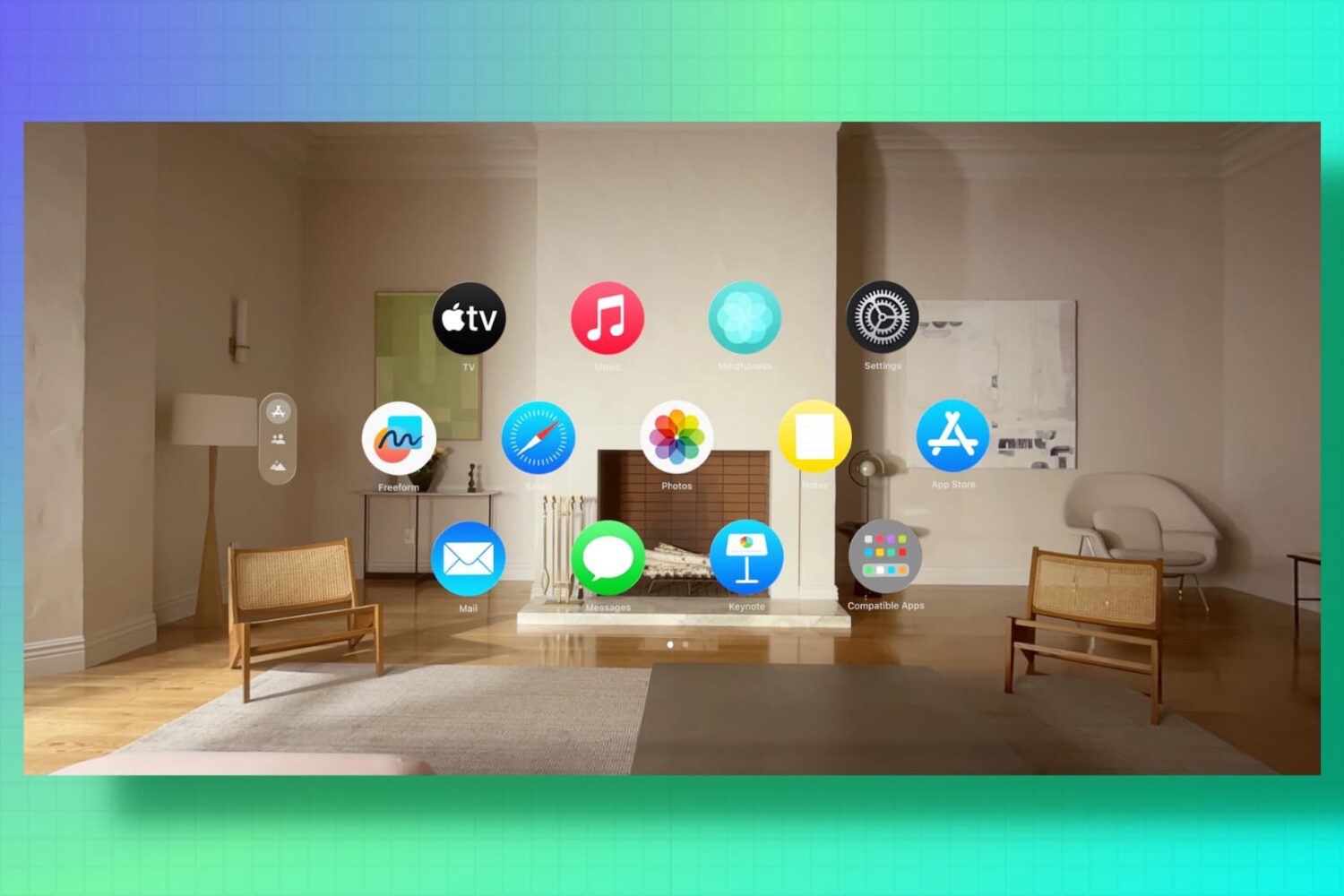
Is your Apple spatial computer not working correctly or freezing periodically? Find out how to fix such issues by force restarting your Vision Pro.
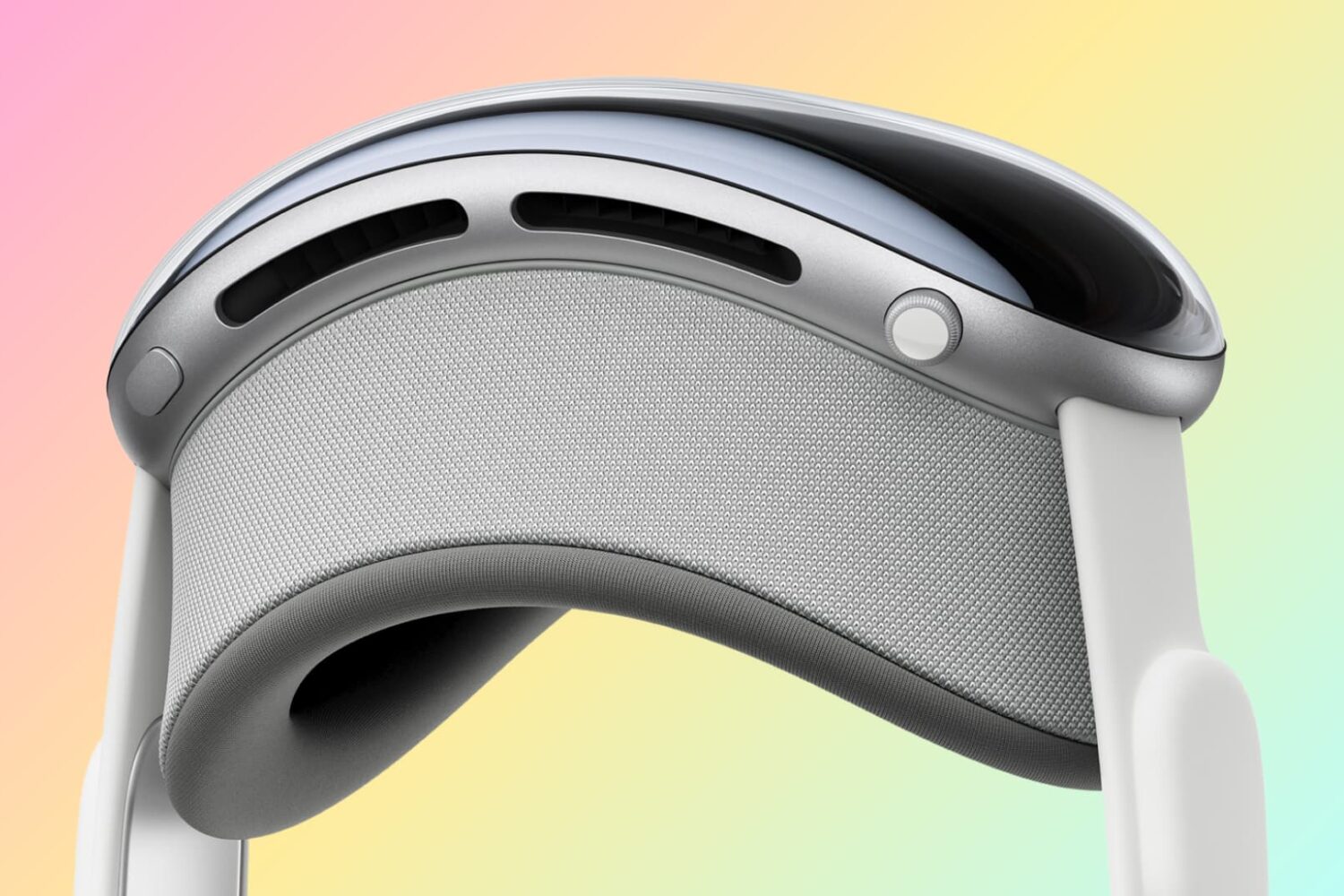
In this tutorial, we will show you how to power on or power off your Apple Vision Pro.
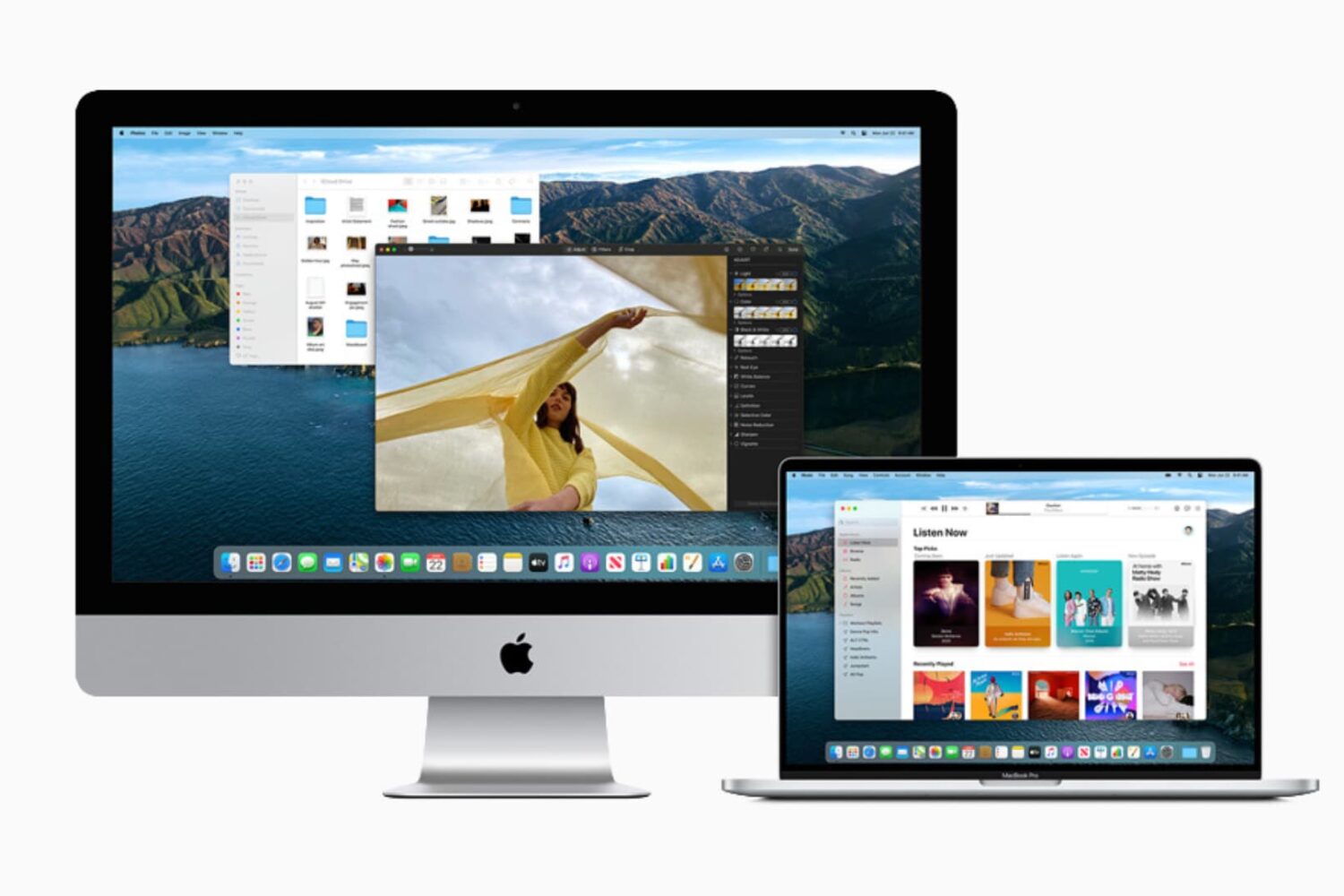
This guide lists 13 signs that indicate it may be time to say goodbye to your current Mac and move to a new model. We will also list some tips along the way to help you continue using your Mac until you decide to upgrade.
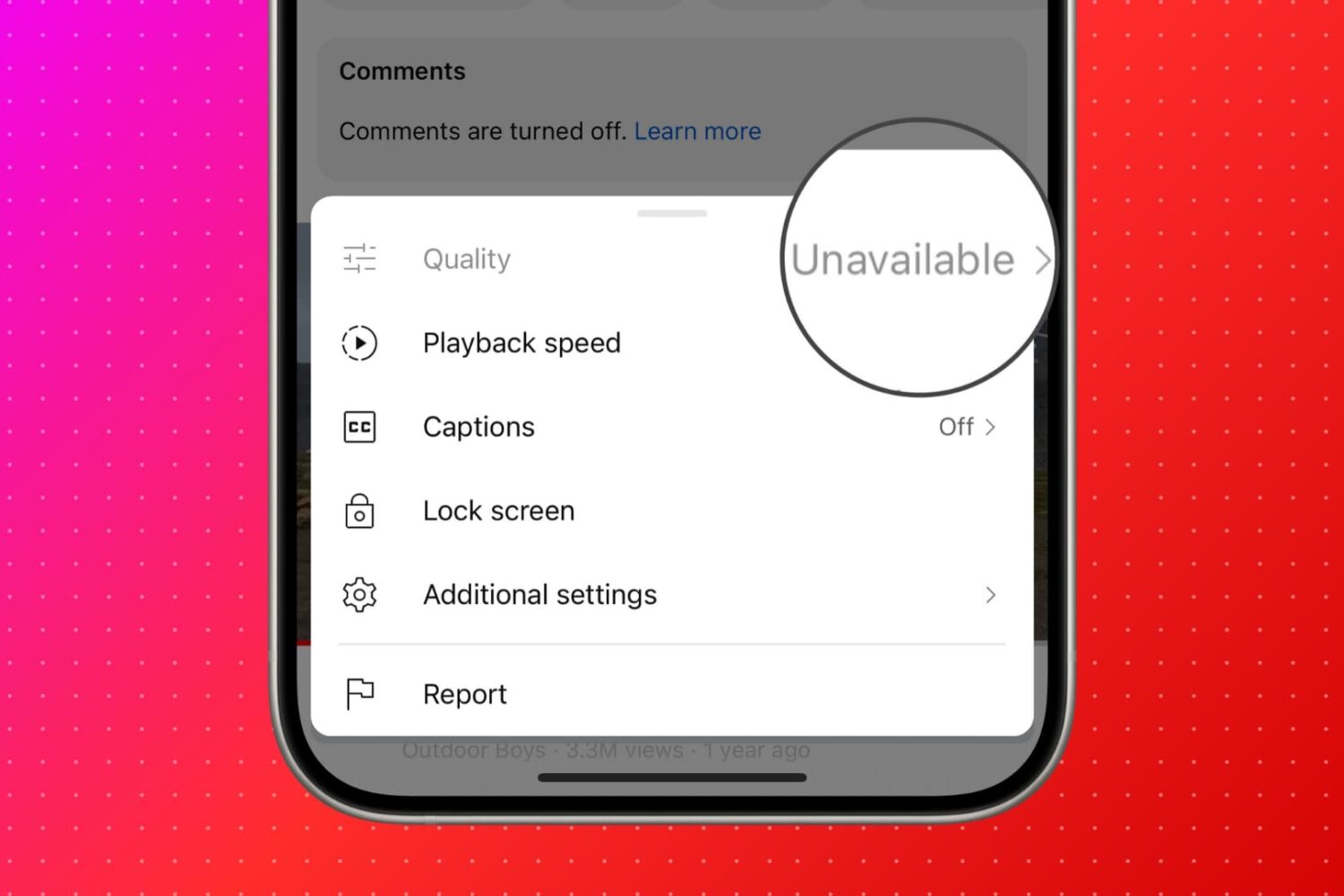
Find out what to do if you see "Quality Unavailable" in the YouTube app or website when you hit the gear icon to select the preferred video quality.