Learn how to use the Apple Magnifier app on your iPhone or iPad to have it detect people and doors to help you maintain physical distance or get a description of things around you.
How to use detection mode in the Magnifier app on iPhone
Learn how to use the Apple Magnifier app on your iPhone or iPad to have it detect people and doors to help you maintain physical distance or get a description of things around you.
Unless you’ve been living under a rock, you’ve probably heard all about TrollStore 2 by now and how it expands upon the original TrollStore’s iOS & iPadOS 14.0-15.4.1 support by adding iOS & iPadOS 15.5-16.5, 16.6 beta 1, and 17.0 support.
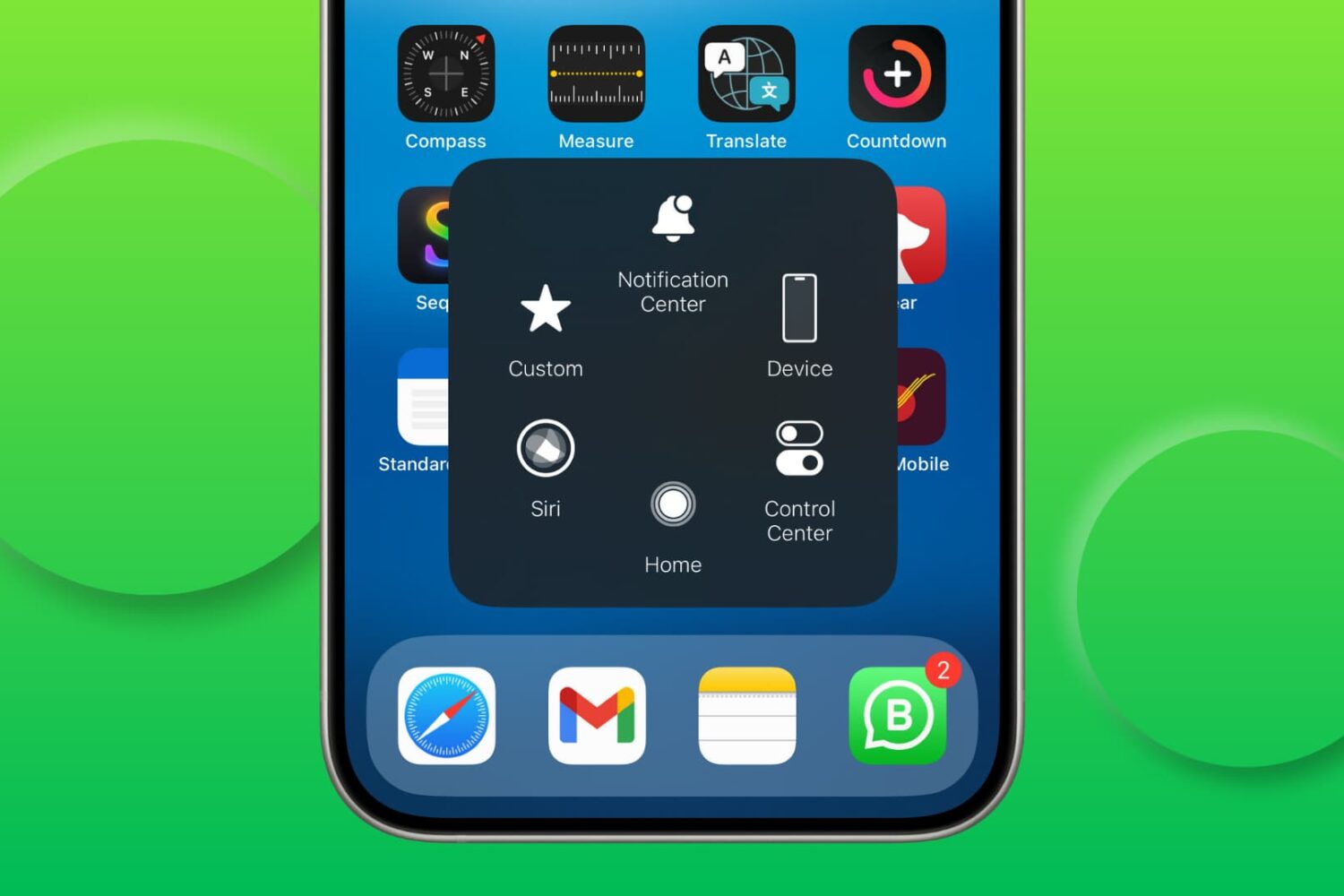
Try these solutions if AssistiveTouch isn’t responding and you’re unable to use the floating on-screen button to perform various actions on your iPhone or iPad.
In this tutorial, we will show you how to use the Apple Magnifier app on your iPhone or iPad to turn it into a magnifying glass and use it to read small text or zoom in on objects for a closer look.

Find out what to do if there’s no sound from your connected speaker, HomePod, television, or AirPods when playing music, movies, and shows on your Apple TV.
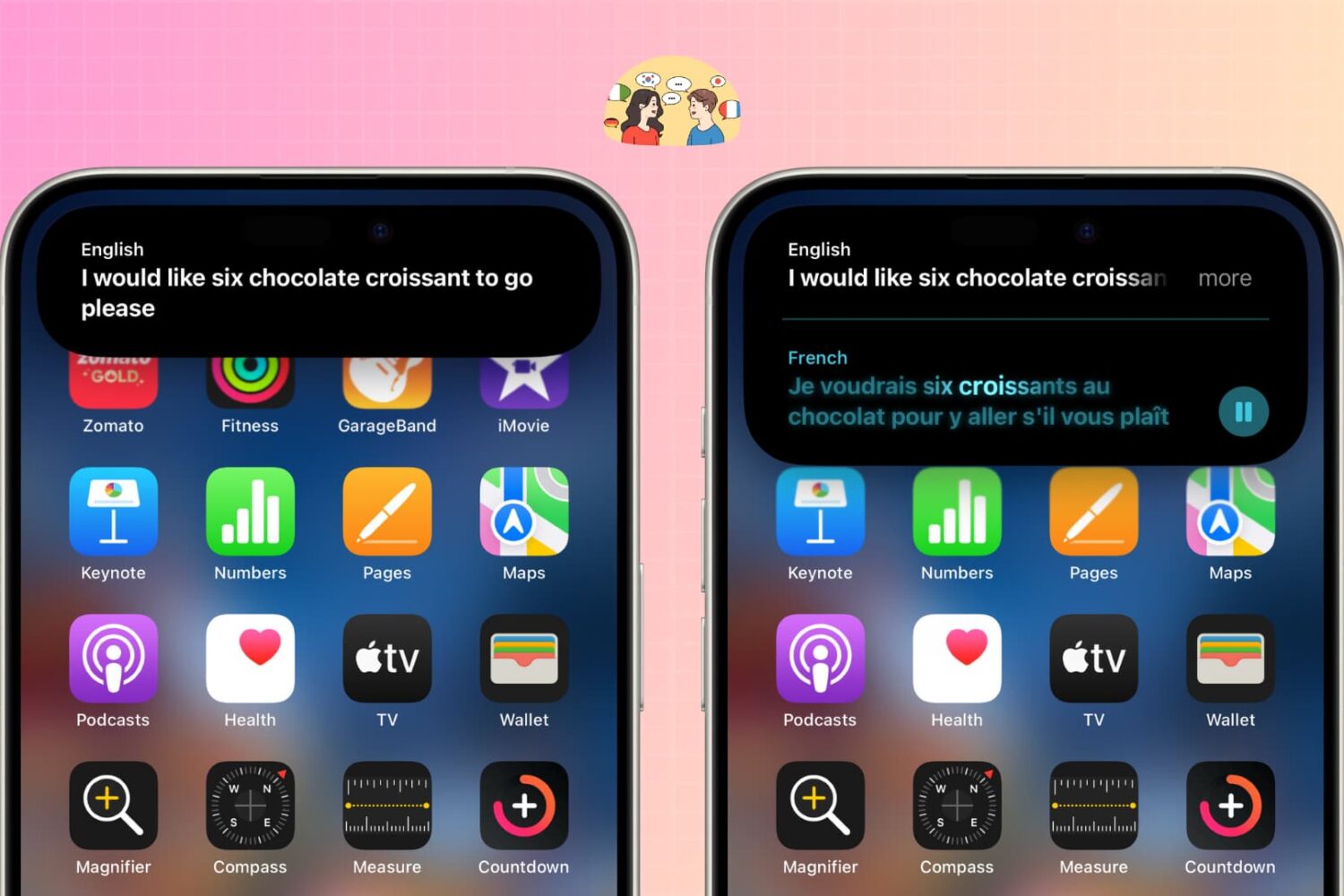
Learn how to use the iPhone Action button to translate words and sentences into another language, making it easier to communicate with someone in a foreign country.
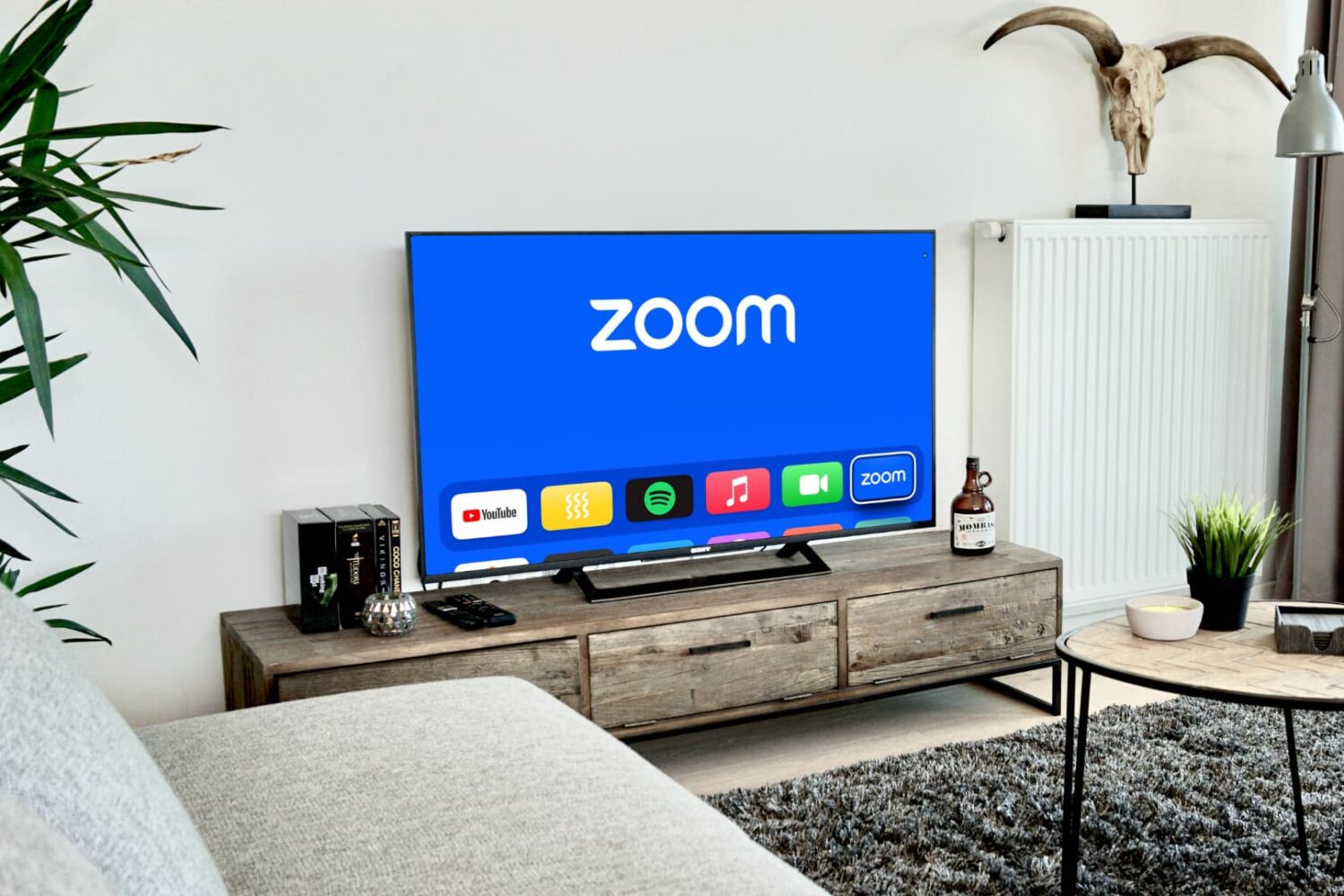
Learn how to make a Zoom call or join an existing Zoom meeting on your Apple TV to video conference from the big screen.
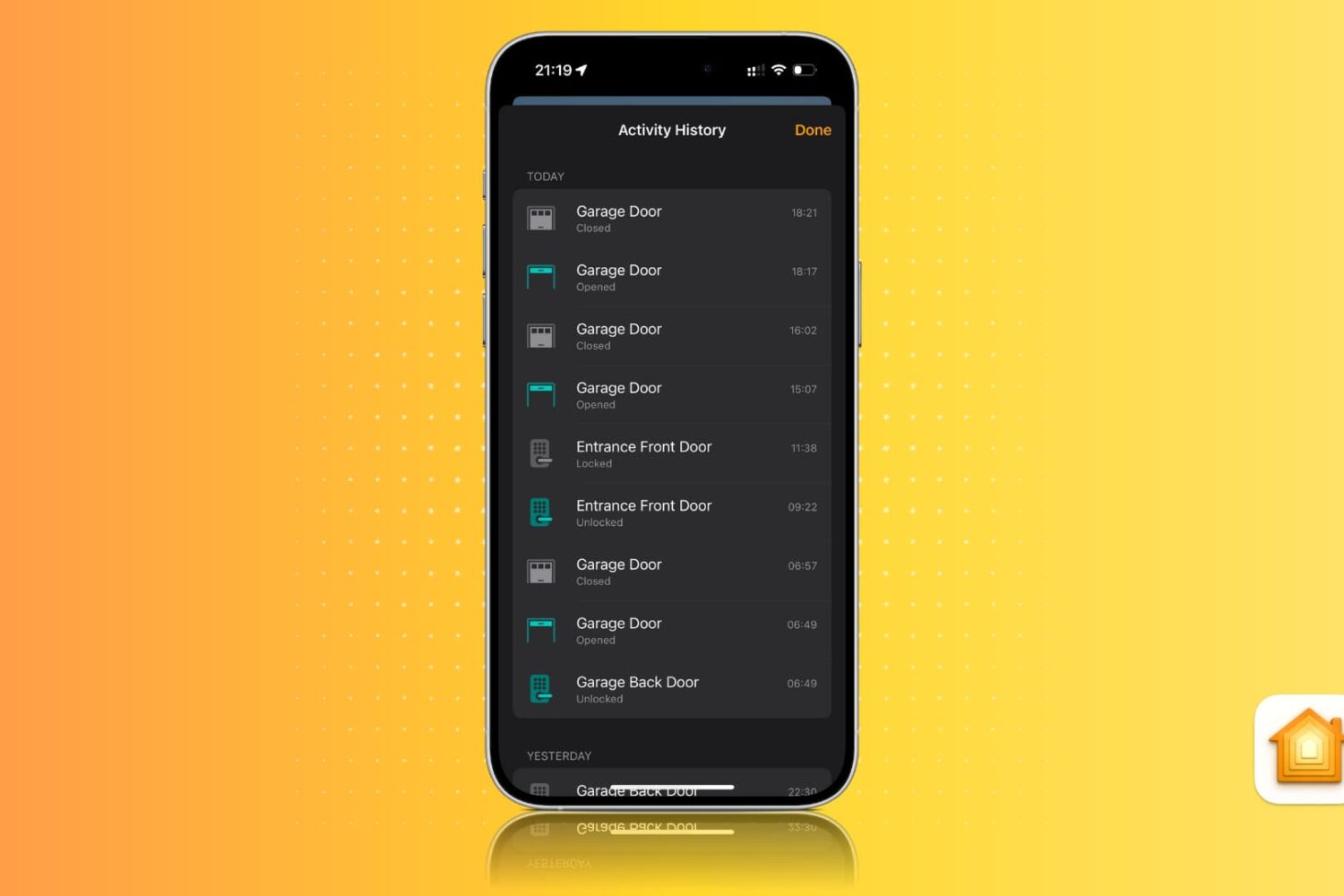
Learn how to view activity history for locks, alarms, sensors, smoke detectors, smart lights, and other smart home accessories in the Apple Home app on an iPhone, iPad, and Mac.
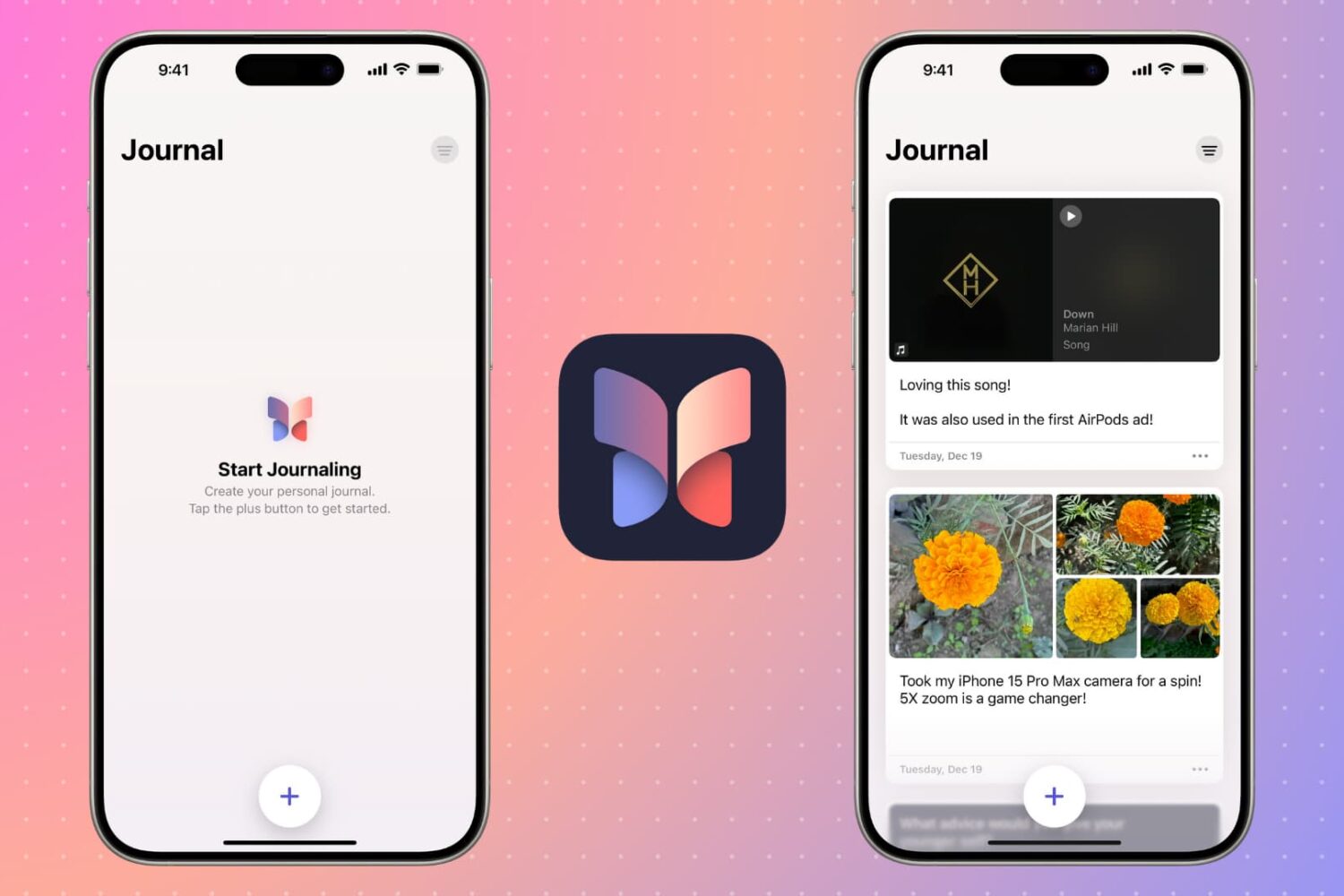
In this tutorial, we will tell you everything you need to know about using Apple’s Journal app on your iPhone. Learn how to make diary entries and preserve memories that you can revisit in the future and reminisce about those special moments.
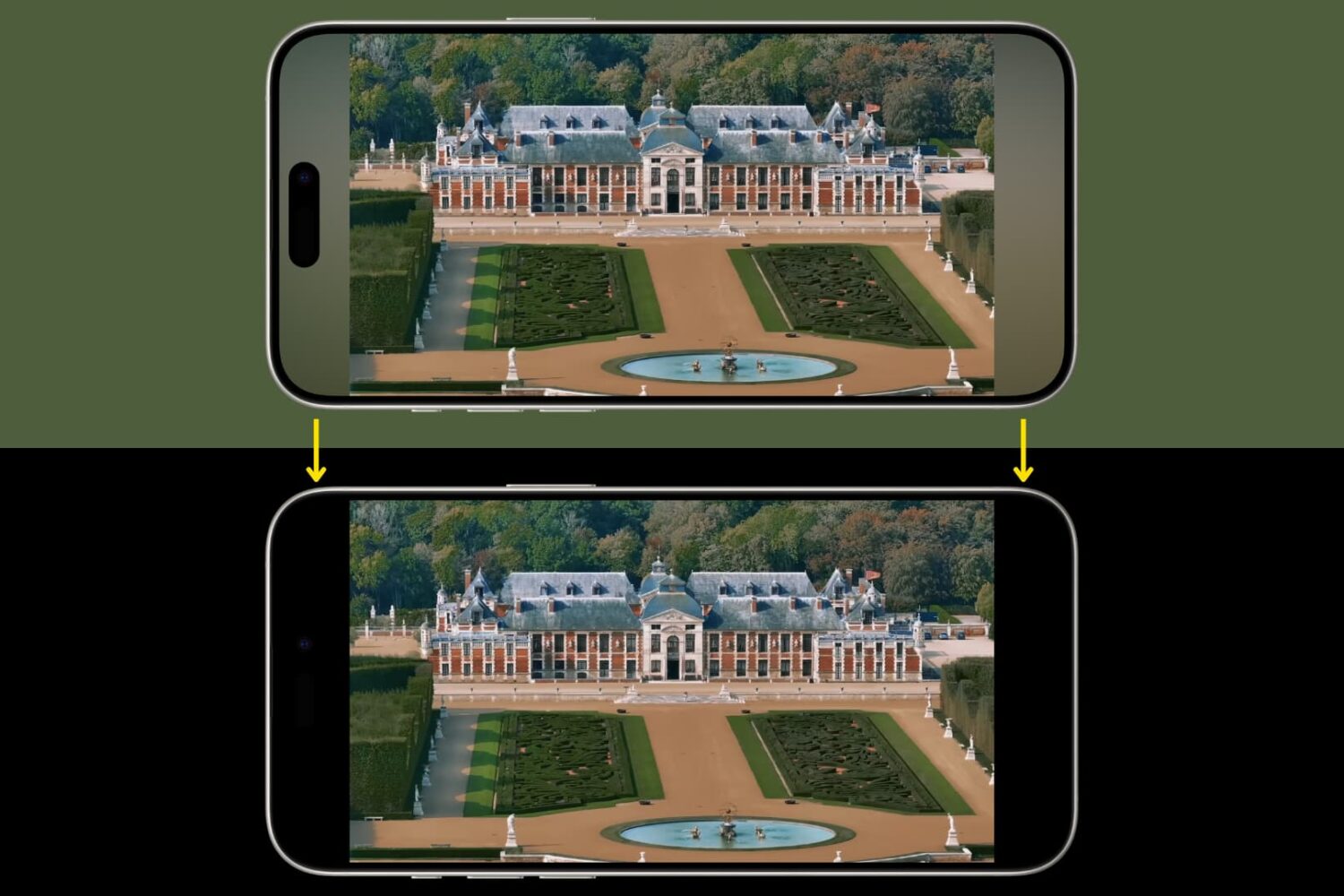
Learn how to prevent YouTube from showing color-changing sidebars and switch to solid black bars for a cleaner, distraction-free experience.
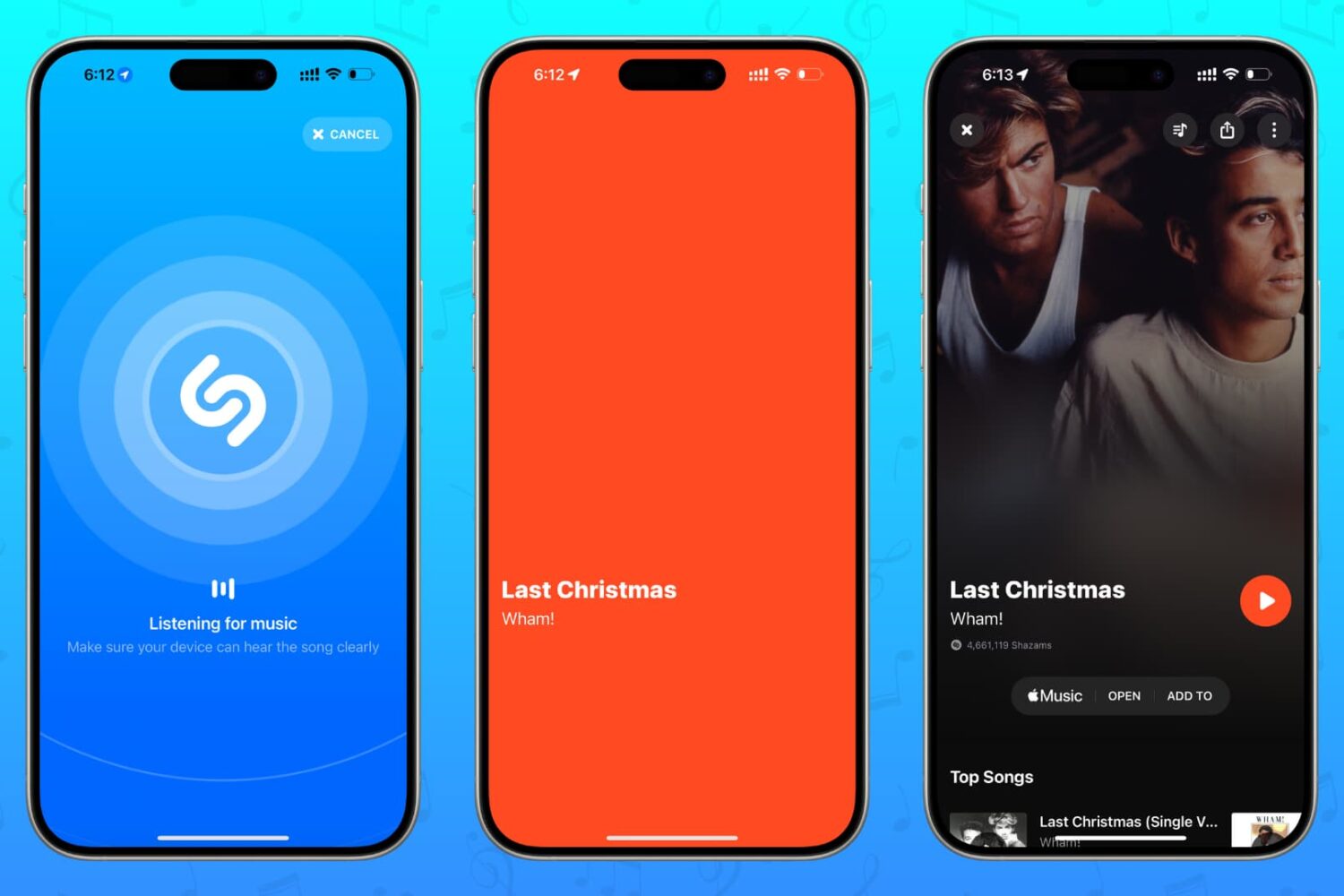
Discover all the different ways to identify which song is playing around you or in a YouTube clip, Instagram Reel, TikTok video, or elsewhere using Shazam on your iPhone, iPad, Android phone, Apple Watch, HomePod, Mac, Windows PC, and even the web!
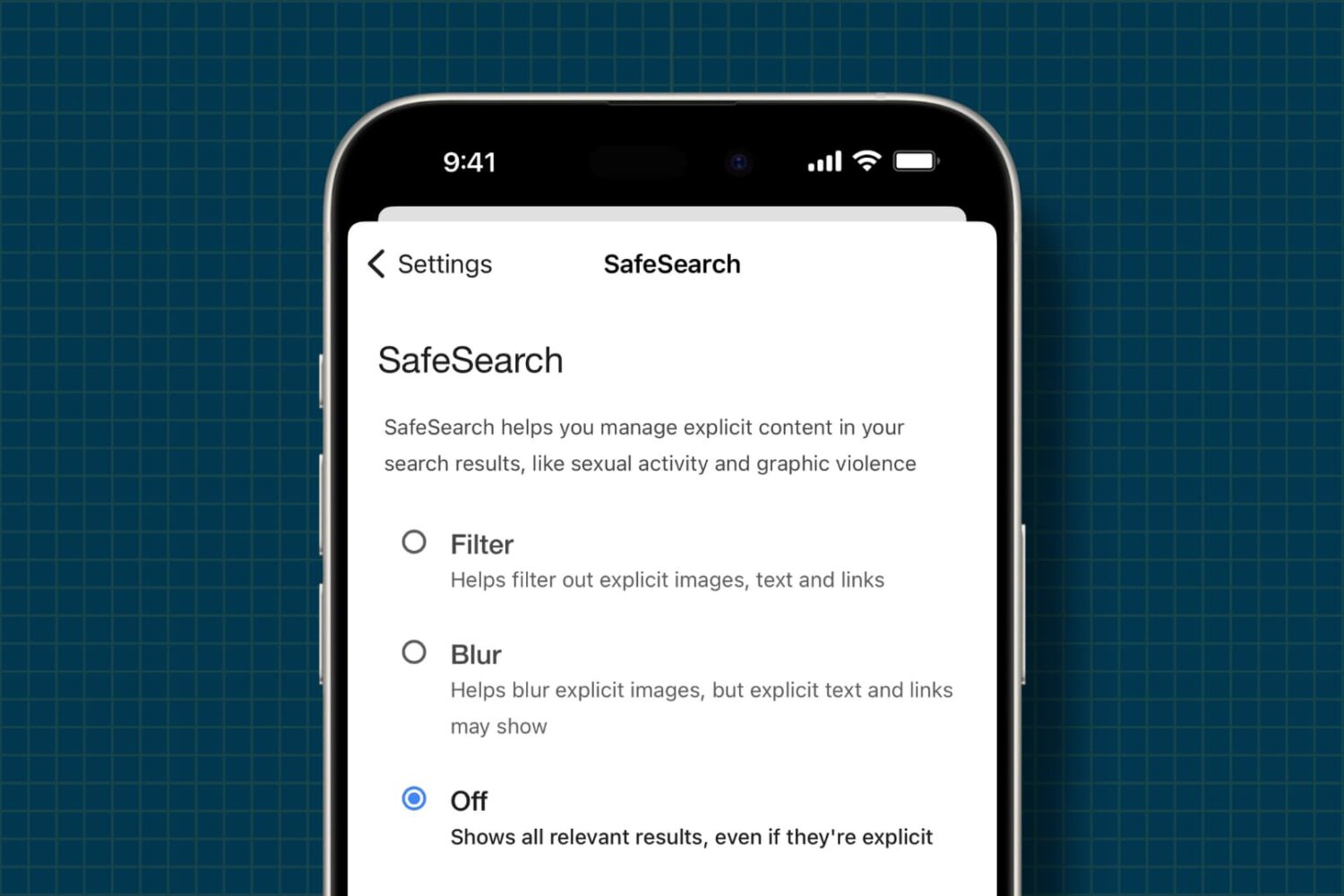
Learn how to allow unrestricted access to unfiltered web content and explicit media by turning off all safe search filters on your iPhone and iPad.