Did you accidentally delete an app on your iPhone or iPad? Learn how to easily restore both free and paid apps without purchasing them again.
How to restore deleted apps on your iPhone or iPad
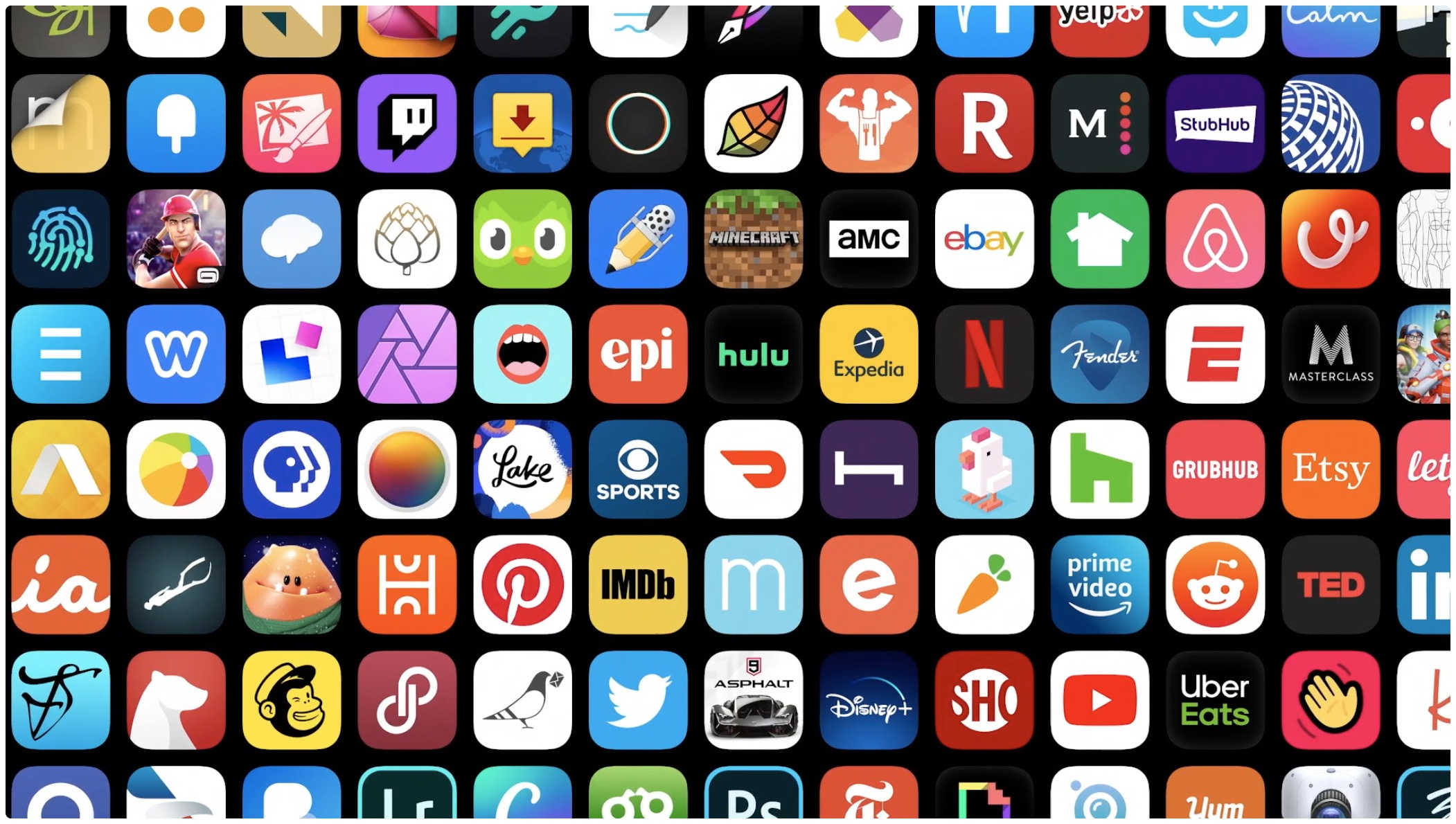
Did you accidentally delete an app on your iPhone or iPad? Learn how to easily restore both free and paid apps without purchasing them again.
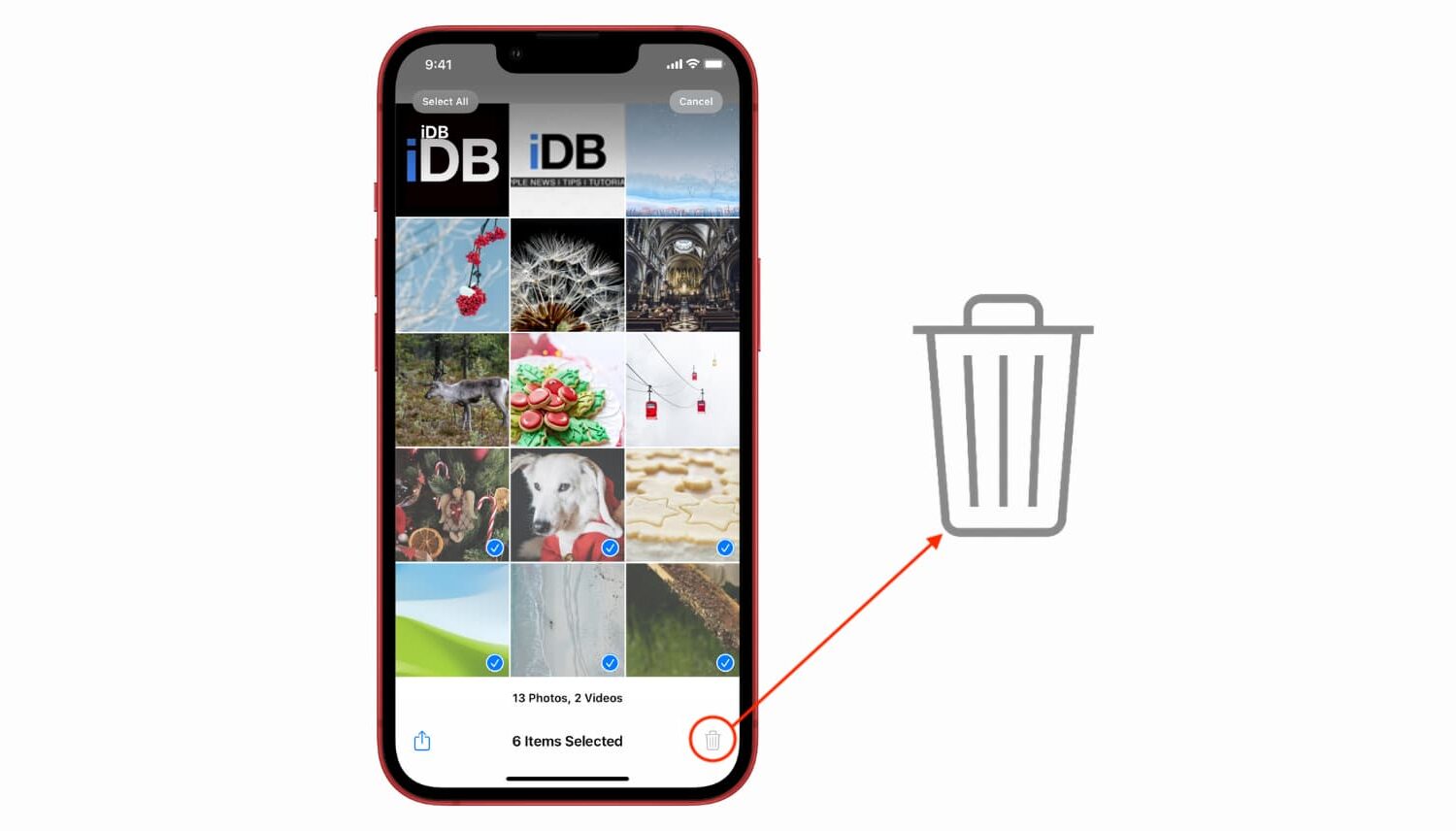
Learn what to do if you try to delete a picture from your iPhone or iPad, but the delete icon is grayed out, and you can’t remove it from your photo library.

Check out these excellent alternatives to Google Photos that offer plenty of space for storing your photos and videos in the cloud.

Learn how to change the language of iOS apps without changing the default systemwide language of your iPhone or iPad.

In this tutorial, we'll show you how to configure your Apple TV the right way by adjusting a few important audio and video settings that are to improve your experience.
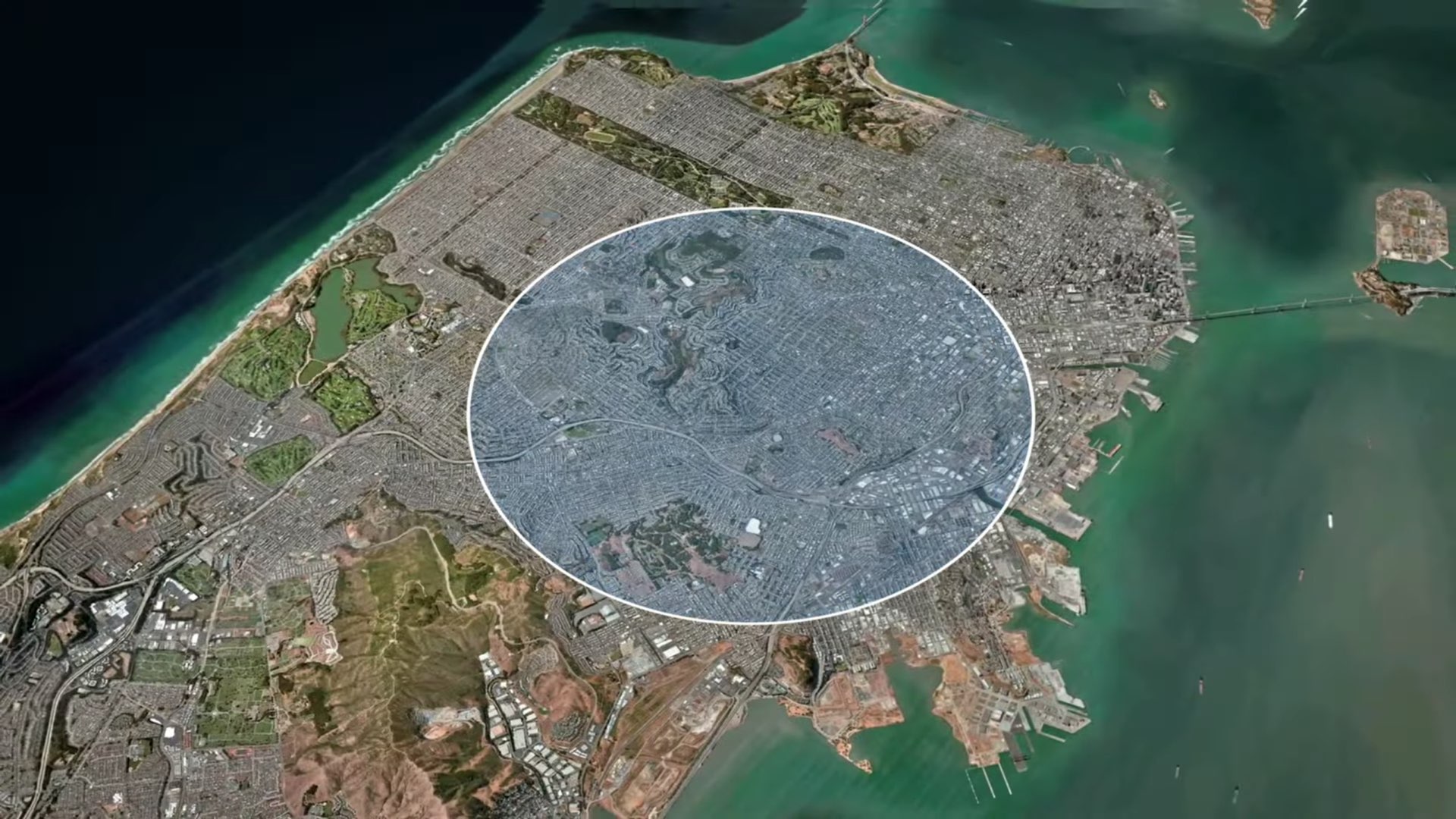
Learn how to spoof your iPhone location and enjoy geo-locked apps and services, play location-based games, and more.
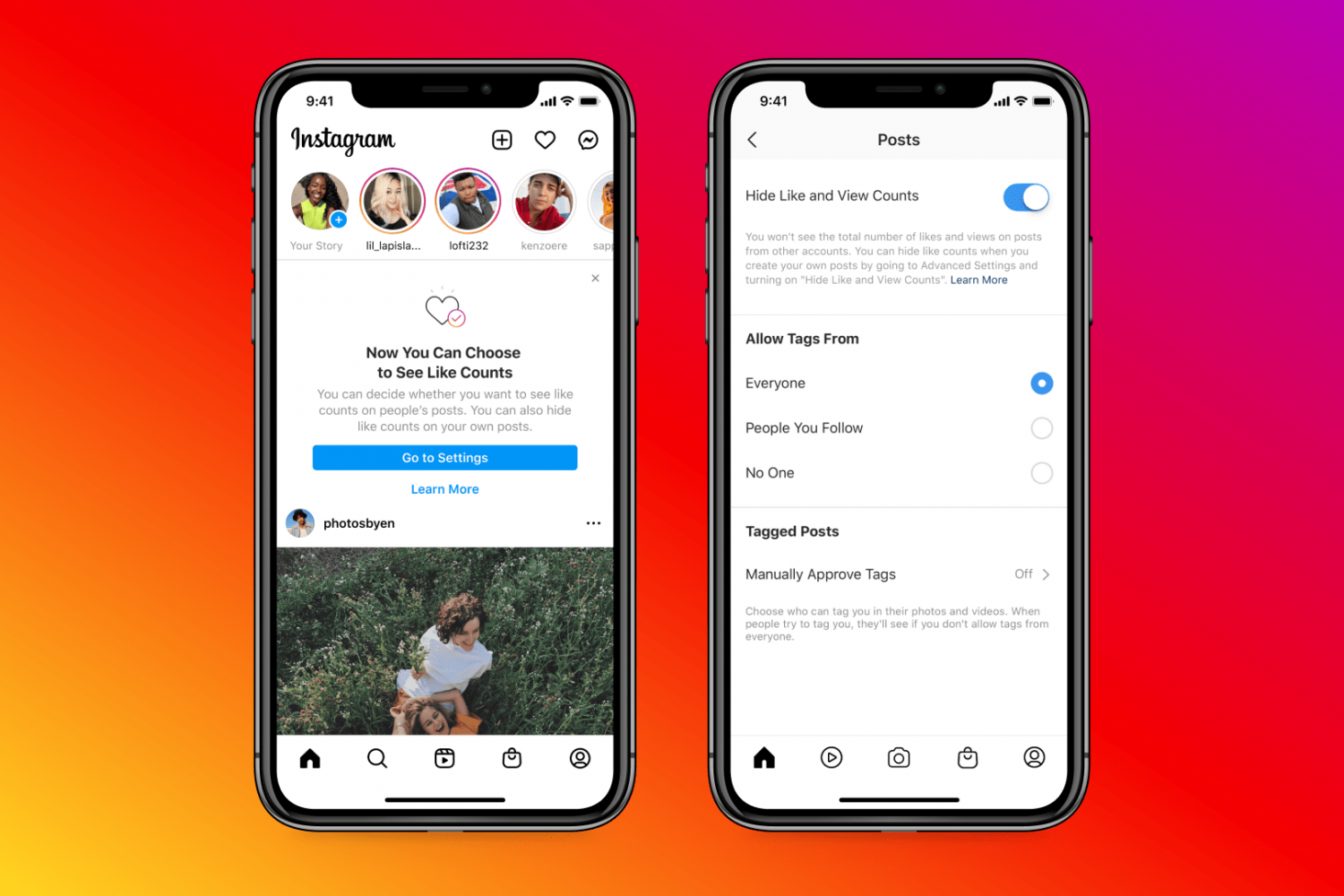
In this tutorial, we’ll show you how to hide the number of Instagram likes and view counts for both your own posts and other people’s posts.

In this step-by-step tutorial, we’ll take you through the simple process of downloading all the pictures and videos you have saved on Google Photos using the Google Takeout feature.

In this tutorial, we'll show you how to cancel this subscription from your iPhone, Mac, or Apple TV.

Like any other computer, your Raspberry Pi can fill up with unwanted items. You may have created a file that you no longer need or downloaded a file you no longer want.
If you’re ready to do a bit of cleaning on your Raspberry Pi, we’ll show you how to delete a file.
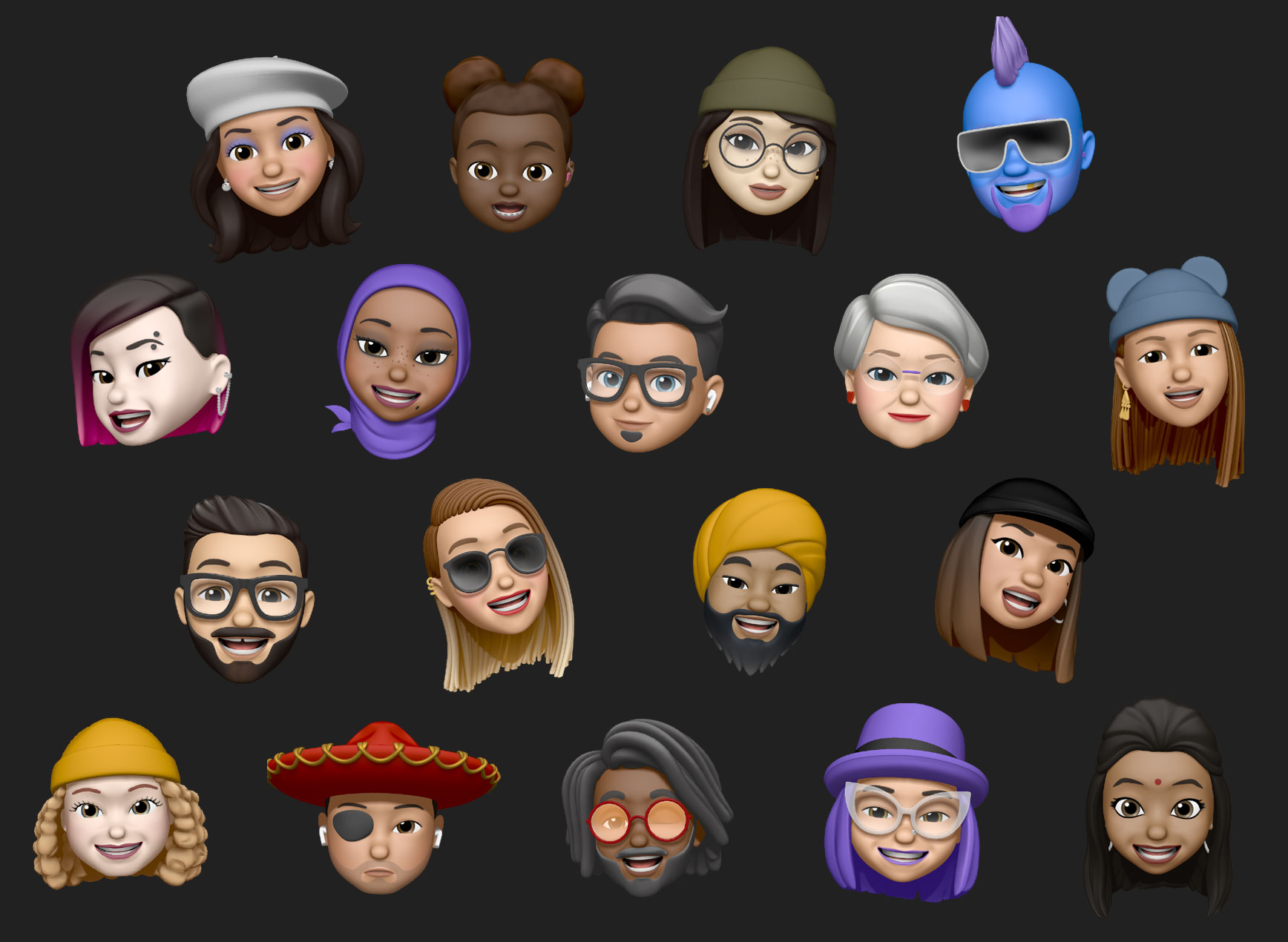
Don't have a person's picture to use as their contact photo? In this tutorial, we'll show you how to use a Memoji as the Contact Poster or Contact Photo on your iPhone.