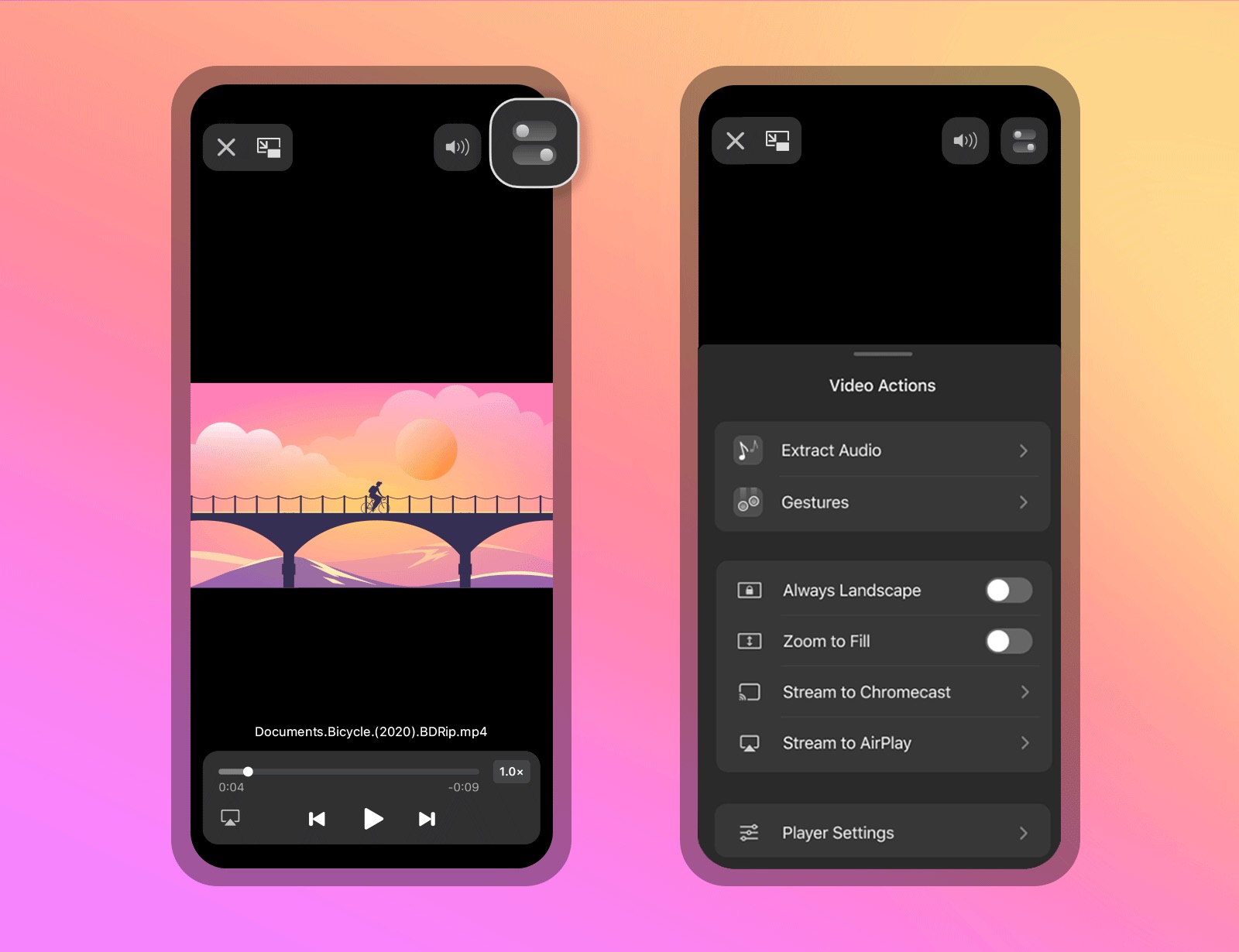
Documents by Ukrainian developer Readdle was helping people manage files on their iOS devices long before Apple's own Files app came along. And now, Documents for iOS has been refreshed on the App Store with new video actions that don't require a separate app.
Readdle updates Documents video player with Chromecast support, audio extraction & more