Learn how to draw vector shapes and lines in the Apple Pages, Numbers, and Keynote productivity apps on your iPhone, iPad, and Mac.
How to work with shapes and lines in Pages, Numbers, and Keynote
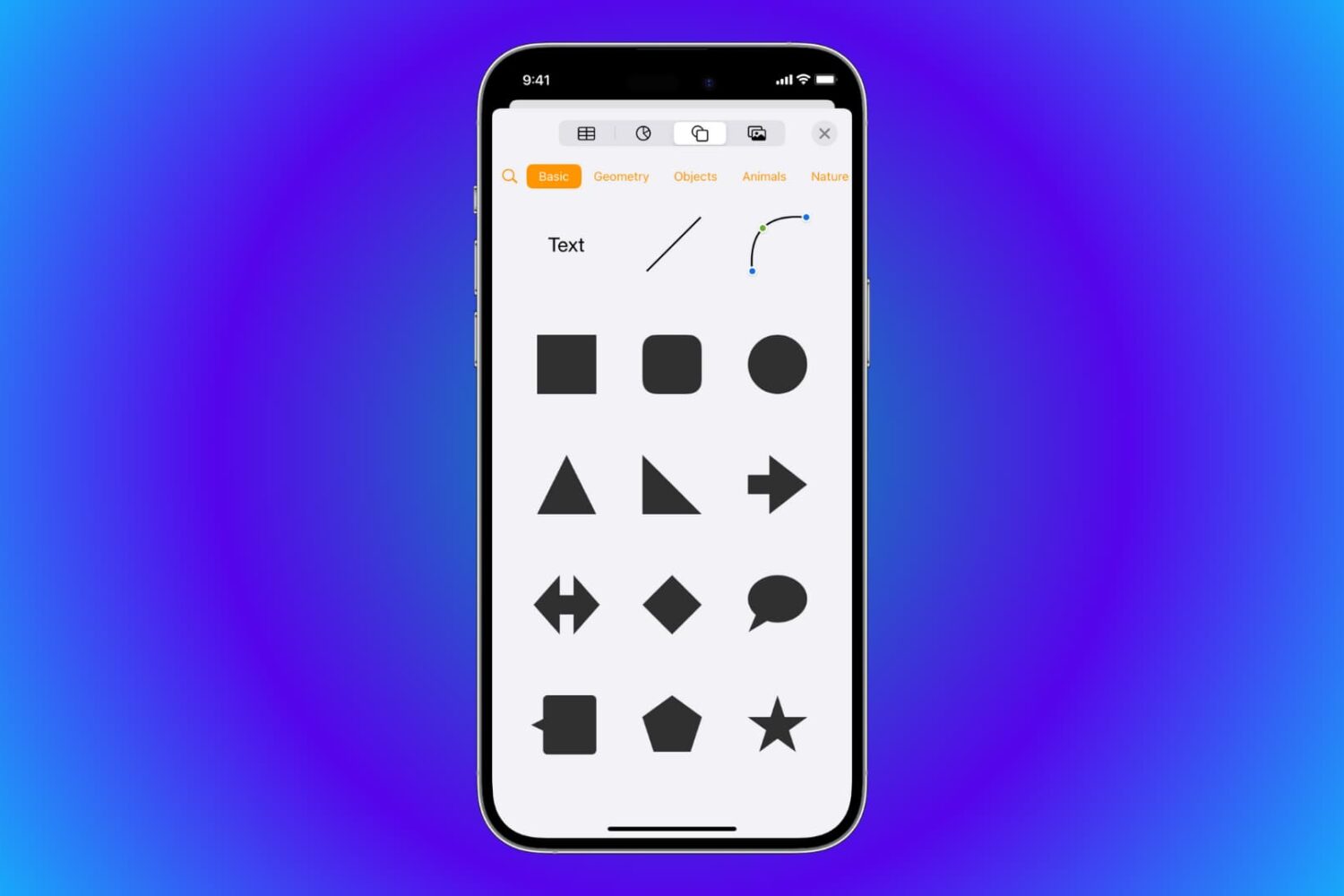
Learn how to draw vector shapes and lines in the Apple Pages, Numbers, and Keynote productivity apps on your iPhone, iPad, and Mac.

Learn how to create Highlights from Instagram stories you want to hold onto. These Highlights stay on your profile until you remove them.

Learn how to take advantage of Tab Bar in the Mail app on Mac to enhance your email organization and boost your productivity.

In this week's episode of our Apps of the Week roundup, we have a unique new step-counter, a super smart plant care assistant, and an app for learning the piano. And as always, we've selected two great games for you to check out.
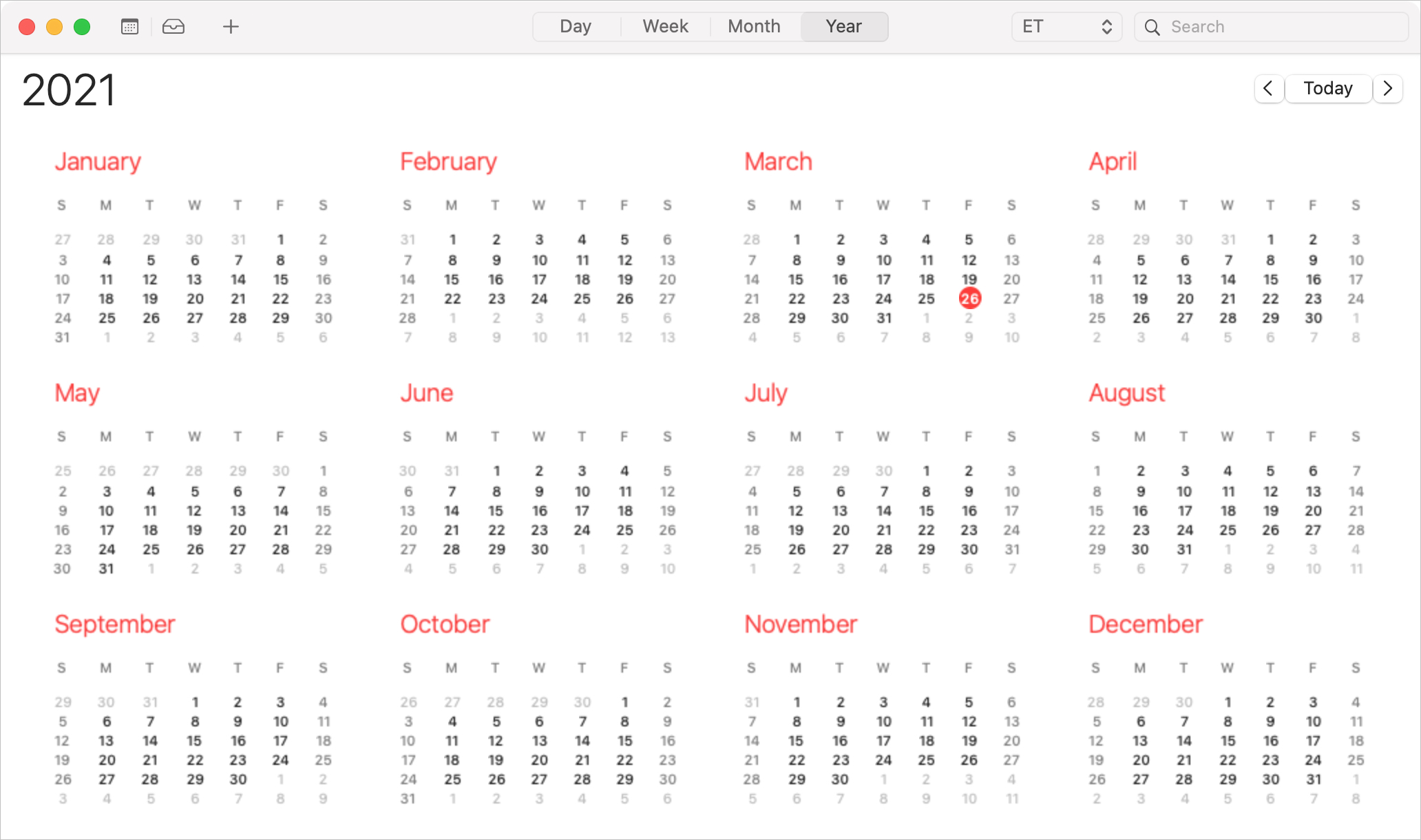
As we all know, events don’t always last an hour or two. A holiday, anniversary, or birthday lasts all day long. Vacations, getaways, and conferences can last days or even weeks. So when you want to add an all-day or multi-day event to Calendar, you’ll need to do it the right way to avoid overlap, confusion, or mistakes.
Here, we’ll show you how to create and edit all-day and multi-day events in the Calendar app.

In 2020, we showed you how to find COVID-19 testing locations using Apple Maps. And this is something you can still take advantage of. But luckily this time, we get to show you how to find locations in Maps offering the COVID-19 vaccine in your area.
Whether you’re considering getting the vaccine yourself or want to help a friend or family member, Maps makes it easy. On iPhone, iPad, and Mac, you can see locations offering the vaccine and even hit a simple button to make an appointment on the location’s website.
So if you’re ready, let’s get to finding COVID-19 vaccine locations in Maps.

Learn how to export an iMovie project as an MP4 file on your Mac or import another file in a different video format, such as MOV, and save it as MP4.
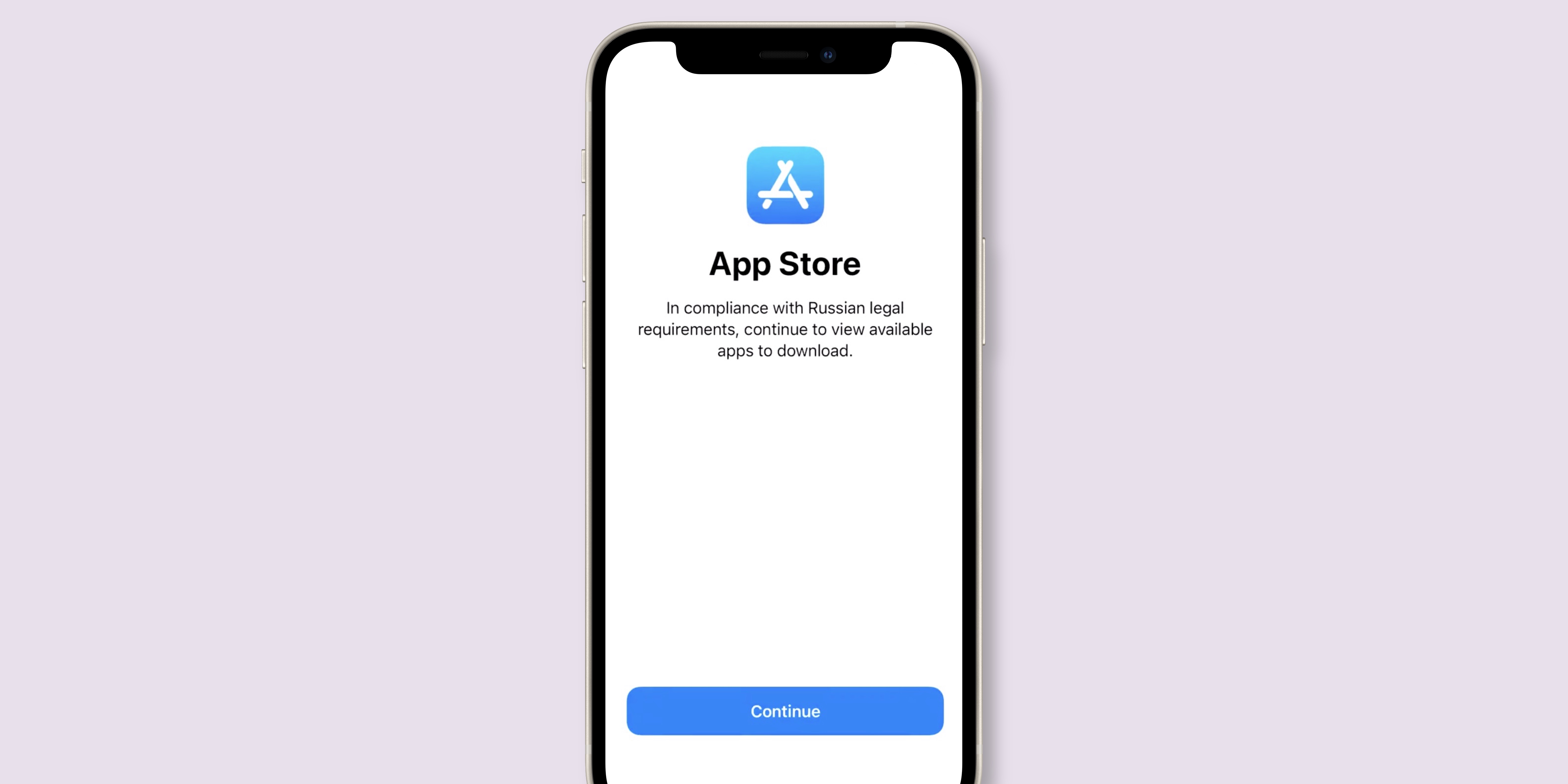
iPhone and iPad owners in Russia are now being greeted with a list of government-approved when setting up their device, as evidenced by screenshots and reports shared on social media.

The Opera browser for macOS is now up to two times faster on Mac computers powered by Apple silicon rather than Intel chips, thanks to newly-launched native support for M1 Macs.

Following through on its promise to discontinue support for Cortana on mobile devices in early 2021, Microsoft has now shut down support on the digital assistant app on iOS and Android.
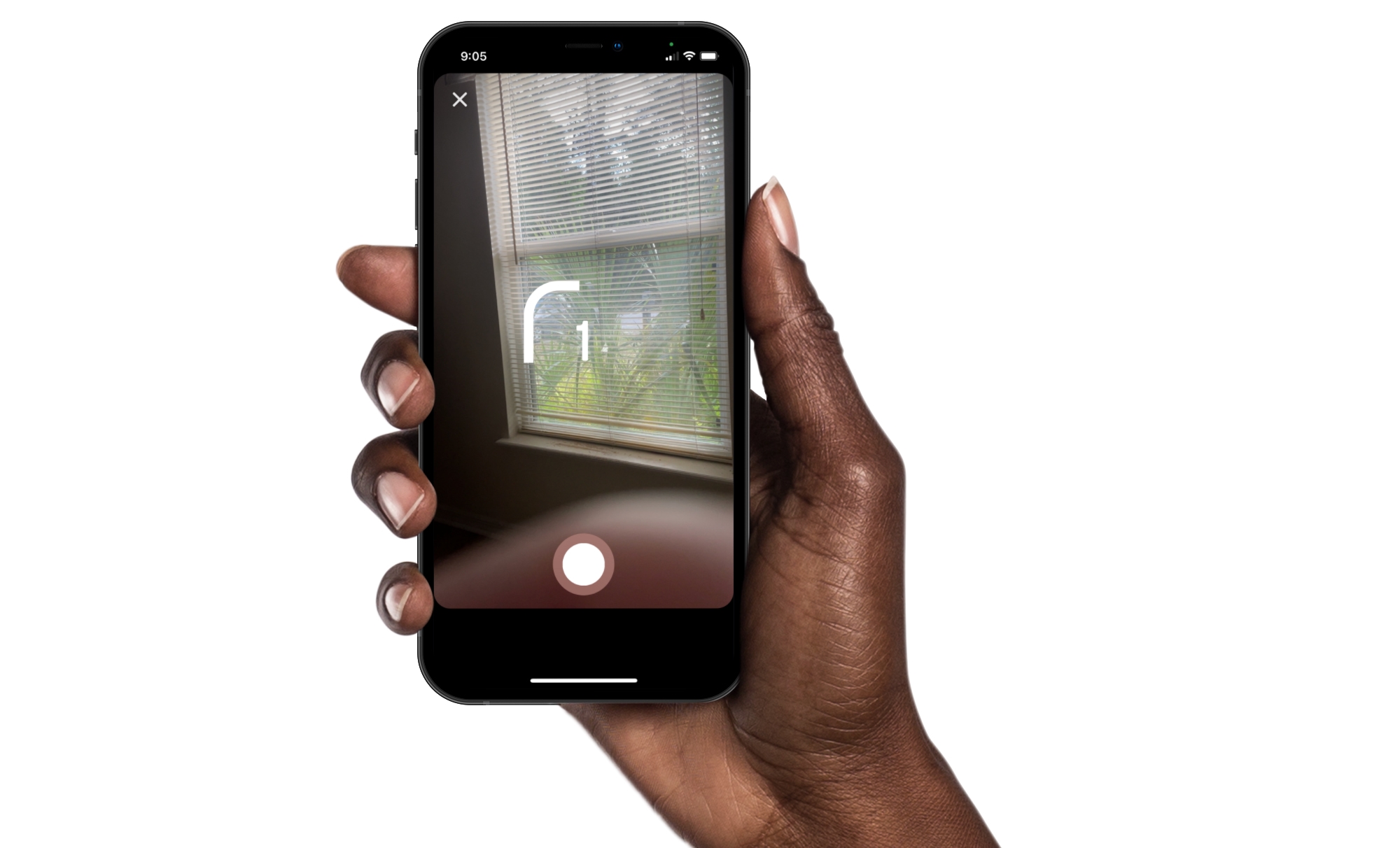
Instagram offers some great features for creating memorable stories and posts. You can use Multi-Capture to quickly snap several photos for your story. And you can use PhotoBooth for that “photo booth” look, which is what we’ll walk through here.
Just like sitting in that photo booth at the mall, you can capture four pictures of you and your pals, pets, or just yourself. Then, add them to your Instagram story for something a little different. Here’s how to use the PhotoBooth feature in Instagram.
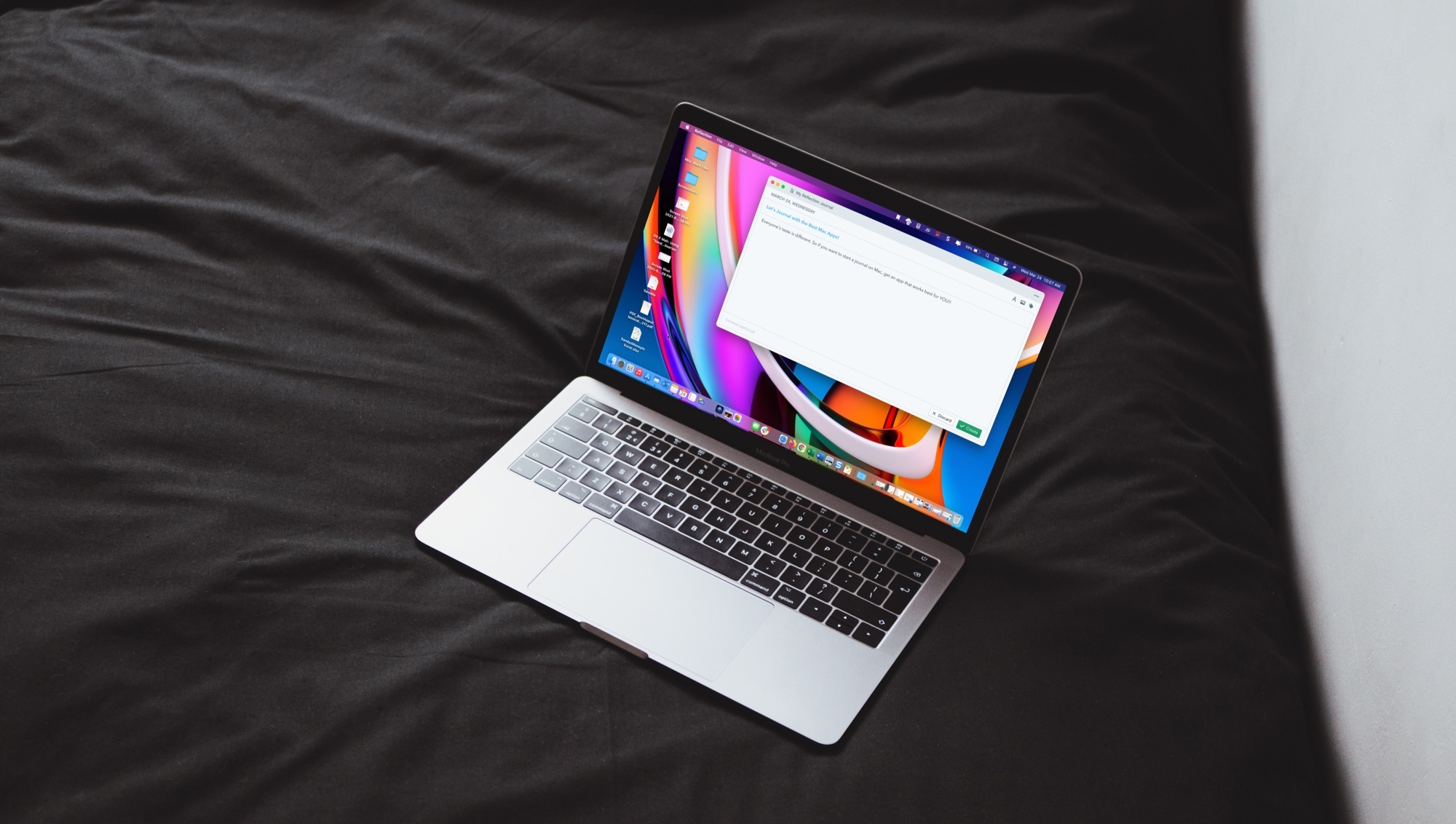
Take a break from your day and capture your thoughts with one of these free journal apps for Mac. They each make keeping a diary enjoyable.