Learn how to plan your next road trip or getaway using the Apple Maps app on your Mac by seeing how far locations are from each other and adding stops along the way.
How to use the route planner in Apple Maps on Mac

Learn how to plan your next road trip or getaway using the Apple Maps app on your Mac by seeing how far locations are from each other and adding stops along the way.

The App Store is a lucrative business for Apple, and that's one of the many reasons the company wants to keep things the way they are. Not that Apple isn't changing some things, of course. But rules are rules, and Apple wants to keep those in place.
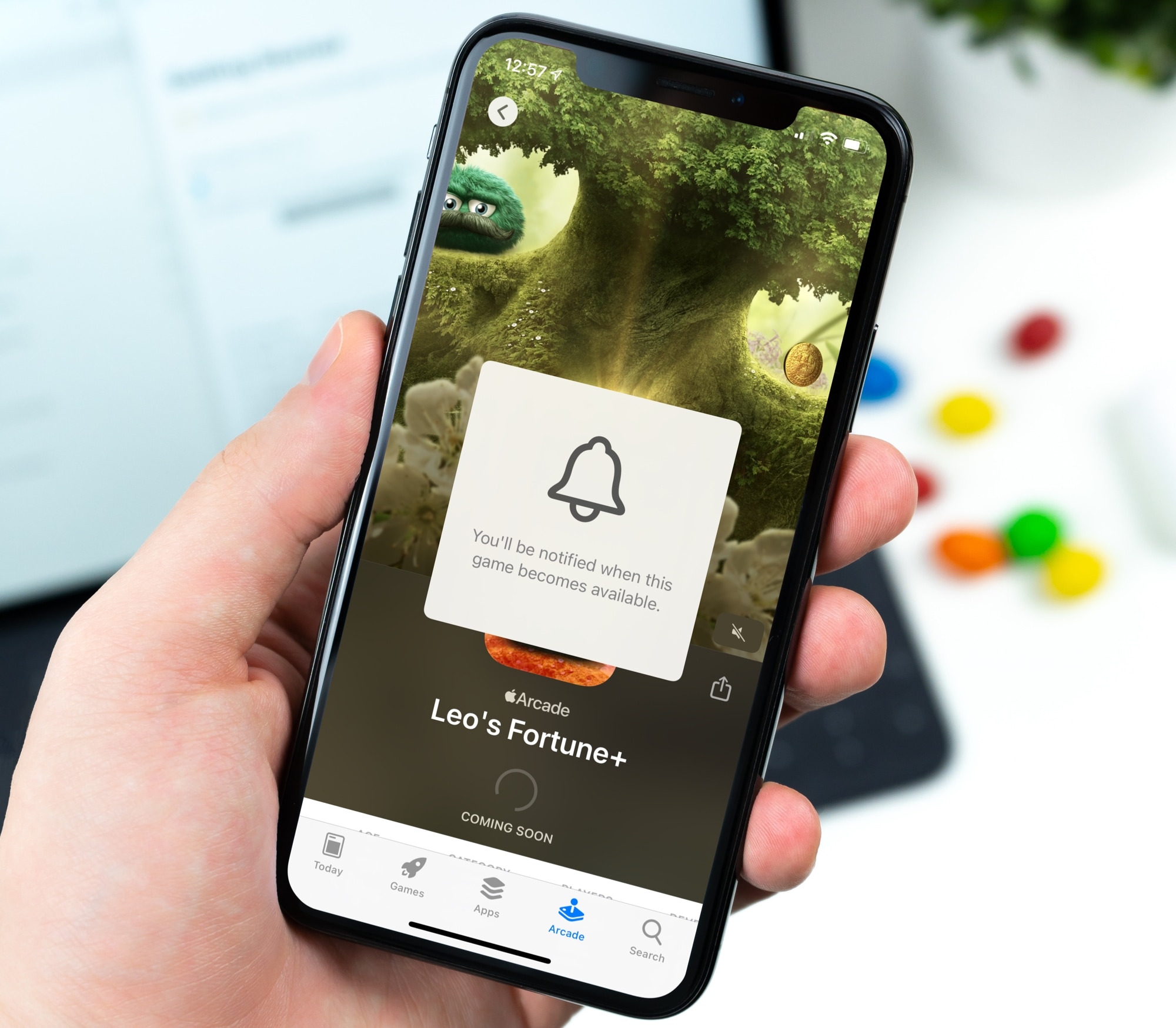
Keeping up with new games can be tough no matter which device you use. But if you’re an Apple Arcade subscriber, you can receive notifications for new games when they become available.
This is a great way to know exactly when that awesome new game you’ve been waiting for hits the App Store for you to download. Here’s how to get notifications for new Apple Arcade games on iPhone, iPad, and Mac.
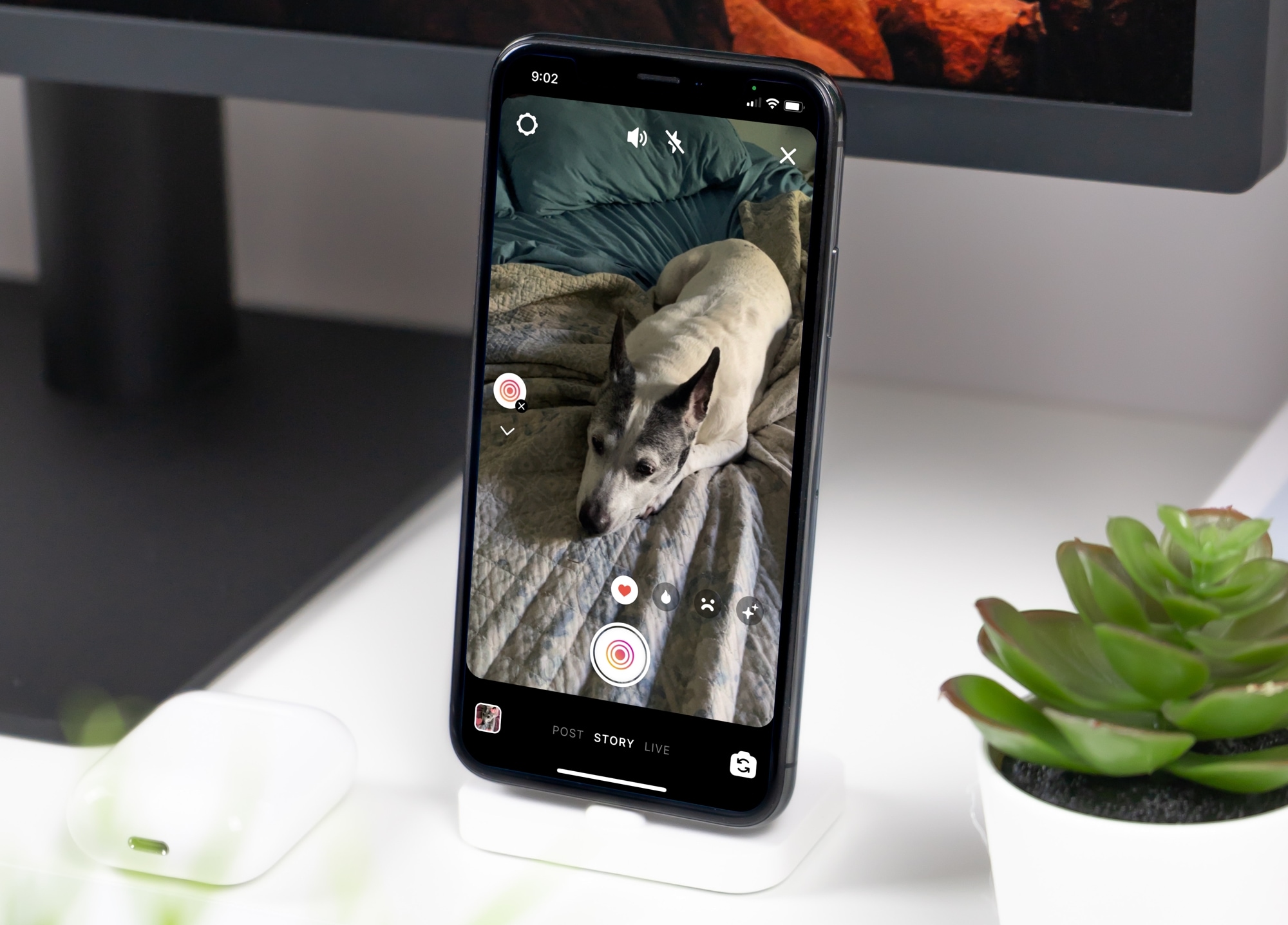
Learn how to use the Superzoom feature in your Instagram story to zoom in on the subject, along with some special effects to tell your story in a unique way.
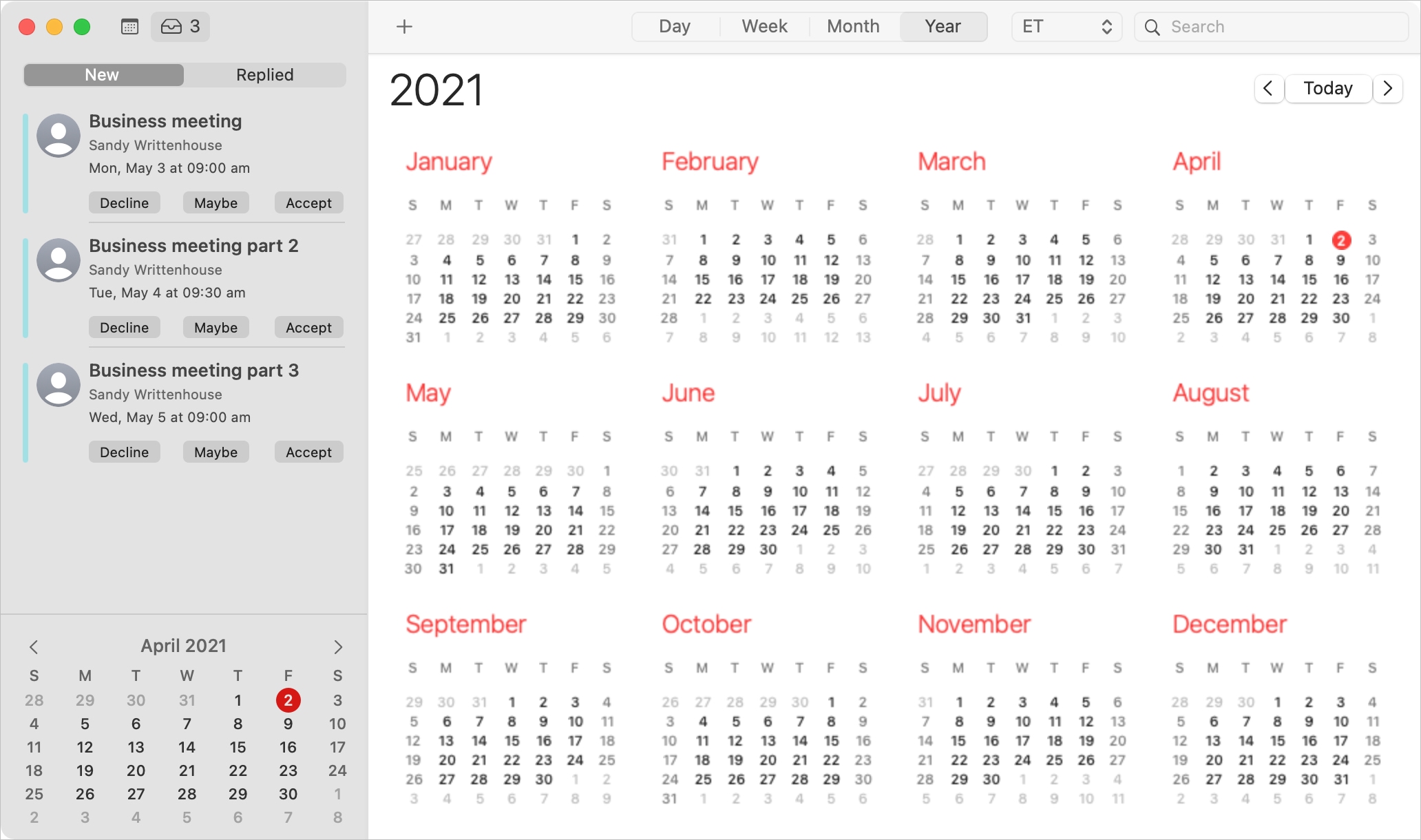
When you receive an invitation to a Calendar event on Mac, you have more than one way to see it and reply to it.
Depending on how your notifications are set up, you might see an alert on your screen, in the Notification Center, or badge app icon in your Dock. You should also have email for the invitation waiting for you in your mailbox and a notification in the Calendar app itself.
With the flexibility you have for viewing Calendar event invitations, you also have several ways to reply to them. Here, we’ll walk you through your options.

Are you trying to decide which music service to commit to? Apple Music, Spotify, and Pandora are at the top of the list of options. They each offer terrific features, are available across multiple platforms, and are comparable in price. So what makes each stand out may be your deciding factor. Let’s have a look!
As you probably already know, Apple Music, Spotify, and Pandora all provide similar features. You can create playlists, listen to stations, manage your music library, tune into podcasts, and much more. So rather than list the same features for each service, we’ll call out some special features and the differences.

When you receive an event invitation, you may have a conflict with the date or time. In the Calendar app, you can propose a new time to the event organizer. This saves you from phone calls or the back and forth via email to reschedule the event. You can propose a new time before or after you accept the event invitation.
Here, we’ll show you how to use the built-in feature for proposing a new time for a Calendar event. And we’ll walk you through it on Mac, iPhone, and iPad.

Discover the top free Gmail apps for Mac, simplifying email management and enhancing productivity from your desktop.
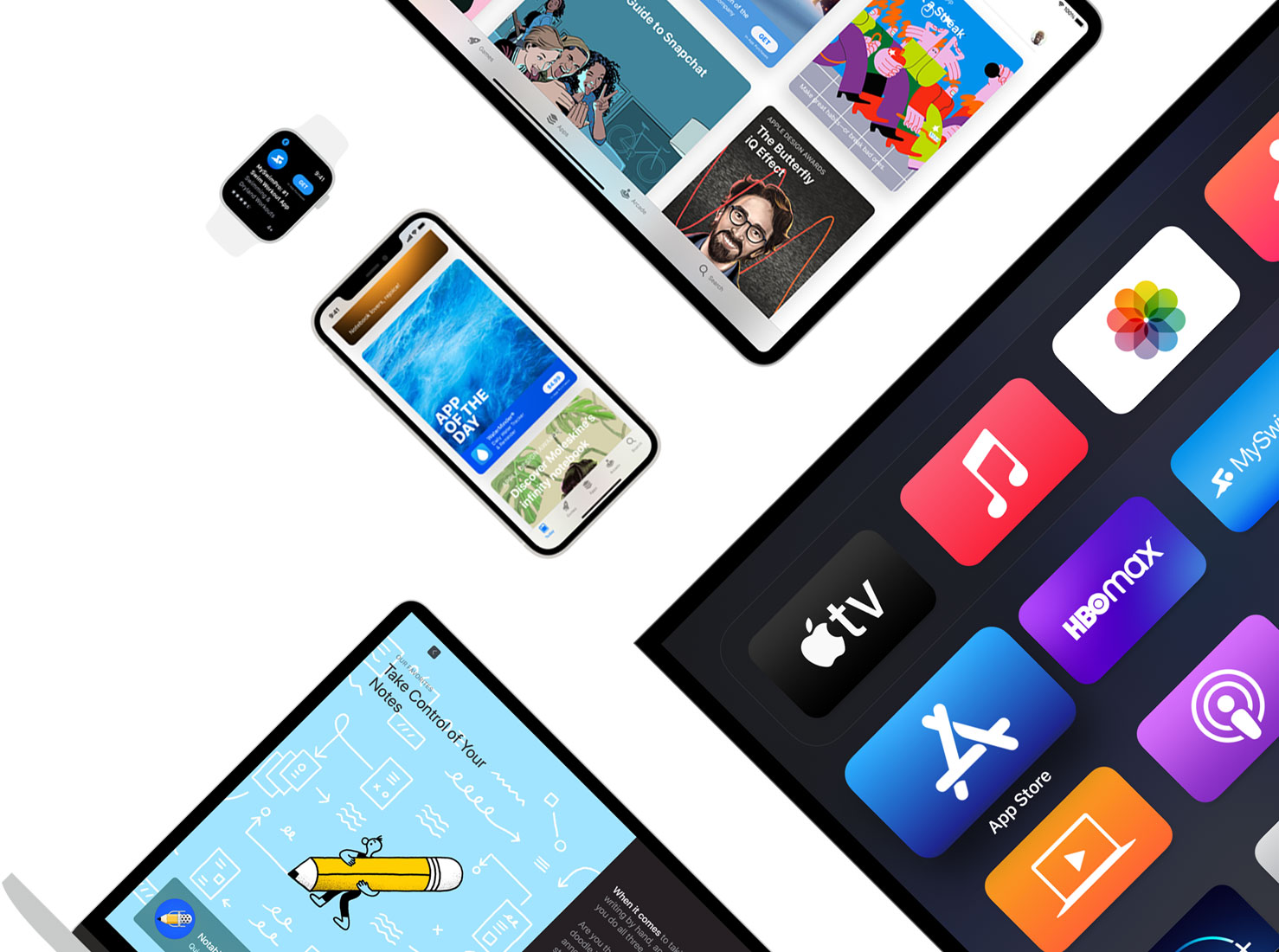
Reddit has announced that its official mobile app for iOS no longer works on the iPhone 6 and older because it now requires iOS 13.0 or later to function.
The mobile Amazon Music app for iOS and Android has gained a new Car Mode feature that replaces the app's splashy interface and eye-catching album artwork with a simplified look, custom presets and voice control through the Alexa virtual assistant.

The leading music-streaming service Spotify has rolled out a new feature that lets customers use a wake phrase to summon Spotify’s built-in voice search feature into action.

All of the major iPhone and iPad apps from Google how now finally been updated with privacy nutrition label data—four months after the App Privacy section went live on the App Store.