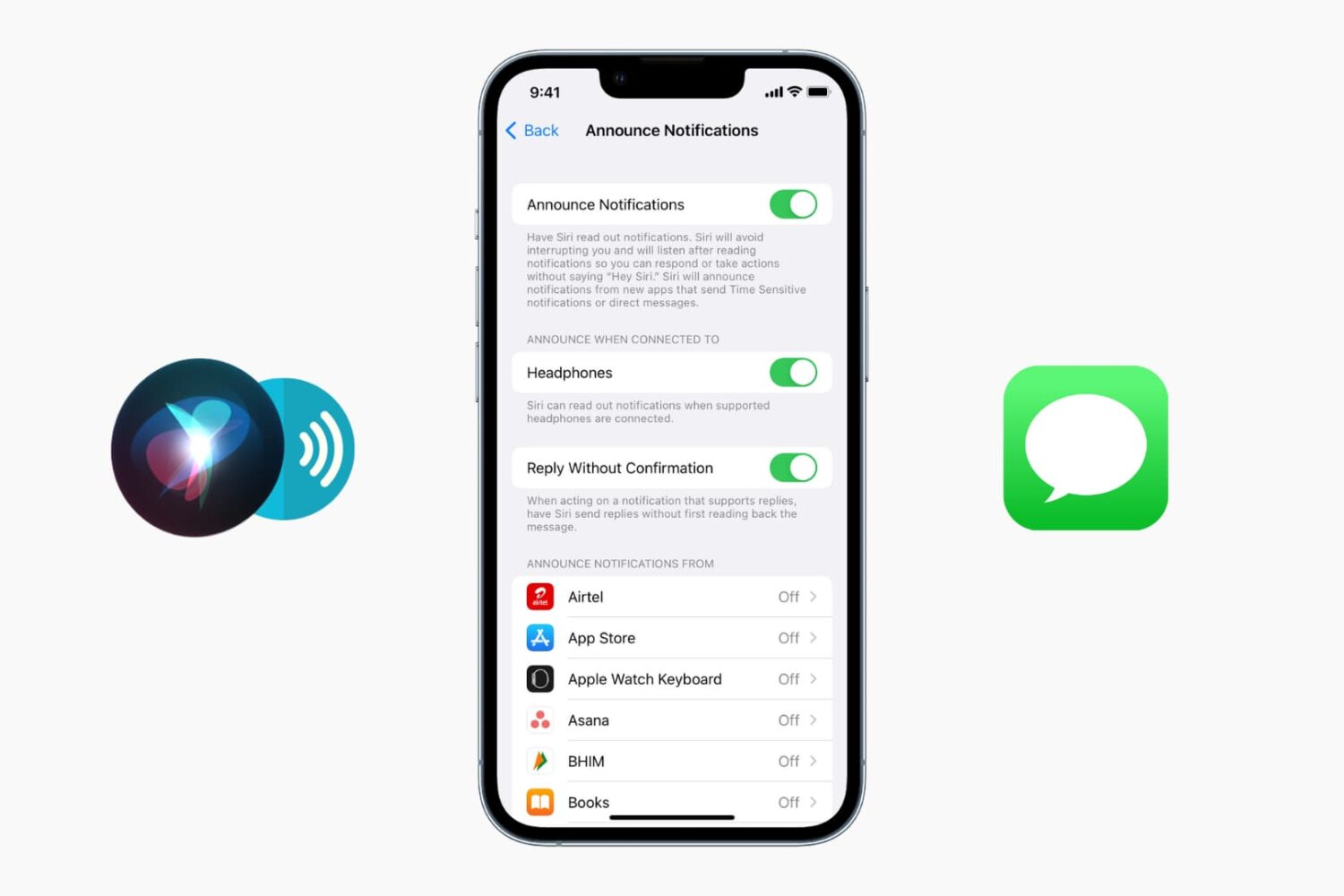
In this tutorial, we'll show you how to set up and use sleep mode on your iPhone to automatically dim your display, set an alarm, track your sleep, and more.
How to set up and use Sleep Schedule and Sleep Focus on iPhone
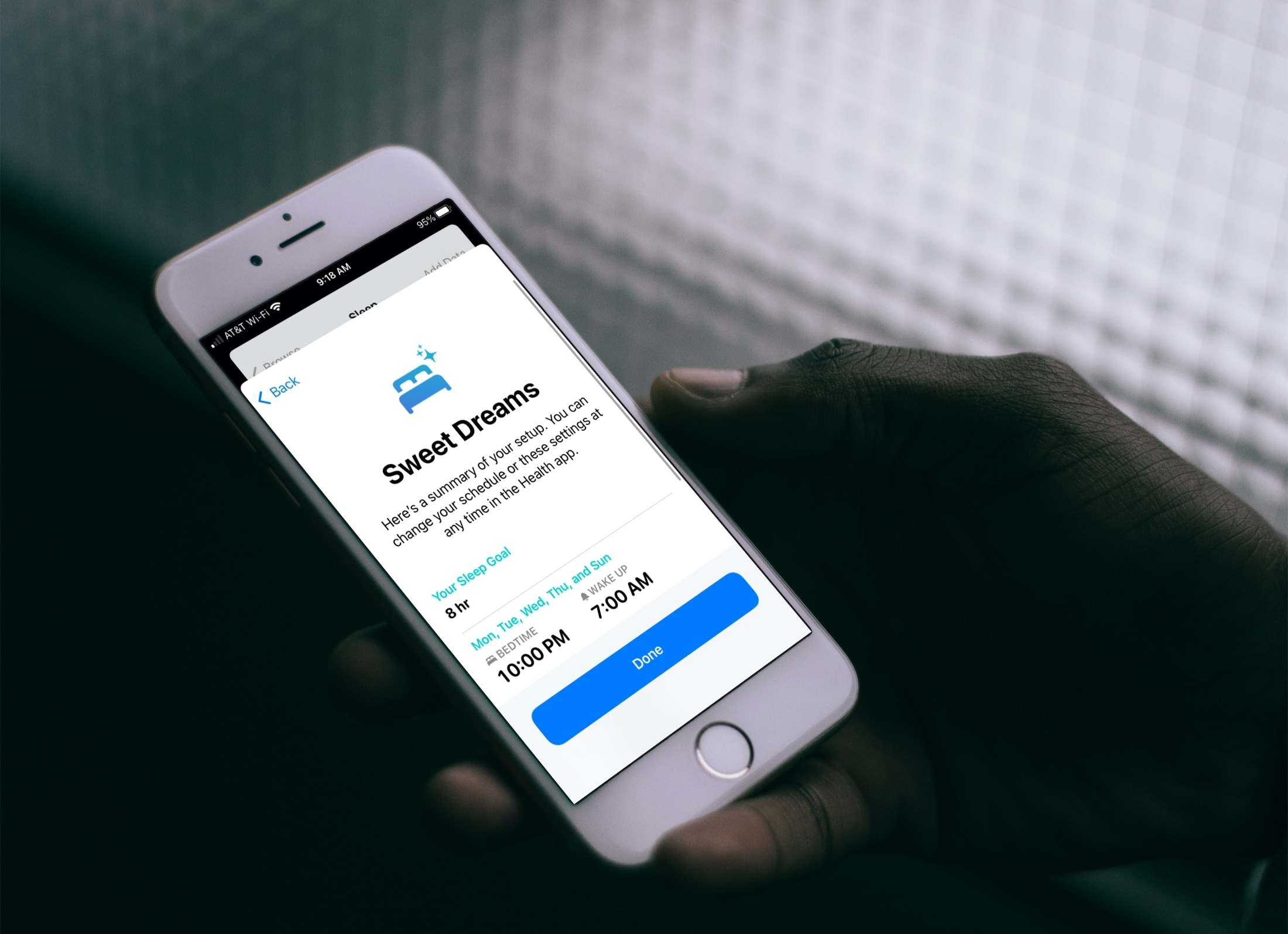
In this tutorial, we'll show you how to set up and use sleep mode on your iPhone to automatically dim your display, set an alarm, track your sleep, and more.
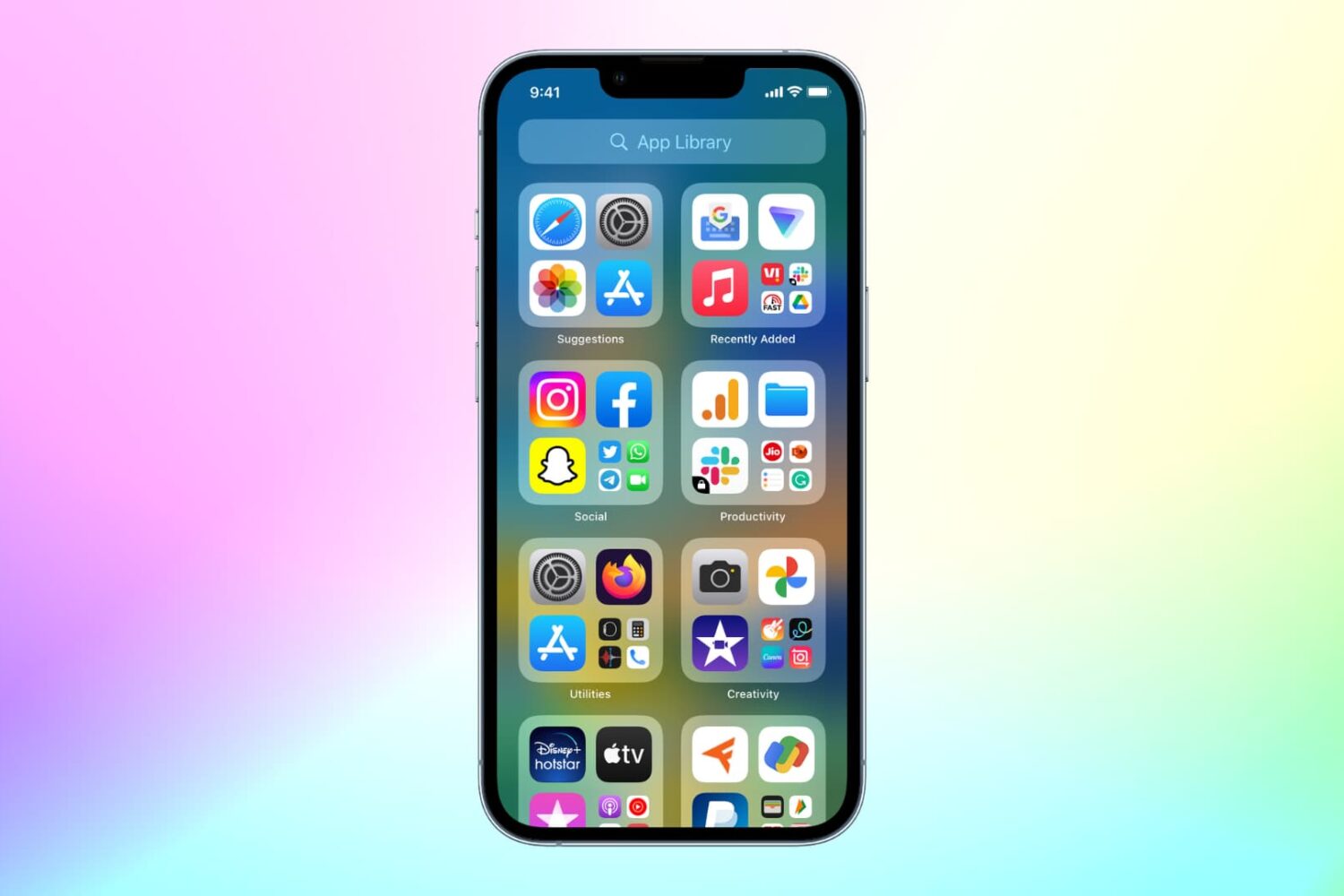
Move apps to or from the App Library to declutter your Home Screen by placing rarely used iOS apps out of the way or keeping most-used ones right in your view.
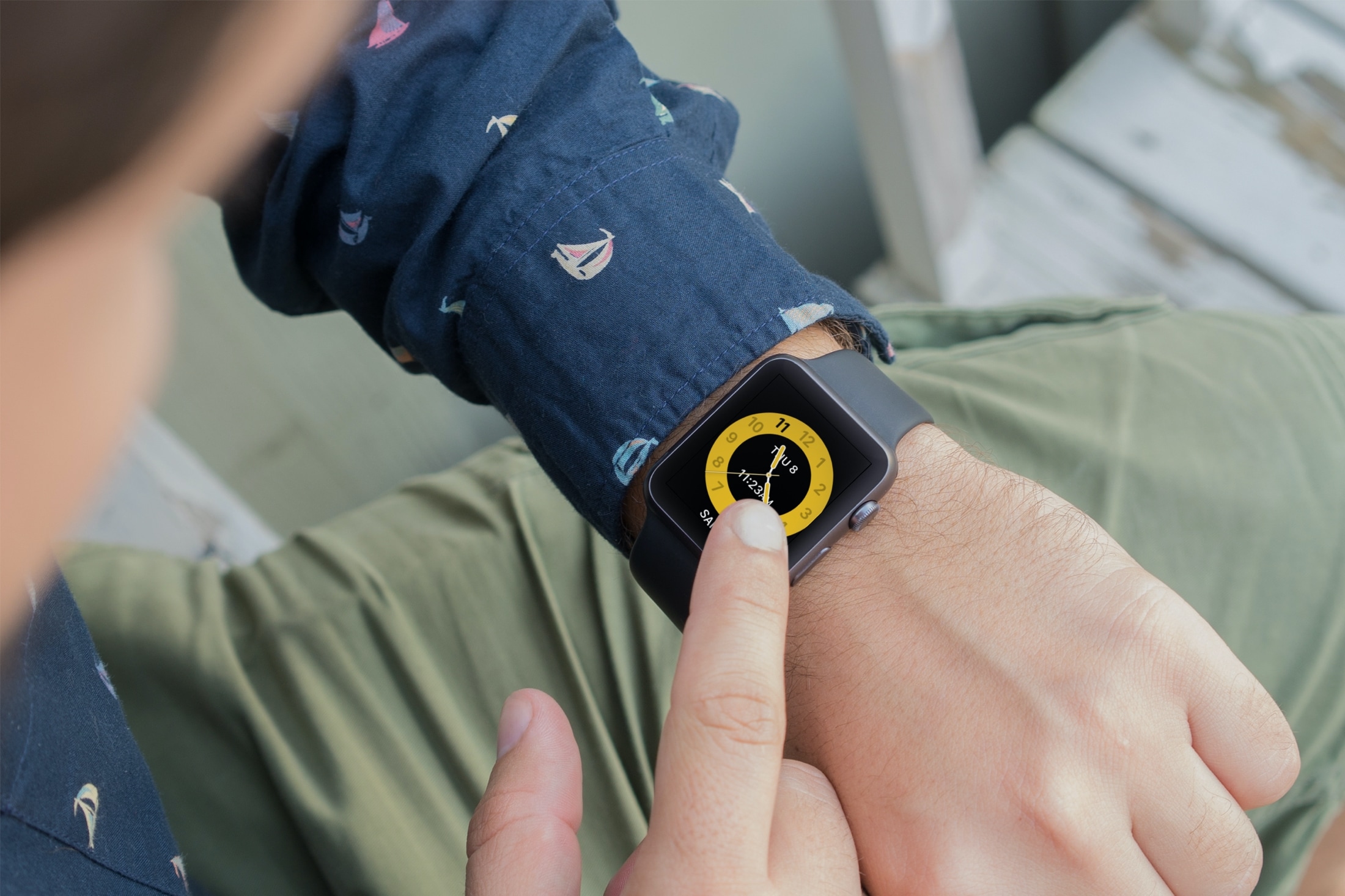
Learn how to use Schooltime on Apple Watch to minimize distractions and stay focused during school hours with our step-by-step guide.
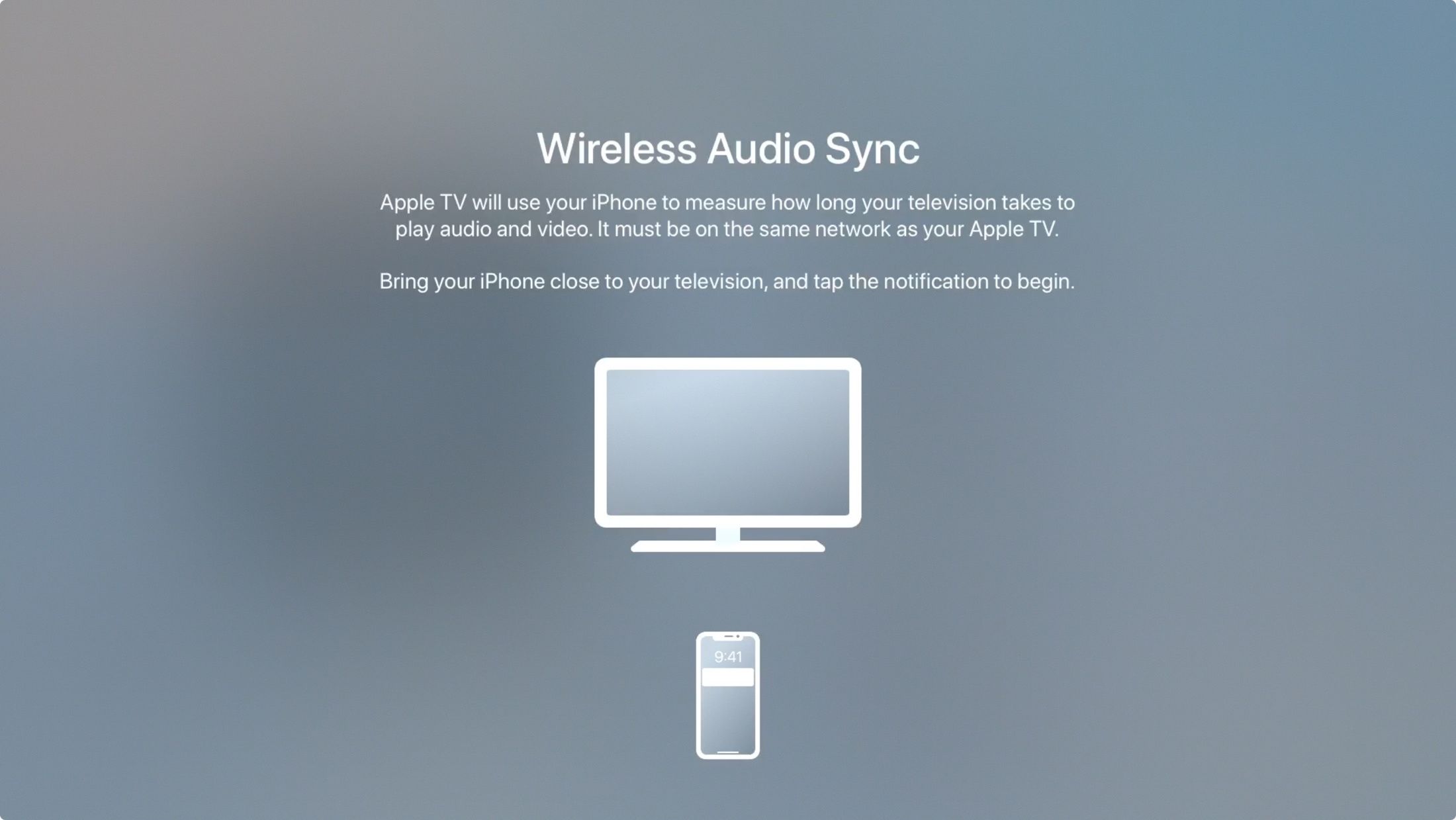
Is the sound coming from speakers connected to your Apple TV out of sync? Learn how to use the built-in Wireless Audio Sync feature to fix this issue.

Learn how to customize your Apple TV aerial screen saver by showing or hiding themes like landscape, earth, underwater, or cityscape.
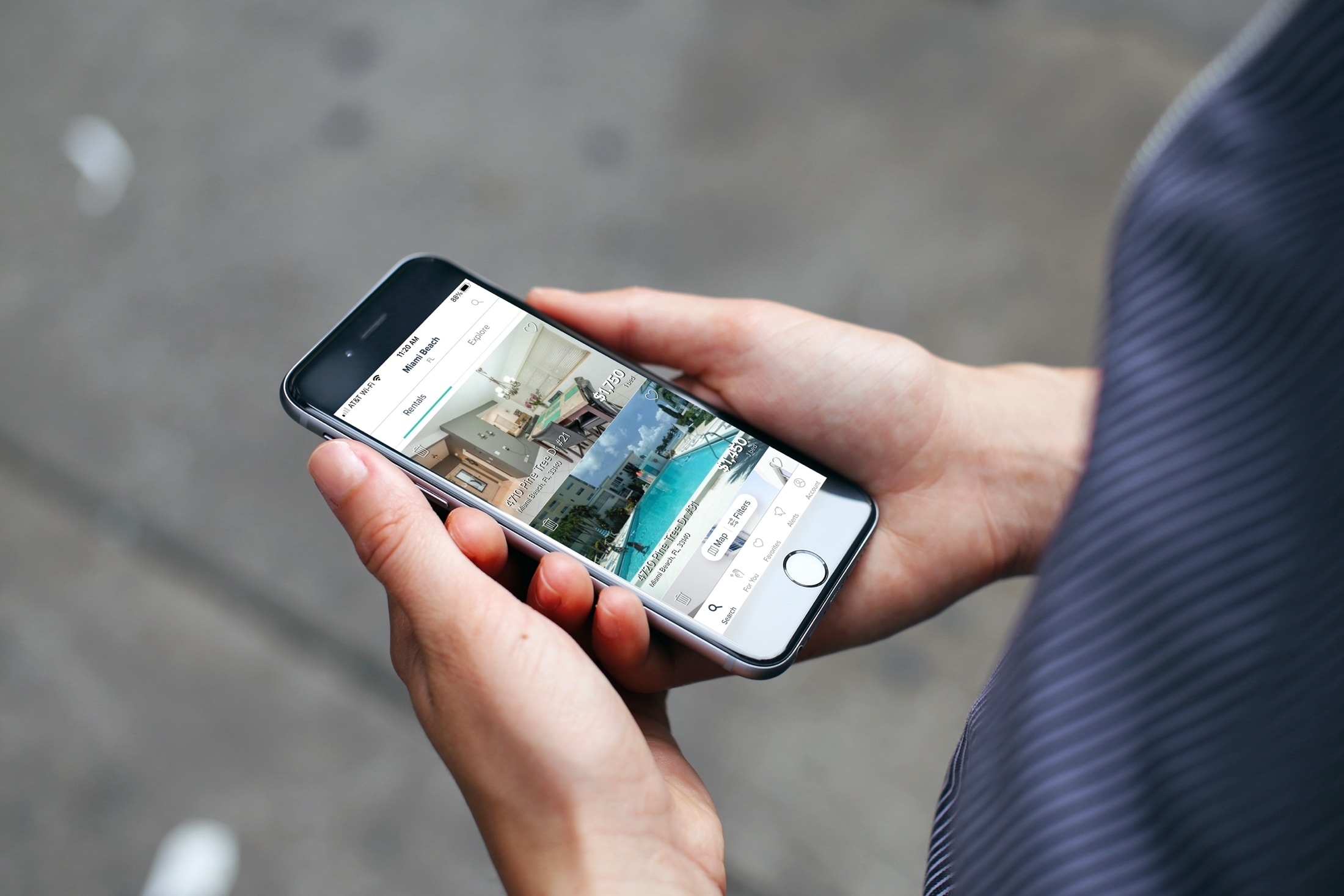
Are you looking for a new place? Check out these apartment and home rental apps for iPhone and iPad to make house hunting less stressful.
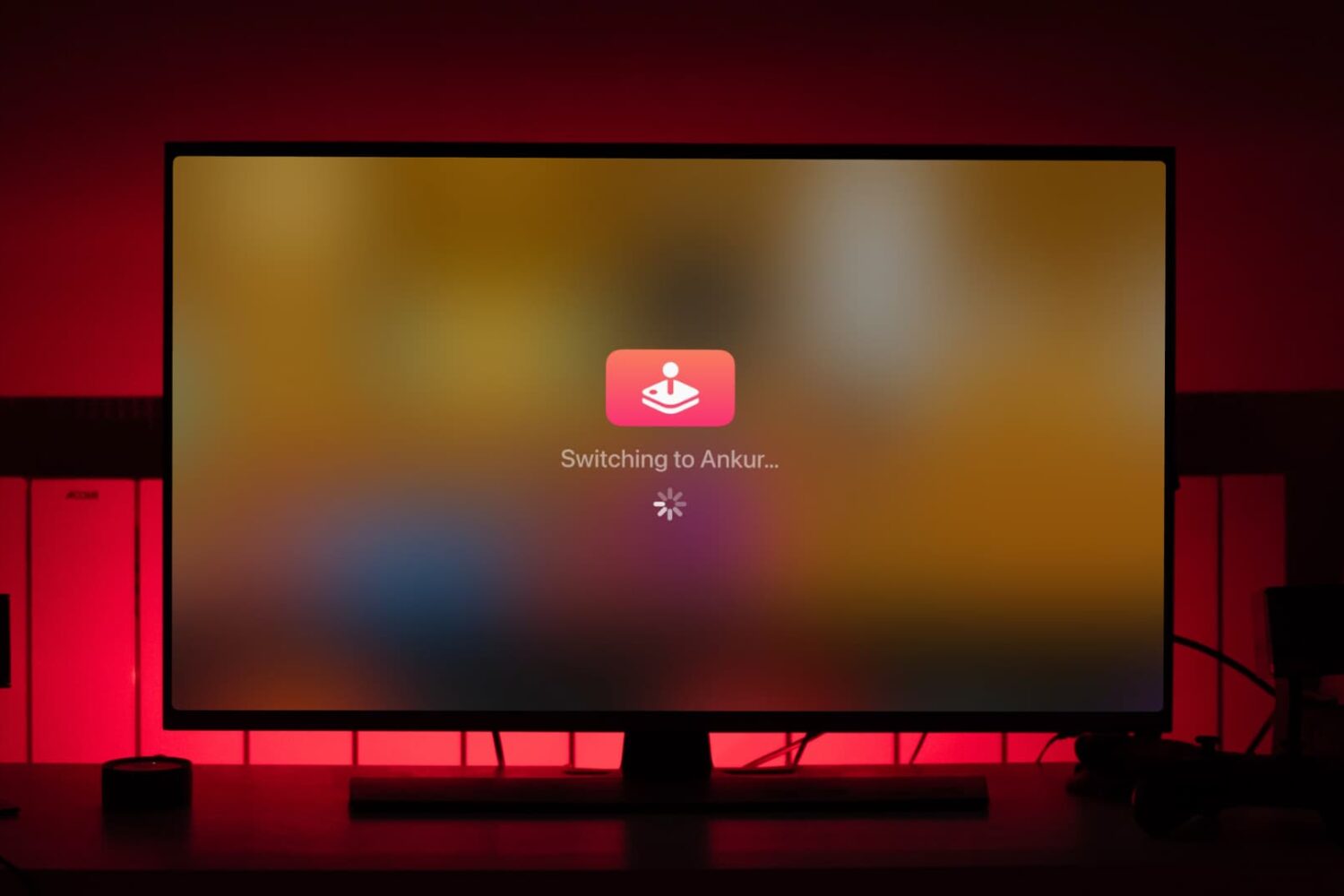
Do you and your family enjoy Apple Arcade on the Apple TV? In this tutorial, we will share the quick steps to switch between users when gaming.
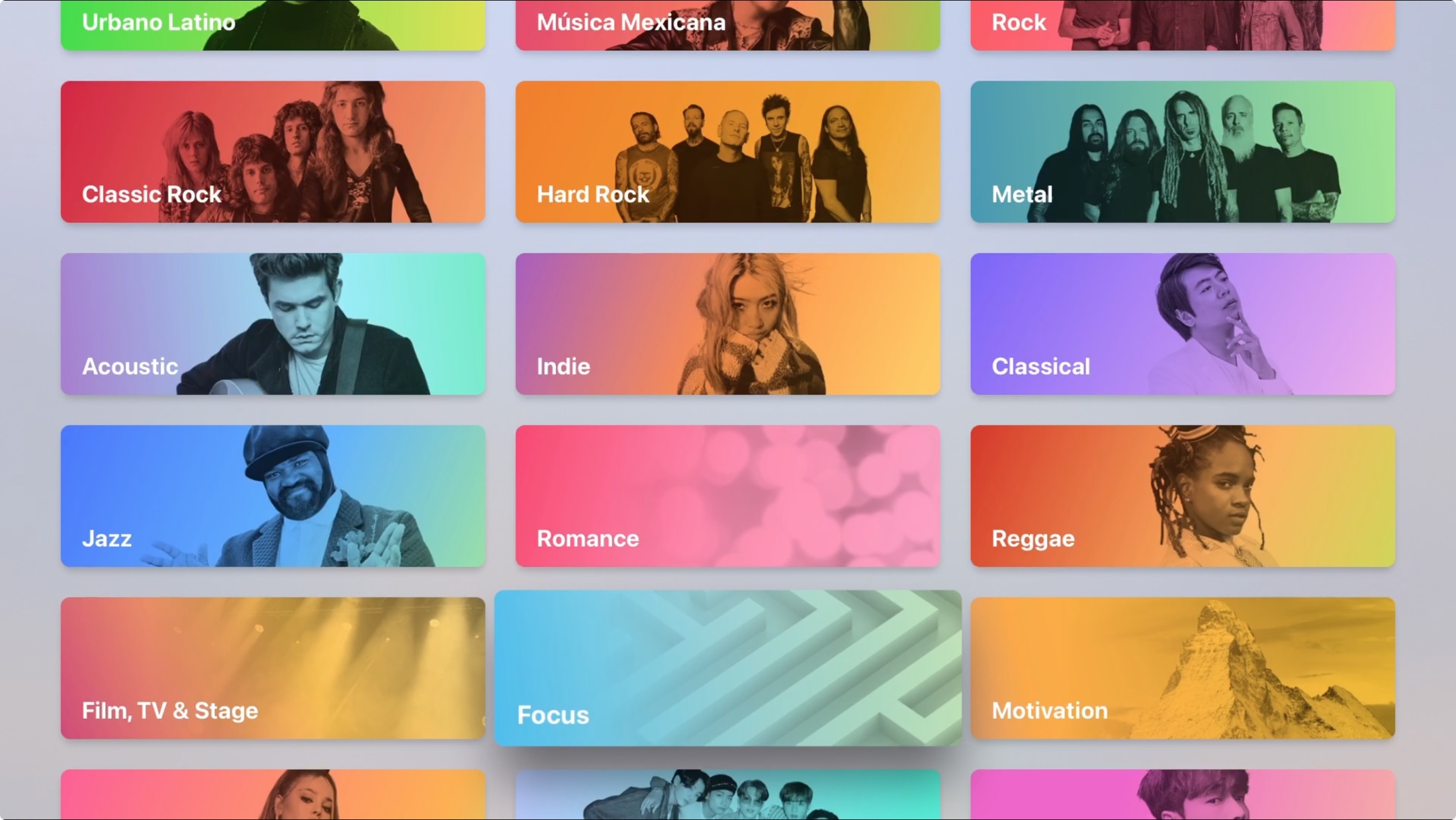
Maybe you just bought your first Apple TV or perhaps you’ve only used it for shows and games. The Music app on Apple TV works very much like it does on your other devices. You can discover something new, manage your library, and search for a particular song, album, or artist.
Don’t take the Apple Music app on your Apple TV for granted. Use it for background music as you work or pump up the volume for a get-together with this guide to using Music on Apple TV.
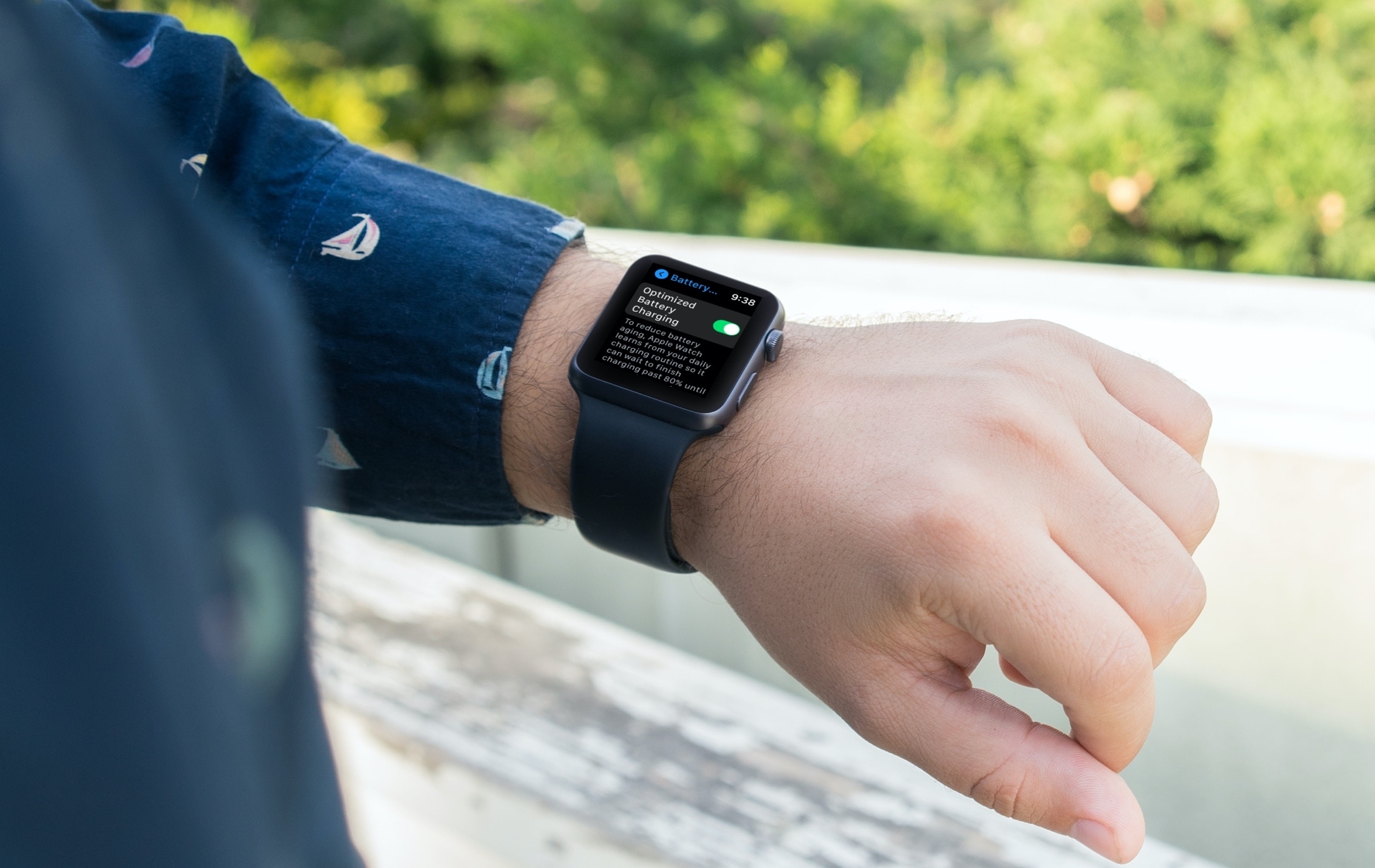
Learn about Optimized Battery Charging on the Apple Watch, how it reduces battery wear to extend its life, and the steps to disable it if you so choose.
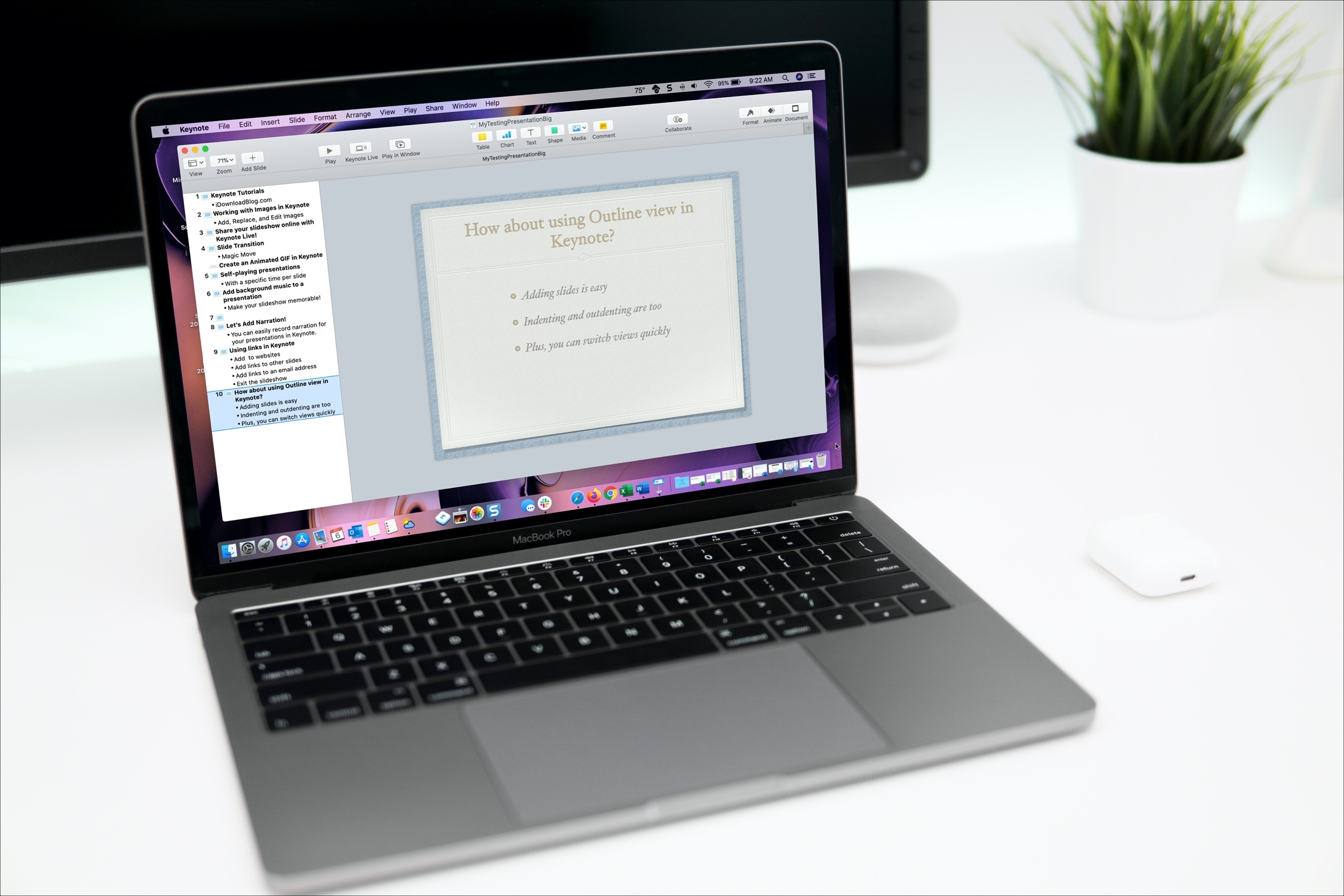
Open and use Outline view in Keynote on your iPhone, iPad, and Mac to start building your presentation in a more organized way.
Learn how to increase or decrease your daily Move goal calories, Exercise goal minutes, and Stand goal hours in the Activity and Fitness apps on your Apple Watch and iPhone so it’s more suitable for your current activity level.