Sandy Writtenhouse

With her BS in Information Technology, Sandy worked for many years in the IT industry as a Project Manager, Department Manager, and PMO Lead. She then decided to follow her dream and now writes about technology full-time.

How to use the updated time picker for Alarms on iPhone and iPad

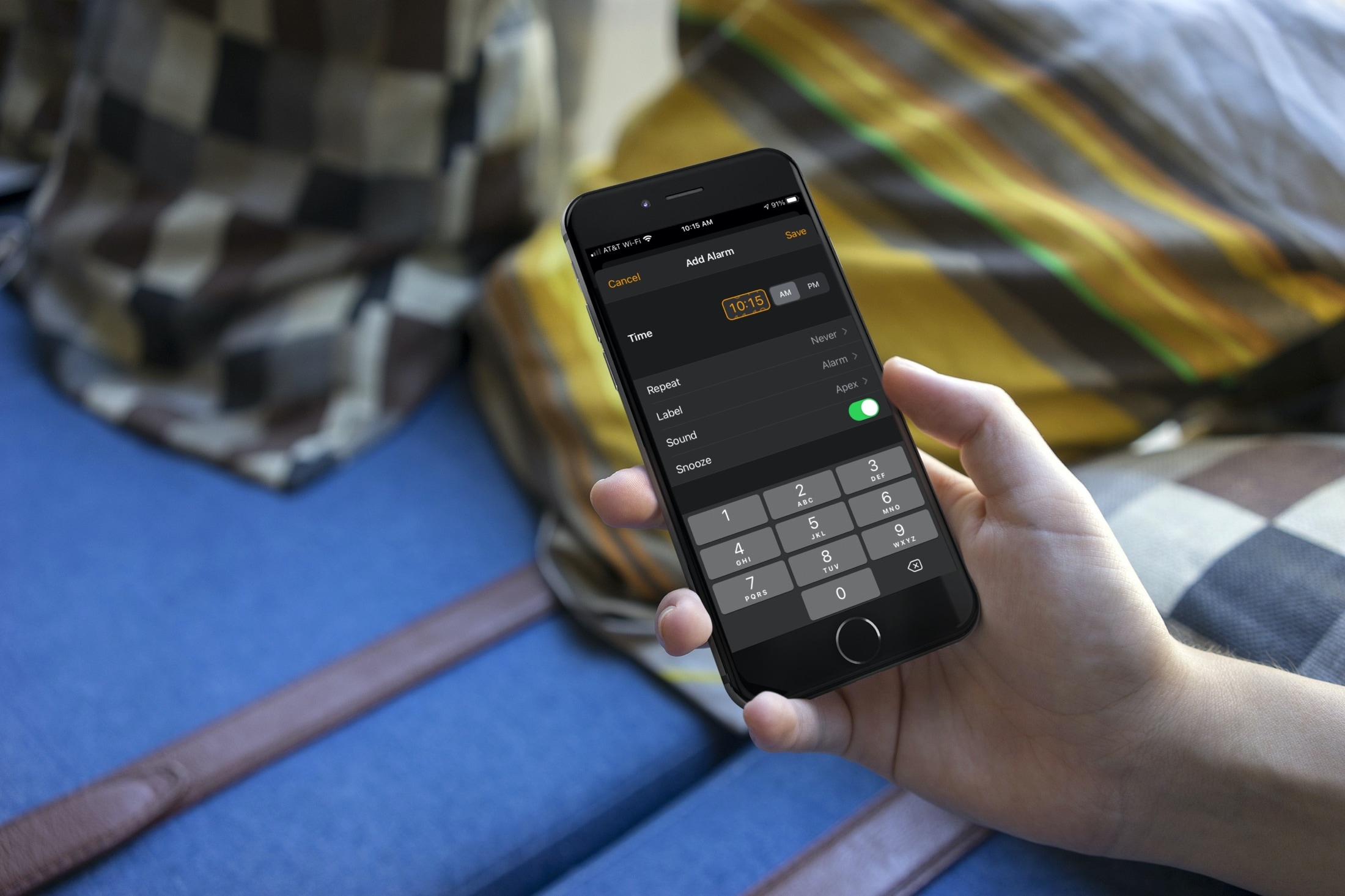
Clock Alarm Time Picker on iPhone

With the many updates and new features that came with iOS 14 and iPadOS 14, one of those small but nice improvements is the date and time picker. Creating a to-do in Reminders or event in Calendar is easier with the enhancements. And so is setting an alarm in the Clock app.

You have options to either tap the numbers to set an exact time or scroll with a flick of your finger. This lets you use the method that’s quickest or easiest for you. Haven’t checked it out yet? Here’s how to set the time for Alarms in the Clock app on iOS.
How to use the Scribble Shortcut Palette with Apple Pencil on iPad

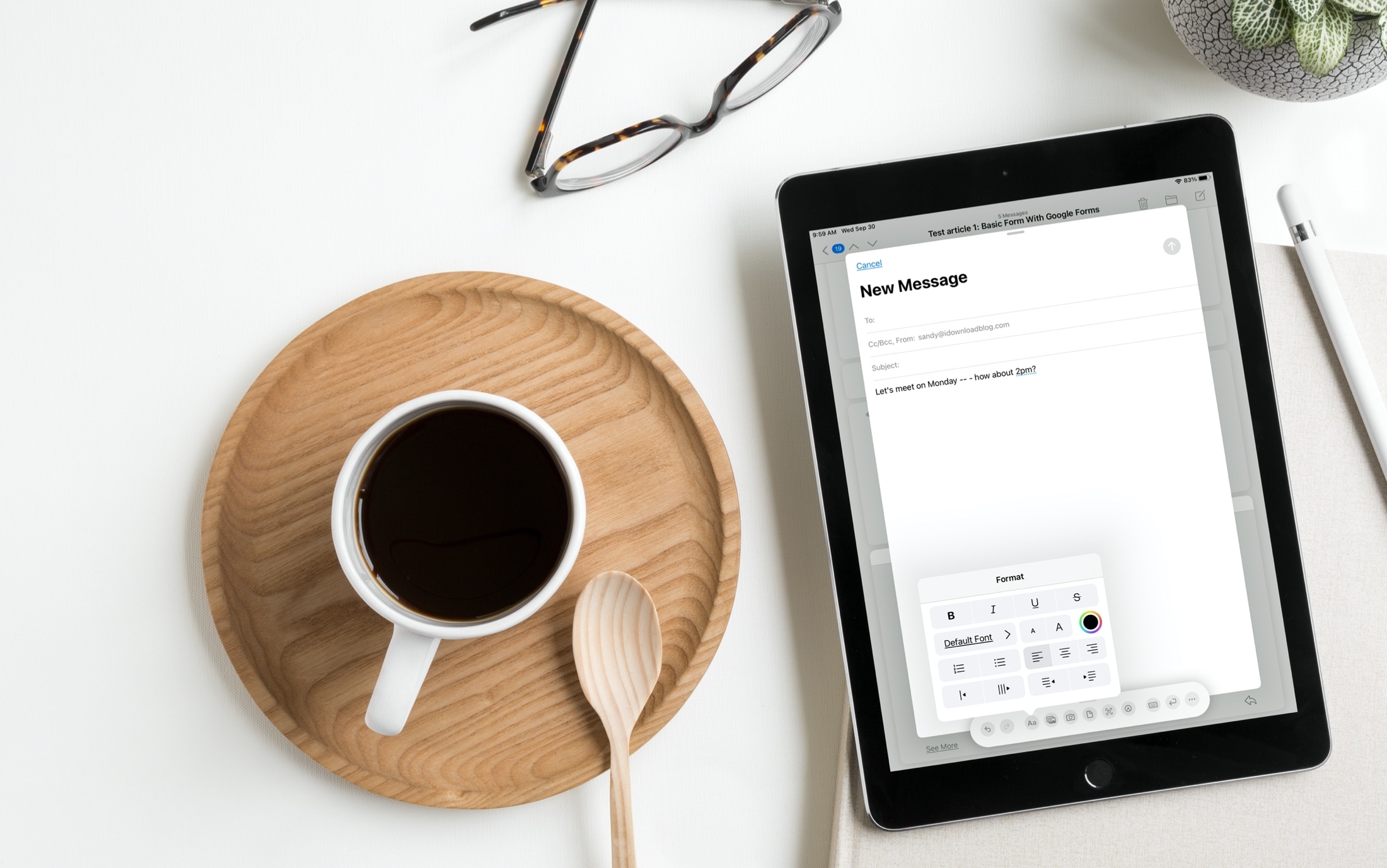
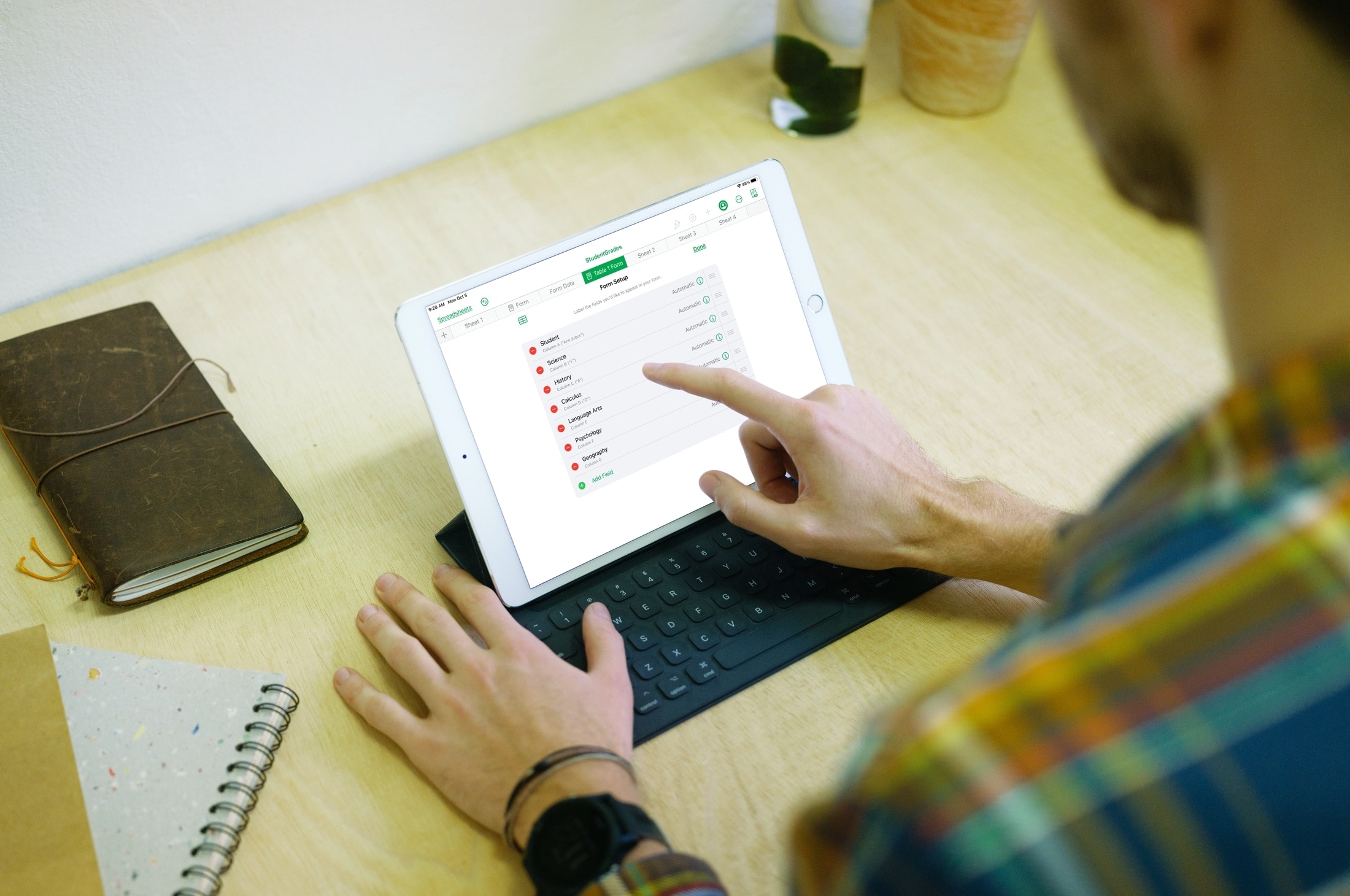
Scribble Shortcut Palette in email on iPad

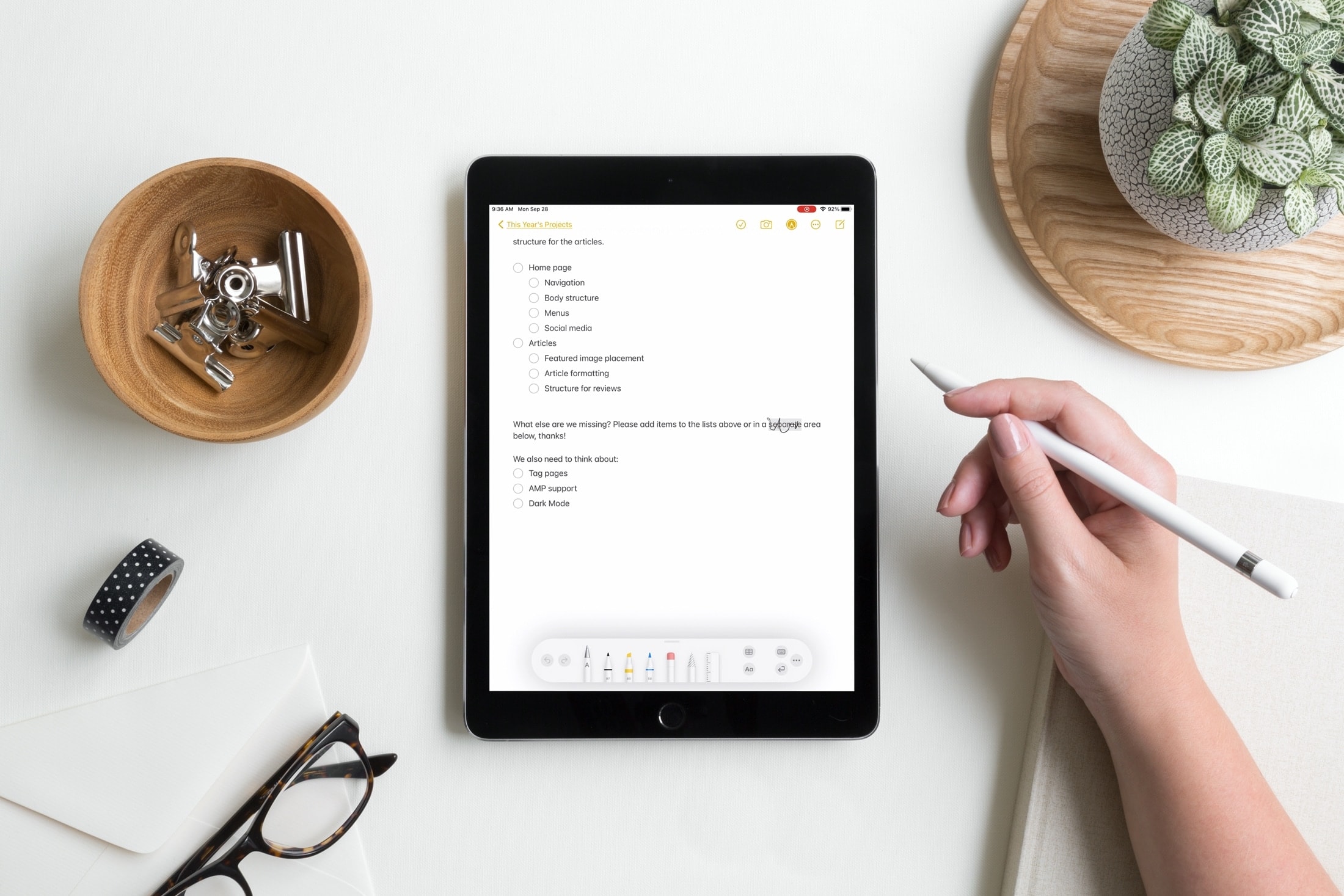
We’ve been telling you about some great new features that came with iPadOS 14 and Scribble that you can use with or without an Apple Pencil. You can copy and paste handwritten notes as typed text and use handwriting in text boxes like search fields. But there’s more!

The Scribble feature comes with a Shortcut Palette that you can use to perform actions faster and without opening your keyboard. You can do things like add a date to a to-do in Reminders or change the font in an email in Mail. Here’s how to use this cool tool, the Scribble Shortcut Palette, on your iPad.

How to use the Memoji app on Apple Watch to make fun characters

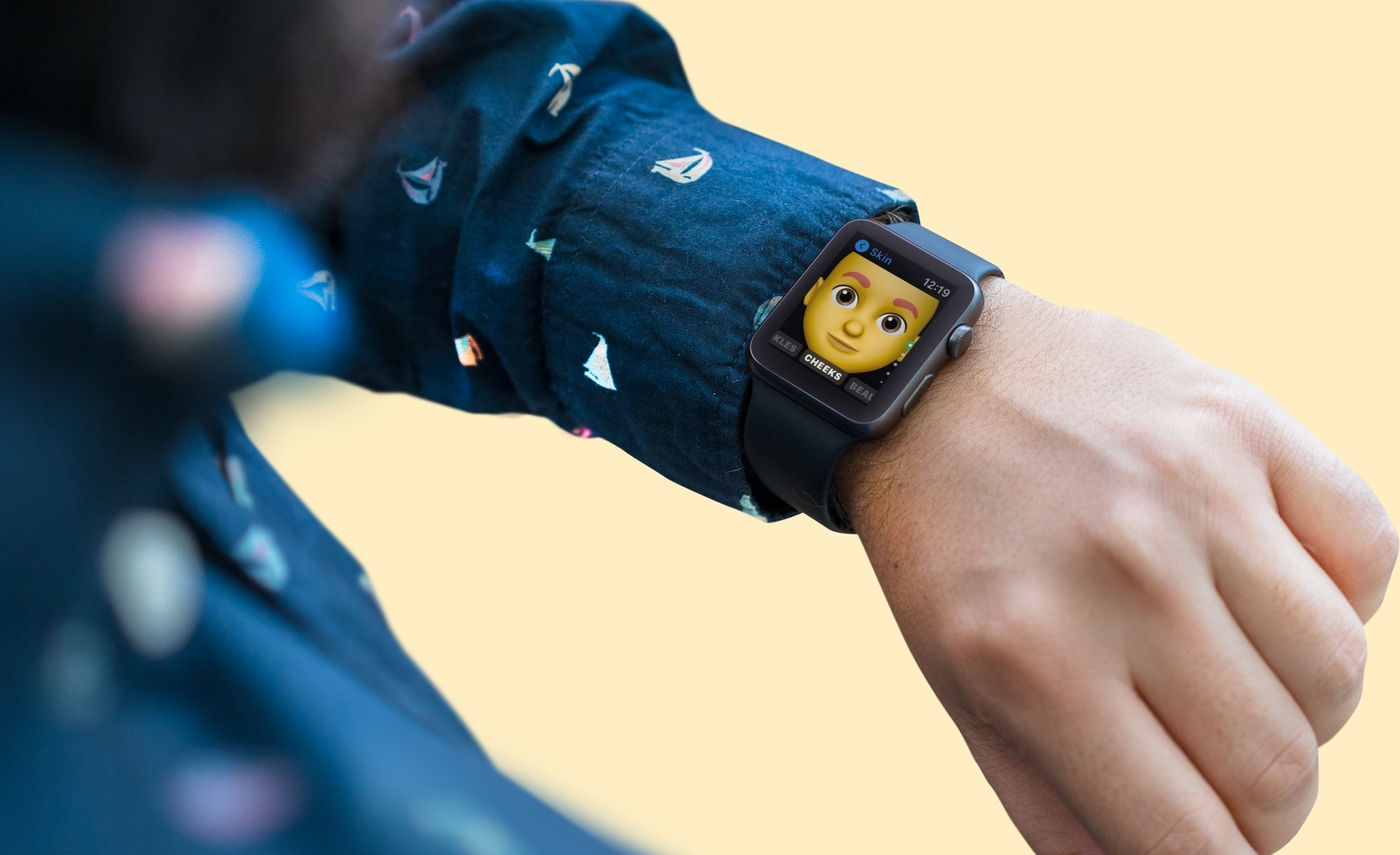
Memoji App on Apple Watch

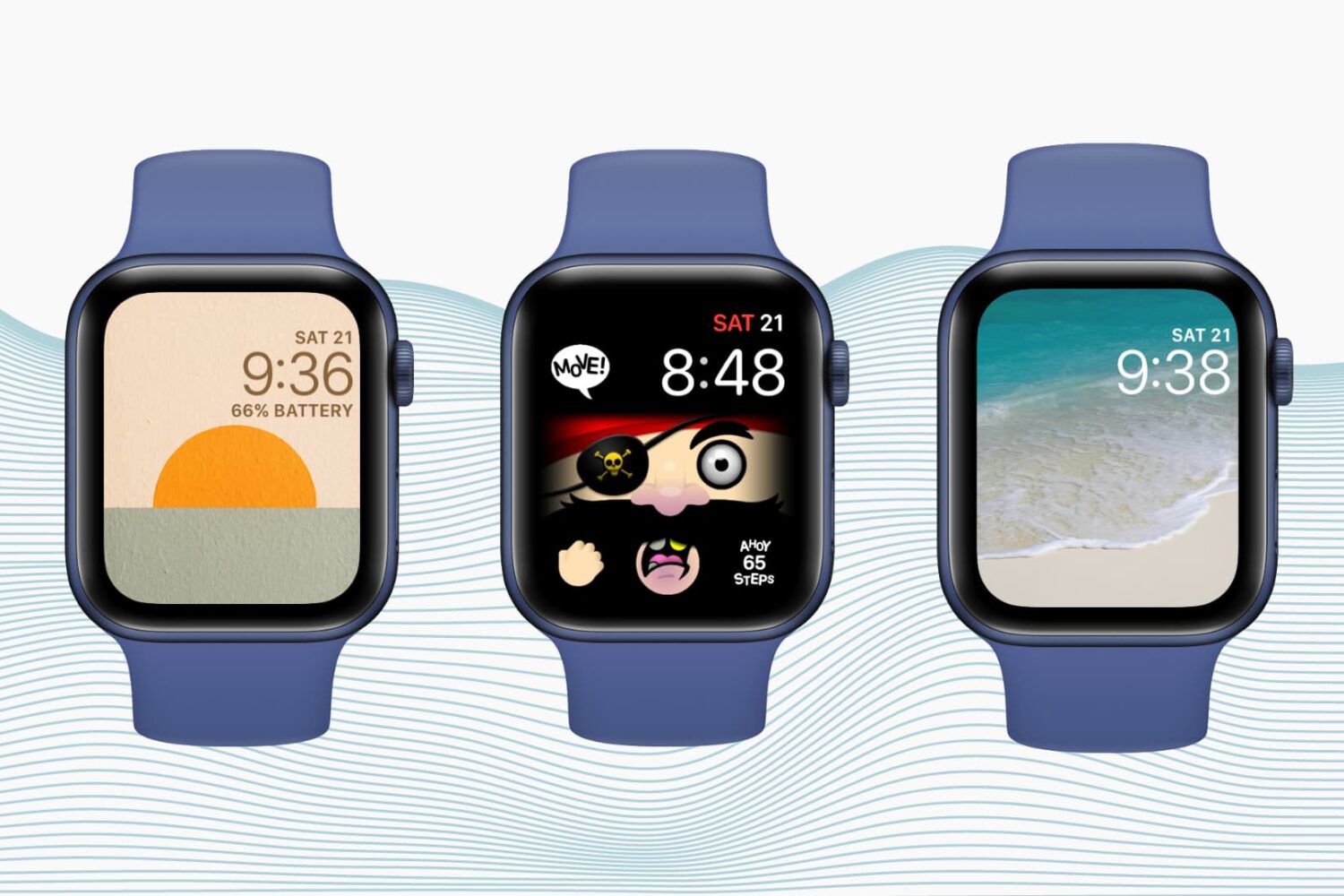
If you own an Apple Watch and recently upgraded to watchOS 7, you might notice a new app on your wrist. The Memoji app is a new addition for those with watchOS 7 or later that lets you create and edit a Memoji as well as turn one into a Watch face.

Make your first Memoji, spruce up your existing one, or create something totally funky. Sound like fun? Here’s how to use the Memoji app on your Apple Watch.