Jeff Benjamin

Jeff has been with iDownloadBlog since 2010, acting as resident video specialist, and tutorial expert. He earned his degree in Computer Network Systems back in 2001, but decided Cisco routers and the like just weren’t for him. Since then, he’s been heavily involved with online writing. He’s written for numerous tech and video game sites since the late 1990′s, and has a knack for explaining things in a simple, clear, and concise manner. Jeff works primarily from the east coast on his Retina Macbook Pro, and shoots video with a Canon DSLR. During downtime he likes to travel the world, visiting the various Apple Stores across the globe. You can email him at jeff [at] idownloadblog.com and follow him on Twitter @JeffBenjam or on Google+.

TypeStatus 2 public beta goes live

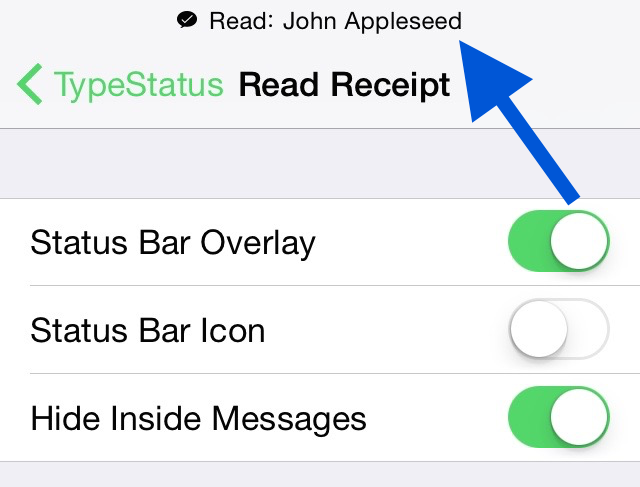
TypeStatus 2 has entered into a live beta, and is now available to download for anyone who wishes to test it.

TypeStatus is the tweak that allows you to see a when someone is in the midst of typing a response to you on iMessage, or when someone has read one of your iMessages. The tweak places a handy overlay or icon in the status bar to indicate when either action has taken place.

After a period of private beta testing, Hashbang Productions has opened up the tweak to the public. Want to take it for a spin? Check out the repo details and additional information inside this post.


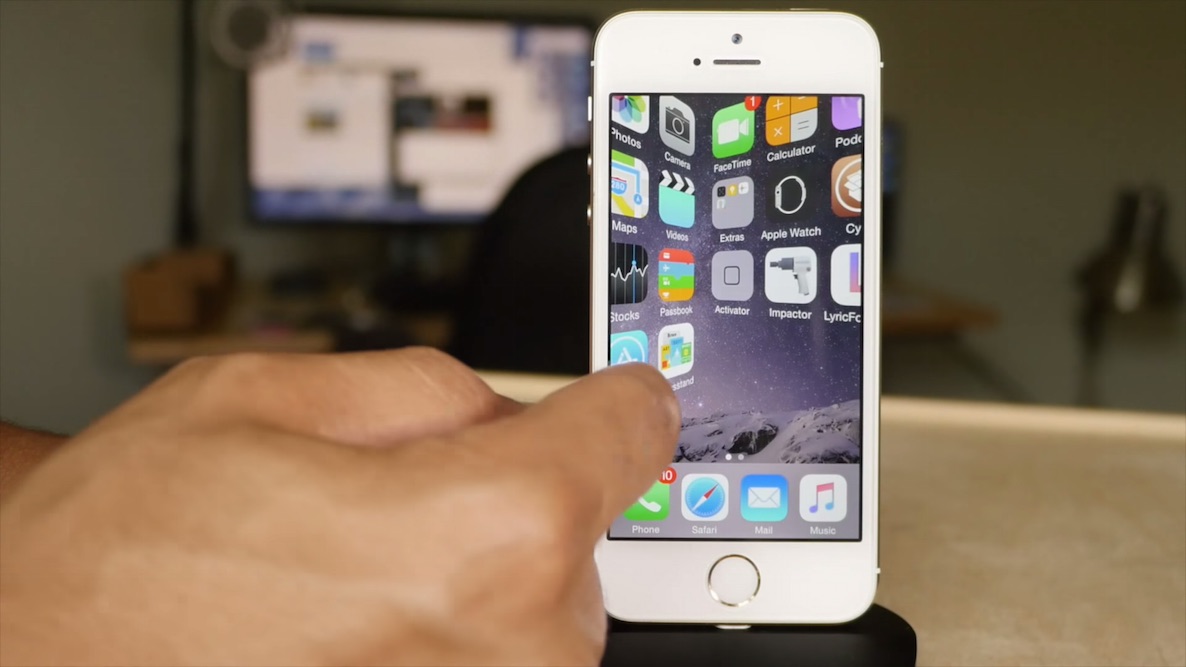
Seng: an Auxo alternative for iOS 8 jailbreakers

I know I've caught a lot of flack in the past for comparing other tweaks to Auxo. Some people think that I'm biased when it comes to Auxo and its creators, but as I've said in the past, I just like to call a spade a spade.

If you get offended by the mere mention of Auxo, then you may want to jump right into the article, and skip the next sentence.

Seng is a tweak that's heavily inspired by Auxo. There I said it. There's simply no denying that fact.

But that doesn't mean it's not a great tweak. Auxo 3 isn't even updated for iOS 8.4, so your options are limited if you enjoy its functionality. Developer Charlie Hewitt saw this as an opportunity, and has stepped in to offer Seng—a tweak that pays homage to the Auxo series, but finds enough solid footing to stand on its own two feet. Watch our in-depth video walkthrough for all of the details.

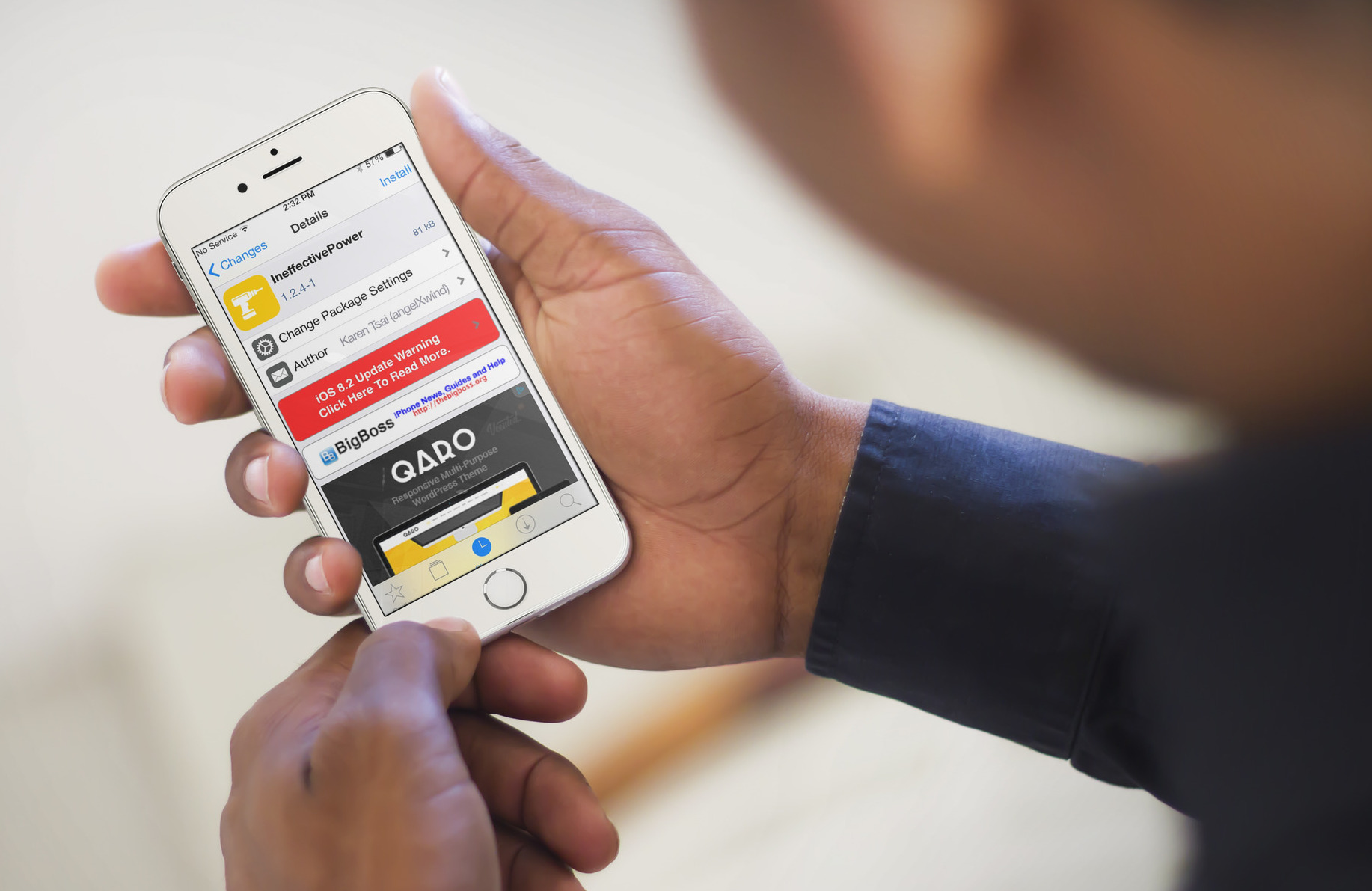
25 top free Cydia tweaks for frugal jailbreakers

Jailbreaking on a budget? That's okay. Despite what some may lead you to believe, there's a surprising amount of great jailbreak tweaks that can be had absolutely free. If you're a frugal jailbreaker, then this list of 25 tweaks is sure to appeal to you.

In this post you'll find multitasking tweaks, media apps, SpringBoard management tools, Cydia modifying tweaks, Siri tweaks, Music app tweaks, animation tweaks, and much more. As it turns out, you can make a pretty awesome jailbroken iPhone without spending a dime.

How many of these free tweaks do you use on a daily basis? Watch our video walkthrough to see the full rundown...

Tweaks of the week: Lock+, Epicentre, Picture Passcode, and others


Another week brings another batch of solid Cydia releases. The headlining tweak from the past week is without a doubt Lock+, the WYSIWYG theme creator with a web-based interface. If you've been hesitant on messing with themes in the past, then you should give Lock+ a serious look; it makes theme creation simple and easy.

Other interesting tweaks from the past week are Epicentre, which adds a redesigned passcode interface with slick animations. There's also Picture Passcode, which lets you create custom security based on photos.

Check out our full list of the past week's jailbreak tweaks in this post. Of the nearly two-dozen tweak releases mentioned, you're bound to find one or two tweaks that will catch your interest.

Multify jailbreak tweak updated for iOS 8.4 with new features

Multify—one of the most impressive multitasking jailbreak tweaks that we've seen thus far—is now available for jailbreakers running iOS 8.3 and iOS 8.4. Up until now, the tweak wasn't compatible with the latest jailbroken firmware, but that has now been remedied.

We reviewed the original version of Multify back in March, and were super-impressed by what it brought to the table. Now, jailbreakers who perhaps haven't had a chance to take the tweak for a spin get to do so.

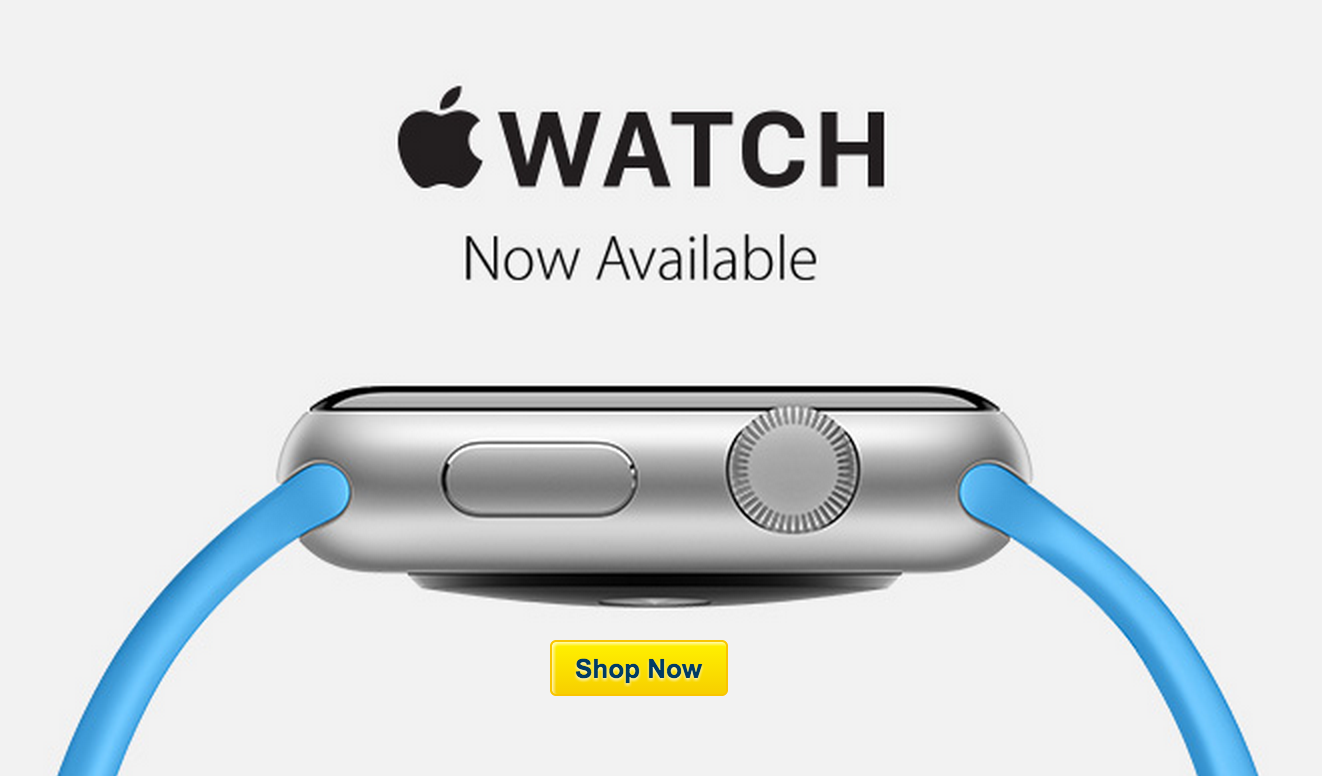
Apple Watch now available for sale at Best Buy

Late last month, it was reported that the Apple Watch would be sold at Best Buy stores in August. Sales were said to start today, August 7.

Just as promised, the Apple Watch is now available for sale at Best Buy. The online sales have already begun, and limited in-store sales will begin as participating Best Buy stores open across the country later this morning. 

Google Maps for iOS adds a new night mode for navigation

Google Maps has entered the dark ages...literally. A new night mode is now available for night time navigation, which should make navigation a lot easier on the eyes while inside of a dark vehicle cabin.

For anyone who has tried to use navigation while riding around in the dark, you'll quickly understand why the presence of a night mode is such a much-needed feature. Instead of having to dim the screen to near unreadable levels, the new night mode will make your iPhone's screen easier to view during nighttime driving sessions.

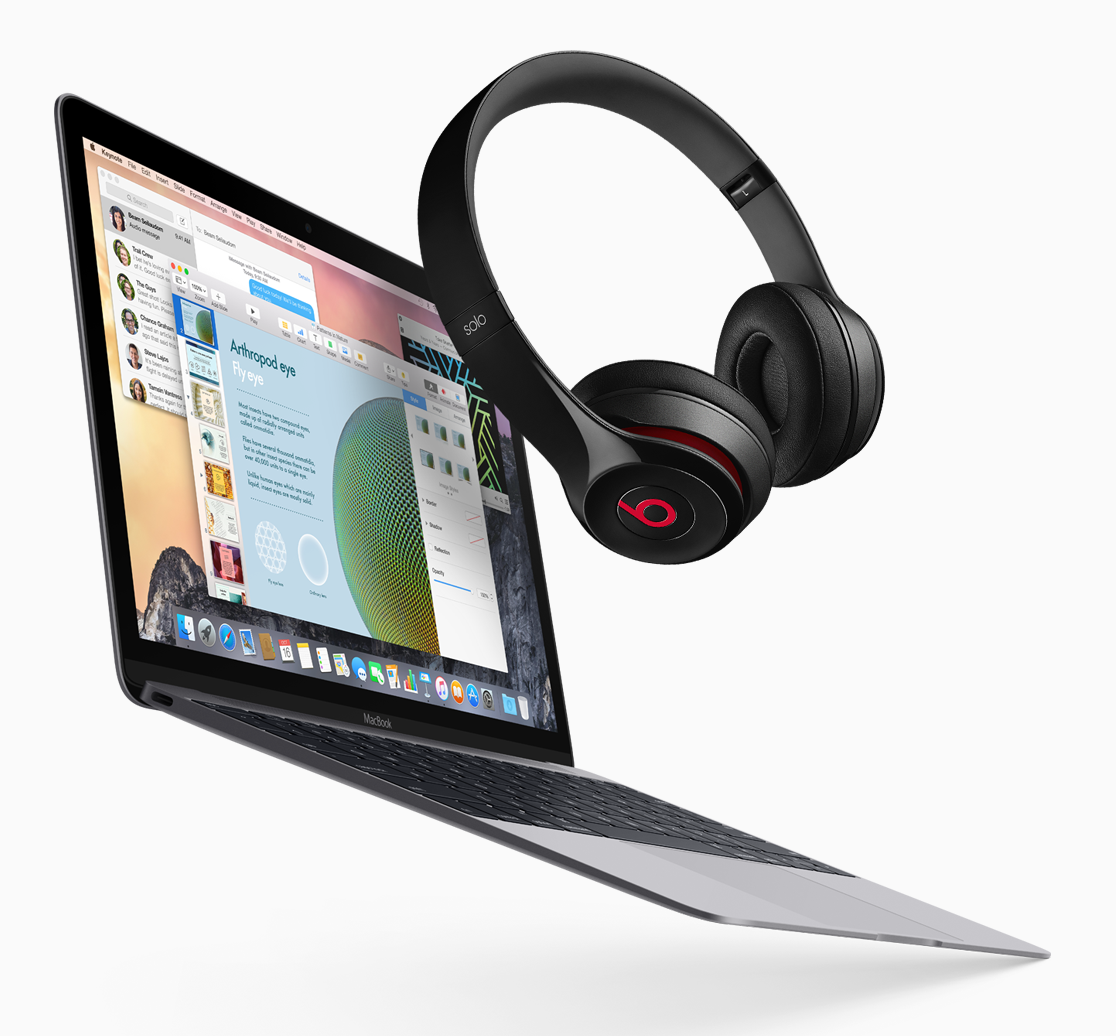
Apple’s Beats Solo2 back to school promotion now available online

Back on July 23rd, Apple began its annual back to school promotion. The promotion went like this: buy a Mac, and get a pair of Beats Solo2 Headphones on the house.

Up until now, the only place to take advantage of this promotion was at US Apple retail stores and participating Apple Authorized Campus Stores. From now until the end of the promotion, however, customers can take advantage of the savings via Apple's just redesigned online store.

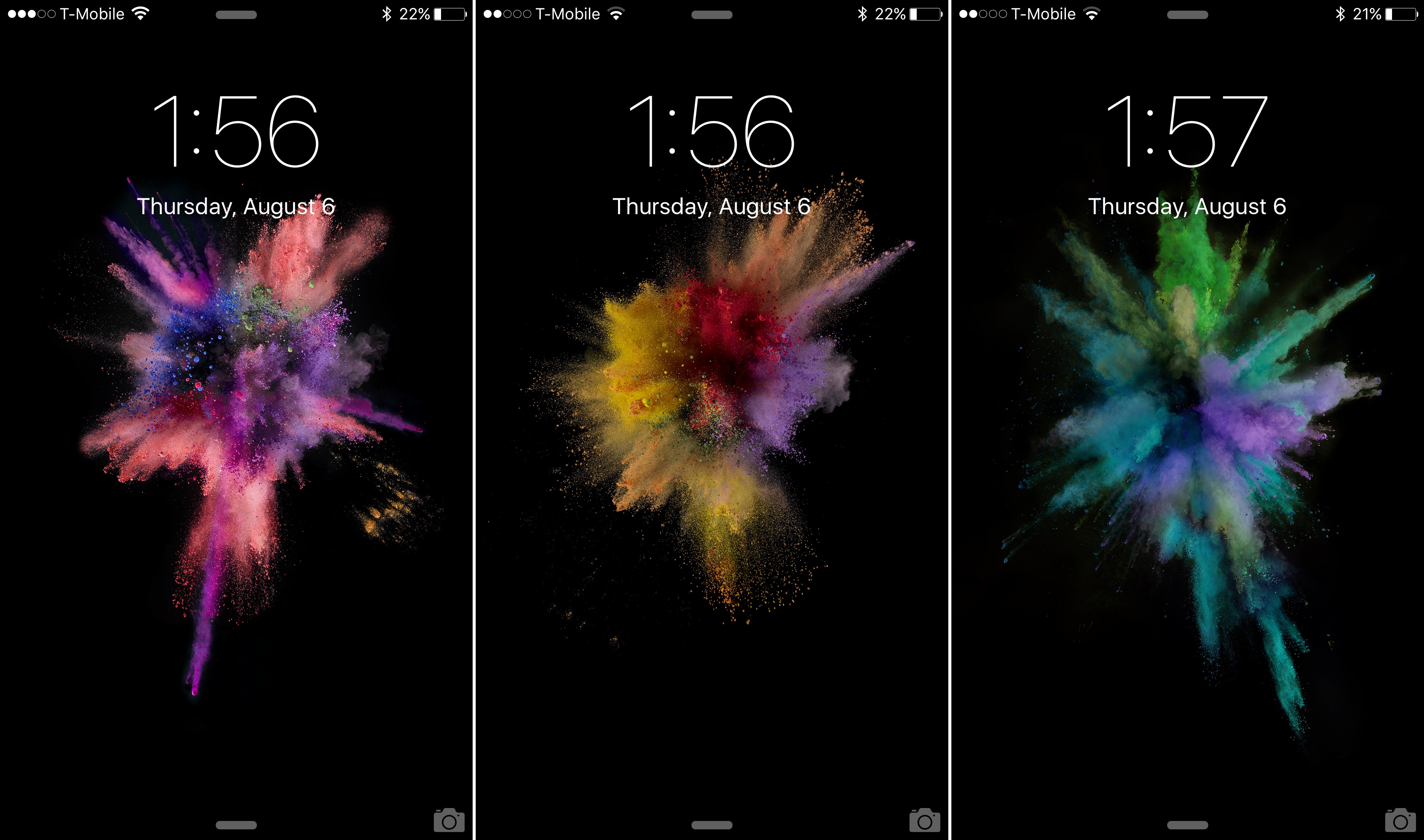
Download the new iOS 9 beta 5 wallpapers

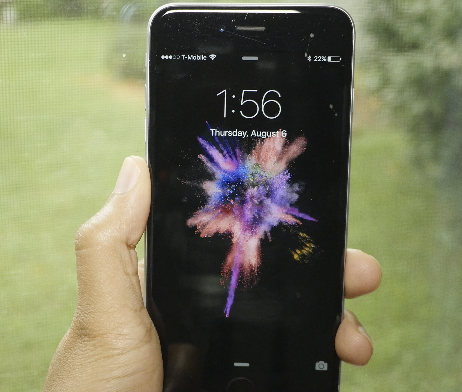
As we reported earlier, Apple has added over a dozen new wallpapers to iOS 9. The iOS 9 beta 5 release brought several new wallpapers to the table, while omitting many of the staple wallpapers that we've been accustomed to over the years.

In this post, we provide you with a download link to many of the new wallpapers. If you want to have Apple's new wallpapers for iOS 9 on your device, but you aren't running the latest iOS 9 beta 5 release, then don't fret, you can download them here.

A look at the 15 new wallpapers in iOS 9 beta 5

As we noted in our iOS 9 beta 5 release post, Apple has added 15 new wallpapers to iOS for the iPhone and the iPad. Along with adding 15 new wallpapers comes the removal of some of the popular legacy wallpapers—including last year's iOS 8 wallpaper.

In this post, we'll walk you through each of the new 15 wallpapers. These updates come with specific themes, including abstract, nature, and color themes. Which of the new 15 wallpapers included in iOS 9 is your favorite?