Jeff Benjamin

Jeff has been with iDownloadBlog since 2010, acting as resident video specialist, and tutorial expert. He earned his degree in Computer Network Systems back in 2001, but decided Cisco routers and the like just weren’t for him. Since then, he’s been heavily involved with online writing. He’s written for numerous tech and video game sites since the late 1990′s, and has a knack for explaining things in a simple, clear, and concise manner. Jeff works primarily from the east coast on his Retina Macbook Pro, and shoots video with a Canon DSLR. During downtime he likes to travel the world, visiting the various Apple Stores across the globe. You can email him at jeff [at] idownloadblog.com and follow him on Twitter @JeffBenjam or on Google+.

Let’s Talk Jailbreak 119: I heard you like multitasking

Episode 119: A talk about the awesome new upcoming jailbreak tweak called Multiplexer, the tweaks of the week, TaiG for Mac finally arrives, and a new tweak lets you have App Store-inspired reviews on Cydia.

Subscribe via RSS

Support Let’s Talk Jailbreak

Red Hat. – Different for the sake of better technology

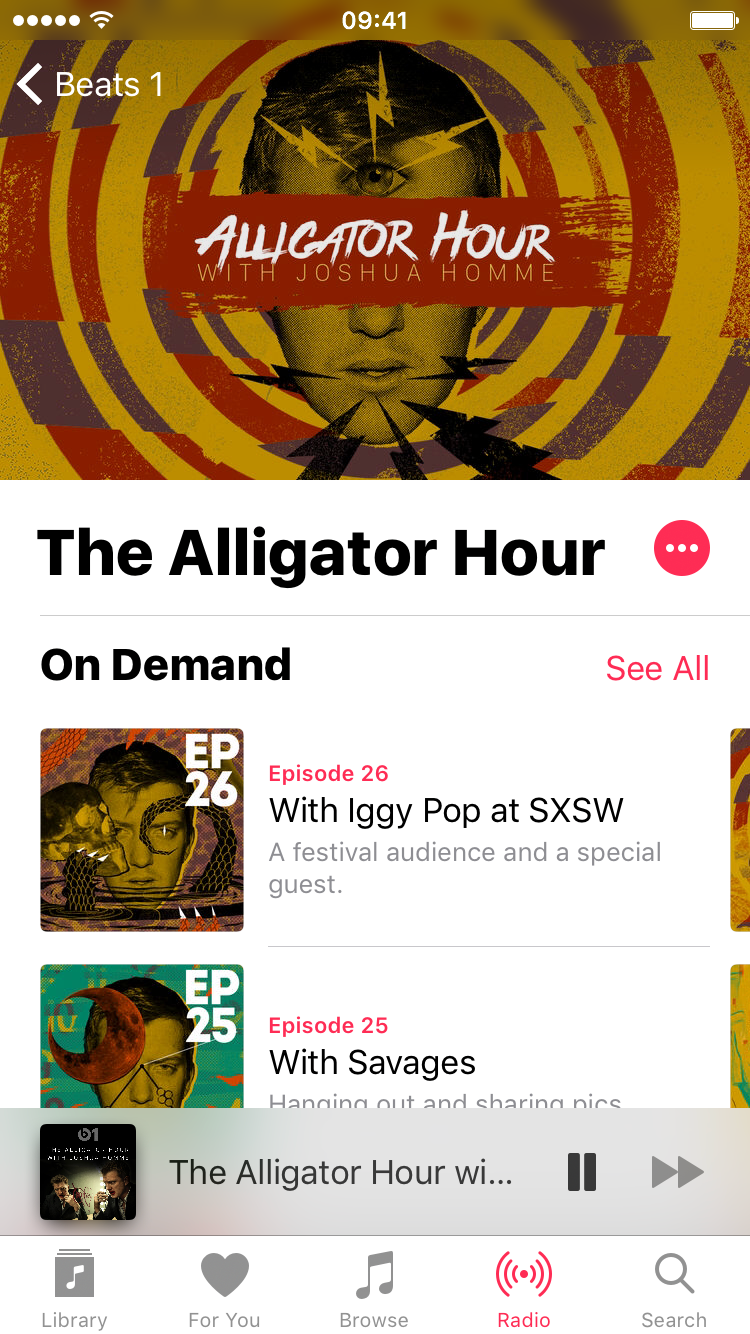
How to replay a Beats 1 DJ’s entire show, including commentary

Beats 1 is a great, but what if you're not available to listen to your favorite DJ's show at the time it initially airs? Good news: Beats 1 nowallows users to replay entire shows.

Since Beat 1's inception, it's always been possible to replay a DJ's playlist, but being able to replay an entire show, complete with commentary, wasn't possible. Thanks to the recent change, this is no longer the case.

Users can now easily replay a show from their favorite DJ just by following a few steps. Admittedly, the steps aren't as straightforward as one might expect from a company that prides itself on dead-simple usage, but it seems to be a running theme with iTunes and the Music app to make things more muddled than need be.

How to add ratings to Cydia tweaks

Cydia Ratings is an awesome new beta jailbreak tweak that brings an App Store-inspired ratings interface to all of your favorite Cydia tweaks.

Ever since Cydia debuted, there's never been a real way to go about rating the tweaks housed inside. Users are thus made to either take the plunge on a tweak without knowing how good it is, or wait for a review from iDB. Now, with Cydia Reviews, users will have a legitimate way of reviewing and reading reviews for all of the tweaks available on Cydia.

New KeySwipe jailbreak tweak lets you switch between keyboards with a swipe


I don't know about you, but I find it kind of tedious to switch between keyboards on iOS. I find it tedious, because have to tap that little language button, which requires a precise tap on the keyboard.

Instead, wouldn't it be nice if you could just perform a simple swipe gesture to switch between the keyboards that you have configured? A new tweak called KeySwipe lets you do just that.

TaiG 1.1.0 for Mac released to jailbreak iOS 8.4

TaiG has released a new version of its Mac jailbreak tool for iOS 8.4. Version 1.1.0 of TaiG for Mac aims to fix an issue present for users of OS X 10.9. If you've experienced issues with jailbreaking your iPhone using the OS X version of TaiG, then it is recommended that you update to this latest version.

Let’s Talk iOS 093: Technically challenged

Episode 93: Cody and Jeff talk Apple Music subscription numbers, T-Mobile's latest Uncarrier moves, the newly released Motorola G 3rd-generation, new Apple TVs, new iMacs, and an exciting new Siri-powered iCloud voicemail service.

Subscribe on iTunes

Jailbreakers be like… [video]

Let's face it, as jailbreakers we have a lot of stereotypes created about us. Some are undoubtedly true, and some are perhaps a bit more far-fetched. The fact of the matter is that jailbreaking brings its own type of lingo, thinking, and funny moments.

With this in mind, I came up with 10 jailbreak stereotypes for this tongue-in-cheek video. How many of these jailbreak stereotypes are you guilty of?

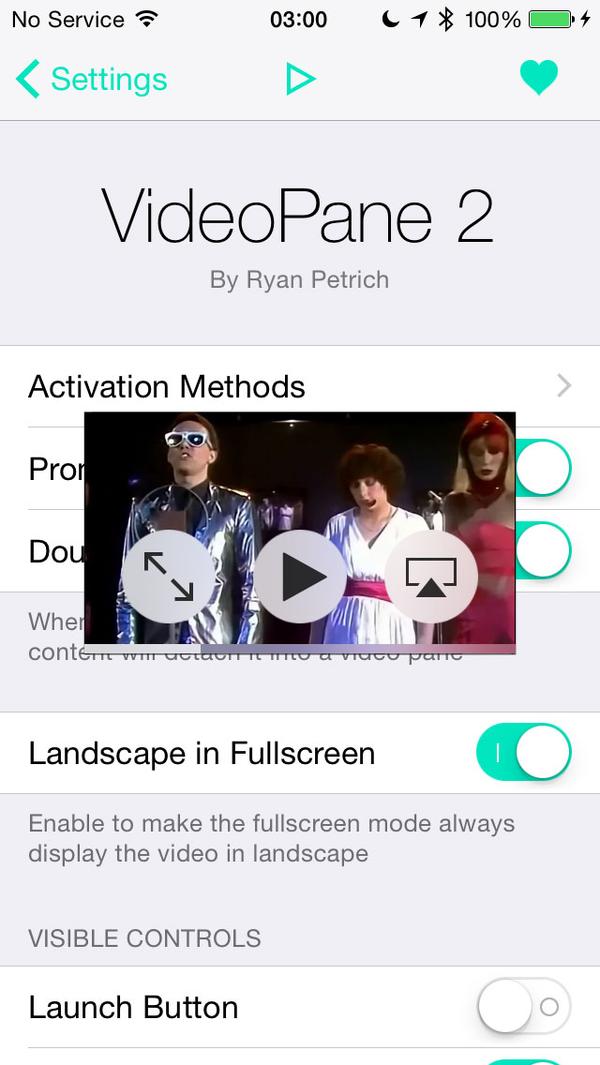
Ryan Petrich teases free update to VideoPane

Today, Ryan Petrich teased his upcoming release, VideoPane2—the follow-up to the popular picture-in-picture video tweak for jailbroken iPhones. VideoPane allows you to multitask and watch videos anywhere on iOS.

Considering how much work has gone into VideoPane, and what it allows you to do, it wouldn't be surprising if Petrich decided to charge for the update. However, the update will be free for those of you who purchased VideoPane in the past, regardless of when it was purchased.

Tweaks of the week: Alympus, Watchdog Pro, and more

The past week was a big week for jailbreak releases. It saw the release of the Surenix and Kyle Howells collaboration—Alympus—which brings a reimagined App Switcher to iOS 8.4. It also saw the release of Watchdog Pro—a multitasking tweak with tons of options.

Did you miss any good Cydia releases from the past week? Unless you've been watching Cydia like a hawk, it's likely that you may have. View our full list to see what gems you may have looked over.

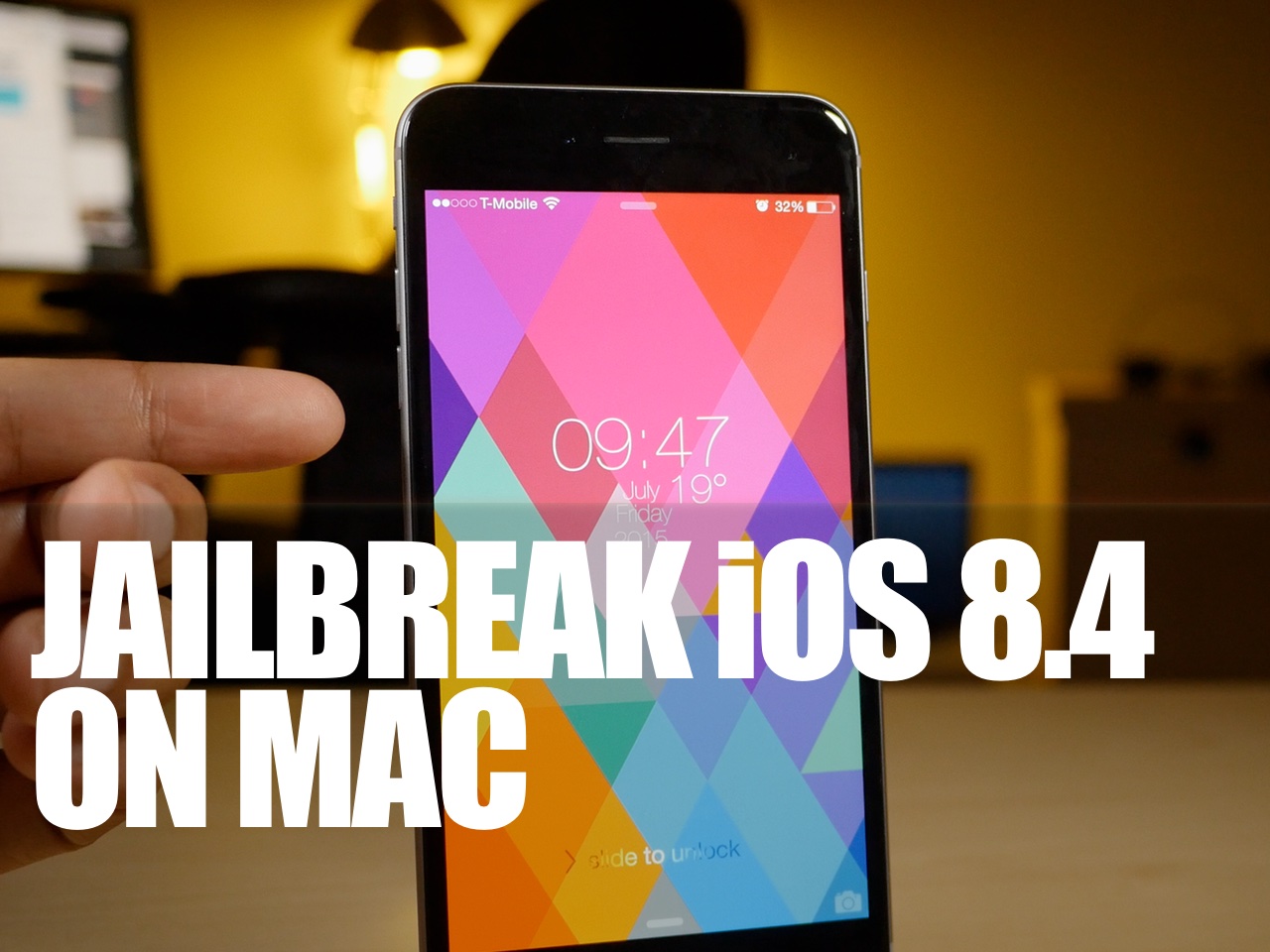
How to jailbreak iOS 8.4 on Mac with TaiG 1.0.0

As we told you about earlier, the iOS 8.4 jailbreak is now officially available on Mac from TaiG. The TaiG jailbreak tool for Mac is a simple and easy to use tool to jailbreak your iPhone or iPad on your Mac without having to resort to using a virtual machine.

In this video tutorial, I will show you how to jailbreak iOS 8.4 on your Mac using the TaiG tool.

TaiG for Mac released to jailbreak iOS 8.4

Over a month after the original TaiG jailbreak for Windows surfaced, TaiG for Mac is now officially available for OS X users. TaiG for Mac will allow you to jailbreak iOS 8.4 on your Mac without having to resort to using a virtual machine.

If you've yet to jailbreak due to the lack of a proper TaiG tool for OS X, now is your time. You can find the download link for TaiG for Mac inside.