Jeff Benjamin

Jeff has been with iDownloadBlog since 2010, acting as resident video specialist, and tutorial expert. He earned his degree in Computer Network Systems back in 2001, but decided Cisco routers and the like just weren’t for him. Since then, he’s been heavily involved with online writing. He’s written for numerous tech and video game sites since the late 1990′s, and has a knack for explaining things in a simple, clear, and concise manner. Jeff works primarily from the east coast on his Retina Macbook Pro, and shoots video with a Canon DSLR. During downtime he likes to travel the world, visiting the various Apple Stores across the globe. You can email him at jeff [at] idownloadblog.com and follow him on Twitter @JeffBenjam or on Google+.

How to set up a new Mac from a Time Machine backup

One of the primary benefits of using Time Machine is that it allows you to restore your backup on a new Mac or a new macOS installation. This makes it so that you can essentially pick up where you left off from your old machine or old installation.

Fortunately, restoring Time Machine backups to a new Mac is extremely easy and straightforward. In this fifth tutorial in our Time Machine how-to series, we'll show you how easy it is.

How to use the iPhone’s proximity sensor as an Activator gesture

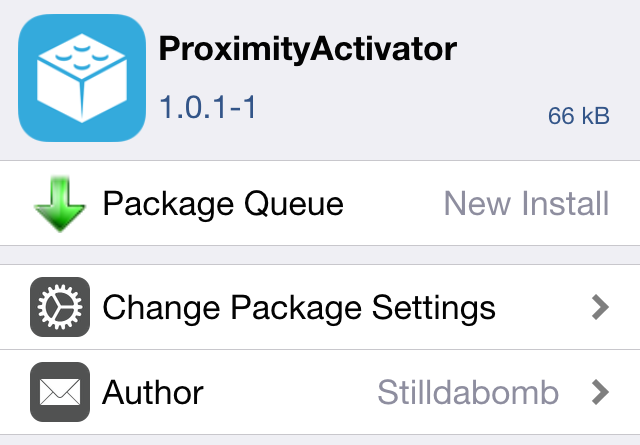
ProximityActivator is a recently released tweak that adds a new proximity sensor gesture to your list of Activator gestures. This makes it possible to perform certain actions simply by waving your hand in front of your iPhone.

In the video example that follows, I'll show you how I can invoke the App Switcher by waving my hand in front of my iPhone 5's proximity sensor. 

Upcoming Multiplexer jailbreak tweak looks incredible

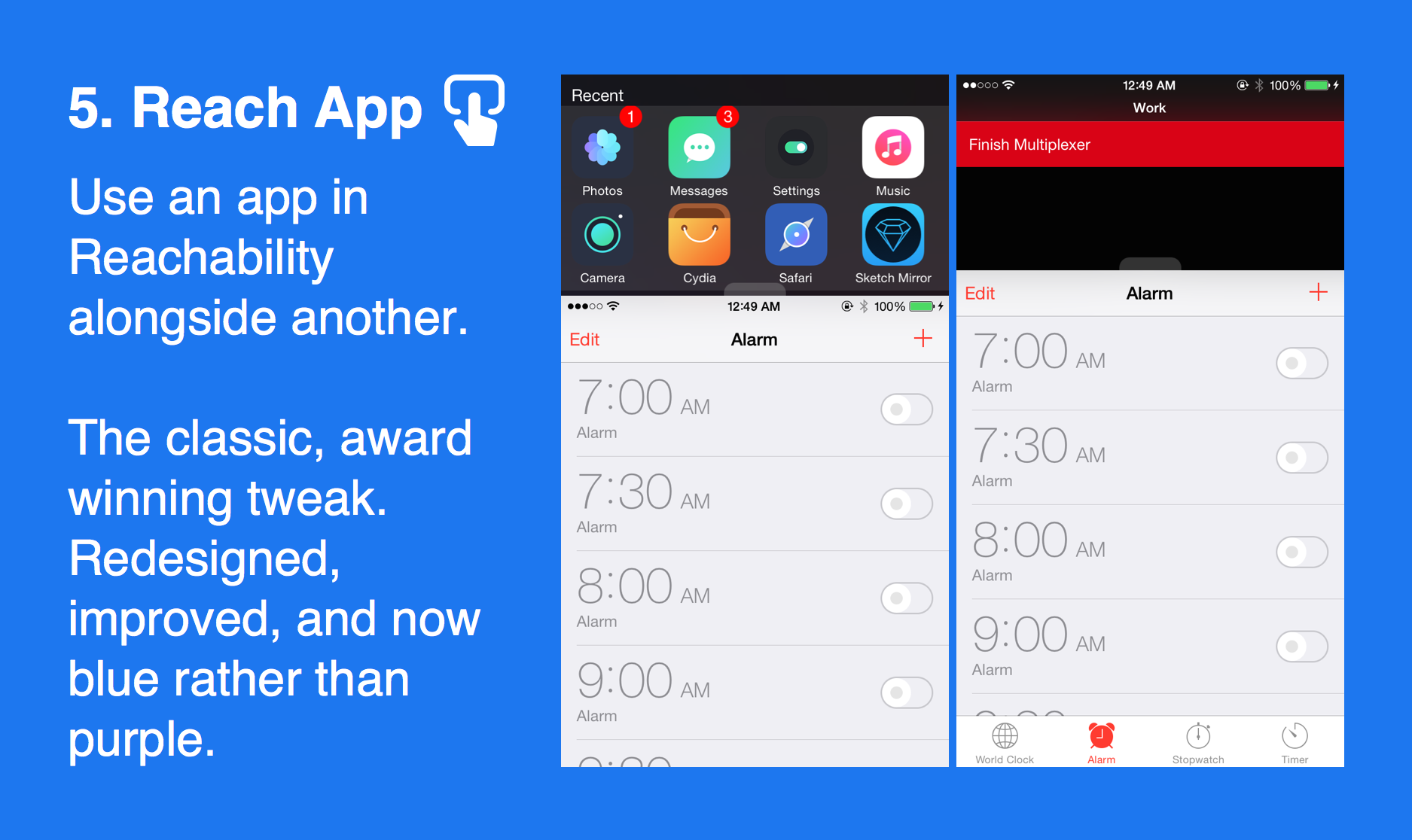
Multiplexer is an upcoming multitasking jailbreak tweak from Elijah Frederickson and Andrew Abosh, the same developers that brought us the high-regarding multitasking tweak, ReachApp.

Building on the success of ReachApp, Multiplexer is actually six tweaks built into one. In fact, each of Multiplexer's features could probably stand on their own two feet—for example, ReachApp is a part of Multiplexer.

It's still very much a work-in-progress, but Frederickson and Abosh have teased Multiplexer's feature-set over the last week. I've been around jailbreaking for a long time, and this looks like it could possibly be one of the biggest and most ambitious releases that we've seen in quite some time.

Reeder 3 gets a public beta for Mac

Renowned RSS feed reading app, Reeder, is one of the best feed reading experiences on the Mac. And so I was quite happy when I learned that Reeder 3 was finally entering public beta.

Reeder 3 will be a free update for Reeder 2 for Mac users. It comes with brand new themes and an OS X Yosemite-centric modern UI, among many other additions. Check out the full change log and download link in this post.

Apple releases iOS 8.4.1 beta 2 to developers

A little over two weeks after the iOS 8.4.1 beta debuted, Apple has seeded the second iOS 8.4.1 beta to developers.

The previous iOS 8.4.1 beta contained no release notes, but many speculated that the update would contain the usual bug fixes, and perhaps even a fix for the exploits used in the iOS 8.4 jailbreak.

We'll be sure to update you if there are any findings with regard to what the release contains. At this point, it's still up in the air, but the minor release version indicates that it likely contains no new front-facing features.

Review: Inateck MercuryBox Bluetooth speaker

One of my biggest beefs with the iPhone and iPad is the lack of love given to sound output quality. Neither device features speakers that face the user, and the speakers that are there produce sound that's just passable in my opinion. It's definitely one of the biggest opportunity areas for improvement when it comes to iOS hardware.

Other devices do a much better job with sound quality. For example, the HTC One M9 features front-facing speakers, as does the just-released Motorola G 3rd-gen. Even tablets like the Nexus 9 feature front-firing speakers that sound relatively good. The iPhone and iPad? Not so much.

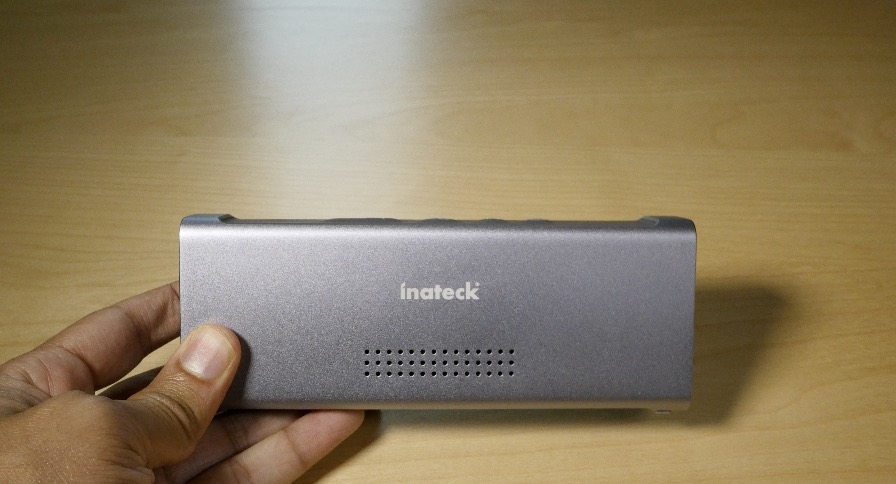
But that's okay, because that's what external speakers were made for. In fact, I just got my hands on stylish-looking Bluetooth speaker called the MercuryBox (42.99 with Amazon discount code below). It's from a German company called Inateck, who sent us a sample unit for review.

Is this the perfect device to improve your iPhone's sound output?

Review: Moto G 3rd-generation – an iPhone user’s take

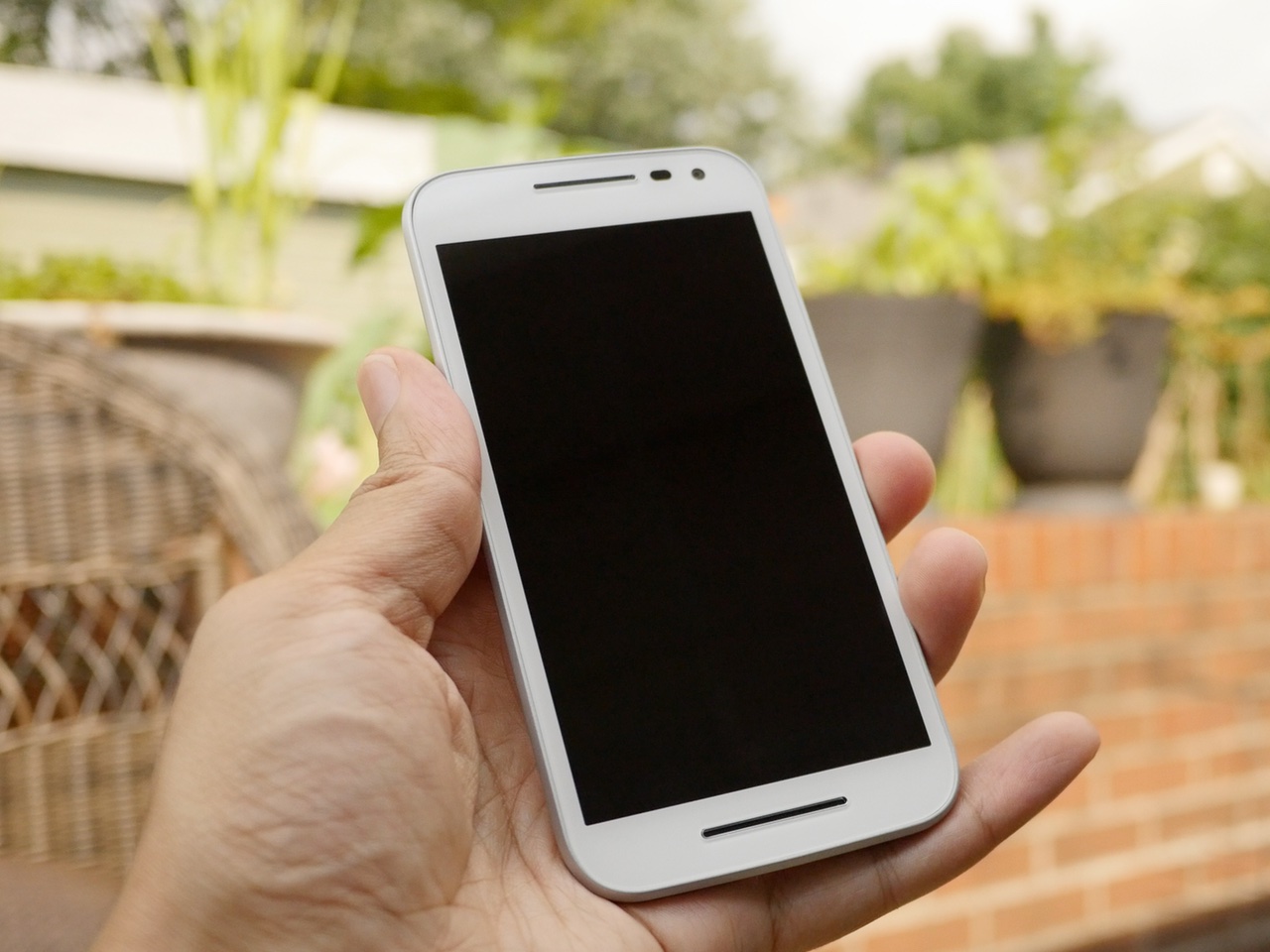
The Moto G is a budget Android smartphone line from Motorola that has nurtured a very good reputation in the tech community. The latest 3rd-generation Moto G, which debuted on Tuesday, is now available in stores like Amazon and Best Buy.

We've made it our mission to review various Android smartphones over the year in order to provide you with a balanced look at what the so-called "competition" is offering. As most of you know, I'm a die-hard Apple fan, but I do have a soft spot in my heart from Android, even though I think that many of the decisions that Android OEMs make are borderline shameless.

That said, I've been extremely keen on testing out the latest and greatest version of the Moto G, because I think it's the perfect companion Android phone for iPhone users wishing to dabble into the "other side". At a mere $179.99 unlocked, the Moto G is an outstanding value. Yes, there are other Android phones that fall within this price range, but they're usually horrible specs-wise, or if they're decent, they're inundated with bloatware (I'm looking at you Asus ZenFone 2).

The Moto G is different. Not only is it factory unlocked, but it features decent specs for a phone this cheap. But most importantly, it lacks the bloatware so popular in other phones in this class, or even so-called flagship phones. True, it's not a Nexus device, which is 100% stock Android, but it's very close, and arguably, improves on stock Android with some of its unique offerings.
Epicentre: a gorgeous new passcode interface for iOS

Finding the stock iOS passcode interface to be a bit boring? If so, then keep your eyes peeled for Epicentre, an upcoming jailbreak tweak that adds a gorgeous new interface to the passcode Lock screen.

Epicenter replaces the stock passcode interface with a beautifully animated setup that looks like it was inspired by a traditional rotary phone. It features a preference panel with several options for customizing the look and security of the passcode entry interface. Watch our full video preview to see how.

Let’s Talk Jailbreak 118: Alympus has fallen

Episode 118: We discuss some of the top myths about jailbreaking, the new Alympus tweak from Surenix and Kyle Howells, new jailbreak malware surfaces, Snapchat backtracks on banning jailbreakers from its app, and several new jailbreak tweaks.

Subscribe via RSS

Support Let’s Talk Jailbreak

Red Hat. – Different for the sake of better technology

Alympus: a meticulously-designed App Switcher replacement with tons of character

Well-respected developer Kyle Howells, and renowned UI designer, Surenix, have teamed up for something special. Their new collaborative project, called Alympus, has just been released on Cydia, and it brings a completely redesigned App Switcher, Control Center, and Music Controls interface to iOS 8.

Alympus was teased this past Sunday, but that teaser was just that—a tease. In the video that follows, I'll break down all of Alympus' features. Once you see all of what Alympus has to offer, I think you'll agree that there's more than meets the eye.

Let’s Talk iOS 092: Mice and goats

Episode 92: We talk Apple earnings for Q3 2015, electric cars, the Apple Watch 2 and the potential for a FaceTime camera, Apple Watch hitting Best Buy stores, iOS 9 beta 4, and new rumors about the next iPad mini.

Subscribe on iTunes

Power for Apple Watch updated with notification alerts, UI updates, and various fixes

It's always nice when someone from the jailbreak community ventures over to the App Store and goes "legit". Quite a few jailbreak community members have done so in the past, and Surenix, frequent jailbreak design collaborator and theme creator, is one of latest to do so.

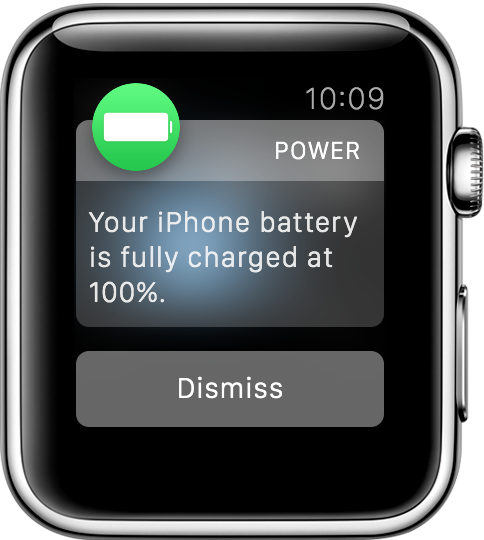
The first edition of his App Store release, Power, bought glanceable iPhone power levels to your Apple watch. The newest update, version 1.1, adds notifications to the mix.

With Power 1.1 ($0.99), you can now be notified when your iPhone reaches specific battery levels. You'll can even receive an Apple Watch notification when your Phone battery is fully charged.