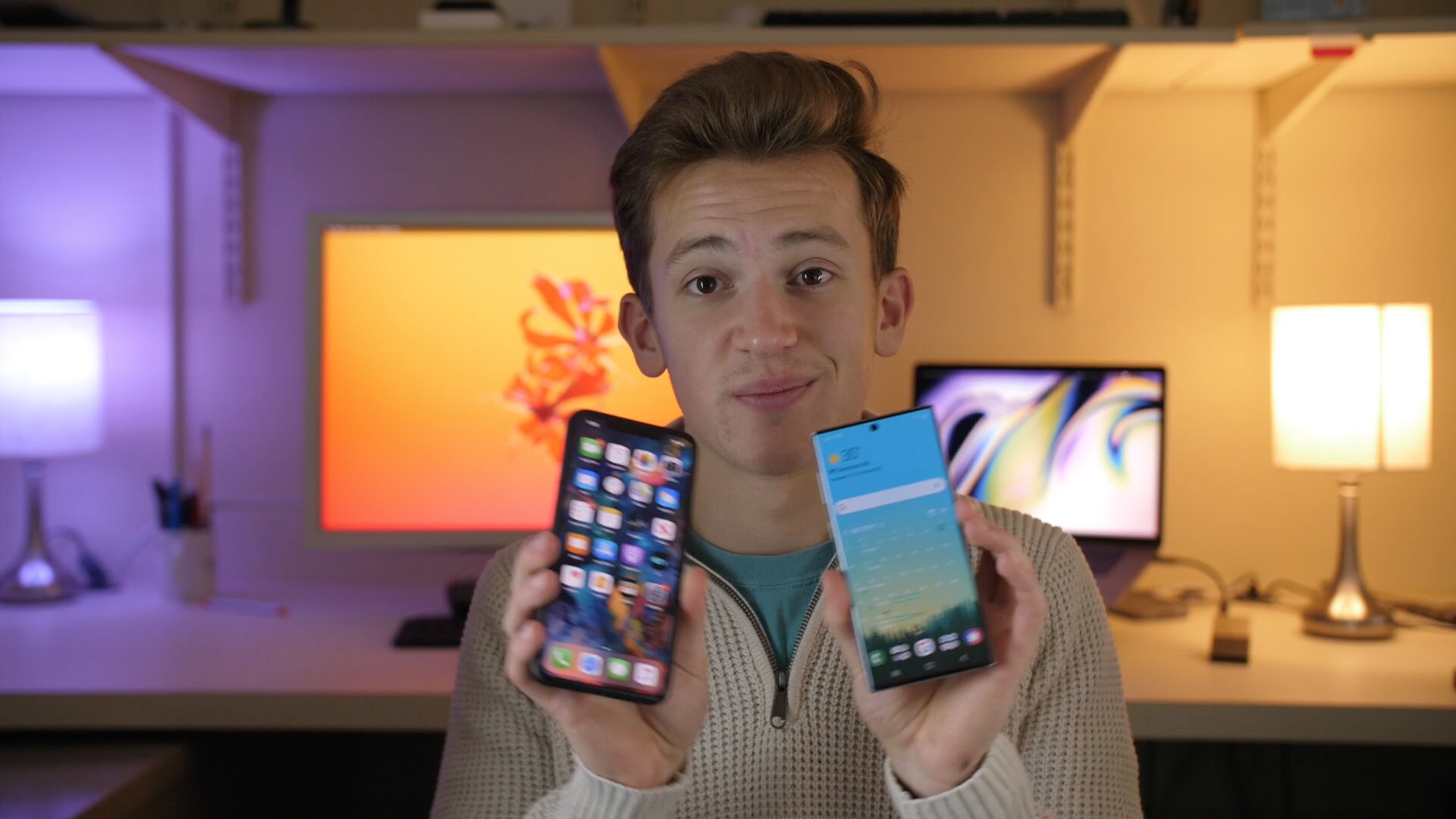
When watching videos in the YouTube app for iOS, those with notched handsets can view them one of two ways when the handset is in landscape orientation: 1) zoomed out such that the notch remains hidden in the video’s black side border; and 2) zoomed in such that the notch physically cuts into the video frame. Switching between these modes is as easy as using a pinch gesture while a video is playing.
As you might have noticed by now, some YouTube videos take better advantage of the wider display canvas, filling the display up to where the notch begins. This usually depends solely on the aspect ratio of the videographer’s filming equipment, but with the help of a new jailbreak tweak called UniZoom by iOS developer Lavie Gariv, users can synthetically impose similar scaling effects on virtually any video on YouTube.