Video

Microsoft doubles down on iPad bashing with a pair of new Surface ads

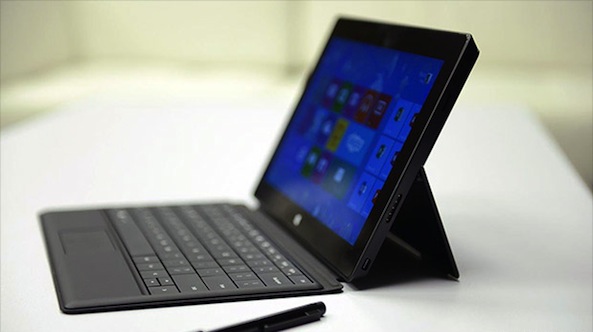
In what's now become a recurring theme, Windows maker Microsoft just fired the latest salvo of television commercials that predictably portray Apple's iPad as a lesser tablet. Posted on the official Surface blog, a pair of holiday-themed advertisements highlight one hardware and one software feature of the Microsoft tablet: a built-in kickstand and multi-account support.

The Redmond giant doesn't shy away from mentioning the iPad brand name in the videos. "Free apps on the iPad don’t offer the same hands-free technology," says the voiceover in the first ad that highlights a Food & Drink app which come preloaded with Windows 8.1. The other ad lambasts Apple's device because it "doesn’t allow for multiple accounts and does not have the ability to monitor usage"...
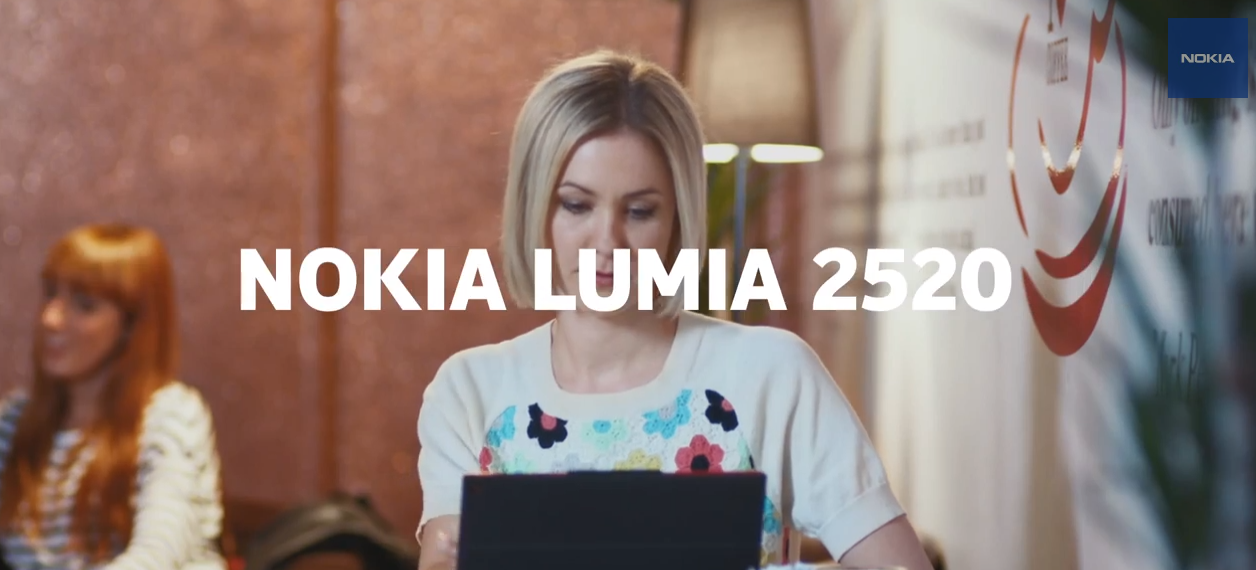

New Nokia Lumia 2520 ad lambasts iPad for lack of keyboard

Microsoft has built up quite the library of iPad-bashing TV spots. And now that it's buying out Nokia's mobile hardware business, it's getting them in on the gag. Today, Nokia launched a new TV commercial taking potshots at Apple's popular tablet.

The ad is supposed to be about Nokia's new Lumia 2520 slate, which launched last week, but you only see it for about 5 seconds at the very end of the 1 minute and 18 second-long video. For the other 72 seconds, it shows a user defending his iPad...

Jony Ive on Charlie Rose on the value of simplicity

Apple's SVP of Design Jony Ive along with his good friend, industrial designer Marc Newson, has lent his magic touch to a few one-off items for Sotheby’s (RED) charity auction to help fight AIDS in Africa. Some of the unique objects the two men designed include a one-off red-colored Mac Pro, a unique aluminum-clad desk and a gorgeous Leica M camera.

Ahead of tomorrow's charity, Ive and Newson sat last night with American television talk show host and journalist Charlie Rose to discuss how they interacted to create these unique objects of affection that'll end up being used by their highest-paying owners...

How to launch Mac apps from unidentified developers on a case by case basis

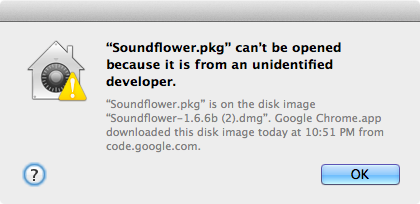
OS X has a feature that prevents apps from unidentified developers from launching out of the box. While this is a noble cause, it presents issues when launching legitimate apps from great developers that don't happen to be on Apple's whitelist. That message reads "XYZapp can't be opened because it is from an unidentified developer."

You can go into OS X's system preferences and disable this protection altogether, but there's a much more sensible option than that. Instead, how about enabling apps from unidentified developers on a case by case basis? 

This new jailbreak tweak lets you easily toggle alarm clocks on or off

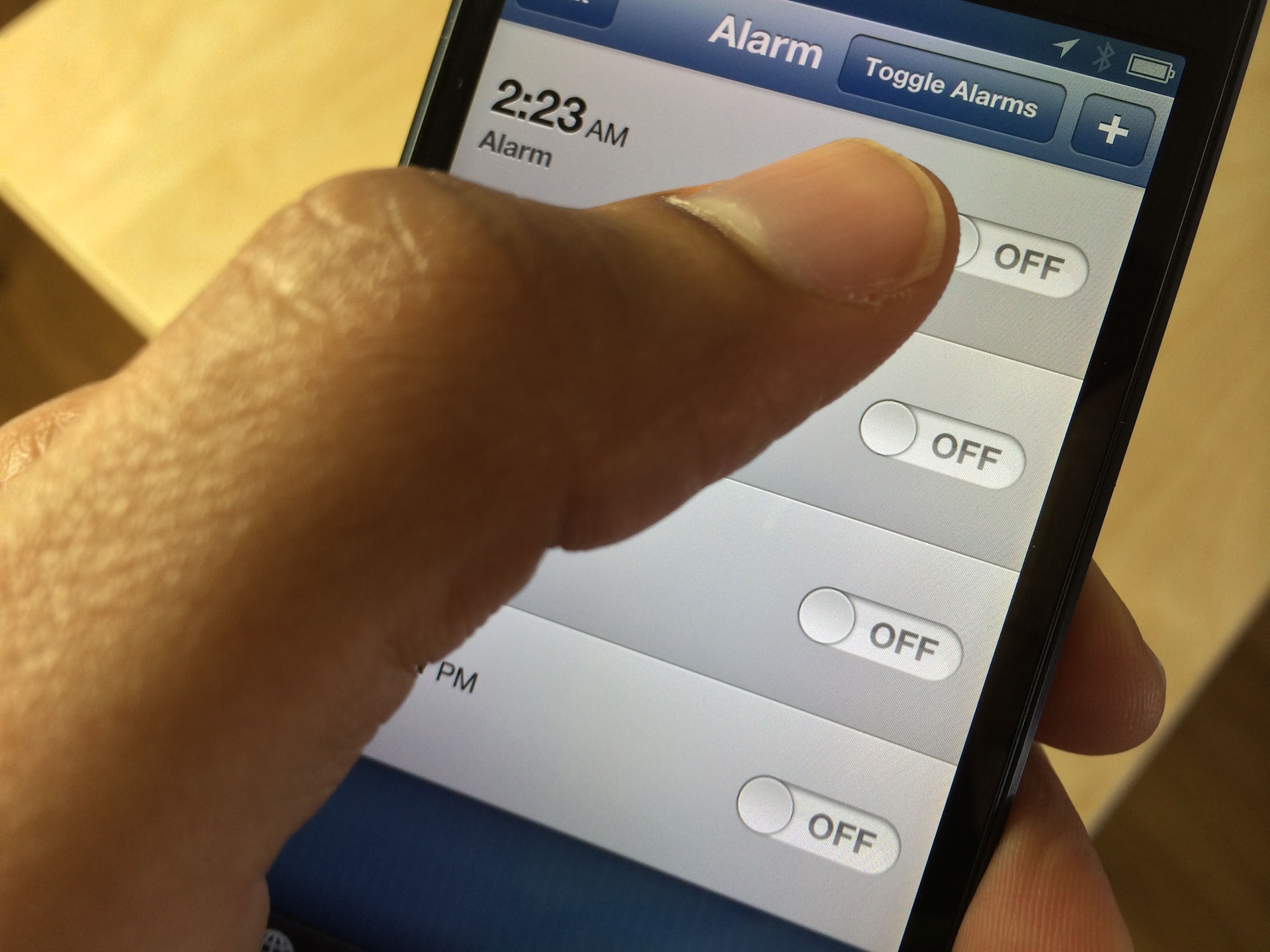
AlarmControl is a recently released jailbreak tweak that's perfect for those of you who use multiple alarm clocks. I use a few alarms when there's something extremely important that I have to wake up for, such as a new iPhone or iPad release. I know that sounds a bit ridiculous, but that's the truth of the matter.

At any rate, this new jailbreak tweak allows you to disable or enable all of the alarm clocks configured in the stock Clock app. Have a look inside at our video walkthrough to see how easy it is to use.

Vimeo gets AirDrop sharing, new Incoming feed and more

Vimeo, the popular YouTube alternative founded by Jake Lodwick and Zach Klein in November 2004, has an excellent iPhone and iPad app which a year ago received a major makeover and has been the choice of many videographers who demand higher quality with less restrictions than Google's video sharing service.

The company today pushed another interesting feature update finally bringing AirDrop video sharing between compatible devices, plus a new Incoming feed. As you could imagine, there are usual bug fixes and performance improvements in this update and a useful option where you can choose to have Vimeo use Wi-Fi or cellular connection when syncing videos...

ZeptoLab posts teaser trailer for Cut the Rope 2

In September, Russia-based developer ZeptoLab confirmed that they were working on Cut the Rope 2—a sequel to their popular physics-based puzzler, and the fourth title in the Cut the Rope series.

It looks like the new game is going to be officially called 'Cut the Rope 2: Om Nom’s Unexpected Adventure.' And yesterday, the folks at ZeptoLab posted its first teaser: a 20-second clip starring Om Nom...

Google gives YouTube Capture new video editing features

YouTube Capture, Google's dedicated iPhone and iPad app for recording and sharing video on YouTube, appears to have been on the back burner for a while because the last major update dates back to early-summer 2013, when the program gained support for YouTube accounts with multiple channels.

Meanwhile, Google posted a new version of the Hangouts app and added multi-account support to the Drive app.

With that off its back, the Internet giant's attention now turns to YouTube Capture. Apart from the flattened icon, version 2.0 finally allows users to pause and resume their recordings. That's just scratching the surface though as the app now lets you combine and rearrange clips and even add a soundtrack.

Jump past the fold for the full reveal...

MultiLS: Place Lock screen notifications on a hidden page

MultiLS is a brand new jailbreak tweak that just appeared on Cydia's BigBoss repo. The tweak, which is a $0.99 purchase, allows its users to hide the notifications that would normally appear on the Lock screen.

An iOS 6 only tweak, MultiLS completely moves the entire Lock screen notification list off of the primary Lock screen. When you receive a new message while on the Lock screen, MultiLS will display a pulsating blue bar on the right-hand side of the screen. This glowing bar lets users know when new Lock screen notifications have arrived.

We've taken the initiative to create a video walkthrough showcasing MultiLS in action. Have a look inside for all of the details.

How to type in an app while the app switcher is open

As we covered in an earlier tutorial, the app switcher in iOS 7 provides the ability to do some pretty cool things that you could never do in previous firmware.

For starters, there’s the ability to use swipe gestures to kill apps — even multiple apps at the same time by using more than one finger. Next, you have the ability to see what’s going on in each of the running apps, courtesy of the switcher’s new full screen app snapshots.

One of the positive side effects of this new app switcher view are the “multitasking” possibilities that stem out of it. First, let me clear the air and state the obvious — this isn’t true multitasking; but as we showed you already, by thinking outside of the box, you can stretch the app switcher’s abilities to meet your needs.

One such need was stumbled upon by reader Matthew Seltzer. After watching our initial app switcher tutorial, he discovered a handy way to get even more out it. If you happen to have a Bluetooth keyboard connected to your iPad, you can take advantage of the last app’s focus in order to continue to type while the app switcher is open.

Video of Eddy Cue as he accepts Steve Jobs’ Bay Area Business HOF award

Apple's VP of Internet software and services Eddy Cue tweeted out a link to a YouTube video last night, with the caption "an honor, a privilege and truly from my heart to Steve." The video was of Cue giving a speech at a banquet.

More specifically, Cue was accepting an award on Steve Jobs' behalf. He was [posthumously] inducted into the Bay Area Business Hall of Fame last Thursday, and the clip shows a montage of keynotes, interviews and other gems...

How to add burst mode to the stock camera app in iOS 6

A recently released jailbreak tweak, called Burst Mode, allows users to continuously take photos with iOS 6's stock Camera app. It's not as feature rich as the burst mode found in iOS 7 for the 5s, but it's a nice compromise for jailbroken iOS 6 users.

Burst Mode allows you to take as many photos as you want using a simple tap and hold on the shutter button, or a press and hold on your iOS device's physical volume button. Along with its burst mode capabilities, the tweak features a nice array of bonus features to take advantage of as well. Have a look inside as we look at what makes this free jailbreak tweak tick.