Video

If Siri drove a car…

Forget Apple's iOS in the Car initiative, or Siri Eyes Free, or even big name car makers rolling out support for iOS mirroring and other hands-free features that tap Apple's iPhone, iPod touch and iPad devices - here comes the ultimate Siri-driven feature (yeah, pun intended).

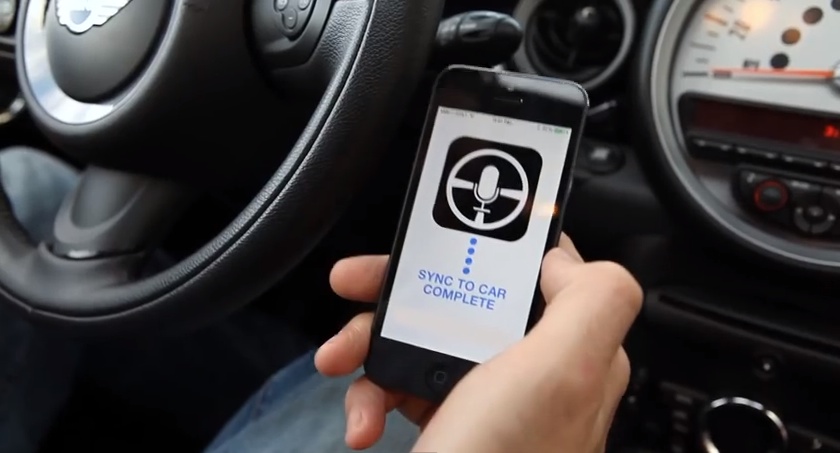
Introducing Steeri, the world's first driverless car app.

Put together by the Smart Department sketch comedy group, the video humorously depicts what Siri-powered driving might be like. The video is right after the jump so have a look and join us in comments...

How to record direct feed footage from iOS to a Mac or PC

Lots of people have asked me how I go about recording footage directly from the iPad, iPhone, or iPod touch. The process is one that is simple and straightforward with the help of a couple of hardware and software tools.

From time to time I will record footage directly from an iOS device, while at other times, I like to record the screen using an external camera so that you can see my hands as I work with the device. Depending on the circumstances, I've been known to switch up my methods for doing so.

The bottom line is that there are times in which you should definitely go the direct feed route as opposed to recording the screen externally. As the saying goes, there are many ways to skin a cat, but the method that I've been using has been working quite well for me. Have a look inside as I spill the details on what makes a successful iOS device recording setup.

Pebble Cards brings always visible customizable cards to the Pebble Smartwatch

Information you care about, right on your wrist. That's how developer Keanu Lee presents Pebble Cards—a new app for the Pebble 2.0 that places customizable cards on your Pebble Smartwatch. After finally getting my hands on the Pebble 2.0 app and firmware, I was able to put the awesome looking Pebble Cards through its paces.

Pebble Cards is an app that provides you with short little bursts of information on cards. Multiple customizable cards can make up a deck that can be scrolled through, updated, or expanded to expose more details about the information pertaining to a particular card.

If you're a Pebble Smartwatch owner, then Pebble Cards should definitely pique your interest. Have a look inside as I show off the Pebble Cards app in our hands-on video walkthrough.

How to control your Nest thermostat from the menu bar

I wouldn’t call myself a Nest Learning Thermostat early adopter, but I did acquire one fairly early in the game, and I haven’t looked back. The Nest, as you’re likely well aware of, is the new-aged thermostat from iPod designer Tony Fadell. The Nest allows users to control the thermostat from anywhere in the world using a web browser, or by using an iOS app for the iPad or iPhone.

Mac users have sort of been left out in the cold; pun intended. Desktop users have basically been relegated to using the web browser in order to control the Nest, as there is no official Nest app available for OS X. The good news is that developer Joseph Workman has taken the initiative to wrap the Nest’s web interface into a handy utility called Climate, and it runs in the Mac’s menu bar. This makes it so that you can quickly access the Nest’s temperature controls and other features from anywhere on your Mac.

We’ve taken the initiative to create a video walkthrough in order to showcase to you how Climate works, and why it’s so beneficial to Mac users. Jump past the break to see all the details.

Artist uses iPad to paint amazing Morgan Freeman portrait

It's believed by some folks that the iPad can only be used as a consumption tool, and isn't capable of producing content. Well apparently no one has told artist Kyle Lambert this, as he uses the popular tablet to paint incredibly realistic celebrity portraits.

In the past he's done celebrities like Will Smith, David Beckham and Madonna, but his latest work of art, which is easily his best, is of famous actor Morgan Freeman. The textures, the intense detail. You just have to watch this video of Lambert at work...

Amazon takes on iPad, Jony Ive in new Kindle Fire HDX ad

They say the more successful you are, the bigger the target on your back gets. And that appears to be true with Apple and its iPad, as Amazon joins Microsoft and others in taking the popular tablet to task via TV spots.

In its latest commercial for the Kindle Fire HDX 8.9, the ecommerce giant compares its slate to the iPad Air. And if we're not mistaken, it sounds like the man with the smooth english accent is supposed to be Jony Ive...

Shiori: my favorite Pinboard utility for the Mac

In episode 002 of Let’s Talk iOS we talked about Pinboard, and why it’s such a useful service for saving bookmarks. I won’t get too much into the specifics about Pinboard on this post, so I urge you to listen to that episode if you haven’t already. The episode does a good job of explaining the methodology behind Pinboard, pricing, etc.

What I do want to talk about is an awesome Pinboard utility called Shiori. A free download for OS X, Shiori is a Pinboard utility that allows you to quickly add new bookmarks to your Pinboard account and just as quickly search all of the contents of your account.

Shiori runs in the menu bar, and both its add and search functions can be accessed by a pair of useful keyboard shortcuts. Have a look inside as we go hands on with Shiori on video. If you’re at all interested in saving bookmarks for the longterm, then I’m positive you’ll find Shiori useful.

We Play: Super Hexagon

The iPhone and iPad are serious gaming devices. If you ask me, games are one of the best perks about owning an iOS device. The problem is that, just like with virtually every other genre of app on the App Store, there's an abundance of games available and many of them can be quite terrible.

With that in mind, I've decided to start a new series showcasing some of the games available on iOS. Unlike a normal post, I'll actually add video along with commentary of myself playing the game. By doing this, you'll be able to better gauge whether or not the game is right for you.

I'll be doing this a lot with new releases, but I'll also dig back in my stash of previous gems that everyone should know about. The first game in this series is a game that's been available for quite some time now—the legendary Terry Cavanagh's Super Hexagon. This is far and away one of my favorite games for iOS, because it has the perfect mix of drama and replay-ability. Watch me play Super Hexagon after the break.

Yoink is an awesome drag and drop utility for the Mac

Sometimes dragging and dropping items between multiple windows and full screen apps and folders can be challenging. But dragging and dropping doesn’t have to be a tedious or perplexing task. One of my favorite utilities for the Mac is called Yoink, and it allows you to simplify the process of dragging and dropping on OS X.

Its description in the Mac App Store states that Yoink simplifies drag and drop between windows, apps, spaces and fullscreen apps. As a long time user of the tool, I can vouch for developer Matthias Gansringler’s description. As you’ll see in the video walkthrough that follows, Yoink is one of those apps that you don’t realize you need until you see it in action. Have a look inside for the full walkthrough.

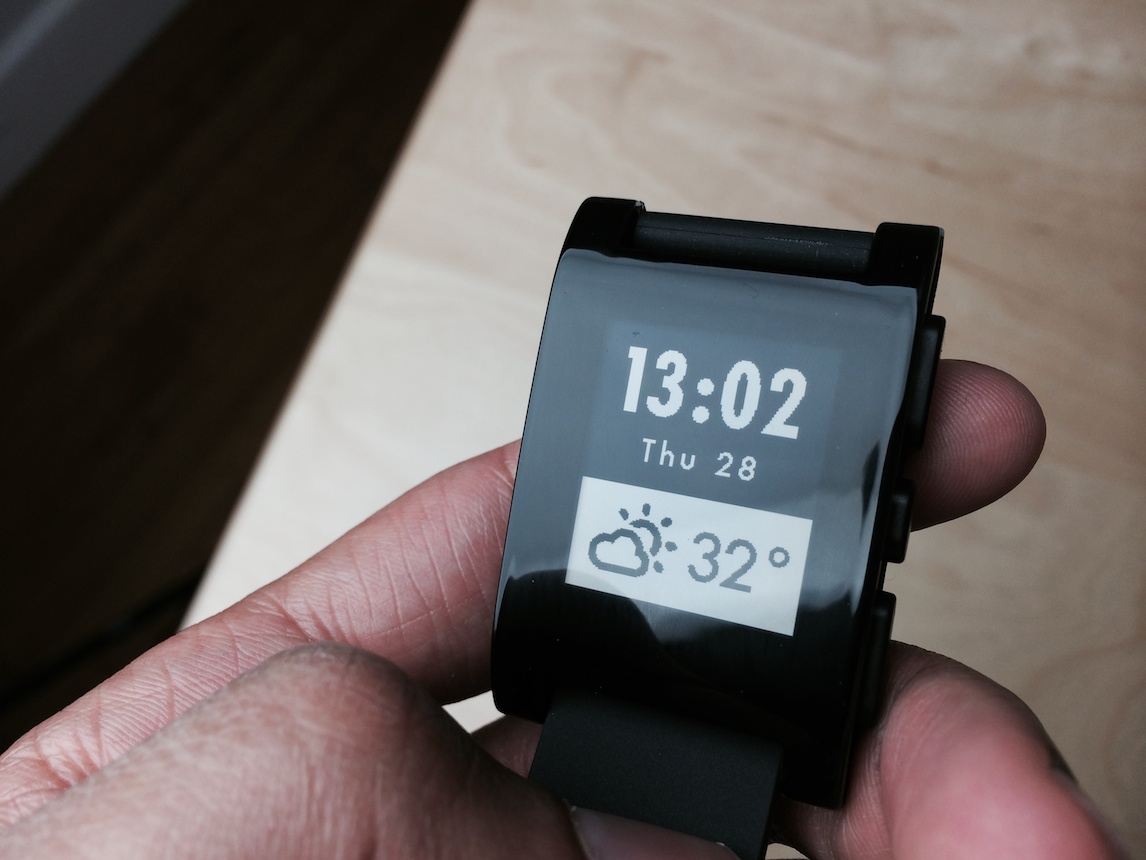
Pebble Smartwatch: some thoughts on why the smart watch is here to stay

Believe it or not, but Monday marked my first hands-on experience with the Pebble Smartwatch. I’ve striven to avoid the product all of these months, because I figured that Apple would eventually get around to making a “real” smart watch.

Apple still might do that, but its time table hasn’t aligned with the expectations of the tech blogging industry, mine included. Apple never said that it was working on a wearable, so it’s really our fault for creating such expectations.

In the meantime, the Pebble Smartwatch and its SDK have had plenty of time to marinate and mature. The latest update to Pebble’s software brings with it systemwide notifications, and there’s no hacking or jailbreaking needed to do that. In the eyes of many, that’s enough to make the Pebble Smartwatch worthy of serious consideration, and I tend to agree.