Video

Video walkthroughs offer detailed look at CarPlay on Pioneer’s $700 AVH-4000NEX receiver

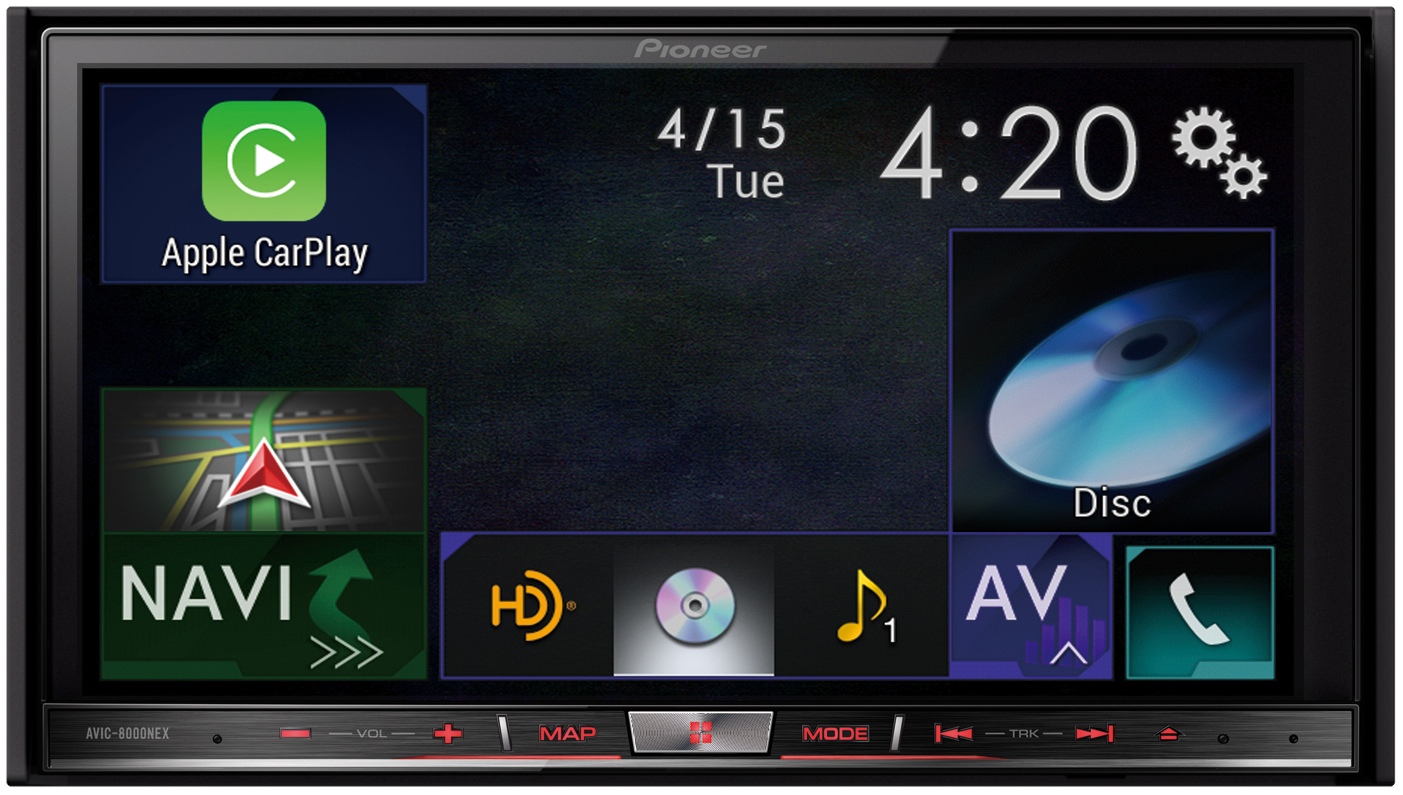
Though we've seen our fair share of CarPlay demos in months past, we still can't get enough of learning about the intricacies of Apple's in-car iPhone entertainment system. You may have head that Pioneer recently released a firmware update bringing CarPlay functionality to five of its 2014 NEX in-dash multimedia receivers, so people don't have to buy a brand new car just to enjoy CarPlay.

As noted by TUAW, Josh Carr of technology repair firm Fix Denver put Pioneer's new software through its paces and created several videos showing off different aspects of CarPlay, including Phone functionality, Apple Maps and various other built-in apps including Spotify, which recently updated its iPhone and iPad app with CarPlay support .

Interested? Jump past the break for more.

iKeywi brings awesome jailbreak keyboard features to iOS 8 [Video]

As you've probably heard, I've been less than impressed with the initial round of third-party keyboards to hit iOS 8. I understand a lot of the problem has to do with Apple, and iOS 8's overall bugginess, but not all of the blame is squarely on its shoulders.

Many of the third-party keyboards have an average implementation, and some of them are just plain bad. With that said, there are a few keyboards that have stood above the rest, as we outlined in our best iOS 8 keyboards post a couple of days ago.

But today, I encountered a familiar name when looking for new third-party keyboards to try. iKeywi, a name that will no doubt ring a bell if you've ever been into jailbreaking, is now available as an iOS 8 keyboard.

Needless to say, I immediately paid $0.99 for the privilege to download iKeywi, and I was mighty impressed by what I found. Folks, if you're at all familiar with some of the more popular jailbreak tweaks, then iKeywi should immediately jump to the top of your must-buy list.

Don't believe me? Think a tempered version of SwipeSelection (you can't select text, but you can move the cursor using swipes). And that's not where it stops. iKeywi adds a fifth row of keys to the keyboard interface, customized key text, customized output, the ability to show letter case, and more. Watch the video inside to see what I mean.

Cycloramic for iPhone 6 utilizes power adapter to capture 360-degree hands-free video

First introduced in 2012, Cycloramic has received much acclaim for its ability to capture 360-degree hands-free video using custom vibration patterns in the iPhone 5/5s. The app was even featured on the popular TV show Shark Tank, where it garnered a $500K investment from billionaire Mark Cuban.

But when Apple introduced the iPhone 6, with its slimmer profile and rounded edges, a lot of folks wondered what was going to happen to Cycloramic. After all, without the squared base, how was it going to keep the handset standing upright while spinning? The answer: use its power adapter as a base.

What to expect from the iPad Air 2 [Video]

The iPad Air 2 has all but been confirmed for an October 16th unveiling, according to Recode's John Paczkowski, a source with an impeccable track record. You might as well schedule some time off for 10AM PST on October 16th, because his word is basically bond.

With that in mind, I thought I'd take a minute to do a brief video roundup on what to expect from the iPad Air 2. Apple's 6th generation tablet is expected to endure some significant changes in this year's scheduled refresh. Check inside as we break it all down on video.

5 awesome widgets for iOS 8 [Video]

Now that iOS has finally adopted third-party widgets, many developers have been scrambling to update their apps to include them. While I think that widgets can be useful, I find that a lot of the widgets released so far have been somewhat unnecessary, or at best, poorly implemented.

But that’s not to say that the idea or concept of a widget is necessarily a bad thing. Indeed, widgets can be a very good thing if implemented properly.

That just happens to be the case with the following five widgets that I discuss in this post. Check inside for a video overview of five of my favorite iOS 8 Notification Center widgets.

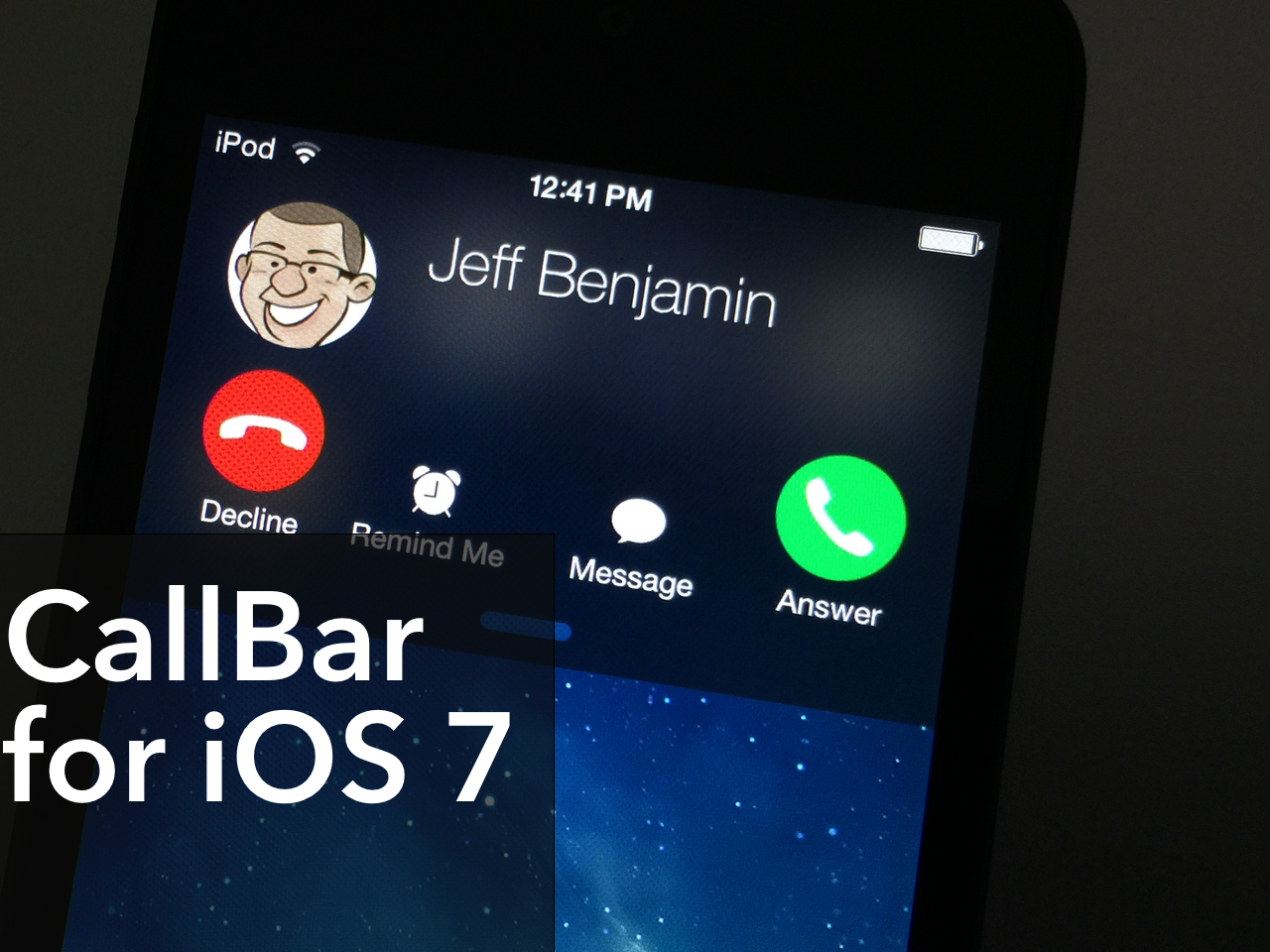
Popular jailbreak tweak ‘CallBar’ receives a big iOS 7 update

CallBar, the tweak that lets you better manage incoming calls, has received a fairly big update to better suite iOS 7. The tweak now features Notification Center integration, which allows users to handle all telephony needs from a familiar location. The update also features a re-designed incoming call screen, which allows you to use your device more efficiently while your iPhone is ringing.

All in all, CallBar for iOS 7 is a fairly massive upgrade over its predecessors from a visual and usability standpoint. Many of the functions remain the same, but the tweak has been laid out in a manner so that it's easier to use and easier on the eyes. Have a look at our video overview of CallBar for iOS 7 after the jump.

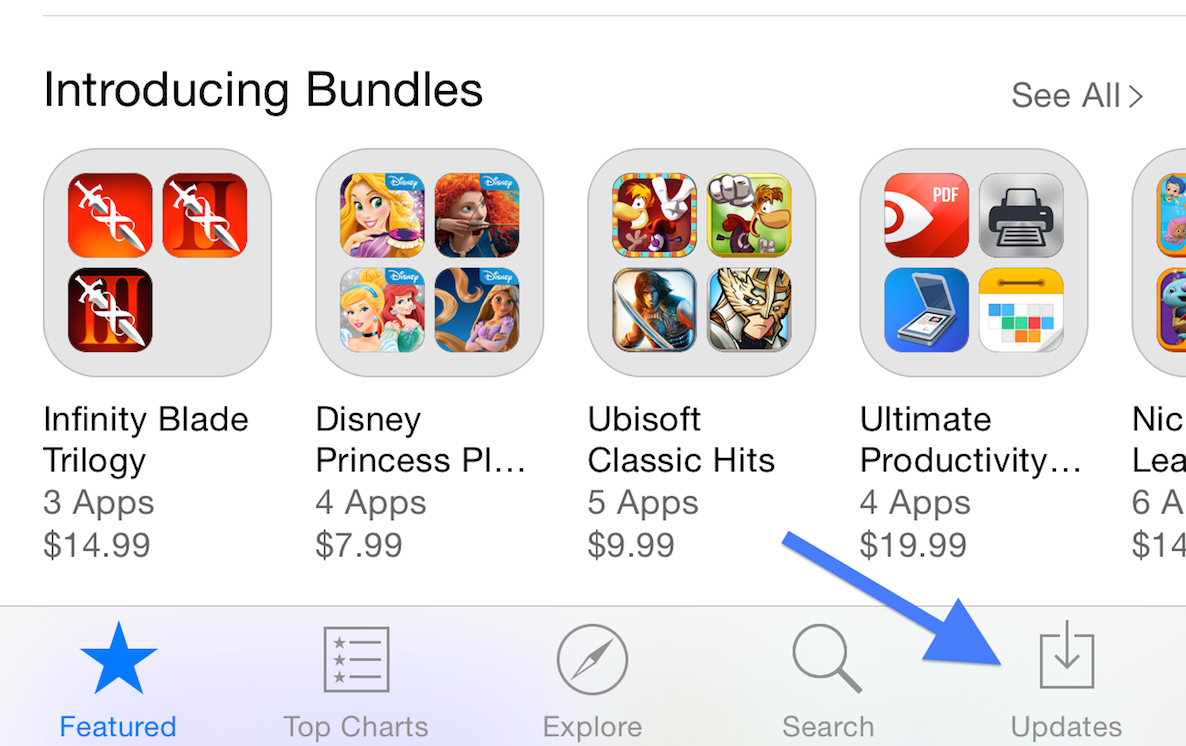
How to refresh the App Store app

Have you ever ventured into the App Store expecting a new update, only to find that the update has not yet appeared? Since the App Store has no refresh button, I used to force close the app, and reopen it to check for new updates.

There’s an even easier way to refresh the App Store. I’m not sure if it was purposely done, or if it’s a bug, or what. All I know is that this refresh trick works on iOS 8 and newer versions of the software, but it doesn’t appear to work on lesser firmware.

Inside, I’ll show you how to quickly refresh the App Store and check for new updates in a flash. Check out the video.

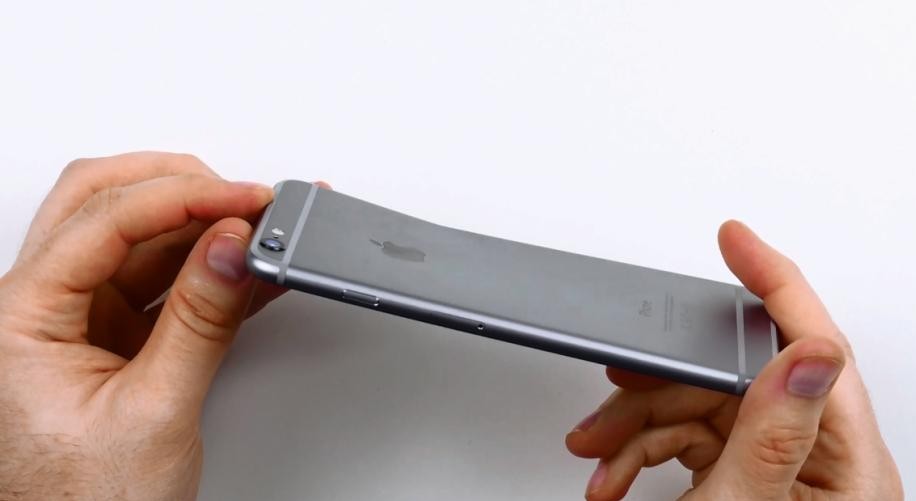
10 things you shouldn’t do to your iPhone 6

With every new iPhone comes a new controversy, and this year is no exception as the "bendability" of iPhone 6 has already been put to the test, clearly proving that when force and pressure are applied to the device, it will actually bend.  What most people would qualify as good old common sense doesn't seem to be the case here, so to avoid any kind of confusion, we've come up with a list of things you shouldn't do to your iPhone 6.

Instagram’s Hyperlapse app picks up native iPhone 6 support, new ‘selfielapse’ feature

Instagram’s iPhone app for high quality Time-lapse video capture, Hyperlapse, debuted a month ago.

On Thursday, the software received its first update as developers released version 1.1 which has added native display support for the iPhone 6 and iPhone 6 Plus phones.

In addition, there's a new 'selfielapse' mode which uses the front-facing FaceTime camera to create cool Time-lapses.

This edition of Hyperlapse includes bug fixes and reliability improvements as well. The app is available free of charge in the App Store.

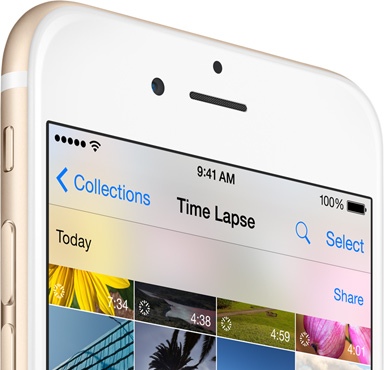
How iOS 8 Time-lapse video capture works

iOS 8′s new Time-lapse video capture mode is a lot smarter than it sounds on first blush. Instead of taking individual images at predetermined intervals, it instead snaps photos at “dynamically selected intervals,” according to Apple's website.

But what exactly does this mean?

As discovered by Dan Provost of Studio Neat, this under appreciated iOS 8 feature doubles the speed of the Time-lapse and takes half as many pictures per second as the recording duration doubles.

This ensures that any Time-lapse you capture ends up being between 20 and 40 seconds long, “an ideal shareable length,” Provost writes. It's just one of the many ways the power of iOS 8 software makes you a better photographer.

iMaker allows you to animate app icons on your Home screen

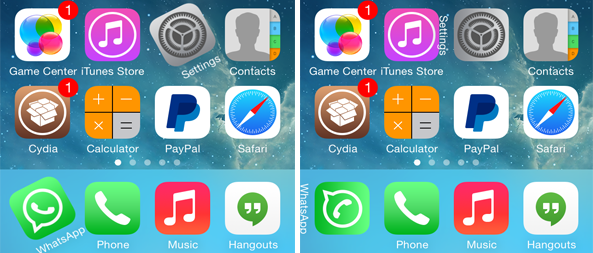
We've seen ActiveBoard, a tweak that allows you to add glowing effects to applications that are running in the background or have a pending notification. iMaker is a new jailbreak tweak with a similar goal, but packed with various different animations and options.

The tweak, which has been developed by Javier Brito, allows you to quickly identify the recently opened 5 apps that are still running in the background, applications that have a pending notification or which have been recently updated. This is done by applying various different animation styles to their icons.

Apple posts two new iPhone 6 ads: “Cameras” and “Huge”

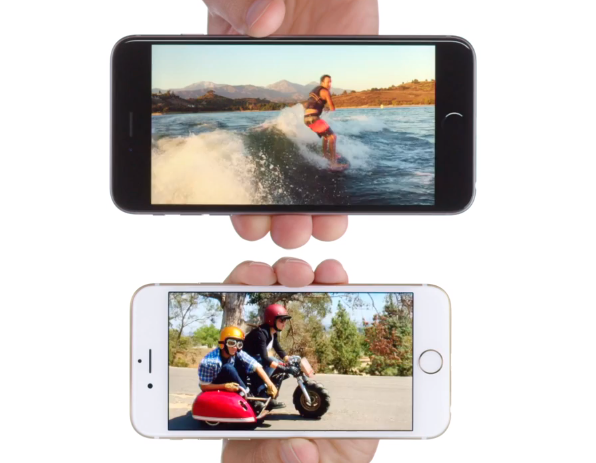
Apple has posted two new iPhone 6 ads to its YouTube channel. The commercials are titled "Cameras" and "Huge," and they highlight some of the benefits of the updated cameras and larger displays found on the recently-launched handsets.

The two videos are very much inline with the spots we saw during the iPhone 6 event, in that they feature voice overs done by celebrities Justin Timberlake and Jimmy Fallon running down various new features of iPhone 6 and iPhone 6 Plus.