Video

Using Do Not Disturb in OS X Yosemite’s Messages app

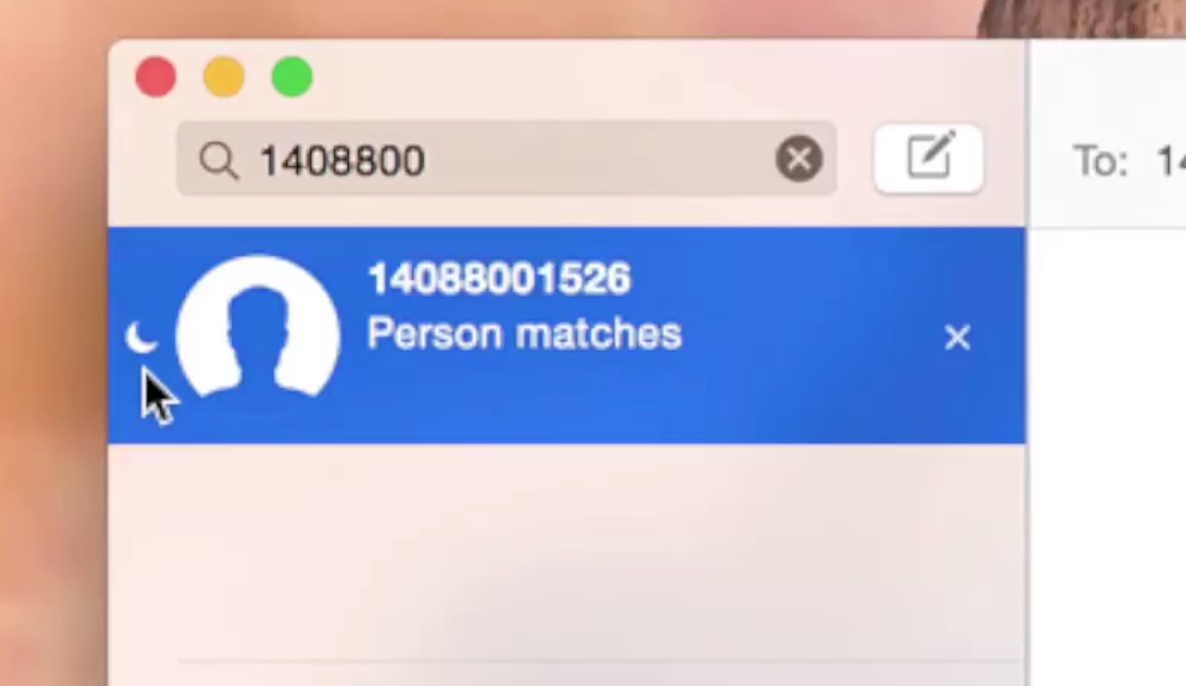
Like the Messages app in iOS 8, the Yosemite version of Messages allows you to mute specific conversations by enabling Do Not Disturb. Do Not Disturb ensures that you still receive messages, but you won’t be bothered by notifications when new messages arrive.

Have a look at our video walkthrough explaining the ins and outs of Do Not Disturb after the break.

SleekCode: improve the look of the Lock screen passcode interface

SleekCode is a brand new jailbreak tweak that just recently touched down on Cydia’s BigBoss repo. SleekCode allows you to change up the look of the passcode screen. You can alter the background of the blur, alpha, and passcode rings, along with hiding the emergency dial button and slide to unlock chevron.

I was fairly impressed with the look of the passcode screen after configuring SleekCode. Have a look at our video walkthrough for more information.

Saurik brings AFC2 support to iOS 8

For those of you who prefer to manage iOS's file system via USB, we have some good news for you. Saurik recently pushed an AFC packaged called Apple File Conduit 2 to jailbroken iOS 8 users. The package, which is downloadable from Cydia right now, allows users to browse the entire iOS root file system when your device is connected to your computer via USB.

Cydia Substrate updated to 0.9.5013 to support iOS 8

Good news, fellow jailbreakers. Saurik has just pushed an update to Cydia Substrate to lend it iOS 8 compatibility. This means that tweaks that rely on Cydia Substrate to run (most of them should) can now be updated to work with iOS 8 as well.

Cydia Substrate has always been a big part of the puzzle that needed to be there for this iOS 8 jailbreak to really gain steam as far as jailbreak apps and tweaks are concerned. If you're already jailbroken and have Cydia installed, then Cydia Substrate 0.9.5013 should appear as an update in Cydia.

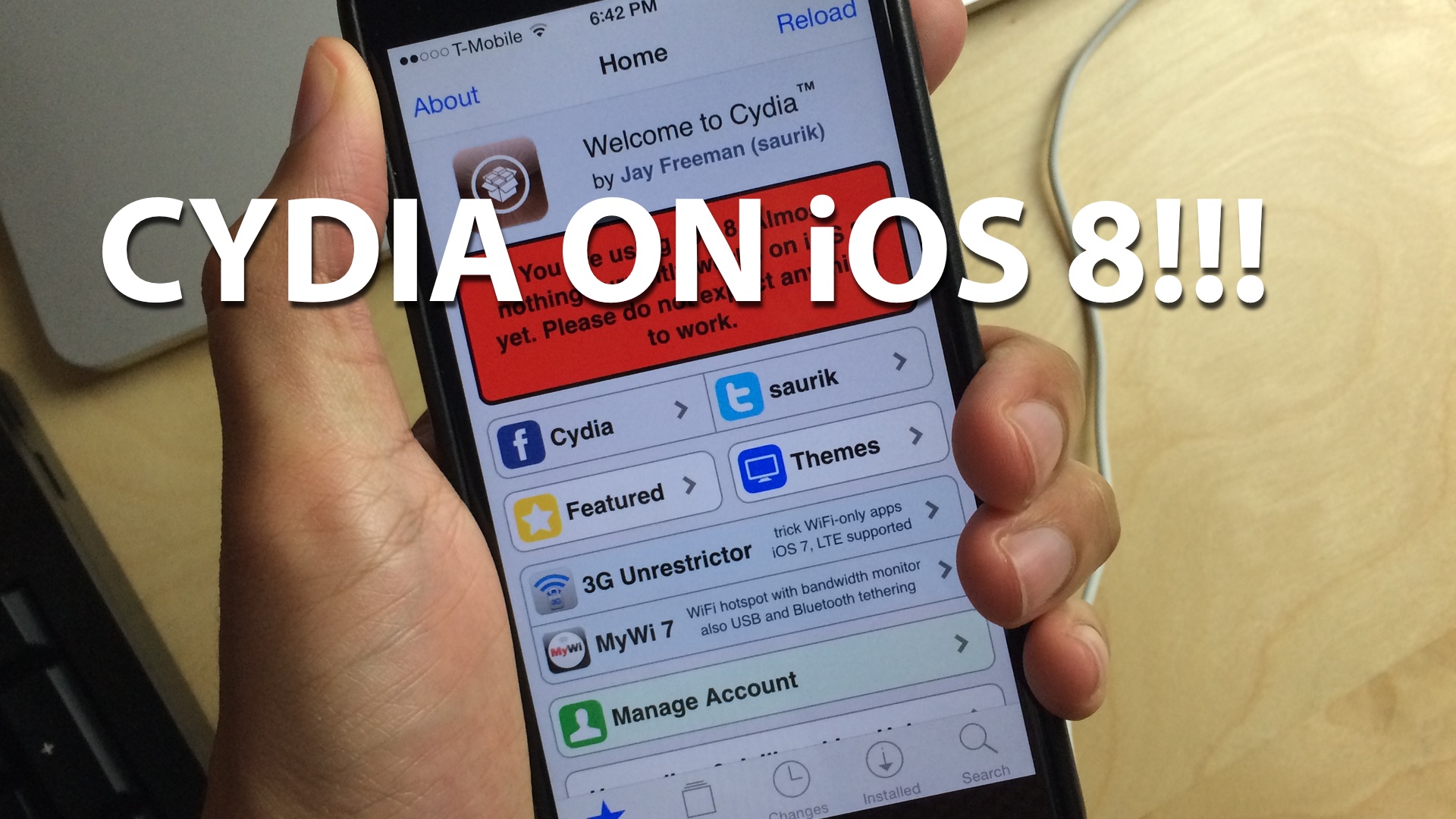
How to install Cydia on iOS 8 [video]

As you know, the Pangu jailbreak came out this morning and enabled the ability to jailbreak iOS 8-8.1. Unfortunately, the jailbreak wasn't bundled with Cydia, so it's not much use to the general jailbreak users by itself.

Thankfully, Saurik quickly compiled a working version of Cydia for iOS 8, which is pretty easy to install if you follow our 8 steps. We show you how in this hands-on video walkthrough.

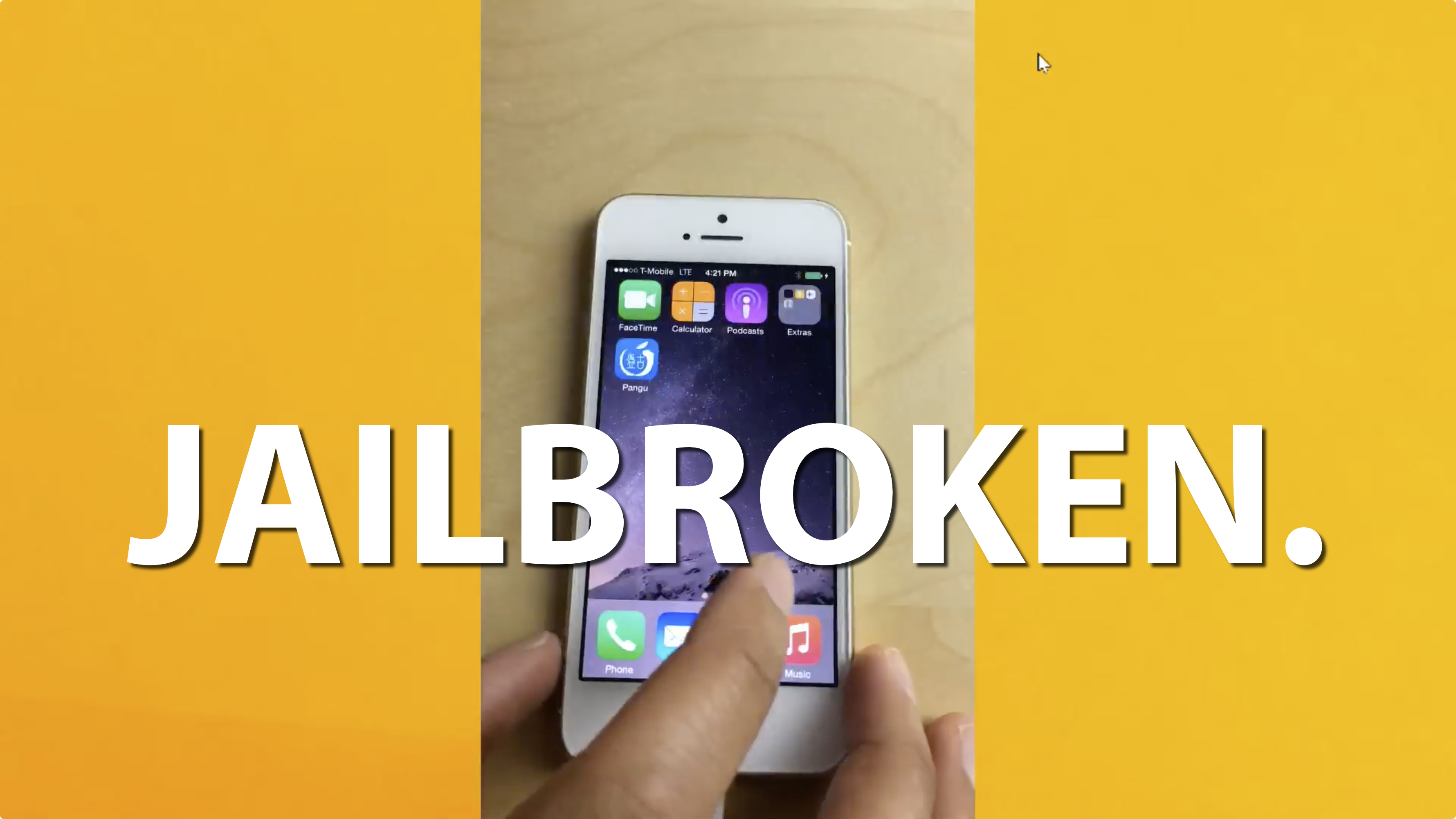
How to jailbreak iOS 8.1 with Pangu 1.0.1 [video]

Pangu for iOS 8 caught us all by surprise, but it shouldn't be a shock that the talented Chinese jailbreak team pulled off a jailbreak in such a short period of time since iOS 8's release. While the Pangu tool for iOS 8 isn't exactly ideal as far as a consumer jailbreak goes—it doesn't come bundled with Cydia, it's in Chinese, and it's Windows only—it's certainly better than nothing.

In this video tutorial, we will show you how to jailbreak iOS 8.1 using Pangu 1.0.1 with a Windows machine. It's an extremely easy and simple process, as long as you follow the steps exactly. This tool can jailbreak the iPhone 5s, iPhone 6, iPhone 6 Plus, and any other device capable of running iOS 8.x. Check out our full video tutorial for the details.

Helvetica Neue typeface replaces Lucida Grande as the system font in OS X Yosemite

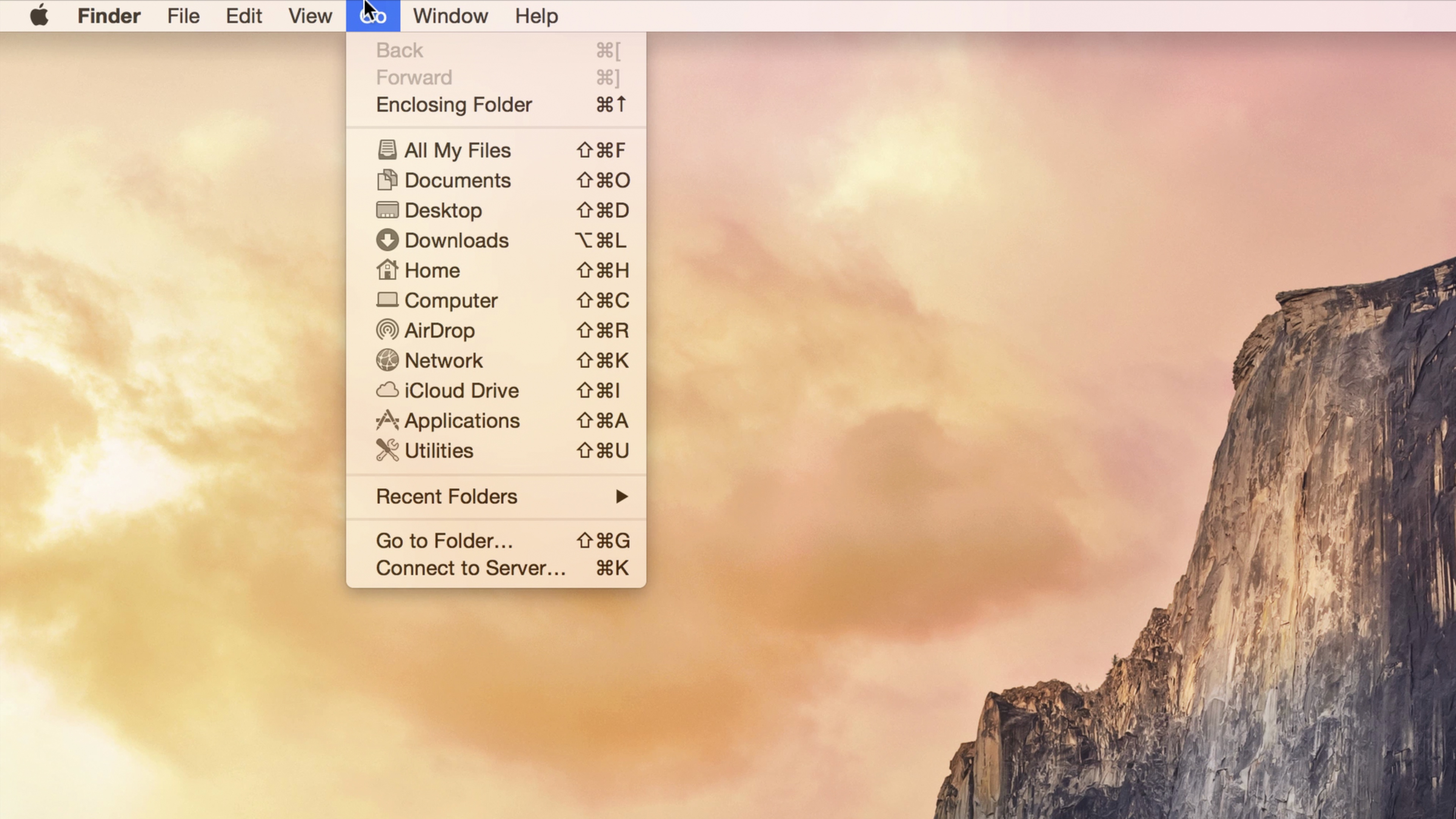
One of the most striking changes that you will notice when you first fire up OS X Yosemite is the system-wide font change. Apple’s previous desktop operating system releases, since 1999, used Lucida Grande as the system font.

Lucida Grande worked well on lower resolution screens, but as high resolution Retina Displays become more common, it's starting to look out of place. To address the issue, Apple decided to adopt iOS’ system font of choice—Helvetica Neue—and make it the system font for OS X Yosemite.

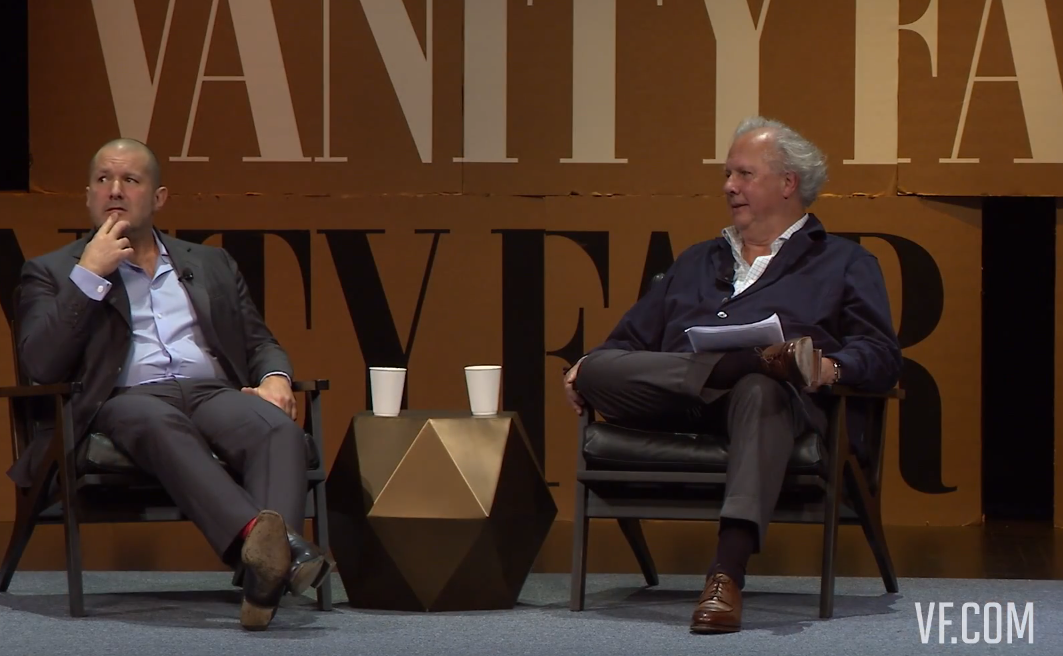
You can now watch Jony Ive’s full Vanity Fair interview online

Earlier this month, Apple SVP Jony Ive participated in a brilliant on stage interview at Vanity Fair’s New Establishment Summit in San Francisco. The design chief talked about a wide range of topics, including Apple's design process and his thoughts on copycats.

As an executive of one of the most secretive companies in the world, Ive rarely speaks so candidly—especially on stage, so as you can imagine, the event went viral. Well now you can see what all of the commotion was about, as the full interview has been posted online.

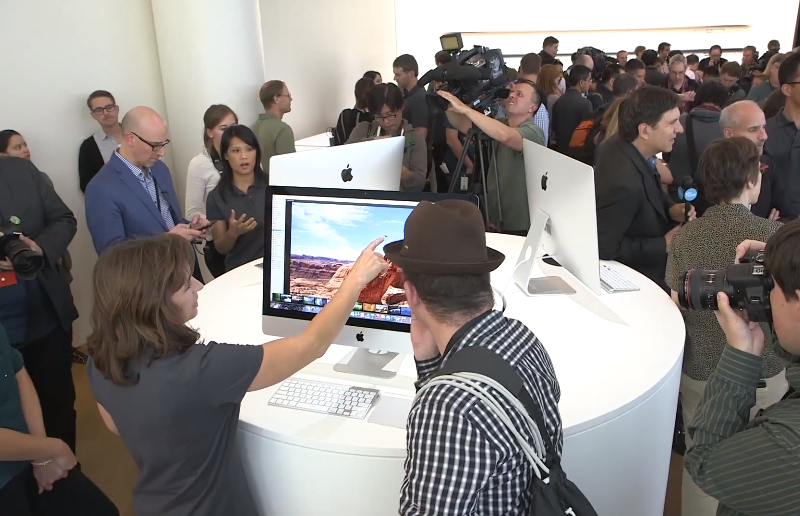
Hands-on with iPad Air 2, iPad mini 3 and iMac with Retina 5K display

So you’ve watched Apple’s keynote, and you’ve been keeping up with the news today, but thus far you’ve only seen the new iPads and Retina iMac from either afar or in marketing materials. Obviously, the products are going to look good in photos, but what about in real life?

Following the event today, select journalists were given the chance to go hands on with the two new iPads, and 5K iMac, and have posted videos of their initial reactions. So naturally, we’ve rounded up some of these clips that show folks trying out the devices for the first time.

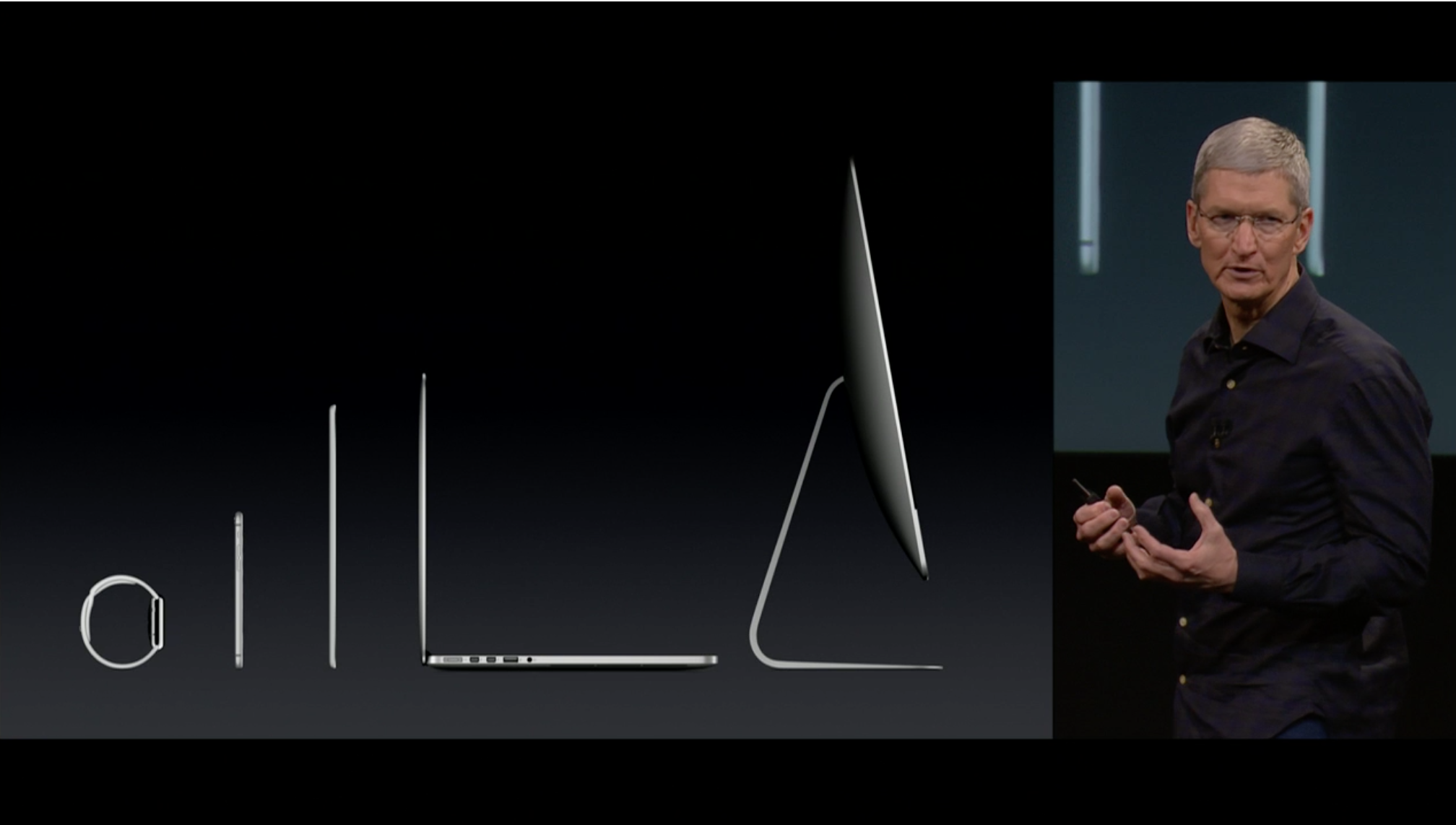
You can now watch a replay of today’s Apple event

Folks who missed Apple’s keynote this morning, or would just like to watch it in its entirety, will be happy to hear that Apple has just posted the full video online for your streaming pleasure. Obviously, you can read everything you need to know about today’s event right here on iDB, but if you have the time, the video is worth watching.

Watch the new iPad Air 2 and iMac with Retina 5K display videos

Apple just posted the introduction videos for the iPad Air 2 and iMac with Retina 5K display shown during this morning's event to its YouTube channel. So for folks who haven't seen the keynote yet, or simply want to watch the clips again, here is your chance.

The video for the iPad Air 2 is short, coming in at just over 30 seconds, and focuses on the tablet's thinner profile by hiding it behind a laser-cut pencil. As for the new Retina display iMac, there are 2 videos that—as you'd expect—highlight its beautiful screen.

Jony Ive talks Apple design process, copycats and more in new interview

Jony Ive, Apple's senior vice president of design, gave an onstage interview last night at Vanity Fair's New Establishment Summit in San Francisco. The executive was among several Silicon Valley elite to participate in the conference, including Tesla CEO Elon Musk, Twitter CEO Dick Costolo, and Astro Teller from Google X.

Although Ive has participated in several interviews over the years, his appearance on stage is a rare one—rumor has it that he doesn't like speaking in front of large crowds. The discussion covered a number of interesting topics, including how Apple goes about designing its new products, life lessons from Steve Jobs, and more.