Video

How to enable full 60 FPS video recording on iPhone 6 and iPhone 6 Plus

With the iPhone 6 and iPhone 6 Plus, Apple's brought out support for shooting full HD video in a smooth sixty frames per second (FPS), as opposed to prior models which limit 1080p video capture to a suitable thirty frames per second.

High frame rates make motion-intense videos even more awesome. For example, video shooting at 60 FPS gets rid of the stutter when panning the camera or capturing fast-moving objects.

And with YouTube now accepting 60 FPS uploads, you can share your silky smooth footage with the web at large. While both new iPhones default to capturing video in the traditional 30 FPS, all it takes to enable the new frame rate is flipping a switch in the Settings app, here's how.

How to add a fifth icon to the dock in iOS 8 and on the iPhone 6

betterFiveIconDock is a new jailbreak tweak that brings the ability to add a fifth app icon to the iOS dock on both iOS 8 and the iPhone 6 and 6 Plus. The tweak, which is available free of charge on a non-default Cydia repo, even plays nice with the iPhone 6 Plus' Home screen rotation abilities.

Want to see how betterFiveIconDock works in action? Check out our video walkthrough inside.

Netflix++ is a jailbreak tweak that adds trailers to the Netflix App

A Netflix logo sign on a building in Hollywood, Los Angeles at sunset

Netflix is a wonderful entertainment resource. It's always good for an obscure move that you've never heard of. I highly recommend Funky Monkey.

But one of the most baffling things about Netflix is the lack of trailers and previews. Instead, you have to exit the Netflix app, fire up YouTube, watch your trailer, and then head back to the Netflix app with decision in hand. Yeah, that makes no sense.

Fortunately, jailbreakers no longer have to deal with that nonsense. Netflix++ is a new jailbreak tweak that integrates YouTube trailers directly into the Netflix app. That means that people like our very own Cody can watch a snippet of Justin Bieber's movie before sitting down to enjoy it. Have a look inside for the video details...

‘ForceGoodFit’ is reason enough alone to jailbreak the iPhone 6 and iPhone 6 Plus

It's been well over a month since the iPhone 6 and 6 Plus officially touched down in retail stores, and even longer since iOS 8 became available. Still, as seems to be the case with each new major iPhone and iOS release, there are developers who take a while when it comes to updating their apps.

Sometimes the delays are legitimate—updates aren't easy—and sometimes it seems like the delays are extended with little reason. Whatever the case may be, it makes for a less-than-desirable experience on the user end. With a device like the iPhone 6 and the 6 Plus, such delays are especially glaring, because the apps that haven't be updated stand out like a sore thumb.

With that in mind, wouldn't it be nice if you could force an app that hasn't been updated to run as if it had? That's the underlying premise behind ForceGoodFit. It forces apps that haven't been updated to fit the screen resolution of the iPhone 6 and iPhone 6 Plus. It basically makes apps that haven't been update look much better than they did before.

Have you been looking for a good reason to jailbreak your iPhone 6 or iPhone 6 Plus? Then look no further.

UntetheredHeySiri: Use Hey Siri without needing a power connection

And the good times keep rolling. A new jailbreak tweak has popped up on the Cydia Store from well-known developer Hamza Sood. The tweak, entitled UntetheredHeySiri, lets you use Siri hands-free without needing to be connected to power.

It's an obvious want for those of us who jailbreak, and Sood quickly addressed the issue. In fact, it's the way that he implemented the tweak that impresses me most. Head inside and watch our hands-on video to see what I mean.

How to use a passcode with the iOS 8.x jailbreak

At this point in time, running Cydia on a jailbroken iPhone can still be a bit confusing for users who aren't always knee-deep in this stuff. One of the biggest issues encountered when running Cydia on a jailbroken iOS 8 device at the moment involves using the passcode and Touch ID.

After installing Cydia on a jailbroken iOS 8 device, many are reporting that establishing a passcode sends them into a bootloop. I verified that I encountered the same issue.

Let me just preface this by saying that the problems encountered here are no fault of the Pangu team or of Saurik. This jailbreak is a work in progress, and we've been advised that the jailbreak is only for developers at the moment. That said, many of you are adventurous and want to take the plunge as soon as possible; as do I.

In this video, I share an unsanctioned workaround to the boot loop issue. I show you how to establish a passcode on a device with Cydia and Cydia Substrate installed. I've tested this out, and have recorded the entire Cydia installation process for your convenience. Have a look inside for the full tutorial.

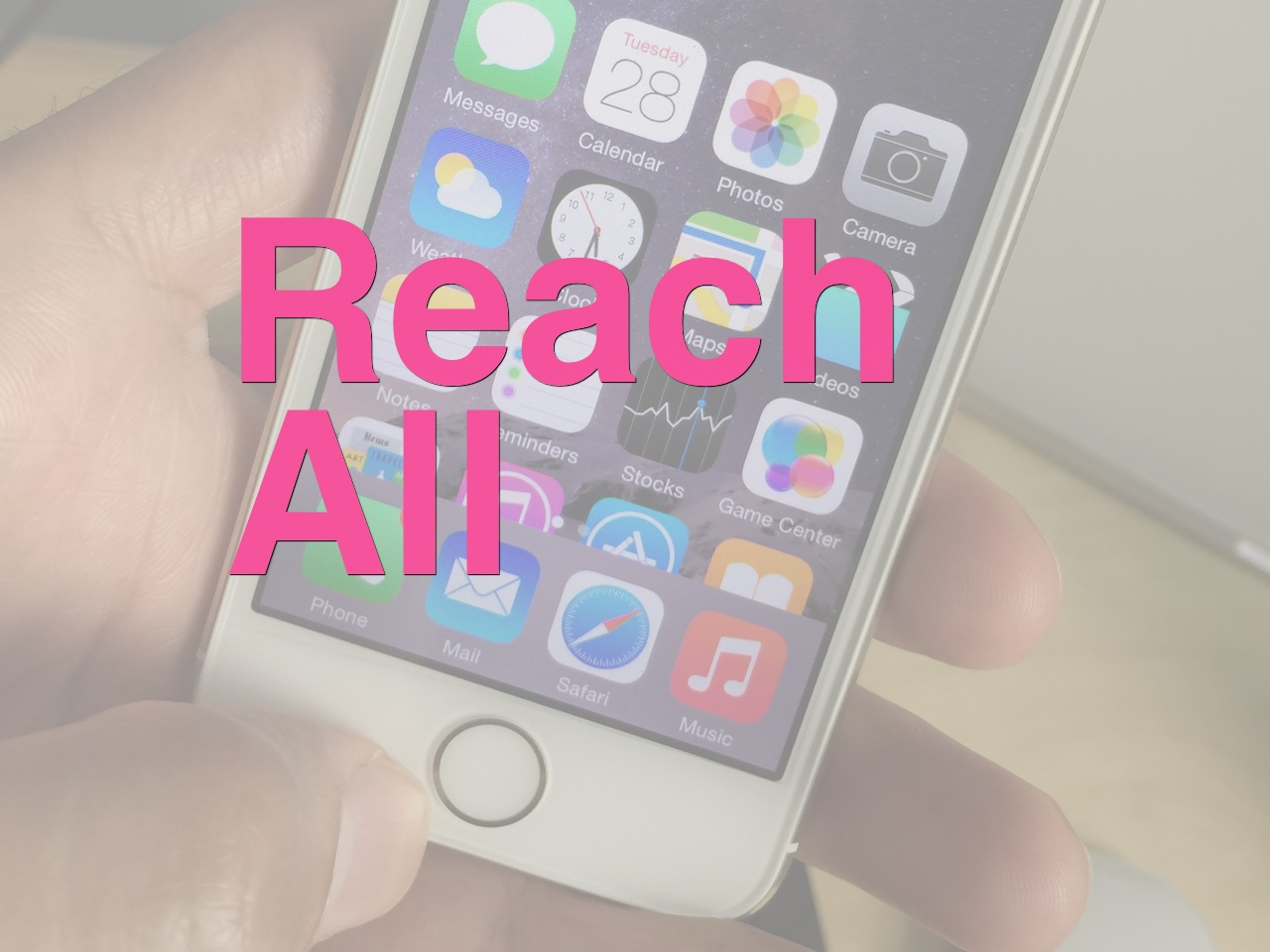
ReachAll brings Reachability-inspired functionality to the iPhone 5s and older devices

ReachAll is a recently released jailbreak tweak that brings one of the iPhone 6 and 6 Plus' flagship features—Reachability—to older devices. Reachability, as you're likely aware of, allows you to shift down the contents of the iPhone's interface via a double-tap on the iPhone's Touch ID sensor. For large devices like the iPhone 6, this feature was added with one-handed usage in mind.

Obviously, a smaller device like the iPhone 5s lacks the need for such a feature out of the box, but don't tell that to jailbreak developers. ReachAll not only brings Reachability to the most likely candidate, (the iPhone 5s is the only Touch ID enabled iPhone without Reachability) but it also works, thanks to a special "Tap Box" option, on older devices like the iPhone 5.

Want to see how ReachAll functions in action? Step inside and watch the full video walkthrough.

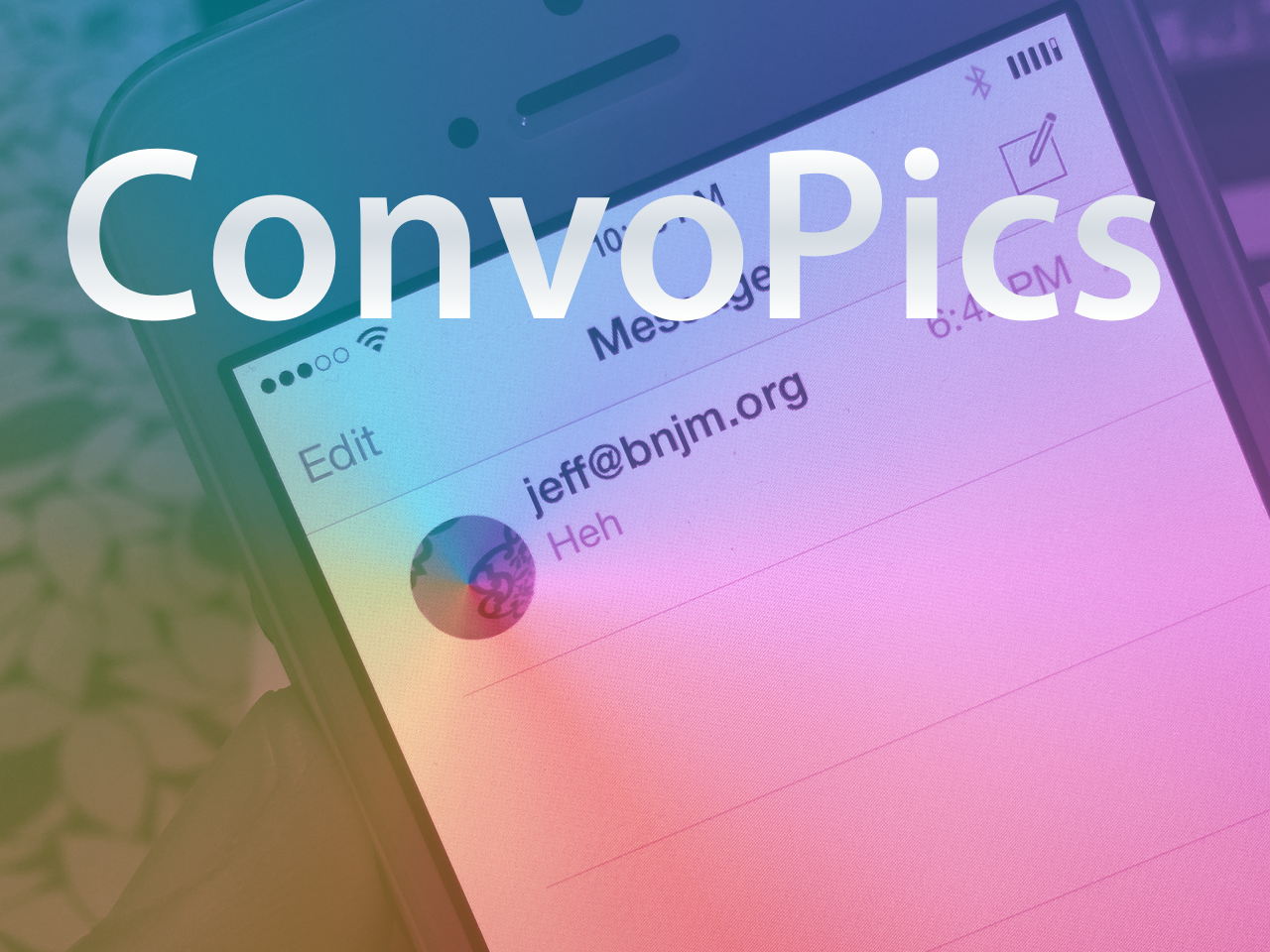
ConvoPics brings the iPhone 6 Plus Messages app avatars to all devices

It’s only a matter of time before the deluge of iOS 8-only jailbreak tweaks begin surfacing on Cydia. Until then, I just thought I’d bring it to your attention that another one of the first such tweaks has appeared on Cydia.

The release is called ConvoPics, and it’s an iOS 8-only tweak that enables the iPhone 6 Plus’ conversation list pictures found in its stock Messages app on all devices. Have a look at our video demonstrating the before and after comparison inside.

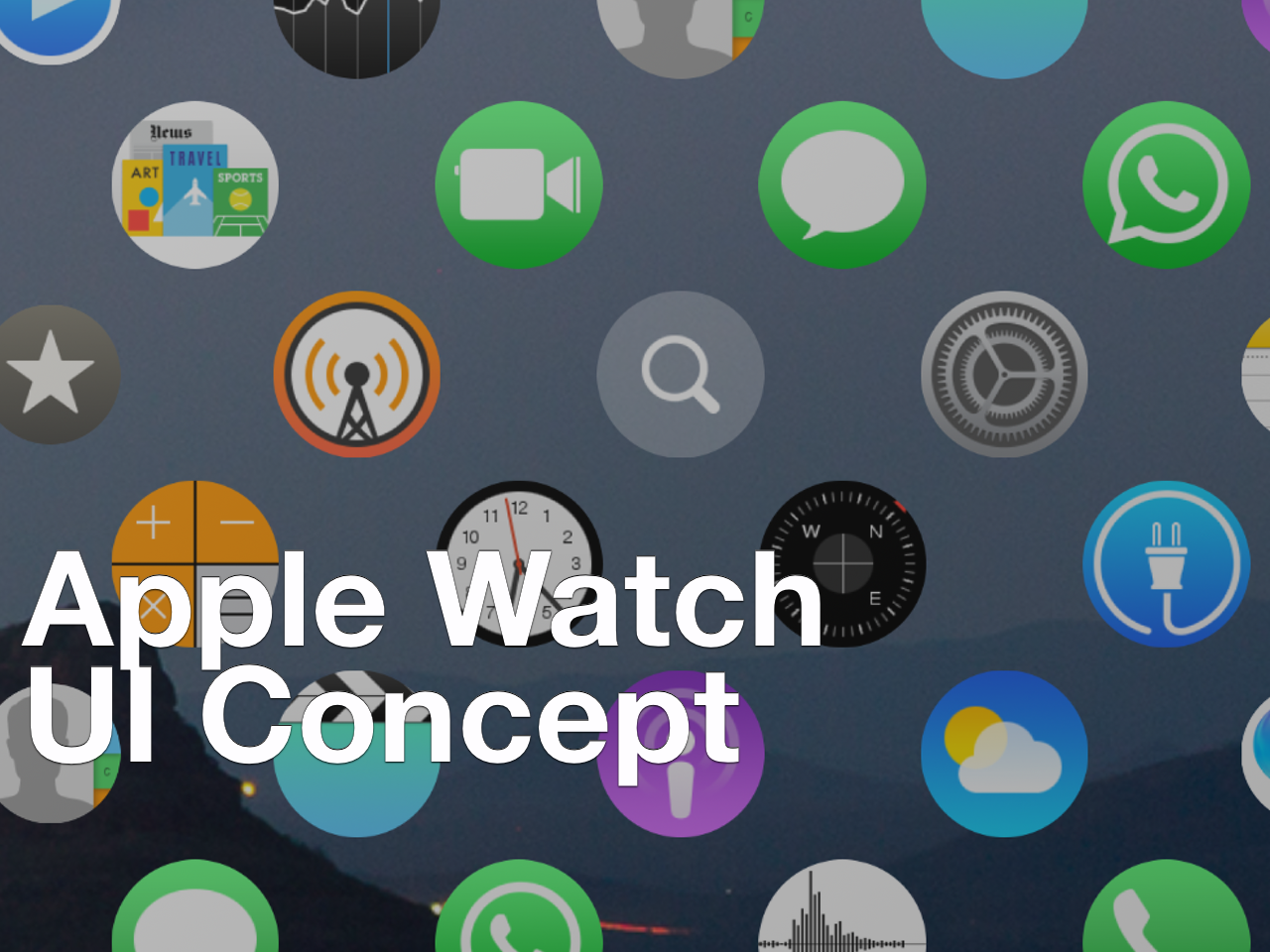
Here’s how to install the Apple Watch UI concept on your iPhone

Yesterday, we posted an article showcasing a developer's concept of the Apple Watch UI running on the iPhone. The response was mixed, but it leaned more towards the positive end of the spectrum than I anticipated.

Seeing someone demo a concept on video is one thing, but trying it for yourself is something altogether different. Thanks to developer Lucas Menge, who made the project open source, the code has been compiled and posted as a Cydia package. This means that everyone can now try out the Apple Watch UI concept on their iPhone.

After the break, watch me demonstrate and comment on the Apple Watch UI running on my iPhone 6 Plus. I also showcase how you can get the Apple Watch concept on your iPhone to try out yourself.

ForceReach: extend the capabilities of Reachability

ForceReach is a new jailbreak tweak for Reachability enable devices like the iPhone 6 and iPhone 6 Plus. It serves as a way to extend the capabilities of Reachability, allowing you to invoke the mode while in landscape orientation, and eliminate the timeout that occurs after a few seconds of it being active.

Want to see how ForceReach works in action? Check out our video walkthrough inside for the in-depth details.

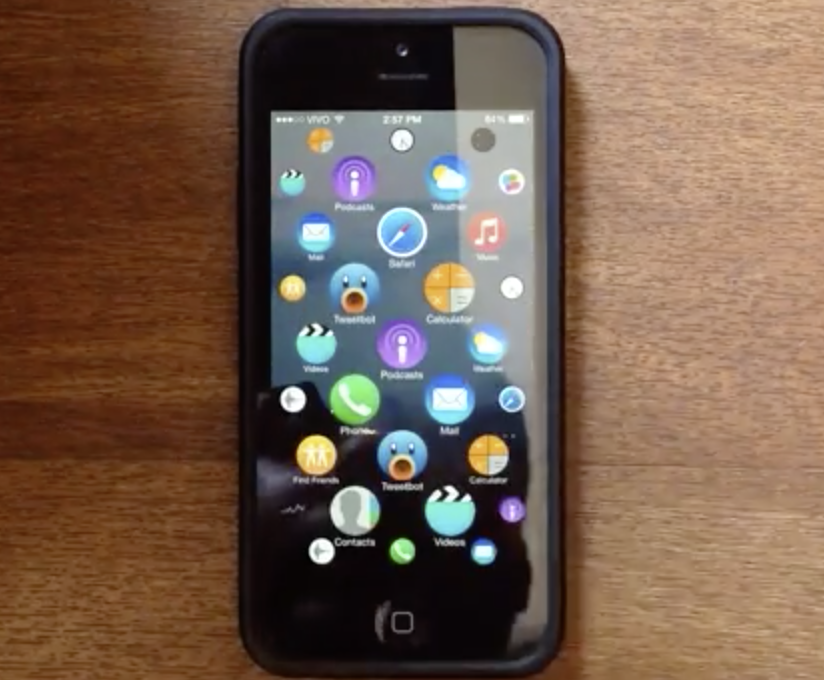
Here’s what the Apple Watch UI looks like on an iPhone [video]

When the Apple Watch was revealed, it displayed a fairly drastic UI change from the way a typical iPad or iPhone works. The UI showcased many app icons on screen and once, and they could be zoomed in and out via the watch's digital crown.

That UI seems to fit in fairly well with the watch, given that device's limitations on screen real estate. But how would a similar UI work on the iPhone? Would it even work at all?

Developer Lucas Menge helps to answer that question via an open source mockup showcasing the Apple Watch UI on his iPhone 5s. The result is a fairly eye-opening display that may convince some that the Apple Watch UI could indeed work on a large screen device. Have a look inside at the awesome video, and let us know what you think.

Pangu releases iOS 8.x jailbreak untether update to fix Cydia Substrate loading, iMessage bugs, and Safari crashes

The Pangu team has just released an update to their untethered jailbreak. Users who are already jailbroken can venture into the Pangu app on the Home screen in order to update.

The incremental update fixes the Cydia Substrate loading issue upon reboot, iMessage picture sending, and Safari bugs. It's advised that all jailbroken users update now.