UI

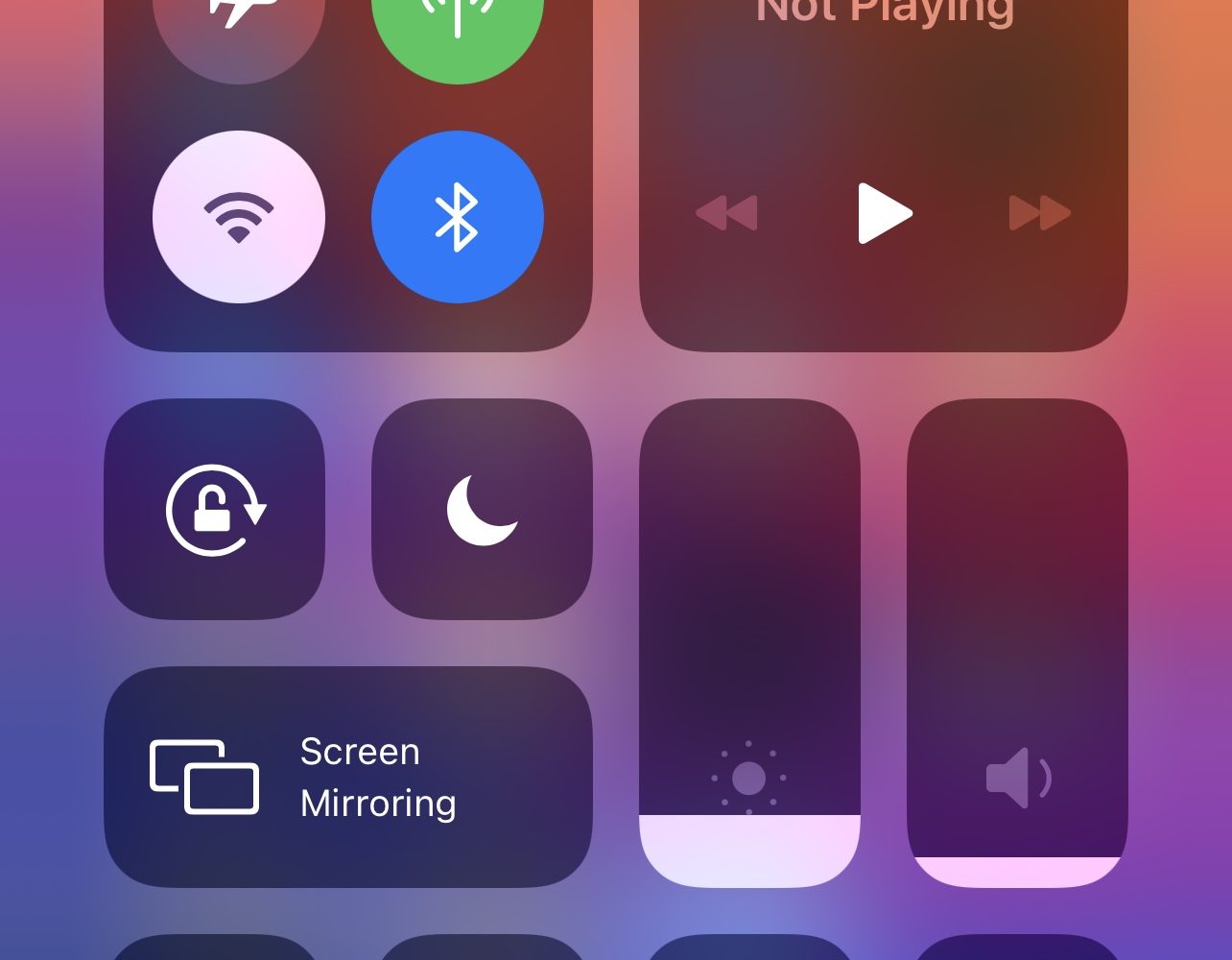
Command your iPhone’s Control Center in new ways with ShyCC

Control Center is something I take advantage of on a daily basis, whether for turning on Do Not Disturb, Low Power Mode, or toggling my iPhone’s wireless radios on or off.

While I’ve come to realize the convenience of Control Center, I also recognize that the gesture can sometimes get in the way, especially when playing full-screen games in landscape mode.
Some of the best jailbreak tweaks for iOS 14’s Lock Screen

Jailbreakers are almost always looking for ways to gear up their pwned iPhones and iPads. Sadly, some of the best jailbreak tweaks tend to get lost in the proverbial memory hole with time, especially as newer releases drown them out. This can make tweak discovery a continuous challenge.

Fortunately, we’re here to help. Our mission to enhance visibility for the best jailbreak tweaks for certain elements of the iOS and iPadOS mobile operating systems hasn’t stopped. We’ve already taken deep dives into some of the best jailbreak tweaks for iOS 14’s Control Center, Home Screen, Keyboard, Messages app, Now Playing interface, and notification system. But this week, we’ll adjust our focus to iOS 14’s Lock Screen.

Avya improves notification banner privacy when sharing your iPhone’s screen with friends

When your iPhone is locked, iOS will try to mask the contents of your Lock Screen’s incoming notification banners until you authenticate yourself so that onlookers who shouldn’t be snooping on your notifications won’t be able to in the first place.

This is a brilliant privacy feature on Apple’s part, and such a feature may also have uses when your iPhone is unlocked, such as when showing a friend or co-worker your iPhone’s screen to look at a photo or video and an unexpected notification banner pops up.

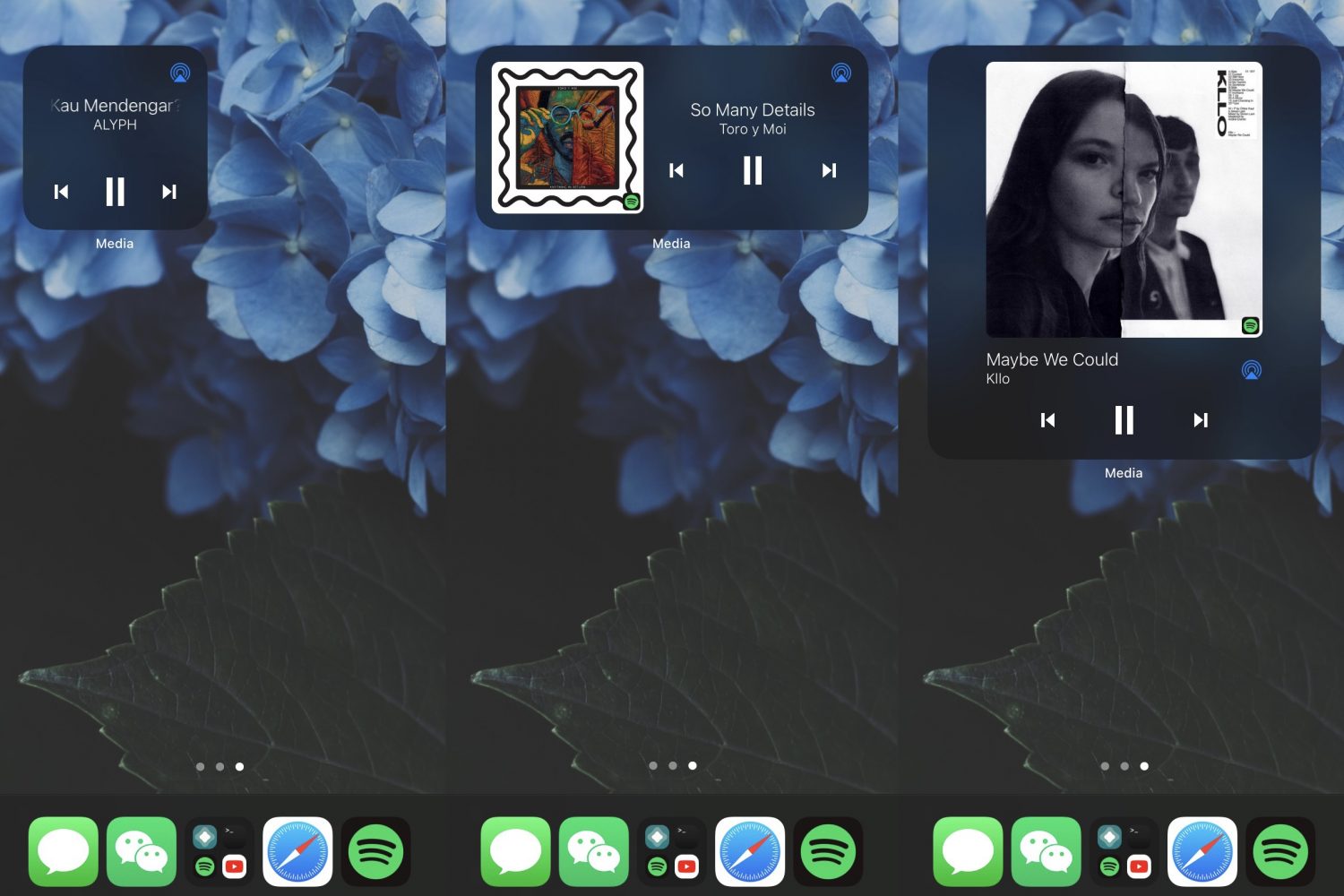
Give your iPhone’s Now Playing interface an eye-popping makeover with ChromaFlow

Apple is regarded as one of the most influential players in the music industry — not only because of what iTunes once was, but also because of the creation of Apple Music and its seamless integration with the company’s expansive mobile device and desktop computer offerings.

Given just how much Apple seems to have invested in the music industry, it’s somewhat curious as to why the Now Playing interface on iPhones and iPads hasn’t changed much over the years. In fact, many are now calling on Apple to offer some sort of redesign after a seemingly stagnant UI that changes so little over time.

Vaon buffs the App Switcher on jailbroken iPhones with a grid UI and integrated battery module

The App Switcher is, at least in my opinion, one of the most underwhelming interfaces on the iPhone. The full-screen card switcher interface makes such poor use of the expansive screen real estate that it’s no surprise we see so many jailbreak tweaks attempting to fix this.

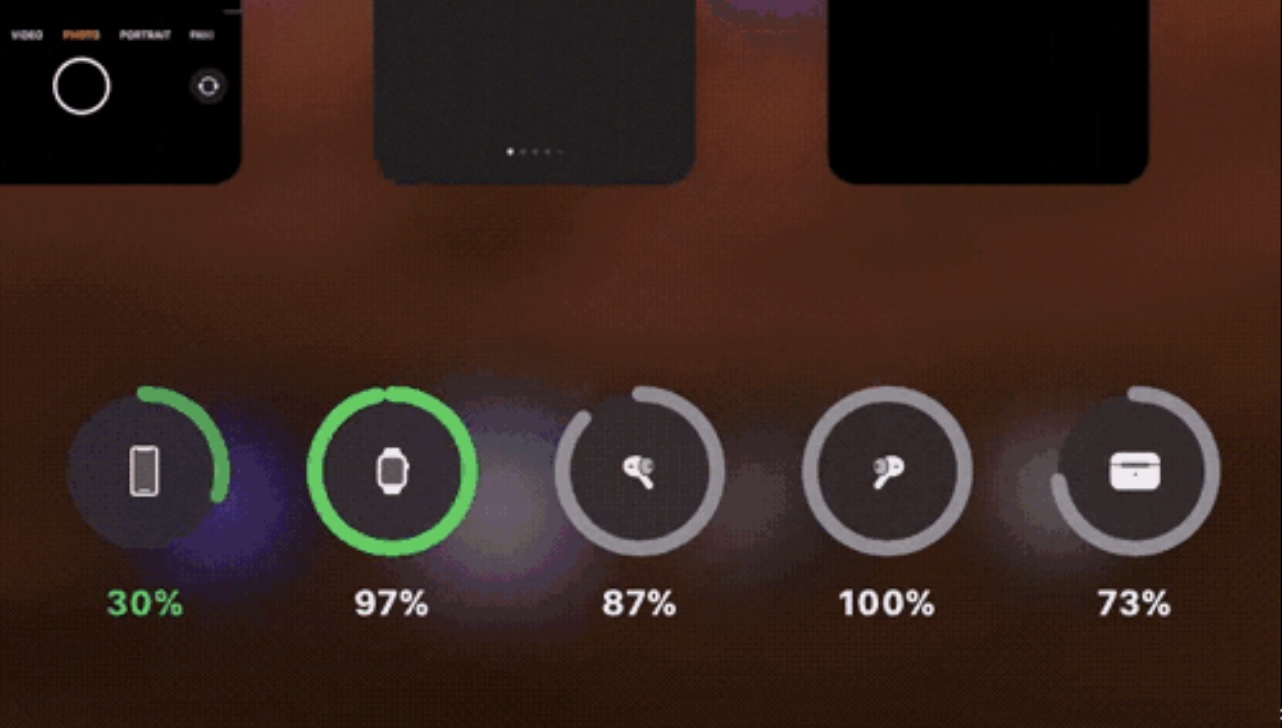
The latest of such tweaks is one called Vaon by iOS developer atar13, which not only converts the App Switcher from a card-based interface to a grid-based one, but also adds an iOS 14-style battery widget to the bottom.

TweakCount provides jailbreakers with a summary of installed tweaks & extensions

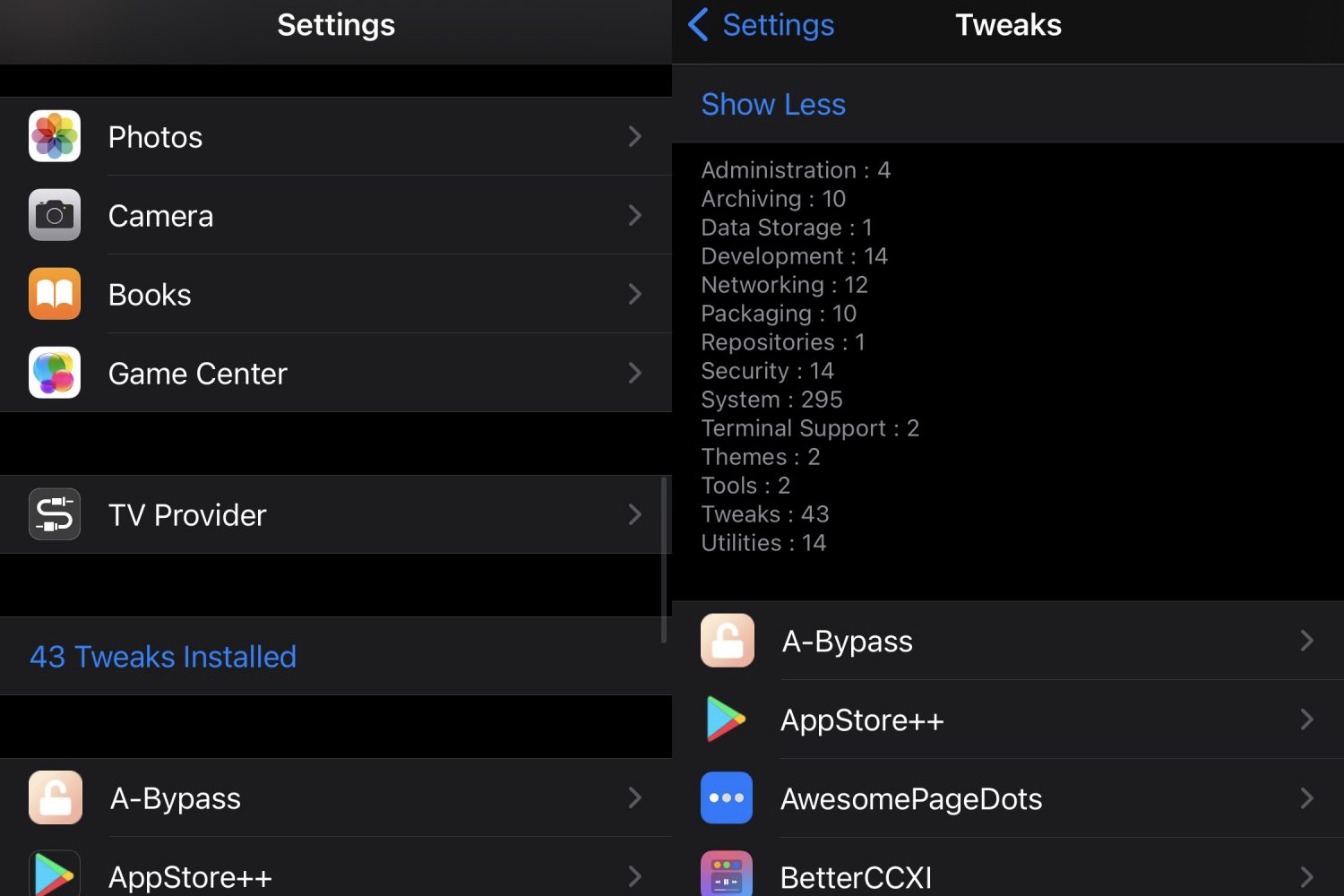
If you go overboard on jailbreak tweak installations like I do sometimes, then it may serve you well to keep a tally of how many you have installed at any given time.

Doing this manually would be a painstaking and tedious process, but with the help of a newly released and free jailbreak tweak subtly named TweakCount by iOS developer LacertosusDeus, your iPhone can do it for you automatically.

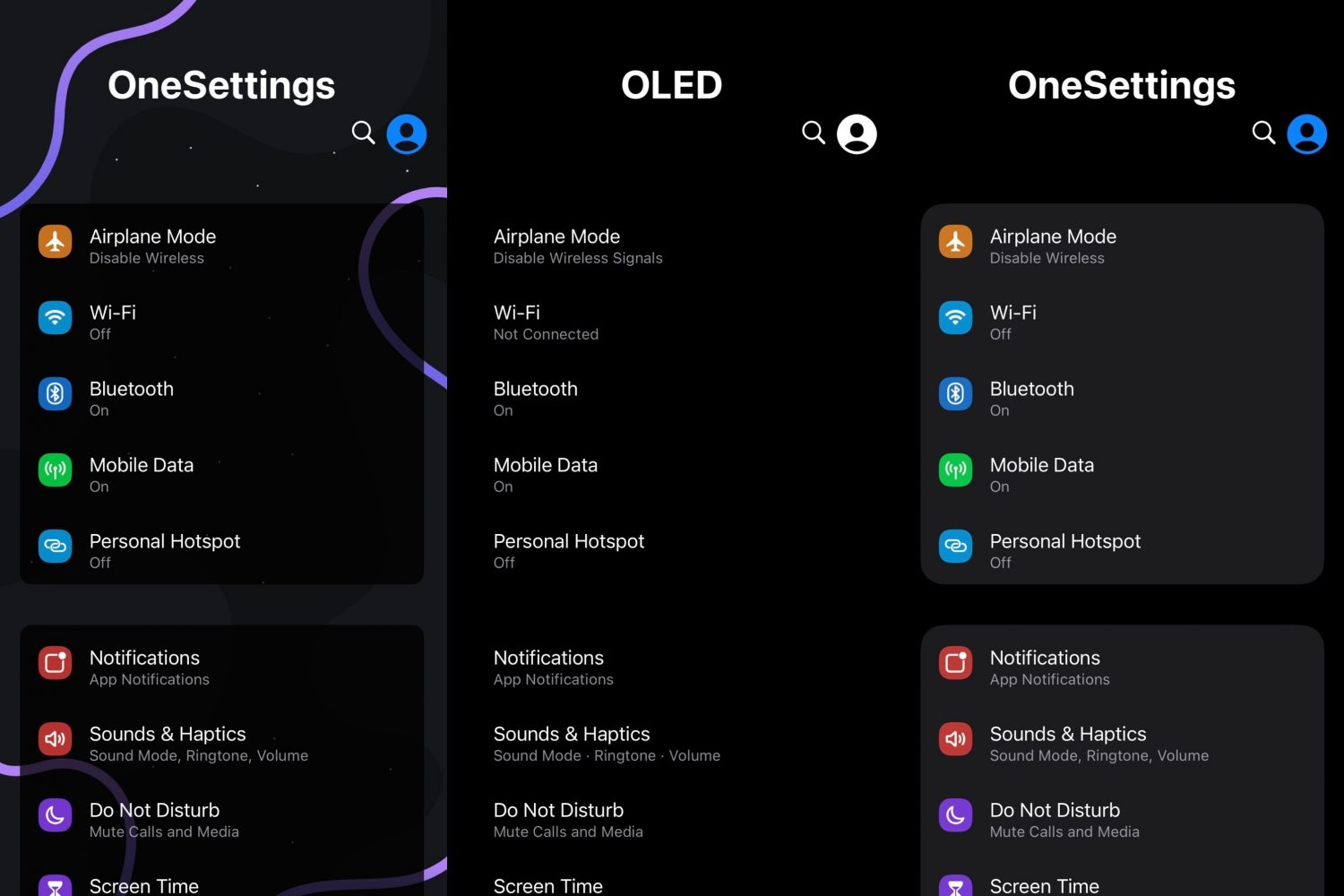
Make the Settings app on your jailbroken iPhone more lively with OneSettings

The Settings app is something that many iPhone users will visit multiple times a day, whether it’s for changing a Wi-Fi network, toggling a feature on or off, or merely viewing a device’s hardware and software information. If you’re jailbroken, then you might visit the Settings app even more frequently to customize your favorite jailbreak tweaks.

Regardless of how you use the Settings app at any given point in time, one thing is certain: not a lot has changed over the years and the app’s interface continues to look as bland as it always has. But it doesn’t have to be that way.

Reimagine what’s possible from the iPhone’s Home Screen with AppEditor

One thing that I’ve always liked about having a jailbroken iPhone is that I can get to important things more quickly than I could on a stock handset. This is all because of the different types of shortcuts and extensions that you can have on a device that’s no longer being subjected to Apple’s native software restrictions.

While there’s certainly no shortage of jailbreak tweaks that permit handy shortcuts and functionality from almost anywhere in iOS, those who consider themselves to be power users may have something to gain from the likes of a newly released jailbreak tweak called AppEditor by iOS developer @CrazyMind90.

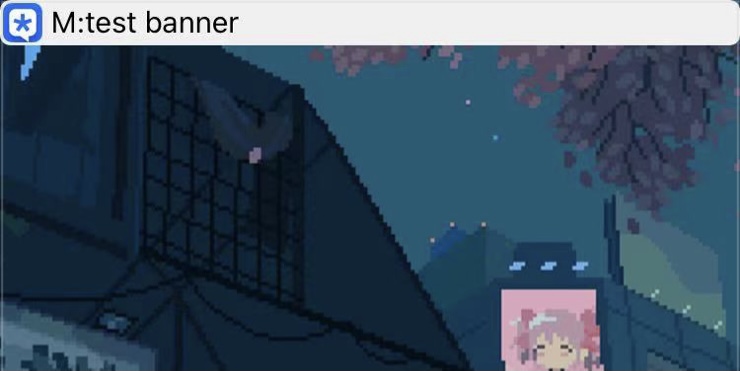
Ensure iOS’ banner notifications aren’t blocking navigation bar buttons with miniBanner 14

Banner notifications are just one of the native components of iOS 14 that could do with some intuitive design changes by Apple. More specifically, I’ve long felt that they’re just a little bit too large, often covering up navigation bars in apps when they appear for the short time that they do.

Countless jailbreak tweak releases in the past have attempted to remedy this situation by putting notification banners on a diet – an effort to reduce their intrusive footprint over whatever interface you might be using. The latest of such releases is miniBanner 14 by iOS developer MissThee.