UI

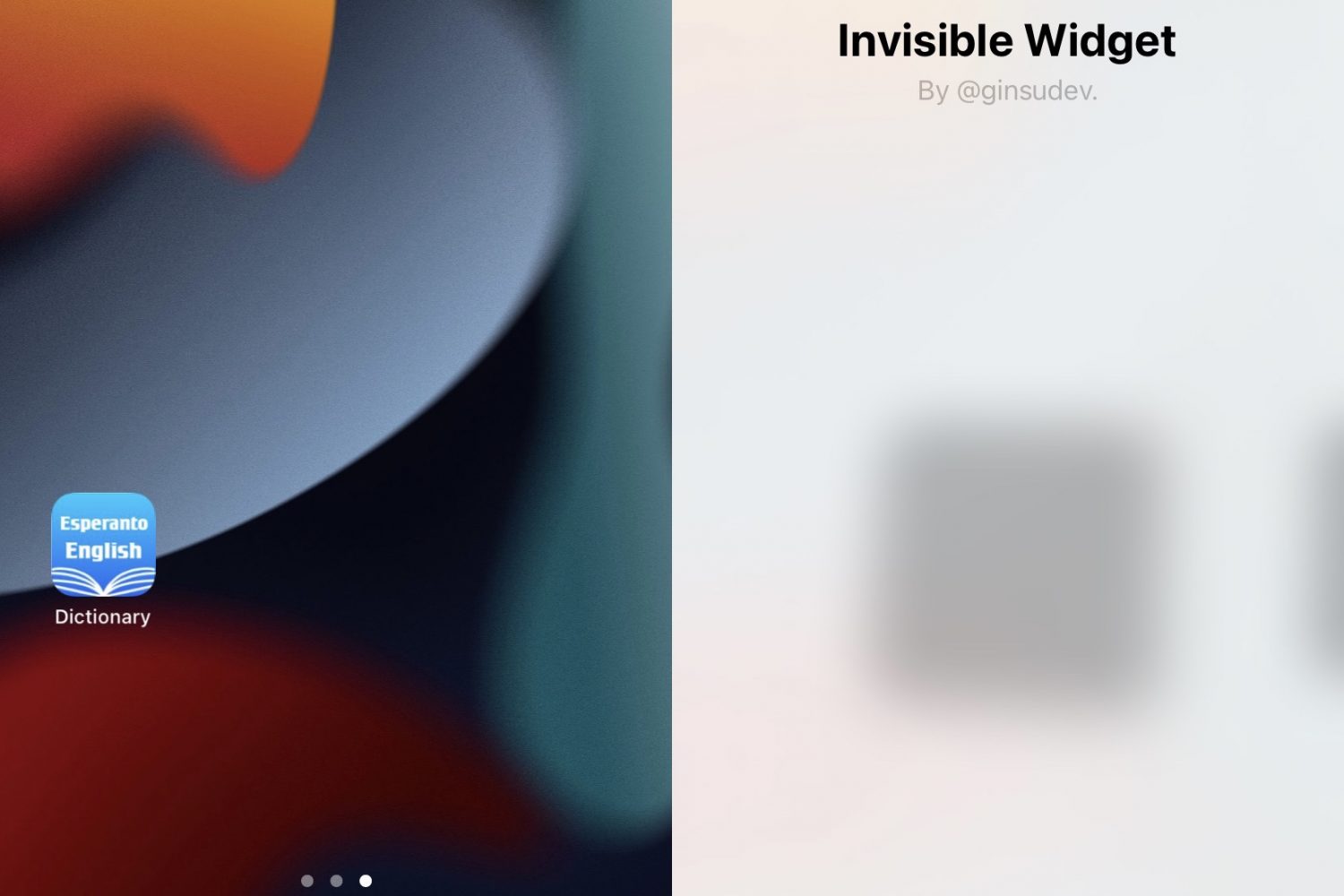
This jailbreak tweak lets users add empty space between app icons with invisible widgets

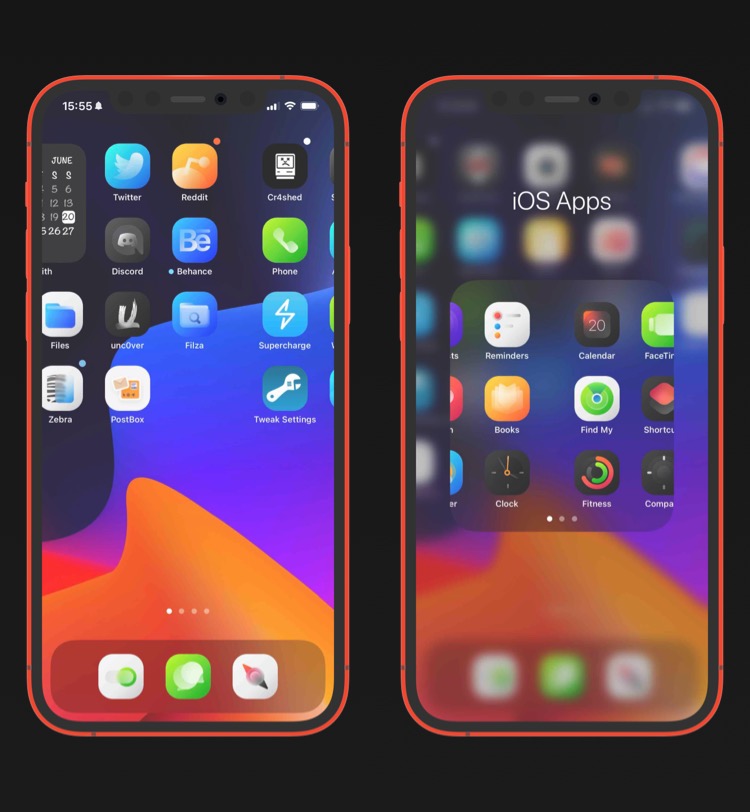
Jailbreakers, whether they use themes or not, tend to be of the mindset that device customization should be a human right. Apple seems to disagree; but I digress.

One way jailbreakers customize their handsets is by changing their Home Screen’s app icon layout. Unfortunately, Apple designed the Home Screen so that app icons would snap into place without the ability to leave spaces in between app icons.

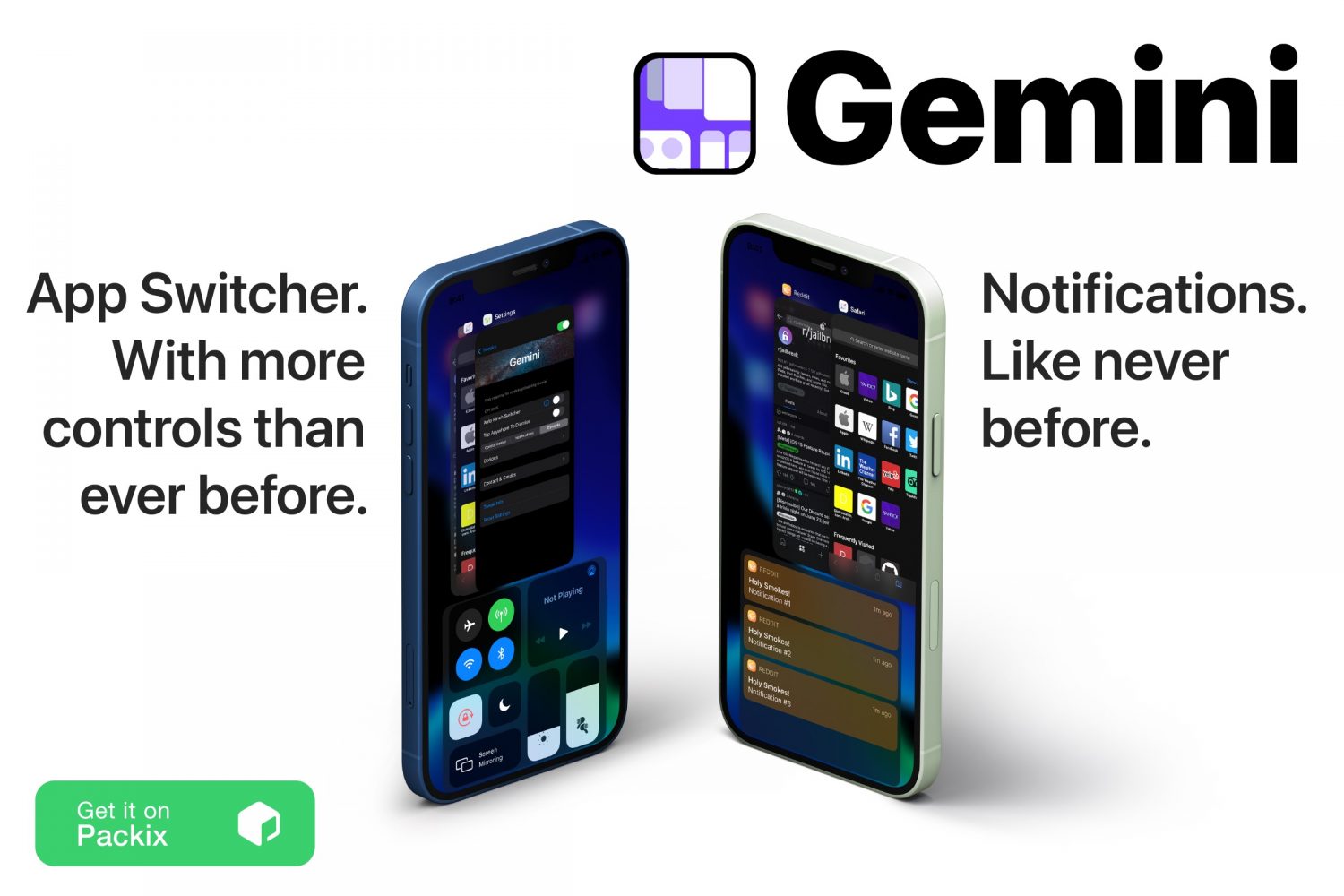
Level up your iPhone’s App Switcher with the Gemini jailbreak tweak

If there’s anything that jailbreaking my iPhone has taught me over the past several years, it’s that I should always come to expect more from iOS than Apple provides for it out of the box.

The aforementioned rule of thumb holds true in so many different respects, but one particular element of iOS that I find to be lacking features and intuitive integration is the App Switcher. It’s just… boring.

Enjoy awesome parallax wallpaper effects on your jailbroken iPhone with Eva

Your iPhone’s wallpaper is arguably one of the most personal things you’ll customize on your handset right out of the box. Having said that, it’s a popular thing even for jailbreakers to customize.

One thing worth staring, however, is that jailbreakers do things a little differently. Rather than using boring motionless wallpaper images, jailbreak tweaks can apply unique effects to your wallpaper images that you simply can’t experience on a stock handset.

Some of the best jailbreak tweaks for iOS 14’s keyboard

We’ve been on a mission to increase the visibility of quality jailbreak tweaks for specialized areas of iOS for quite a few weeks now, having already showcased curated lists for Control Center, the Home Screen, the Messages app, and the Now Playing interface. But believe us when we say we aren’t stopping there.

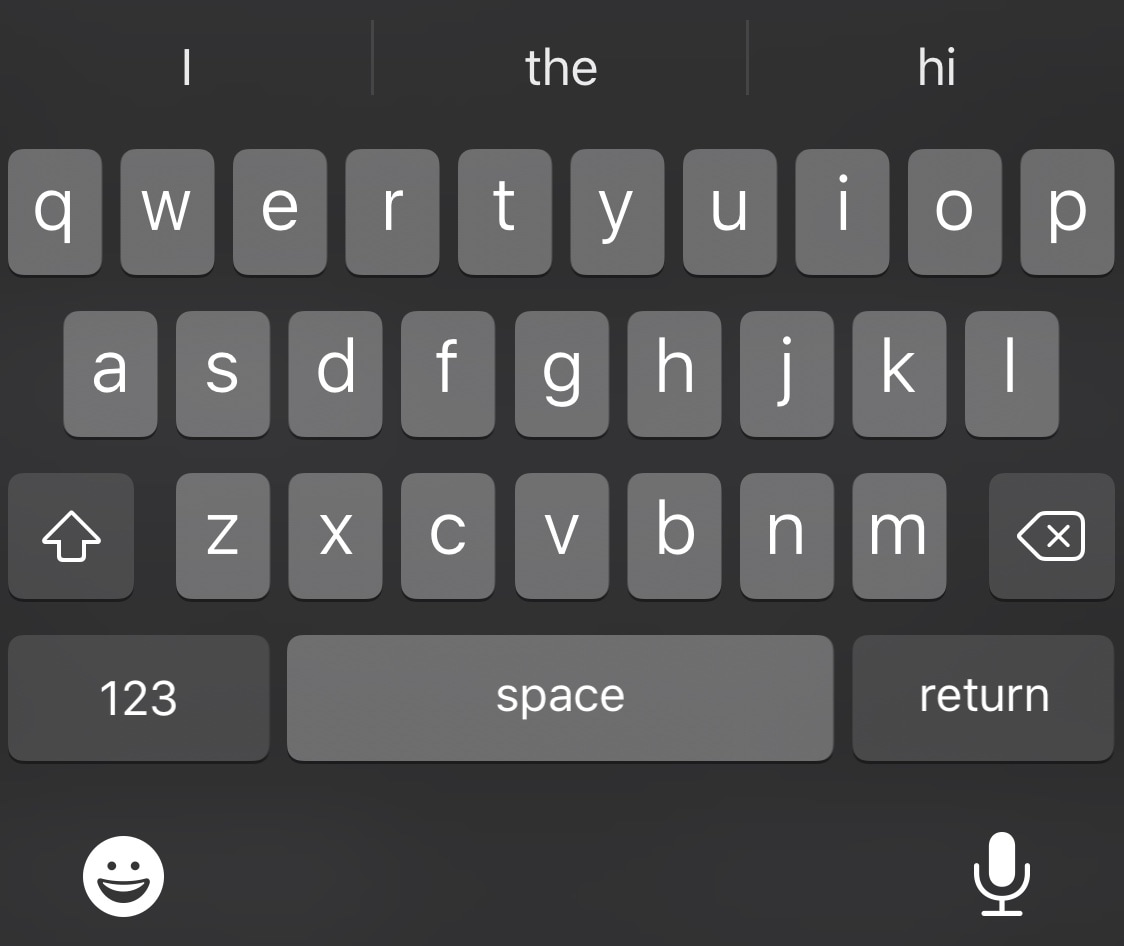
Given that the keyboard is something that most iPhone and iPad users will interact with hundreds of times each day, this seemed like another important niche that needed attention. That’s why today we will be curating a list of some of the best jailbreak tweaks for augmenting the keyboard on jailbroken iOS 14 devices.

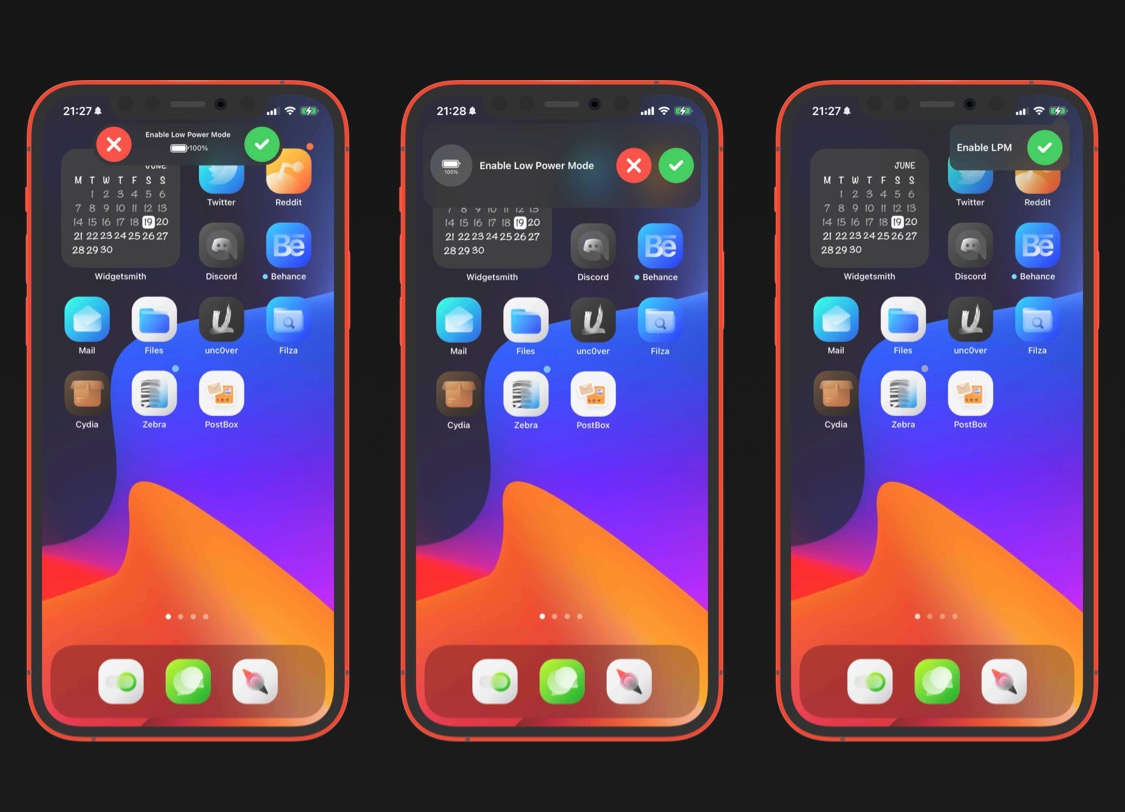
Upgrade the boring low power banner on jailbroken iOS with Surge

As you run your iPhone’s battery far into the danger zone, iOS displays a low power banner to let you know that you should visit a charger as soon as you can.

The low power banner that comes with a stock installation of iOS is particularly barebones, and could do with some spicing up. TitanD3v seems to agree with this sentiment, and a such, a newly released jailbreak tweak dubbed Surge has been conceived.

Flowing gives jailbreakers a smoother Home Screen paging animation

On any stock iPhone or iPad, swiping left or right on the Home Screen results in a paging effect as you move from one page to the next. This paging animation automatically locks your focus to the next or previous page of app icons, dependent on which way you swiped.

Some people like the paging animation, but it’s something that has been around since the dawn of the iPhone. If you’d prefer something a little different, then we might suggest checking out a new and free jailbreak tweak release called Flowing by iOS developer TitanD3v.

Palette is a powerful color picker and manager for jailbroken handsets

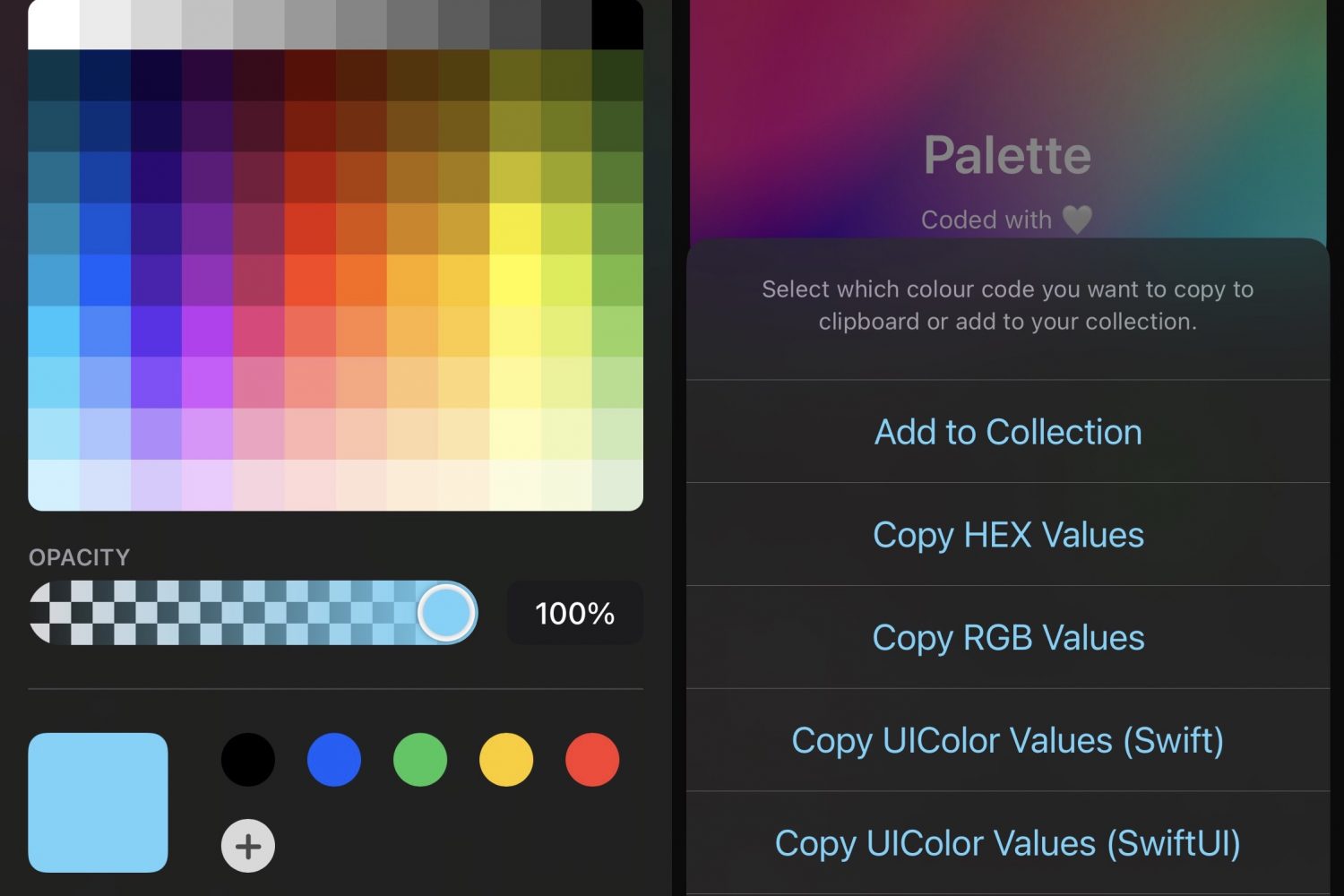
Whether you’re a graphic designer trying to make better use of the tools on your mobile handset or you’re a themer trying to get an exact color code from an image in your screen to make things match better, we’re excited to share a jailbreak tweak with you that could make your like so much easier.

Enter Palette, a newly released and free jailbreak tweak by TitanD3v that makes picking colors, gathering color codes, and managing color collecting easier than you could ever imagine on an iPhone or iPad.

Add neat blur effects to your jailbroken iPhone’s wallpaper with Amēlija

Wallpapers are a highly personal choice for customizing the look of your Home Screen, but in many cases, images used as wallpapers can make the Home Screen look too busy with all the app icons overlapping everything.

One way to deal with this concern is to apply a blur to said wallpaper image — either as subtle or as powerful as you’d like. You can do this with photo manipulation software before setting an image as your wallpaper on a stock device, or if you’re jailbroken, you can do it directly on the device on the fly. As for how, that’s what we’re about to show you.