UI

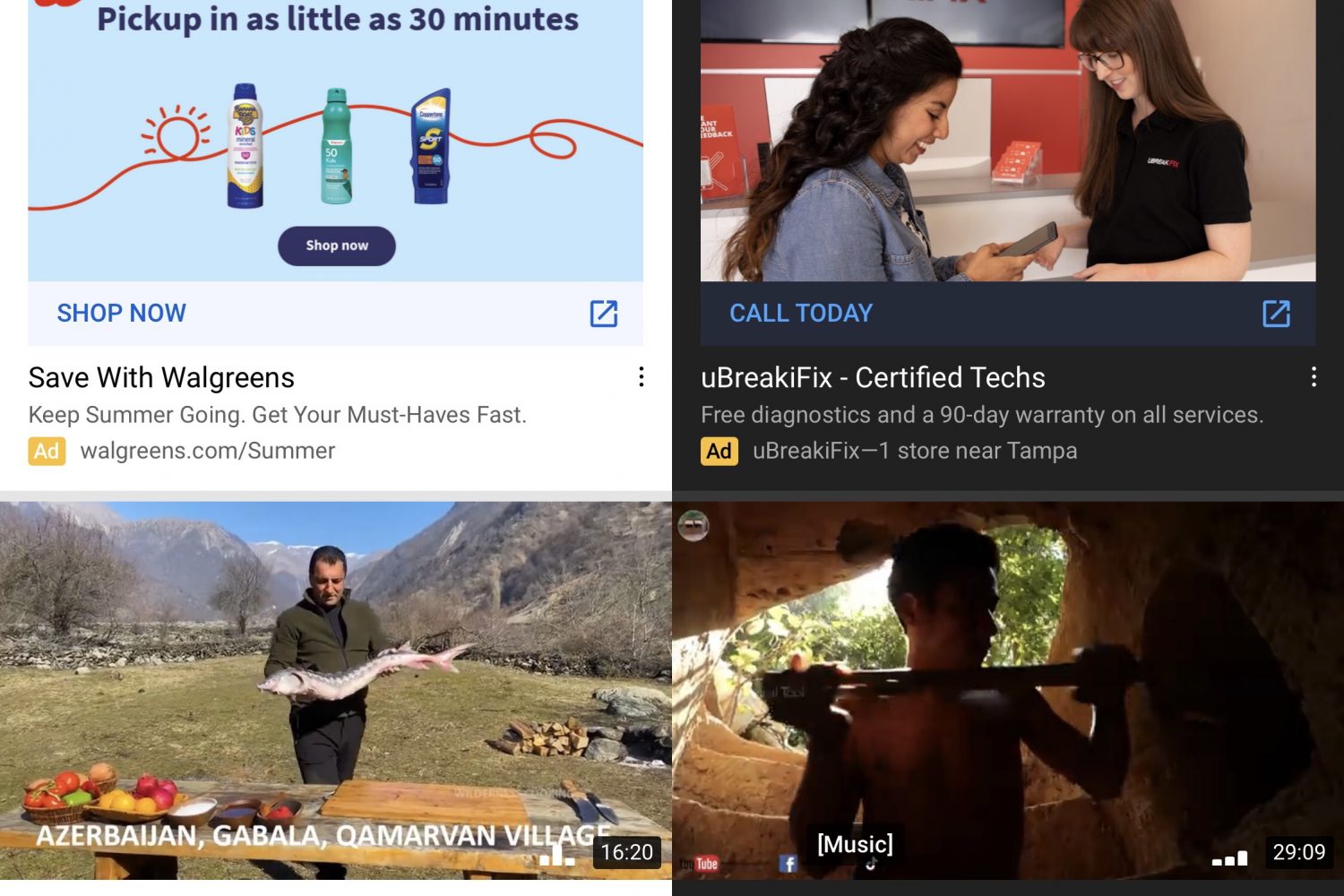
Enhancer for YouTube Premium is a new jailbreak tweak for customizing the YouTube app

I’m a chronic YouTube user, and those in the same boat could probably find a use for one of the boat load of features offered by a newly released and free jailbreak tweak dubbed Enhancer for YouTube Premium by iOS developer LillieWeeb.

The previous name (YouTube Premium Plus) was a bit of a misnomer because it didn’t provide YouTube Premium features for free, nor did it only apply to YouTube Premium users. Rather, it offered a wide variety of options for augmenting YouTube for both YouTube basic and YouTube Premium users alike. The new name, we feel, is much more fitting.
AirPopupConnect upgrades the H1 headphone pairing interface with dark mode & a connect button

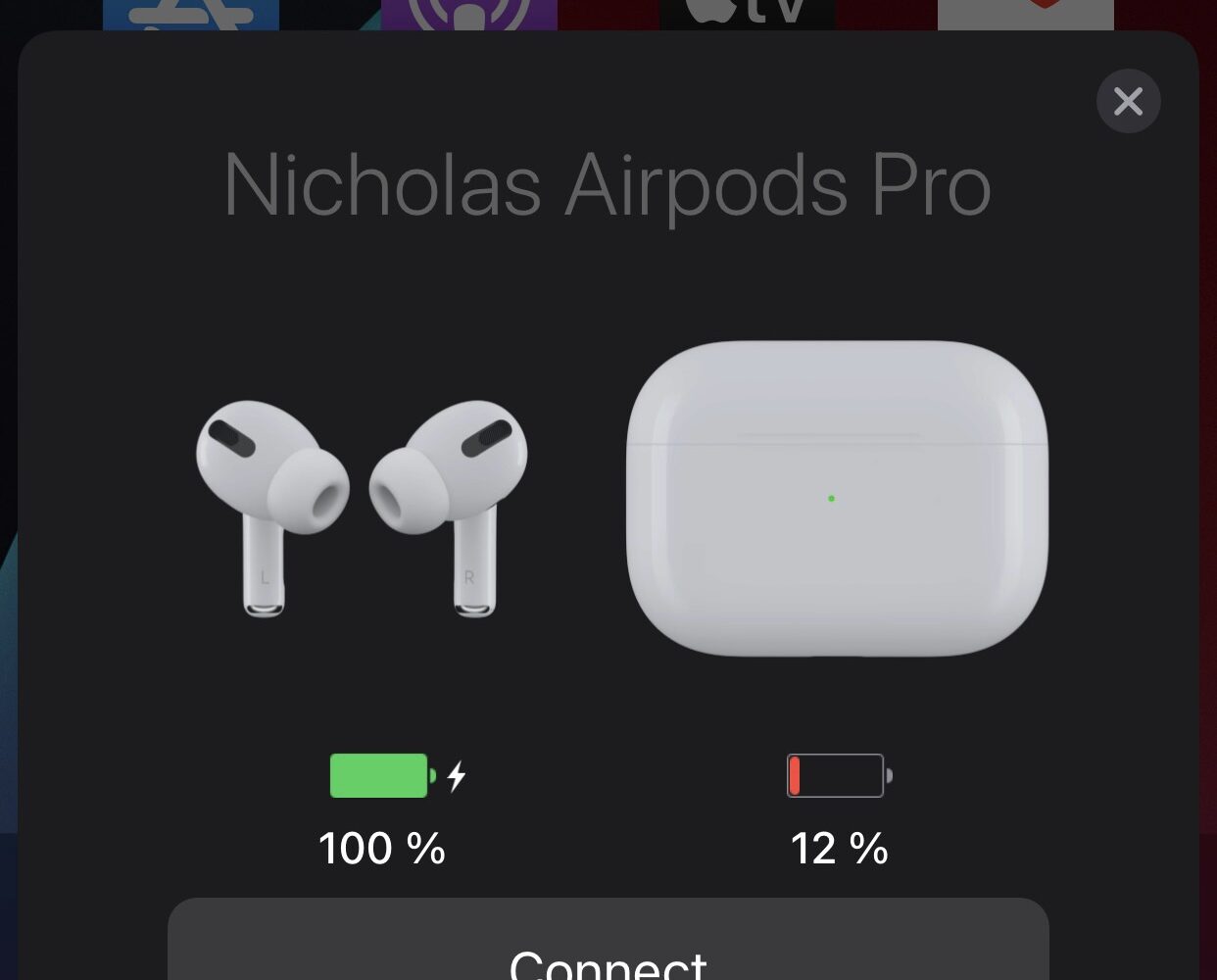
A lot of magic happens when you bring a new pair of AirPods or Apple/Beats-branded equivalent headphones or earbuds with the proprietary H1 chip close to your iPhone for the first time. The pairing process is simply beautiful, complete with a stunning 3D render-equipped pairing interface and the works.

A similar interface appears when you bring any of the aforementioned audio devices close to your iPhone from then on so that you can view its current battery charge or just gawk at the gorgeous animations some more. But it’s noticeably missing something — a button for easily connecting to said device.

Colorize various apps on your jailbroken iPhone with this new tweak

Every app tends to have its own unique color scheme. But if you’d like to take things to the next level and you have a jailbroken handset at your disposal, then the jailbreak tweak we’re going show you might be of interest.

Enter Apps Colour Changer, a new and free extension for pwned handsets by iOS developer Lillie that lets the end user colorize various apps to their liking.

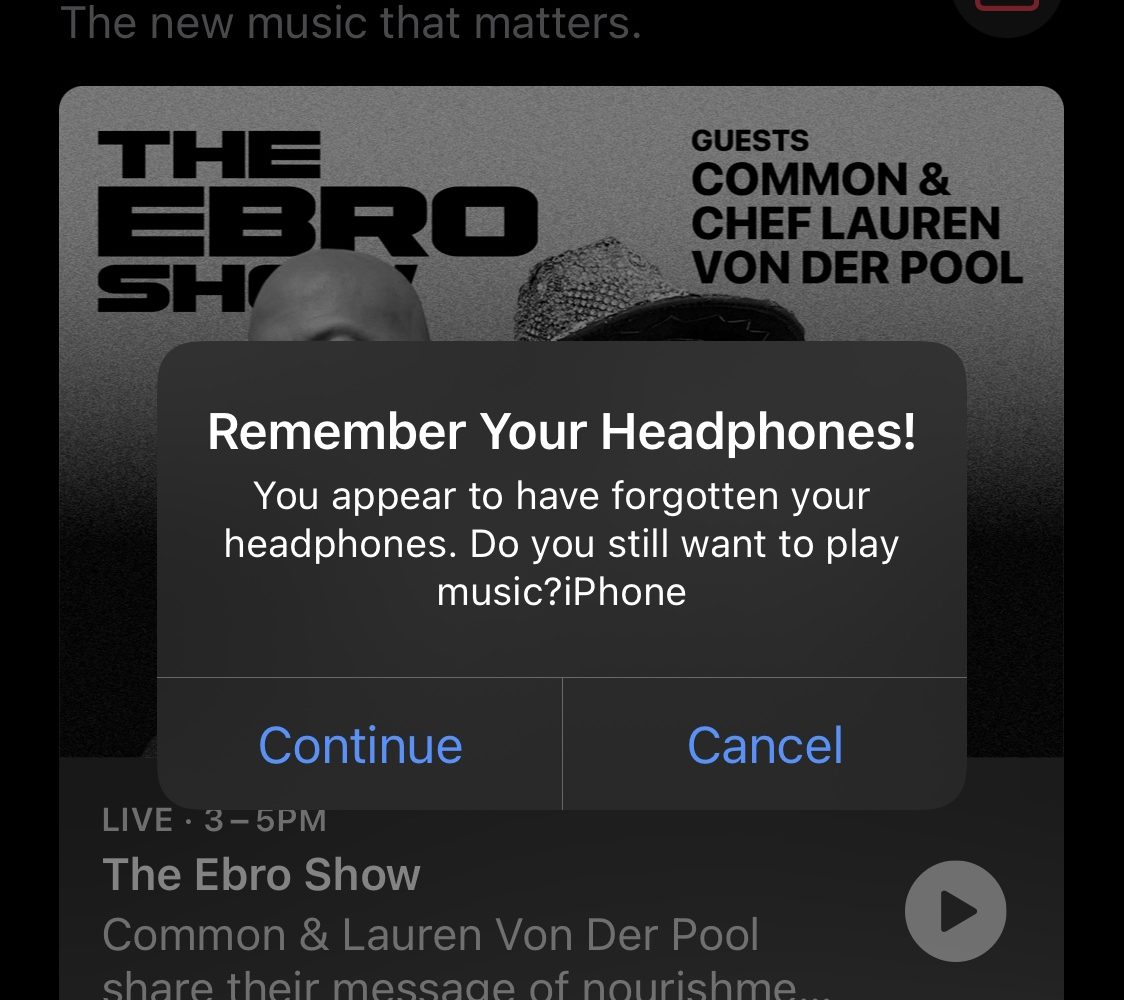
This jailbreak tweak reminds you to connect headphones before playing audio based on the circumstances

I often catch myself accidentally tapping play for music or videos via my iPhone even when I don’t have my AirPods in my ears and ready to go.

This is typically accidental, as I usually prefer to keep my media consumption to myself with personal headphones of some kind, but there are rare occasions when I’m by myself that I’ll use my iPhone’s built-in speakers to listen to a YouTube video here and there.

This tweak prevents pop-ups from appearing near the end of YouTube app videos

Hide the hovering cards in the YouTube app.

YouTube seems to be working overtime lately to shove all sorts of adverts and pop-ups in your face when you’re watching videos on their platform.

While we understand YouTube’s desire to recommend content you’ll enjoy so that the platform can generate ad-based revenue from your video consumption, the excessive adverts and pop-ups degrade the user experience since it covers part of the video playback.

IconShadow brings background shadows to your Home Screen icons

Add shadows to your iPhone’s Home Screen app icons.

When Apple went full-on anti-skeuomorphic starting with iOS 7, one of the things they did away with was the icon shadows on the Home Screen.

With some of the newer iterations of iOS moving away from total flatness, it seems like a better time than ever to have Home Screen app icon shadows once more. This is especially the case if you’re using a theme that has any degree of app icon realism.

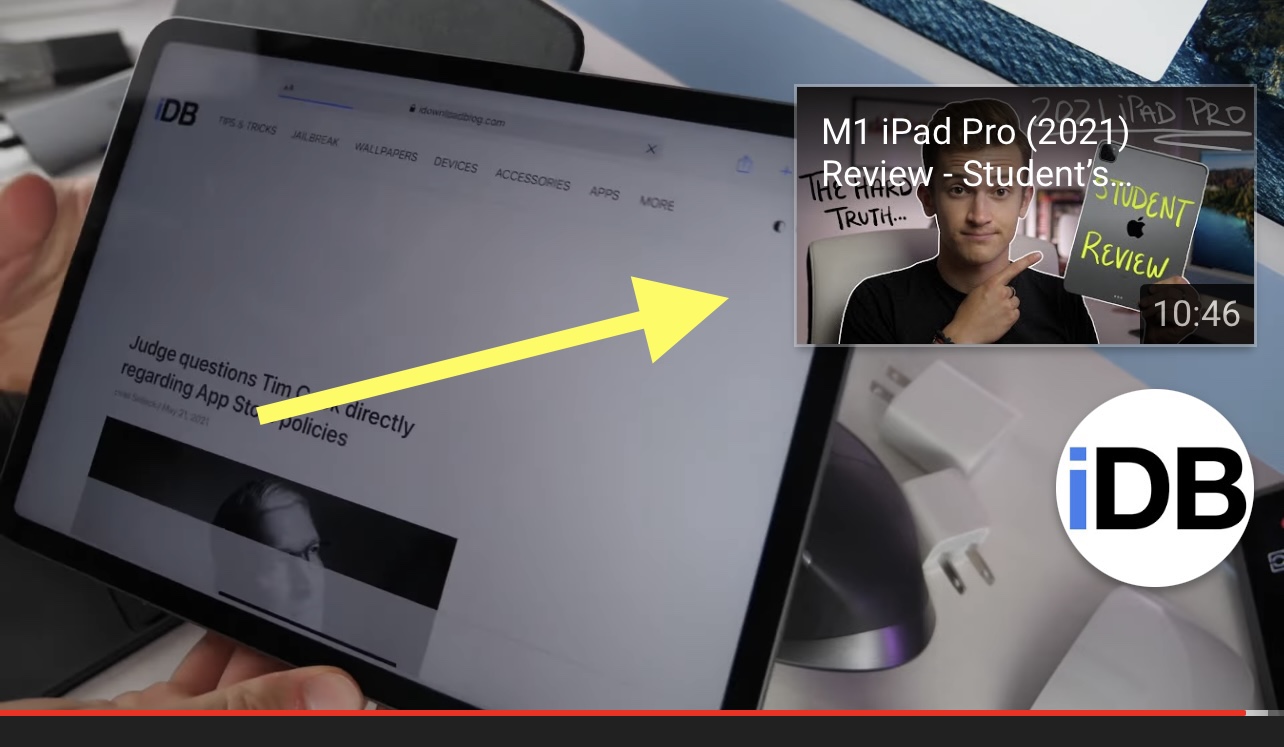
This tweak makes the YouTube app conform to iOS’ system dark mode settings

Dark mode was perhaps one of the most sought-after features in iOS & iPadOS 13 when it debuted in 2019. Even today, a substantial percentage of iOS and iPadOS 14 users continue to use dark mode right out of the box, and there are no signs of that changing with iOS & iPadOS 15 this Fall.

Many apps for iOS and iPadOS automatically adapt to your system dark mode settings in an effort to blend in with other parts of the operating system, but some apps require the user to switch to a dark mode-friendly user interface manually.

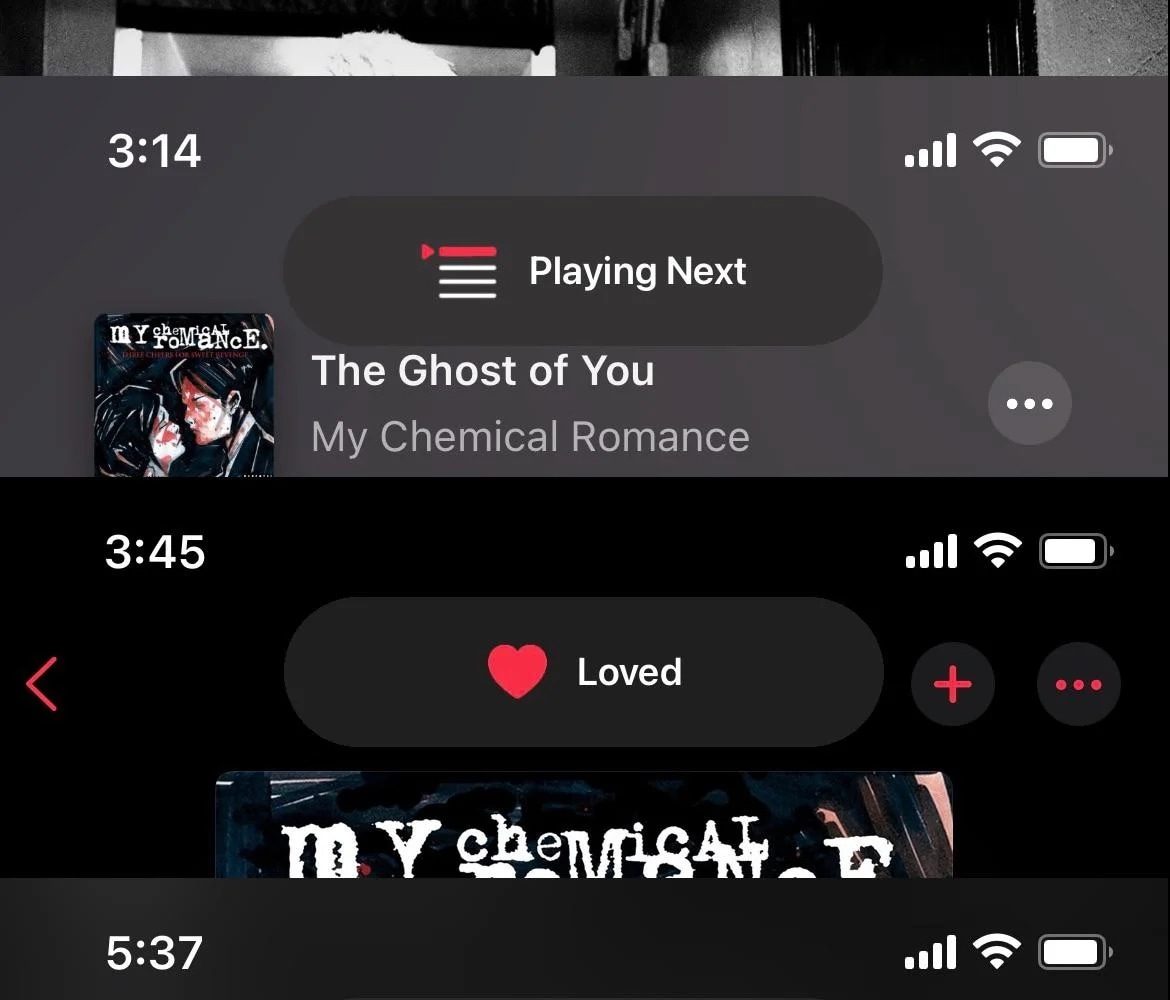
Want better looking pop-ups in the Apple Music app? Try MusicBanners

Apple Music is by far one of the most popular ways to stream music on the iOS & iPadOS platforms. This statement remains true even regarding users of jailbroken handsets.

Jailbreakers who want to upgrade their user experience in the Apple Music app are in luck this Tuesday morning thanks to a new and free jailbreak tweak dubbed MusicBanners by iOS developer level3tjg, as it effectively replaces the Apple Music app’s ugly center-screen HUD pop-ups with something nicer.

YouAreThere keeps the YouTube app from nagging jailbreakers with AFK prompts

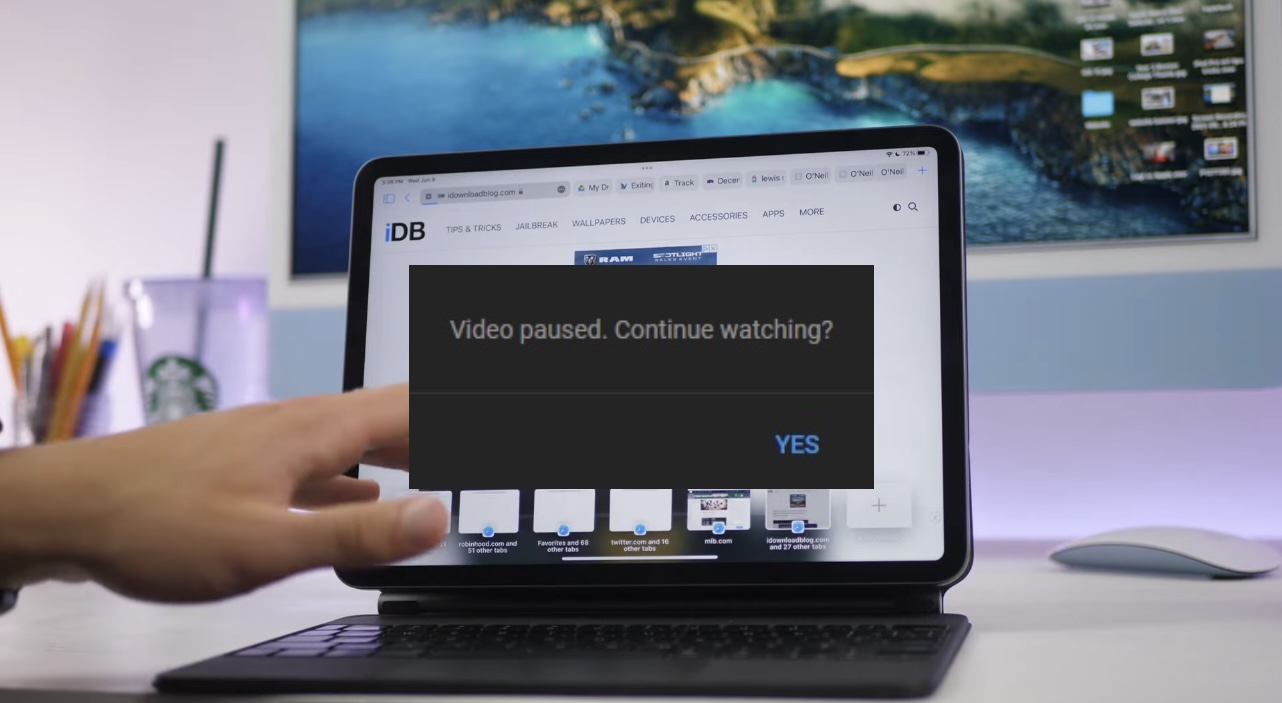
If you’ve decided to commit to watching a lengthy video on YouTube, then you might eventually find yourself greeted by a pop-up that asks if you’re still actually watching the video you’re playing.

The pop-up not only pauses your video playback, but asks if you’d like to continue watching it. Users can tap “Yes” to continue, however it’s a somewhat annoying circumstance to deal with if you’re just getting into something good and YouTube automatically pauses your playback.

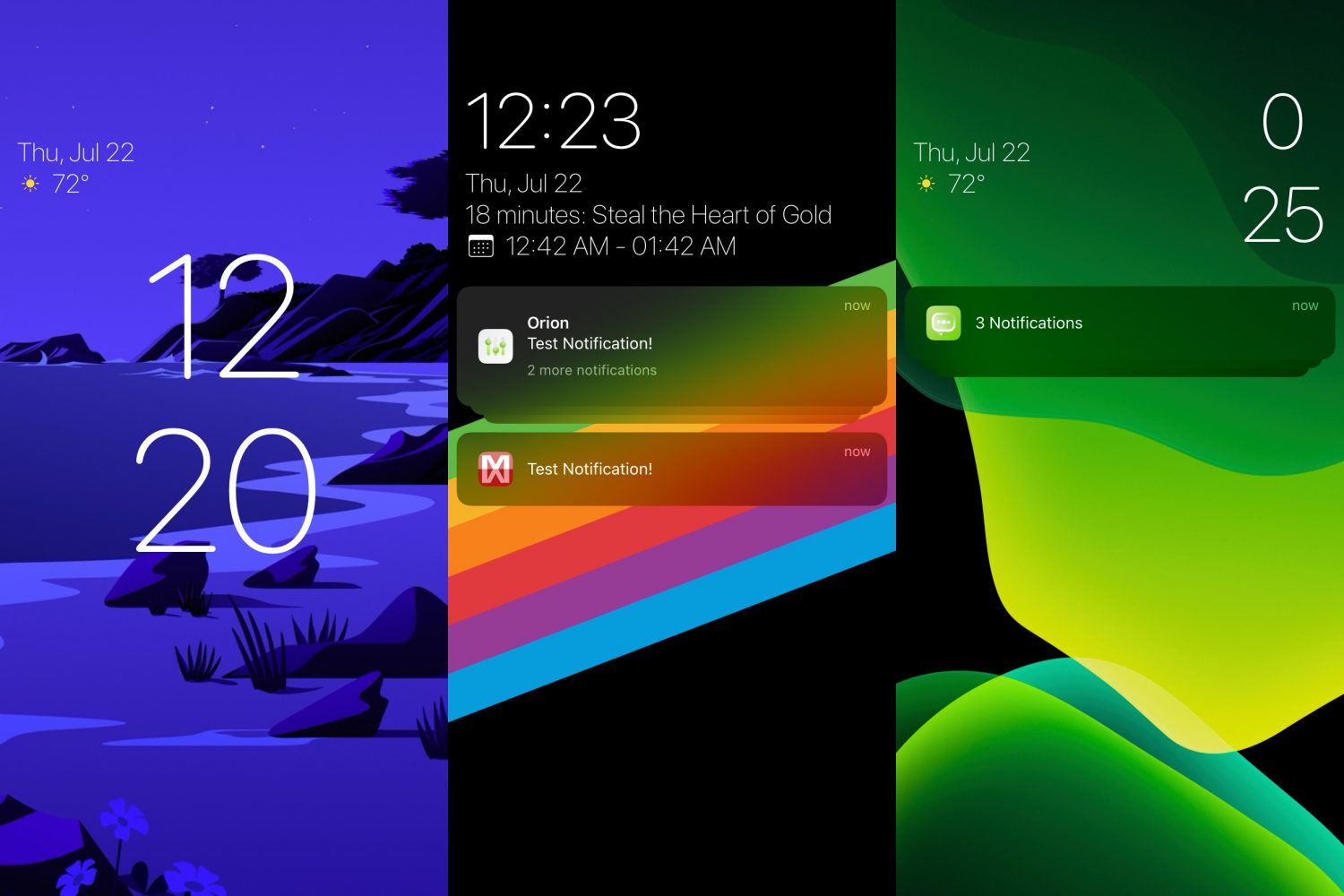
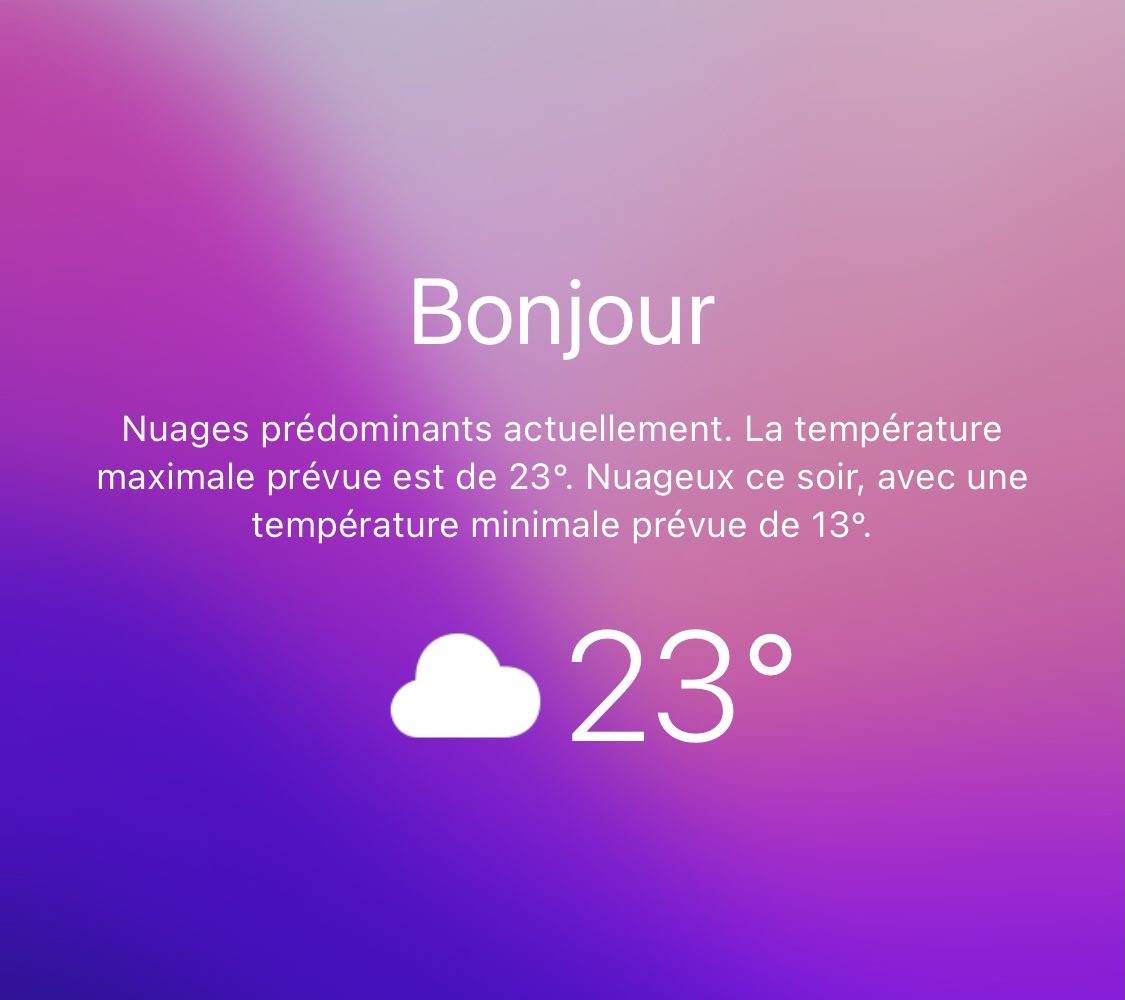
Get weather information on your jailbroken iPhone’s Lock Screen with visum

iPhone users that want to know more about the weather outside have a couple of options: 1) view the Weather widget; or 2) open the Weather app.

Even as we approach the upcoming iOS 15 release, it’s somewhat upsetting to reflect upon how the iPhone still doesn’t display weather information on the Lock Screen, as it would provide users with valuable information without unlocking their handset.