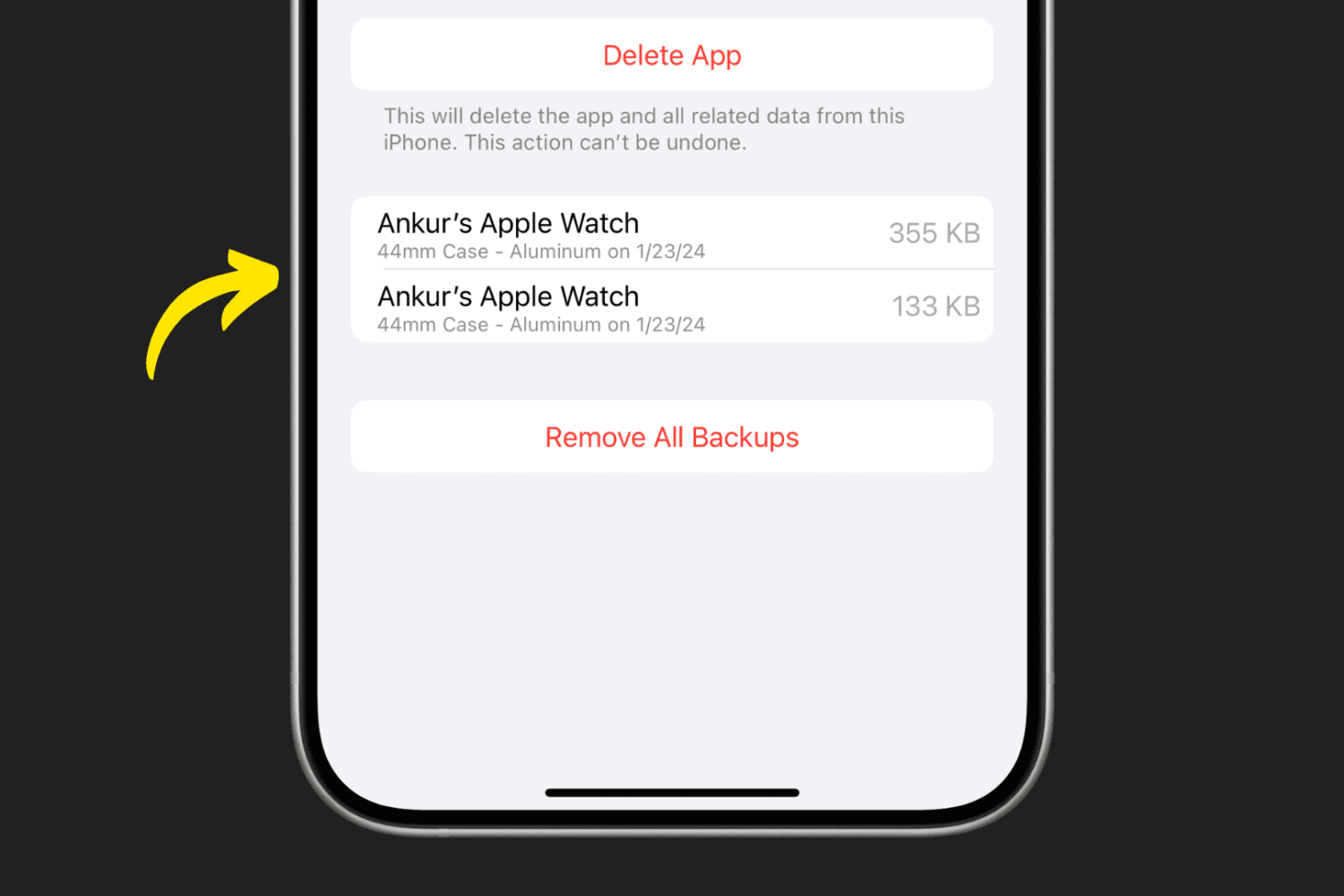
In this tutorial, we’ll show you where your Apple Watch backups are stored and how to remove them if you no longer want them on your iPhone.
How to see and delete your old Apple Watch backups
Learn how to master your Apple devices with our comprehensive tutorials. From iPhone and iPad to Mac, Apple Watch, AirPods, and more, our expert guides will help you unlock the full potential of your Apple products. Discover new features, tips, and tricks each day to enhance your user experience.
In this tutorial, we’ll show you where your Apple Watch backups are stored and how to remove them if you no longer want them on your iPhone.
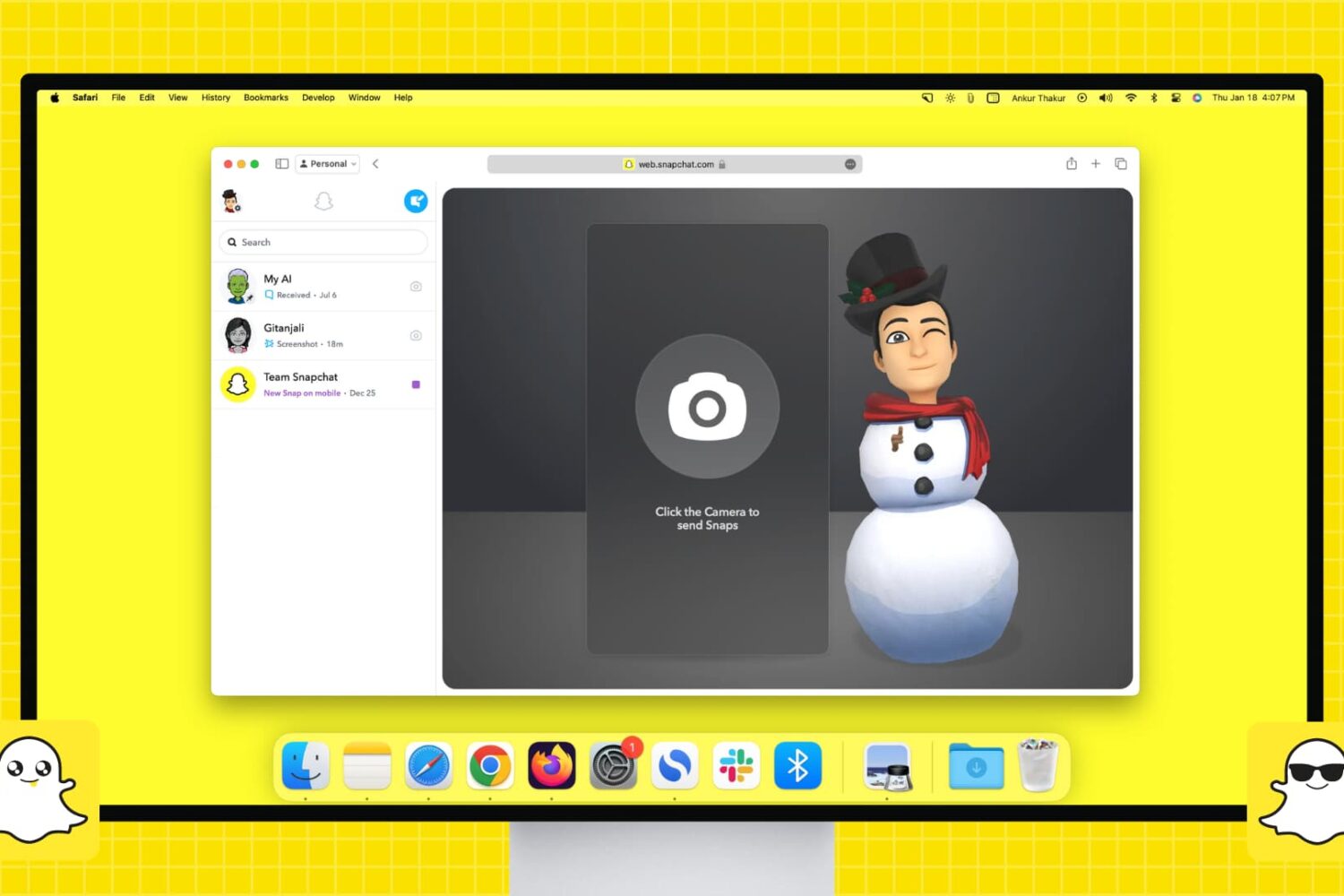
Do you use Snapchat on your iPhone or Android device and want that experience on your computer? Find out how to set up and use Snapchat on your Mac or Windows PC to chat and talk with friends or send them Snaps to keep your Snapchat streaks running and build up your Snapchat score.
The iDB team has already showed you at least three ways to install TrollStore 2 on kernel file descriptor (kfd) exploit-vulnerable devices by way of Misaka, Picasso, and PureKFD. But each of these are package manager apps or system customization apps where TrollStore isn’t their primary focus, and they each have different system requirements (both hardware and software).
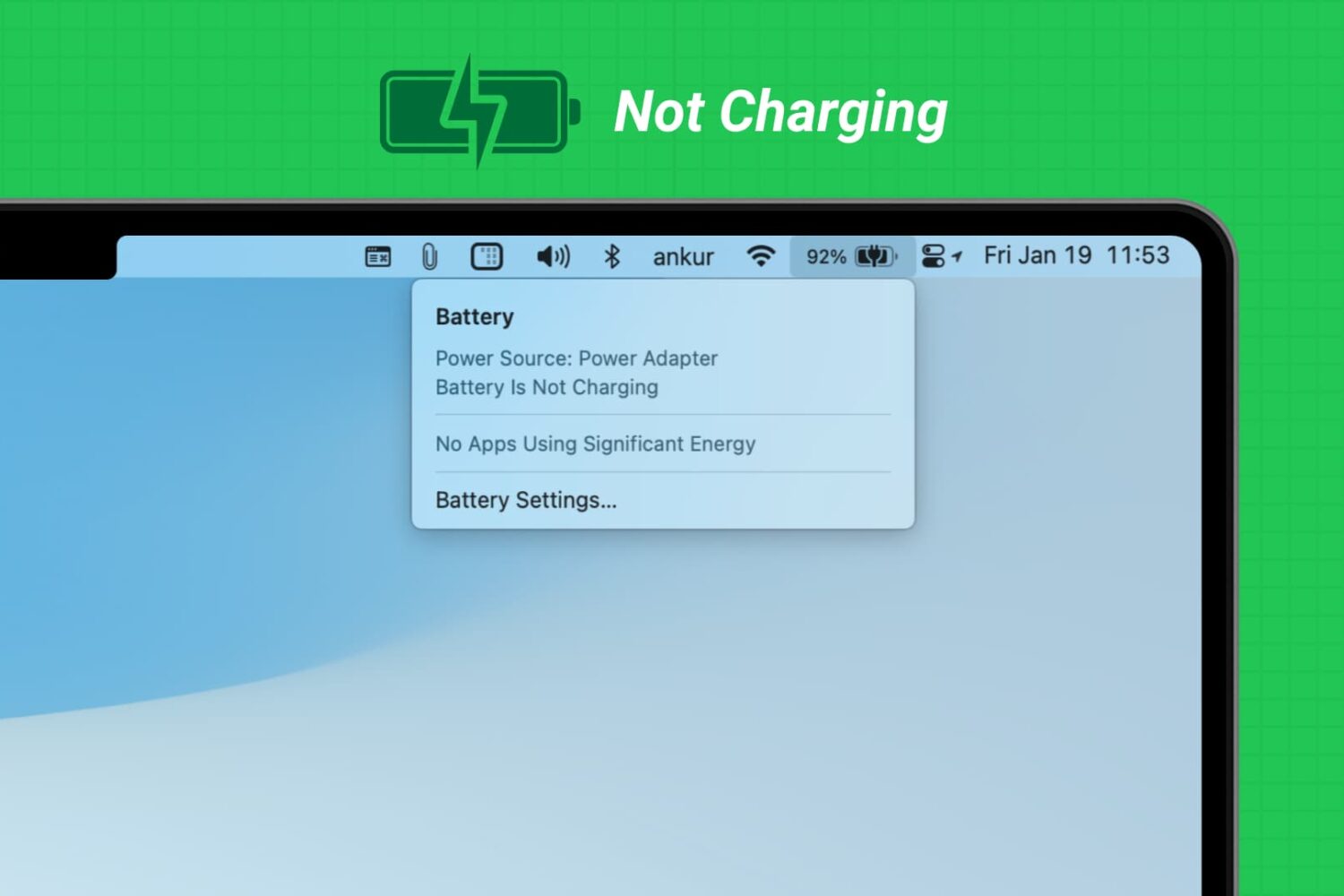
Learn what to do if you have connected your MacBook Air or MacBook Pro to charge, but the battery percentage is not increasing, and you see “Not Charging” or “Battery Is Not Charging” when you click the battery icon.
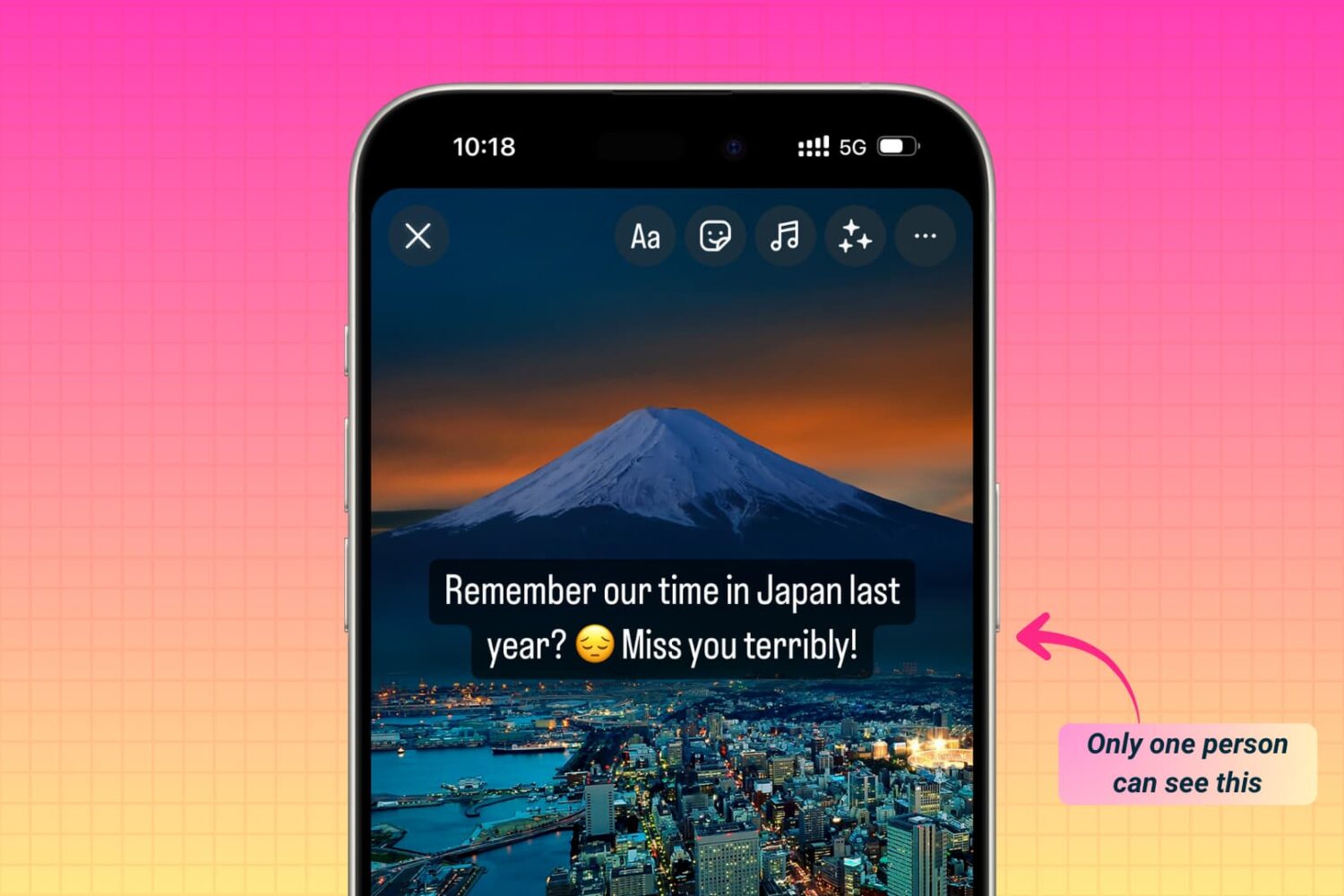
Learn how to share photos, videos, or text to your Instagram story, Reels, or post, but have it visible by just one specific person and not all your followers. Note that with a tiny tweak, these steps will also work if you want to share it with not just one but a handful of close friends.

Did you know that tapping the Wi-Fi and Bluetooth icons in iOS Control Center does not turn off these features entirely? In this tutorial, we’ll share why this happens and show you how to properly switch off these wireless features on your iPhone, iPad, or iPod touch.
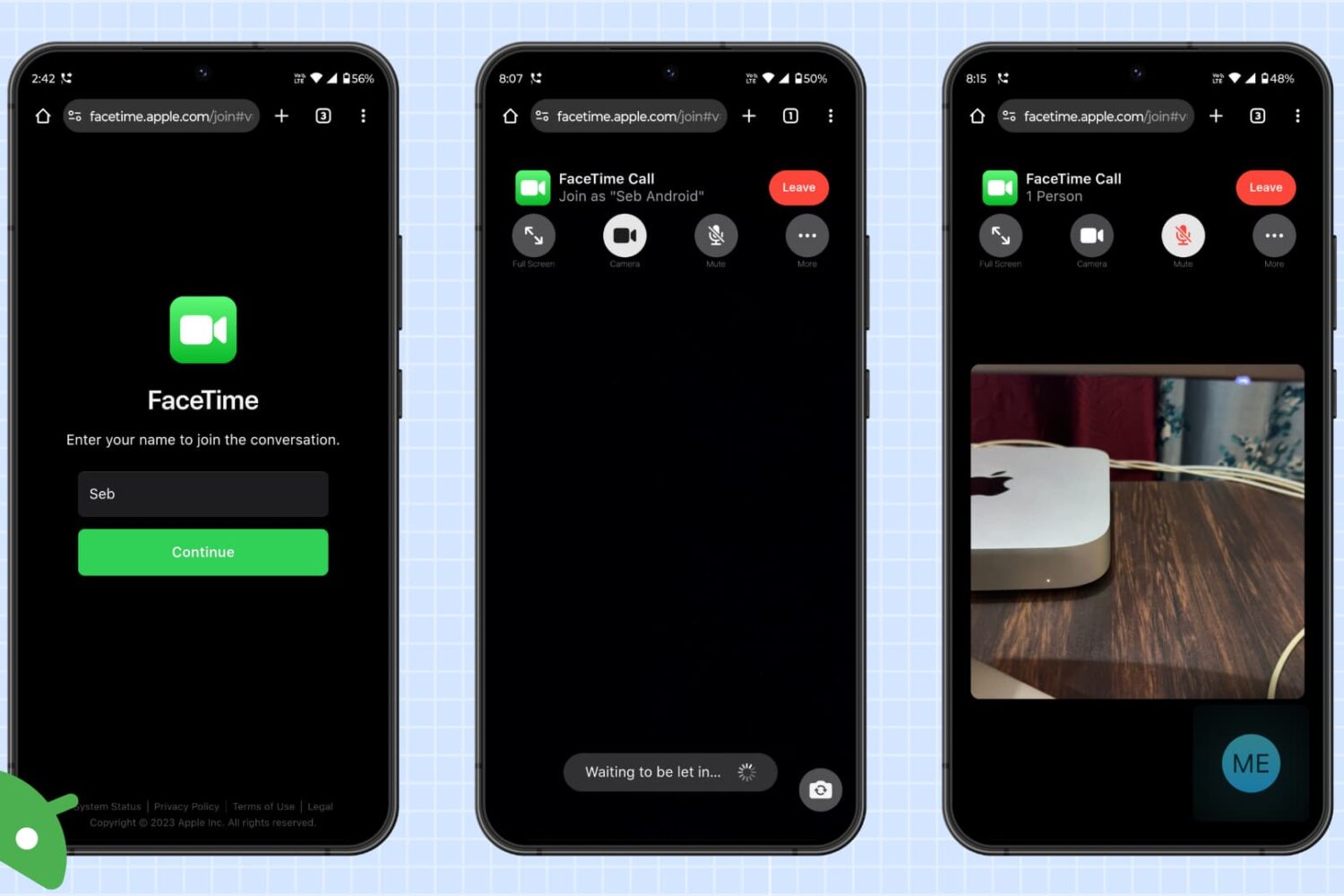
Are you or your friends having trouble joining FaceTime calls from an Android phone or Windows computer? In this troubleshooting guide, we will share all the solutions to fix this problem.
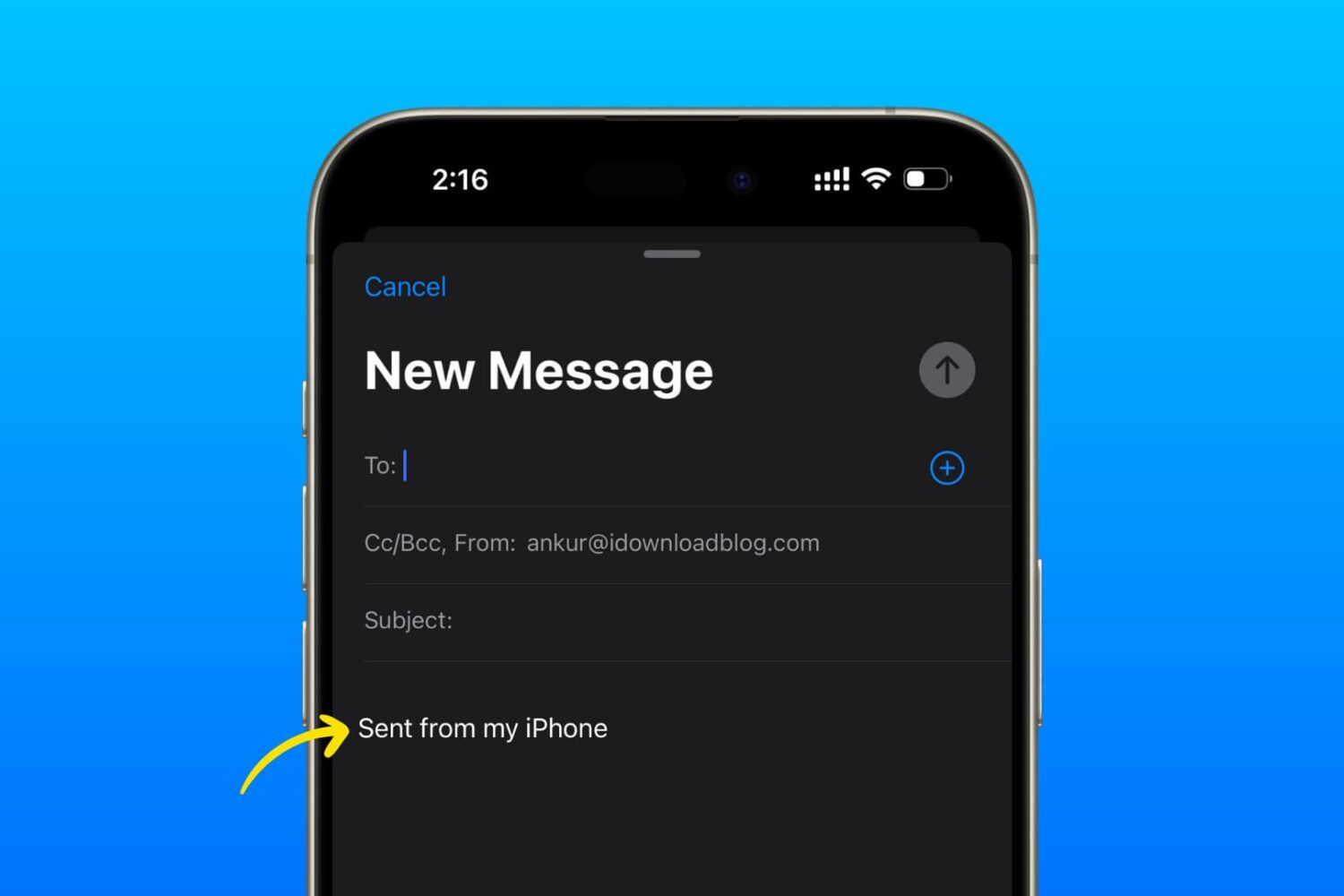
Learn how to delete or edit the default “Sent from my iPhone/iPad/Apple Watch” signature to anything you want in the Mail app on your Apple devices.
We previously showed you two ways to install TrollStore 2 on arm64e devices (A12 and newer) running iOS & iPadOS 16.0-16.5 & 16.6 beta 1 via the kernel file descriptor (kfd) exploit. Those methods encompassed using the Misaka and PureKFD package manager apps, but it’s worth mentioning that you can also use the Picasso kfd-based toolbox app to accomplish the same task, if you so prefer.

Check out these 7 easy ways to recover deleted WhatsApp photos and videos on your iPhone or Android device.
Learn how to restrict the camera feature on your iPhone, iPad, or MacBook if you’re concerned about privacy or want to disable its usage completely.
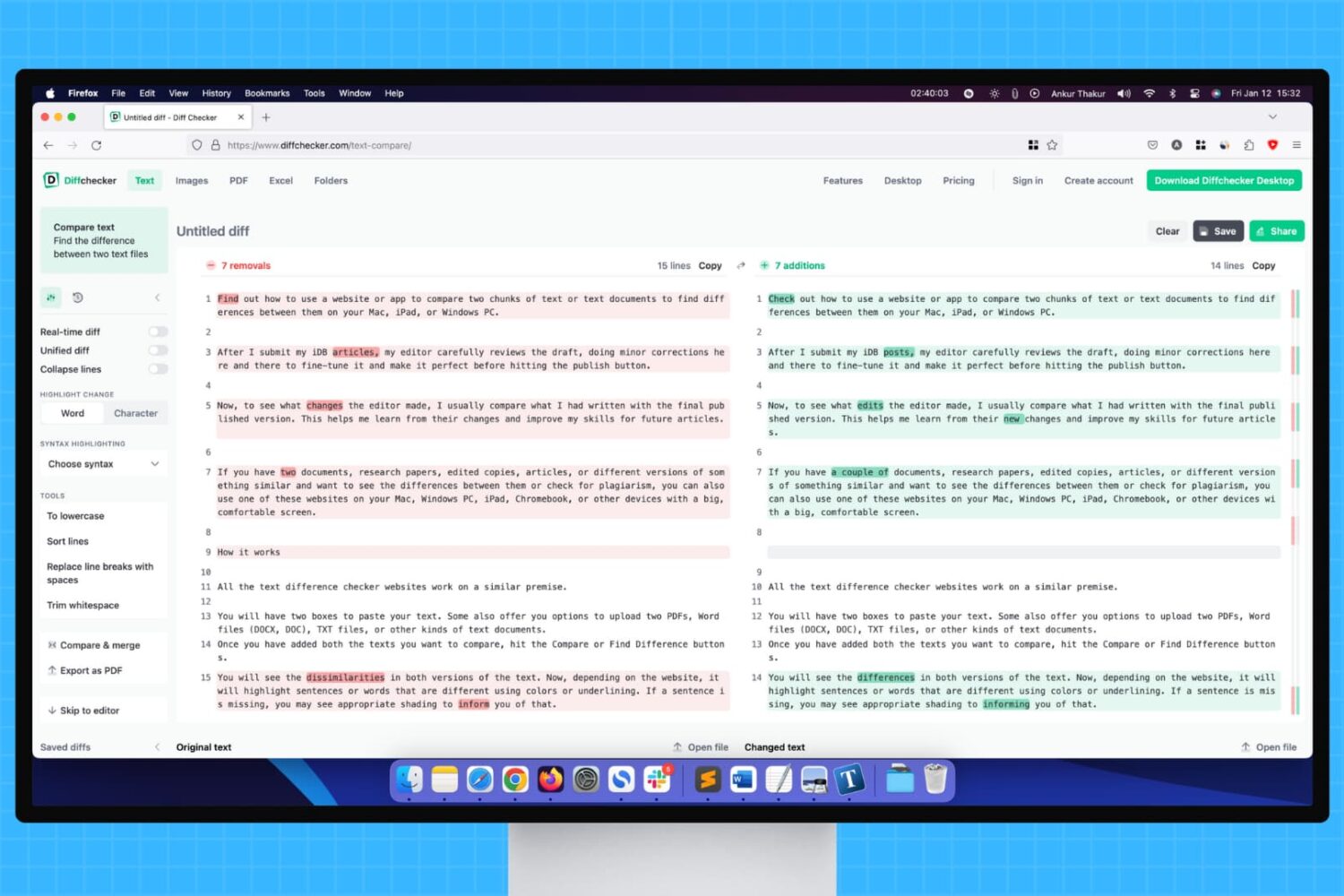
Learn how to use a website or app to compare two chunks of text or documents to find differences between them on your Mac, iPad, or Windows PC.