Learn how to easily fix and remove red eyes from your iPhone photos in just a few taps without relying on third-party apps.
How to fix red eyes in photos on iPhone

Learn how to master your Apple devices with our comprehensive tutorials. From iPhone and iPad to Mac, Apple Watch, AirPods, and more, our expert guides will help you unlock the full potential of your Apple products. Discover new features, tips, and tricks each day to enhance your user experience.
Learn how to easily fix and remove red eyes from your iPhone photos in just a few taps without relying on third-party apps.
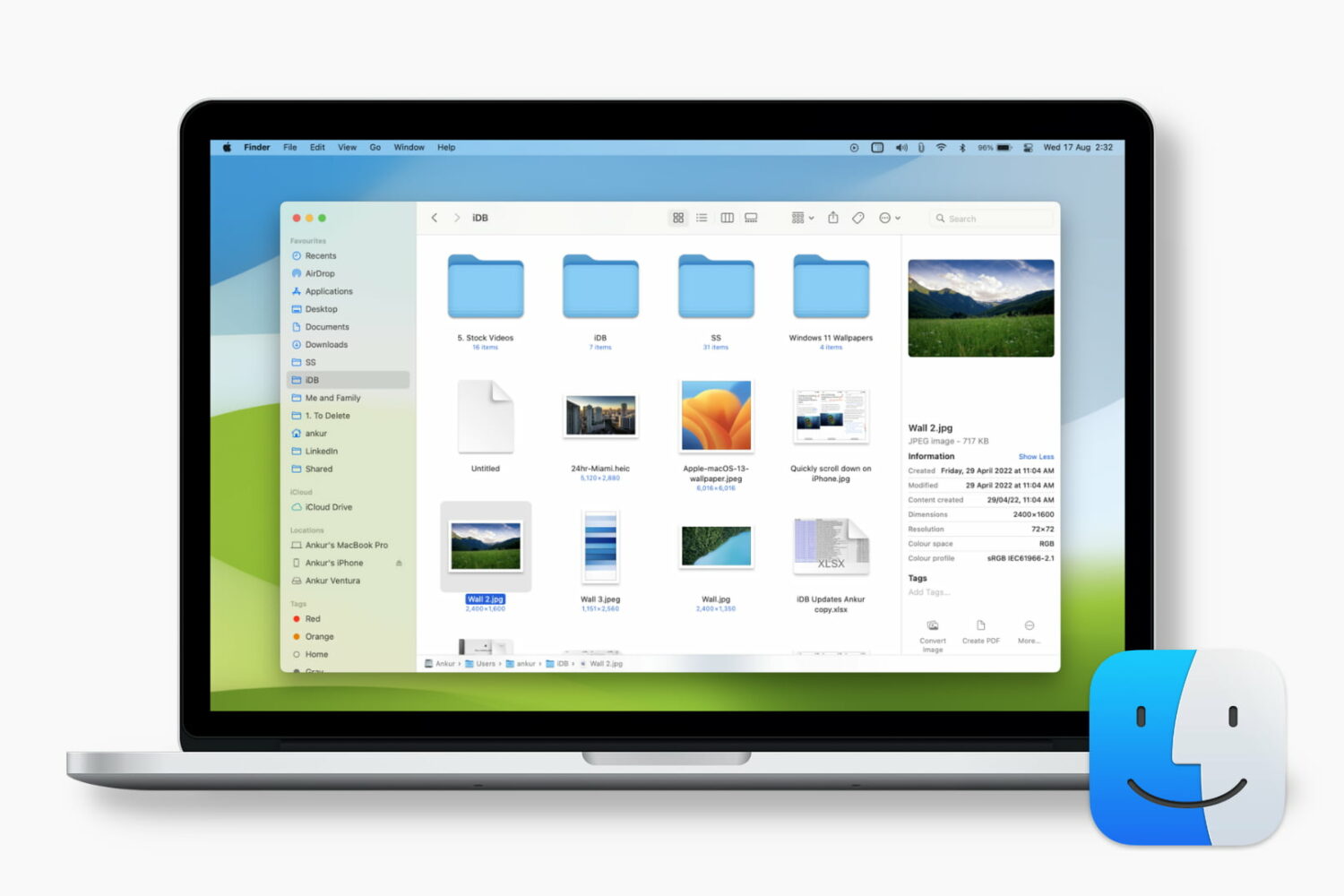
Learn how to customize the Finder preview pane by choosing specific glanceable details to show when browsing files on your Mac.

Learn how to reset your Apple account password if you forgot it to regain access to your account, along with your files in iCloud, Photos library, Messages chats, etc.

Explore these 12 essential Mac tips designed to streamline your workflow and enhance productivity.

Learn how to disable call waiting on your iPhone to stay focused during important calls and avoid interruptions that break your focus with our step-by-step guide.

Learn how to set up automatic email rules on iCloud web to organize and manage your inbox without lifting a finger.

Learn how to turn off keyboard click sounds on your iPhone's keyboard to type in silence and stop annoying others around you.
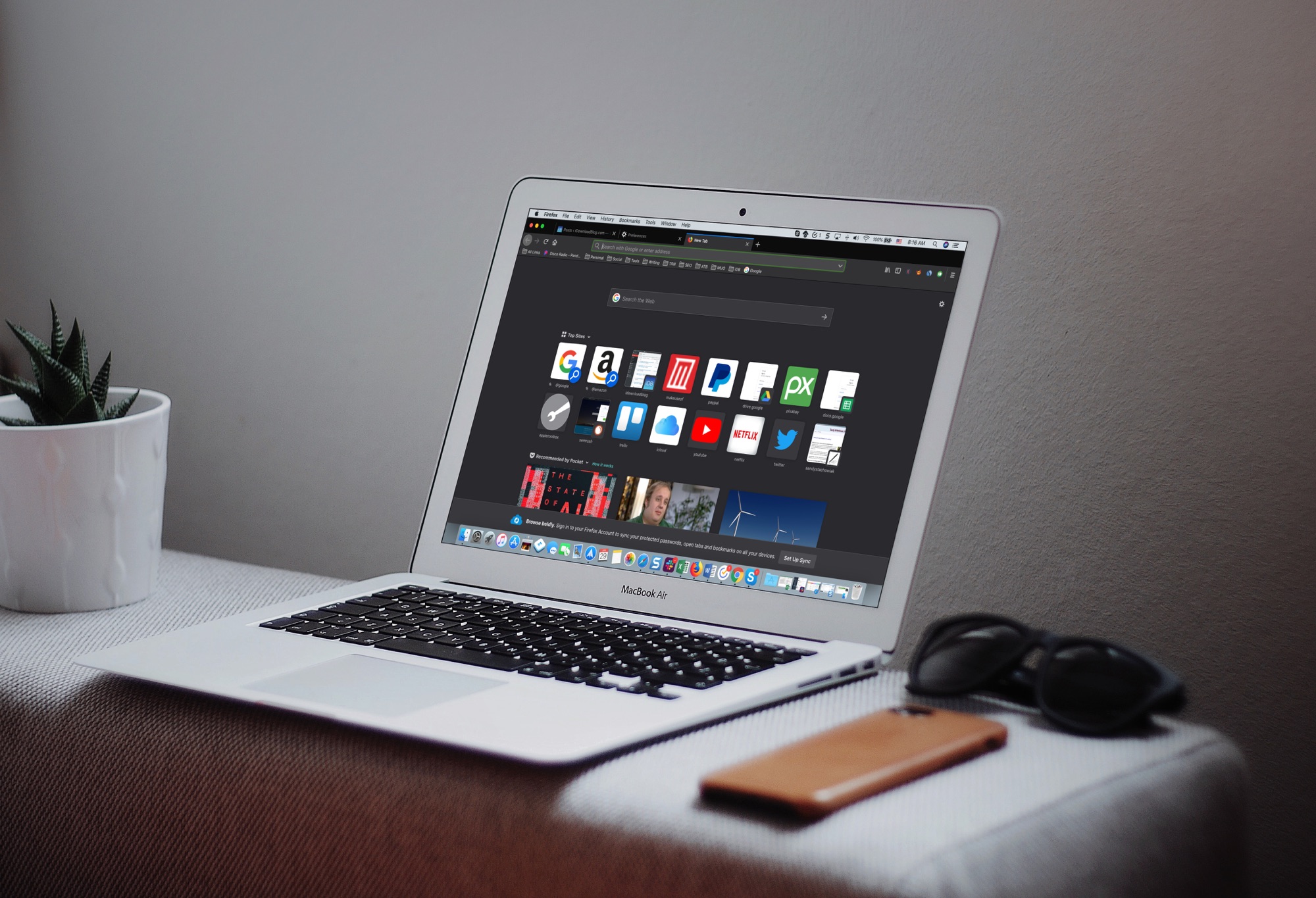
The Dark Mode on Mac is a cool feature, not just for the look and feel, but can be helpful for toning down the bright screen, especially in the evening. So, using a dark mode on your apps can be just as useful.
If you use Firefox in addition to or instead of Safari, you can set this up there too. Here’s how to enable the Firefox Dark Theme on Mac.
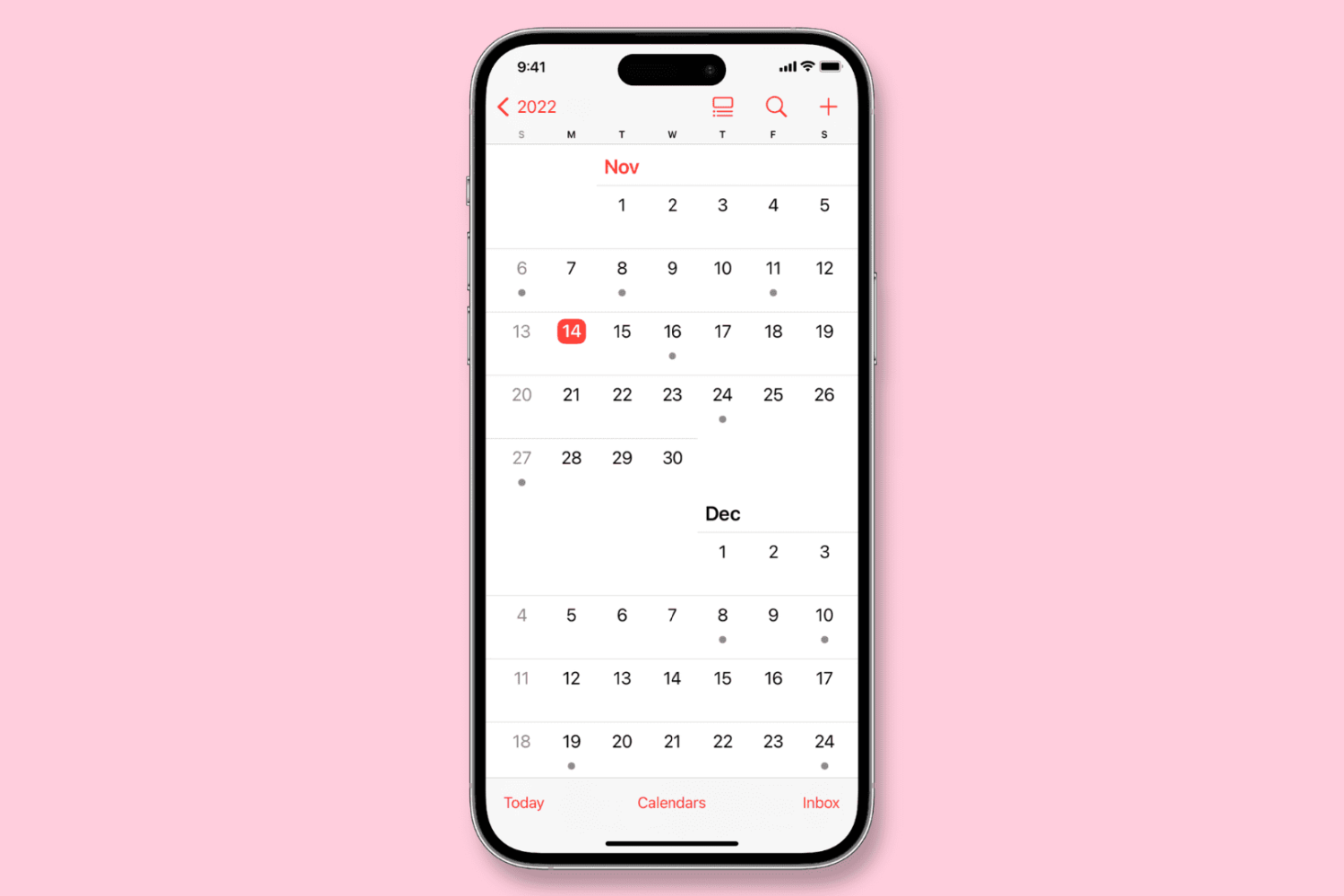
Learn how to configure the Calendar app on your iPhone, iPad, or Mac to start the week on a day other than Sunday, if that’s your preference.
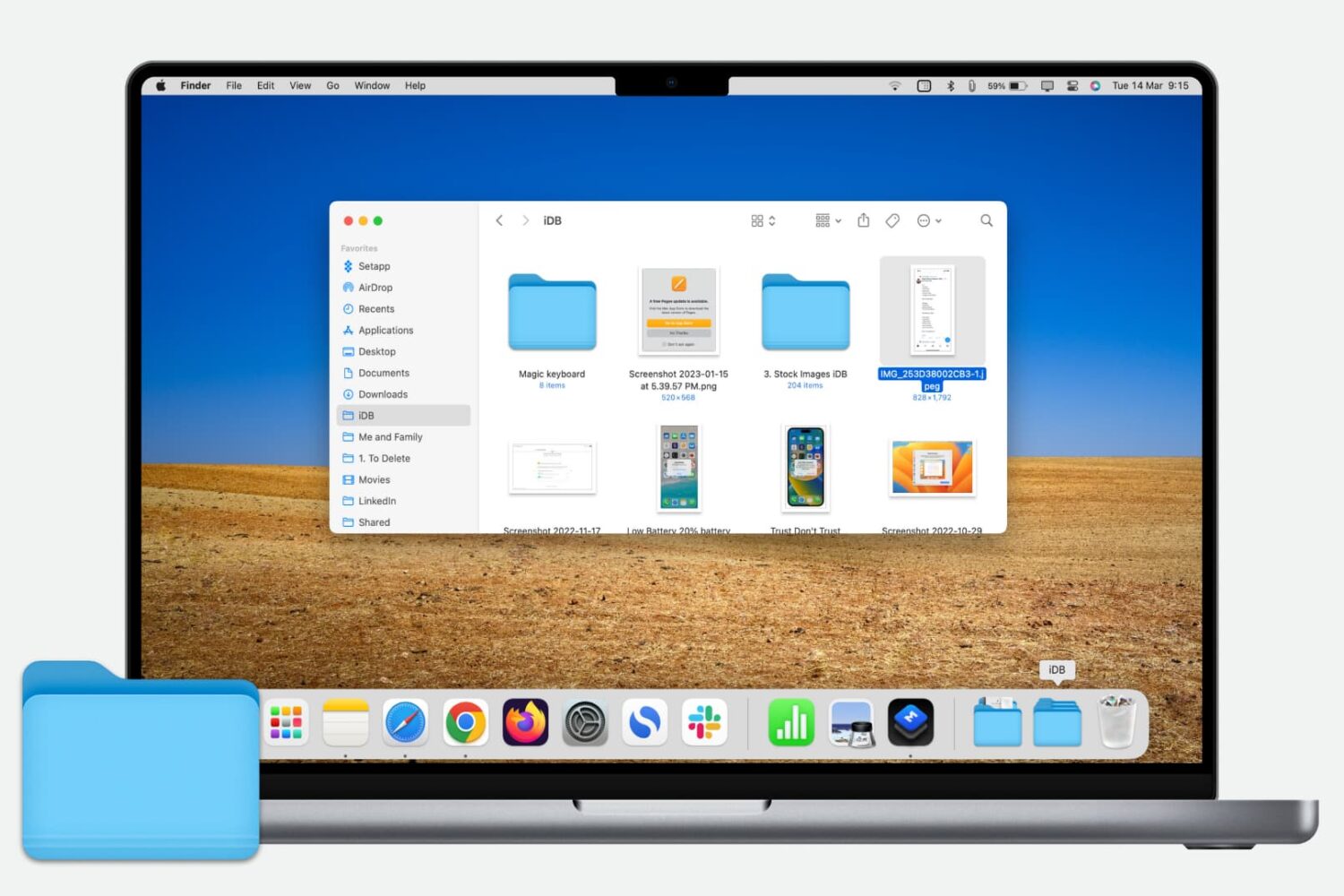
Learn how to quickly add a folder from your Finder’s Sidebar to the Dock on your Mac for even faster and easier access to those folder files.