You’ve received a Photoshop file (.PSD) that you need to look at, but you don’t have Photoshop. Here are three free ways you can view PSD files on Mac.
3 free ways to view PSD files on Mac without Photoshop
Learn how to master your Apple devices with our comprehensive tutorials. From iPhone and iPad to Mac, Apple Watch, AirPods, and more, our expert guides will help you unlock the full potential of your Apple products. Discover new features, tips, and tricks each day to enhance your user experience.
You’ve received a Photoshop file (.PSD) that you need to look at, but you don’t have Photoshop. Here are three free ways you can view PSD files on Mac.

Learn how to forward your iCloud emails to Gmail, Outlook, or any other account to keep all your messages in one inbox and improve your email management.
Learn how to turn off iPhone and iPad animations if you don’t like them or are sensitive to motion, which can cause sickness and headaches.

Learn how to stop people from logging into macOS using a guest account, which will protect your privacy and prevent unauthorized access to your Mac computer.
Every Mac owner should peruse this list comprising 50 super useful keyboard shortcuts in macOS that let them do things faster, increasing productivity.

Quickly mark all unopened emails as “read” in the Apple Mail app on iPhone, iPad, and Mac to clear the unread messages in your inbox.
Learn how to protect your Apple Pages, Numbers and Keynote documents with a password on the iPhone, iPad and Mac to keep your files secure and private.
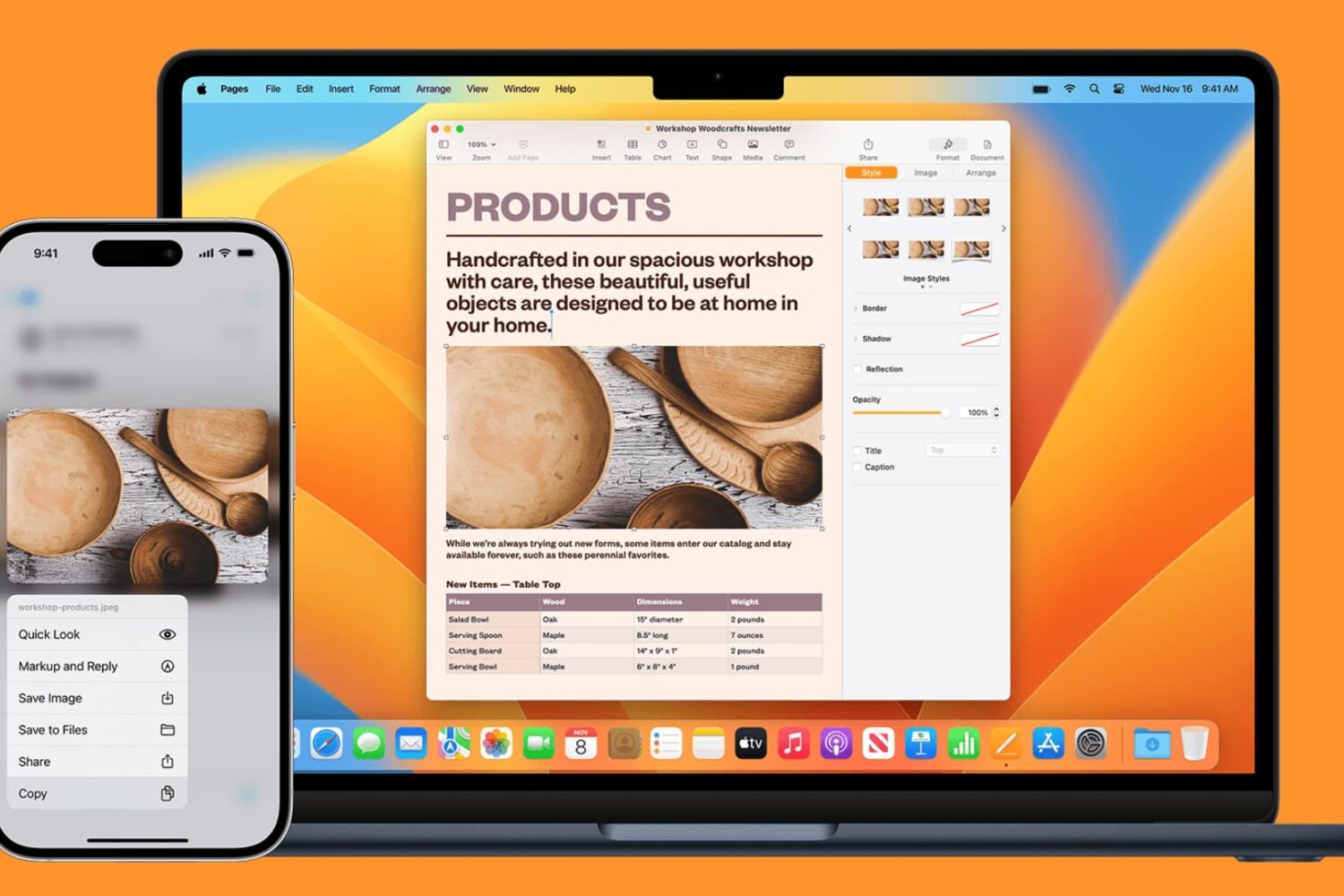
Learn how to seamlessly copy and paste text, images, links, and files across your iPhone, iPad, and Mac using Universal Clipboard.

Excited to tune in to classic FM radio stations for music, news, sports, and beyond? Discover how you can easily access FM radio directly on your iPhone.

Did you just get a new iPad? Explore these useful tips designed to maximize your iPad experience, enhancing productivity and efficiency for swift and comfortable usage.
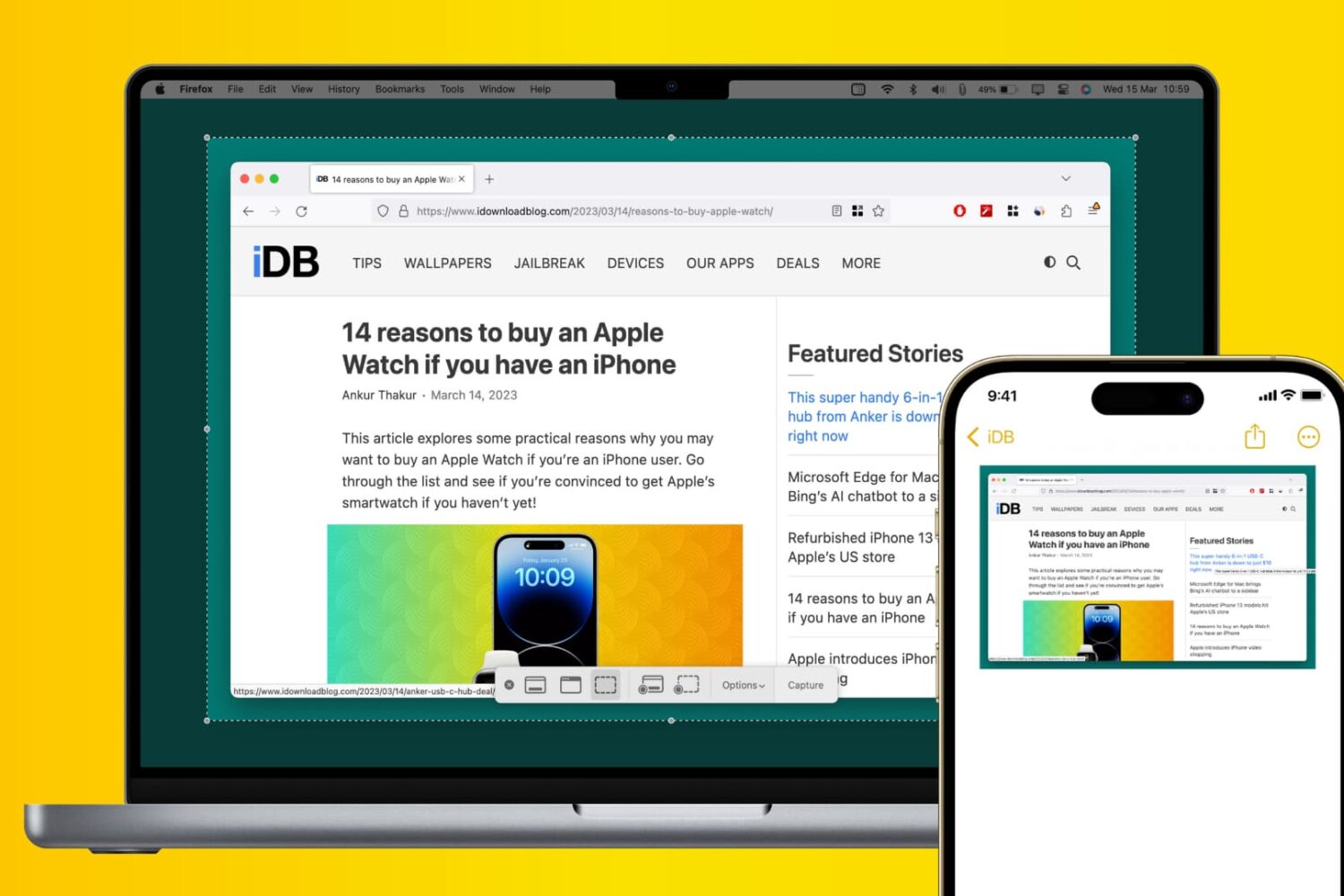
Learn how to use Apple’s Universal Clipboard to copy and paste Mac screenshots into iPhone apps like Notes, Mail, or social media, boosting your productivity.

Learn how to make your iPhone or iPad open web links in Chrome instead of Safari if you prefer Google’s browser over Apple's built-in option or other browsers.