Learn how to leave group chats in the Apple Messages app on your iPhone, iPad, and Mac to cut down on notifications and enjoy peace when you need it.
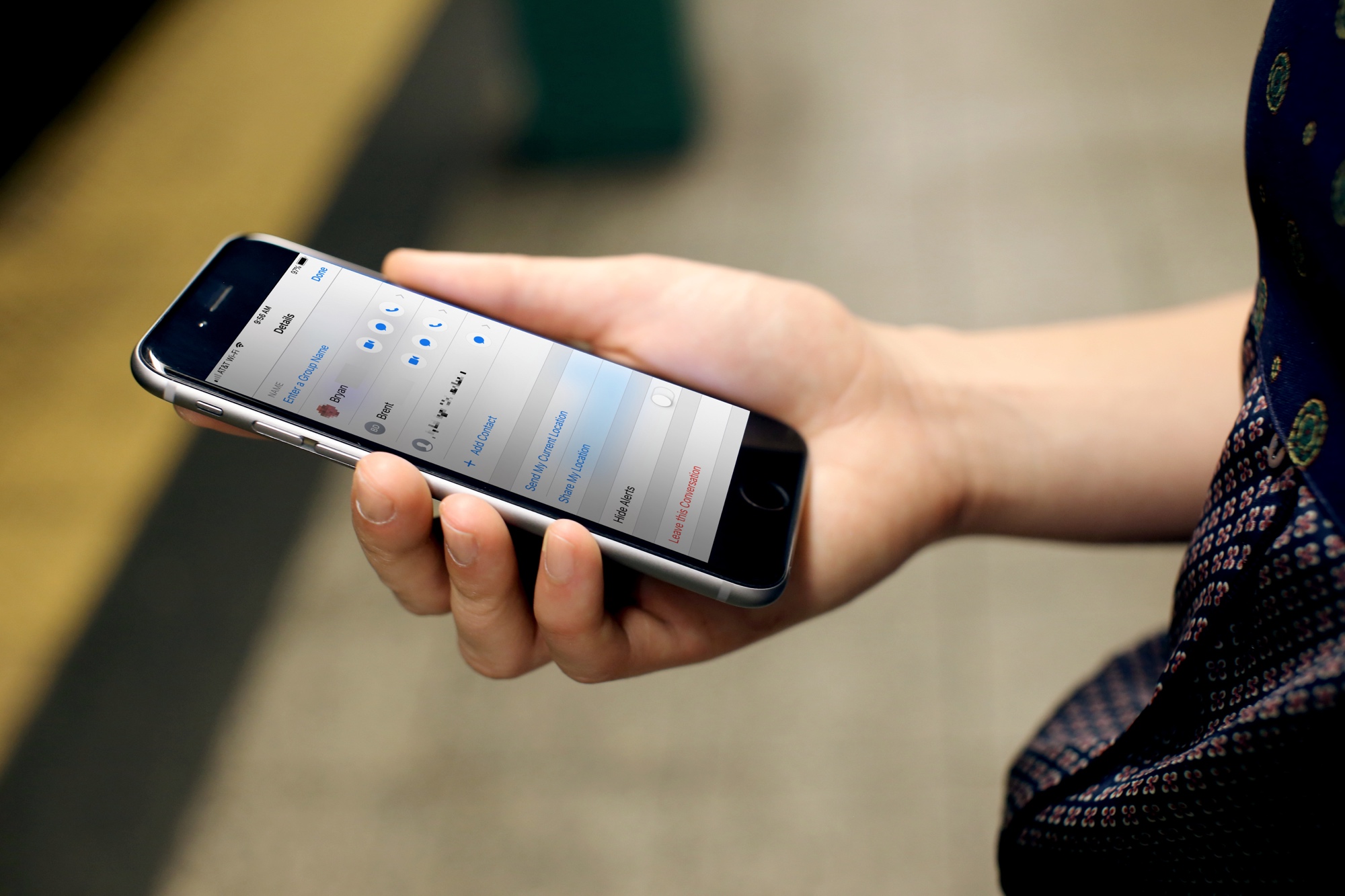
Group chats in the Messages app are practical for sharing updates with friends, planning events with family, or coordinating a quick project at work.
But when the group conversation is over (or turns quiet or chaotic), you may want to leave it and move on, right? Here’s how to bid adieu to a group conversation and reclaim your peace in just a few taps or clicks.
iPhone and iPad
- Open the Messages app.
- Go inside a group conversation.
- Tap the chat header at the top of the screen.
- Tap Leave this Conversation at the bottom and confirm.

When you leave a group conversation, you’ll no longer receive notifications for new group texts, and you won’t be able to send messages to this chat anymore. Existing messages will stay intact on your device until you delete the group chat.

Mac
- Launch the Messages app on your Mac and select a group conversation from your chat list.
- Click the chat header at the top.
- Choose Leave this Conversation at the bottom and confirm.

If your Mac is running an older macOS version, first click the group name, then click the info icon ⓘ and select Leave this Conversation in the menu.

Unable to leave a group conversation?
Is the “Leave this Conversation” option unavailable or grayed out? There’s a reason for that.
- You can only leave group conversations where every participant is using iMessage. If the “Leave this Conversation” option is not shown or is grayed out, it’s because at least one participant is using SMS, MMS, or RCS, such as Android users.
- You can only leave a group conversation if there are three or more participants.
You can delete the conversation if you’re unable to leave it. However, as soon as one of the participants sends a message, you’ll be right back in it. One other option if you can’t leave the group text is to mute the notifications for new messages.
Also, check out: Top new features added to iPhone Messages app in iOS 27