In this quick tutorial, we’ll show you how to stop apps from opening automatically after boot up.
How to stop Mac apps from opening automatically on startup

Learn how to master your Apple devices with our comprehensive tutorials. From iPhone and iPad to Mac, Apple Watch, AirPods, and more, our expert guides will help you unlock the full potential of your Apple products. Discover new features, tips, and tricks each day to enhance your user experience.
In this quick tutorial, we’ll show you how to stop apps from opening automatically after boot up.
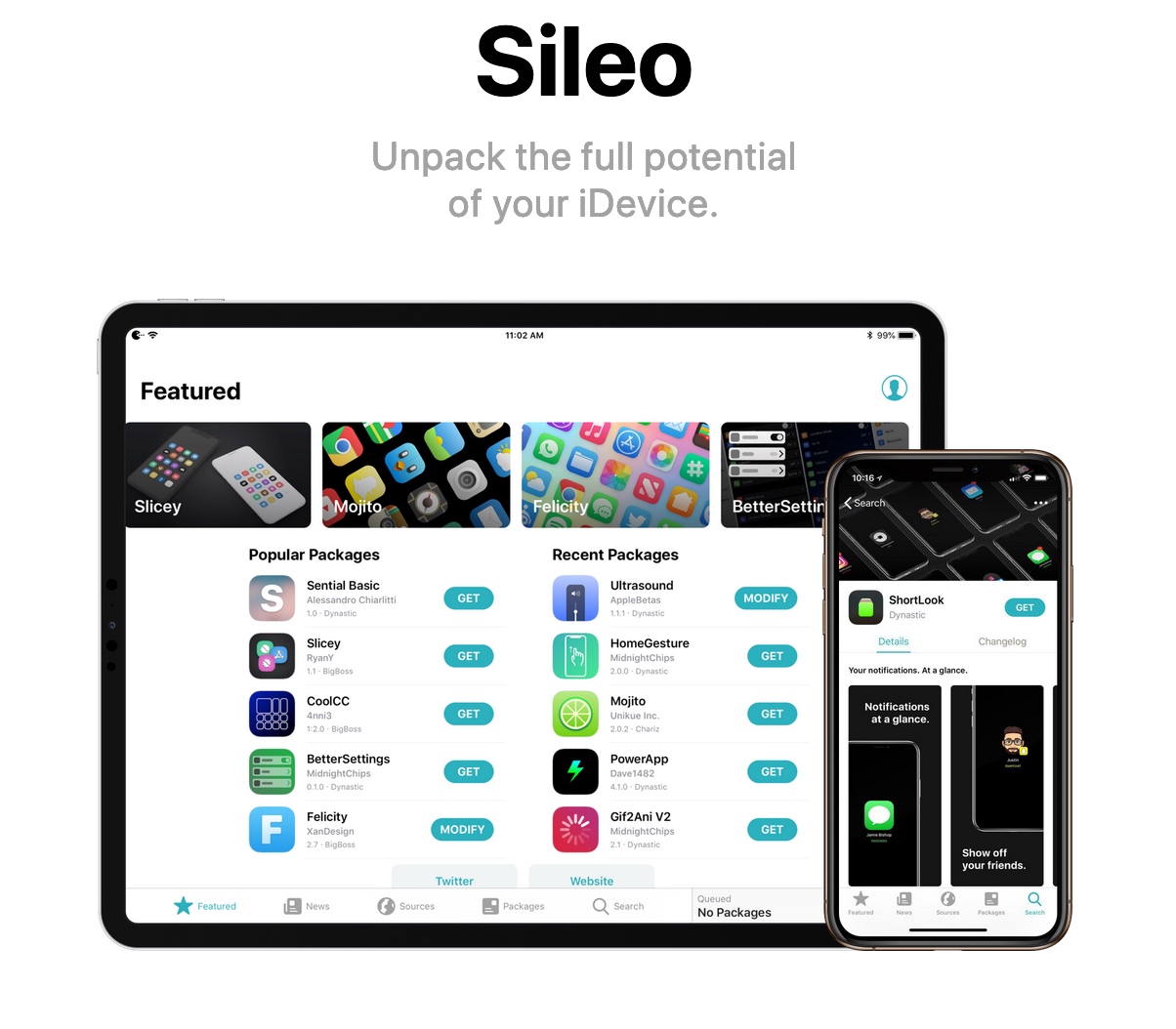
In case you missed it, @0ptimo has officially implemented SHA256 for the BigBoss repository, paving the way for full Sileo support. CoolStar has announced that an upcoming Sileo update will implement the official BigBoss repository out of the box, but why wait?
In this tutorial, we’ll show you how you can add the official BigBoss repository to your Sileo package manager right now.

In this guide we'll take you through jailbreaking with ChimeraTV on tvOS 12. Fire up your 1080p Apple TV 4 on tvOS 12.0-12.2/12.4 or Apple TV 4K on tvOS 12.0-12.2/12.4 and let's get started!

Discover the easy ways to identify the model of your Apple TV using the device's physical characteristics or software information in this helpful guide

If you love keyboard shortcuts for navigating Safari, Mail, or Finder on your Mac, then this list is for you. We’ve compiled handy keyboard shortcuts that help you quickly move through your Dock and the apps that you keep in it.
Here are 13 Mac keyboard shortcuts to make better use of your Dock.
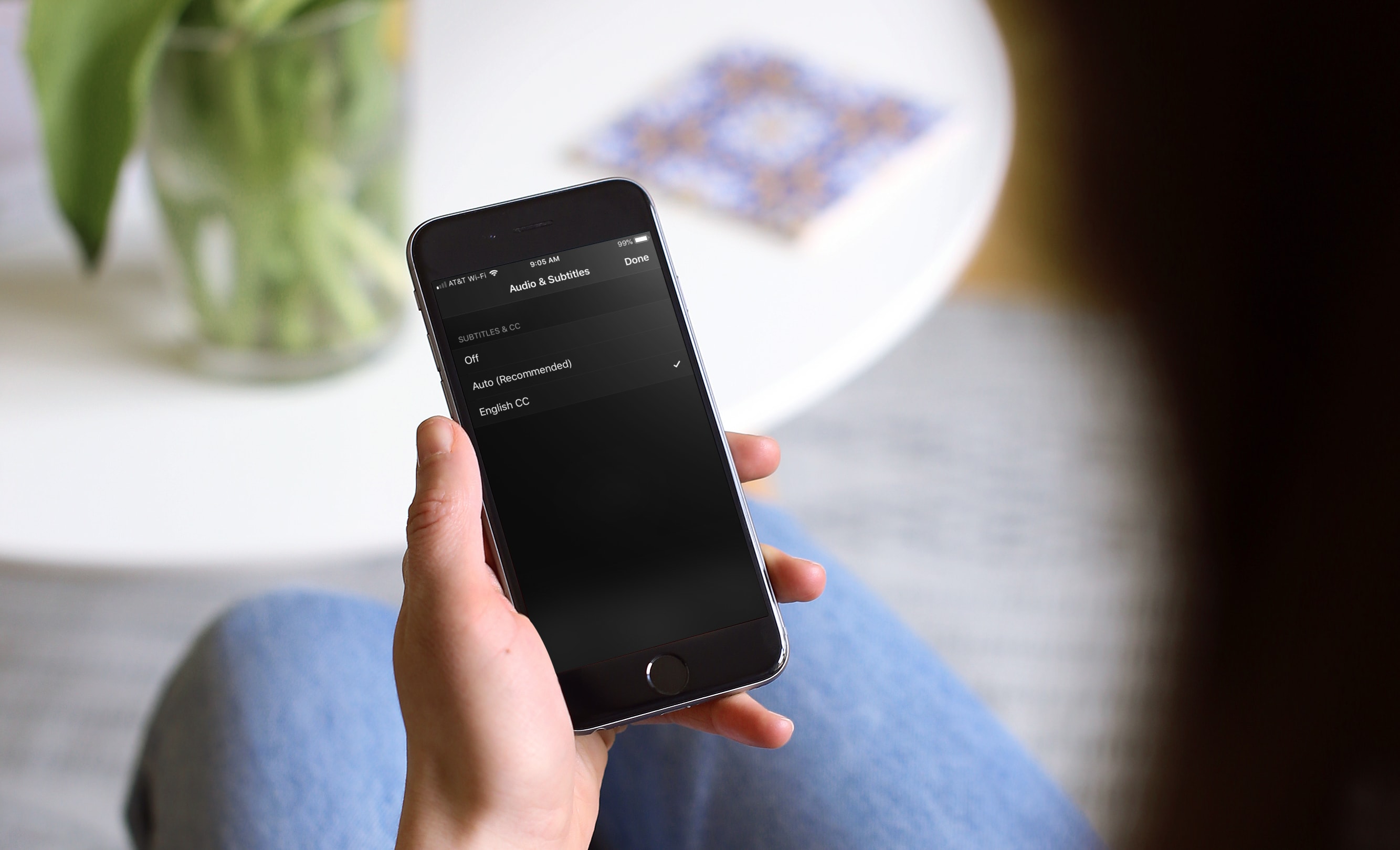
Learn how to turn on subtitles for Apple TV app and iTunes Store shows for a better viewing experience with these clear instructions.
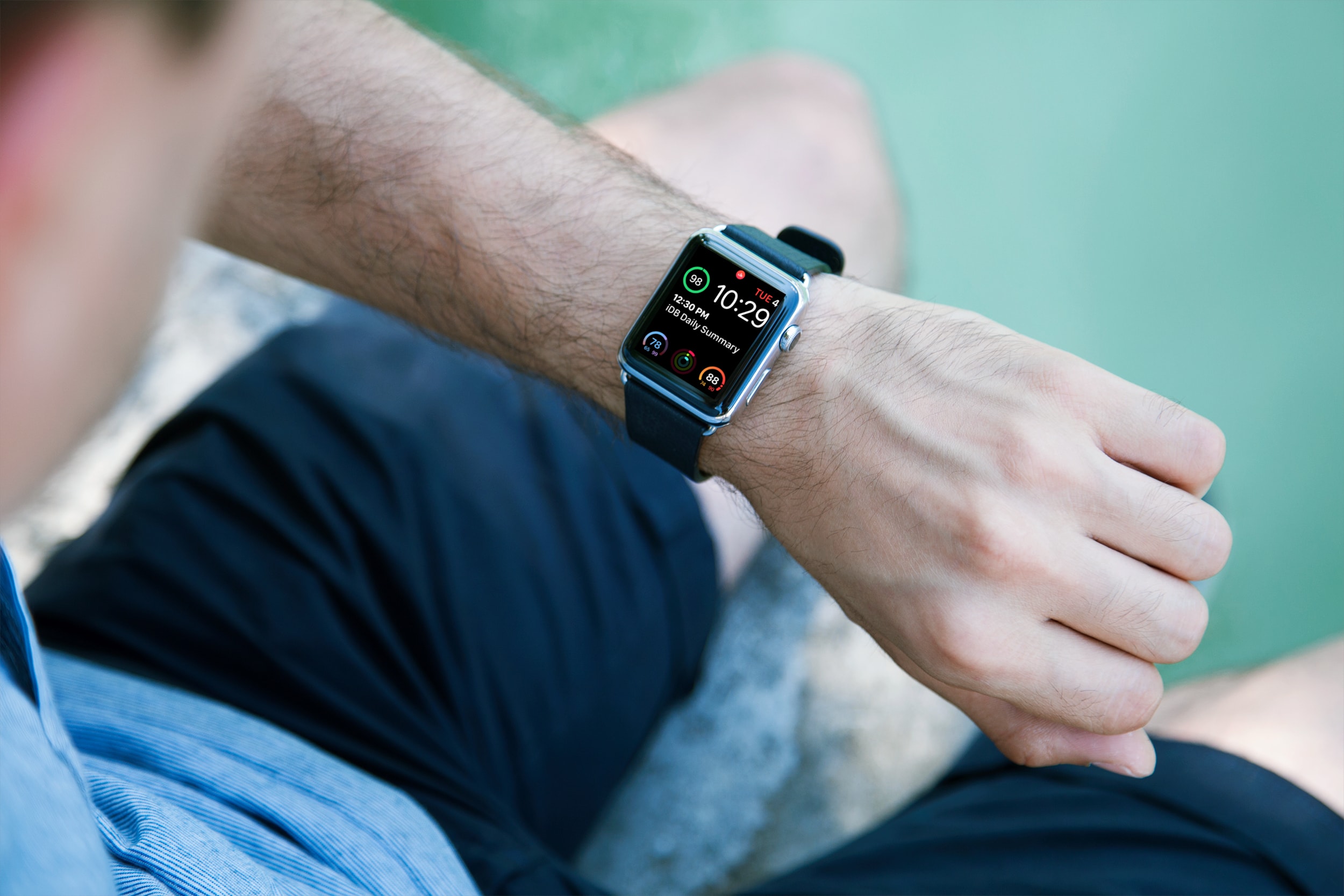
Learn how to easily identify your Apple Watch model and series numbers with this comprehensive guide, including images and step-by-step instructions.

Learn how to turn off your active status on Facebook and Messenger on your iPhone, iPad, Mac, and the web so your friends can't tell you're online.
Learn how to check the status of the various Apple services to confirm whether there are any downtime, or to make sure all services are operating normally.
Apple on June 3, 2019 released developer betas of the new iOS 13 and iPadOS software. You're advised to avoid deploying the betas onto your daily drivers, but if you do happen to have a spare iOS device laying around somewhere - or you're the type who prefers to live on the bleeding edge of technology - follow the instructions in our step-by-step guide to learn how to download and install the iOS 13 beta on your iPhone and the beta of iPadOS 13 on your iPad.

Learn how to change the default Safari homepage to automatically open your favorite website when you click the Home button or open a new browser window or tab.

Learn how to add frequently accessed websites to your Safari favorites on an iPhone, iPad, and Mac so you can quickly revisit them with just a tap or click.