Learn how to add and display your preferred pronoun on your Instagram profile so people know how to refer to you.
How to add pronouns to your Instagram profile so people know how to refer you

Learn how to master your Apple devices with our comprehensive tutorials. From iPhone and iPad to Mac, Apple Watch, AirPods, and more, our expert guides will help you unlock the full potential of your Apple products. Discover new features, tips, and tricks each day to enhance your user experience.
Learn how to add and display your preferred pronoun on your Instagram profile so people know how to refer to you.

In this post, we’ll show you a couple of methods for quickly hiding all icons on your Mac desktop, creating a clean, organized workspace.

Want to take a screenshot without touching any physical buttons on your iPhone? In this quick tutorial, we’ll share some easy ways to do just that.
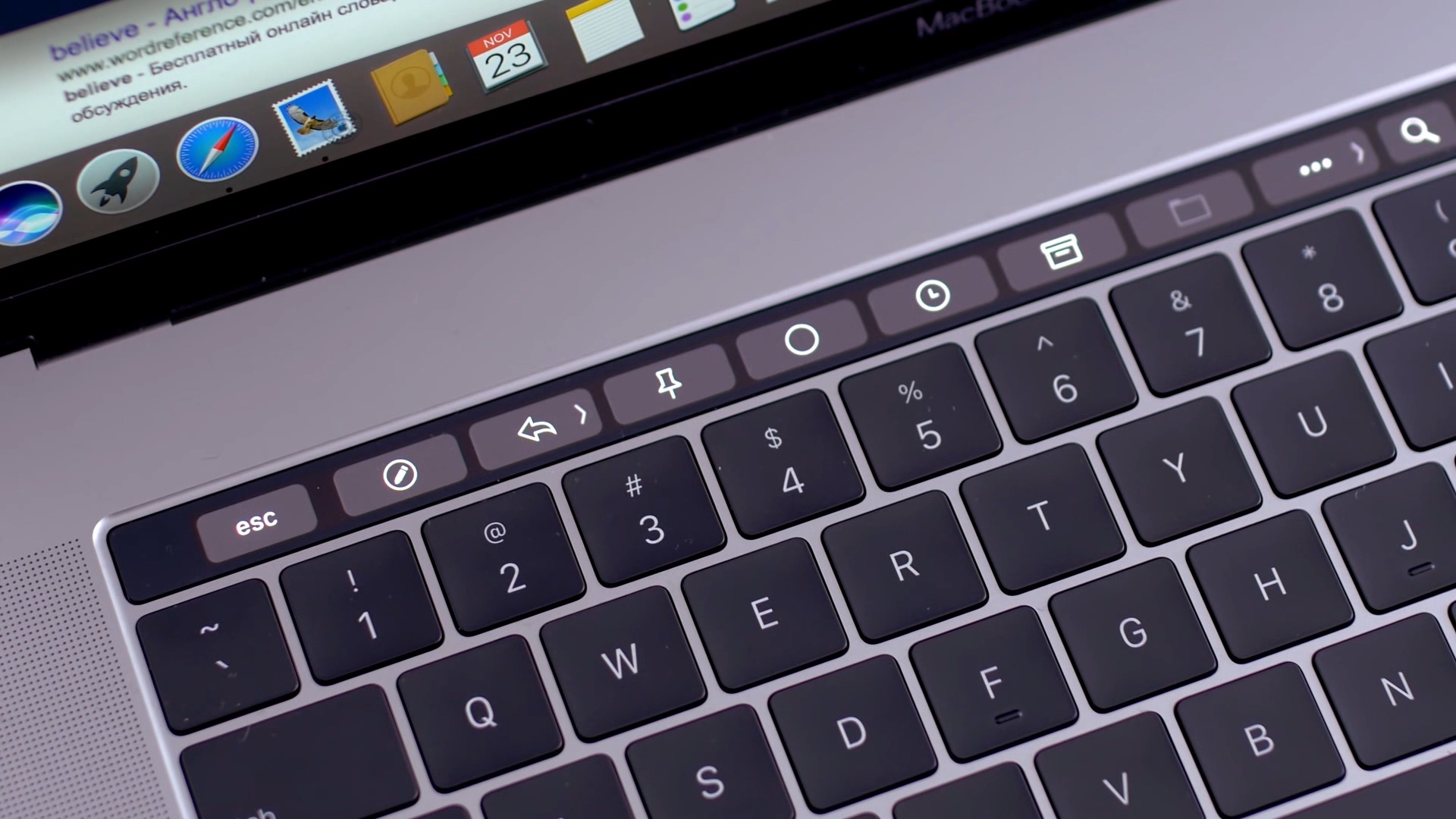
Apple introduced the Touch Bar on the MacBook Pro in 2016, and it's been included on the 13-inch as well as 15-inch model ever since. The OLED touch strip on top of the keyboard replaces the Function keys, but adds plenty of extra features. The Touch bar will adapt to the app that you're using and provide shortcuts and best controls for that app. Some people love the Touch Bar, but there are some who don't like it.

If you’ve recently purchased a Raspberry Pi and are interested in using it as a computer running Raspberry Pi OS (formerly called Raspbian), then you’ll need to get used to the desktop.
While the basic view of your desktop is pretty simple, you might wonder where to find things or what it is that you’re seeing.
Here, we’ll run down what you can find on your desktop with Raspberry Pi OS and where to look for things you’ll need.
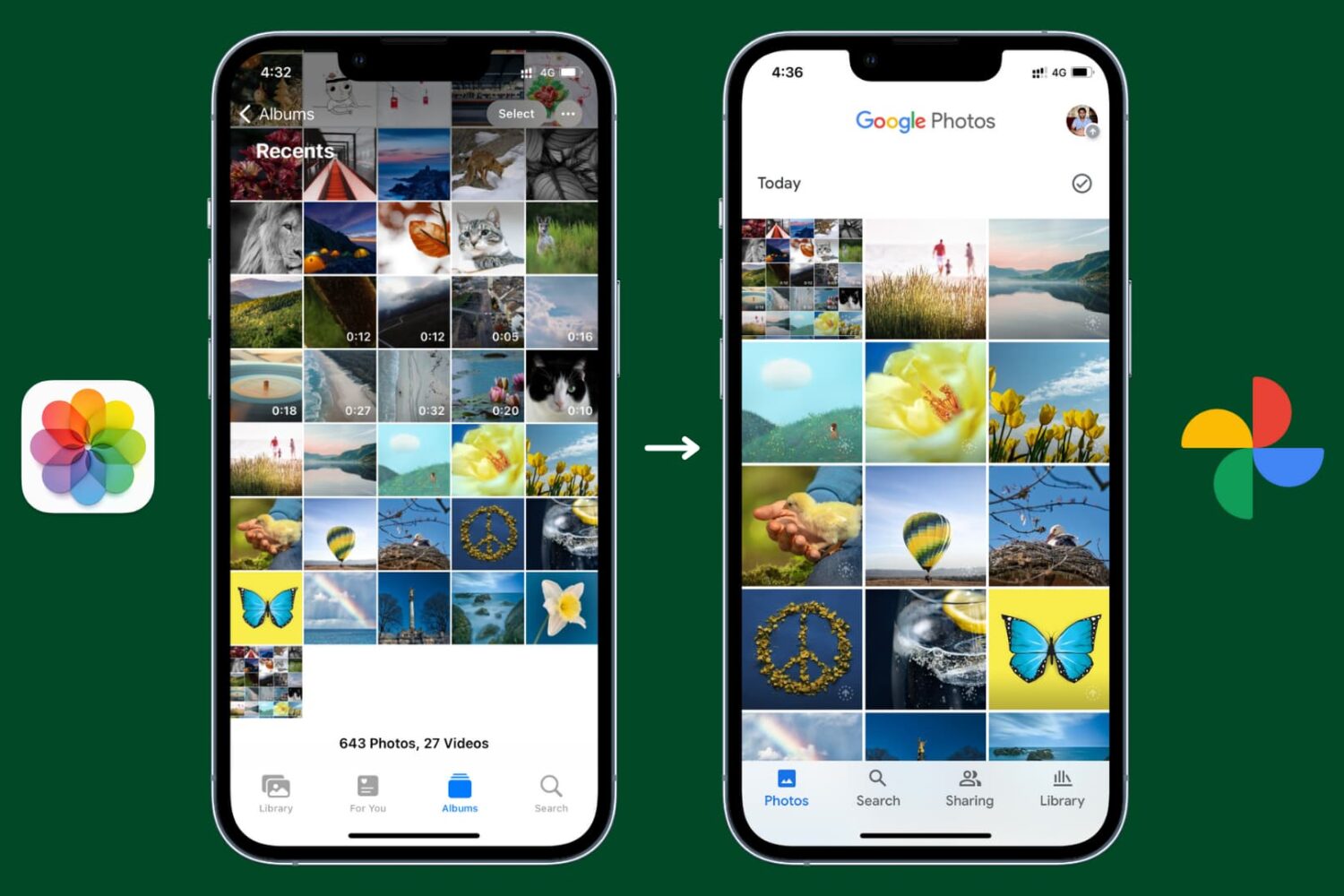
Learn how to back up your pictures and videos with Google Photos for iOS, which offers much more free storage and clients for all major operating systems, instead of Apple's iCloud Photos.
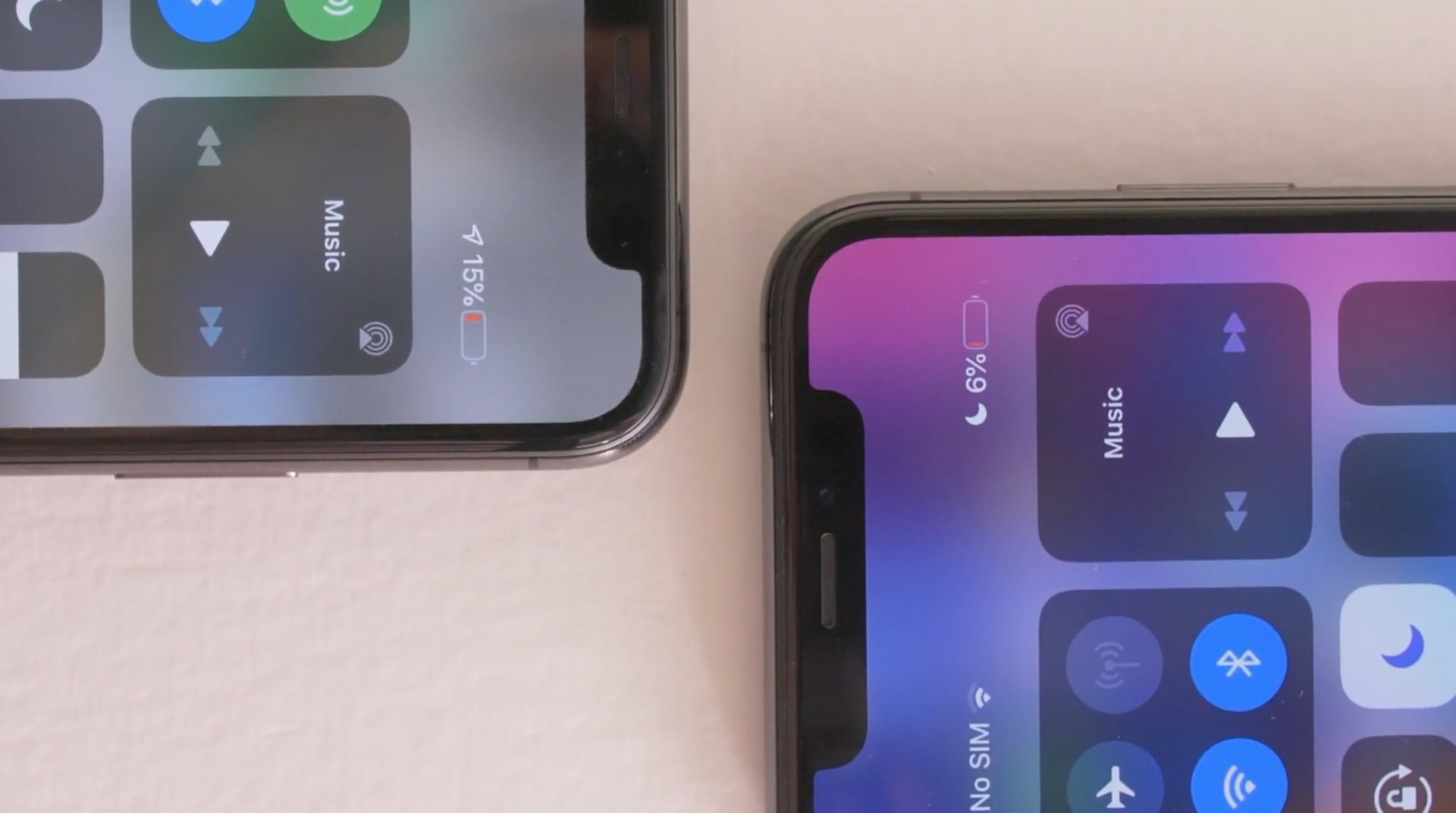
With the release of iOS 14.5, Apple brought a fix for iPhone 11 users who were facing inconsistent information regarding battery health. The update will recalibrate the battery on iPhone 11, iPhone 11 Pro, and the Pro Max models. Due to the issue, users faced sudden battery drains, and reduced performance, despite nothing being wrong with the battery.
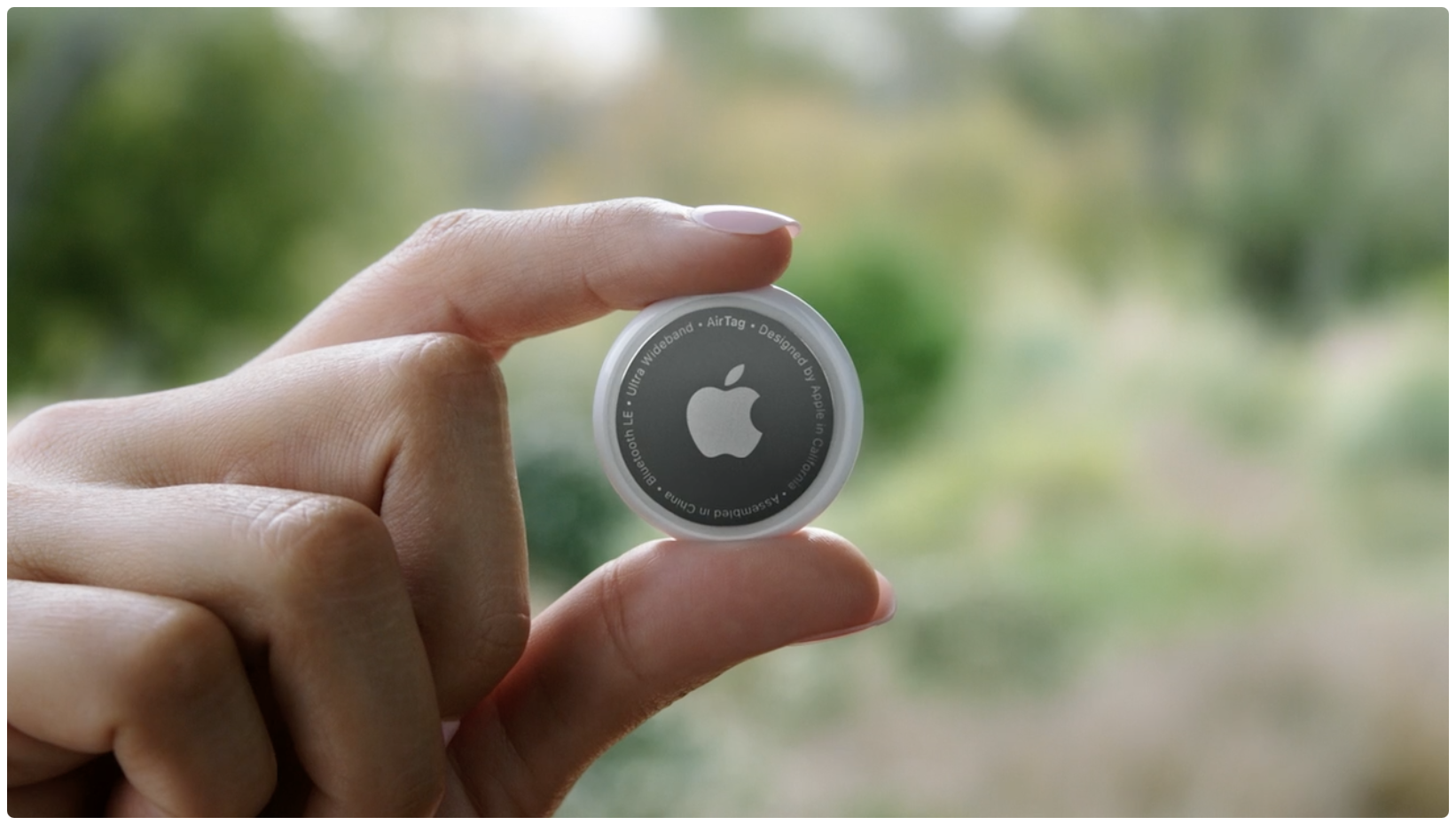
Learn how to rename your AirTag and change its emoji so you can distinguish it among multiple AirTags in the Find My app on your iPhone, iPad, and Mac.
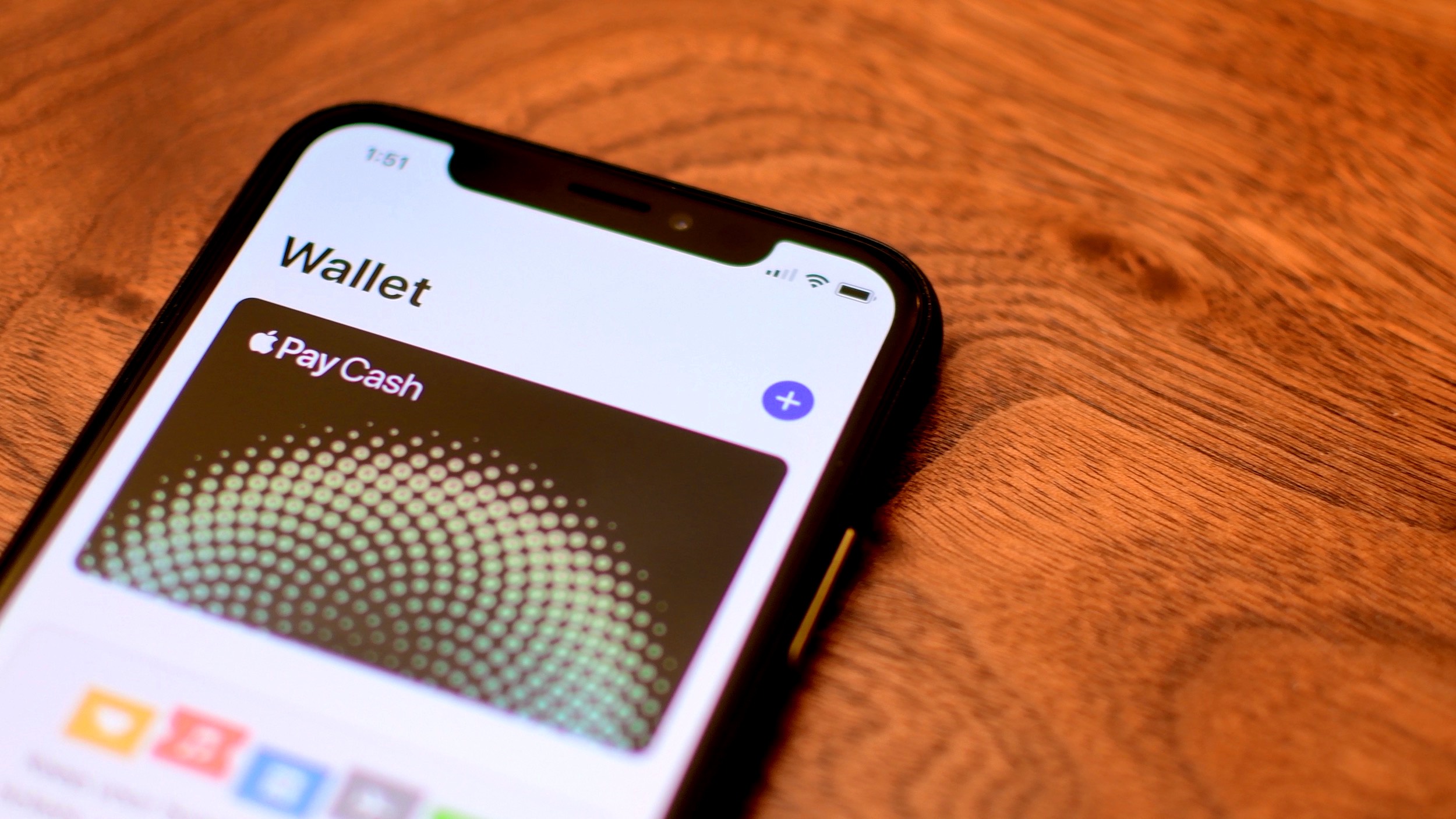
Learn how to disable Apple Pay remotely if you have misplaced your iPhone and don’t want to leave even a slight chance of the thief using your money.

Learn how to enable and use Low Data Mode on your iPhone to save data, extend battery life, and manage app data usage efficiently.

Learn how to reset your AirTag to its default settings for troubleshooting purposes or for making it ready for new use.
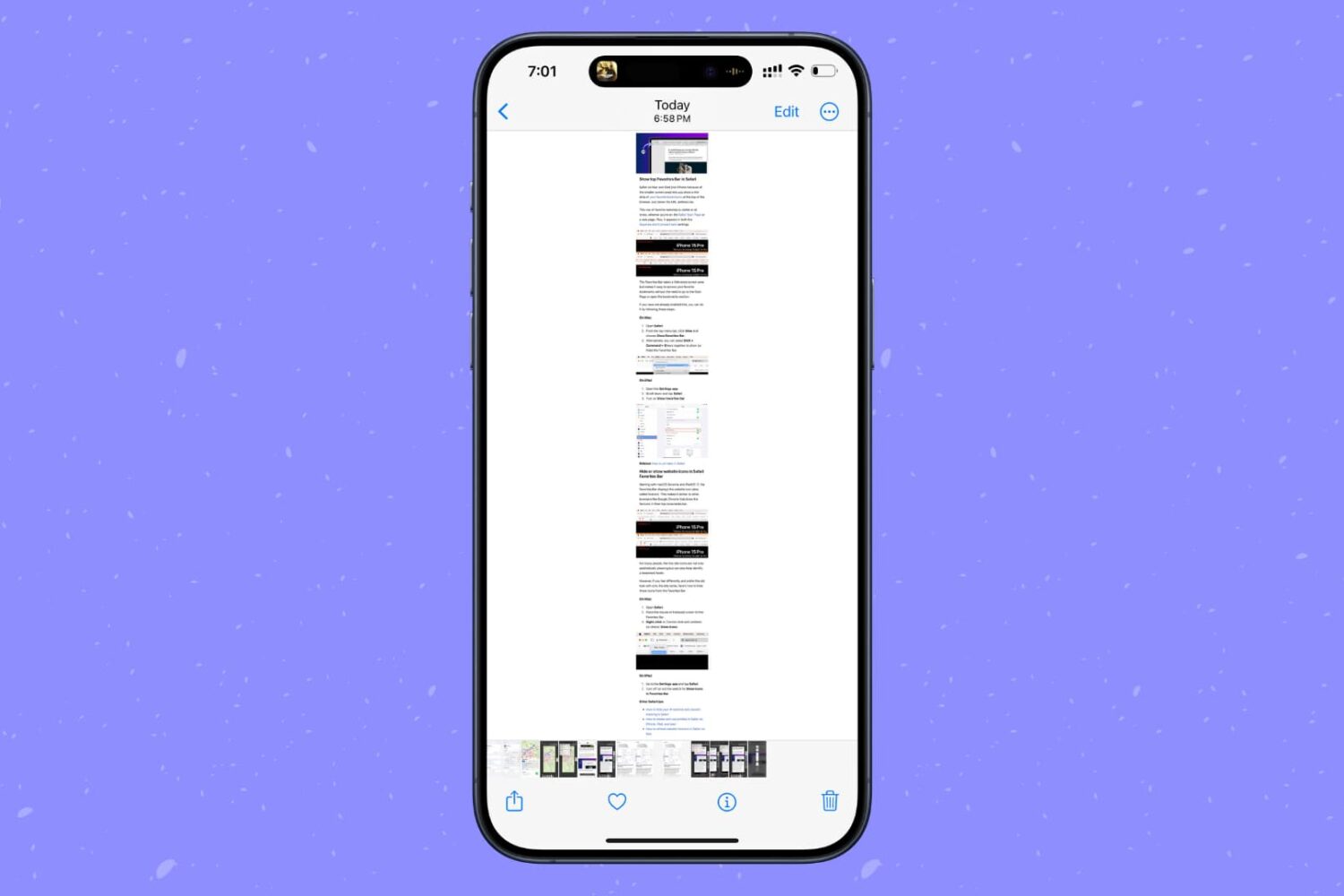
Learn how to screenshot the full page in any iPhone app to capture everything in a single tall image instead of taking multiple screenshots.