There are many reasons why your MacBook could be overheating. From wonky apps using too much CPU to poor ventilation, here are things to check for and the ways to prevent your Mac from getting too hot.
How to fix an overheating MacBook

Stay up-to-date on the latest Mac news, and tutorials. Get expert tips and tricks to optimize your Mac’s performance and learn about the latest Apple products and software updates. Discover the best Mac apps and accessories to enhance your user experience.
There are many reasons why your MacBook could be overheating. From wonky apps using too much CPU to poor ventilation, here are things to check for and the ways to prevent your Mac from getting too hot.

Apple is holding its last media event this year tomorrow, November 10, 2020, at 10am PDT. The "One more thing" event is pre-recorded due to the COVID pandemic and work-from-home measures. Here is how you can follow Apple's upcoming product presentation and see the company's first Apple Silicon-powered Mac models, regardless of where you live and which platforms or devices you may happen to be using for the moment.

In this tutorial, we will show you how to manage app windows with VoiceOver on Mac. You can use these tips to enter full screen, switch between apps and windows, and resize or move a window.

A private Wi-Fi address protects your privacy by reducing the tracking of your iPhone, iPad, Mac, and Apple Watch across different wireless networks. In this tutorial, you’ll learn how to enable a private Wi-Fi address on your Apple devices to enhance your privacy.
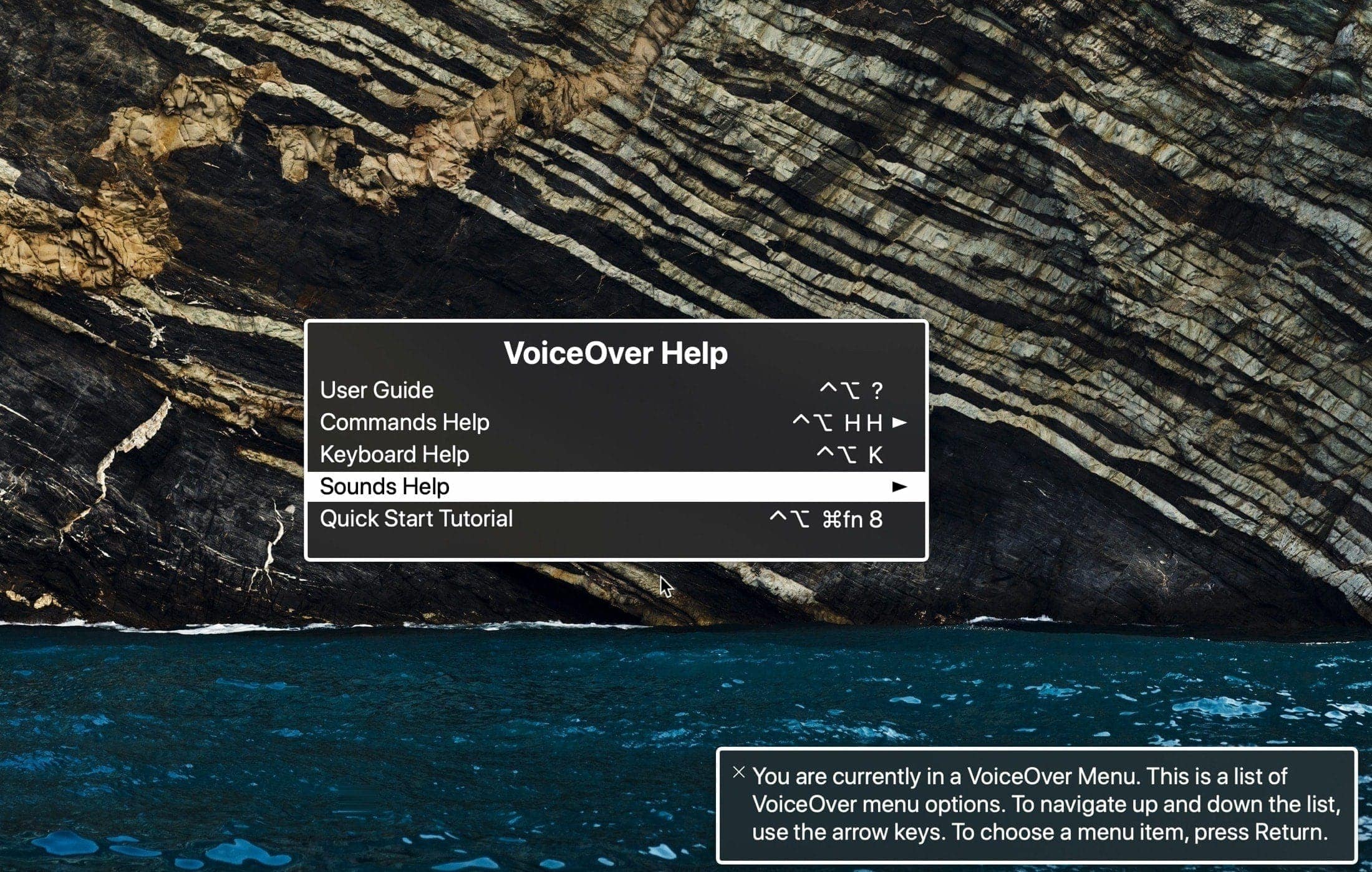
Learn how to open and use the VoiceOver Help and Commands menus on your Mac. These tools can assist you while getting used to the VoiceOver accessibility feature.

Apple Arcade connects you with your friends on Game Center. Not only does this allow you to play with them on any of your devices, but also see what they're playing. Follow along with us as we show you how to view the list of games that are popular with your Apple Arcade friends.

An Apple Arcade subscription gives you access to more than a hundred premium games across your iPhone, iPad, Apple TV and Mac devices, with additional titles added on a regular basis. iCloud keeps your gameplay progress synchronized across devices, but what about finding you recently played Apple Arcade games? In this helpful tutorial, we'll show you how to resume Apple Arcade games that you've recently played on your devices.

Check out and bookmark this list of Keyboard shortcuts for Outlook on Mac so you can breeze through your inbox and compose emails even faster.

In this tutorial, we’ll show you how to use, change, and lock VoiceOver modifier keys on your Mac to enter VoiceOver commands and make the most use of this accessibility feature.

Are you ready to start using your built-in Mac screen reader? In this quick tutorial, we’ll share how to turn VoiceOver on and off on your Apple computer.

Sharing your screen can be beneficial for both business and personal situations. For instance, maybe you’re showing a coworker or family member how to do something in an application. You can share your screen easily in Facebook Messenger. And you can do so in both the mobile and desktop Messenger app. Here’s how.