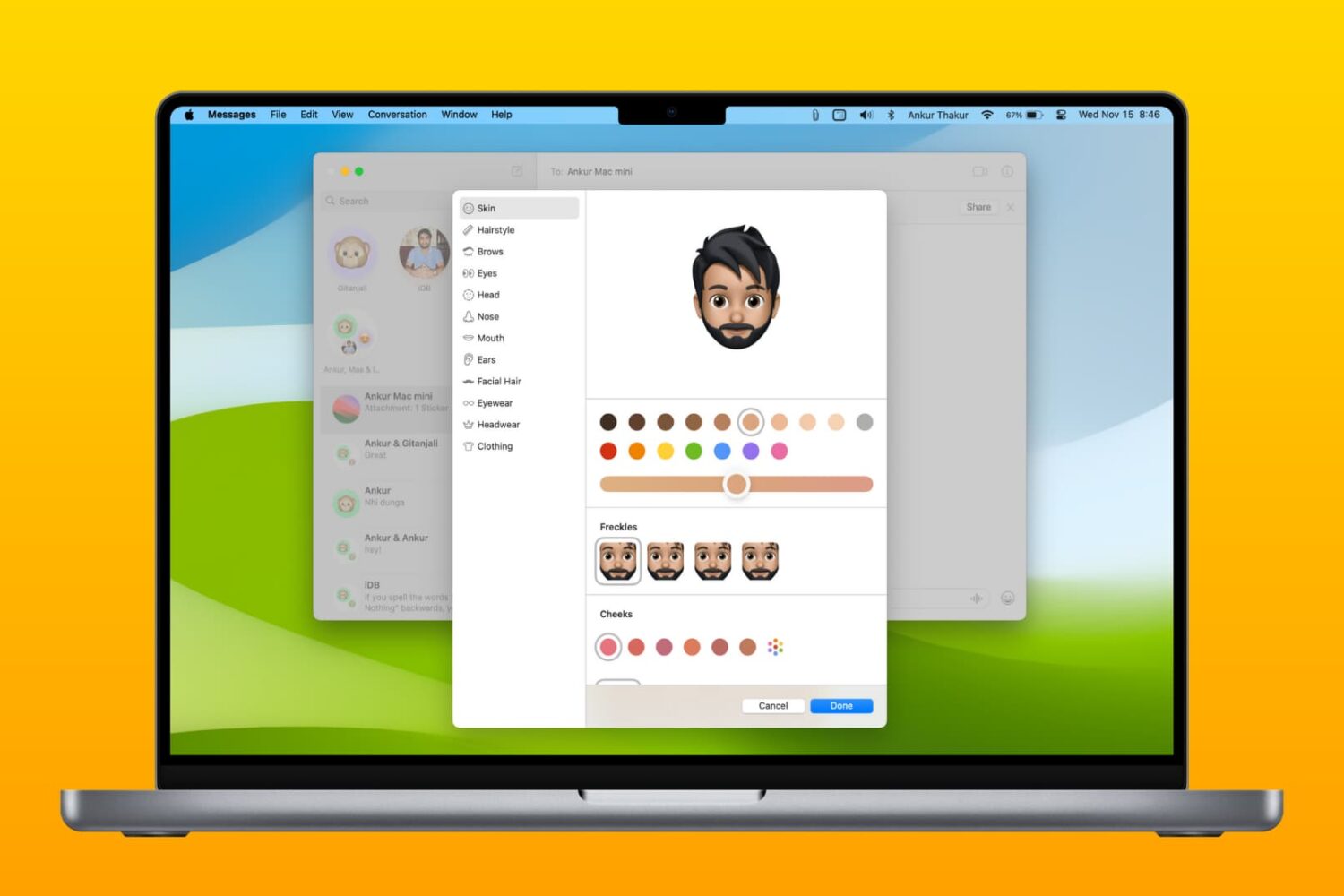
This is the ultimate collection of Mac keyboard shortcuts for navigating your Mac, invoking actions, and maneuvering apps.
The ultimate list of Mac keyboard shortcuts
Stay up-to-date on the latest Mac news, and tutorials. Get expert tips and tricks to optimize your Mac’s performance and learn about the latest Apple products and software updates. Discover the best Mac apps and accessories to enhance your user experience.
This is the ultimate collection of Mac keyboard shortcuts for navigating your Mac, invoking actions, and maneuvering apps.
Apple provides the enhanced Universal 2 binary feature to its developers who wish to ship macOS apps that pack in code for both Intel and Apple Silicon systems. In other words, a universal binary runs natively on both Apple M1 and Intel-based Mac computers because it contains executable code for both architectures. However, certain edge cases may justify running a native Apple Silicon app under Rosetta emulation, and we show you how it's done.
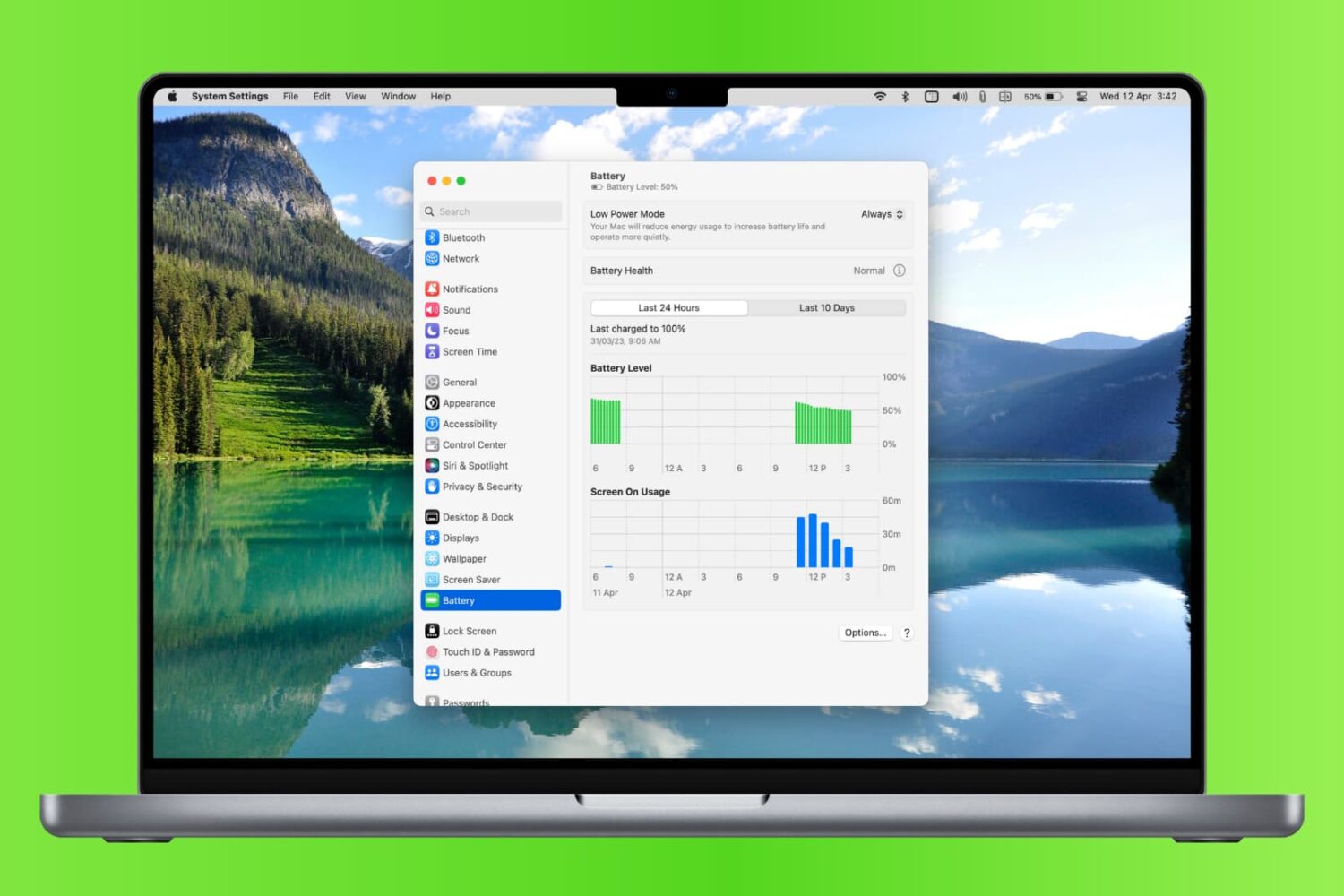
Learn how to check your MacBook’s battery usage history so you can compare charging accessories, view days with heavy use, and more.
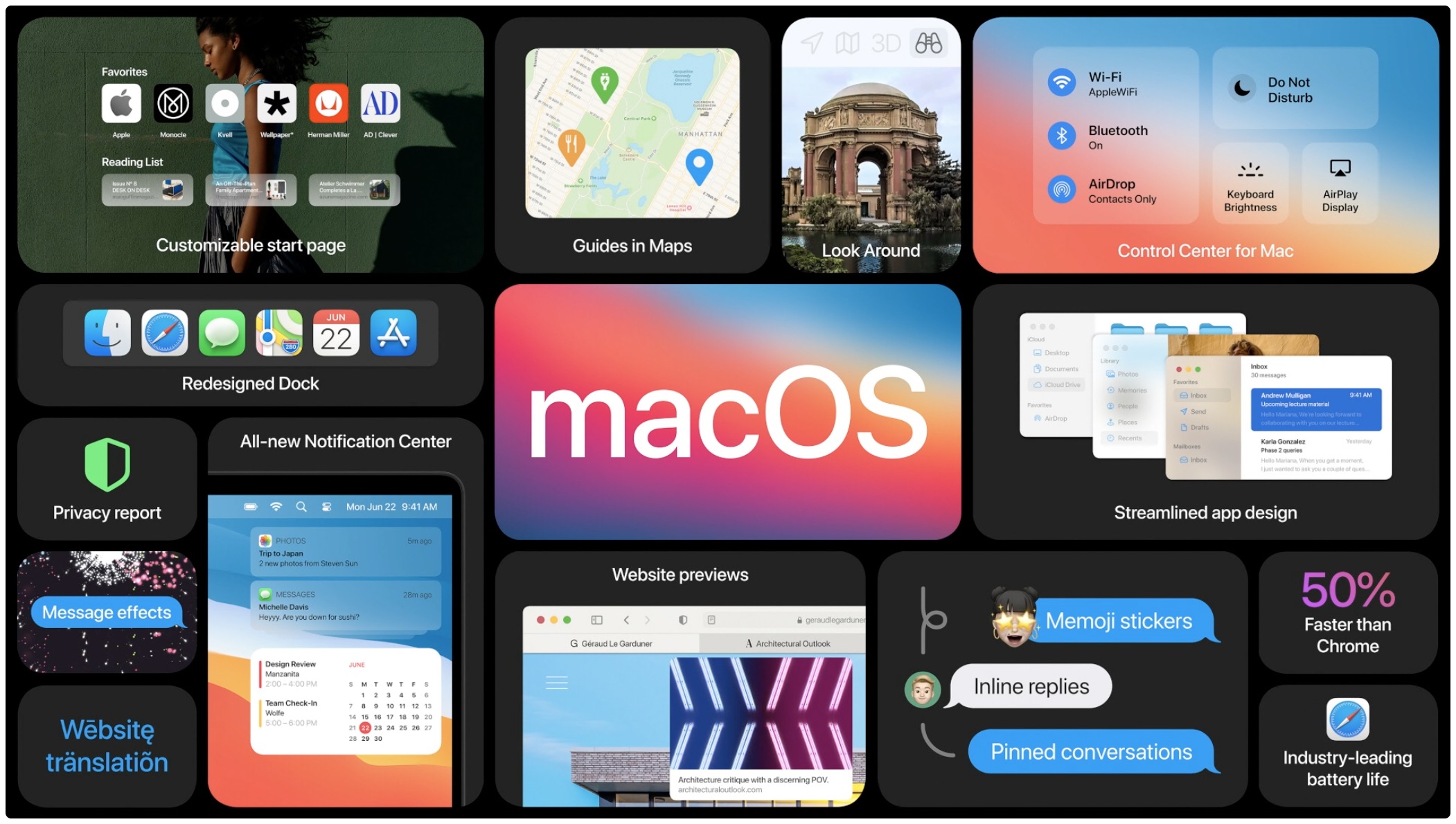
macOS Big Sur, Apple's latest software powering Macs, has been available for more than a week now. As some people have reported problems when trying to update their late-2013 or mid-2014 13-inch MacBook Pro notebook to Big Sur, Apple has now offered a fix.

Learn how to customize and use the Notification Center on your Mac so you can see the stacked notifications the way you like, interact with them, and work with macOS widgets.

Check out eleven tips for customizing your Mac’s top menu bar to personalize its look and increase your productivity.
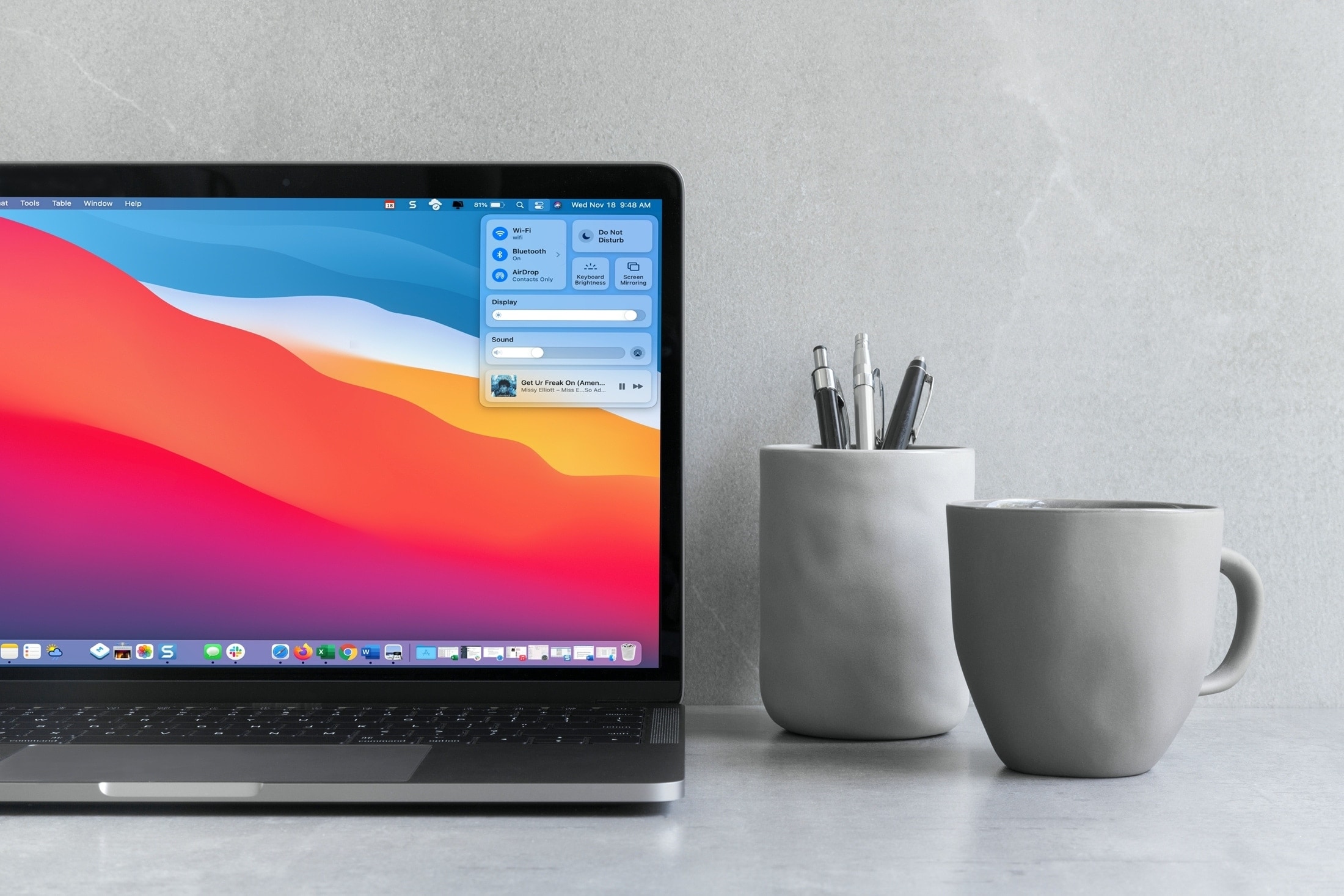
Your Mac comes with the Control Center feature that's similar to the iPhone and iPad's Control Center you already know and love. Follow along with this tutorial to learn how to use macOS Control Center, including how to customize it to your liking by adding or removing items.
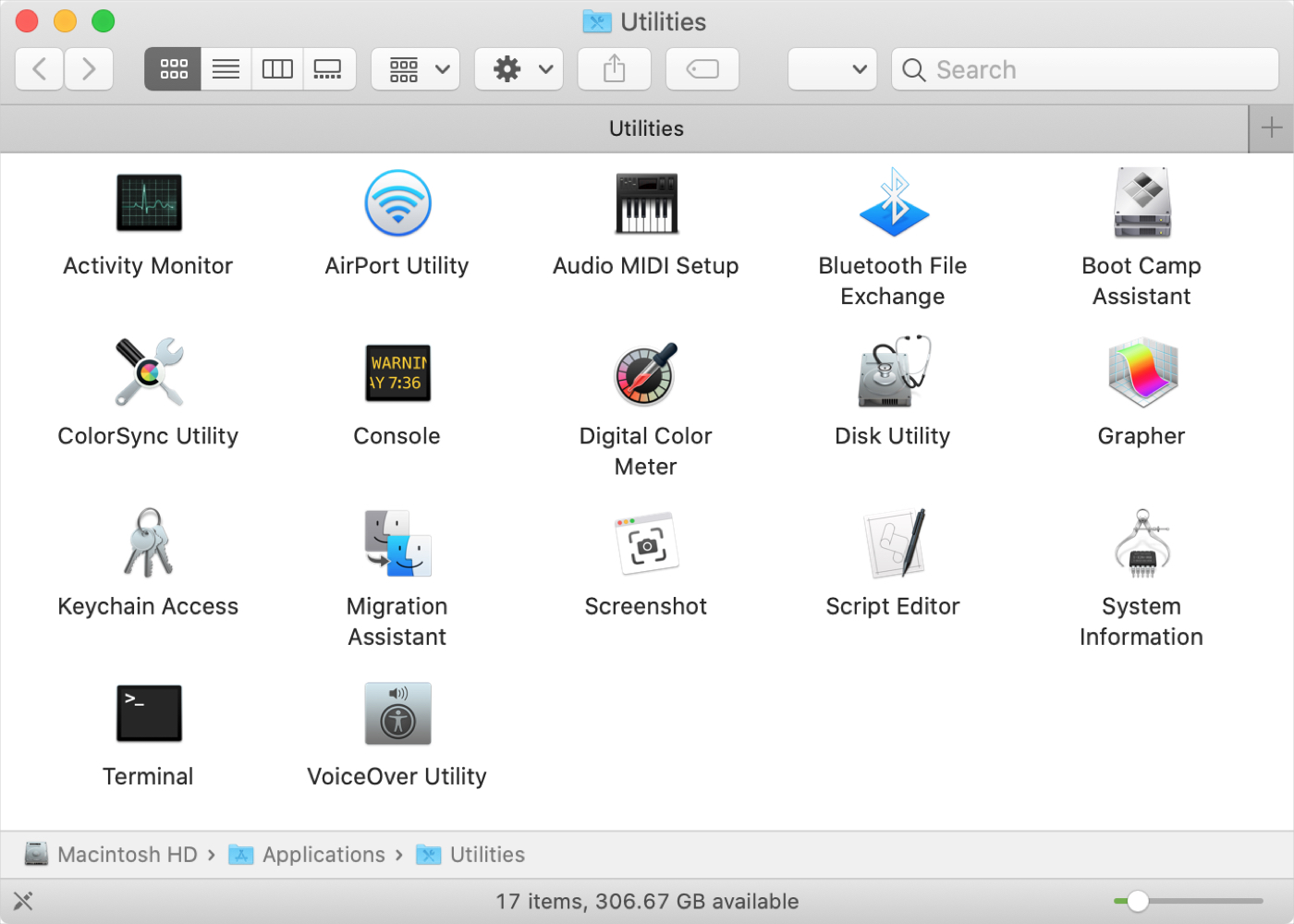
If you’ve just purchased your first Mac, and especially if you’re coming from Windows, you might be wondering about the Utilities folder. You may see the folder but have yet to open it or you might be looking for a specific tool and don’t realize it’s in that folder.
Whatever the case, we’re here with another in our New to Mac series to help you out! We’ll explain what’s in the Utilities folder and what each tool is for.

It’s one of those Mail features that’s easy to miss. It’s called Redirect, and it lets you send emails you’ve received to others without actually forwarding them. This is convenient for emails you receive by mistake, or that should be sent to someone else to handle.
When you redirect an email, it has no indication of it like it does when you forward a message. The person you redirect the email to receives it as if it came to them originally.
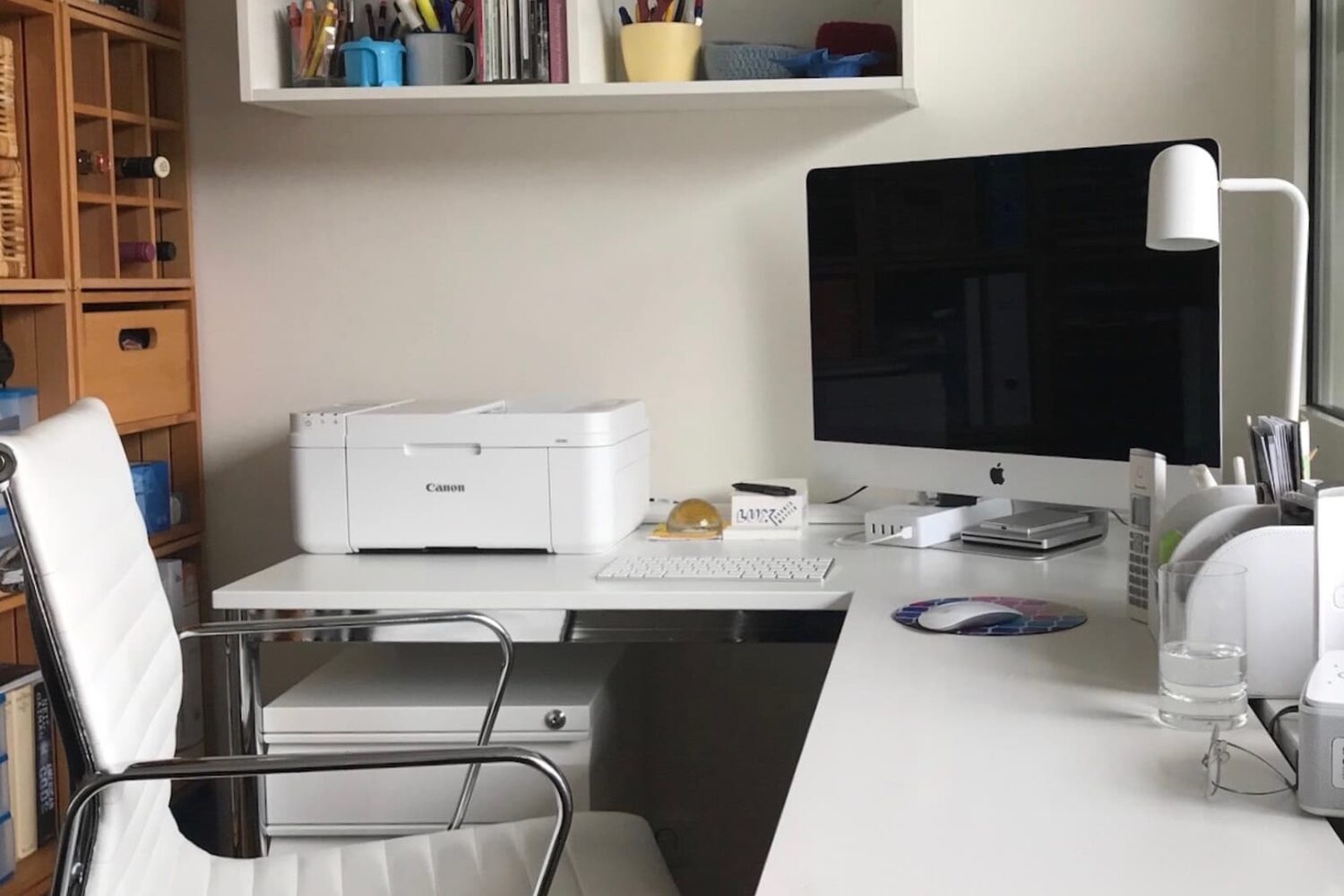
If you have a printer connected to your Mac, you can see the print jobs you currently have in the queue. And if you use a shared printer, this can be handy to confirm that you’ve sent your job to the printer and are still waiting your turn.
At the same time, you might want to see completed jobs. Again, with a shared printer, you may find that items you thought you printed are nowhere to be found. You can check to see if your item did, in fact, print successfully. You can then hunt down the coworker or family member who accidentally grabbed your printed items.
Here, we’ll show you how to view details of print jobs on your Mac, including currently printing jobs and completed jobs.
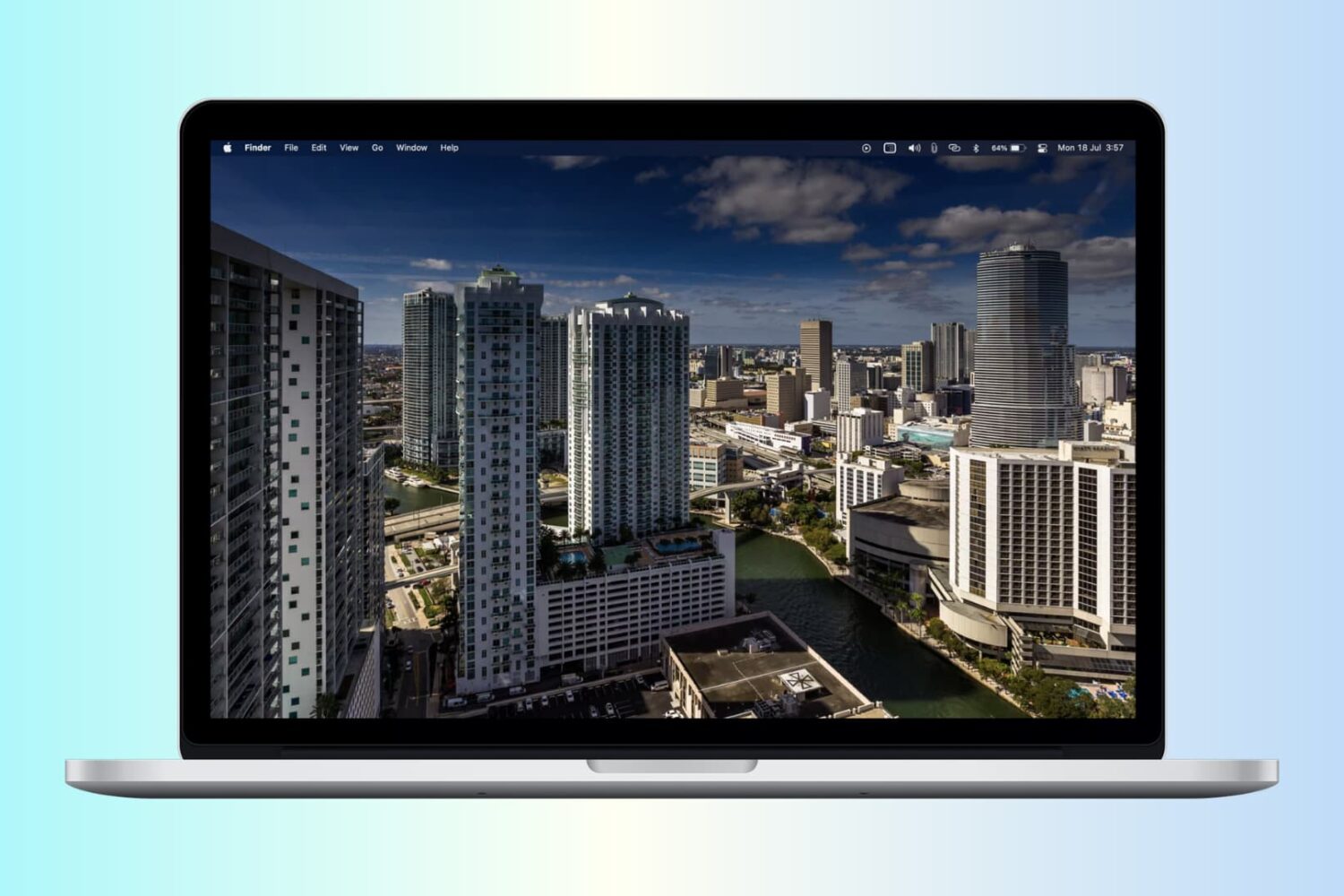
In this guide, we will go over some easy ways to figure out the age of your Mac on both a working and non-working computer.