In this tutorial, we'll show you how to open multiple websites at once in Chrome and Safari on Mac to save time every day.
How to open multiple websites at once on Mac
Stay up-to-date on the latest Mac news, and tutorials. Get expert tips and tricks to optimize your Mac’s performance and learn about the latest Apple products and software updates. Discover the best Mac apps and accessories to enhance your user experience.
In this tutorial, we'll show you how to open multiple websites at once in Chrome and Safari on Mac to save time every day.
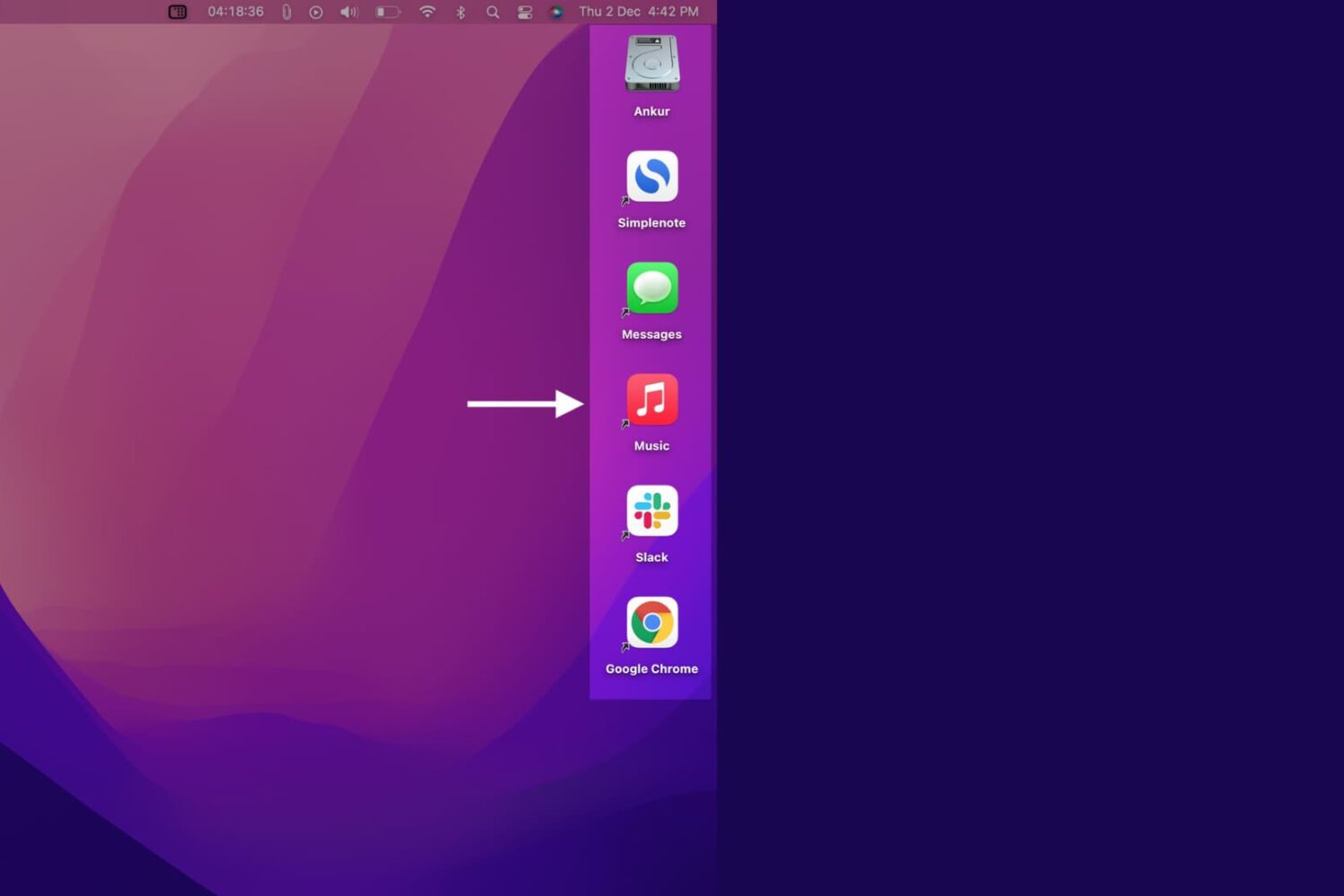
In this quick tutorial, we show you how to create application shortcuts on your Mac’s desktop or folders.

Check out the complete steps to reset the built-in Mail app on your iPhone, iPad, and Mac to troubleshoot problems related to it.
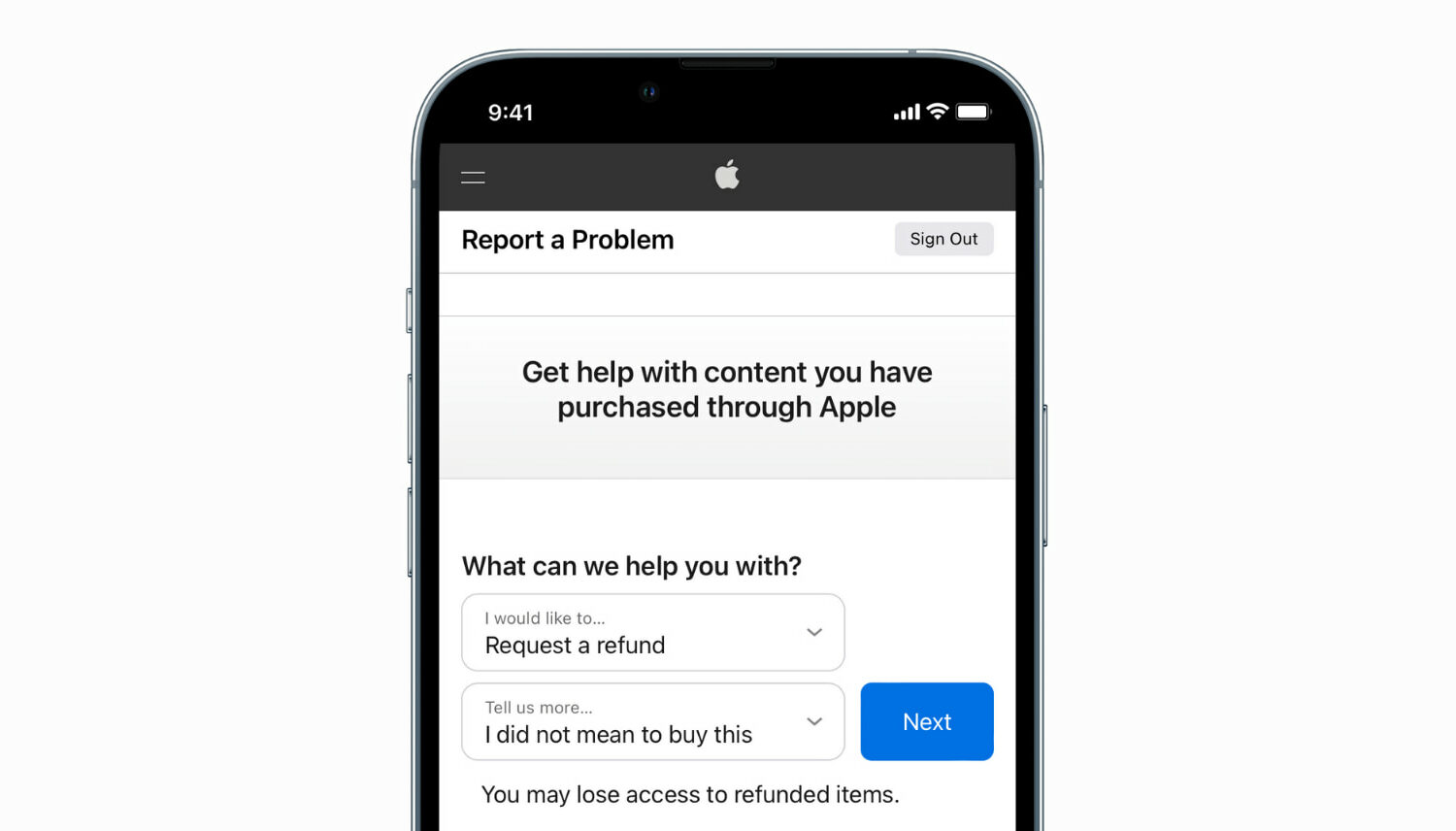
Learn how to request a refund from Apple for an app, media, subscription, or purchase using your iPhone, iPad, Mac, or Windows PC.
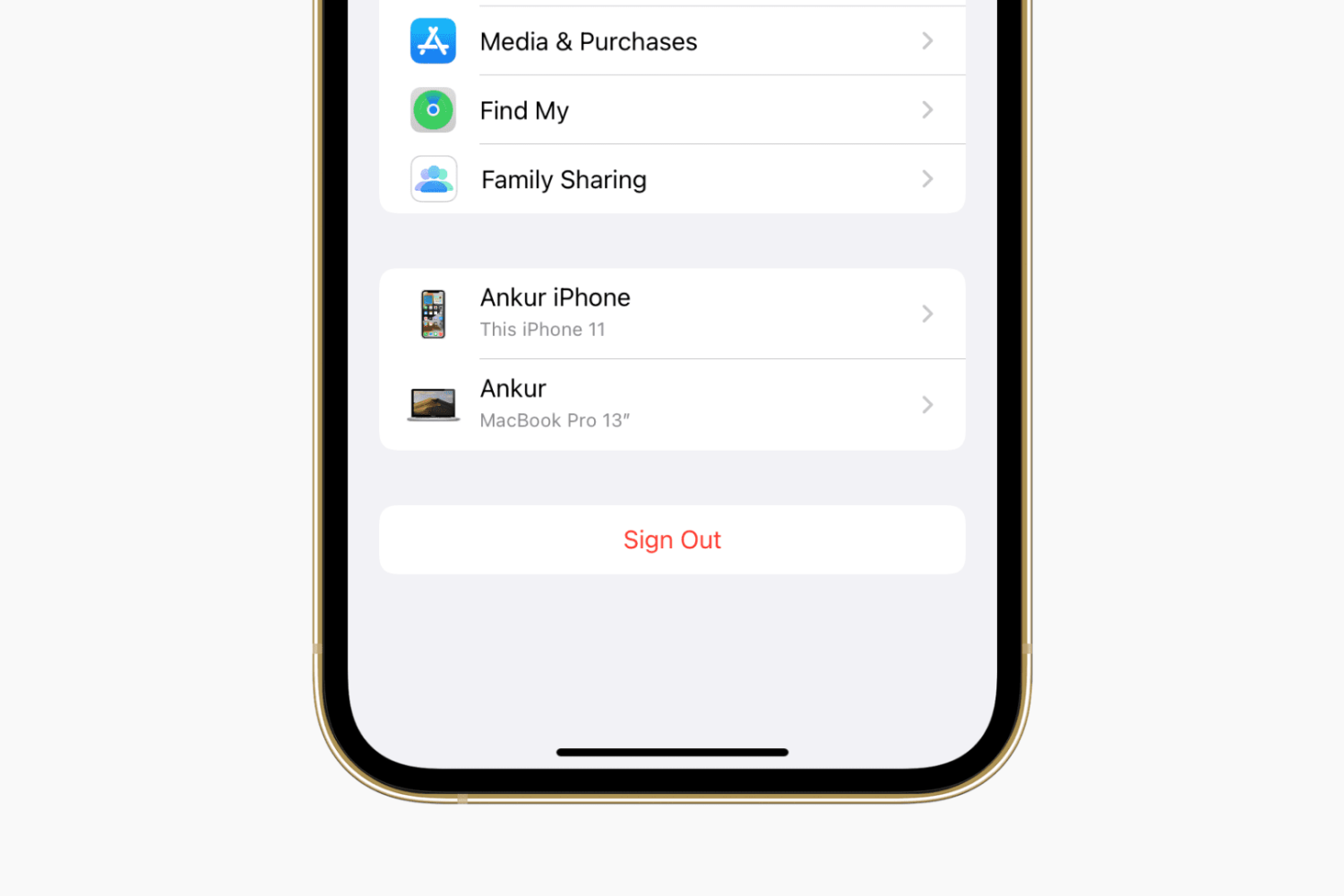
Learn how to sign out of iCloud or your Apple Account and sign in again on your iPhone, iPad, Apple Watch, and Mac, as well as the consequences and possible side effects associated with this.
Check out the easy steps to hide or unhide an app from your list of App Store purchases on iPhone, iPad, and Mac.
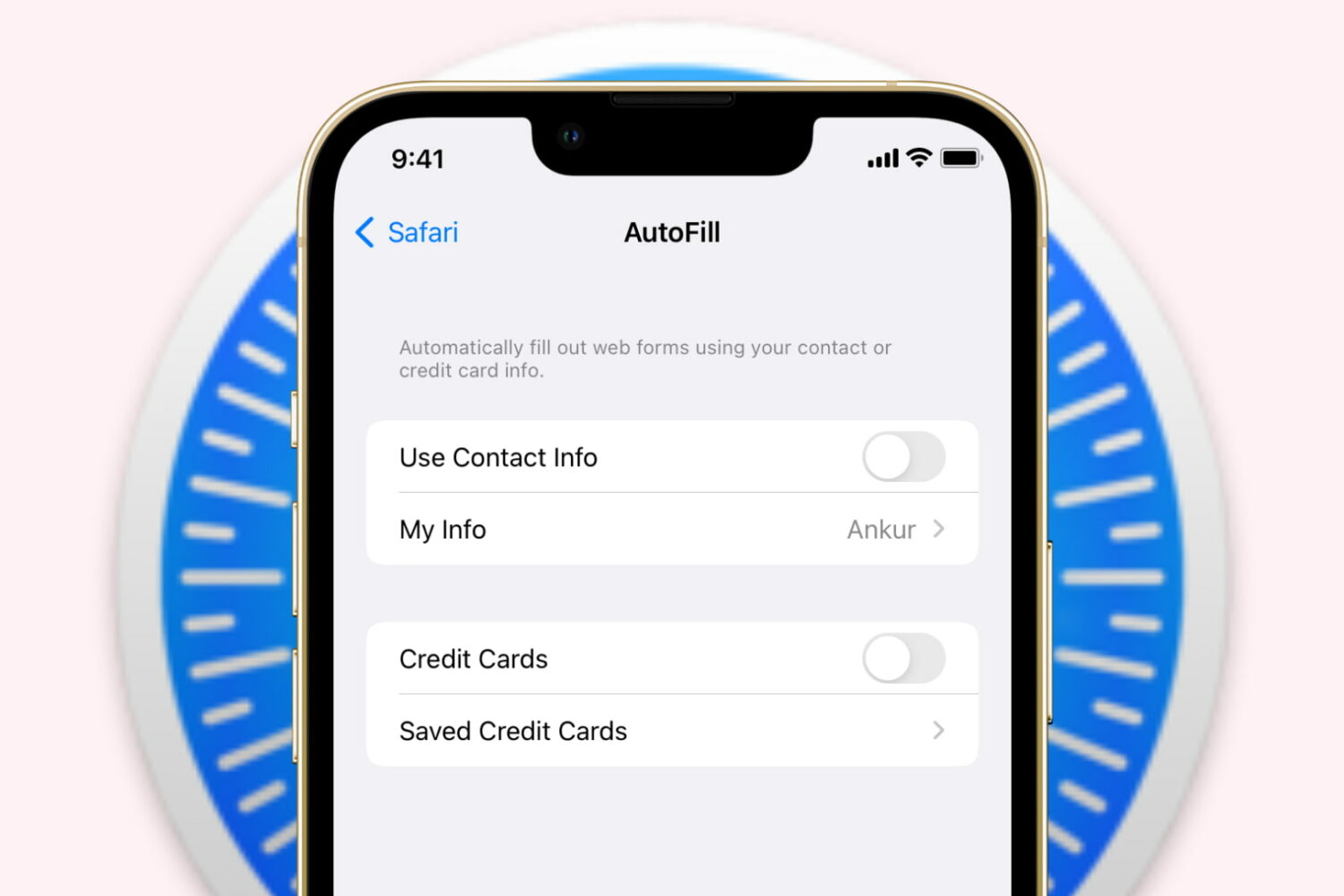
Learn how to stop Safari on iPhone, iPad, and Mac from auto-filling your name, address, email, and payment info on websites if you prefer to do it manually or have privacy concerns.

Check out these four free and easy ways to open blocked or geo-restricted websites on your iPhone, iPad, Mac, and other devices.
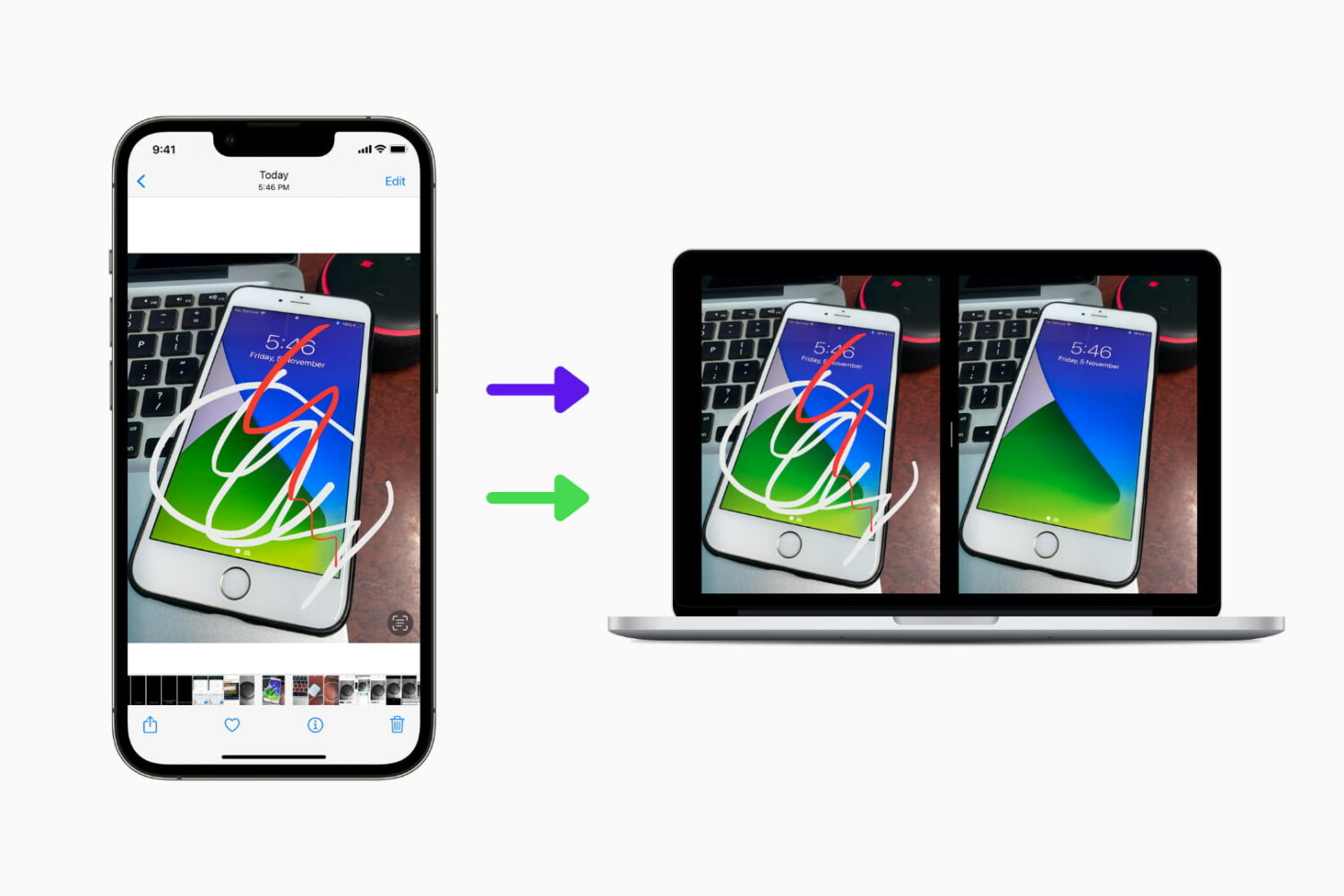
Did you edit a photo on your iPhone or iPad but now want to get its original version back? In this guide, we show you two ways to have both the edited and non-edited variants of the same image.
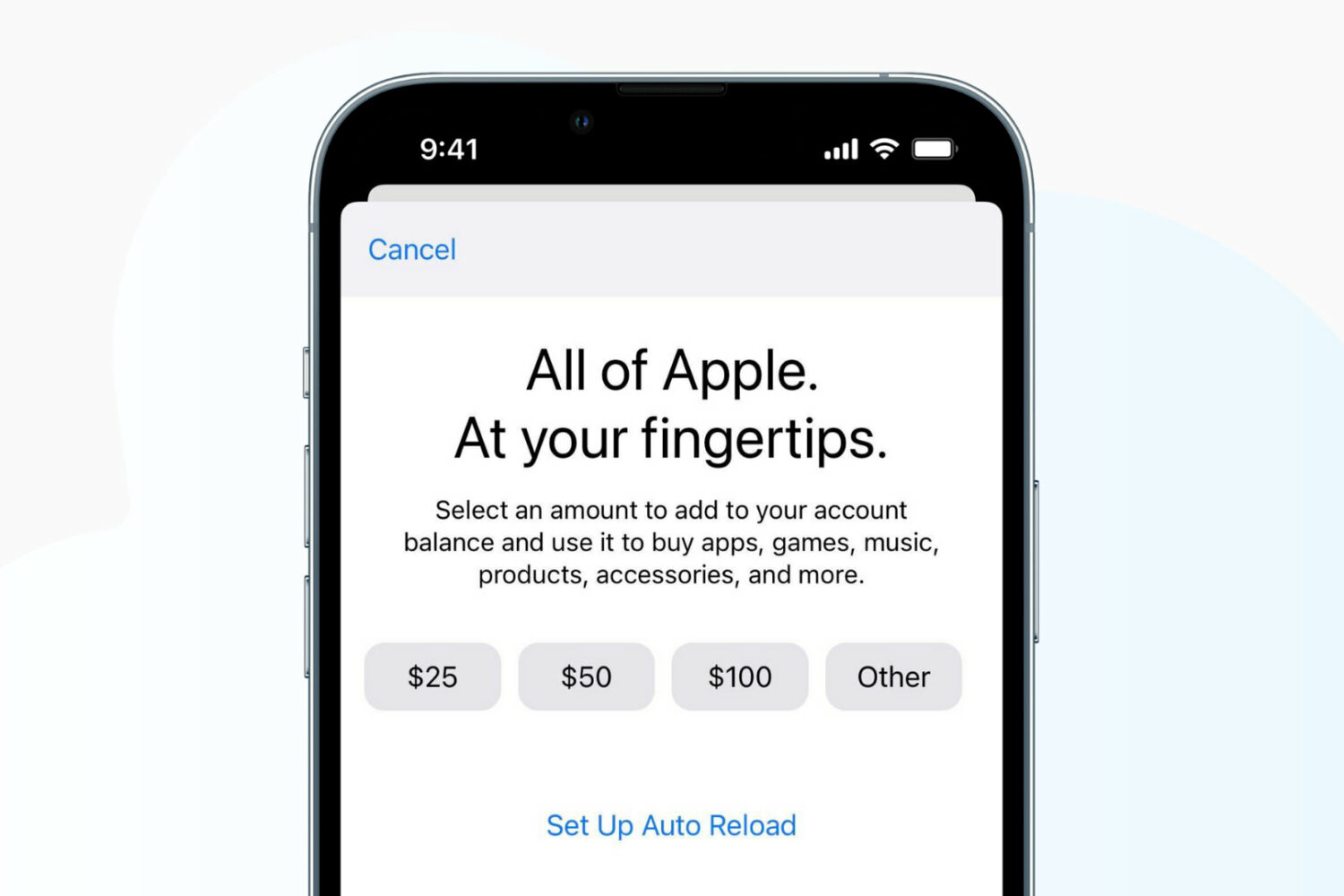
Learn how to add money to your Apple Account balance on your iPhone, iPad, or Mac, see the remaining funds, and know everything else about it.

Learn how you can enable Private Session in Spotify on its mobile and desktop apps to listen to music privately.
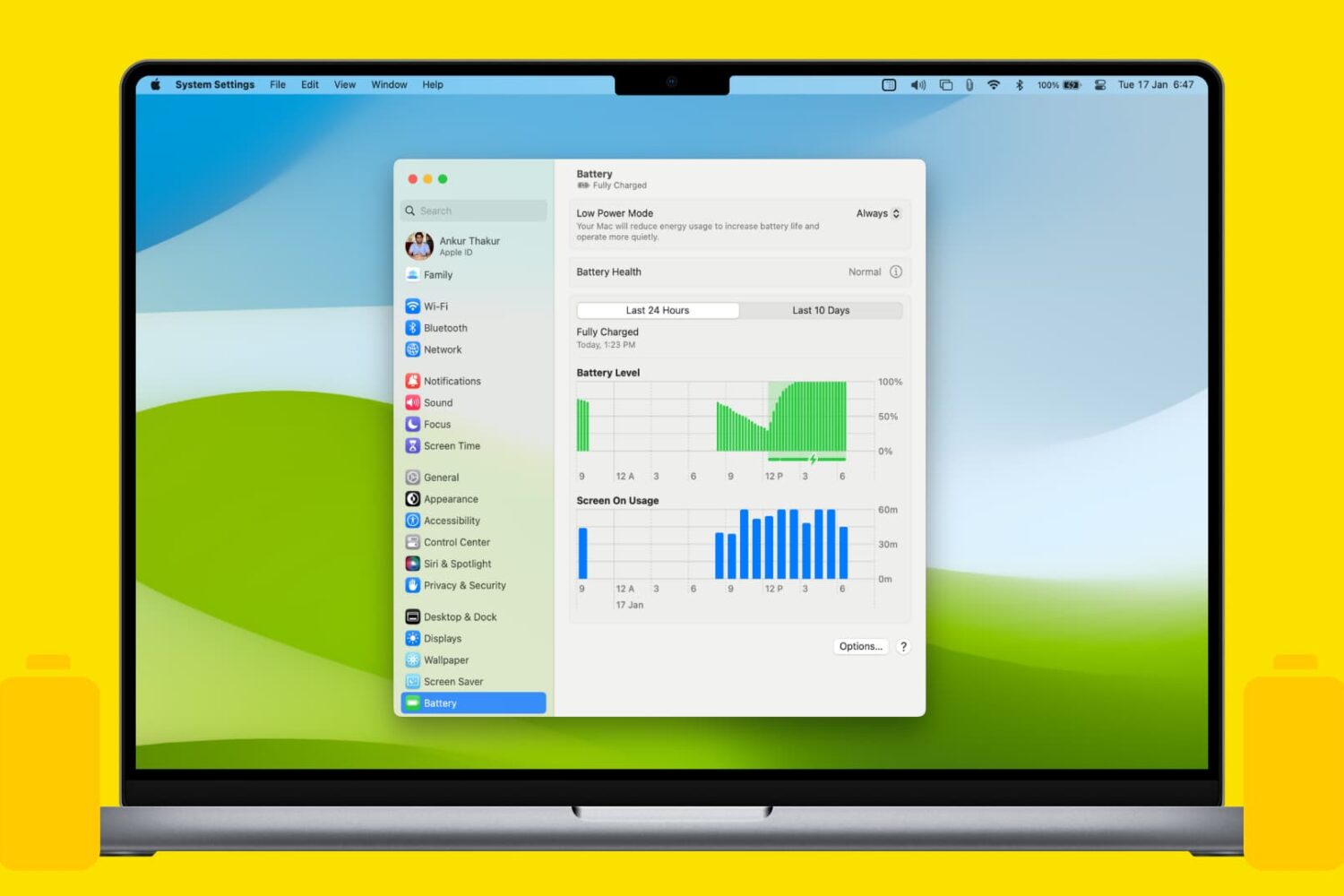
Learn how to enable the Low Power Mode on your MacBook Air, Pro, or Neo to extend battery life and help it run cooler and quieter.