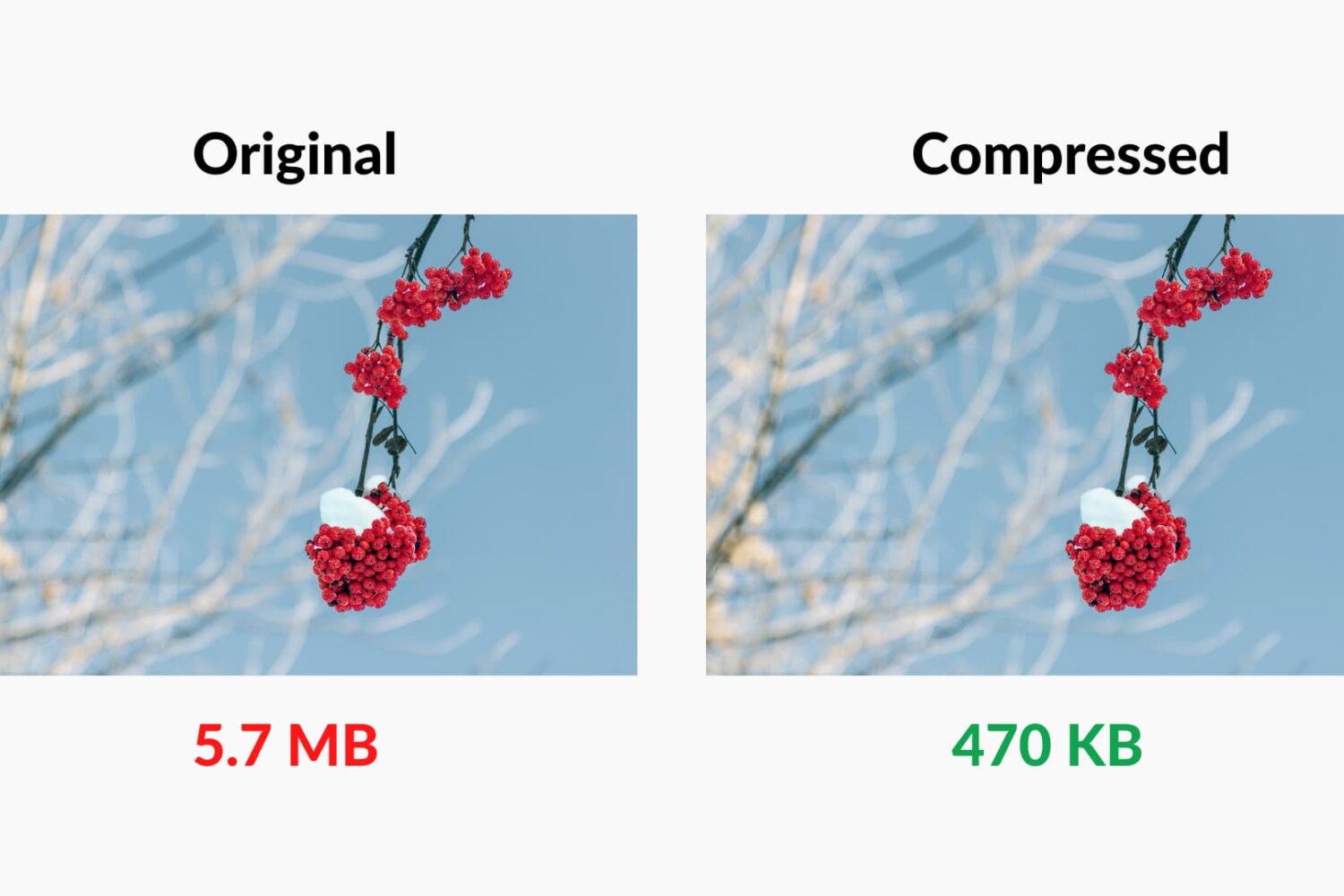
Check out these 7 easy tools to compress images on your Mac to save space without compromising quality.
7 free ways to compress images on Mac
Stay up-to-date on the latest Mac news, and tutorials. Get expert tips and tricks to optimize your Mac’s performance and learn about the latest Apple products and software updates. Discover the best Mac apps and accessories to enhance your user experience.
Check out these 7 easy tools to compress images on your Mac to save space without compromising quality.

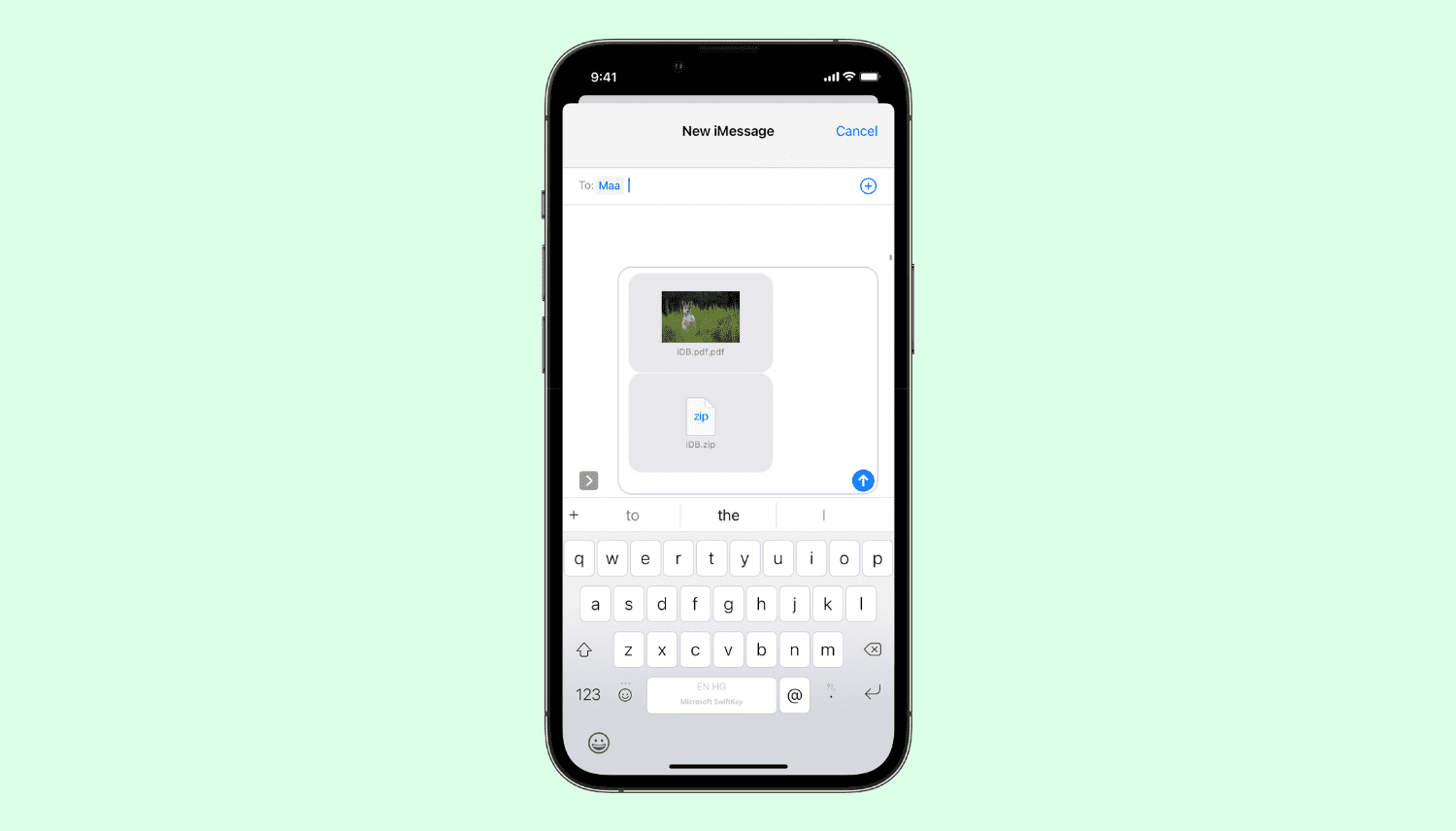
Learn about Apple’s Mail Drop feature, its limitations, and how to use it on iPhone, iPad, Mac, or a web browser to send large files via email.
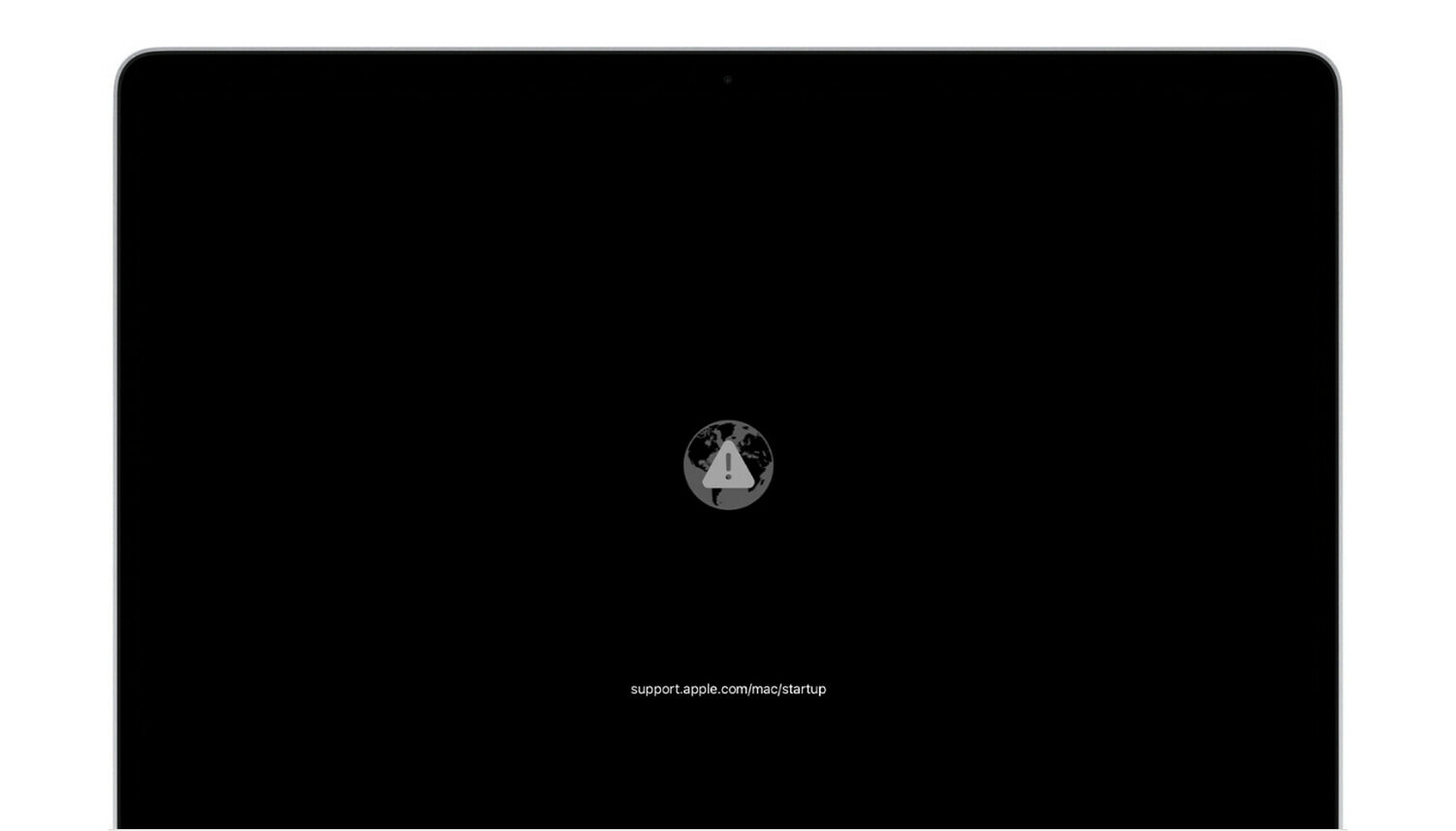
Are you seeing a gray globe icon with an alert mark on your Mac's Recovery screen, and does it keep reappearing even after trying Internet Recovery again? I have faced this issue several times in the last few years. So let me tell you more about why you see the globe icon with an alert or exclamation symbol on Mac, share my experience with it, and show you how to fix it.
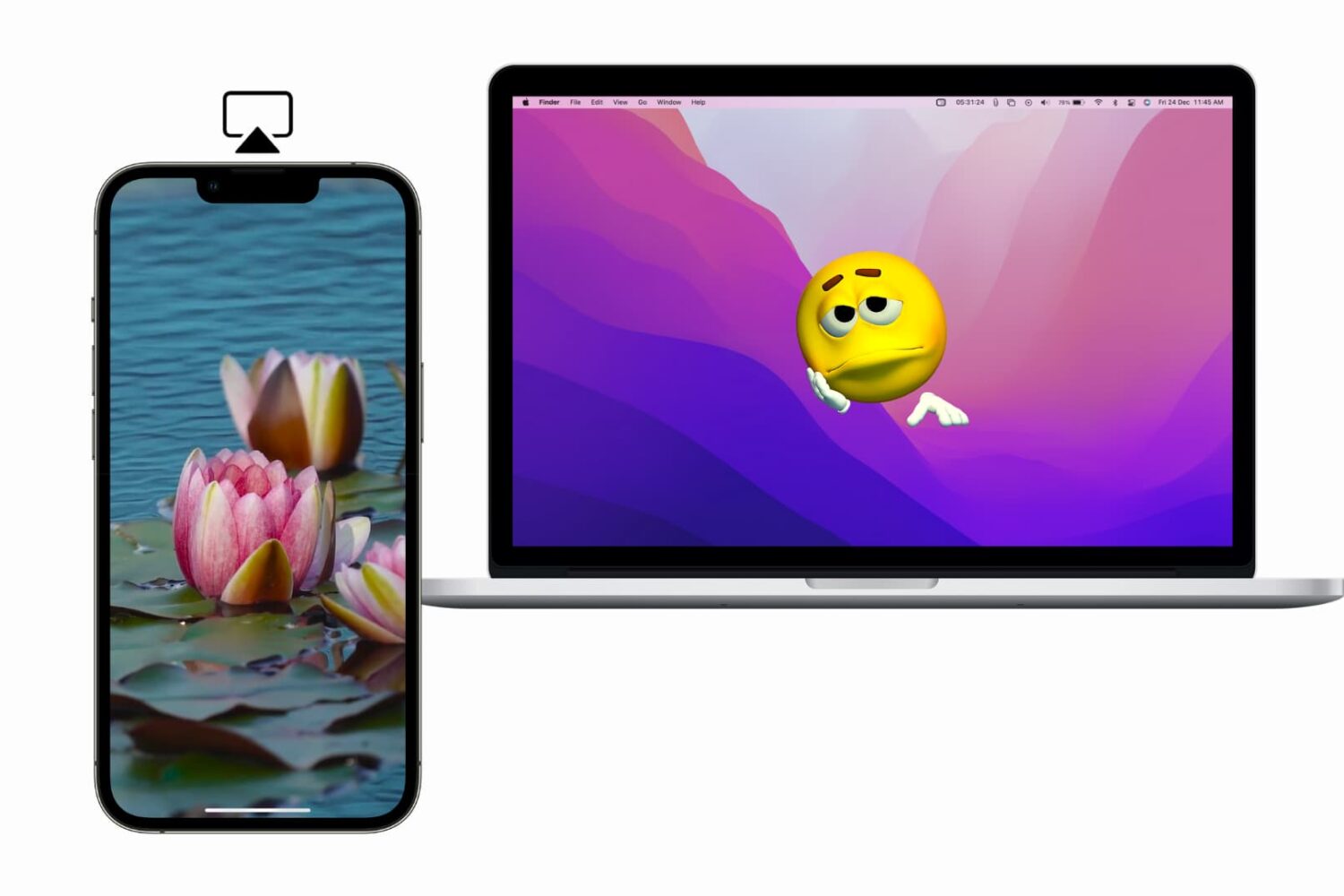
Learn what to do if you cannot AirPlay to Mac, your Mac doesn't show up as an AirPlay target, or if video, photos, audio, or screen do not project from your iPhone or iPad to your Mac.
In this guide, I go over a list of over 40+ things I always do to ensure the best user experience after setting up a new or erased Mac.
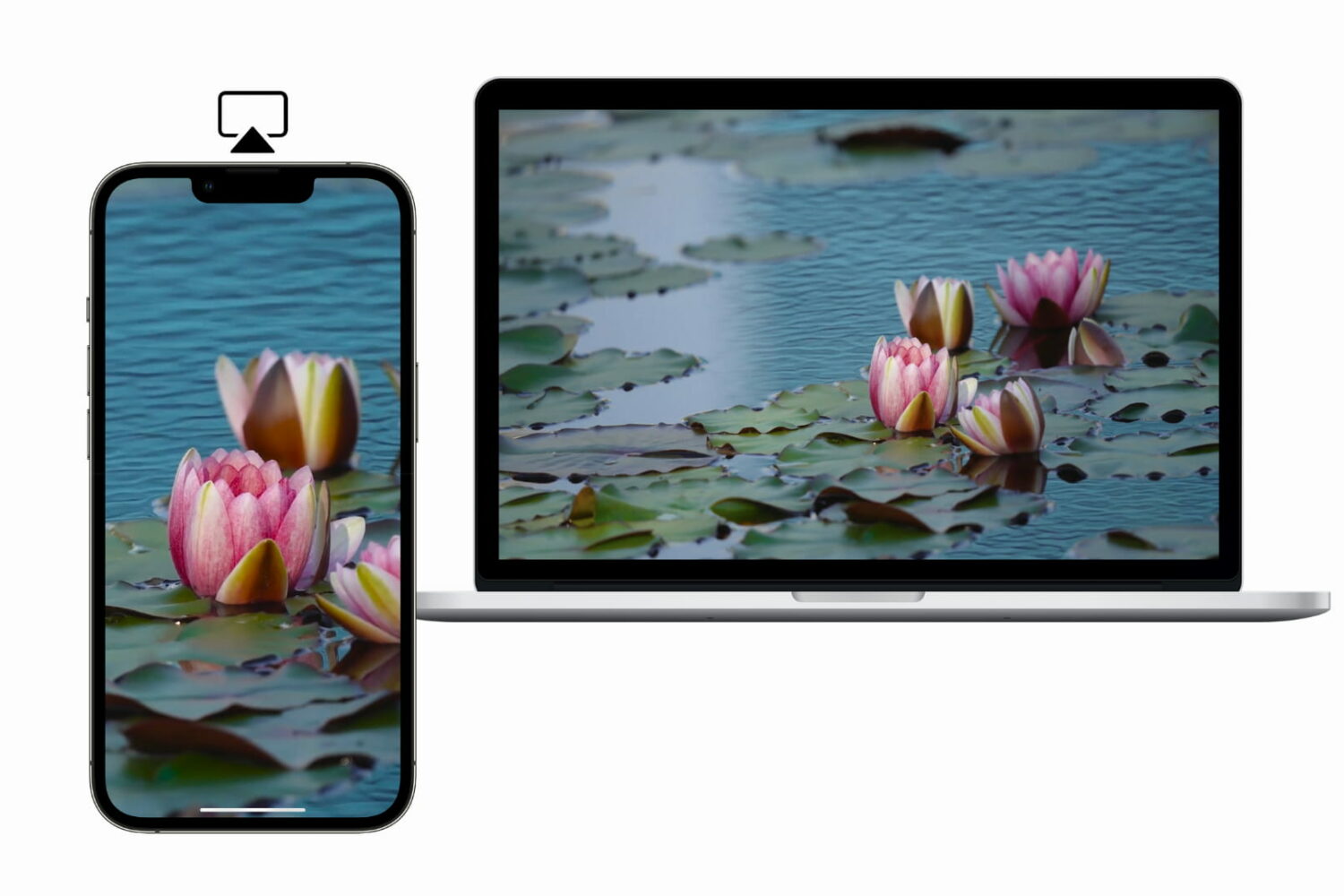
Learn how to AirPlay photos, videos, and music, or mirror your iPhone, iPad, or Mac screen to another Mac.
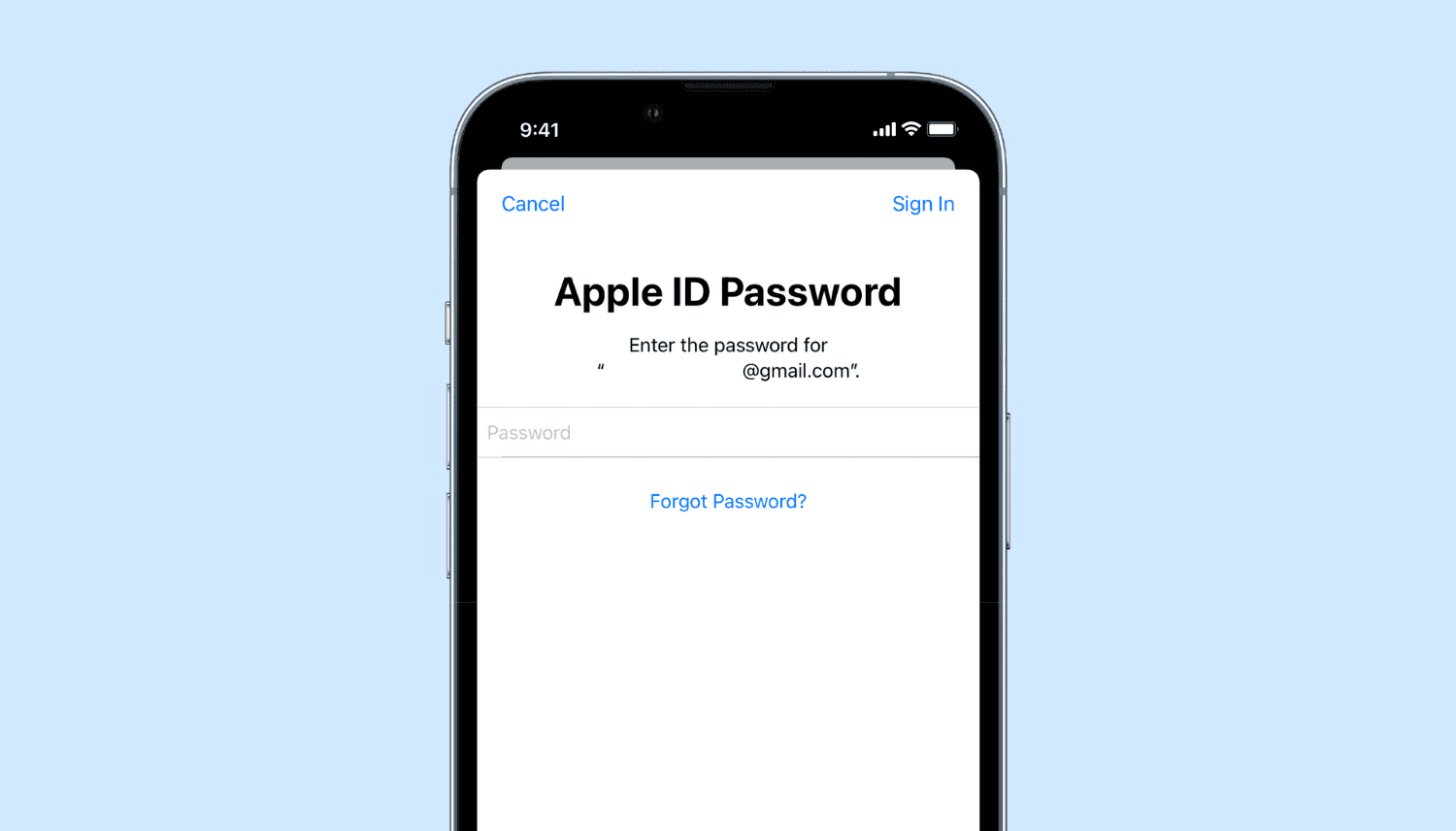
Learn what to do if you’re annoyed by repetitive popups and notifications asking you to enter your Apple Account password on your iPhone, iPad, or Mac.
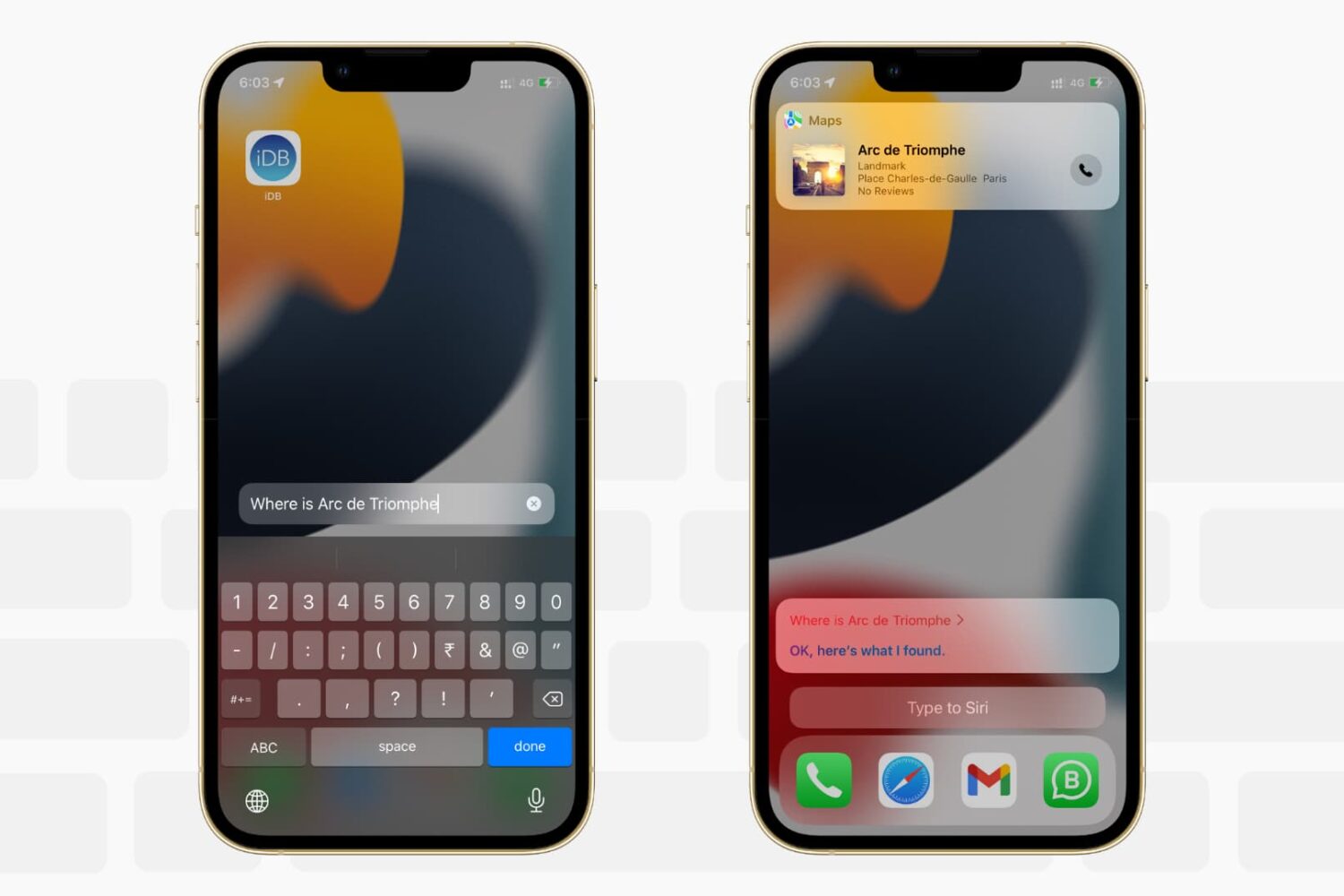
Want to write to Siri instead of speaking to it? In this tutorial, we’ll show you how to type to Siri instead of speaking, making it easier to communicate discreetly with Apple’s virtual assistant on iPhone, iPad, Mac, Apple Watch, and Apple TV.
Siri is the default built-in voice assistant on Apple devices. It lets you set alarms, answer questions, and do almost everything voice assistants do. This quick tutorial shows you how to call Siri on iPhone, iPod touch, iPad, Apple Watch, AirPods, Mac, HomePod, Apple TV, and supported cars.

Learn how to set up and use Do Not Disturb (DND) on your iPhone, iPad, Mac, and Apple Watch to minimize distractions and stay focused while working, driving, or resting.

Don't like the current cover image of a photo album? Check out these quick steps to use any other picture or video as the cover photo or "Key Photo" for an album on your iPhone, iPad, or Mac.