Learn how to add money to your Apple Account balance on your iPhone, iPad, or Mac, see the remaining funds, and know everything else about it.
What is Apple Account balance and how to use it on iPhone, iPad, and Mac
Stay up-to-date on the latest Mac news, and tutorials. Get expert tips and tricks to optimize your Mac’s performance and learn about the latest Apple products and software updates. Discover the best Mac apps and accessories to enhance your user experience.
Learn how to add money to your Apple Account balance on your iPhone, iPad, or Mac, see the remaining funds, and know everything else about it.
Learn how you can enable Private Session in Spotify on its mobile and desktop apps to listen to music privately.
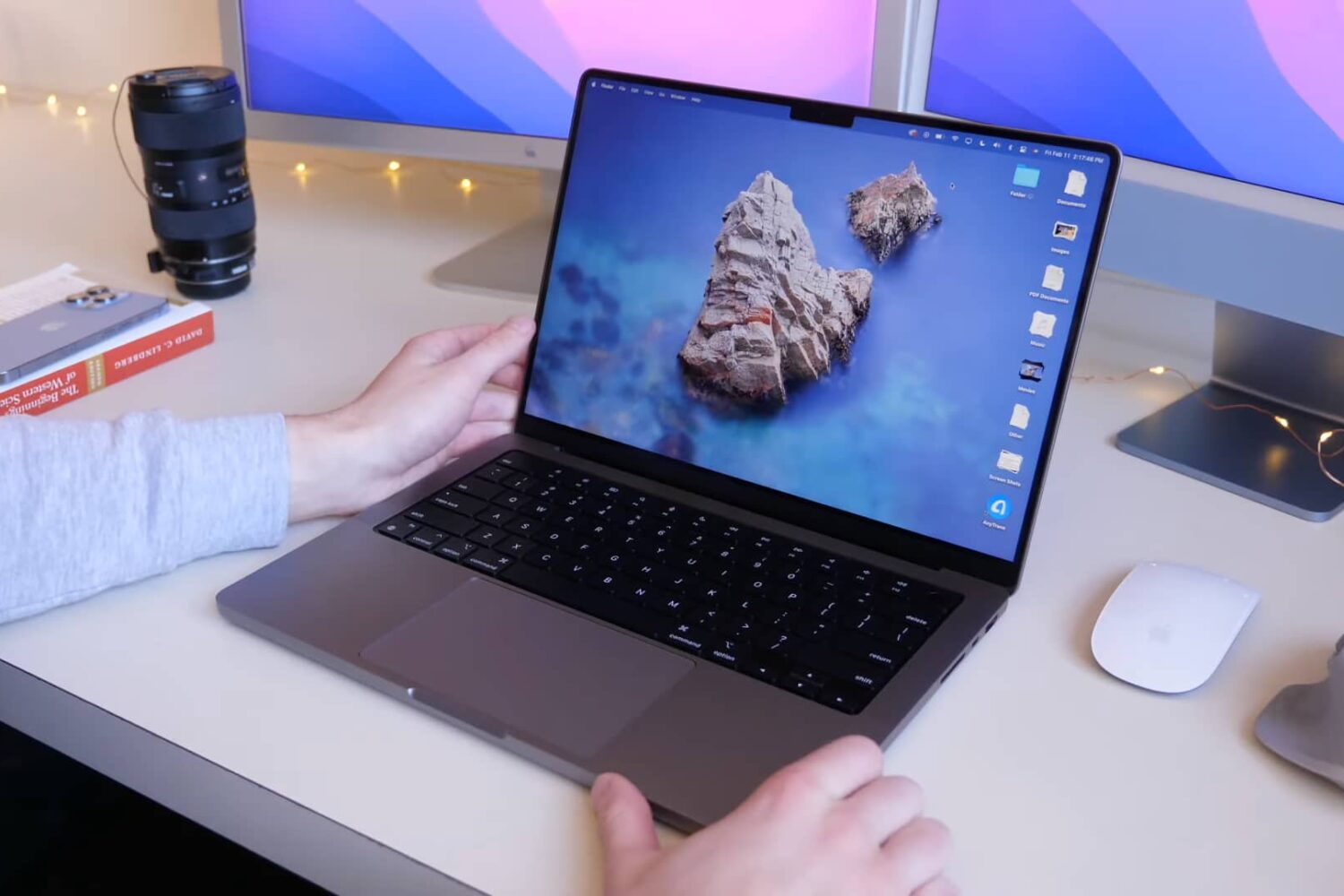
Learn how to enable the Low Power Mode feature on your MacBook Air or MacBook Pro laptop to extend battery life and help it run cooler and quieter.
You may want to contact an iPhone, iPad, or Mac app developer for multiple reasons. This includes getting support, requesting a new feature, notifying about a bug, information regarding an update, asking for their next app, and more.
Apple makes it easy and transparent to contact an iOS, iPadOS, or macOS app developer via the App Store. This post will show you five ways to reach the app's developer to get your grievances addressed.
We show you how to fast-charge your brand spanking new 14-inch or 16-inch MacBook Pro from dead to fifty percent battery in about 30 minutes, and tell you about the caveats.
Learn how to access, view, and download your photos and videos saved on iCloud using your iPhone, iPad, Mac, or a web browser.
In this tutorial, we’ll tell you what an Apple ID is and how to find yours on your iPhone, iPad, and Mac. We’ll also tell you how to know if your email is already registered as an Apple Account or not.
Go through these quick solutions if FaceTime is not working on your Mac, is unavailable, or is failing to activate.
Learn what to do if Finder freezes or fails to respond on your Mac, preventing you from accessing your files and folders.
Check out these three easy ways to sync or transfer music, playlists, and videos from your Mac to iPhone or iPad.
Learn how you can get, set up, and access iCloud on your iPhone, iPad, Mac, Windows PC, or even a web browser like Chrome or Safari.
Learn about the “Notify When Left Behind” feature in the Find My app so you can get notified if you accidentally leave your Apple devices or items attached to AirTags behind.