Did you message the wrong person or type something you shouldn’t have in an Instagram DM? Here’s how to easily unsend and delete a sent Instagram message from the chat on iPhone and Android.
How to unsend a sent message on Instagram on iPhone

Stay up-to-date on the latest iPhone news and learn new tips and tricks with our comprehensive tutorials. From software updates to new features, we’ve got you covered.
Did you message the wrong person or type something you shouldn’t have in an Instagram DM? Here’s how to easily unsend and delete a sent Instagram message from the chat on iPhone and Android.
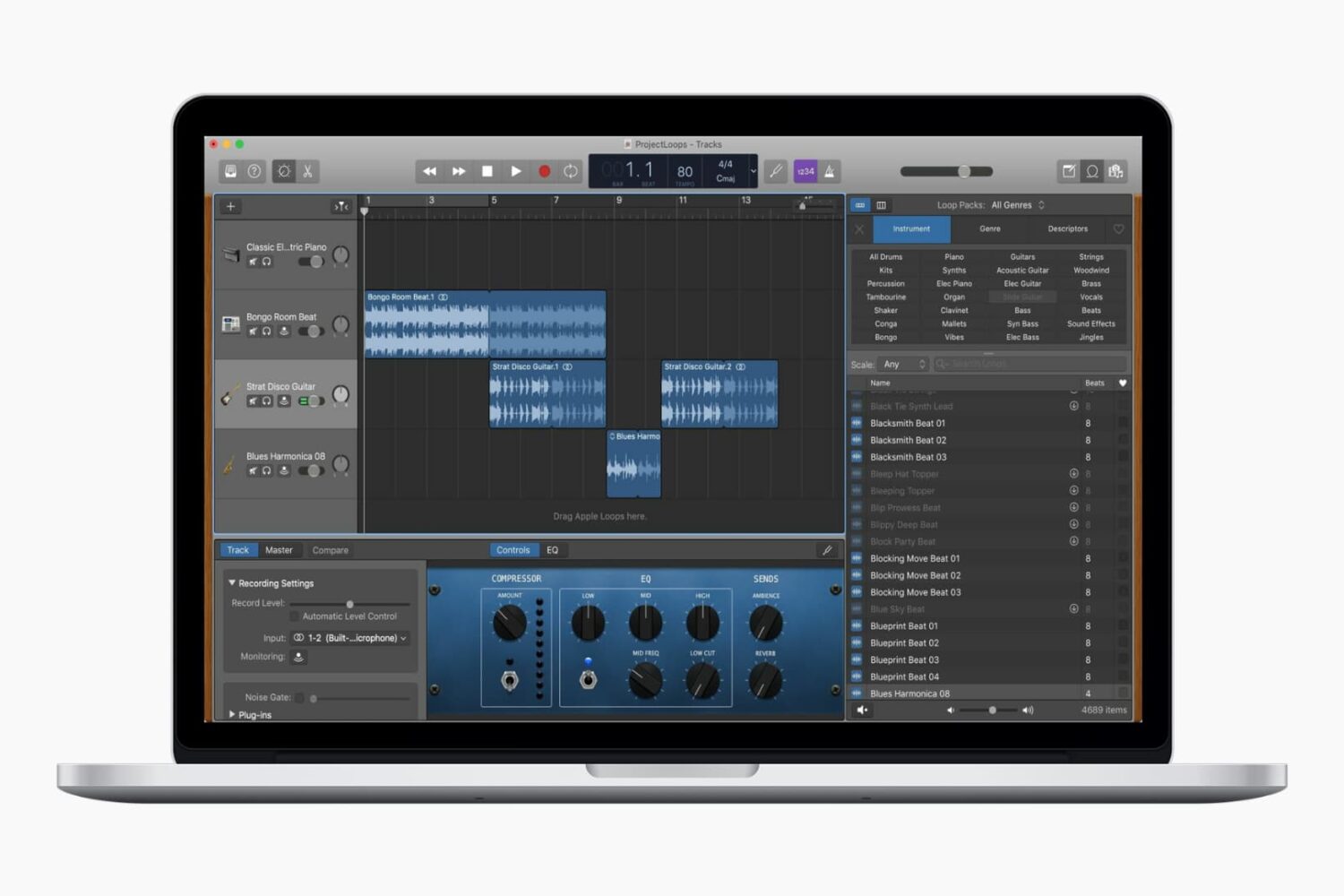
Whether you’ve used GarageBand before or are completely new and just learning, Apple Loops can help you build or enhance your creations. These handy little bits of music come in all forms, from drums to guitar to vocals, and beyond. Some loops are there waiting to be picked by you, while others may need to be downloaded. So depending on the type of song you’re composing, you might want to toss one in or start right off with one. Either way, we’re going to help you out.
This tutorial shows you how to download and add Apple Loops to your songs in GarageBand.

The title is an important part of the movie you create in the iMovie app on Mac, iPad, or iPhone. Whether it's short and sweet or long and descriptive, the title, as you know, lets others know what the overall movie is about.
You can add a title to your movie at any point during its creation, and you have some terrific tools for making the title appear as you like. This tutorial shows you how to add and edit a title in iMovie on your Mac, iPad, or iPhone.
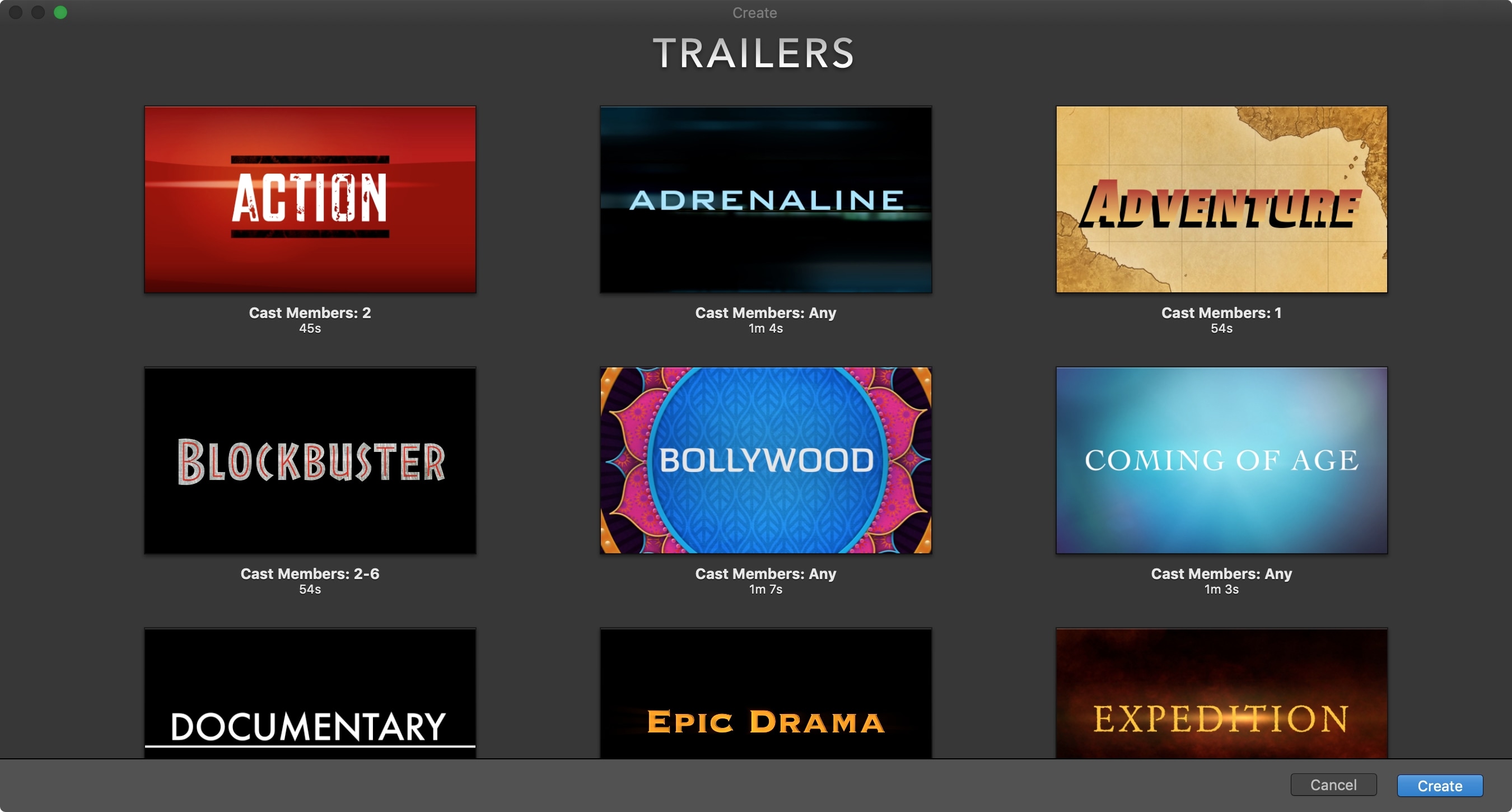
The iMovie app on iOS and Mac is one of those apps you only open if you really need it. And many people delete it just to save storage space. But if you are interested in creating some movie magic on your device, then there’s no better way than with iMovie. And the best place to start is with how to create a new project. So, open iMovie on iPhone, iPad, or Mac and follow along!
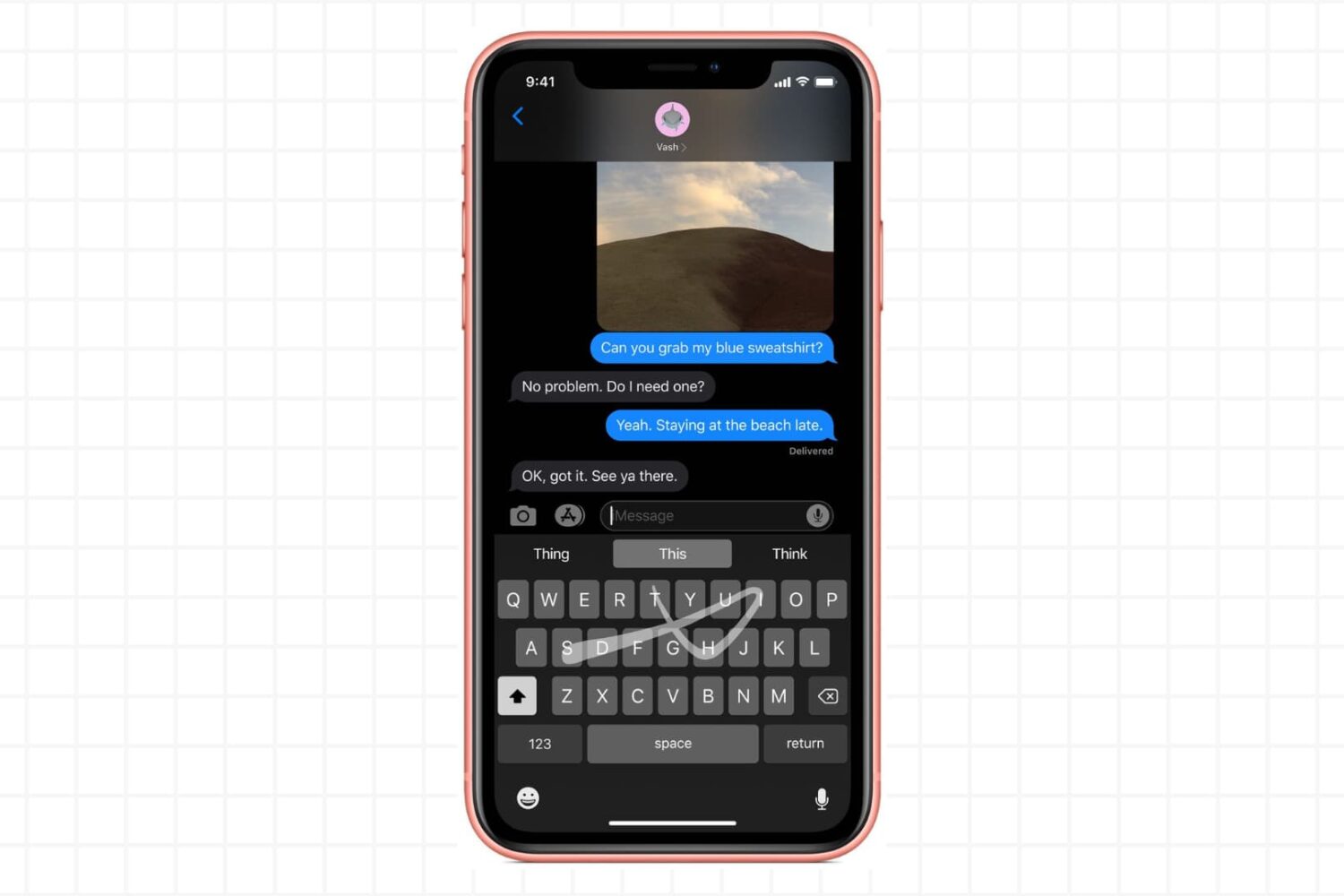
In this tutorial, we’ll show you how to enable and use the gesture-based swipe keyboard on your iPhone and iPad to streamline your typing experience and enhance your productivity.

Learn how to share iCloud files and folders with one or more people, change their access permissions, and stop sharing when done from your iPhone, iPad, Mac, and web browser.

Learn how to use the built-in calendar feature in the Outlook app on your iPhone or iPad to quickly check your schedule and share your availability over email.

Follow iDownloadBlog's step-by-step tutorial to learn how to easily stop receiving Apple Card notifications every week and month summarizing your spending and transactions, as well as opt out of Daily Cash notifications from Apple Cash (automatically issued each morning).
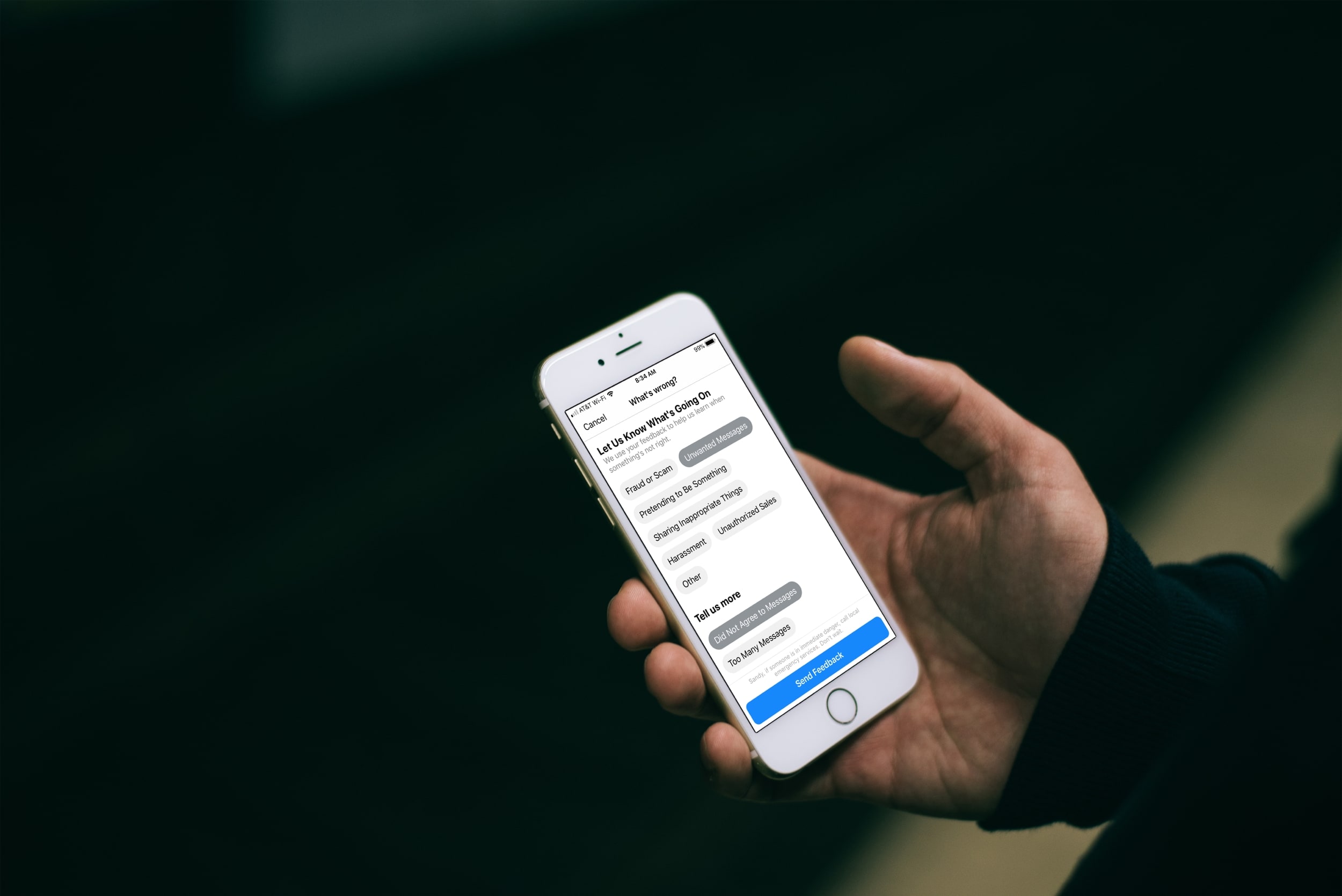
Have you received an unwanted, unsolicited message or maybe a harassing one on Facebook Messenger? Luckily you have a way to report these types of conversations in the Messenger app or on the web, and it only takes a minute.
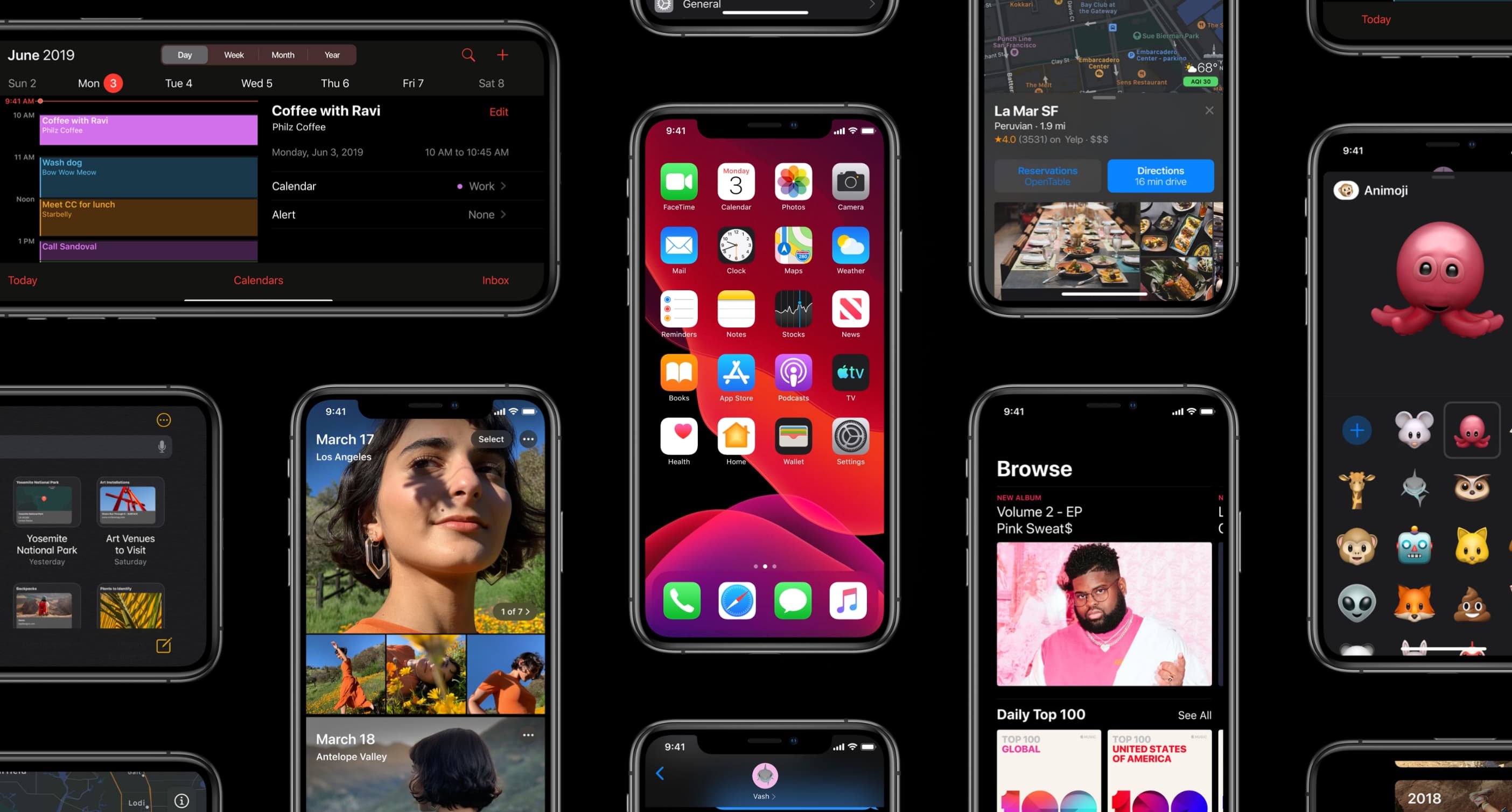
Learn how to use a time-saving gesture on your iPhone and iPad to scroll entire views in one simple motion instead of swiping like an animal.

The People album in the Photos app is a pretty cool collection that’s assembled for you to quickly view pictures of the people in your life. So when someone new enters that you start snapping photos of, you might want them in that People album too. Unfortunately, they may not show up there as quickly as you might like.
Luckily there is a really easy way to add a new person to the People album in your Photos app or iCloud Photos library. Here’s how.

Learn how to save all open tabs in Apple's Safari browser at once as bookmarks, so you can revisit those links easily on your iPhone or iPad.