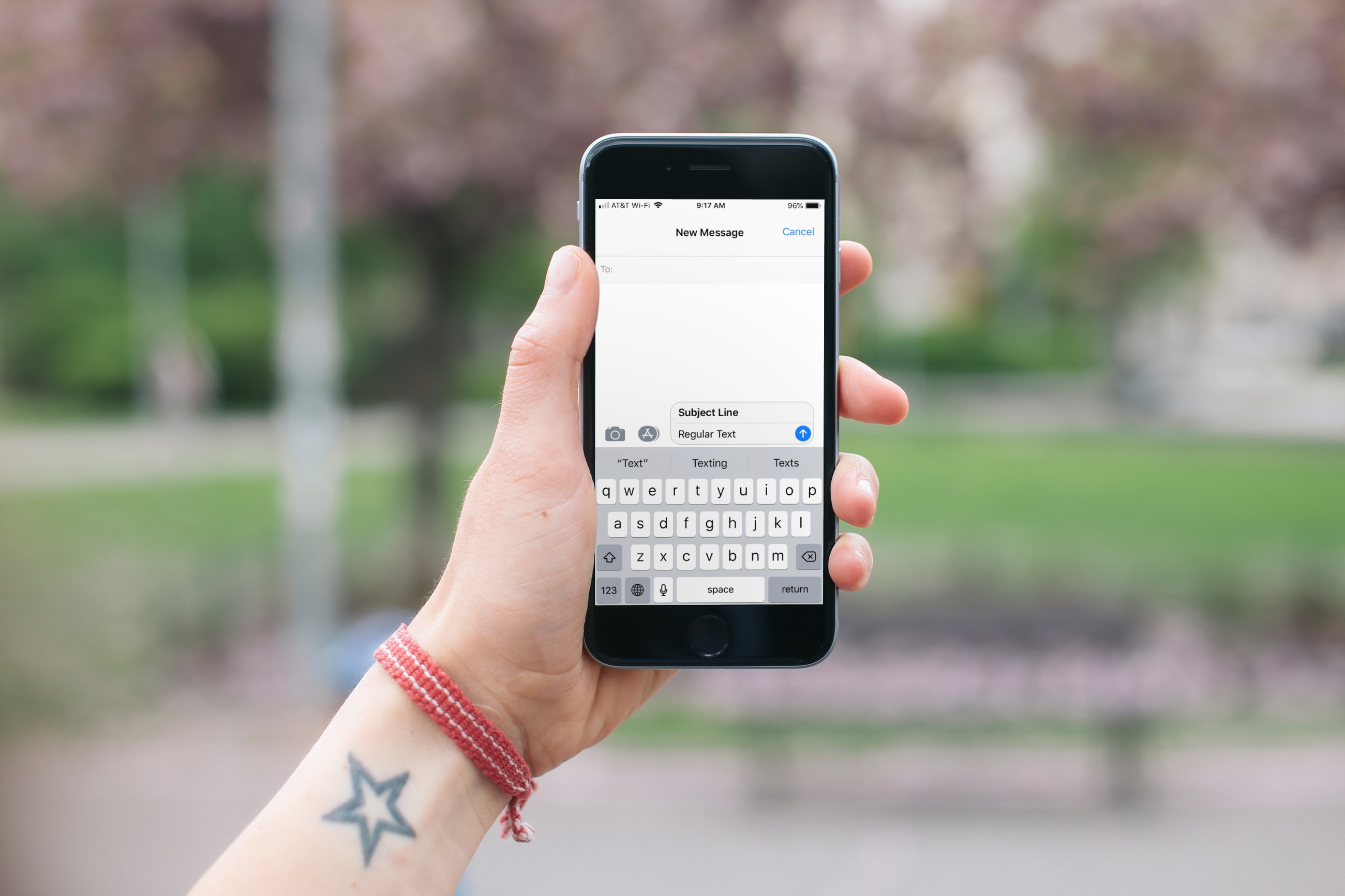
Learn how to add a subject line to your iPhone messages to let the recipient know the topic and make text stand out with bold formatting.
How to add a subject line to text messages on iPhone and iPad
Stay up-to-date on the latest iPhone news and learn new tips and tricks with our comprehensive tutorials. From software updates to new features, we’ve got you covered.
Learn how to add a subject line to your iPhone messages to let the recipient know the topic and make text stand out with bold formatting.
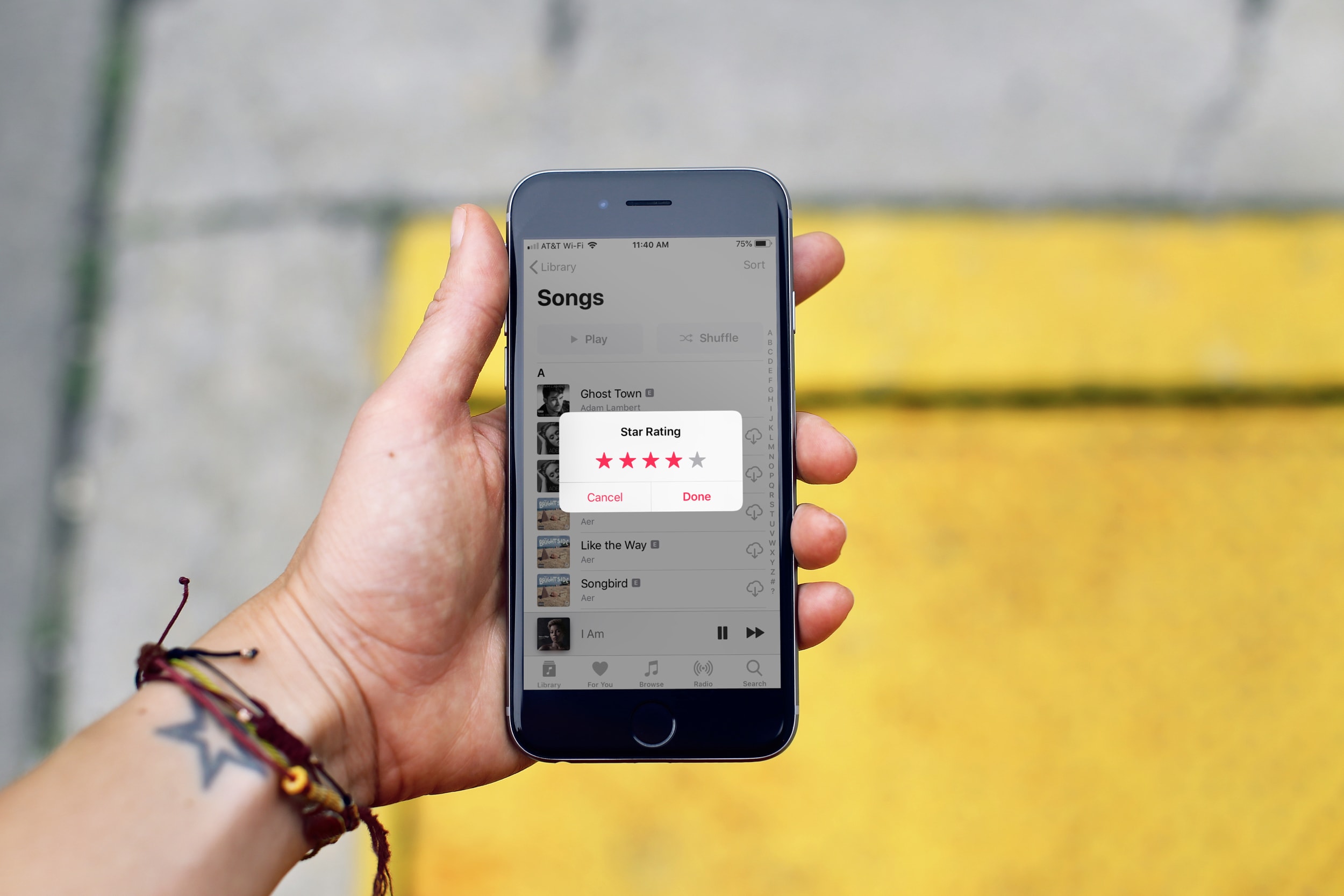
In this tutorial, we’ll show you how to rate songs in your iPhone, iPad, or Mac’s music library on a scale of one to five stars and then create smart playlists based on these rated songs.
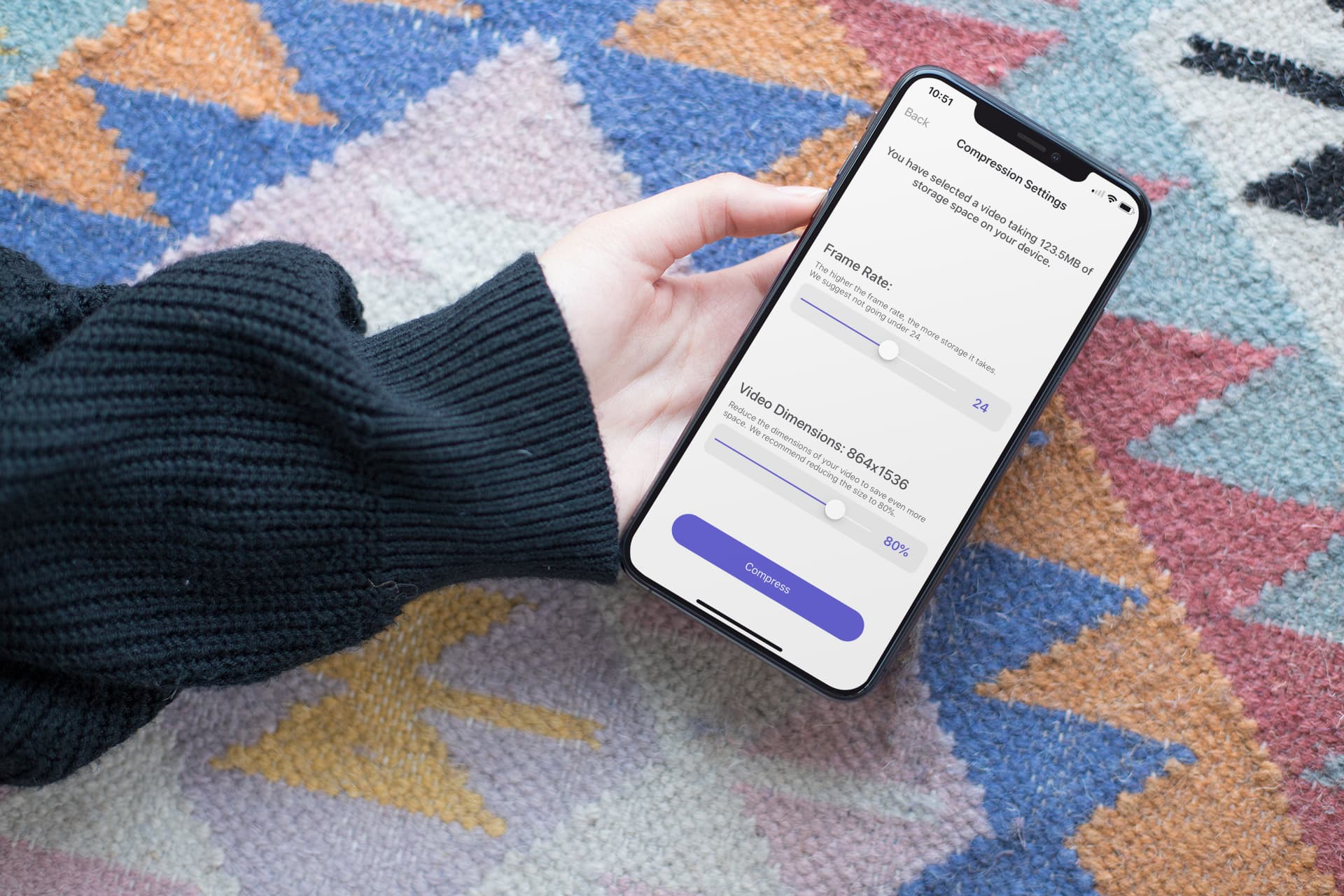
In this step-by-step tutorial, we show you how to compress a large video on your iPhone or iPad without compromising quality, allowing you to share it faster and save storage space.

Maximize your reading experience on Safari for iPhone and iPad by learning how to customize the Reader view and per-site settings.
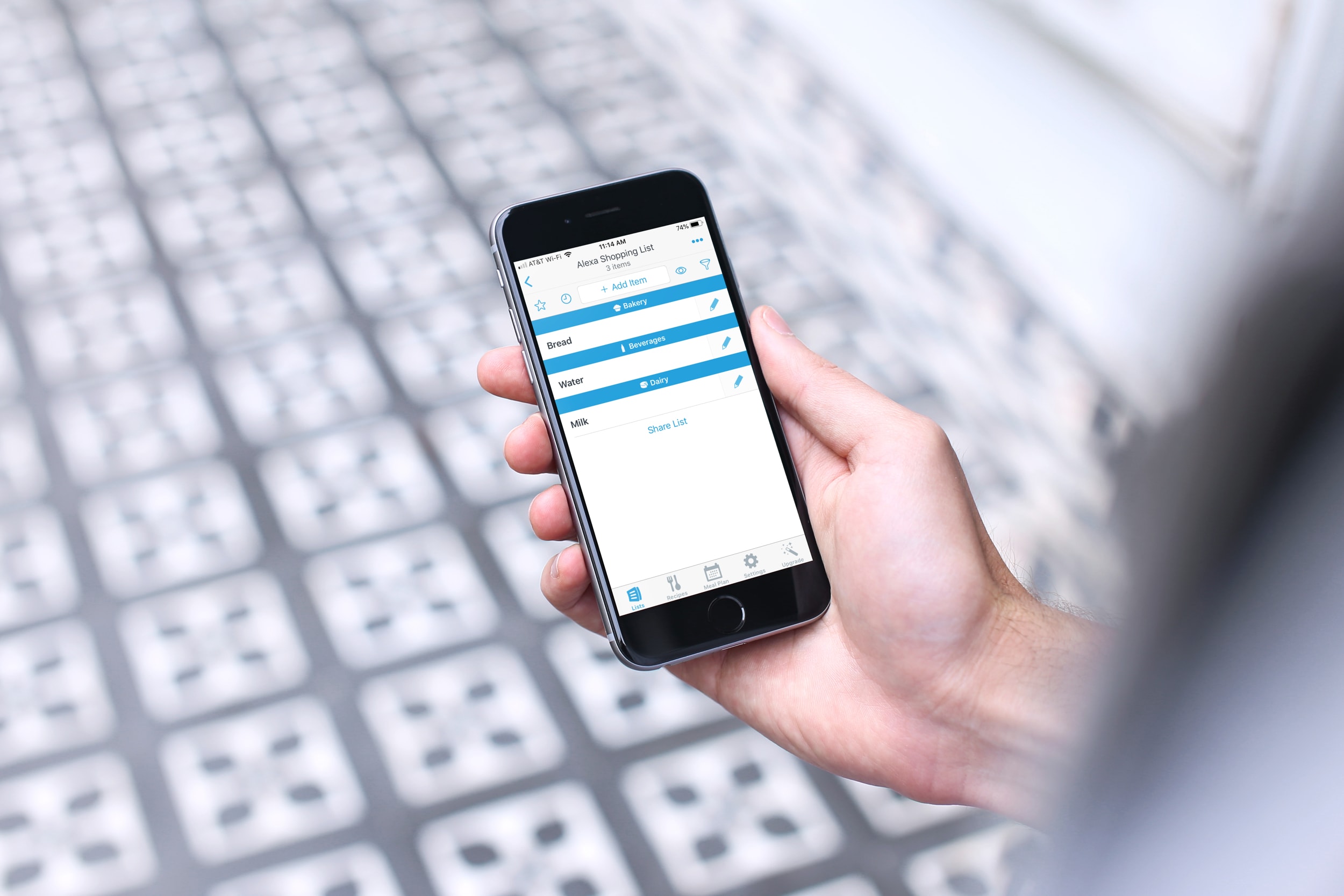
You can do some really cool stuff with your iPhone and the Alexa app for your Amazon smart speaker. You can use Alexa to find your phone, listen to Apple Music, manage your iCloud Calender, and more. So, why not use this combination of devices to keep up with your lists?
Depending on which iPhone shopping or task list app you use, you might be able to take advantage of it with Alexa. Here’s how to use your iPhone lists with Alexa and your Amazon speaker.

Learn how you can have Siri announce and read notifications through your iPhone’s speaker, connected headphones, or even an MFi hearing aid.

Learn about a not-so-obvious way that allows you to connect to Wi‑Fi networks and Bluetooth accessories around you without needing to venture into iPhone or iPad Settings.

Learn how to rotate, straighten, crop, trim, flip, and adjust the aspect ratio of a video on your iPhone or iPad using the Photos app to edit the clip exactly the way you want.

Getting notified of unnecessary messages from an overly active email thread? In this tutorial, we’ll show you how to mute emails in the Apple Mail app on your iPhone or iPad and customize its settings.

Learn how to create an iMessage profile with a custom photo and display name in the Messages app on your iPhone, iPad, or Mac.

Learn how to silence unknown callers on iPhone and Android phone to automatically send spammers and calls from numbers you haven’t saved straight to your voicemail.
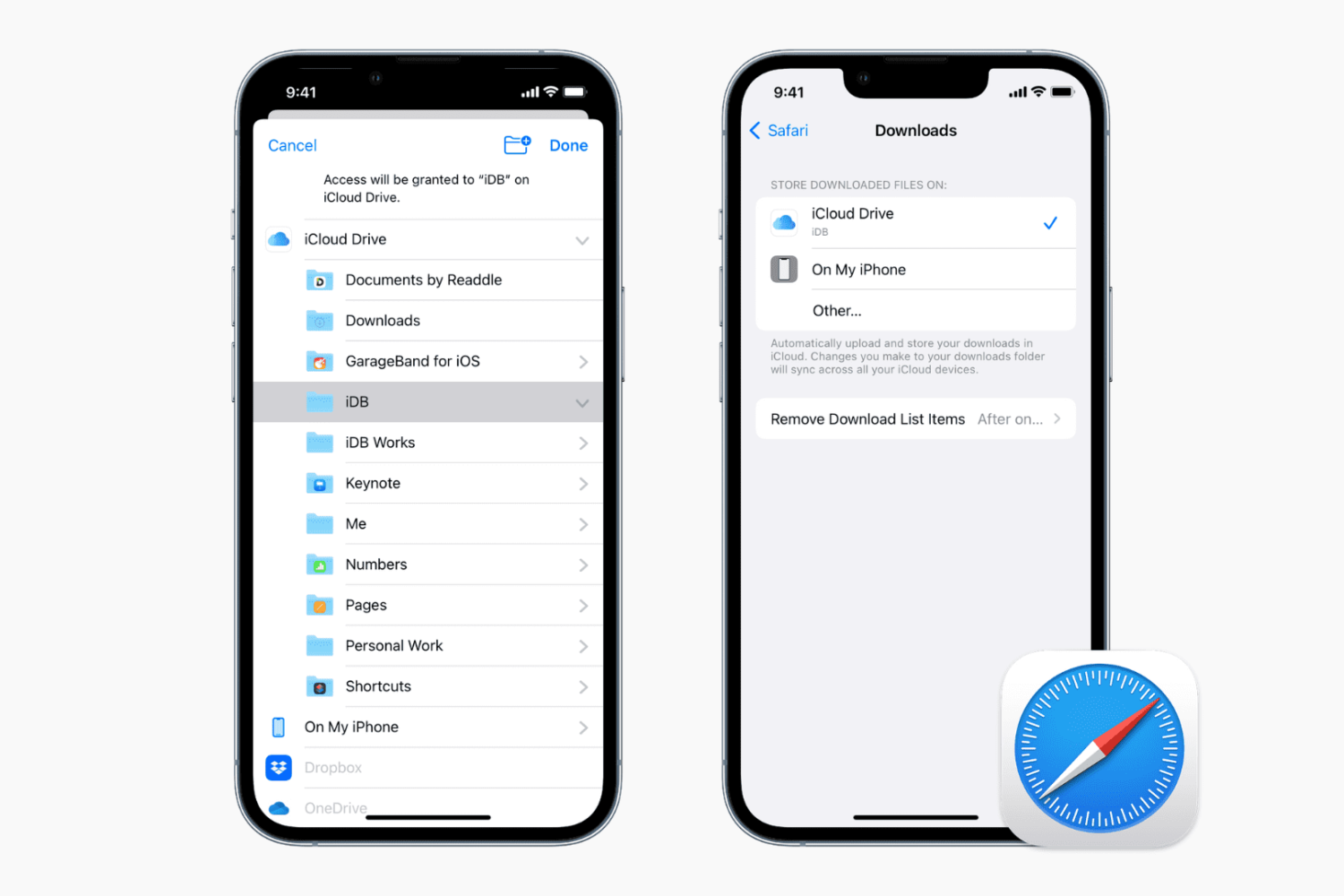
Learn how to change the default save location where Apple's Safari browser stores files you download on your iPhone, iPad, or Mac.