In this troubleshooting guide, we outline solutions to fix call issues on your iPhone and help you restore effective communication.
What to do if you can’t receive phone calls on your iPhone
In this troubleshooting guide, we outline solutions to fix call issues on your iPhone and help you restore effective communication.
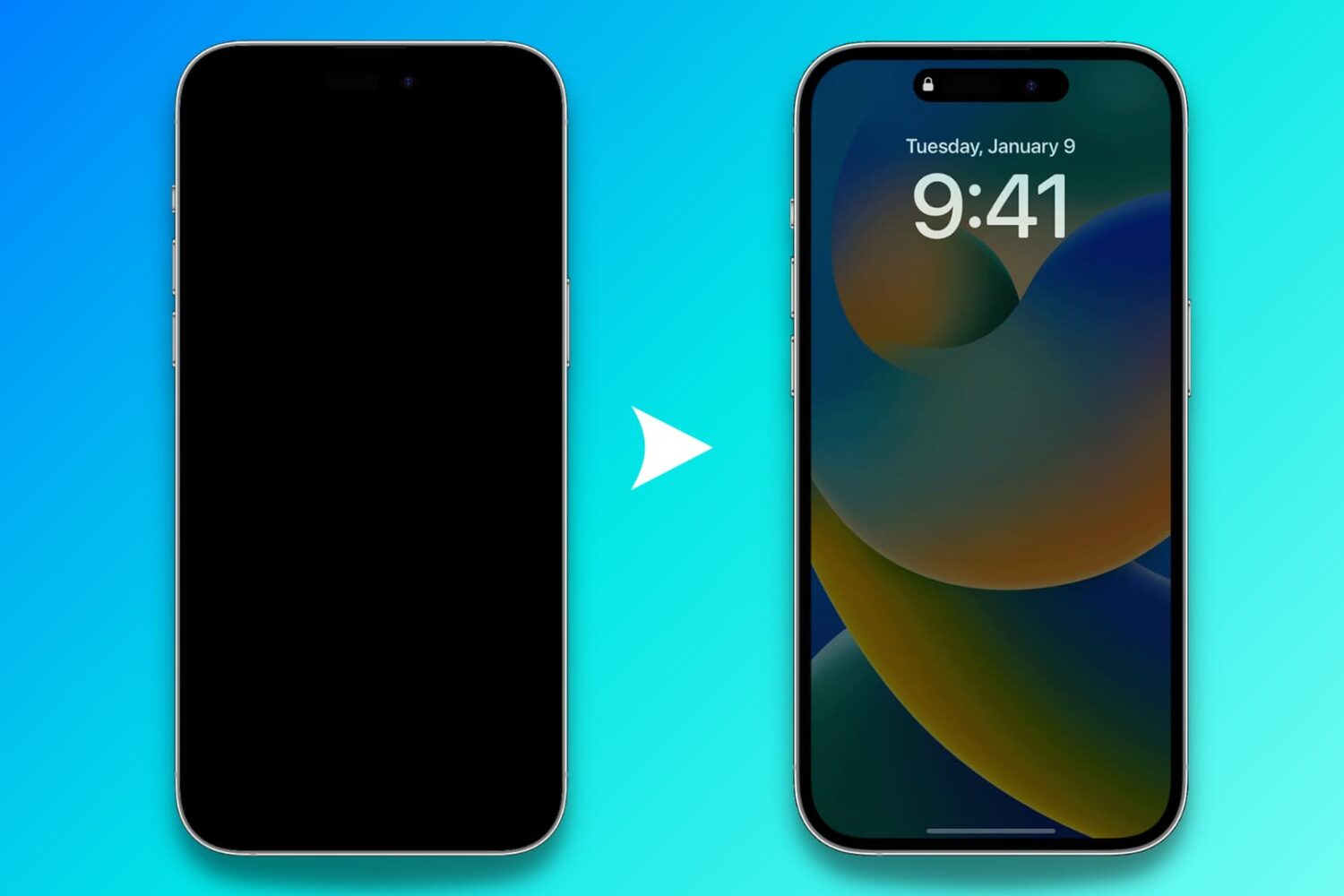
Find out what to do if the Always On display of your iPhone is not working as expected and the screen goes all black.
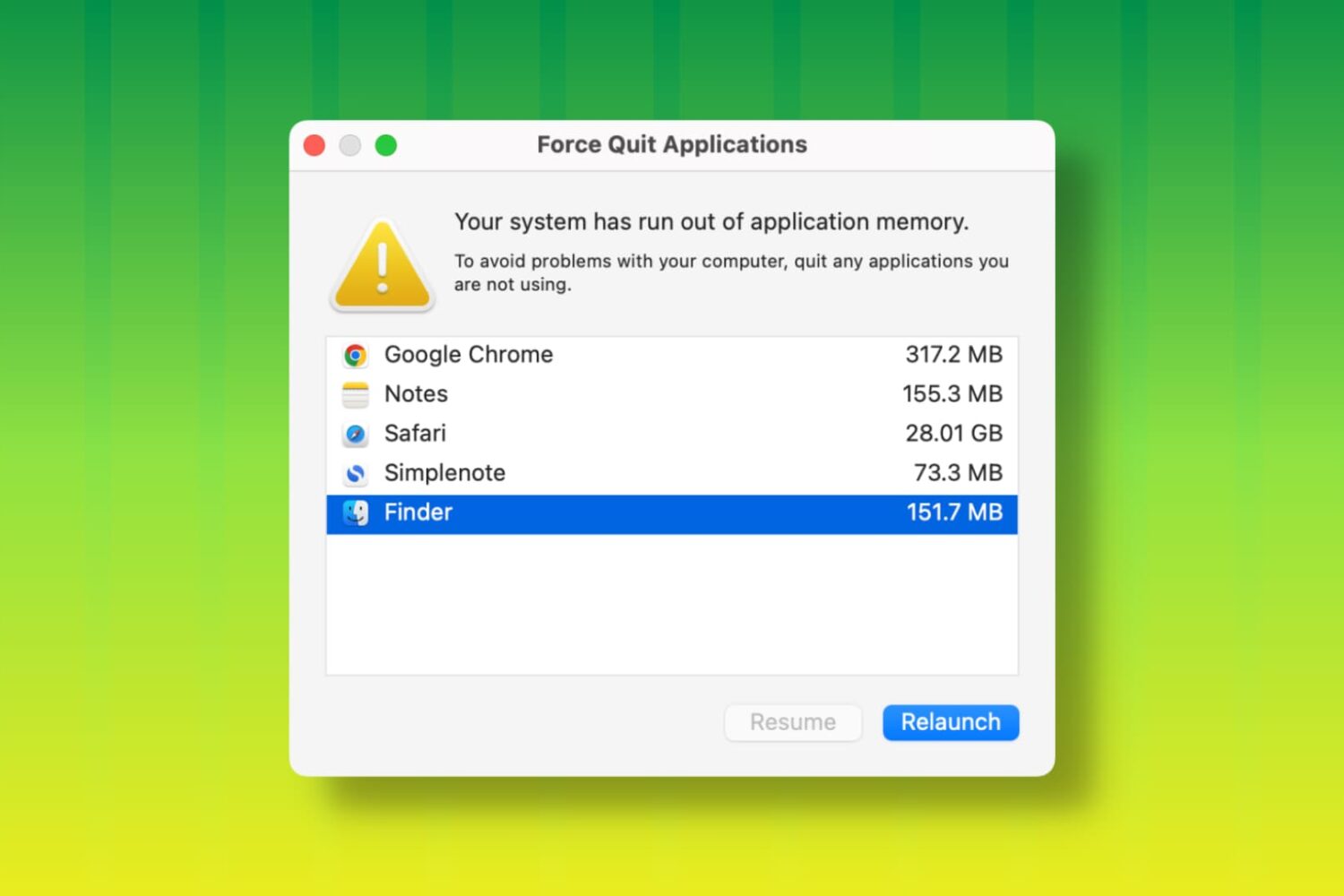
Learn how to fix the “Your system has run out of application memory” error and get back to using your Mac without the Force Quit window coming into view.
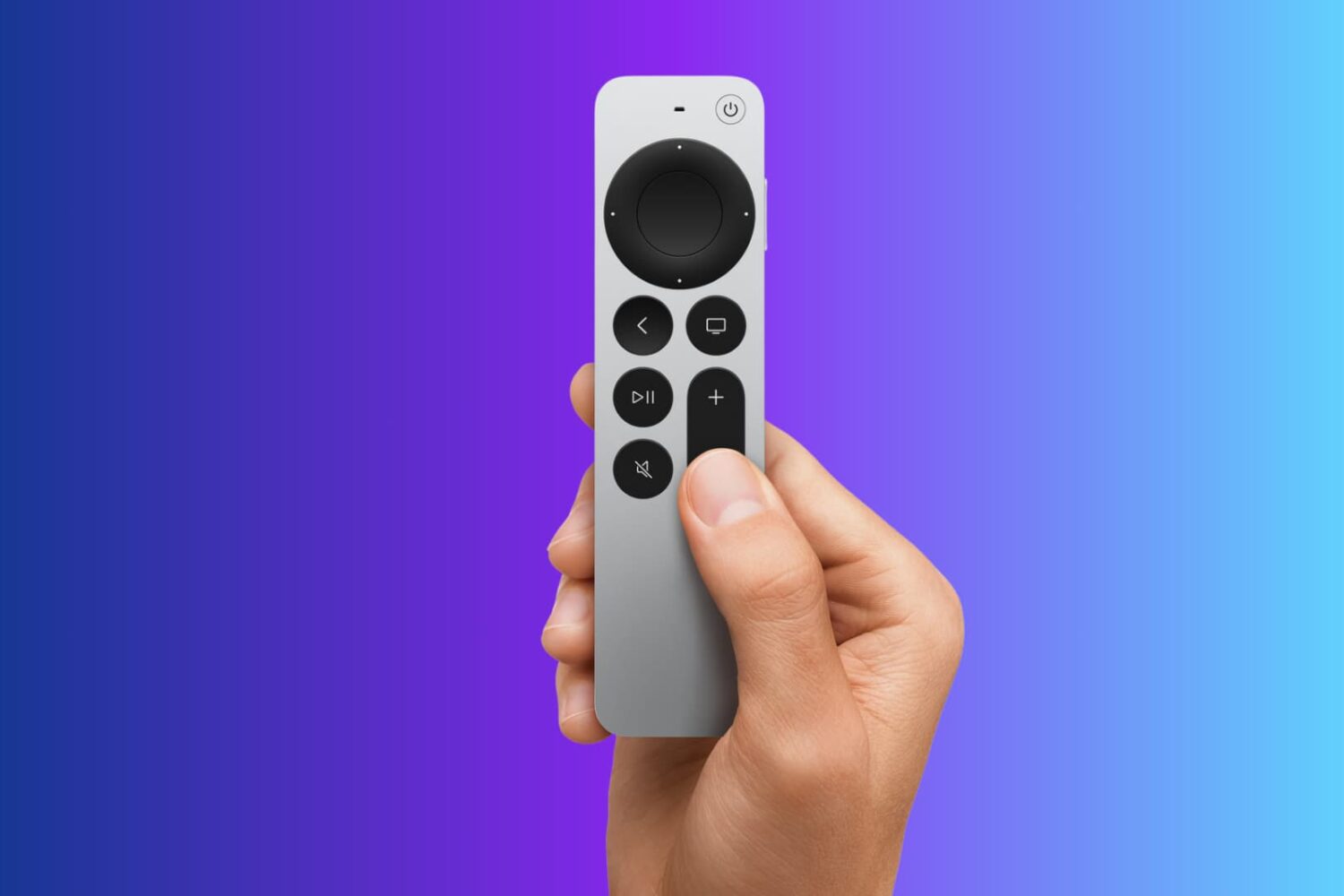
Explore 13 solutions to fix Siri Remote issues on your Apple TV, such as it not working, glitching randomly, or losing connection.
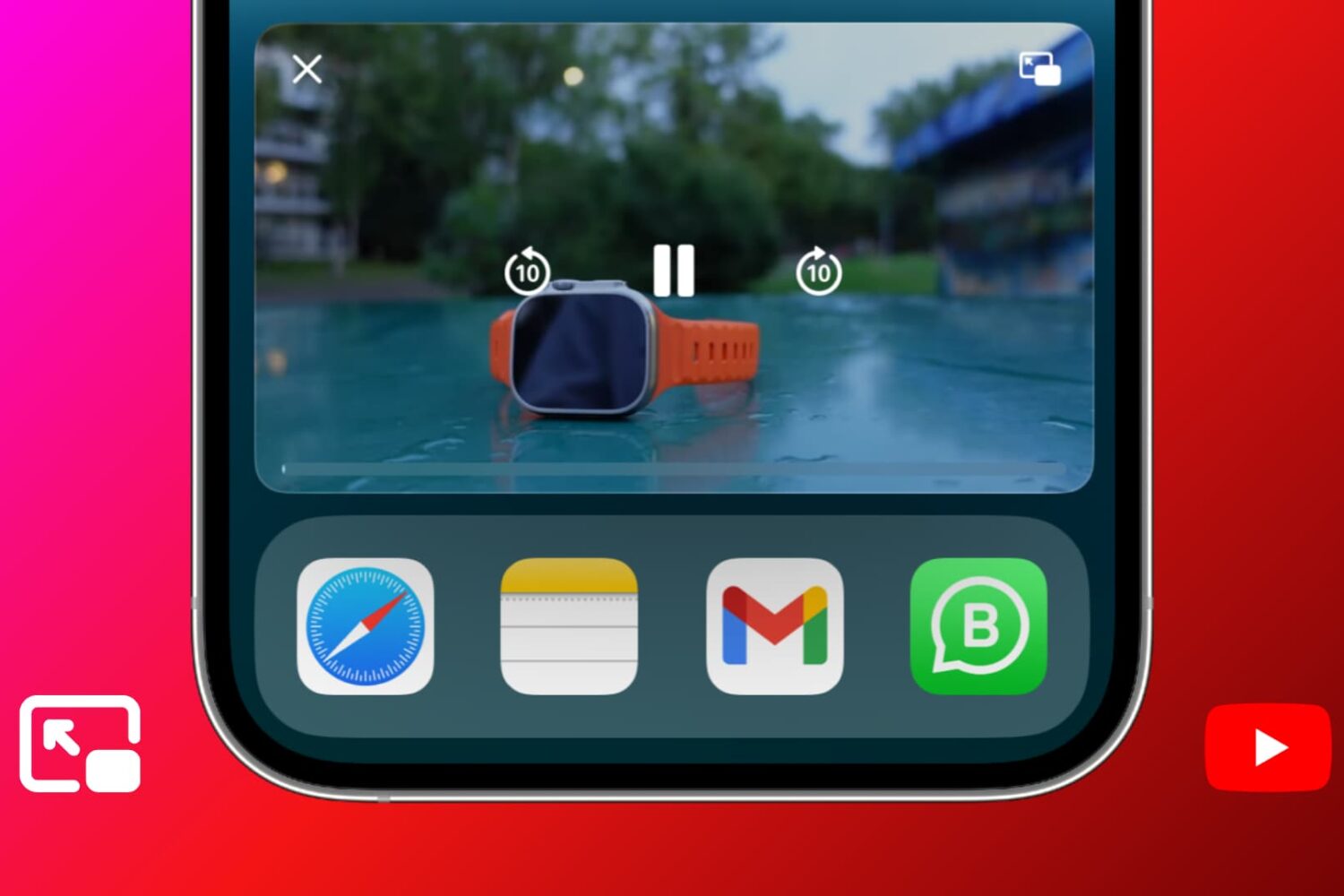
Learn what to do if YouTube Picture in Picture (PiP) stops working when you leave the app on your iPhone, iPad, or Mac.
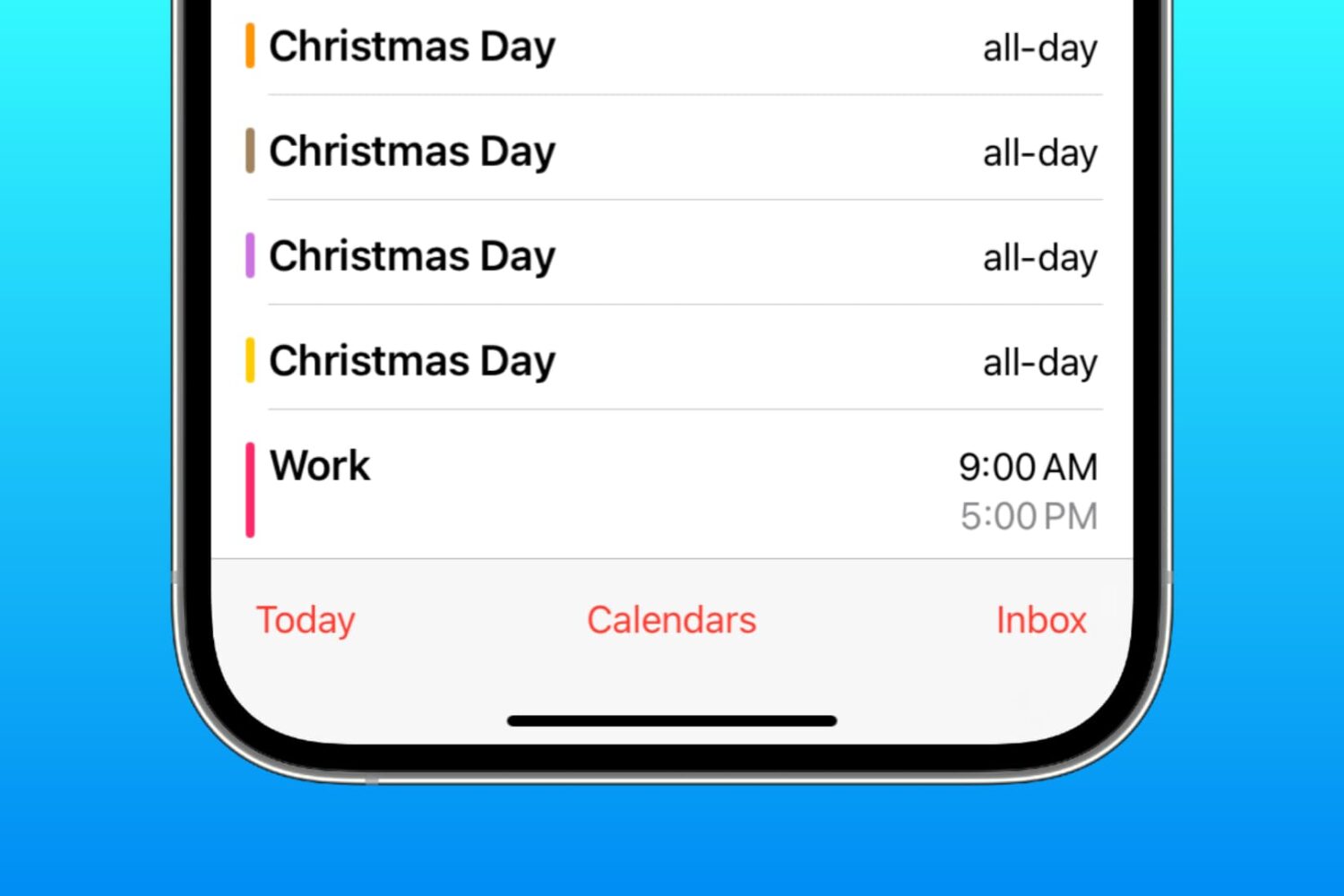
Learn how to delete duplicate events in the Apple Calendar app on your iPhone, iPad, and Mac for a clearer daily agenda without overlapping schedules.
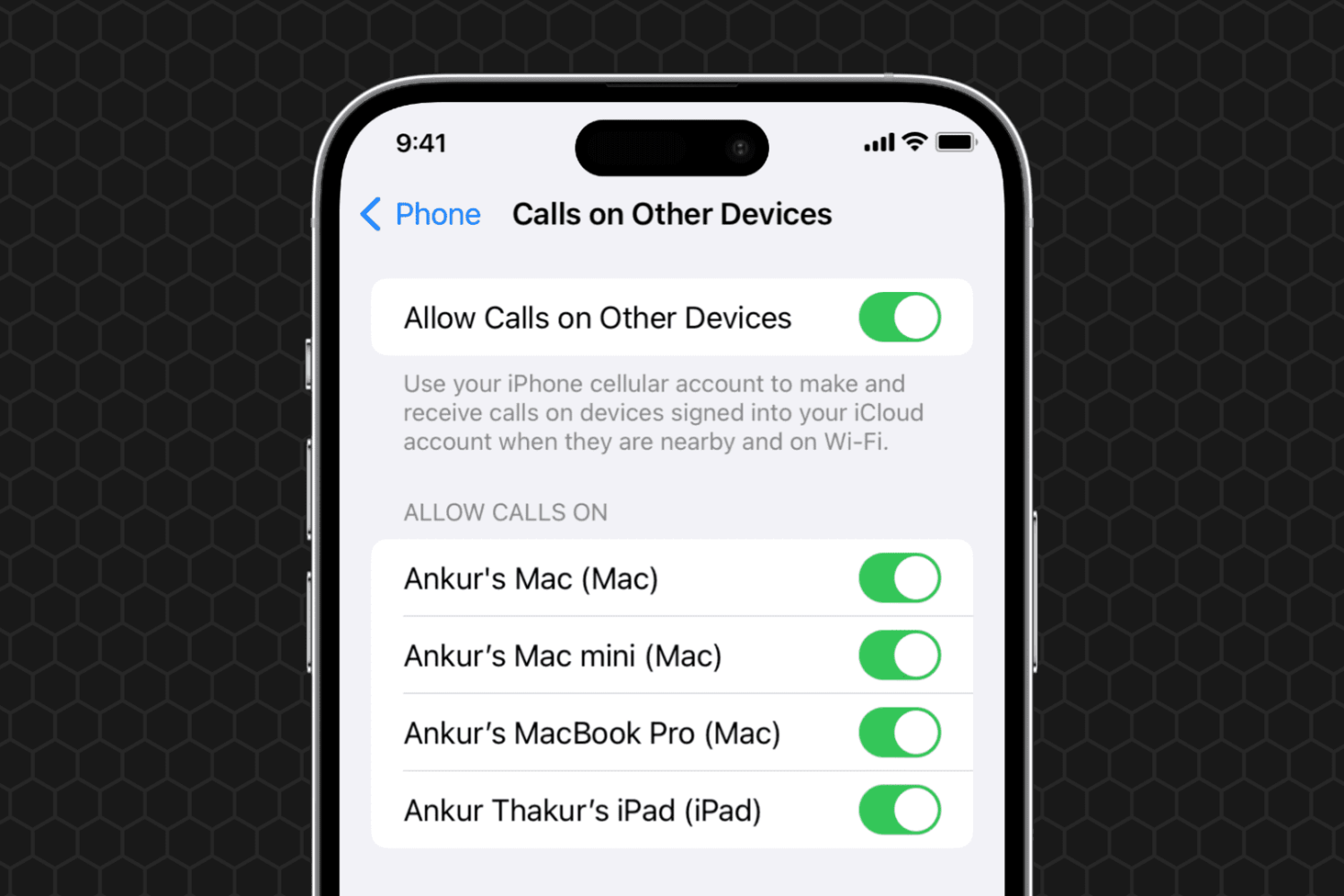
Learn what to do if you can't set your iPhone phone calls to appear on your other devices, such as your iPad or Mac.
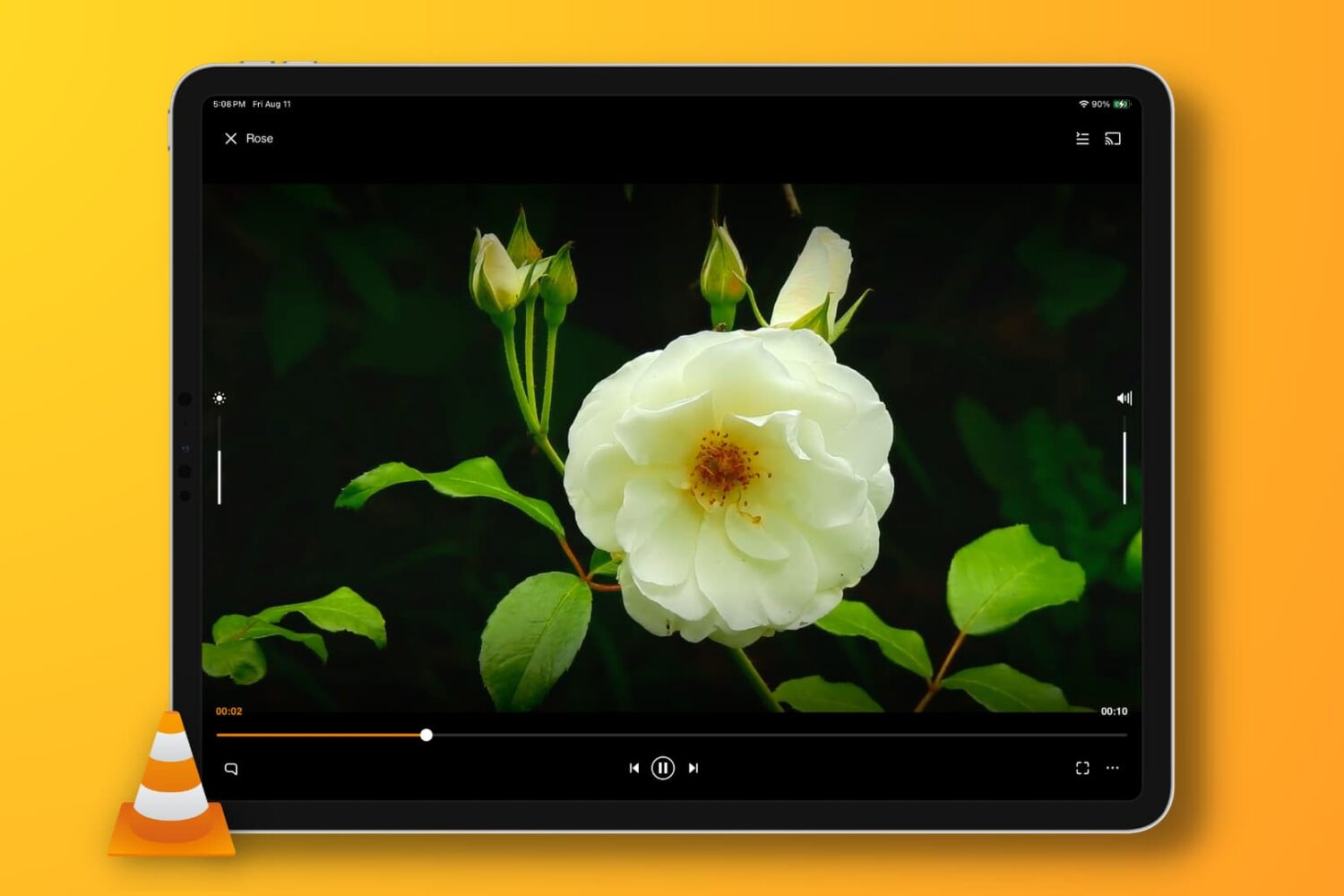
In this troubleshooting guide, we provide solutions to fix the no-audio issue when playing a video clip or movie in the VLC media player app on your iPhone, iPad, or Mac.
Check out these 8 easy ways to fix iPhone cellular data not working during phone calls, allowing you to text, browse the web, and use other online apps without interruptions.
In this guide, we cover all the solutions to fix YouTube Music when it’s not working or downloading songs on your iPhone, iPad, and other devices.
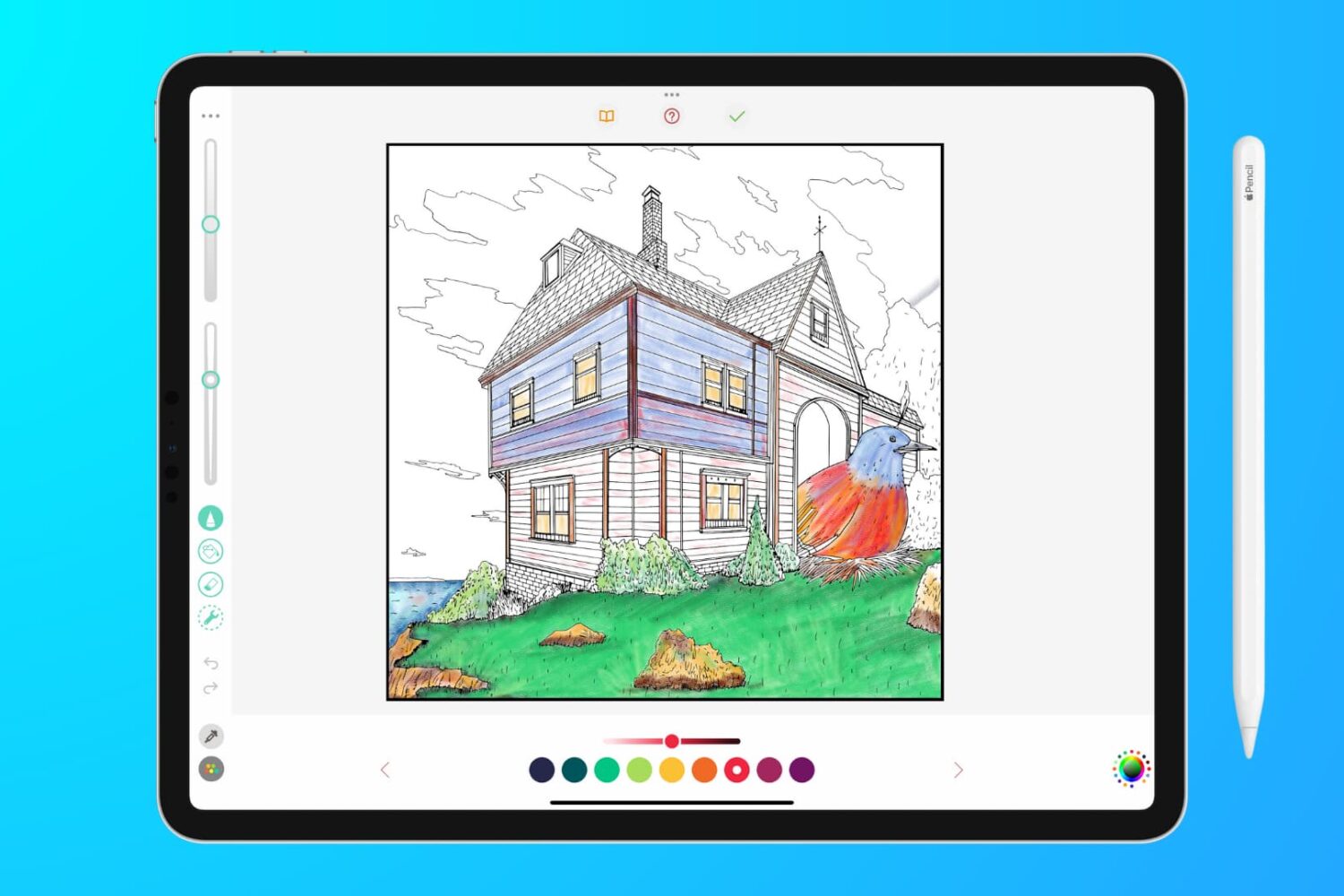
In this troubleshooting guide, we outline effective solutions to fix lag, glitches, and unresponsiveness when writing, sketching, or coloring on your iPad with your Apple Pencil.
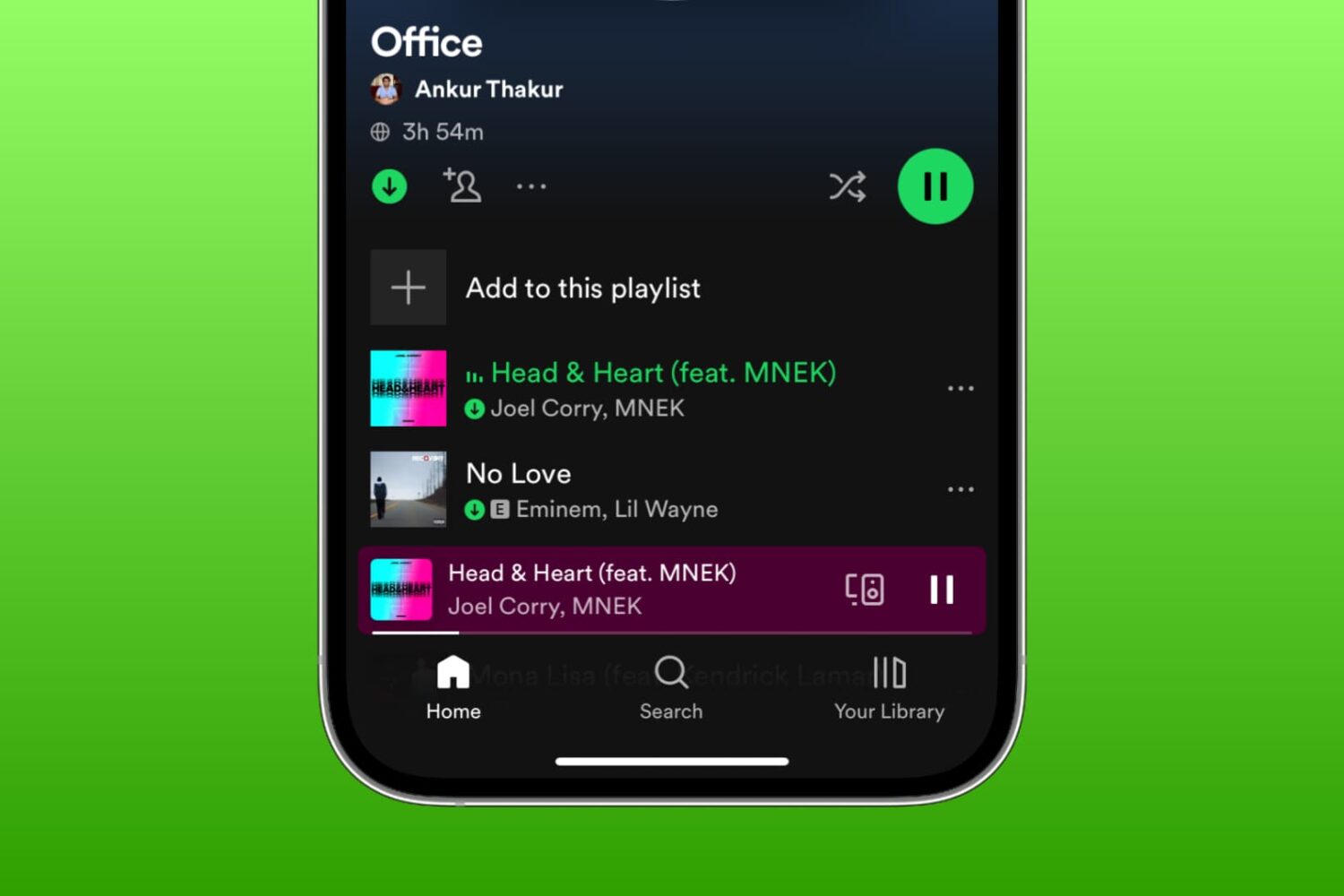
Learn what to do if you're unable to download songs and podcasts for offline listening in the Spotify app on your iPhone, iPad, or Mac.