Check out these troubleshooting tips if you're unable to send Direct Messages on Instagram from your iPhone.
Unable to send Instagram messages from iPhone? Try these fixes
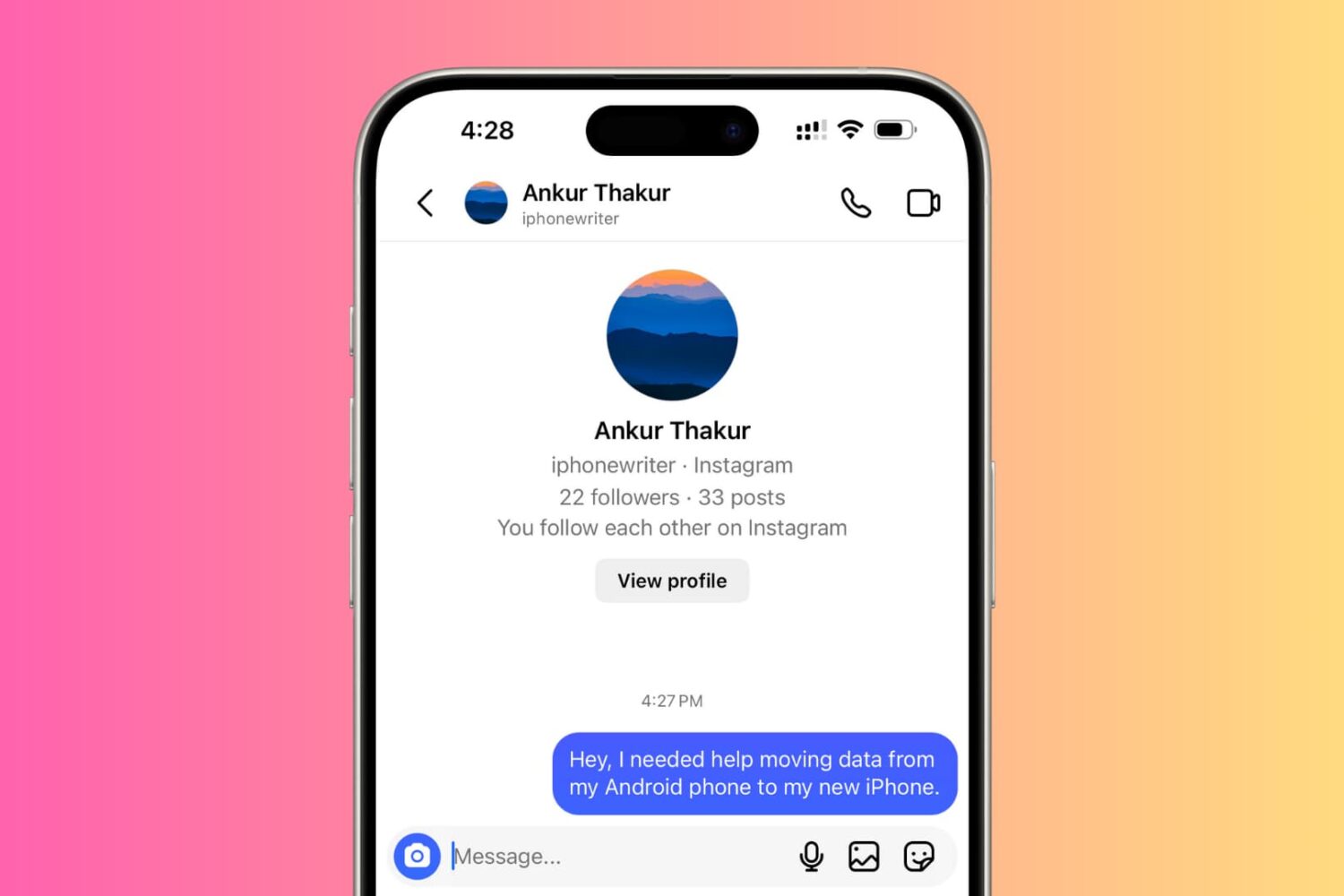
Check out these troubleshooting tips if you're unable to send Direct Messages on Instagram from your iPhone.
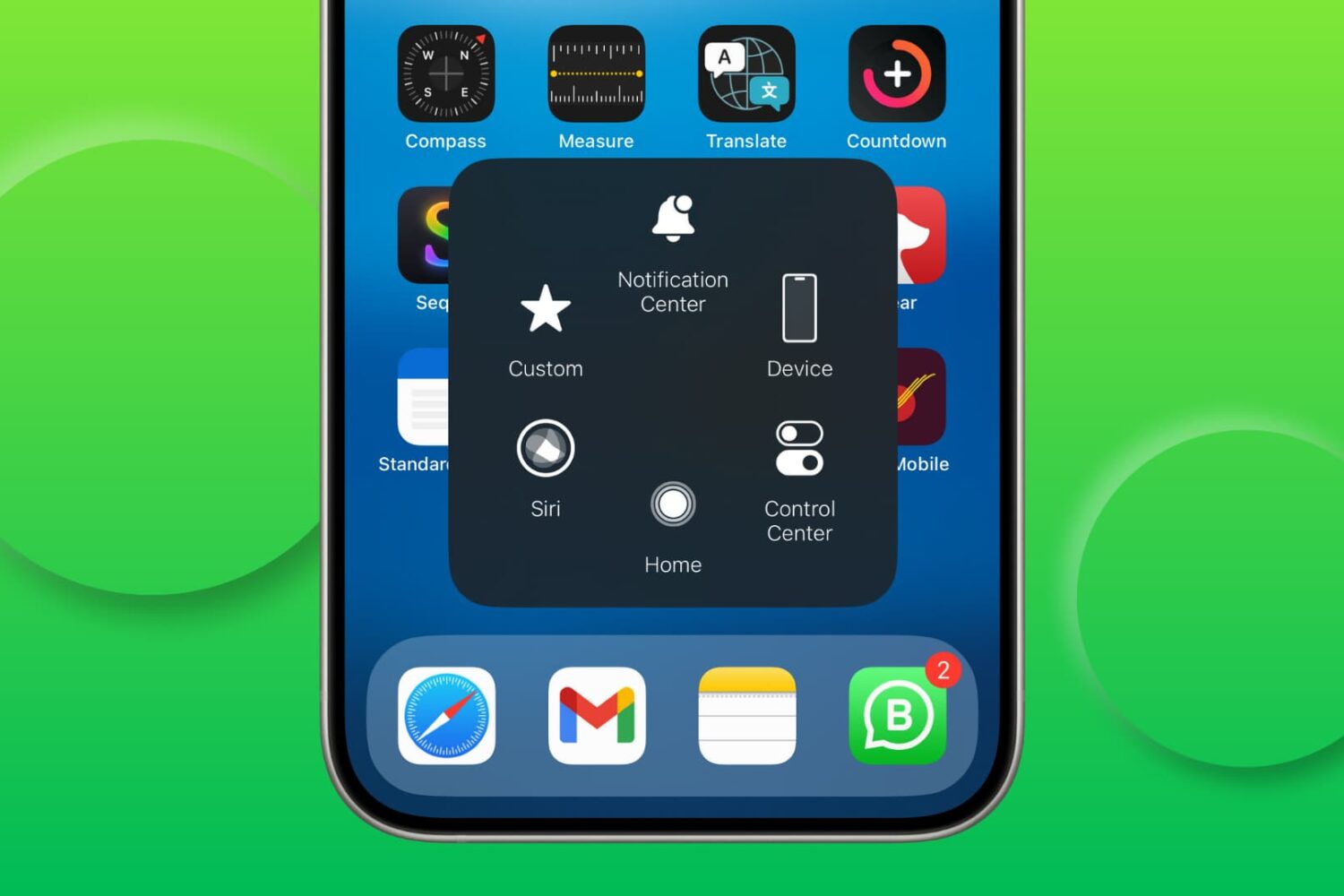
Try these solutions if AssistiveTouch isn’t responding and you’re unable to use the floating on-screen button to perform various actions on your iPhone or iPad.

Find out what to do if there’s no sound from your connected speaker, HomePod, television, or AirPods when playing music, movies, and shows on your Apple TV.
Learn how to use the same flash drive, thumb drive, SSD, hard drive, or other external storage devices on both Mac and Windows computers.
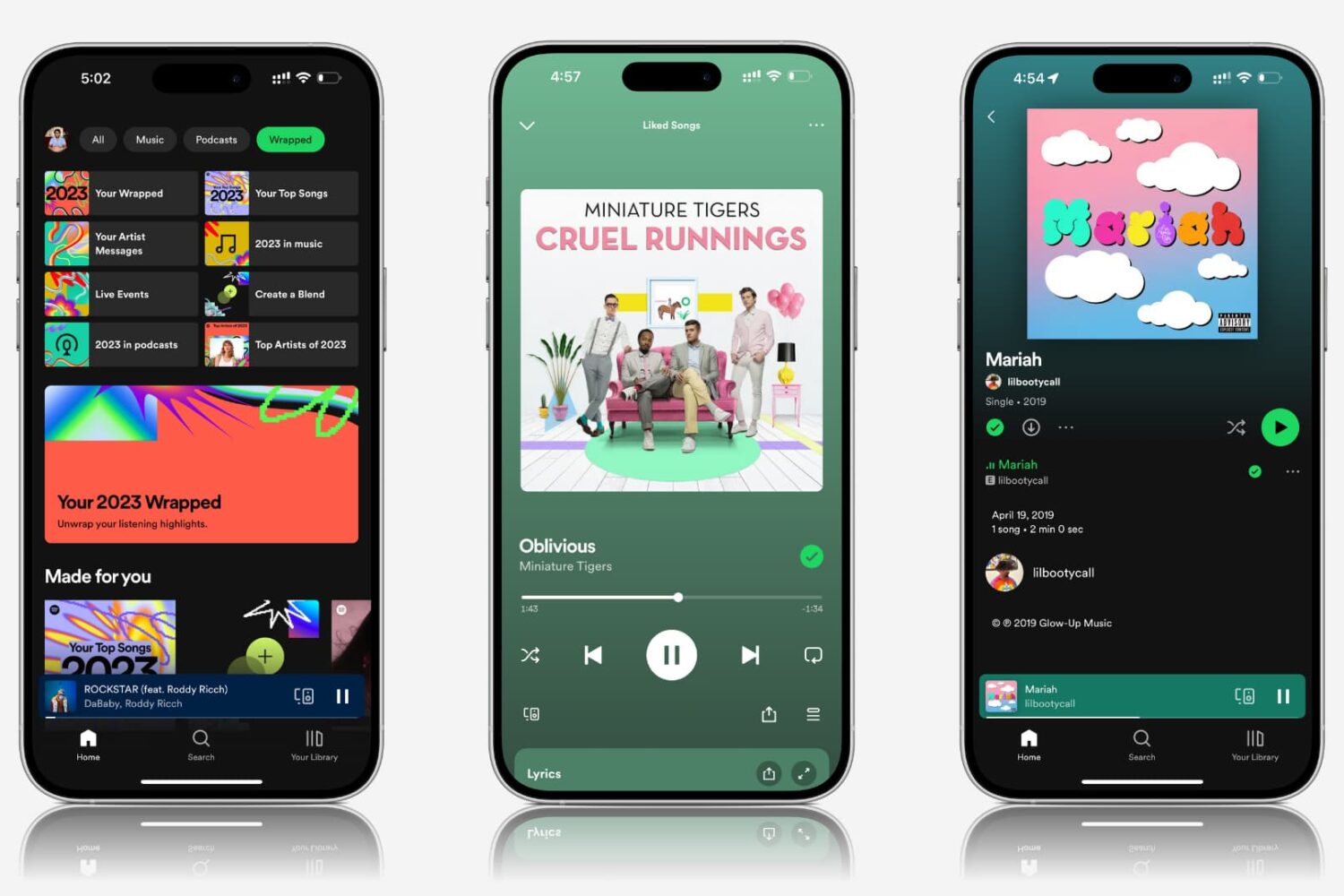
Explore practical solutions to resolve the issue of Spotify songs and podcasts playing at very low volume on your mobile device or computer.
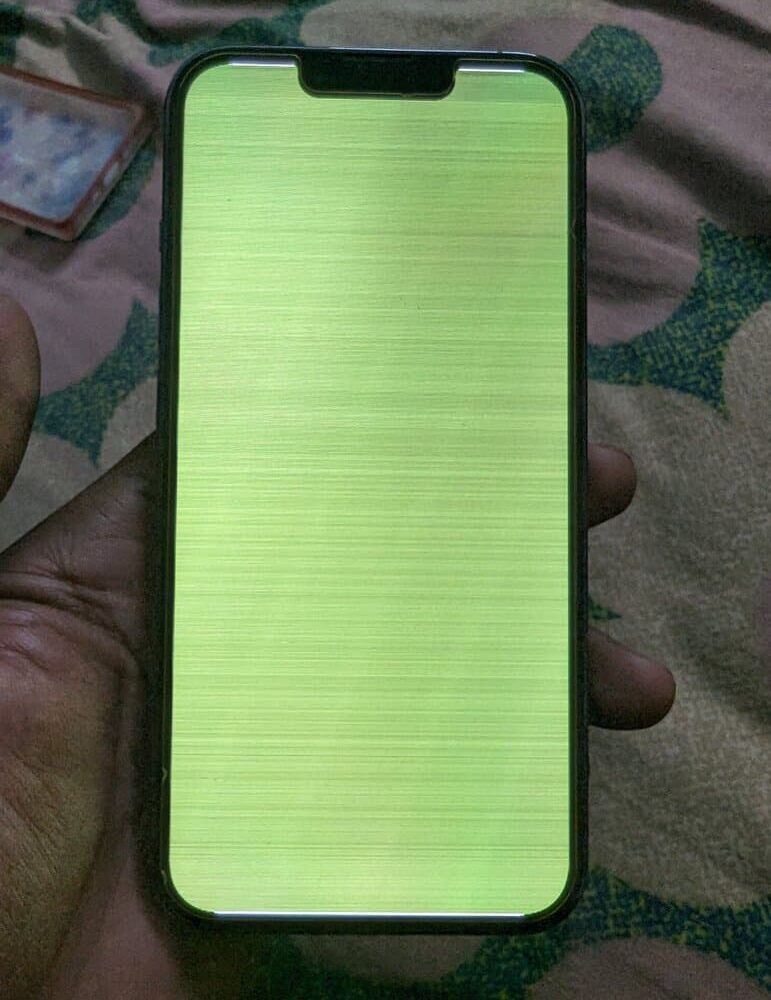
Follow this comprehensive troubleshooting guide to fix the green line or white screen issue on your iPhone.
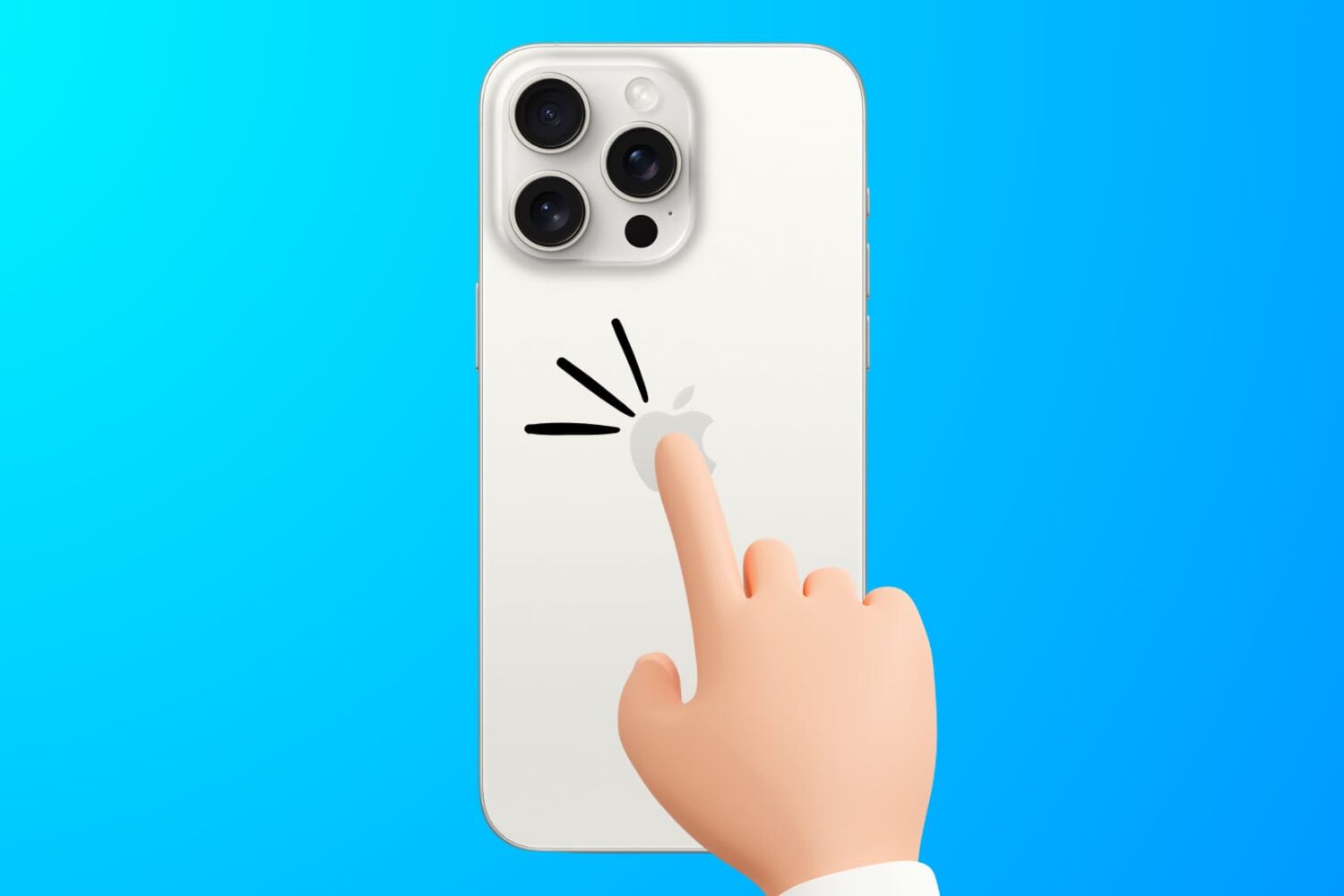
Learn how to troubleshoot the Back Tap feature to fix issues like double or triple-tapping the iPhone’s backside not registering or working properly.
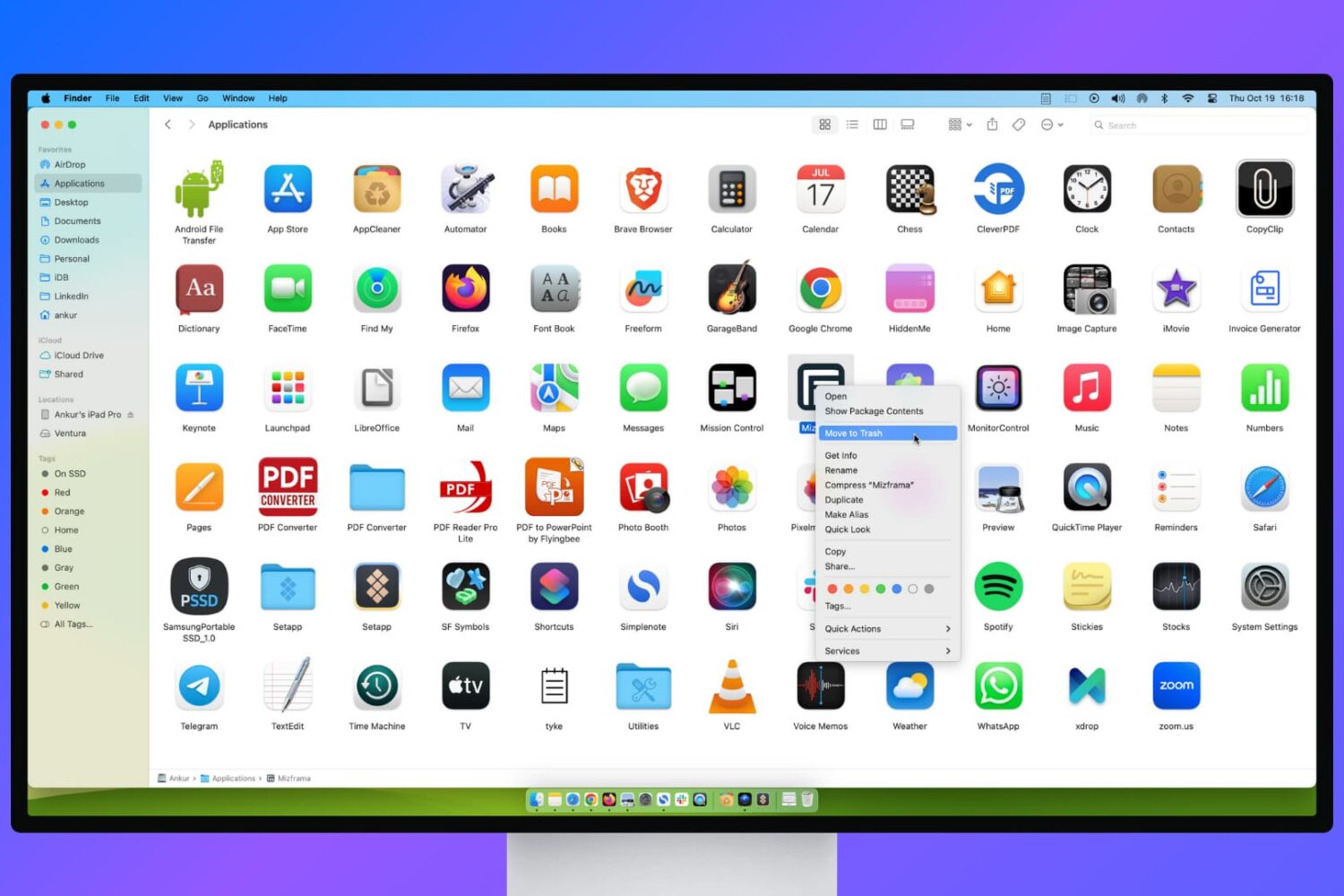
Learn what to do if you’re unable to delete apps on your Mac or if the app icon continues to appear even after uninstalling it.
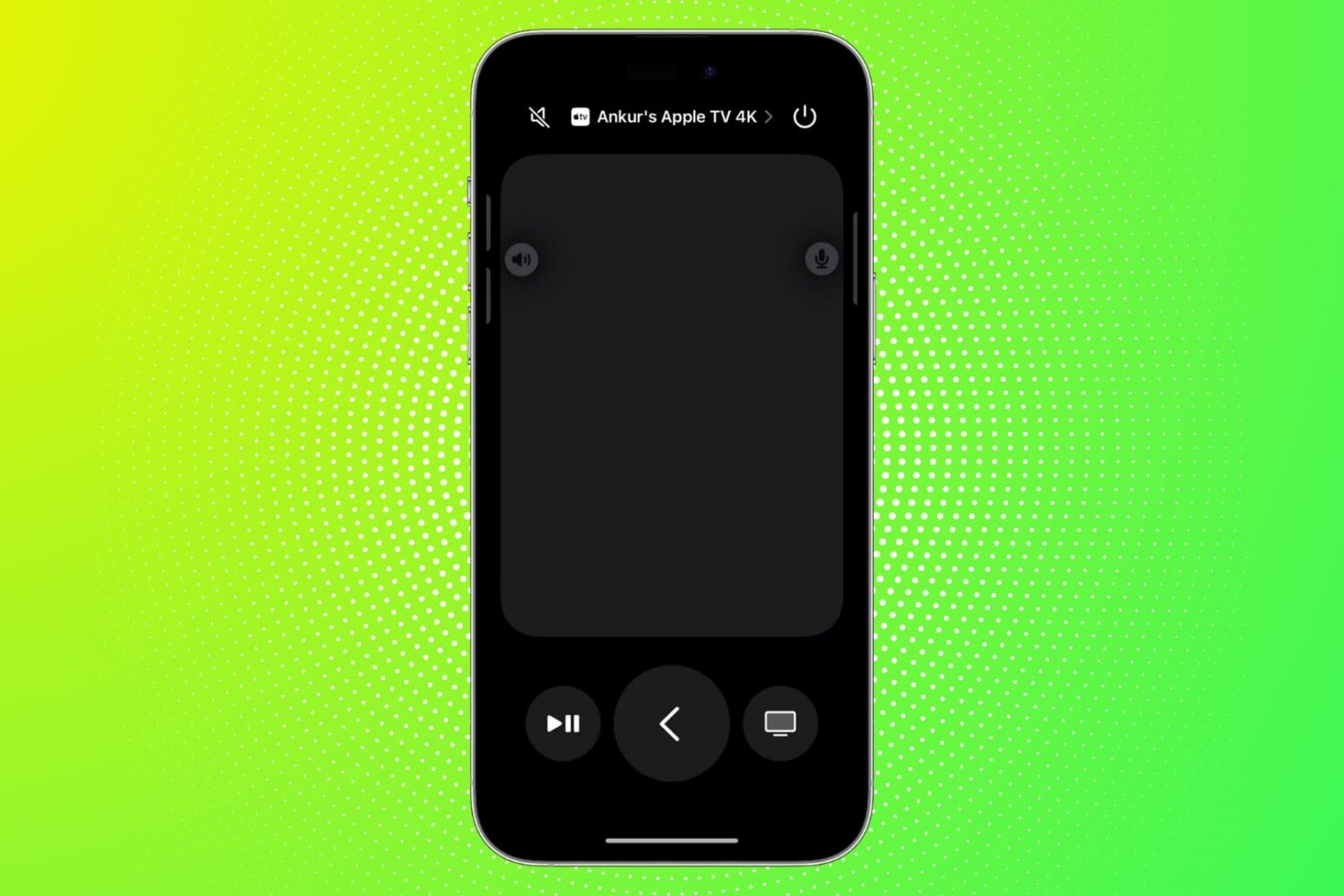
Find out what to do if the Remote feature on your iPhone or iPad isn’t working with your Apple TV.
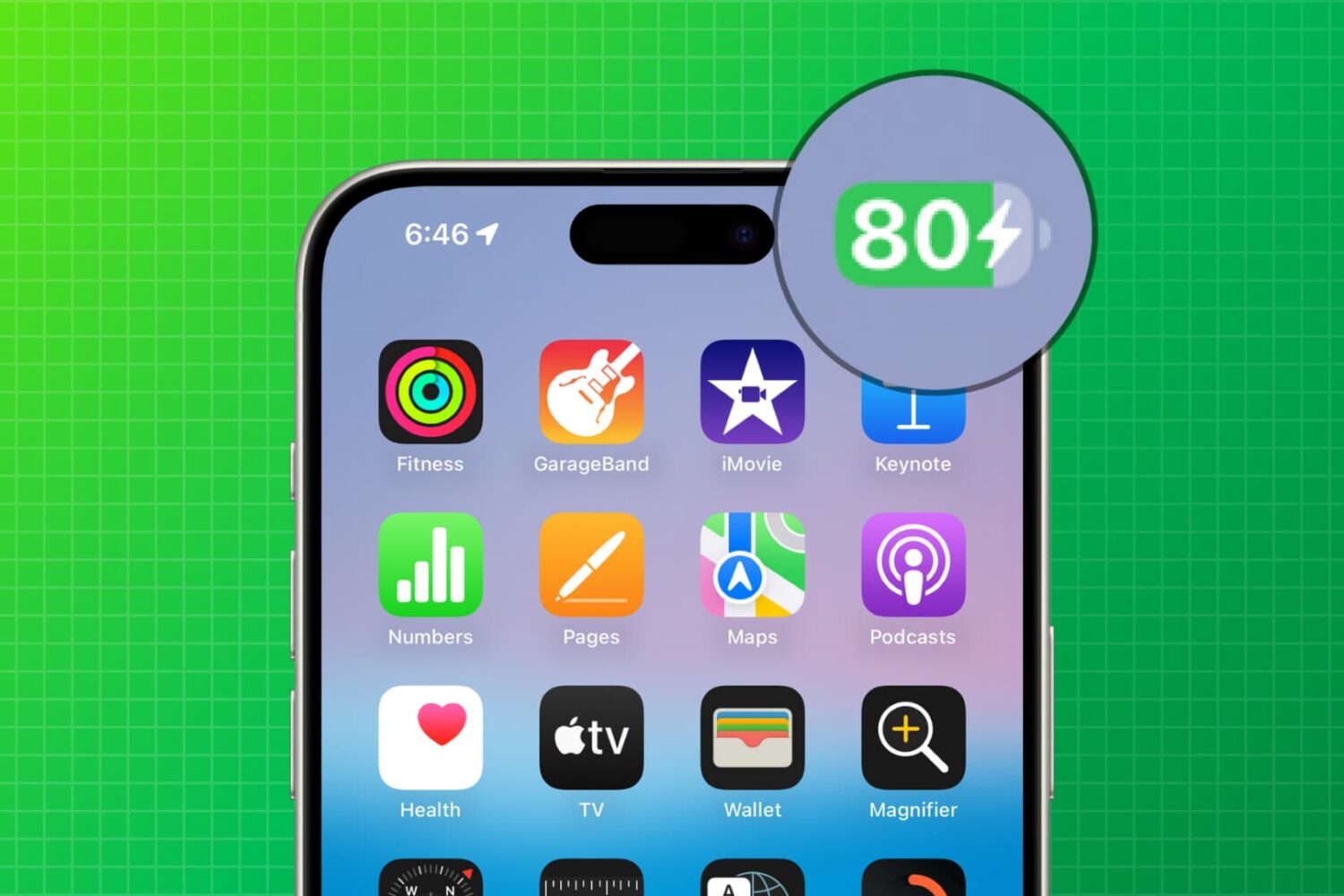
Follow these quick tips to ensure your iPhone or iPad battery charges to 100% instead of getting stuck at 80%.
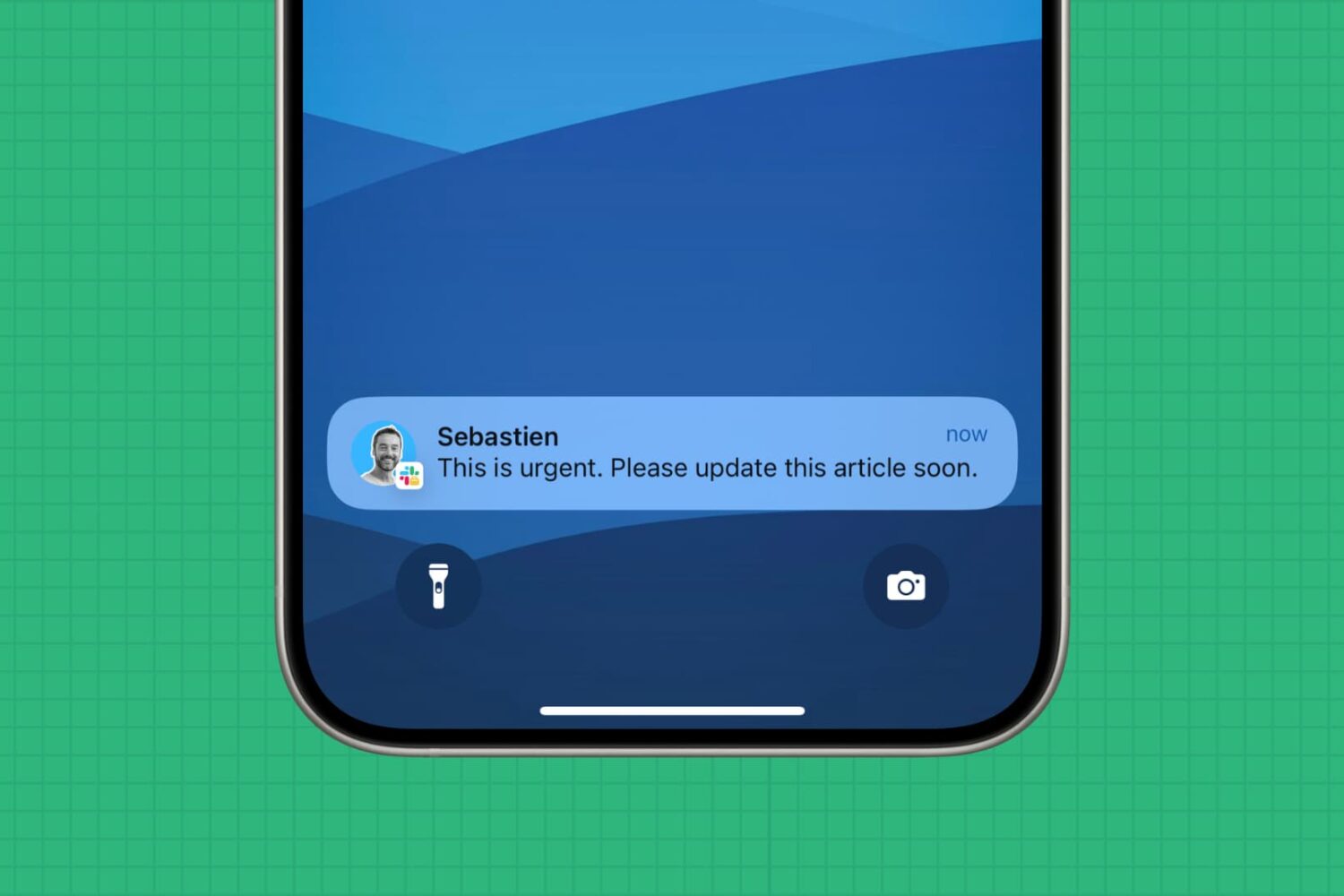
In this extensive troubleshooting guide, we go over all the possible steps to follow if you are not receiving Slack notifications for new DMs or channel messages.
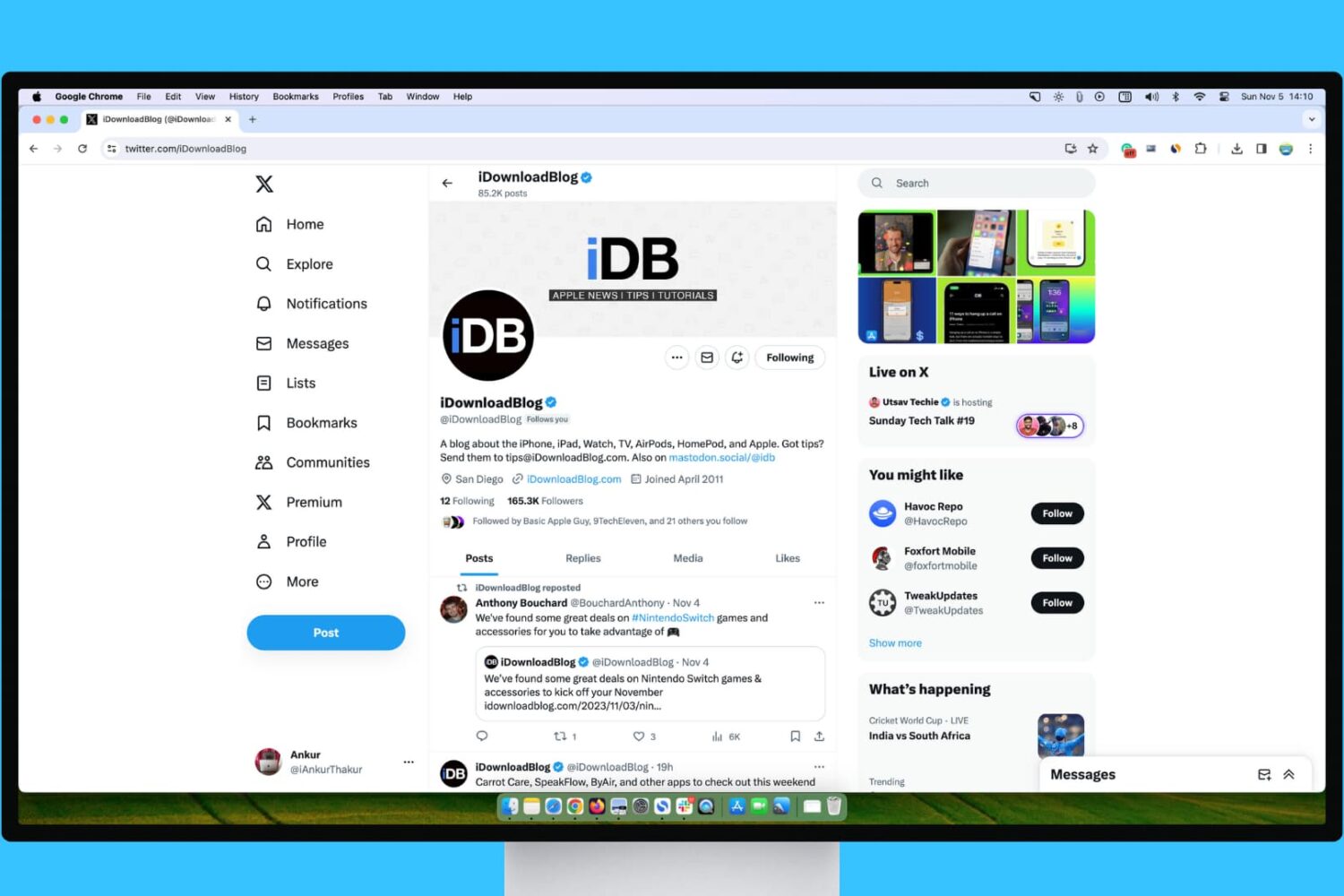
Learn what steps to take if your experience with X (Twitter) on your Mac or Windows PC isn’t up to par.