Check out these solutions to fix StandBy issues on your iPhone, ensuring it functions perfectly as a desk or nightstand display.
Fix the StandBy feature not working on iPhone
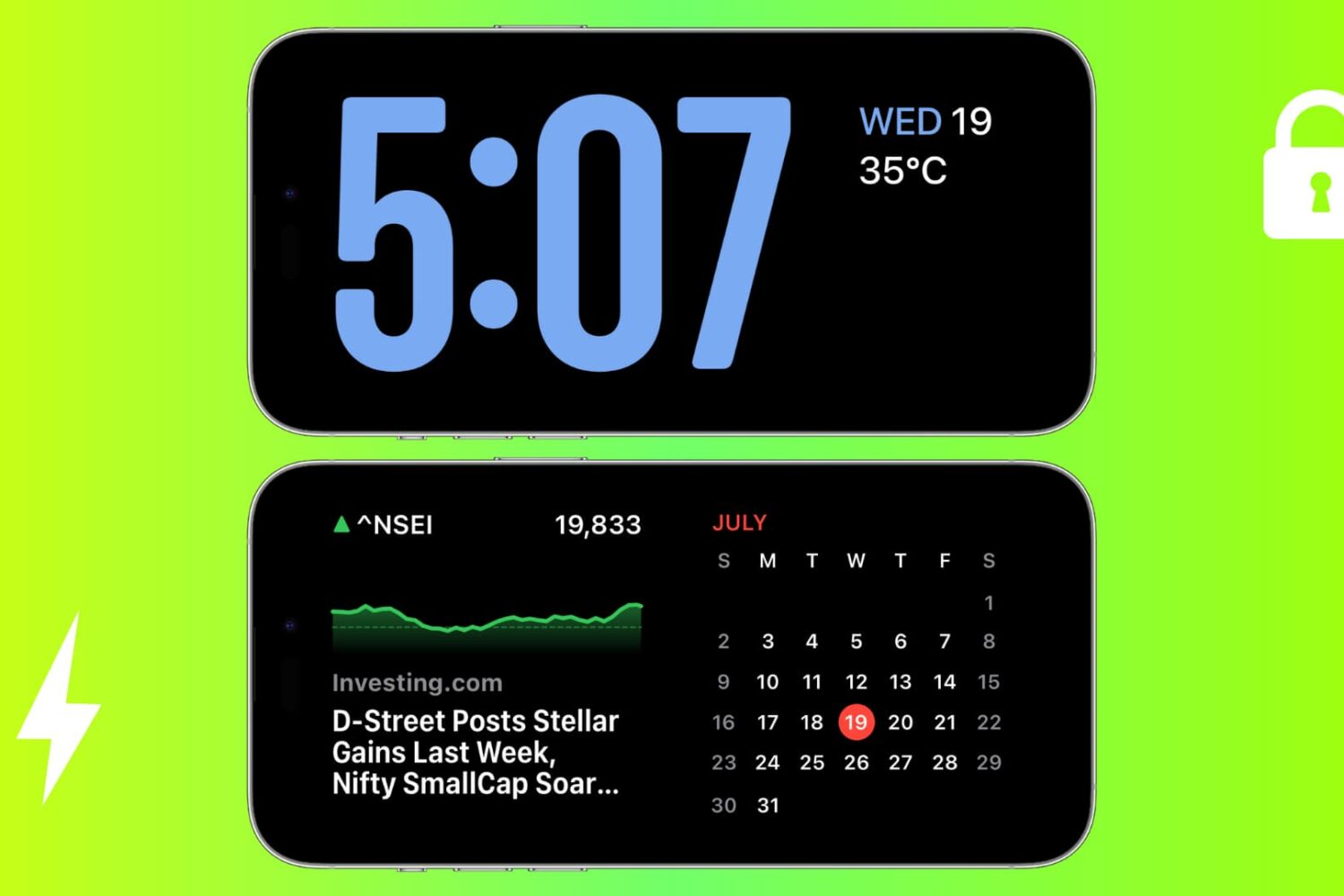
Check out these solutions to fix StandBy issues on your iPhone, ensuring it functions perfectly as a desk or nightstand display.
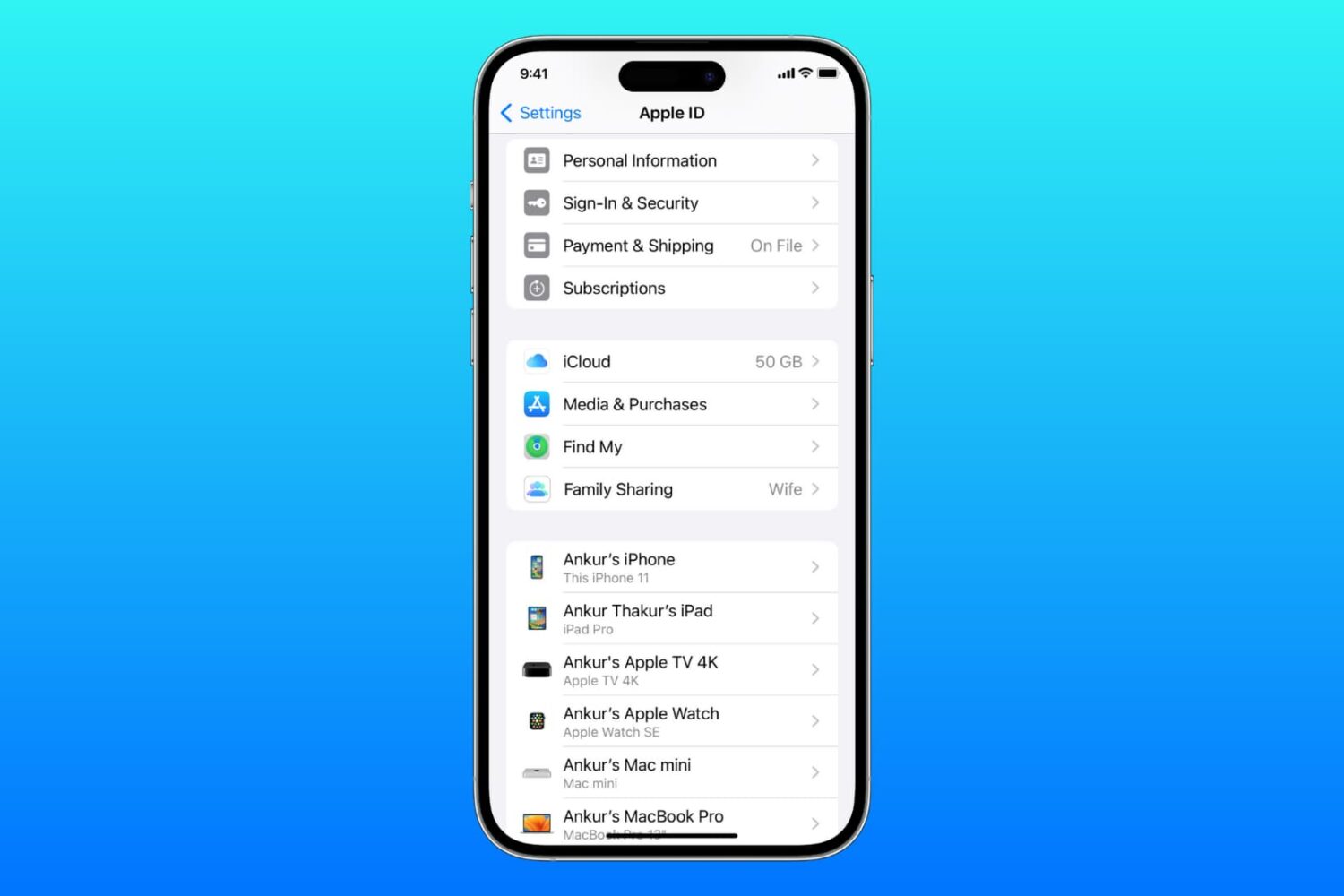
Learn what to do if you cannot access your iCloud or Apple Account settings because they’re grayed out or unclickable on your iPhone, iPad, Mac, or web browser.
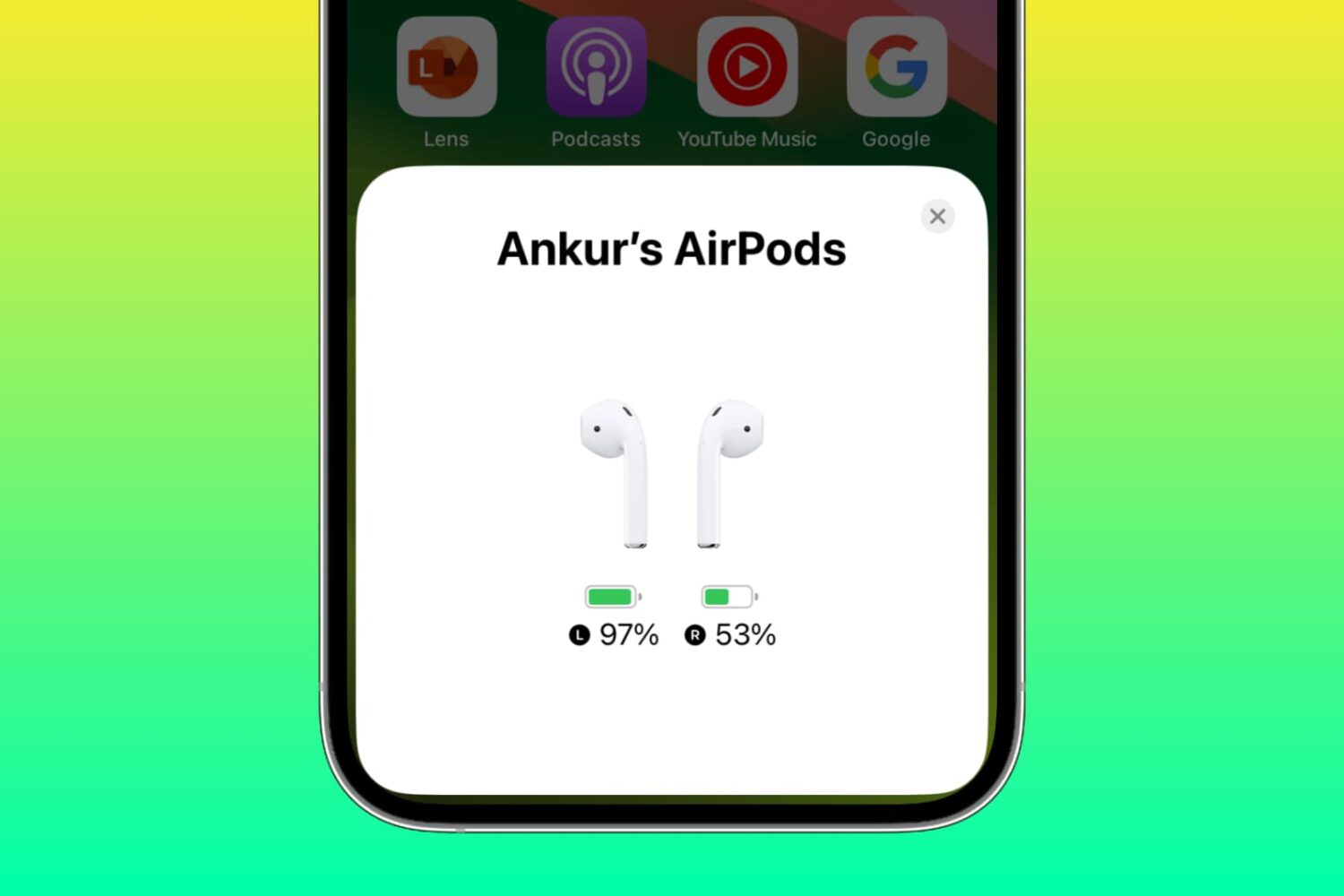
Learn why one AirPod battery is dying faster than the other and how to fix uneven battery drain between the left and right earbuds to get equal listening time.
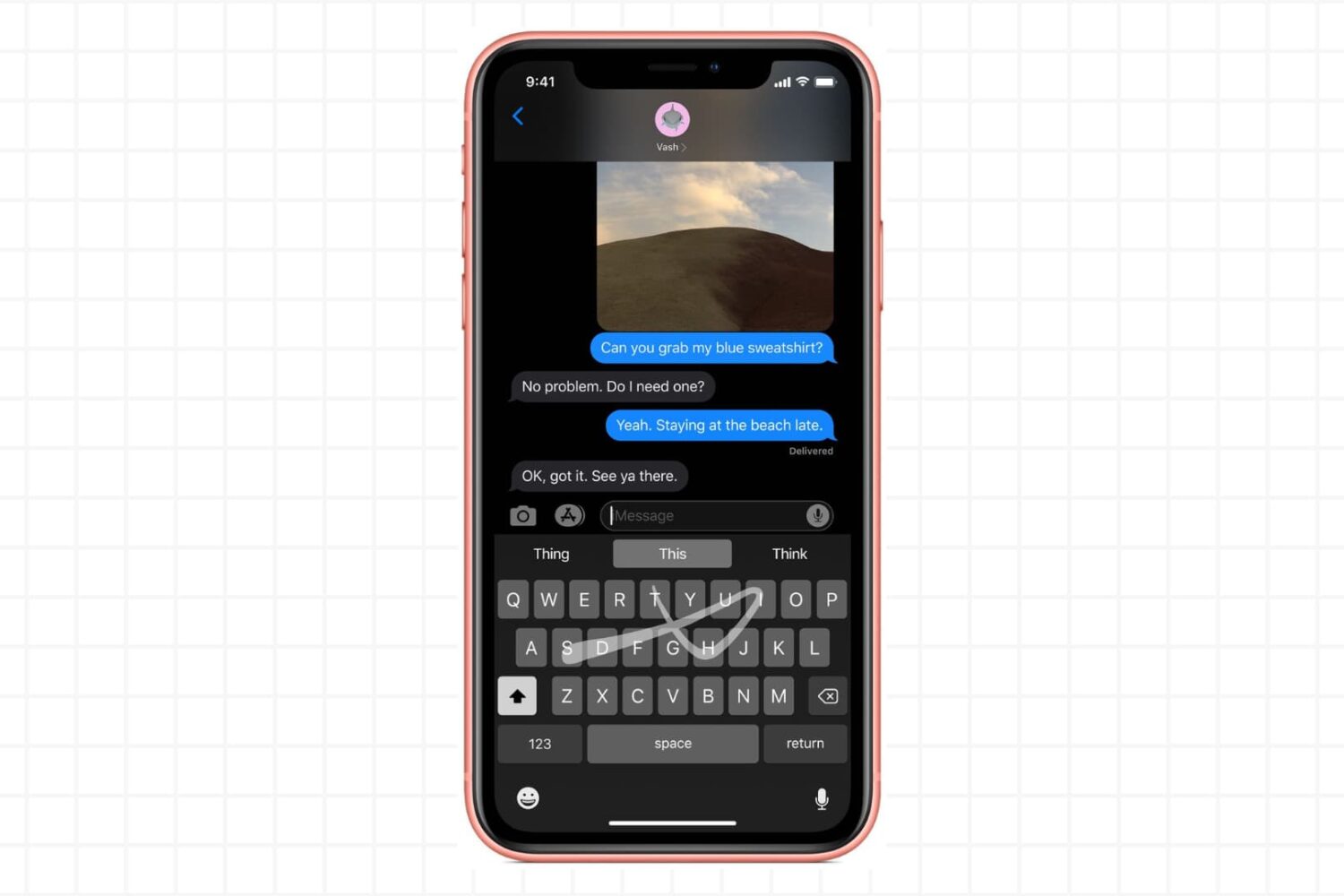
Try these troubleshooting tips if the gestural swipe keyboard on your iPhone or iPad isn’t working, preventing you from entering text by swiping your finger across.
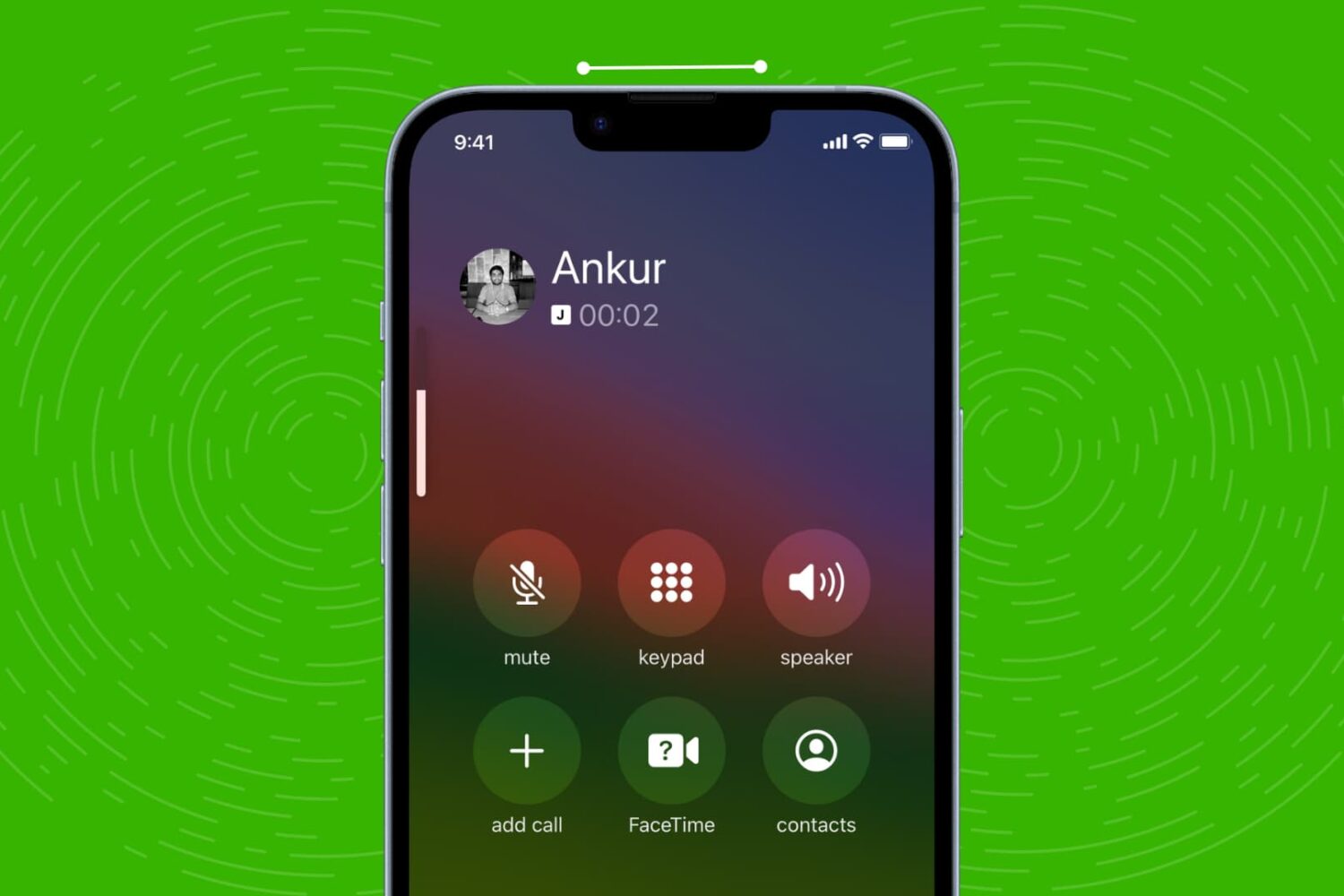
Check out these quick solutions to resolve low phone call sound issues and increase the volume if you’re struggling to hear during calls on your iPhone.
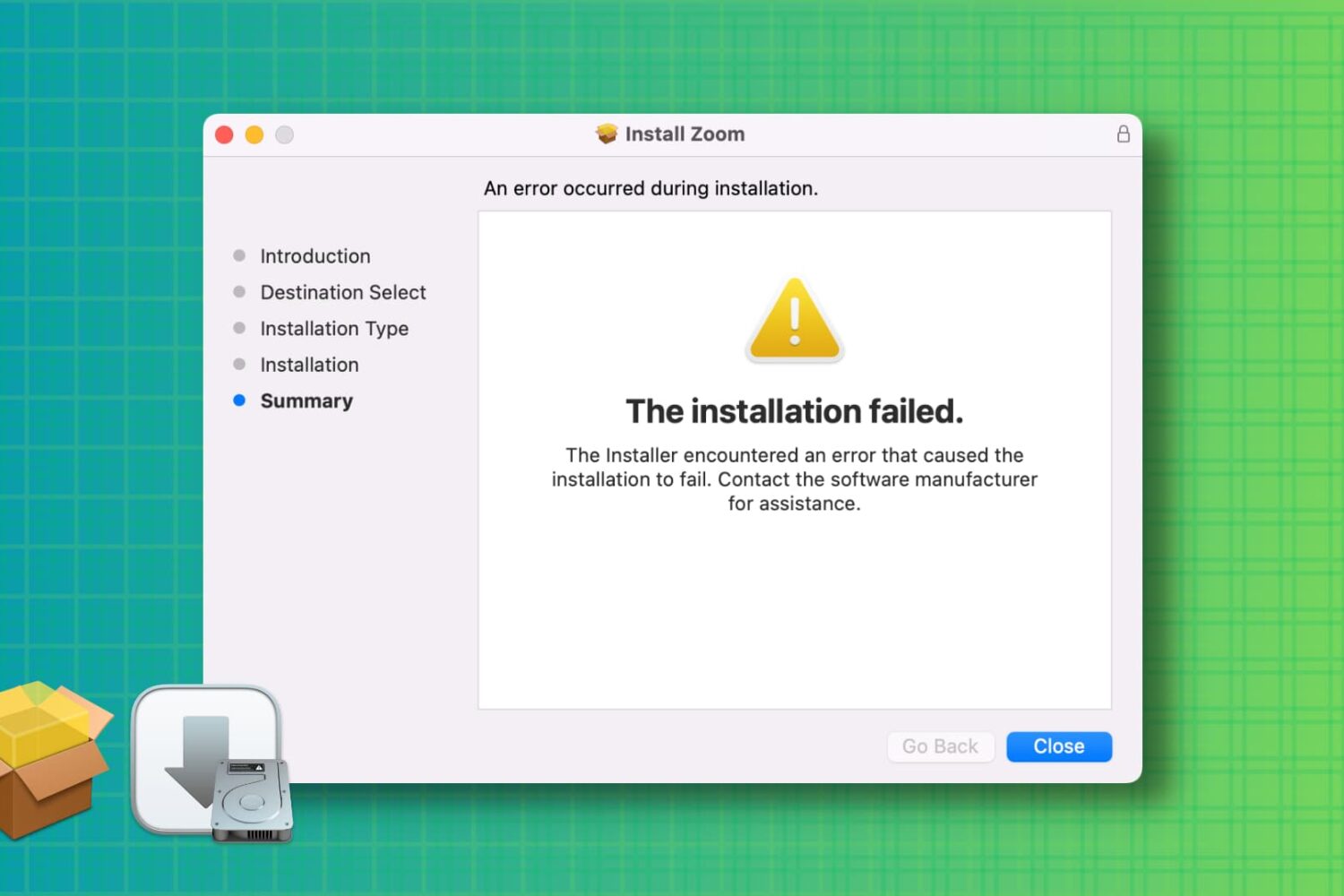
Learn how to troubleshoot and fix the “installation failed” error when installing a Mac app using a downloaded PKG, DMG, or ZIP file.
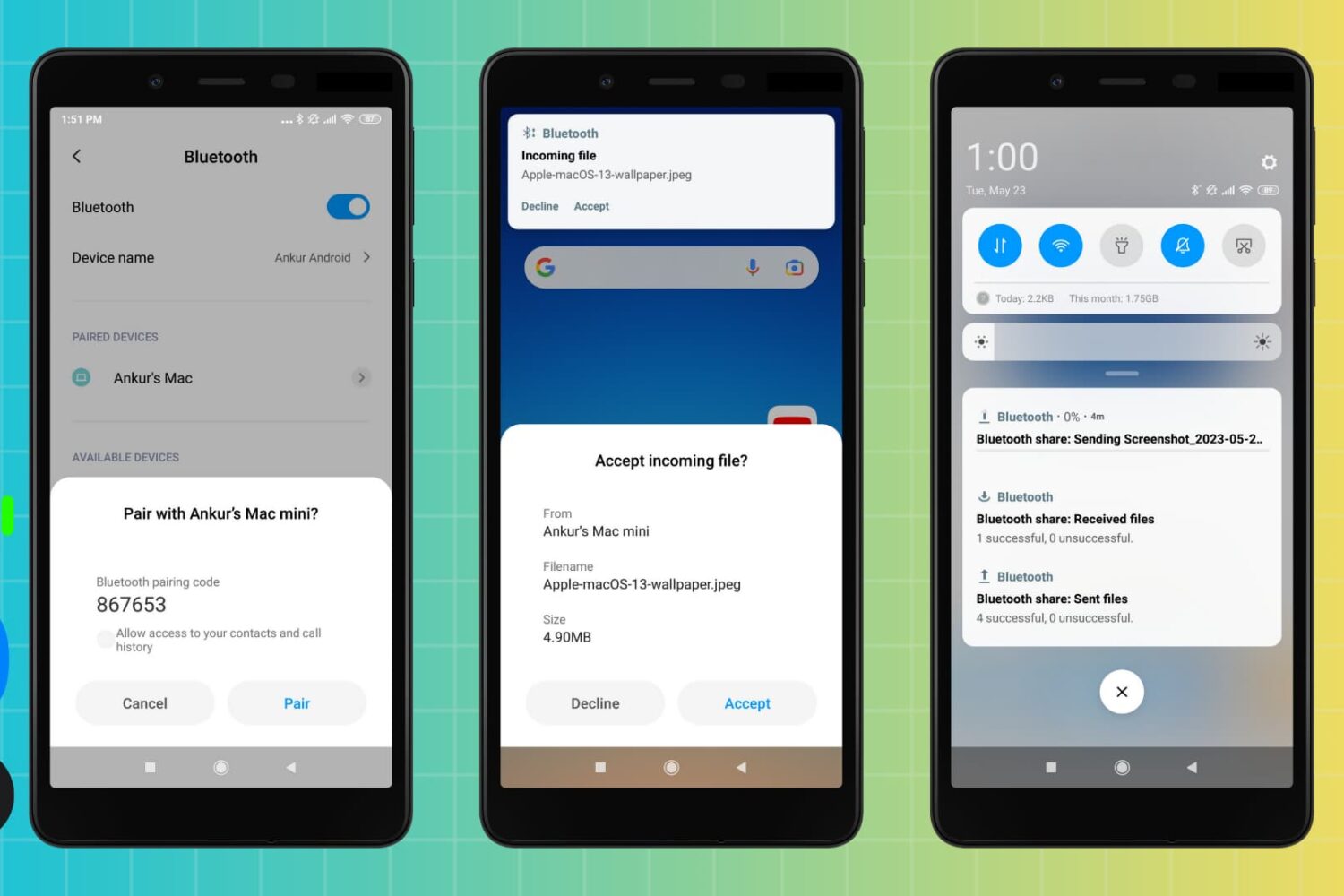
You can use Bluetooth to transfer files between an Android phone and a Mac, and vice versa. But if Bluetooth file transfers fail, the troubleshooting steps below will help you fix the problem and get your file sharing up and running again.
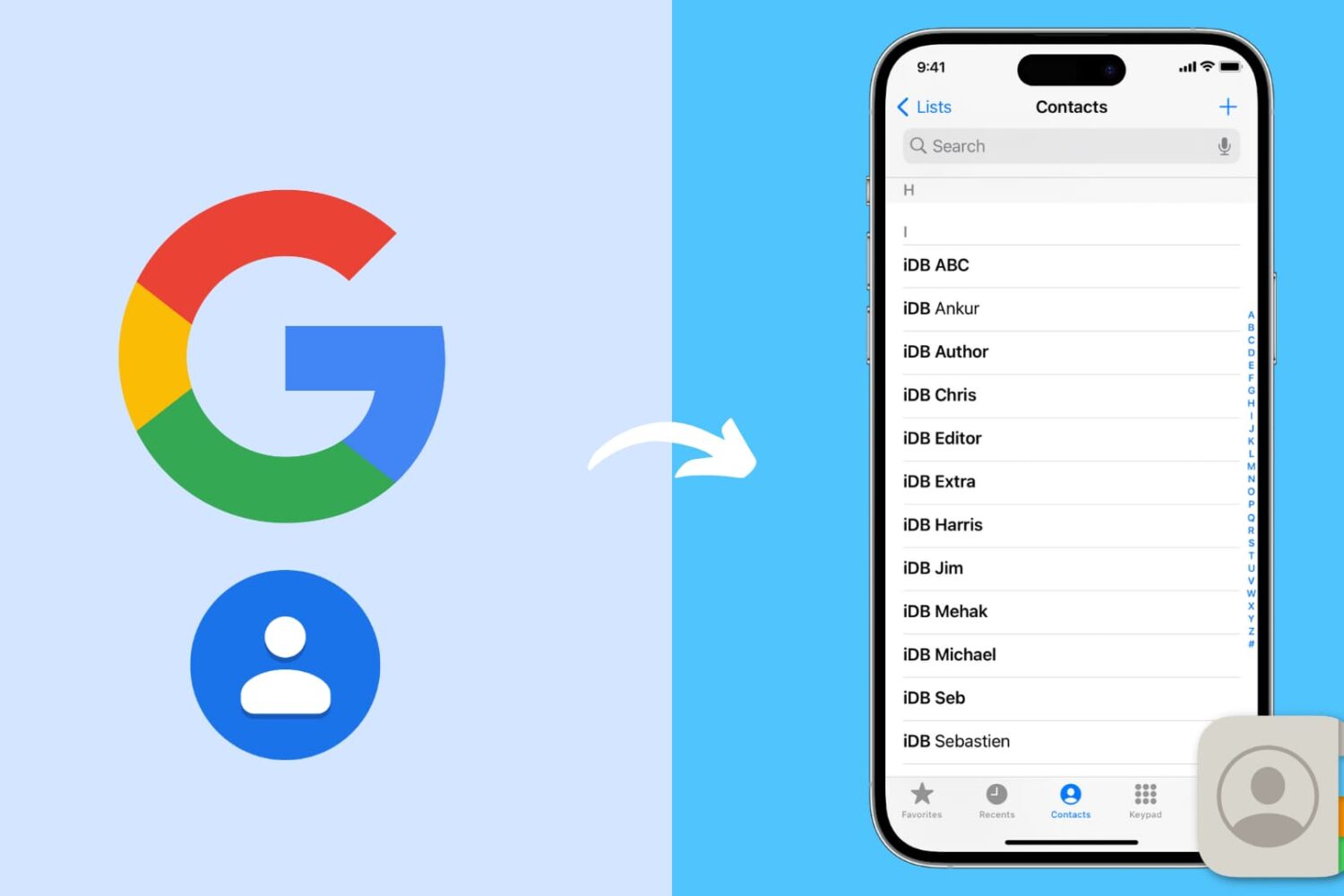
Go through these steps to restore your Google contacts on your iPhone and ensure they sync seamlessly with the Phone and Contacts apps.
Learn what to do if you cannot access your iCloud emails or send and receive emails using your iCloud account on your iPhone, iPad, Mac, and web browser.
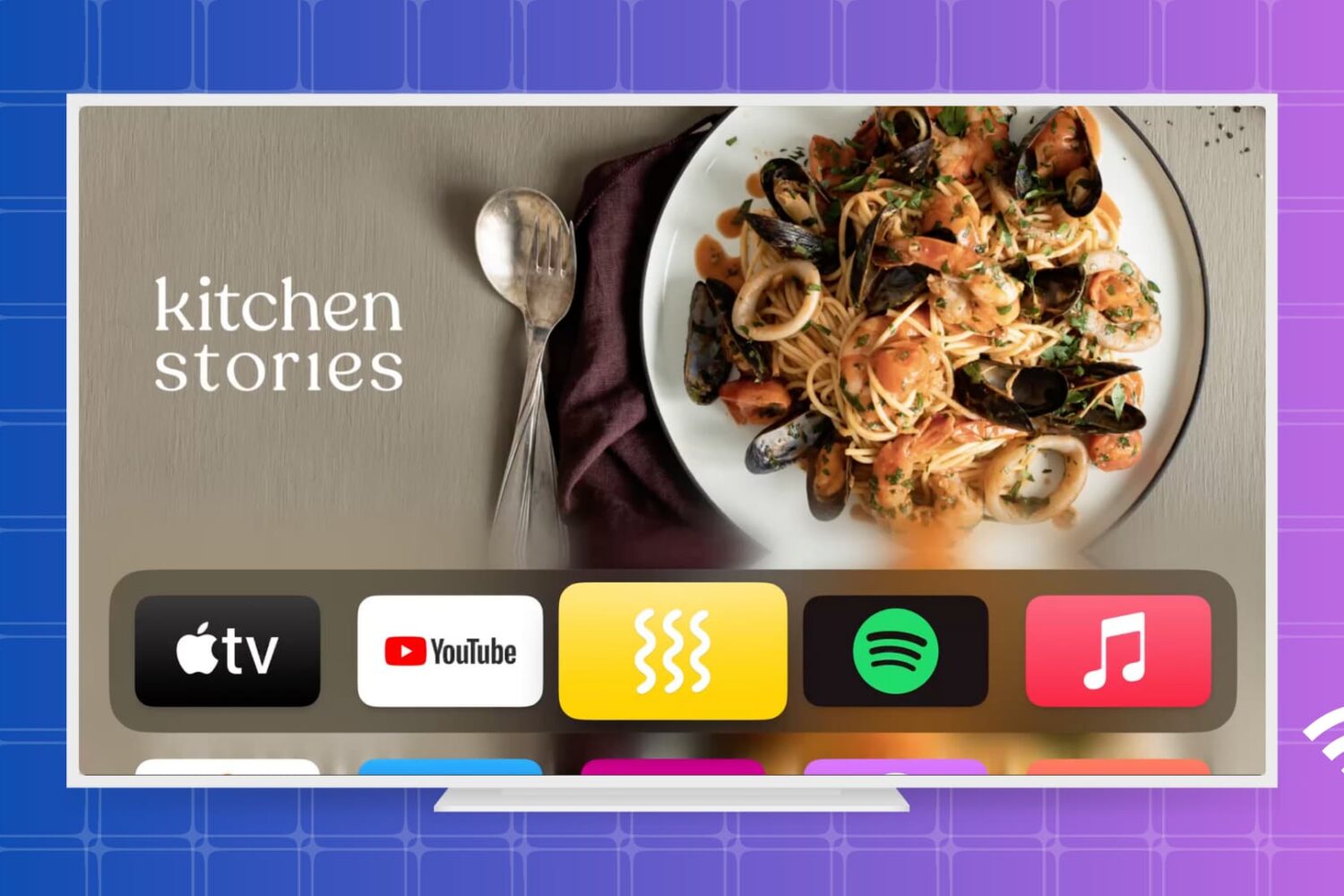
Get your Apple TV back online in no time with our step-by-step guide on how to fix Wi-Fi connectivity issues.
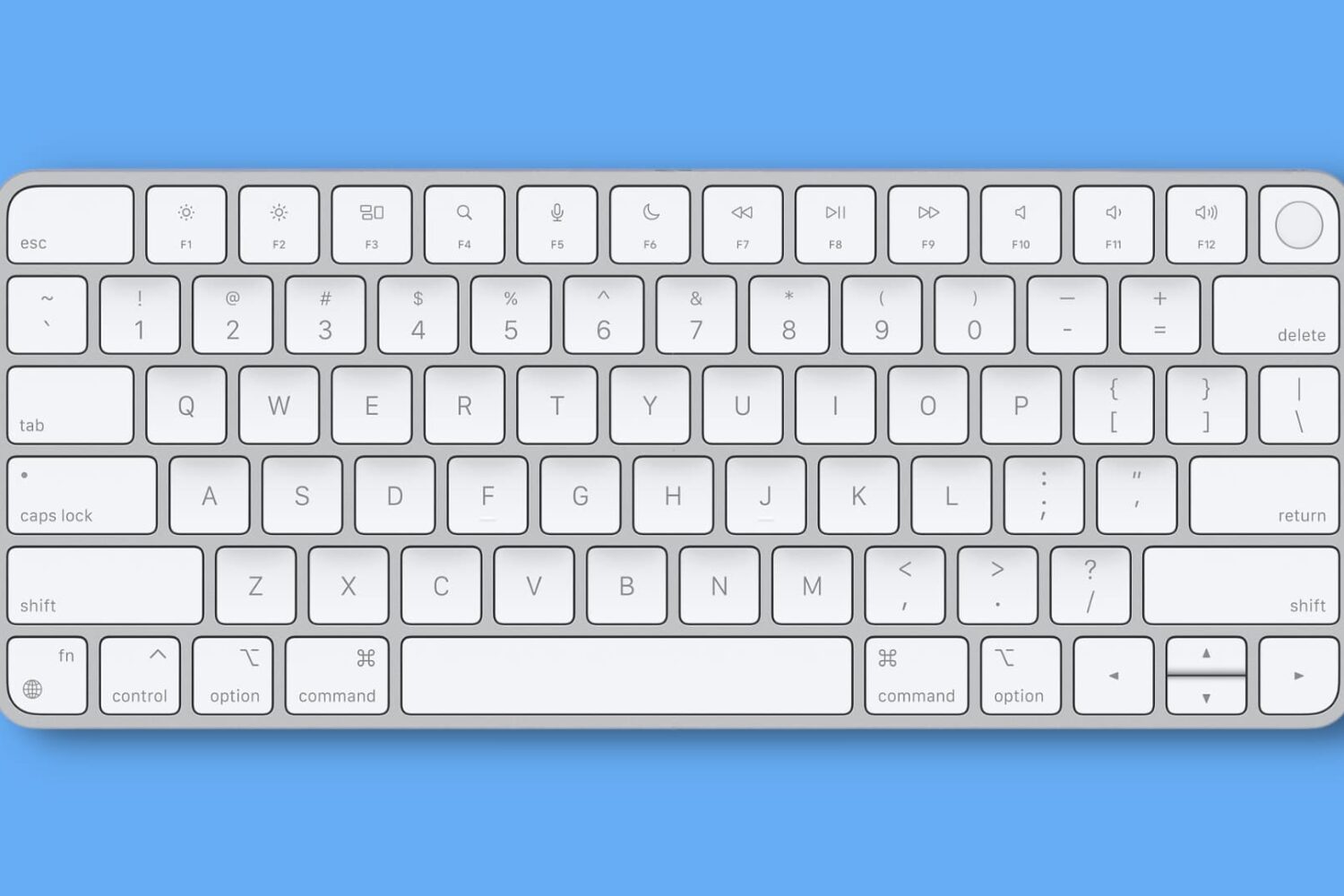
Getting unbearable input delay when typing with your wireless keyboard on Mac? This tutorial lists all the solutions to fix this problem and make your typing lag-free.
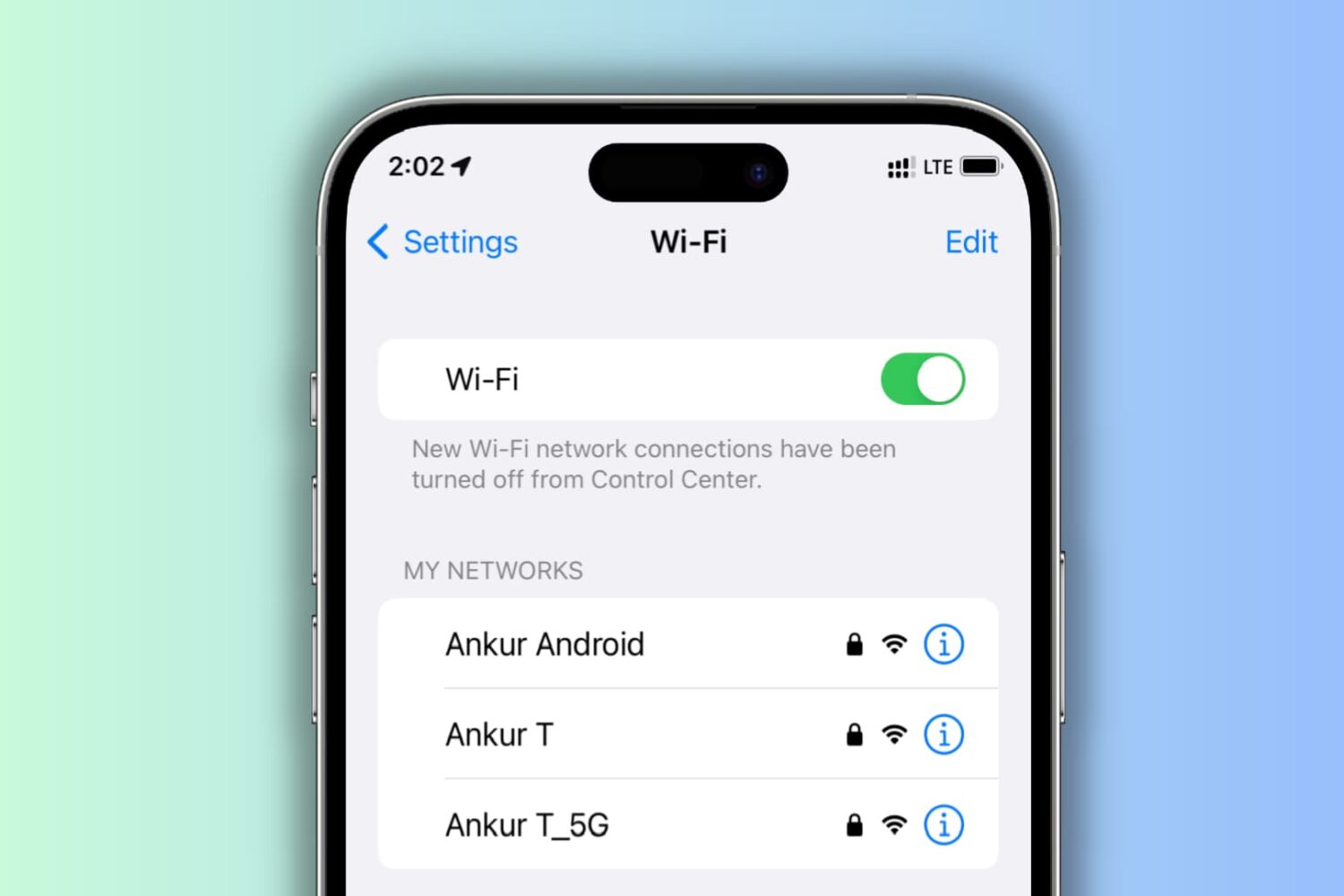
Learn what to do if your iPhone keeps disconnecting itself from a Wi-Fi network and starts using cellular data instead.