Theme

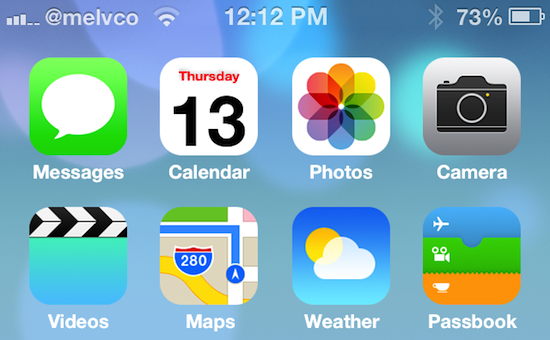
Give your iPhone an iOS 7 makeover with this new theme

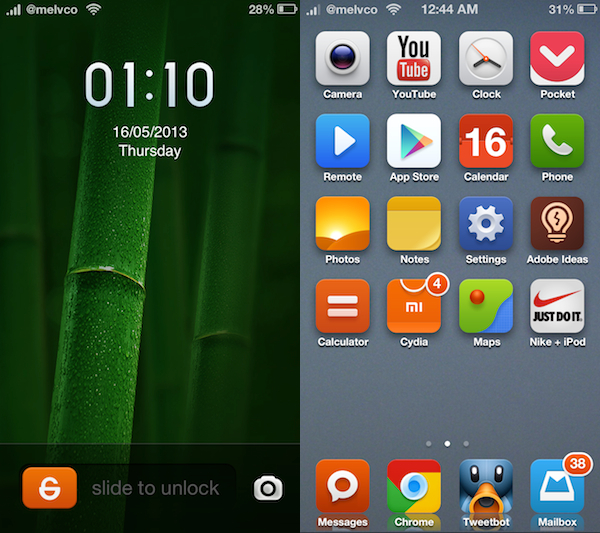
Folks feeling left out of all of the iOS 7 beta festivities will be happy to hear that there is now a way you can get in on the fun—no developer account required. A new theme just popped up in Cydia that promises to give your jailbroken iPhone an iOS 7-style makeover.

Now, obviously it's not going to be exactly like iOS 7. You're not going to get any of the new features that come with the major update, like the control center or the revamped Notification Center. But if you just want your iPhone to look like iOS 7, this theme is for you...
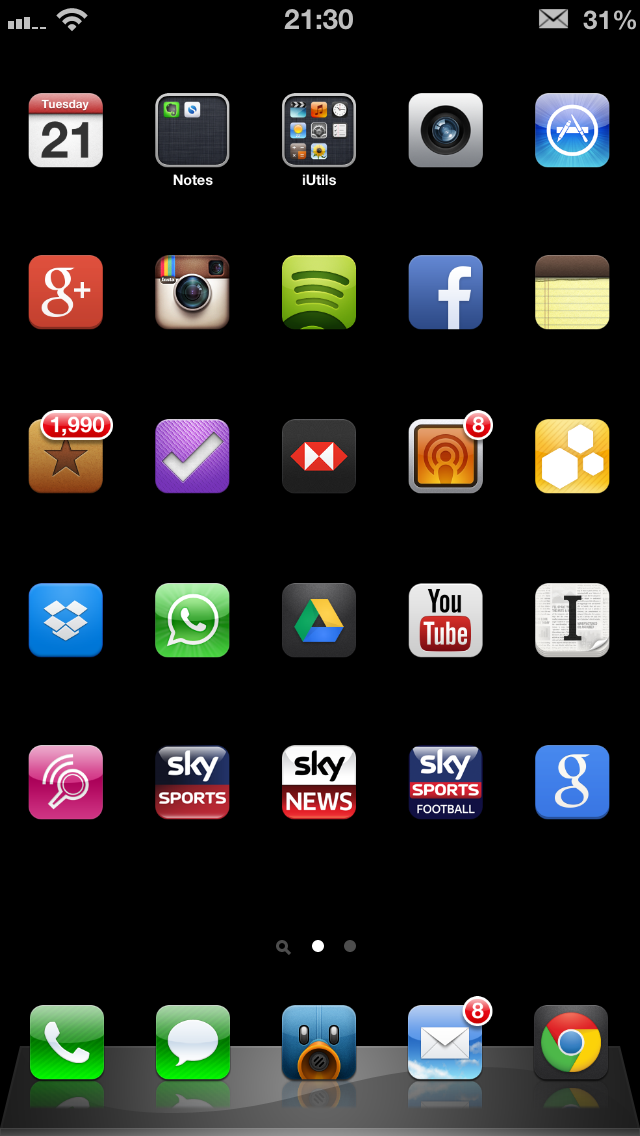
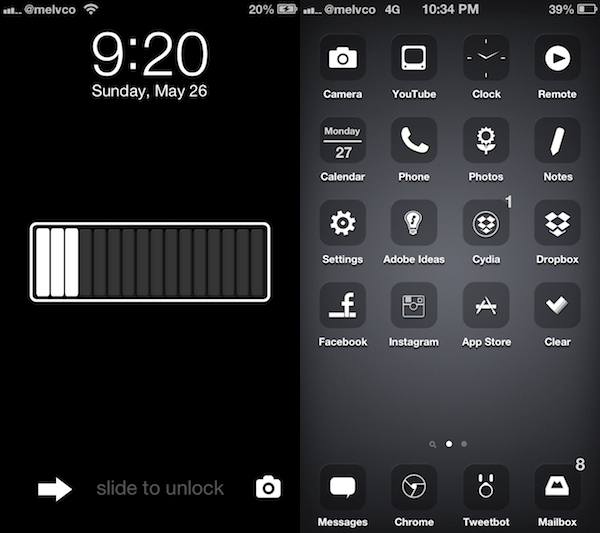
How I created my clean iPhone 5 Home and Lock screens

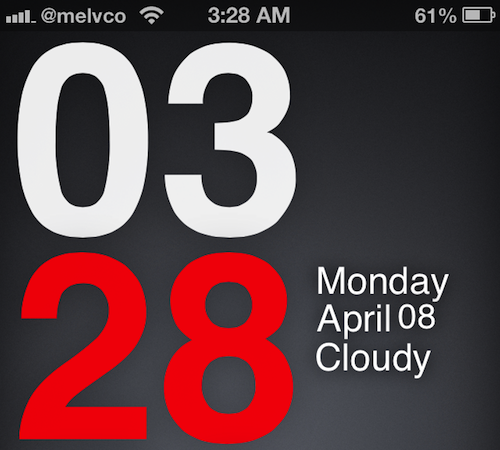
It seems like every time I post a screenshot of my Lock or Home screen, I'm inundated with tweets, Facebook messages and even the odd Google+ message asking how I created the minimalist, clean effect. It looks very different to the stock iOS experience, and offers some features that Apple refuses to offer, and I rather like it!

After the most recent flurry of questions I thought it best to put together a short blog post together detailing what apps or tweaks I used, along with the important settings required to recreate my Home or Lock screen.

So, without further delay, let's get started...

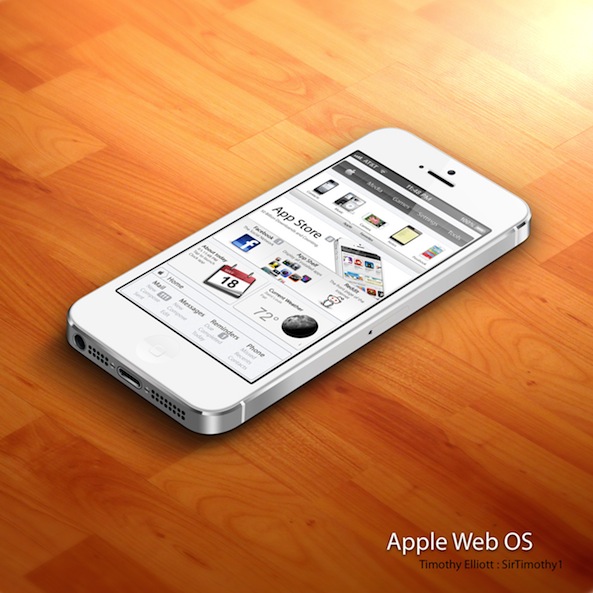
Apple Web OS: a theme that mimics Apple’s online store

If pressed, I would say that I consider myself an Apple fan. I love my iPhone, and my iPad, and I'm typing right now on a MacBook Pro. But even I cringed a bit when I first laid eyes on this new DreamBoard theme called Apple Web OS.

As the title states, Apple Web OS essentially gives your iPhone a complete 'Apple web store' makeover. Instead of icons it has product photos, and instead of pages it has tabs. It's actually very authentic, which can either be a good thing or a bad thing...

WhiteLine HD: a gorgeous minimal theme for your iPhone

We've seen some pretty cool themes over the past few weeks. There was FlatIcons, iMIUI, and more recently Motif—all of them are worth checking out if you haven't already. And we're going to add to that list today, with WhiteLine HD.

WhiteLine HD is a new iPhone theme by Xavier32. It's lightweight, and looks great, as long as your into the whole minimalism thing. But don't let its simplistic design fool you. It includes over 800 icons, countless UI elements, and more...

Give your iPhone’s UI a reboot with Motif

I'm not usually a theme kind of guy. I know there are a lot of people out there that love customizing the look of their devices, and that's awesome, but I'm more about functionality and minimalism.

That doesn't mean, though, that I won't give new and interesting themes a shot. I used ayecon for a long time, and then I had iMIUI for a bit. And over the past few days, I've been testing out Motif...

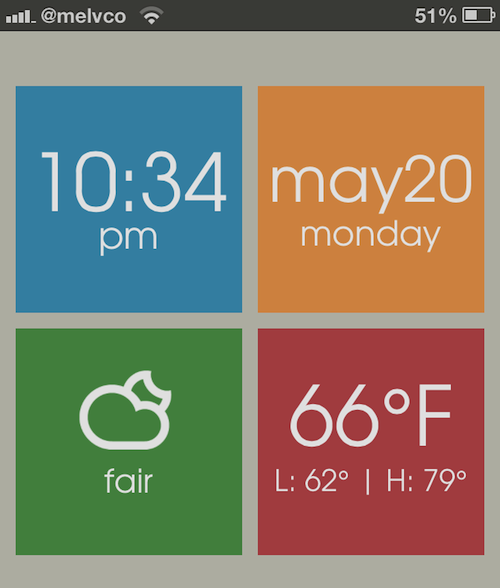
Add handy information tiles to your device’s Lock screen with LS Squares

Folks looking to spice up their device's Lock screen will be happy to hear that there's a new jailbreak theme out that can help with that. It's called LS Squares, and it adds 4 tiles to the empty space that each provide you with useful information at a glance.

Sure, there are already hundreds of tweaks and themes available in Cydia that have similar premises. But what sets LS Squares apart from the rest of them is its sharp, Metro-like tile design that can completely change the look of your Lock screen...

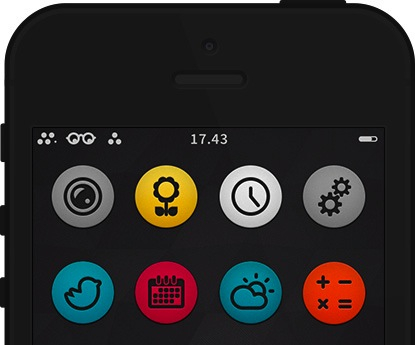
Circul8: an outstanding theme for iPhone and iPad

There are countless amounts of themes already available for iPhone/iPad with more emerging each week. It starts getting harder to find a theme that is truly worthy of your iDevice. That's where we come in... Introducing Circul8. A theme that is well crafted with the perfect minimalism for a simple but effective look.

The best part? It’s free...

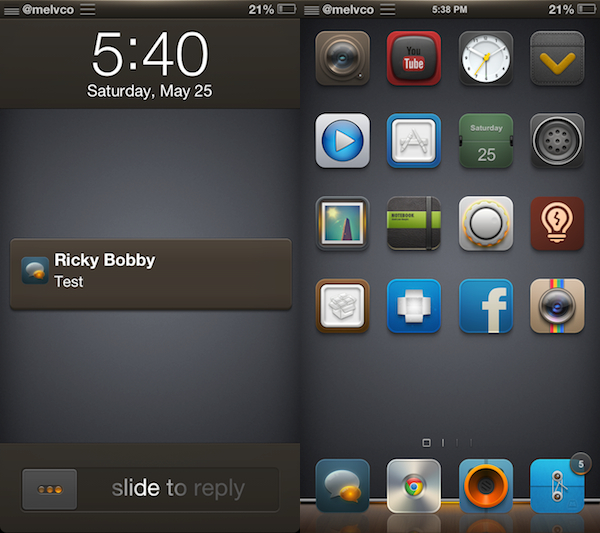
Give your iPhone a gorgeous makeover with iMIUI

A few days ago, we were contacted by one of the developers of a jailbreak theme I had never heard of before called iMIUI. In the email they told us that we just had to check out their theme, saying it could be the next ayecon.

Given that Surenix's ayecon theme is easily the most popular in the jailbreak community right now, that's a pretty bold statement. But after using iMIUI over the past few days, I'm starting to think they might just be right...

FlatIcons: a beautiful two dimensional theme for iOS

From a pure looks standpoint, FlatIcons is one of the better looking themes for iOS. It's not the deepest theme out there as far as the UI area it covers on iOS, but it's definitely up there with some of the best from a purely visual standpoint.

Along with the app icons themselves, FlatIcons includes themes for the stock Weather app, Auxo toggles, and Notification Center. As a bonus to purchasers of the theme, the creator of FlatIcons added an additional alternate theme to the package as well. Have a look inside for our hands-on video walkthrough.

How to perfectly mesh your Auxo installation with ayecon

Ayecon is by far the most popular jailbreak theme that we've seen in quite some time, and its popularity doesn't seem to be slowing down. Auxo, like ayecon, is insanely popular in its own right. But how do you get the pair to play nice together? It's actually really simple — you download the official ayecon theme for Auxo, that's how.

ayecon Auxo Theme is a free WinterBoard theme, and it comes directly from the creator of ayecon — Surenix. That means you can expect it to be a 1:1 match with the rest of the ayecon theme from a visual perspective.

App Store app works with jailbreak theme to create custom Lock screens

Trying to find a decent Lock screen theme in Cydia is like trying to find a needle in a haystack. There are thousands of them in there, and there are way more bad ones than there are good. So you're forced to spend hours browsing.

But what if I told you there was an app in the App Store that, when coupled with a jailbreak theme, allowed you to either create your own custom Lock screen themes, or download hundreds of free themes, with a few quick taps?

Well, such an app exists. And if you haven't seen it yet, this post is going to make your day...

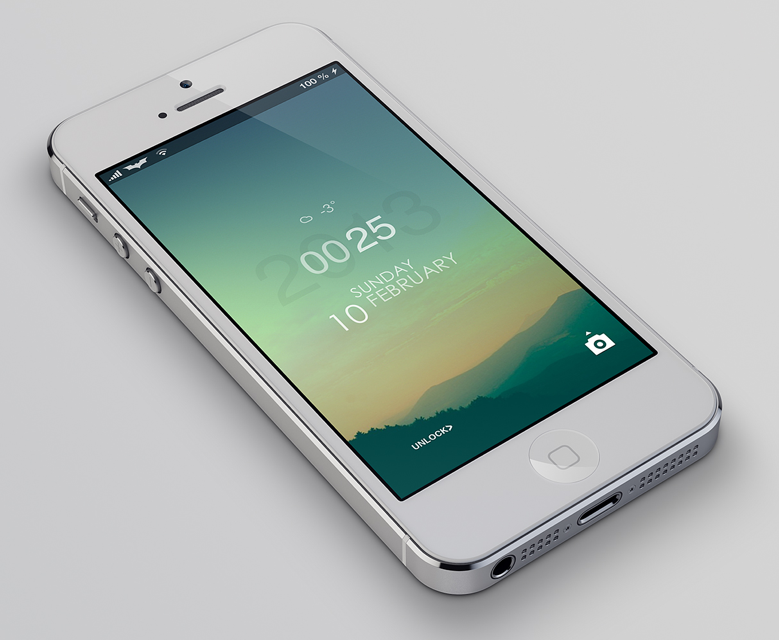
LS Climacons, a tranquil theme for your Lock screen

Well it’s Monday and most of you are returning to work or school and gearing up for the week ahead. What’s going to help, you ask? Well another theme post from your friends over at iDB of course! In this series we lay out instructions on how to turn that boring stock Lock or Home screen into a beautifully crafted setup. The Lock screen has been neglected by Apple long enough so lets make it feel special for once.

Let’s get started…