Theme

LS Lyra 5, a clean and minimal theme for your Lock screen
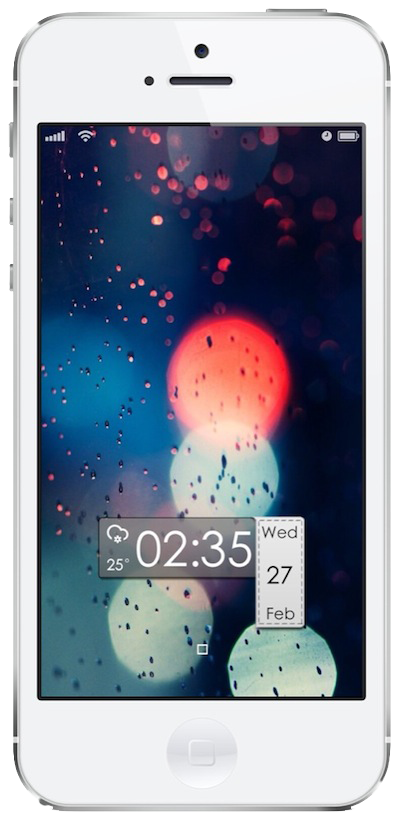
Welcome to our third post about the wonderful world of iPhone Lock screen mods! In this series we lay out instructions on how to turn that boring stock Lock screen into a beautifully crafted setup. The Lock screen is literally the first thing you see every time you turn on your iPhone so why not make it look as pretty as possible. Let's just get started...

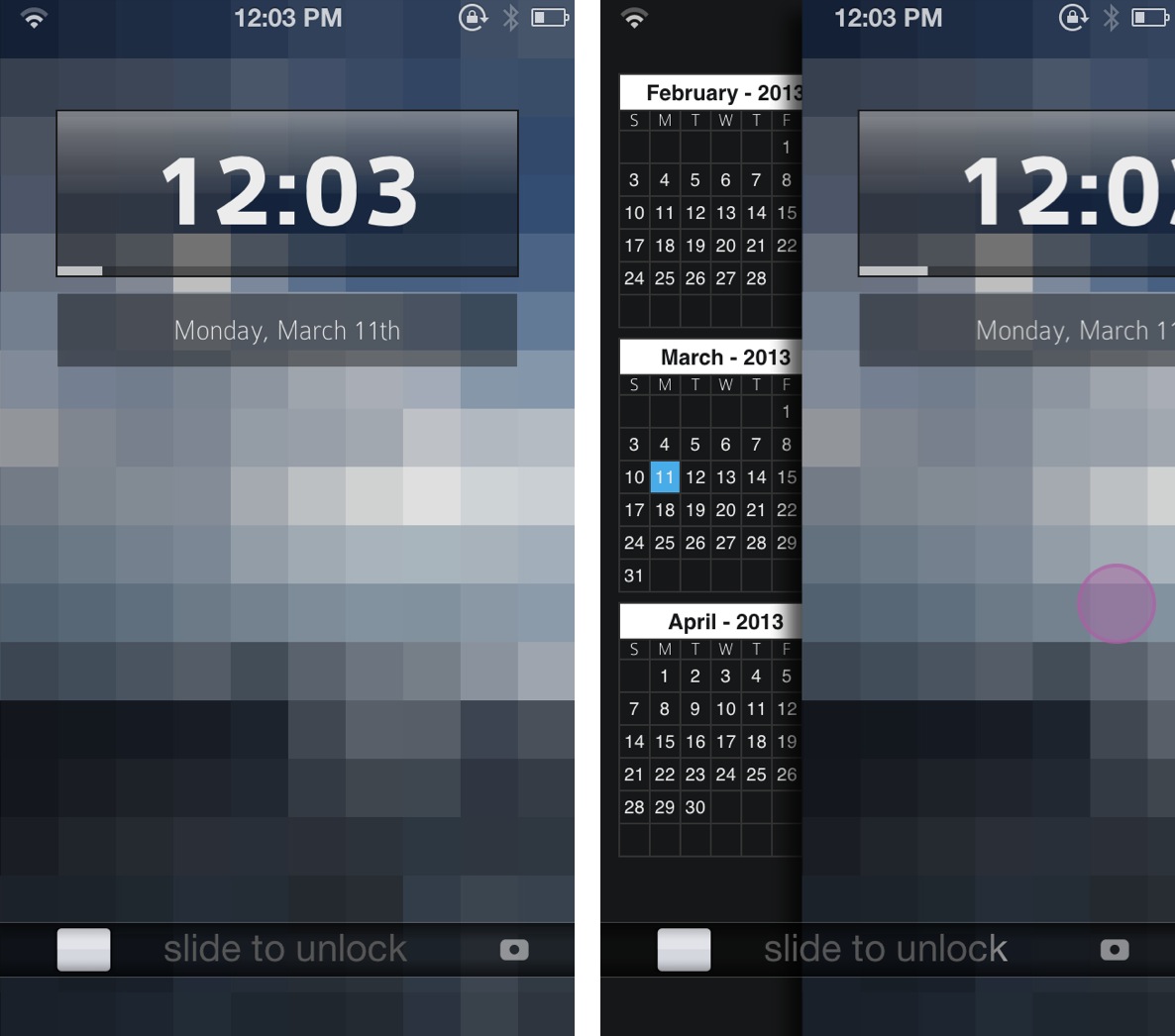
Peekly – an awesome new Lock screen theme featuring weather, calendar, and more

Peekly is an awesome new Lock screen theme for WinterBoard. Not only does it look wonderful, but the theme features built in functionality for current weather, forecasts, calendar, RSS feeds, and more.

Like many Lock screen WinterBoard themes, Peekly can be configured using a simple javascript file, which can be edited by means of the text editor bundled with iFile. If you're looking for a relatively lightweight Lock screen theme that looks absurdly good, then look no further than Peekly. Take a look inside for our full hands-on video review and setup guide.

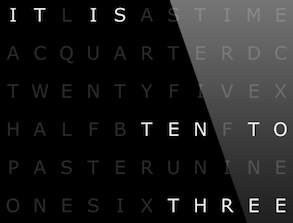
A beautiful verbal clock for your Lock screen

Continuing our Lock screen modding series, we take a closer look at an elegant verbal clock. Having an affinity for well-designed typographical imagery, this verbal clock is a perfect addition for my iPhone. A sleek black, gray, and white interface, I am impressed with the elegance of its minimalism. Follow us beyond the fold to find out how to set your iPhone up similarly...

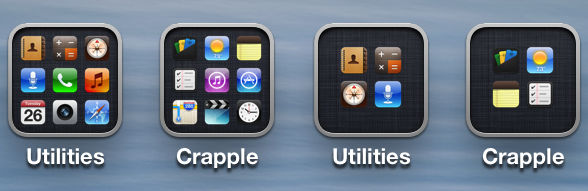
How to change your folder icons layout with 2×2 Folder Icons

Surenix, the designer/developer behind the hugely popular ayecon theme has just released a simple tweak for iOS that changes the layout of your folder icons. Normally, a folder icon shows a preview grid of up to nine icons for apps that are placed in a given folder. With the 2x2 Folder Icons tweak, you can change this 3x3 grid of icons to a 2x2...

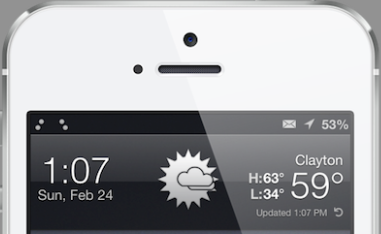
A simple Lock screen that displays the local weather forecast

The iPhone Lock screen has not changed since 2007 and it is certainly boring, even outdated. Everyone loves a good Lock screen and we wanted to give a quick how-to for a simple tweak. Getting things looking fresh on your iPhone can be a jumbled mess while plowing through Cydia, looking for the right packages. A few days ago we had users submit their favorite Lock screens, screen shots, and tweaks, which led to this post. While this initial posting is simple, we hope it inspires you to construct your own beautiful Lock screens...

Ayecon updated with new dial pad, more icons and bug fixes

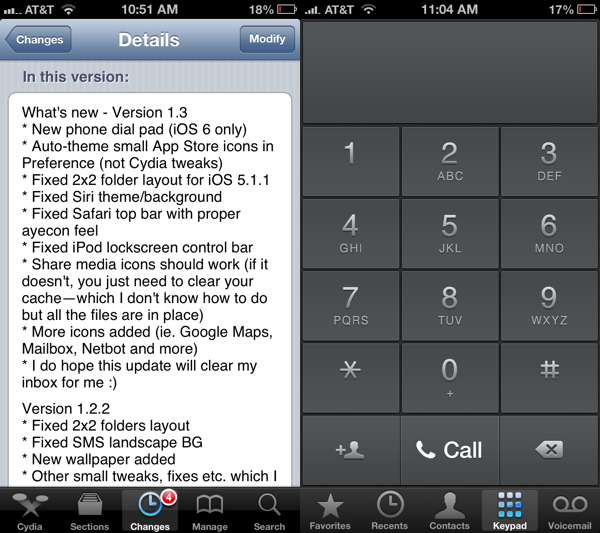
Since the evasi0n jailbreak was released last week, we've seen a wave of tweak and package updates as developers rush to fix remaining iOS 6 bugs and add new features. Today, our favorite theme joins in; ayecon 1.3 is now available in Cydia.

The update is fairly significant, as it includes a number of additions and improvements. There's a new dial pad (for iOS 6+ only) and new icons for apps like Google Maps and Netbot. We've got the full change log for ayecon 1.3 after the fold...

This beautiful iPhone 5 theme does not require a jailbreak

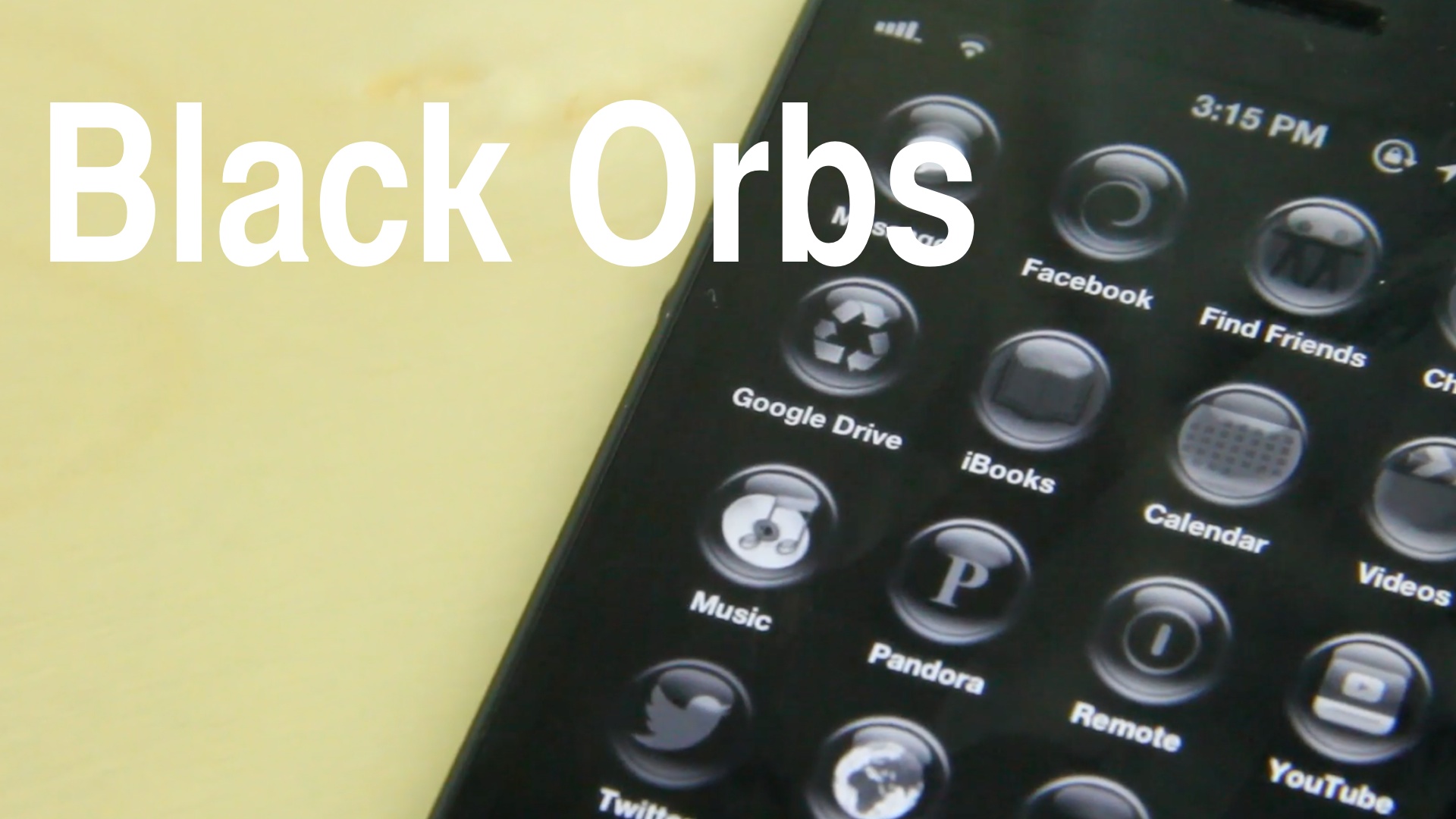
Lately I guess you can say we've been on a kind of non-jailbreak kick. With that in mind, we're happy to show you how you can get this awesome looking theme on your iPhone 5 without jailbreaking. The theme is called Black Orbs, and it features 31 different app icons that link to some of the more popular apps on the iPhone.

Obviously, since we have no iPhone 5 jailbreak yet, some compromises had to be made. Unlike WinterBoard, you can't outright replace the look of an app icon with that of another. Instead, the developer of Black Orbs strategically used web clips and an easy to install profile to pull it off. It's certainly not the perfect solution for a true iPhone 5 theme, but you have to admire the work here. Take a look inside as I show you how to install Black Orbs on your iPhone 5.

‘Auxo Glasklart’ is one of the first Auxo themes available on Cydia

Remember Auxo, the jailbreak tweak that reinvigorates iOS' app switcher? You're probably thinking to yourself, 'Jeff, how can I forget?' Well, the team behind Auxo promised that their tweak would be themeable, and while we didn't see any themes to coincide with its release, theme designers are begining to publish their work to Cydia.

One of the first Auxo themes available on Cydia is Auxo Glasklart. Like most themes, it uses WinterBoard as a framework. How do Auxo themes function and feel? Take a look inside as we take Auxo Glasklart for a ride...

OS X Pad HD: the most advanced Mac experience on the iPad

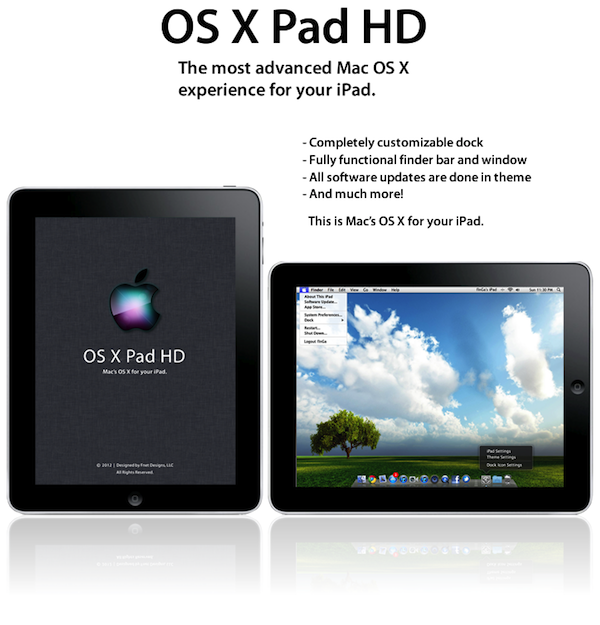
We're a little bit late to the party on this one, but if you haven't seen this new OS X Pad HD theme for the iPad, you have to check it out. You've seen OS X themes before, but you've never seen anything like this.

The theme has a fully functional Finder bar with interactive menu options, a customizable dock, and editable folders that look just like real OS X folders. It almost seems more like a software upgrade than a theme...

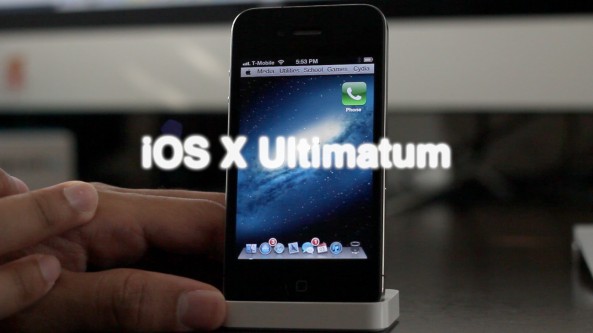
‘iOS X Ultimatum’ brings Mountain Lion-like theme to your iPhone

If you're searching for one of the best looking themes for the iPhone, then search no further than iOS X Ultimatum. The sequel of sorts to the original OS X Lion Ultimatum, this theme seeks to merge the desktop and the small screen into one environment.

Does this theme perform just as well as it looks? Check inside for the full scoop...

ayecon for iPad now available on Cydia

[tube]http://www.youtube.com/watch?v=_QOjCSimsRc[/tube]

ayecon — the retina compatible theme for the iPhone — has now made its way to the iPad in full Retina display glory.

As we covered in our exclusive hands on video preview of the theme, it has shaped up to be one of the, if not the most impressive theme currently available for the iPad.

If you're rocking a new iPad that's jailbroken, then head over to Cydia's BigBoss repo where you can download it for $2.99.

Be sure to let us know what you think about it in the comments below.

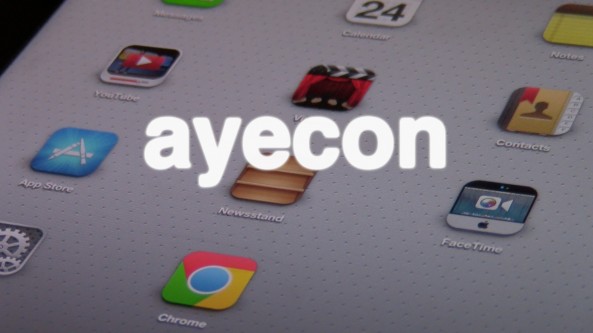
‘ayecon’ adds insanely detailed icons to the iPad

ayecon — the high resolution WinterBoard theme from renowned designer, Surenix — is making its way to the iPad. Perhaps the worst kept secret in the theming community, ayecon for the iPad is very real, and it's coming soon to a jailbroken iPad near you.

If you're at all familiar with the small screen version of ayecon, then you will know just what to expect from the iPad version. Not much has changed here, but as you know, that's entirely a good thing. Full video preview inside...